Sign in to review
Join our community of software reviewers on Subscribed.fyi

Continue With Google
Continue With LinkedIn
Continue Review with Email
Continue with Email
Enter your email to continue.
Continue
Enter your password
Enter your password to finish setting up your account.
Continue
Activate your email
Enter activation code we sent to your email.
Submit
Reset your password
Enter activation code we sent to your email.
Submit
Set your new password
Enter a new password for your account.
Submit
Categories
For Business
Log in
Provide My Insights
Add Product
Suggested products People also compare with
Add to Comparison
Suggested products People also compare with

Compare Zoho Campaigns and Brevo (Sendinblue)

We are comparing Zoho Campaigns and Brevo (Sendinblue) to evaluate which one is the best product.

Suggested products People also compare with
Review Pricing Alternatives Experience

Review

88%
31/36 Metric achieved
80%
28/36 Metric achieved

Subscribed Metric

Customer Support 5/6
Security 4/6
Ease of Use 5/6
Value of Money 6/6
Integration 5/6
Popularity 6/6

Subscribed Metric

Customer Support 4/6
Security 4/6
Ease of Use 5/6
Value of Money 5/6
Integration 4/6
Popularity 6/6

Pros & Cons

Easy to use interface and setup
Affordable pricing with good features
Effective integration with CRM
Detailed campaign analytics and reports
Limited design template options
Initial setup can be time-consuming
Lacks advanced reporting and automation features
Customer support response time varies

Pros & Cons

Affordable pricing and free tier options
Ease of use with intuitive UI
Comprehensive email and marketing features
Helpful automation tools
Customer support response delays
Limited templates for email design
UI can be confusing in specific areas
Deliverability issues for some users

Conclusion

Zoho Campaigns is an intuitive email & SMS marketing tool tailored for marketers and businesses of all sizes. Key features include automated workflows, A/B testing, CRM integrations, and robust analytics for campaign tracking. Its drag-and-drop editor and ready-made templates simplify email creation. Pricing starts at $3/month with a free plan for small-scale needs. Compared to alternatives like Mailchimp or HubSpot, Zoho excels in cost-effectiveness and CRM integration but offers fewer design templates. Excellent customer support and agency-specific features add value, especially for SMBs and agencies seeking affordable, scalable marketing solutions.

Conclusion

Brevo (formerly Sendinblue) offers an all-in-one marketing and CRM platform tailored for small to large businesses. Key features include email/SMS campaigns, automation, A/B testing, and robust analytics. Its flexible pricing starts at $9/month, while the free plan includes up to 300 daily emails. Unlike Mailchimp or ActiveCampaign, Brevo charges based on emails sent, not contacts, making it cost-effective for scaling businesses. It excels for marketers but may lack deep customization for developers or advanced integrations. Users praise its ease of use, intuitive design, and reliable customer support, but complex automation setups may require improvement. Overall, Brevo combines affordability and performance for fast-growing brands.

Pricing

Zoho Campaigns Pricing

Pricing Range $14-$52/Month See Zoho Campaigns Pricing

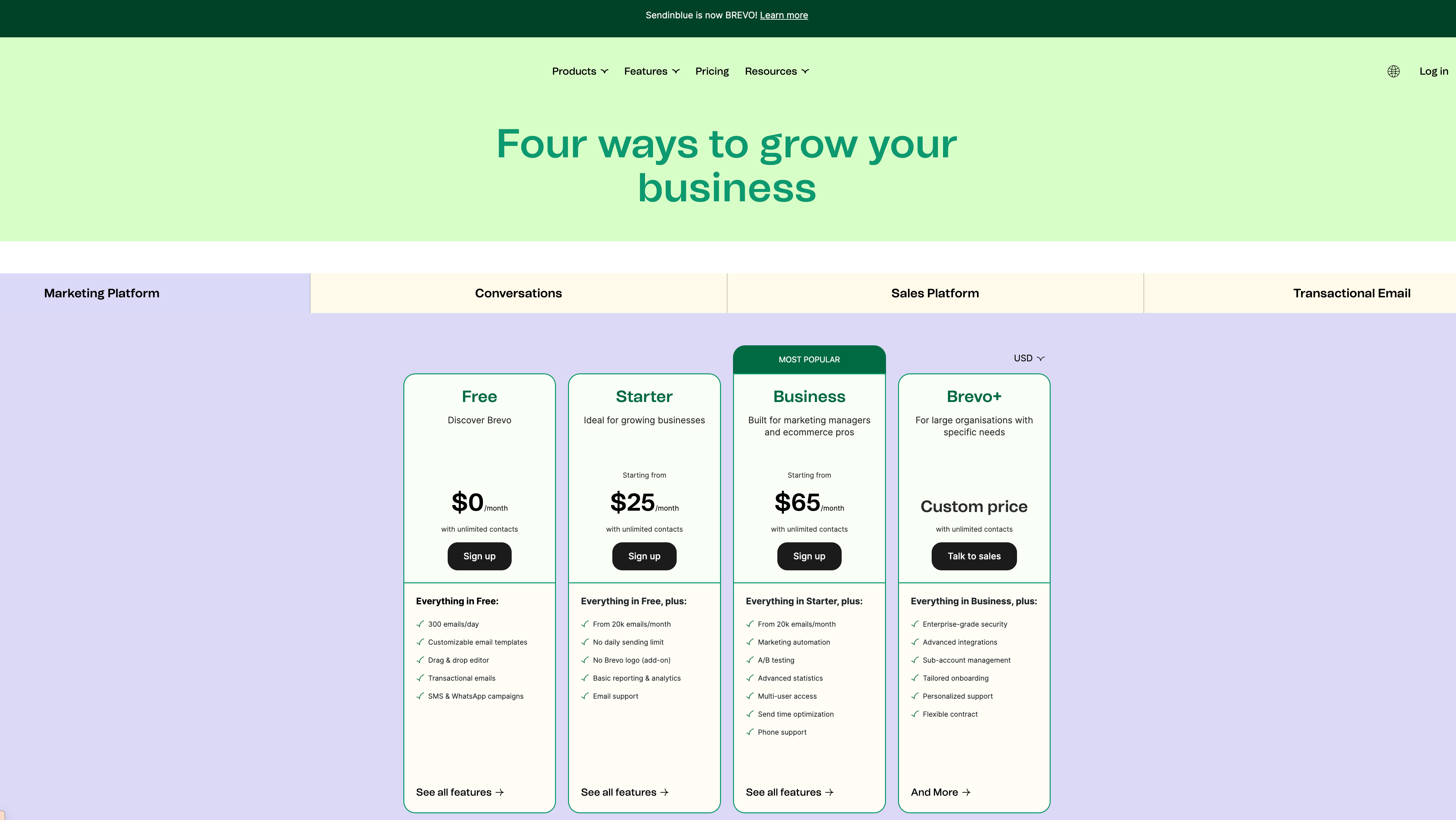
Brevo (Sendinblue) Pricing

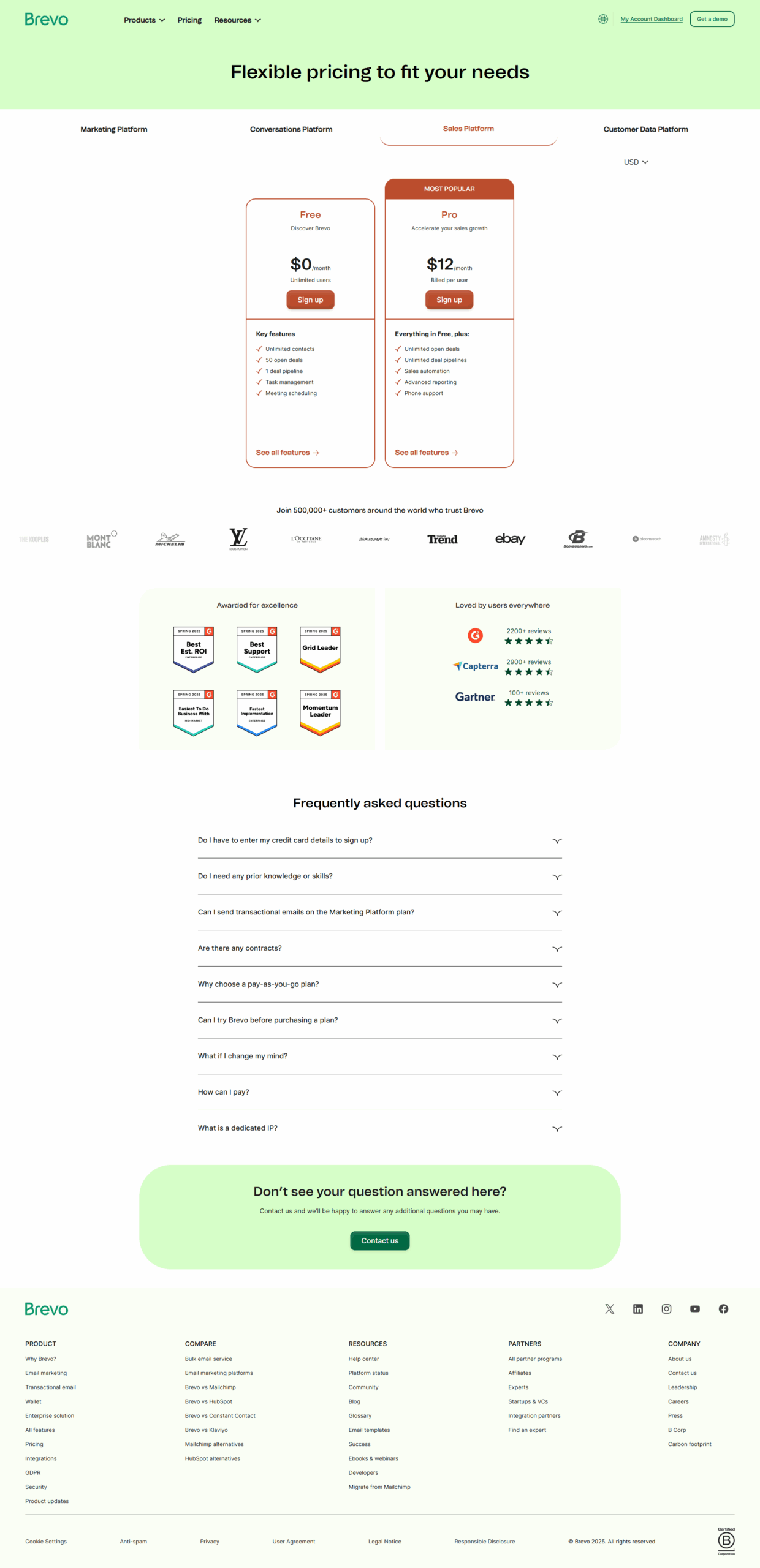
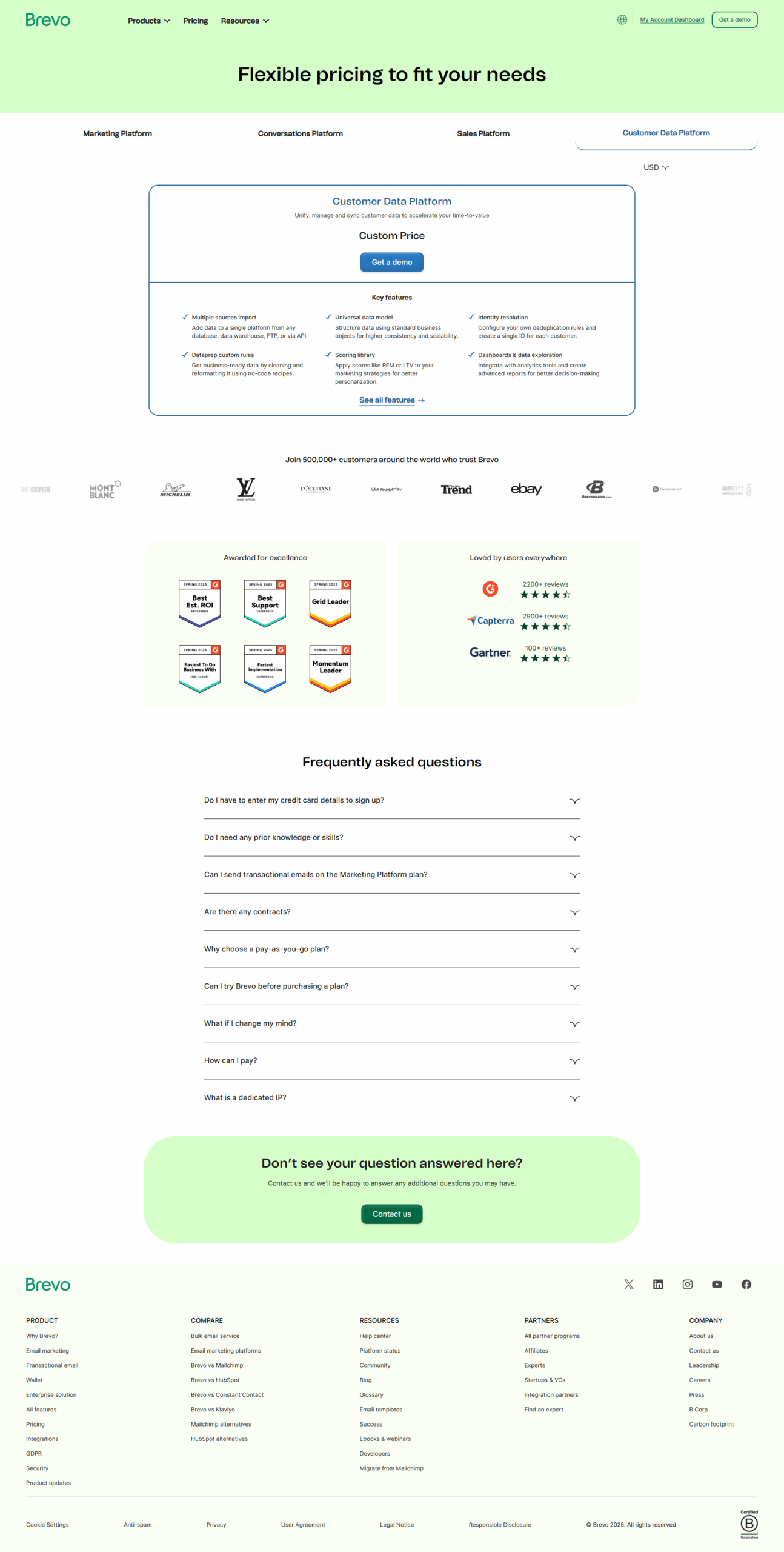
Pricing Range $0-37/Month See Brevo (Sendinblue) Pricing

Alternatives

Zoho Campaigns Alternatives

Brevo (Sendinblue) logo

Brevo (Sendinblue)

80%
GetResponse logo

GetResponse

80%
Constant Contact logo

Constant Contact

73%
See All Zoho Campaigns Alternatives

Brevo (Sendinblue) Alternatives

MailerLite logo

MailerLite

90%
ActiveCampaign logo

ActiveCampaign

88%
Mailchimp logo

Mailchimp

85%
SendPulse logo

SendPulse

83%
See All Brevo (Sendinblue) Alternatives

Experience

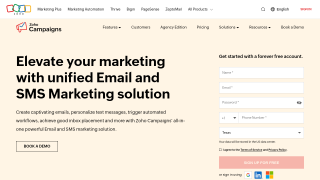
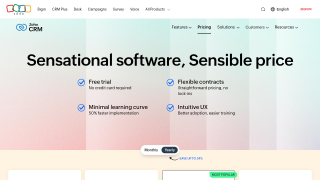
Zoho Campaigns Screenshots

Zoho Campaigns screenshot 1
Zoho Campaigns screenshot 2

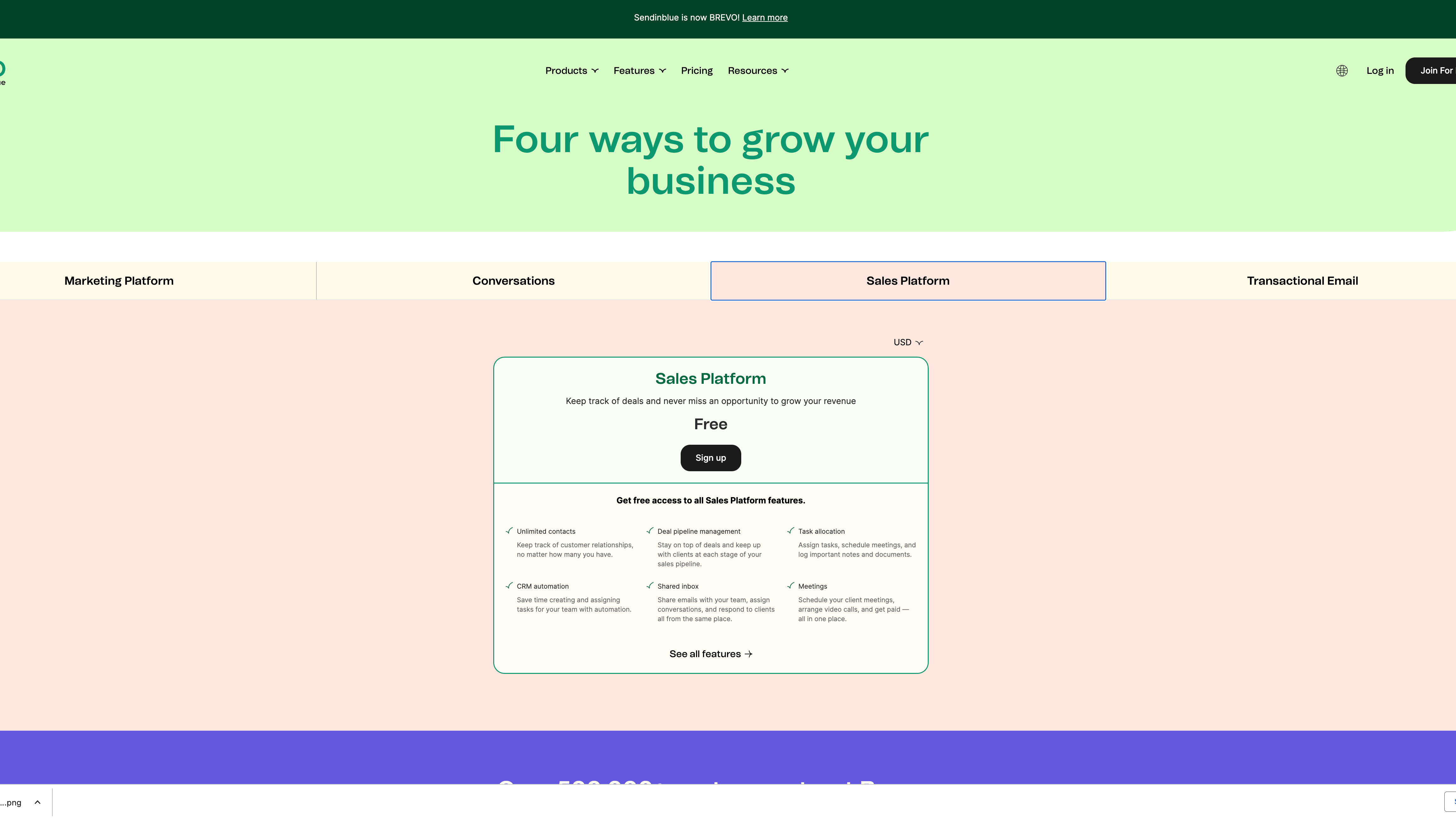
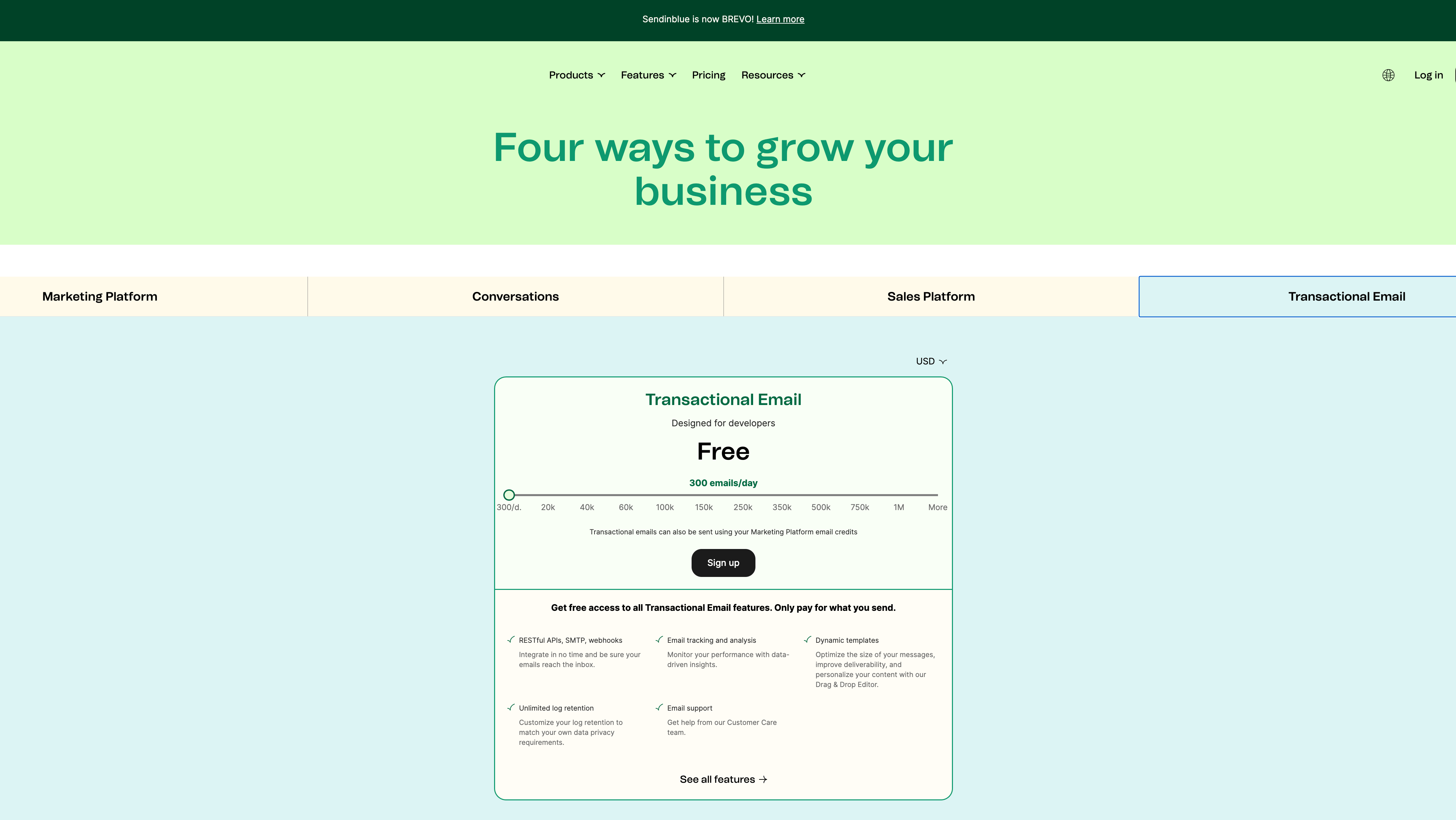
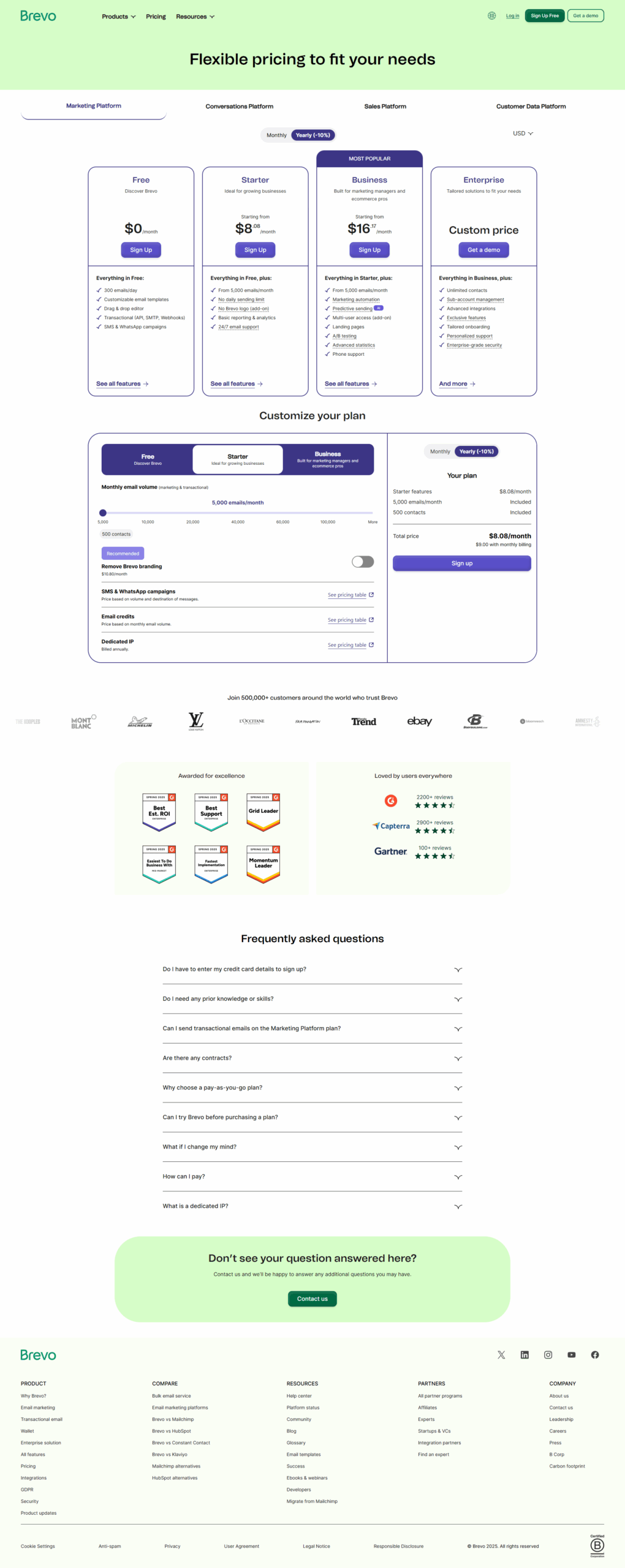
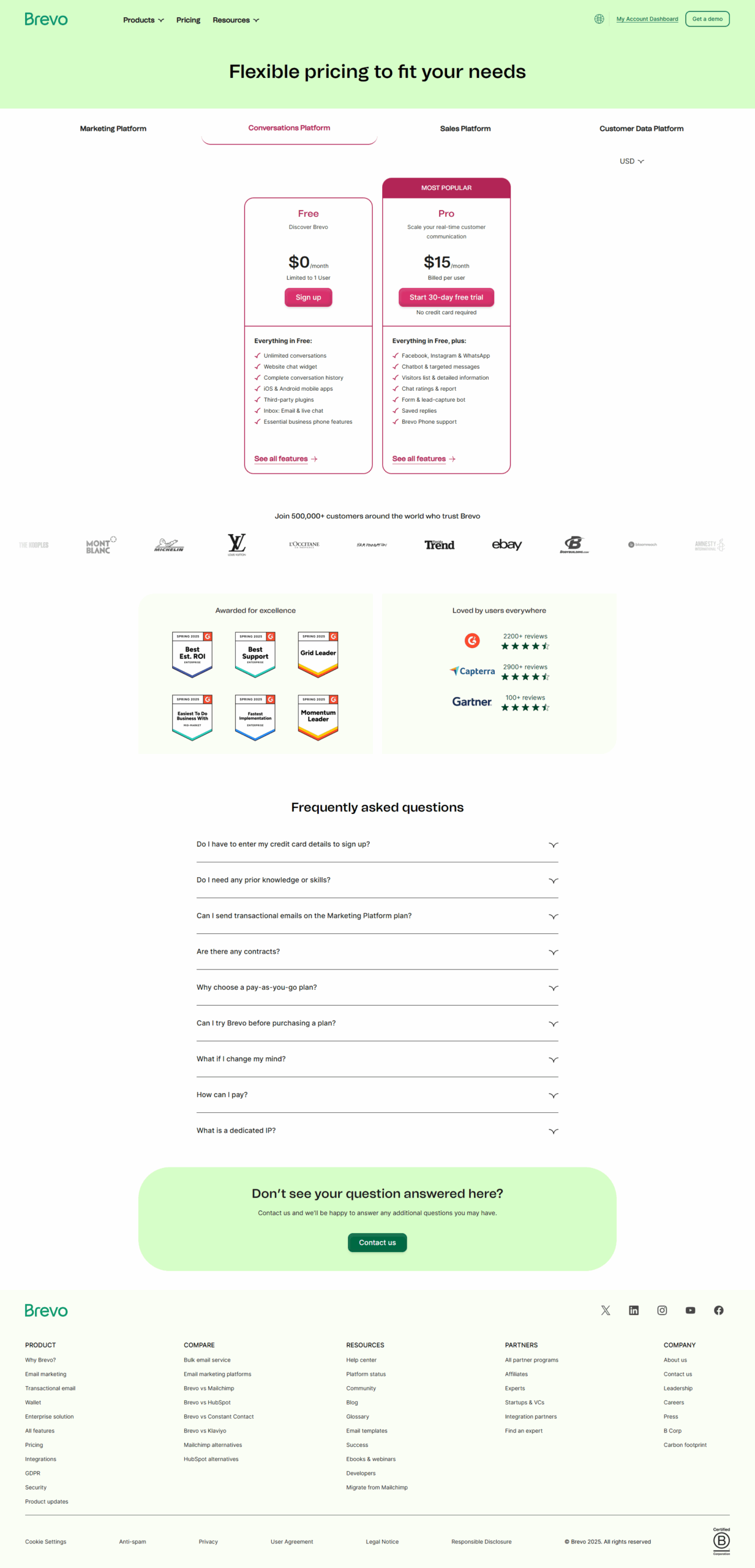
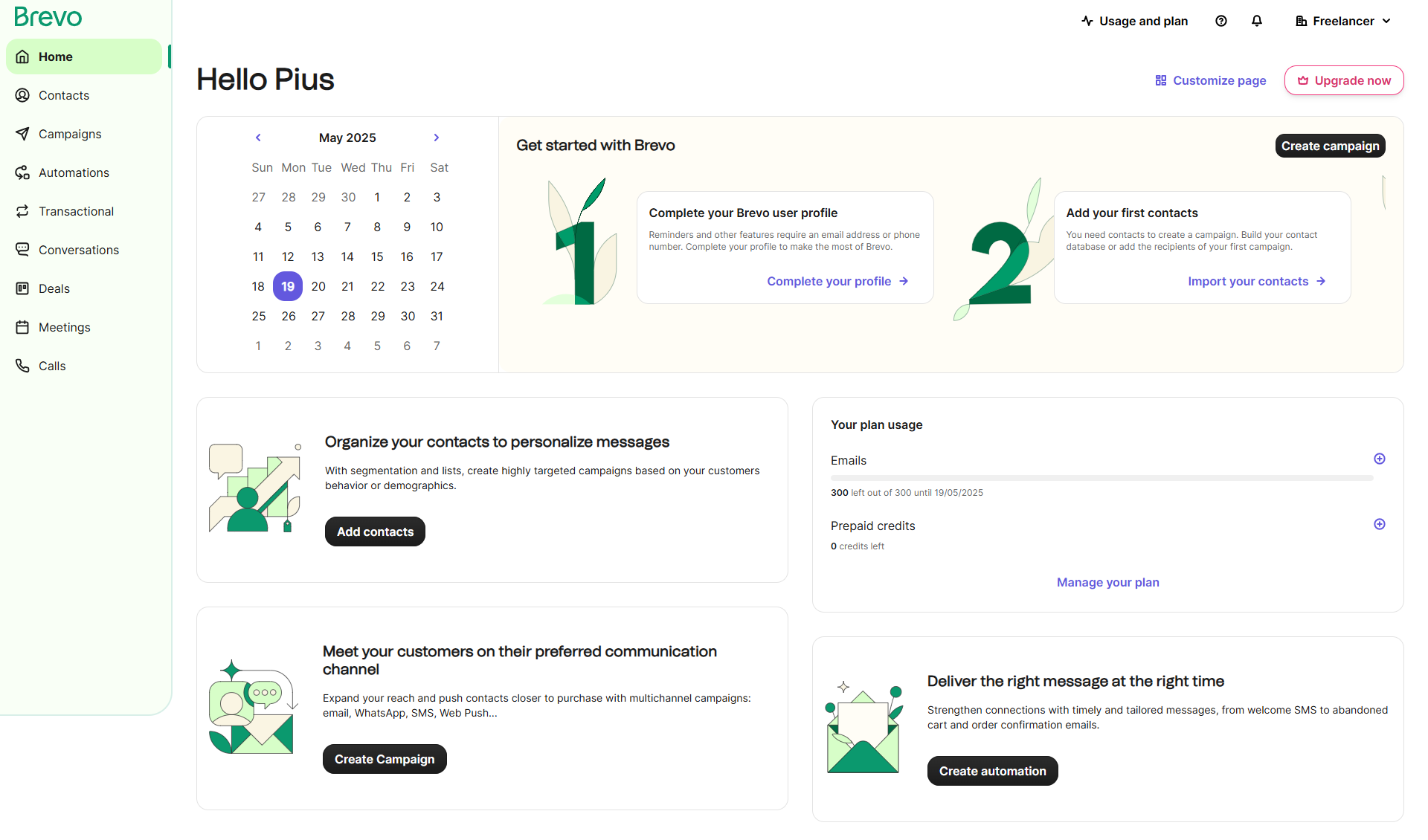
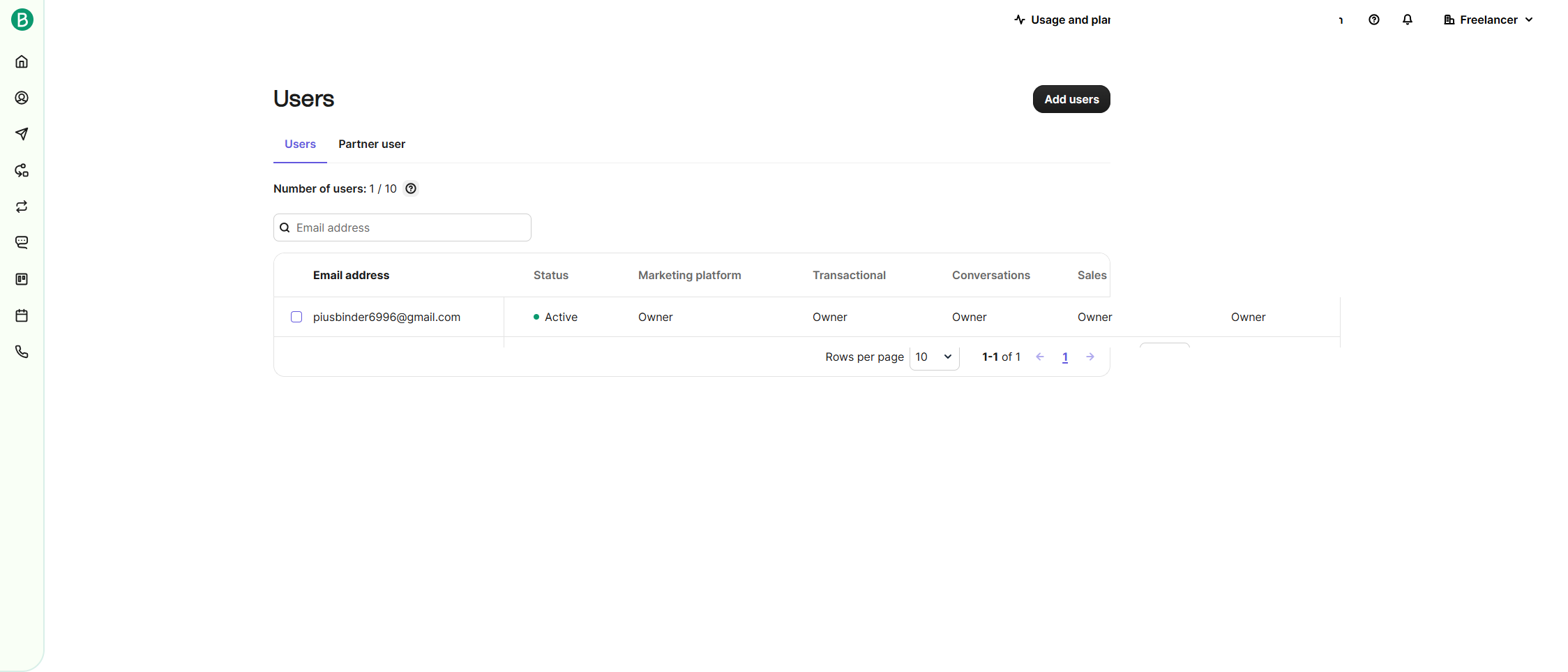
Brevo (Sendinblue) Screenshots

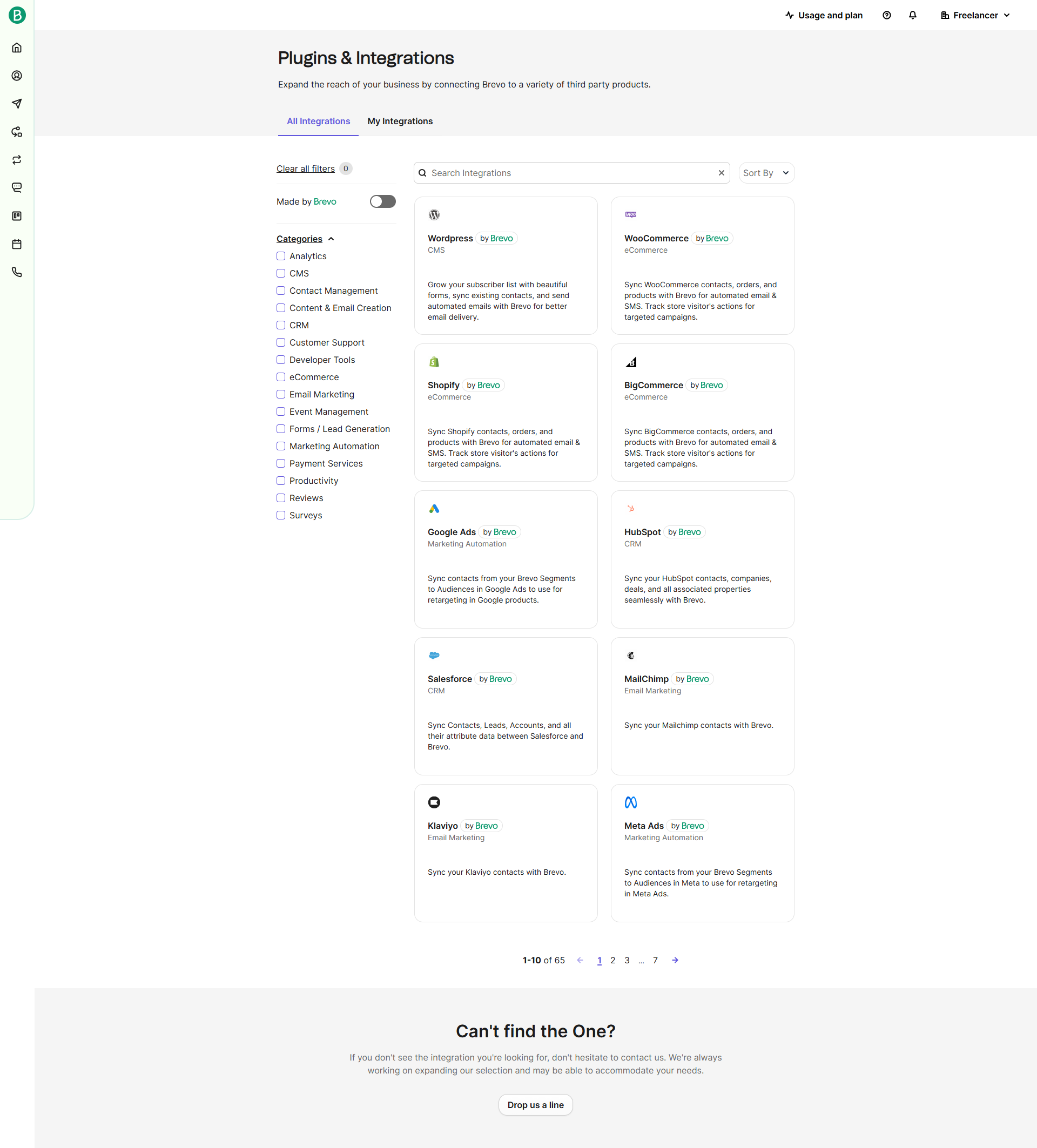
Brevo (Sendinblue) screenshot 1
Brevo (Sendinblue) screenshot 2
Brevo (Sendinblue) screenshot 3
Brevo (Sendinblue) screenshot 4
Brevo (Sendinblue) screenshot 5
Brevo (Sendinblue) screenshot 6
Brevo (Sendinblue) screenshot 7
Brevo (Sendinblue) screenshot 8
Brevo (Sendinblue) screenshot 9
Brevo (Sendinblue) screenshot 10