Sign in to review
Join our community of software reviewers on Subscribed.fyi

Continue With Google
Continue With LinkedIn
Continue Review with Email
Continue with Email
Enter your email to continue.
Continue
Enter your password
Enter your password to finish setting up your account.
Continue
Activate your email
Enter activation code we sent to your email.
Submit
Reset your password
Enter activation code we sent to your email.
Submit
Set your new password
Enter a new password for your account.
Submit
Log in
Provide My Insights
Dialfire logo
Dialfire logo

Dialfire Reviews, Pricing, Features & Alternatives (2026)

4.5/5
(2)
Ahmed Ibrahim Rubayet Invitation
Lead SQA Engineer
See My Portfolio
8 months ago
Share
What exceeded your expectations?
In the busy hours, I found calling are faster in dialfire. Voice quality is clear and up to the mark. I did not face any problem after office hour.
What do you dislike about this product?
There are some performance issue in the dashboard. When many users enter the system it become slower. Overall affects are hamper and work speed specially.
If you could change one thing, what would it be?
Call reports are not easy to understand. It should be userfriendly and self explanatory.
Final thoughts, wrap up what you think
My daily requirements are fullfilled. So my friends and family and colleagues can use this.
Upvote (2)

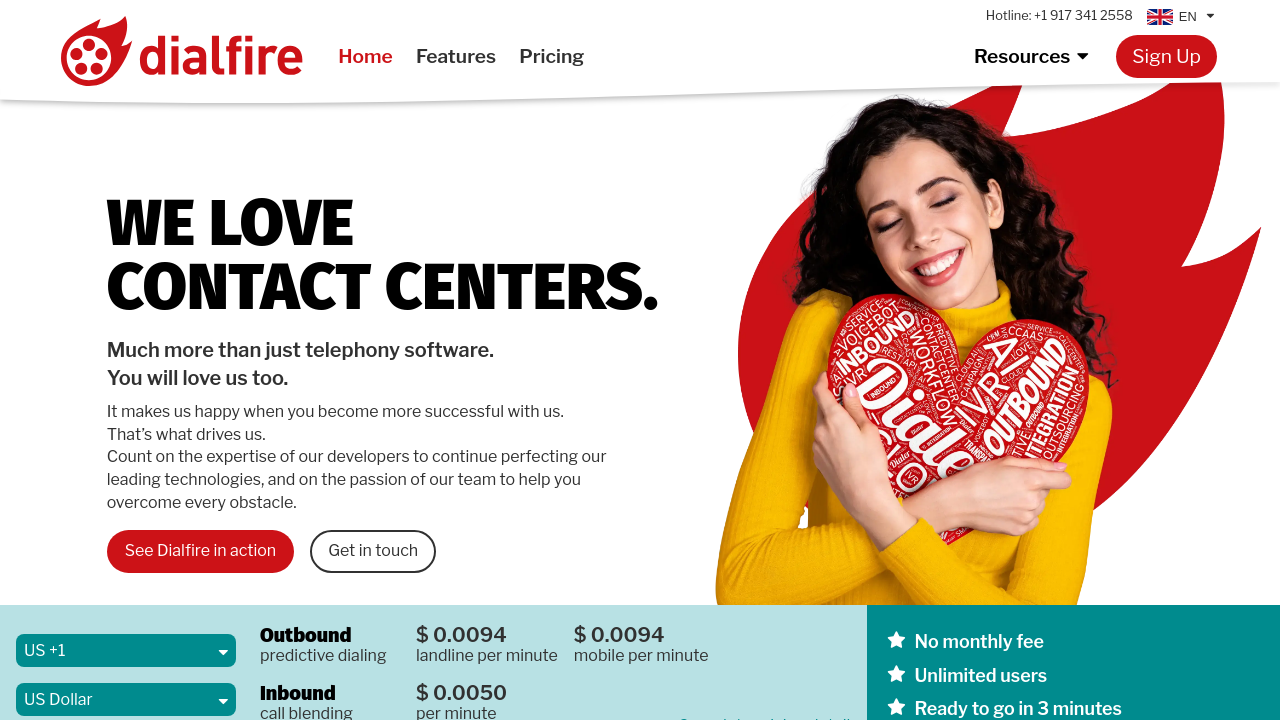
Dialfire is a cloud-based outbound call center solution that combines ease of use with advanced features like predictive dialing, customizable forms, and process automation. Its pay-as-you-go pricing eliminates monthly fees and setup costs, making it cost-effective. With robust customer support and flexibility, Dialfire streamlines sales and outreach campaigns efficiently.

Dialfire logo
Dialfire logo
Dialfire logo

Dialfire Overview

What is Dialfire?

4.5
★ ★ ★ ★ ★
2
Reviews

Available for Claim - This listing is available to be claimed
Claim Profile

Unclaimed

Claim this profile to manage it.

Claim Profile

Why teams choose Dialfire

Key Features

Seamless Integrations
Connect easily with your favorite tools.
Eco-Friendly
Eco-Friendly
Designed with sustainability in mind.
Plug & Play Setup
Plug & Play Setup
Get started in minutes, not weeks.

Who is Dialfire for?

Dialfire is a sophisticated and user-friendly solution in the Predictive Dialer Software category, transforming your browser into a complete outbound call center. Designed to streamline outbound calling campaigns, Dialfire empowers businesses with efficient lead qualification, predictive dialing, customizable contact forms, and intelligent process automation. Its flexible setup requires no installation or upfront cost, operating on a pay-as-you-go model. Explore exclusive deals. For more alternatives, consider CallRail, VICIdial, and Lusha.

Why Use Dialfire?

Choosing Dialfire for your business offers notable advantages:

  • Seamless Setup and Flexibility: Dialfire eliminates the need for complex installations. Within minutes, users can import contact lists, set up campaigns, and start dialing without technical challenges.
  • Pay-Per-Use Model: With no subscription or seat licenses, you only pay for the features you use, offering cost efficiency for organizations of all sizes.
  • Advanced Automation: Its automation features minimize manual workload, allowing users to focus on high-value tasks.
  • Customizable Campaigns: Tailor your campaigns using dynamic contact forms and flexible design options, ensuring they meet unique business needs.
  • Dedicated Support: Dialfire’s support team is highly responsive, ready to assist in resolving any challenges or providing guidance on maximizing its features.

Who is Dialfire For?

Dialfire is ideal for:

  • Small and Medium Businesses: Its low-cost structure and simplicity make it accessible for teams managing diverse outreach campaigns.
  • Call Centers: Whether you’re operating a small virtual call center or managing multiple campaigns across teams, Dialfire ensures robust functionality and scalability.
  • Outbound Sales Teams: Sales professionals can leverage predictive dialing and campaign tracking to streamline lead outreach and customer engagement.
  • Marketing Agencies: Dialfire’s capabilities allow agencies to efficiently run high-volume telemarketing or outbound campaigns with precision and real-time tracking.

Dialfire is a powerful, flexible tool for businesses aiming to enhance outbound calling processes while saving time and costs. Its comprehensive range of features and ability to adapt to various operational needs make it indispensable for modern contact strategies.

Dialfire Summary

Dialfire is a sophisticated and user-friendly solution in the Predictive Dialer Software category, transforming your browser into a complete outbound call center. Designed to streamline outbound calling campaigns, Dialfire empowers businesses with efficient lead qualification, predictive dialing, customizable contact forms, and intelligent process automation. Its flexible setup requires no installation or upfront cost, operating on a pay-as-you-go model. Explore exclusive deals. For more alternatives, consider CallRail, VICIdial, and Lusha.

Why Use Dialfire?

Choosing Dialfire for your business offers notable advantages:

  • Seamless Setup and Flexibility: Dialfire eliminates the need for complex installations. Within minutes, users can import contact lists, set up campaigns, and start dialing without technical challenges.
  • Pay-Per-Use Model: With no subscription or seat licenses, you only pay for the features you use, offering cost efficiency for organizations of all sizes.
  • Advanced Automation: Its automation features minimize manual workload, allowing users to focus on high-value tasks.
  • Customizable Campaigns: Tailor your campaigns using dynamic contact forms and flexible design options, ensuring they meet unique business needs.
  • Dedicated Support: Dialfire’s support team is highly responsive, ready to assist in resolving any challenges or providing guidance on maximizing its features.

Who is Dialfire For?

Dialfire is ideal for:

  • Small and Medium Businesses: Its low-cost structure and simplicity make it accessible for teams managing diverse outreach campaigns.
  • Call Centers: Whether you’re operating a small virtual call center or managing multiple campaigns across teams, Dialfire ensures robust functionality and scalability.
  • Outbound Sales Teams: Sales professionals can leverage predictive dialing and campaign tracking to streamline lead outreach and customer engagement.
  • Marketing Agencies: Dialfire’s capabilities allow agencies to efficiently run high-volume telemarketing or outbound campaigns with precision and real-time tracking.

Dialfire is a powerful, flexible tool for businesses aiming to enhance outbound calling processes while saving time and costs. Its comprehensive range of features and ability to adapt to various operational needs make it indispensable for modern contact strategies.

Dialfire reviews and insights

Learn what people say about Dialfire

4.5 ★ ★ ★ ★ ★
2 Reviews
Ahmed Ibrahim Rubayet Invitation
Lead SQA Engineer
See My Portfolio
8 months ago
Share
What exceeded your expectations?
In the busy hours, I found calling are faster in dialfire. Voice quality is clear and up to the mark. I did not face any problem after office hour.
What do you dislike about this product?
There are some performance issue in the dashboard. When many users enter the system it become slower. Overall affects are hamper and work speed specially.
If you could change one thing, what would it be?
Call reports are not easy to understand. It should be userfriendly and self explanatory.
Final thoughts, wrap up what you think
My daily requirements are fullfilled. So my friends and family and colleagues can use this.
Upvote (2)
8 months ago
Share
What was your first impression when you started using it?
When I first opened this website, I thought, "Could they really solve this problem globally?" I'm very glad that now large companies can hire people all over the world for call centers.
What feels confusing or hard to use?
I was a little wary that the AI ​​assistant (that's what I thought it was) asked me to register before helping me. Why? Maybe I'm lost and want to easily find out information about the site from it? I'd think about that.
How could the product save you more time or money?
Unfortunately, I don't have a large company that needs a call center (yet). If the need arises, I'll be the first to turn to this platform. The prices for services offered by the platform are quite reasonable.
Final thoughts, wrap up what you think
The website itself is also attractive in design and layout. The services it offers are also very attractive in their field.
Upvote
Dialfire logo

Dialfire User Reviews

2 User Reviews

Reviews from G2, Capterra, Trustpilot
info Icon

These ratings come directly from third-party platforms like G2, Capterra, and Trustpilot. They reflect real user feedback collected independently on those sites.

Dialfire pricing

Pricing model

Dialfire logo
Pricing Range
info Icon

This only an estimated pricing range, visit Dialfire pricing page to access all the information by clicking “Visit Now”.

Not specified
Deals Available

This product comes with a special deal, see details

Visit Now

Overview

Dialfire is a sophisticated and user-friendly solution in the Predictive Dialer Software category, transforming your browser into a complete outbound call center. Designed to streamline outbound calling campaigns, Dialfire empowers businesses with efficient lead qualification, predictive dialing, customizable contact forms, and intelligent process automation. Its flexible setup requires no installation or upfront cost, operating on a pay-as-you-go model. Explore exclusive deals. For more alternatives, consider CallRail, VICIdial, and Lusha.

Why Use Dialfire?

Choosing Dialfire for your business offers notable advantages:

  • Seamless Setup and Flexibility: Dialfire eliminates the need for complex installations. Within minutes, users can import contact lists, set up campaigns, and start dialing without technical challenges.
  • Pay-Per-Use Model: With no subscription or seat licenses, you only pay for the features you use, offering cost efficiency for organizations of all sizes.
  • Advanced Automation: Its automation features minimize manual workload, allowing users to focus on high-value tasks.
  • Customizable Campaigns: Tailor your campaigns using dynamic contact forms and flexible design options, ensuring they meet unique business needs.
  • Dedicated Support: Dialfire’s support team is highly responsive, ready to assist in resolving any challenges or providing guidance on maximizing its features.

Who is Dialfire For?

Dialfire is ideal for:

  • Small and Medium Businesses: Its low-cost structure and simplicity make it accessible for teams managing diverse outreach campaigns.
  • Call Centers: Whether you’re operating a small virtual call center or managing multiple campaigns across teams, Dialfire ensures robust functionality and scalability.
  • Outbound Sales Teams: Sales professionals can leverage predictive dialing and campaign tracking to streamline lead outreach and customer engagement.
  • Marketing Agencies: Dialfire’s capabilities allow agencies to efficiently run high-volume telemarketing or outbound campaigns with precision and real-time tracking.

Dialfire is a powerful, flexible tool for businesses aiming to enhance outbound calling processes while saving time and costs. Its comprehensive range of features and ability to adapt to various operational needs make it indispensable for modern contact strategies.

Where Dialfire performs best

What users like
  • Easy to set up and use
  • Flexible customization options
  • Responsive and helpful support
  • Affordable pricing structure

Where Dialfire falls short

What users dislike
  • Learning curve for new users
  • Manual adjustments for campaigns
  • Occasional software lags
  • Limited inbound call features
Dialfire Pricing Range
Not specified

Dialfire in action
info Icon

A curated gallery of real screenshots and use cases from the product, so you can see how it works before trying it.

Dialfire screenshot 1 Full Screen Icon
https://www.youtube.com/watch?v=wcGRG6Qf_fI
Full Screen Icon
Dialfire screenshot 1
Video thumbnail
Dialfire screenshot 1

Alternatives to Dialfire
info Icon

A list of platforms similar to Dialfire, helping you evaluate which tool best matches your needs.

How to cancel Dialfire

Need to cancel Dialfire? Here is how
info Icon

Thinking about how to cancel Dialfire this is how you do it!

To cancel a Dialfire product, log into your account and navigate to the billing or subscription section. Look for options to downgrade or cancel services. If needed, contact Dialfire support for assistance. Details may vary based on your specific setup.

How to Cancel the Dialfire

To cancel a Dialfire product, log into your account and navigate to the billing or subscription section. Look for options to downgrade or cancel services. If needed, contact Dialfire support for assistance. Details may vary based on your specific setup.

Manage your Dialfire profile

Create profile

Want to list your product on Subscribed.fyi? Create a profile to reach more buyers.

Pricing Range
info Icon

This only an estimated pricing range, visit Dialfire pricing page to access all the information by clicking “Visit Now”.

Not specified
Visit Now
Deals Available

This product comes with a special deal, see details

This product comes with a special deal, see details