Project management tools like , Notion, Basecamp, Lark, Slack, Asana and Trello.
AI chatbot tools like ChatGPT, Grok, Perplexity, Claude, Gemini and Copilot.
Marketing analytics platforms like Google Analytics, Similarweb and Semrush.
CRM systems like HubSpot, Apollo.io Pipedrive, Zoho CRM, and Salesforce.
VPNs, SSO providers, and password managers like NordVPN, Okta, and LastPass.
Email marketing and campaign tools like MailerLite, Instantly, and Mailchimp.
Website builders, hosting tools like Hostinger, Webflow, Framer, and Shopify
HR and recruiting software like ATS platforms, BambooHR, Workday, and Lever.
Automate finances with confidence like Quickbooks, Stripe, Brex, and Mercury.
Design and editing tools like Figma, Canva, Adobe Creative Cloud, CapCut.
Workflow automation tools like Zapier, Make, Clay, and Reclaim.ai.
No-code and AI-native dev tools like Cursor, Windsurf, Lovable and Bubble.
Chat to find tools, compare options,
Discover the best-performing
Curated and listed by Subscribed Team
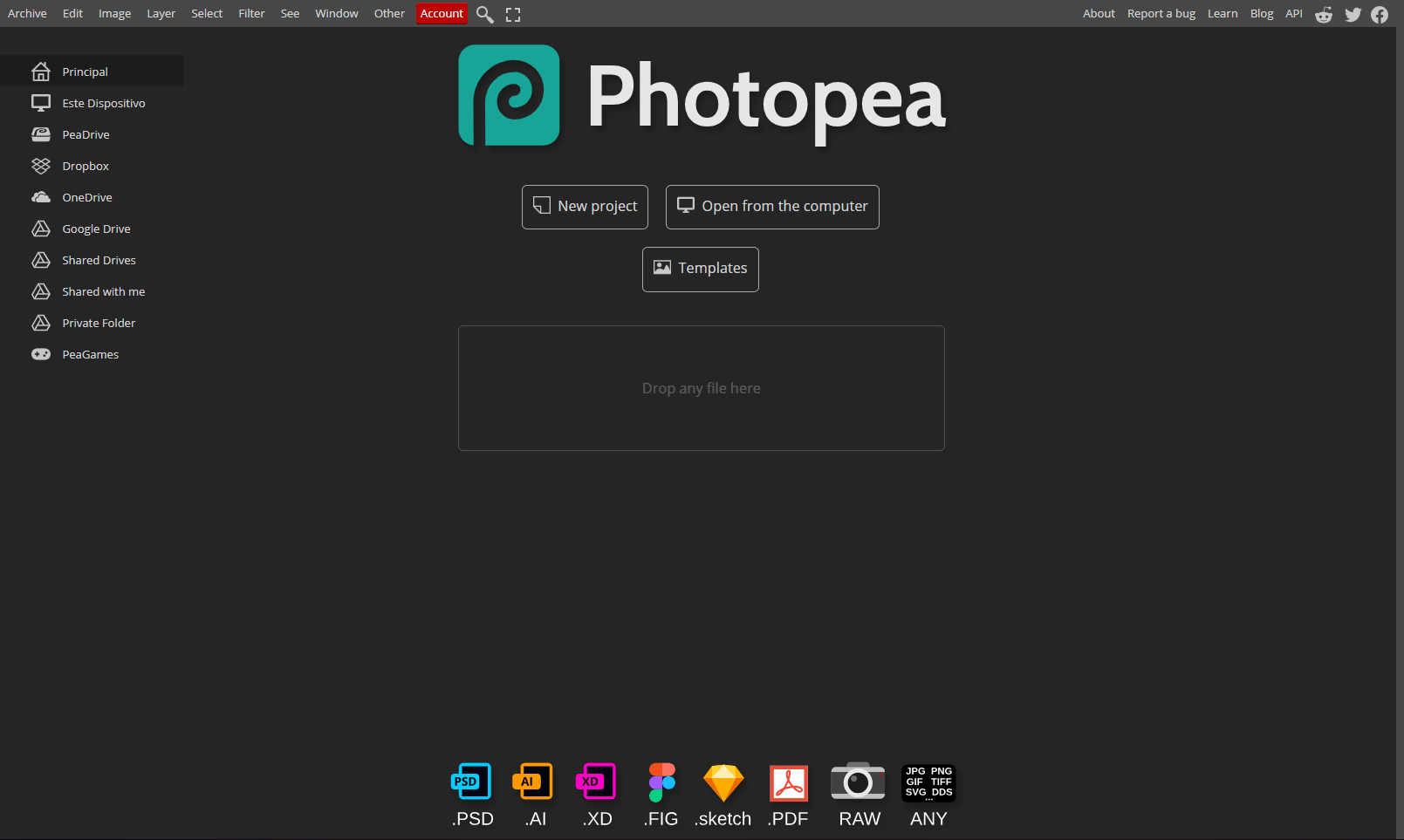
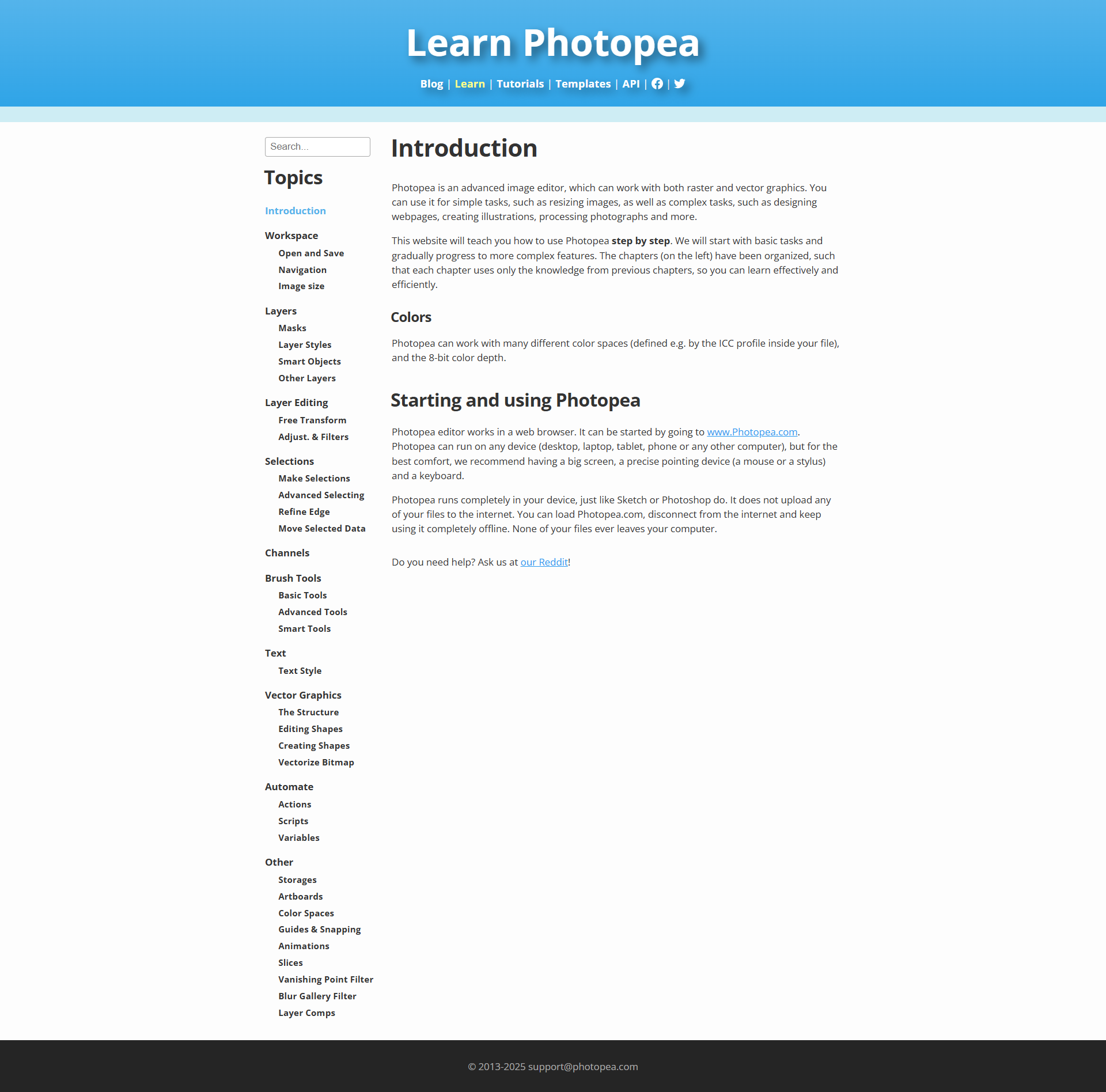
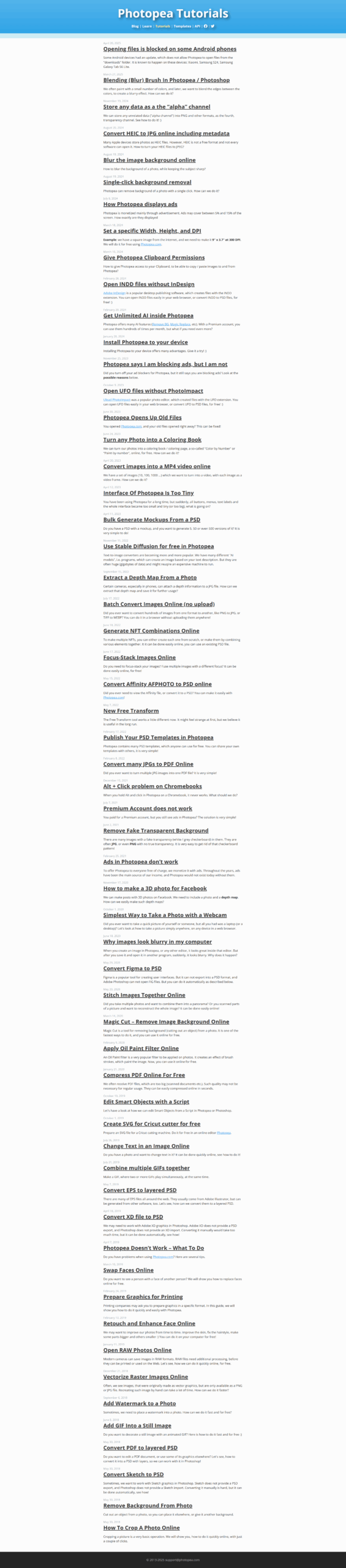
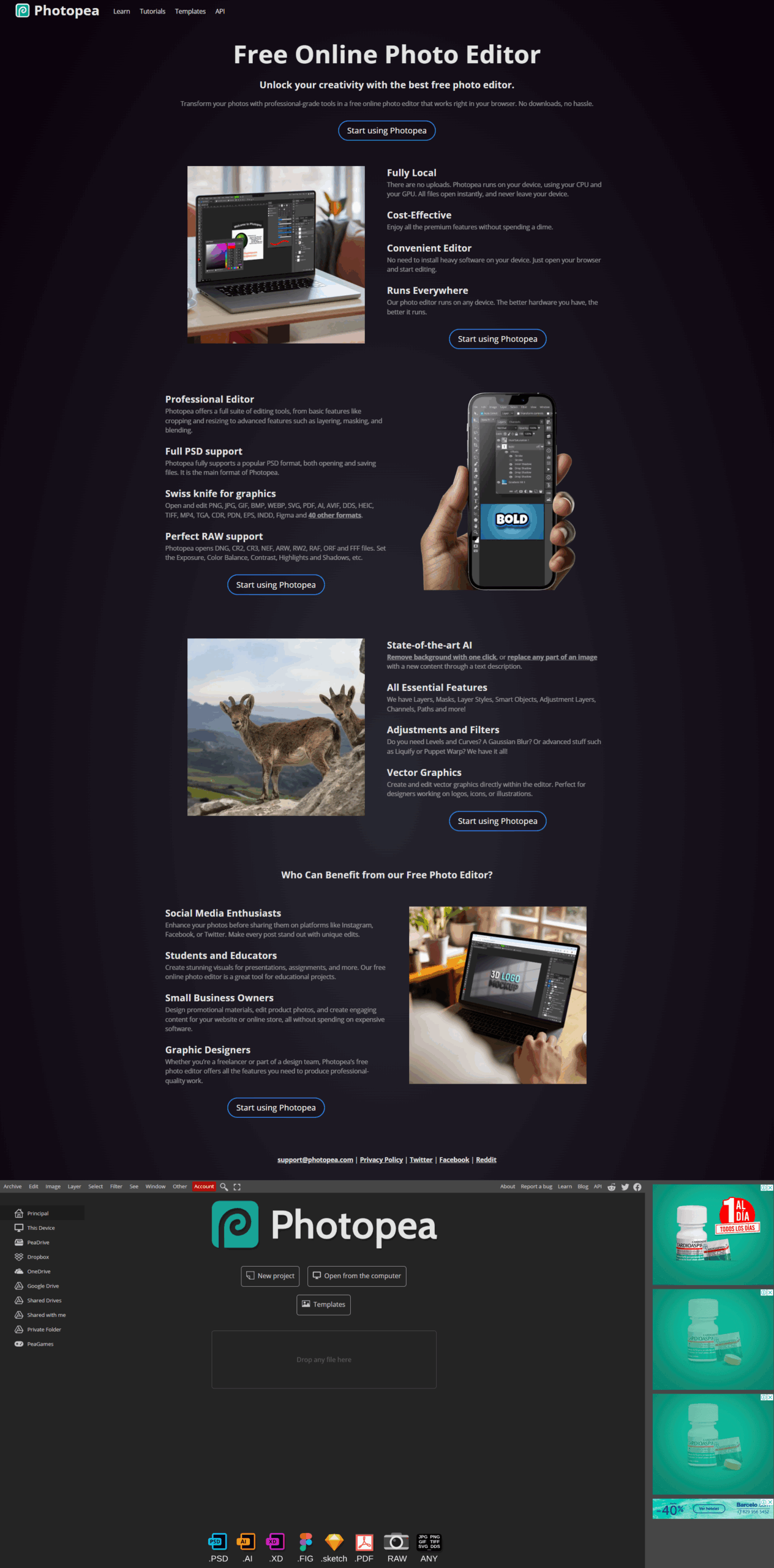
Photopea is a powerful online image editing tool that brings professional-grade capabilities to your web browser. Positioned in the Image Editing category, Photopea offers a robust suite of features that make photo adjustments, graphic design, and creative projects accessible without the need for heavy software downloads or costly licenses. Whether you need to apply effects, crop, resize, or add creative text overlays, Photopea provides a comprehensive platform that caters to both beginners and design experts alike.
One of Photopea’s standout benefits is its familiar interface, similar to well-known editing software, which means users who have experience with advanced editors can get started quickly. Despite its professional functionalities, Photopea remains completely browser-based, eliminating any dependency on local installations and allowing you to work from virtually any device with internet access. This flexibility is particularly useful for creative professionals on the move or teams that require consistent project accessibility across different locations.
Photopea is designed to handle a wide range of file formats, making it ideal for tasks such as editing high-resolution photos, designing digital graphics, and even preparing images for web use. Its intuitive layout and extensive toolset offer a smooth transition for users accustomed to premium editing tools while maintaining the advantage of a free, online platform. With a constant focus on user convenience, Photopea streamlines the creative process from start to finish, ensuring that detailed edits are as efficient as they are precise.
Why Use Photopea?
Who is Photopea For?
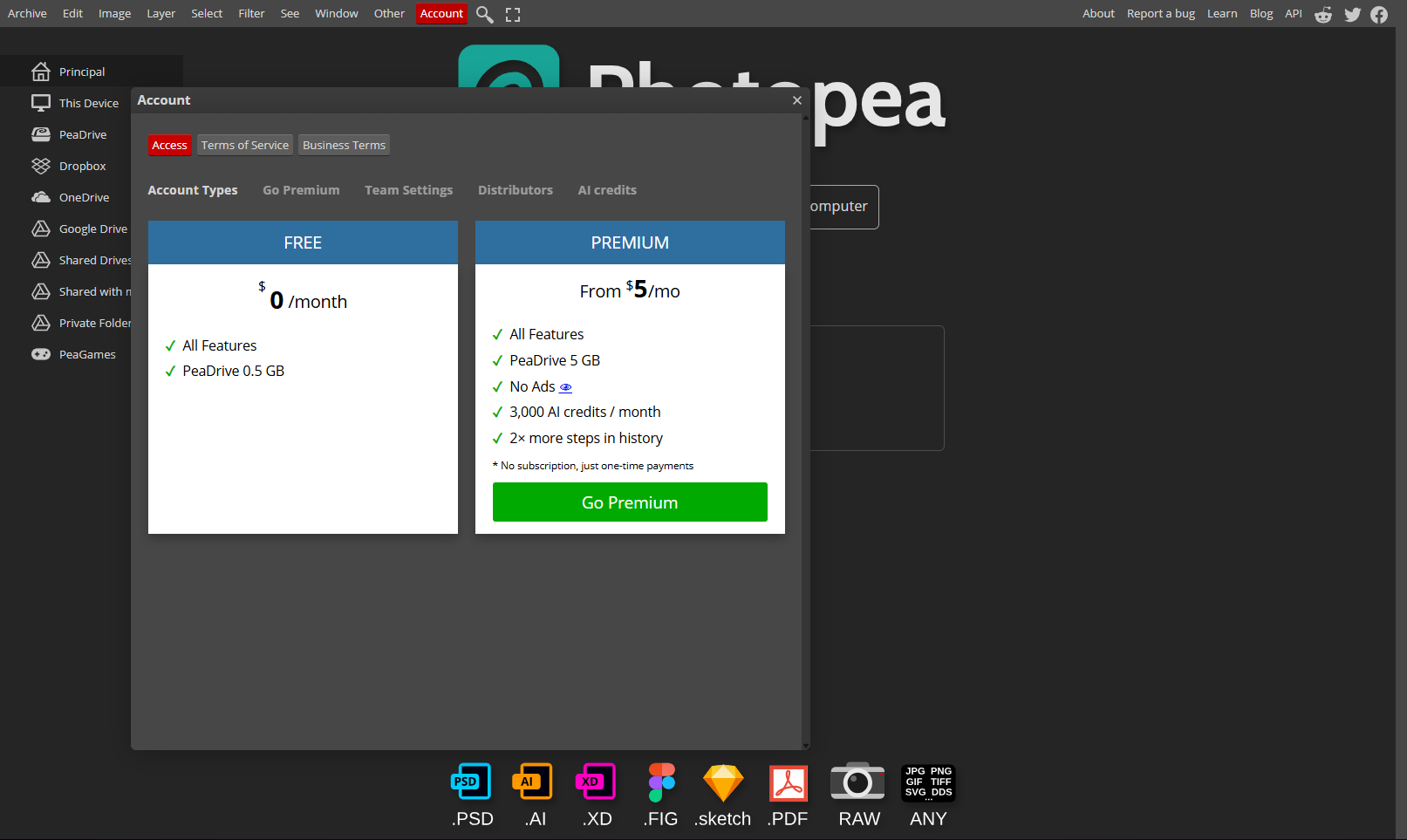
Photopea not only offers a comprehensive online editing solution but also provides exclusive deals through its dedicated deals page at Photopea Deals. This makes it even more attractive for users who are looking to get the most value out of their editing experience without stretching their budget.
For those exploring alternatives in the image editing space, consider these top options: Canva, Adobe Photoshop, and GIMP. Each alternative offers its unique strengths, ensuring that whether you choose Photopea or another solution, your creative projects are always in good hands.

Photopea is a powerful online image editing tool that brings professional-grade capabilities to your web browser. Positioned in the Image Editing category, Photopea offers a robust suite of features that make photo adjustments, graphic design, and creative projects accessible without the need for heavy software downloads or costly licenses. Whether you need to apply effects, crop, resize, or add creative text overlays, Photopea provides a comprehensive platform that caters to both beginners and design experts alike.
One of Photopea’s standout benefits is its familiar interface, similar to well-known editing software, which means users who have experience with advanced editors can get started quickly. Despite its professional functionalities, Photopea remains completely browser-based, eliminating any dependency on local installations and allowing you to work from virtually any device with internet access. This flexibility is particularly useful for creative professionals on the move or teams that require consistent project accessibility across different locations.
Photopea is designed to handle a wide range of file formats, making it ideal for tasks such as editing high-resolution photos, designing digital graphics, and even preparing images for web use. Its intuitive layout and extensive toolset offer a smooth transition for users accustomed to premium editing tools while maintaining the advantage of a free, online platform. With a constant focus on user convenience, Photopea streamlines the creative process from start to finish, ensuring that detailed edits are as efficient as they are precise.
Why Use Photopea?
Who is Photopea For?
Photopea not only offers a comprehensive online editing solution but also provides exclusive deals through its dedicated deals page at Photopea Deals. This makes it even more attractive for users who are looking to get the most value out of their editing experience without stretching their budget.
For those exploring alternatives in the image editing space, consider these top options: Canva, Adobe Photoshop, and GIMP. Each alternative offers its unique strengths, ensuring that whether you choose Photopea or another solution, your creative projects are always in good hands.

Learn what people say about Photopea
Be the first to share your experience and help others in the community.
Photopea is a powerful online image editing tool that brings professional-grade capabilities to your web browser. Positioned in the Image Editing category, Photopea offers a robust suite of features that make photo adjustments, graphic design, and creative projects accessible without the need for heavy software downloads or costly licenses. Whether you need to apply effects, crop, resize, or add creative text overlays, Photopea provides a comprehensive platform that caters to both beginners and design experts alike.
One of Photopea’s standout benefits is its familiar interface, similar to well-known editing software, which means users who have experience with advanced editors can get started quickly. Despite its professional functionalities, Photopea remains completely browser-based, eliminating any dependency on local installations and allowing you to work from virtually any device with internet access. This flexibility is particularly useful for creative professionals on the move or teams that require consistent project accessibility across different locations.
Photopea is designed to handle a wide range of file formats, making it ideal for tasks such as editing high-resolution photos, designing digital graphics, and even preparing images for web use. Its intuitive layout and extensive toolset offer a smooth transition for users accustomed to premium editing tools while maintaining the advantage of a free, online platform. With a constant focus on user convenience, Photopea streamlines the creative process from start to finish, ensuring that detailed edits are as efficient as they are precise.
Why Use Photopea?
Who is Photopea For?
Photopea not only offers a comprehensive online editing solution but also provides exclusive deals through its dedicated deals page at Photopea Deals. This makes it even more attractive for users who are looking to get the most value out of their editing experience without stretching their budget.
For those exploring alternatives in the image editing space, consider these top options: Canva, Adobe Photoshop, and GIMP. Each alternative offers its unique strengths, ensuring that whether you choose Photopea or another solution, your creative projects are always in good hands.

To cancel a Photopea product, visit their website and log in. Go to your account settings and look for a cancellation option. If not available, contact their support team for assistance. Details may vary depending on your subscription type.