Photopea Reviews 2026: Details, Pricing, & Features | Subscribed.fyi
Sign in to review
Join our community of software reviewers on Subscribed.fyi

Continue With Google
Continue With LinkedIn
Continue Review with Email
Continue with Email
Enter your email to continue.
Continue
Enter your password
Enter your password to finish setting up your account.
Continue
Activate your email
Enter activation code we sent to your email.
Submit
Reset your password
Enter activation code we sent to your email.
Submit
Set your new password
Enter a new password for your account.
Submit
Categories
For Business
Log in
Provide My Insights

Photopea Reviews, Pricing, Features & Alternatives (2026)

5/5
(2)

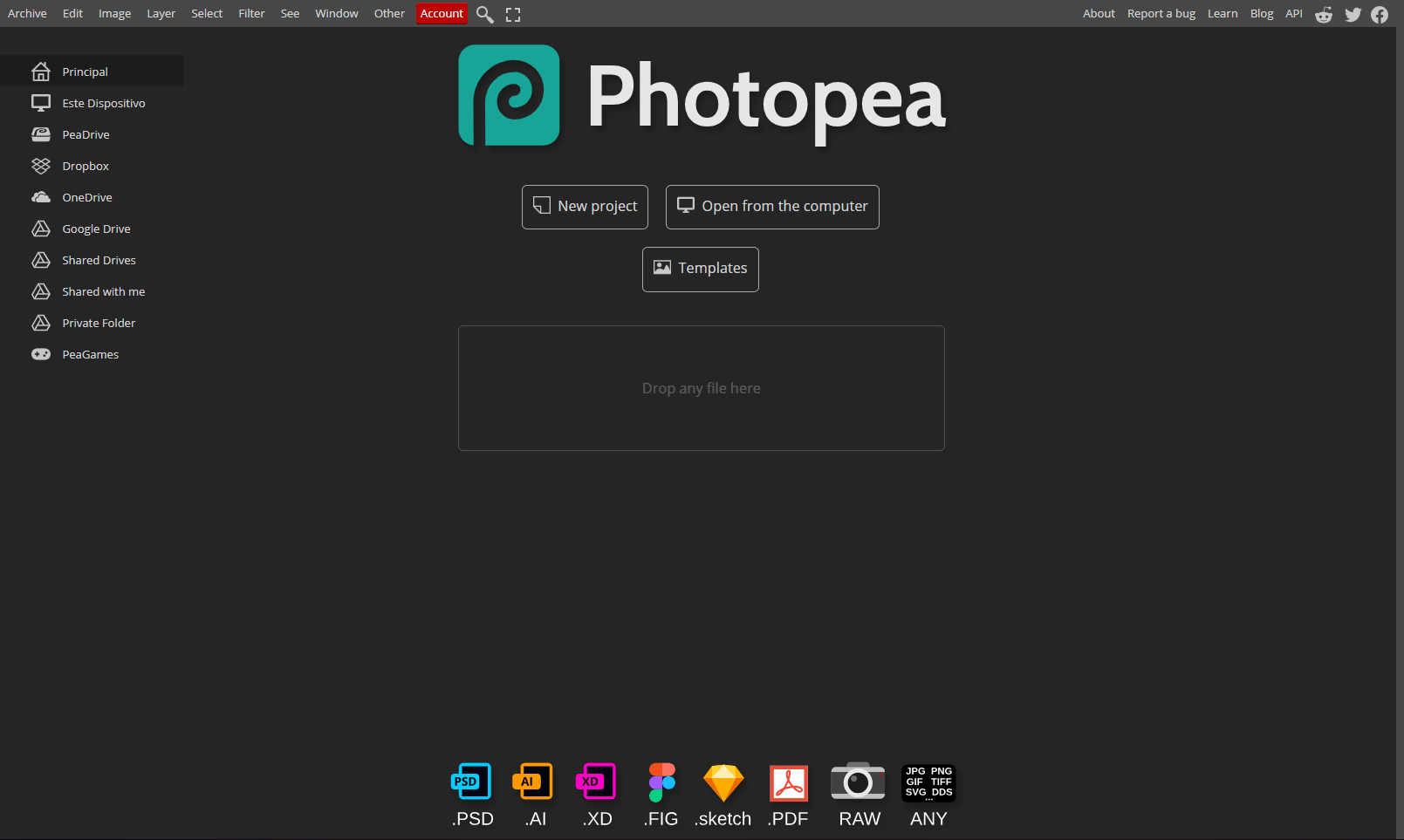
Photopea is a free, browser-based photo editing tool offering robust features similar to professional software. Ideal for users of all levels, it supports various file formats and provides tools for editing, retouching, and designing. With no installation required, it enables seamless editing access from any device.

Photopea Overview

What is Photopea?

5
2
Reviews
56%
Subscribed Score

Available for Claim - This listing is available to be claimed
Claim Profile For Free

Unclaimed

Manage profile with subsig, and unlock 23+ social and review monitoring. Get partnership options with

Claim Profile For Free

Why teams choose Photopea

Key Features

Fast & Efficient
Fast & Efficient
Optimized for speed and performance.
Exclusive Perks
Exclusive Perks
Special offers and discounts available.
No-Code Simplicity
No-Code Simplicity
Launch without writing a single line of code.

Who is Photopea for?

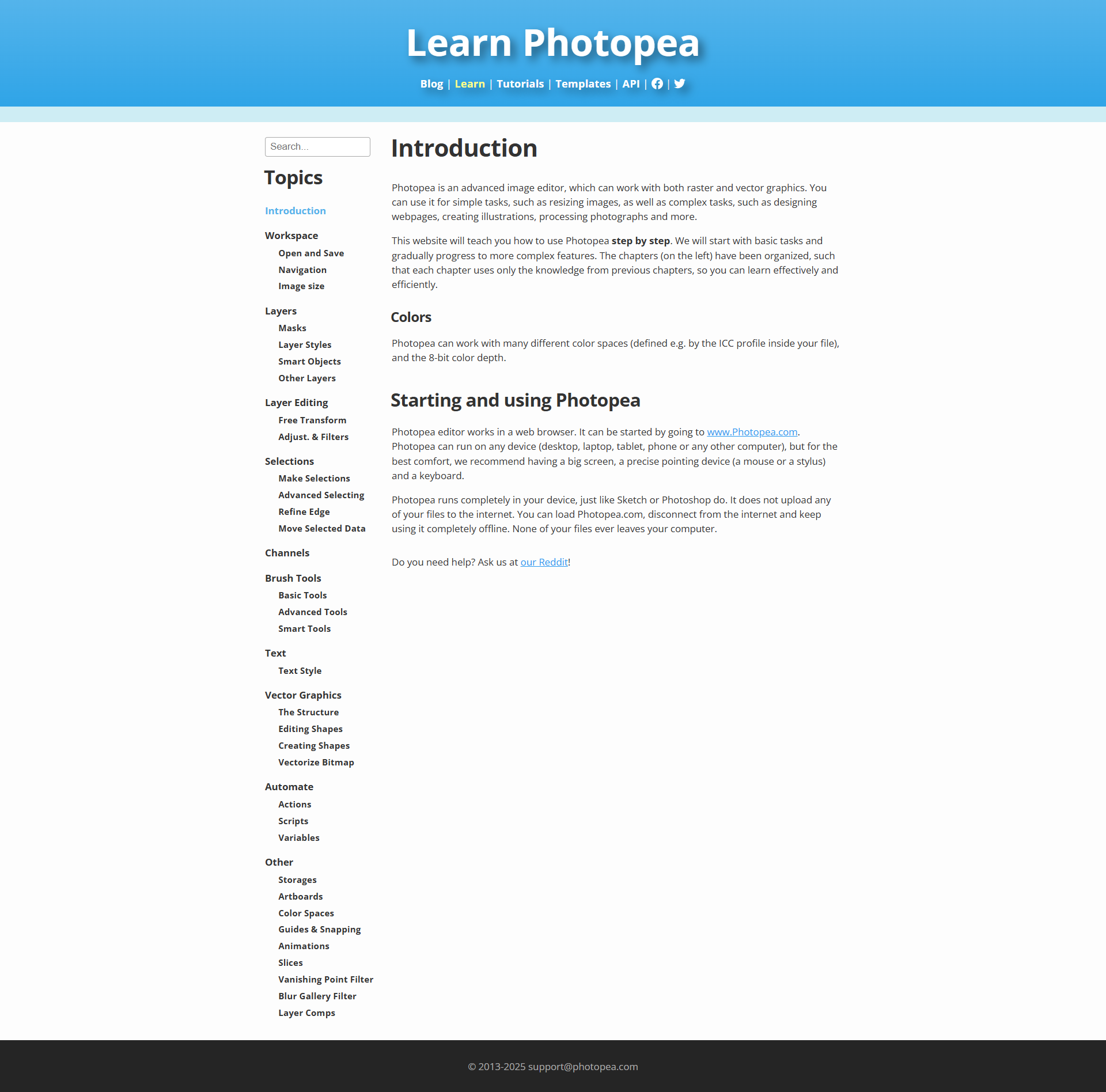
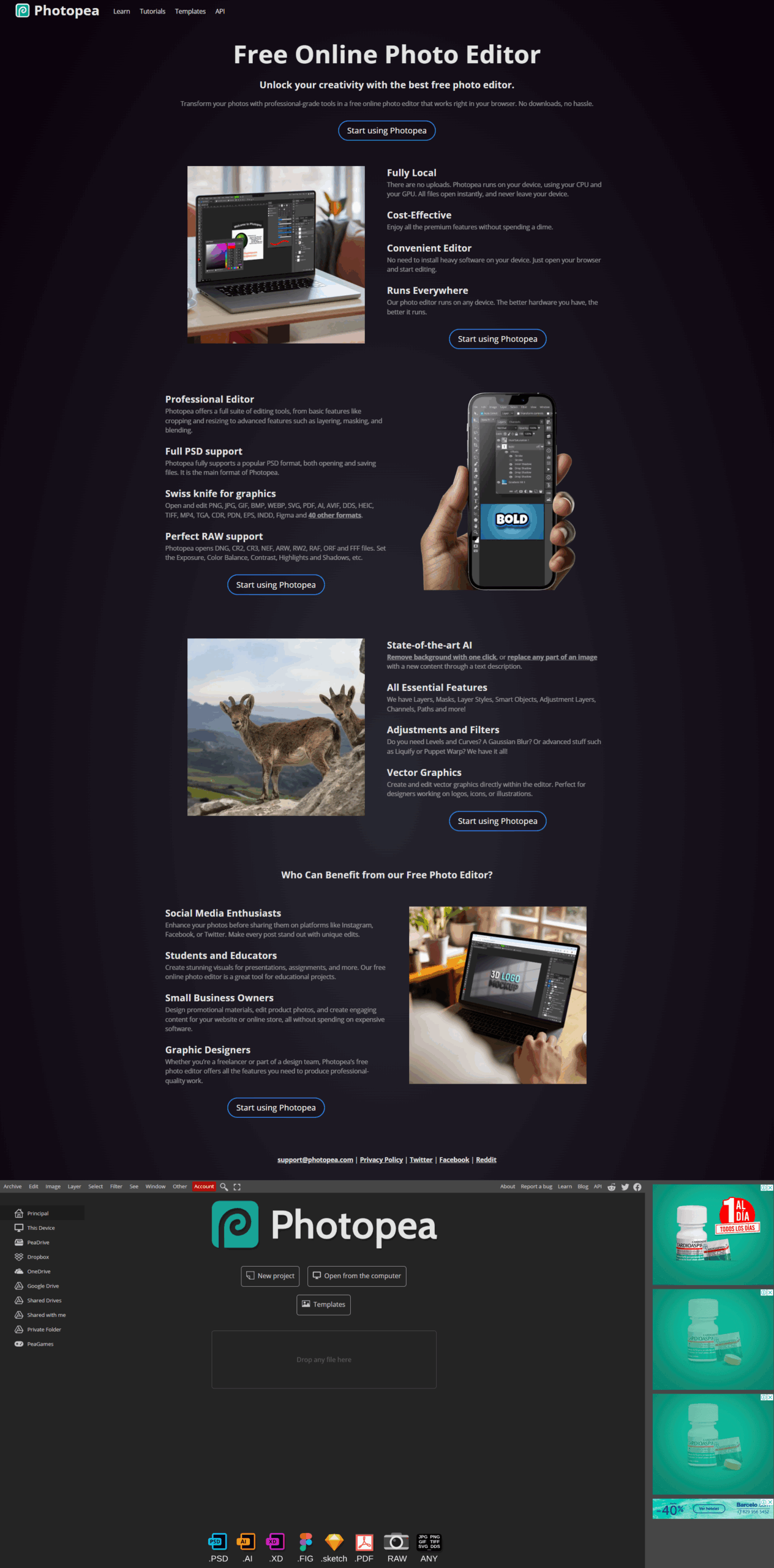
Photopea is a powerful online image editing tool that brings professional-grade capabilities to your web browser. Positioned in the Image Editing category, Photopea offers a robust suite of features that make photo adjustments, graphic design, and creative projects accessible without the need for heavy software downloads or costly licenses. Whether you need to apply effects, crop, resize, or add creative text overlays, Photopea provides a comprehensive platform that caters to both beginners and design experts alike.

One of Photopea’s standout benefits is its familiar interface, similar to well-known editing software, which means users who have experience with advanced editors can get started quickly. Despite its professional functionalities, Photopea remains completely browser-based, eliminating any dependency on local installations and allowing you to work from virtually any device with internet access. This flexibility is particularly useful for creative professionals on the move or teams that require consistent project accessibility across different locations.

Photopea is designed to handle a wide range of file formats, making it ideal for tasks such as editing high-resolution photos, designing digital graphics, and even preparing images for web use. Its intuitive layout and extensive toolset offer a smooth transition for users accustomed to premium editing tools while maintaining the advantage of a free, online platform. With a constant focus on user convenience, Photopea streamlines the creative process from start to finish, ensuring that detailed edits are as efficient as they are precise.

Why Use Photopea?

  • Browser-Based Convenience: Access powerful editing tools anywhere without installations or software updates.
  • Familiar Interface: Enjoy a layout reminiscent of traditional professional editing software for a seamless user experience.
  • Cost Efficiency: Benefit from a robust free version that supports essential editing capabilities, making advanced design accessible to everyone.
  • Versatile Functionality: Edit photos, apply diverse effects, and manage multiple file types with ease.

Who is Photopea For?

  • Design Enthusiasts and Professionals: Creatives seeking a powerful tool for detailed image manipulation.
  • Casual Users: Individuals looking for an easy, accessible way to perform everyday photo edits.
  • Marketing and Social Media Teams: Professionals who need to create visually appealing content quickly and efficiently.

Photopea not only offers a comprehensive online editing solution but also provides exclusive deals through its dedicated deals page at Photopea Deals. This makes it even more attractive for users who are looking to get the most value out of their editing experience without stretching their budget.

For those exploring alternatives in the image editing space, consider these top options: Canva, Adobe Photoshop, and GIMP. Each alternative offers its unique strengths, ensuring that whether you choose Photopea or another solution, your creative projects are always in good hands.


Photopea Summary

Photopea is a powerful online image editing tool that brings professional-grade capabilities to your web browser. Positioned in the Image Editing category, Photopea offers a robust suite of features that make photo adjustments, graphic design, and creative projects accessible without the need for heavy software downloads or costly licenses. Whether you need to apply effects, crop, resize, or add creative text overlays, Photopea provides a comprehensive platform that caters to both beginners and design experts alike.

One of Photopea’s standout benefits is its familiar interface, similar to well-known editing software, which means users who have experience with advanced editors can get started quickly. Despite its professional functionalities, Photopea remains completely browser-based, eliminating any dependency on local installations and allowing you to work from virtually any device with internet access. This flexibility is particularly useful for creative professionals on the move or teams that require consistent project accessibility across different locations.

Photopea is designed to handle a wide range of file formats, making it ideal for tasks such as editing high-resolution photos, designing digital graphics, and even preparing images for web use. Its intuitive layout and extensive toolset offer a smooth transition for users accustomed to premium editing tools while maintaining the advantage of a free, online platform. With a constant focus on user convenience, Photopea streamlines the creative process from start to finish, ensuring that detailed edits are as efficient as they are precise.

Why Use Photopea?

  • Browser-Based Convenience: Access powerful editing tools anywhere without installations or software updates.
  • Familiar Interface: Enjoy a layout reminiscent of traditional professional editing software for a seamless user experience.
  • Cost Efficiency: Benefit from a robust free version that supports essential editing capabilities, making advanced design accessible to everyone.
  • Versatile Functionality: Edit photos, apply diverse effects, and manage multiple file types with ease.

Who is Photopea For?

  • Design Enthusiasts and Professionals: Creatives seeking a powerful tool for detailed image manipulation.
  • Casual Users: Individuals looking for an easy, accessible way to perform everyday photo edits.
  • Marketing and Social Media Teams: Professionals who need to create visually appealing content quickly and efficiently.

Photopea not only offers a comprehensive online editing solution but also provides exclusive deals through its dedicated deals page at Photopea Deals. This makes it even more attractive for users who are looking to get the most value out of their editing experience without stretching their budget.

For those exploring alternatives in the image editing space, consider these top options: Canva, Adobe Photoshop, and GIMP. Each alternative offers its unique strengths, ensuring that whether you choose Photopea or another solution, your creative projects are always in good hands.

Photopea reviews and insights

Learn what people say about Photopea

5
2 Reviews
56%
Subscribed Score

Lear more here about the Subscribed score on how it is composed. Learn more Click here

Overall rating

5
4
3
2
1
CX 3/6

How good is the customer support based on subscribed’s assessment

CX Icon
Security 0/6

How secure is the product based on Subscribed’s assessment?

Security Icon
Ease of Use 5/6

How easy is the product to use, based on Subscribed’s assessment?

EOU Icon
Value 6/6

What is the value for money based on Subscribed’s assessment?

coin Icon
Integration 0/6

How many integrations does the product offer?

gear Icon
Popularity 5/6

How popular is the product?

star
Hans Benson Dy Tuan Organic
Cyber and Information Security Associate
See My Portfolio
2 months ago
Share
How has it made your work/life easier?
I find the workflow much faster than using Lightroom, and the RAW files seem to render slightly better. It has much more advance option for color correction.
Is there something that almost made you stop using it?
Adding built-in templates and libraries such as icon sets and ready-made layouts similar to Canva. Additionally, It seems there isn't a way to create layers and merge.
What new feature would you love to see added?
I hope the newest version now can handle raw files now, I want the toolbar to be more visible and easier to use, at least for beginners.
Final thoughts, wrap up what you think
For a free and online software, its a good application. The interface is good, but for most of the quick and fast editing works, this is a main solution.
Upvote (1)
Irfan Ali Invitation
Developer
3 months ago
Share
What exceeded your expectations?
it is a best tool for creating simple designs and editing images and design online in a browsers, instead of installing heavy and large softwares like adobe photoshop, it works perfectly for me in designing simple and small design in browser, no need install anything in local machine, also it has option for saving your data in google drive, which is alot usefull for saving data
What’s been frustrating in your experience?
because it is browser based, performance can sometimes depend on internet speed or browser resources, especially when working with larger files, in large files the designs and accuracy with small and deep editing will effect from internet and in browser environment.
What could make it even better?
adding templates and libraries for items like for icons and other ready made templates like canva will better help design things and edit images easily , also there is no proper guides and short tutorial when you use it for first time, it takes more time for figuring out how things works especially if your background is not editing and desiging
Final thoughts, wrap up what you think
this is great software which solves problem of editing and design without installing and downloading heavy tools , anyone can go to browsers and make their design quickly and also can save changes by linking google drive account, so all data will be stored in your google drive,
Upvote

Photopea User Reviews

2 User Reviews

Reviews from G2, Capterra, Trustpilot
info Icon

These ratings come directly from third-party platforms like G2, Capterra, and Trustpilot. They reflect real user feedback collected independently on those sites.

Photopea pricing

Pricing model

Pricing Range
info Icon

This only an estimated pricing range, visit Photopea pricing page to access all the information by clicking “Visit Now”.

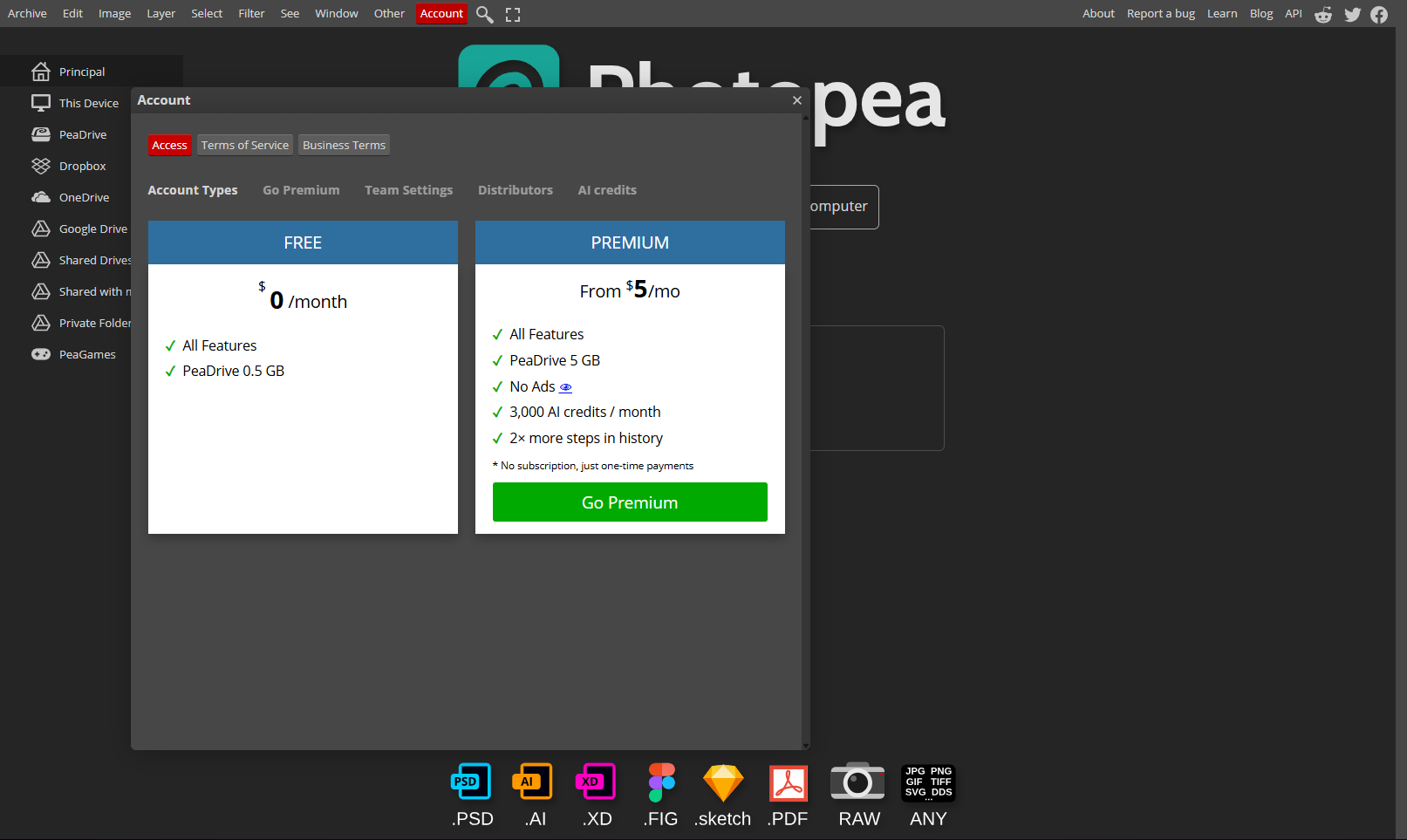
$5 / Month
Deals Available

This product comes with a special deal, see details

Visit Now
✨ Ask AI about pricing
56% Subscribed Score
info Icon

The Subscribed Score is an independent rating that combines user reviews, features, and value-for-money from multiple trusted sources. It’s designed as a quick benchmark, not a guarantee of individual experience.

Overview

Photopea is a powerful online image editing tool that brings professional-grade capabilities to your web browser. Positioned in the Image Editing category, Photopea offers a robust suite of features that make photo adjustments, graphic design, and creative projects accessible without the need for heavy software downloads or costly licenses. Whether you need to apply effects, crop, resize, or add creative text overlays, Photopea provides a comprehensive platform that caters to both beginners and design experts alike.

One of Photopea’s standout benefits is its familiar interface, similar to well-known editing software, which means users who have experience with advanced editors can get started quickly. Despite its professional functionalities, Photopea remains completely browser-based, eliminating any dependency on local installations and allowing you to work from virtually any device with internet access. This flexibility is particularly useful for creative professionals on the move or teams that require consistent project accessibility across different locations.

Photopea is designed to handle a wide range of file formats, making it ideal for tasks such as editing high-resolution photos, designing digital graphics, and even preparing images for web use. Its intuitive layout and extensive toolset offer a smooth transition for users accustomed to premium editing tools while maintaining the advantage of a free, online platform. With a constant focus on user convenience, Photopea streamlines the creative process from start to finish, ensuring that detailed edits are as efficient as they are precise.

Why Use Photopea?

  • Browser-Based Convenience: Access powerful editing tools anywhere without installations or software updates.
  • Familiar Interface: Enjoy a layout reminiscent of traditional professional editing software for a seamless user experience.
  • Cost Efficiency: Benefit from a robust free version that supports essential editing capabilities, making advanced design accessible to everyone.
  • Versatile Functionality: Edit photos, apply diverse effects, and manage multiple file types with ease.

Who is Photopea For?

  • Design Enthusiasts and Professionals: Creatives seeking a powerful tool for detailed image manipulation.
  • Casual Users: Individuals looking for an easy, accessible way to perform everyday photo edits.
  • Marketing and Social Media Teams: Professionals who need to create visually appealing content quickly and efficiently.

Photopea not only offers a comprehensive online editing solution but also provides exclusive deals through its dedicated deals page at Photopea Deals. This makes it even more attractive for users who are looking to get the most value out of their editing experience without stretching their budget.

For those exploring alternatives in the image editing space, consider these top options: Canva, Adobe Photoshop, and GIMP. Each alternative offers its unique strengths, ensuring that whether you choose Photopea or another solution, your creative projects are always in good hands.

Where Photopea performs best

What users like
  • Free and accessible online
  • Similar UI as paid tools
  • Supports multiple formats
  • Browser-based, no installation needed

Where Photopea falls short

What users dislike
  • Slows with complex tasks
  • Occasional export issues
  • Limited advanced features
  • Ads disrupt free version
Subscribed Score Metrics
19/36 Metric achieved
MetricsScore
Customer Support3/6
Security0/6
Ease of Use5/6
Value of Money6/6
Integration0/6
Popularity5/6
Radar Chart Table View
Ease of Use
Measures how simple and intuitive the product is to use, including setup, navigation, and overall user experience
5/6 Metric Checks
Security
Compares the product`s features, quality, and pricing to determine its overall cost-effectiveness.
0/6 Metric Checks
Value of Money
Assesses the product`s ability to protect data, prevent breaches, and comply with industry standards.
6/6 Metric Checks
Customer Support
Reflects the responsiveness, helpfulness, and quality of assistance provided by the product`s support team.
3/6 Metric Checks
Integrations
Evaluates how well the product connects with other tools and platforms, enabling seamless workflows.
0/6 Metric Checks
Photopea Pricing Range
$5 / Month

Photopea in action
info Icon

A curated gallery of real screenshots and use cases from the product, so you can see how it works before trying it.

Photopea screenshot Full Screen Icon
https://www.youtube.com/watch?v=E2kMCYEvthE
Full Screen Icon
https://www.youtube.com/watch?v=sdIw4gsKaOg
Full Screen Icon
Video thumbnail
Video thumbnail
Photopea screenshot
Photopea screenshot
Photopea screenshot
Photopea screenshot
Photopea screenshot
Photopea screenshot
Photopea screenshot
Photopea screenshot
Photopea screenshot

Alternatives to Photopea
info Icon

A list of platforms similar to Photopea, helping you evaluate which tool best matches your needs.

How to cancel Photopea

Need to cancel Photopea? Here is how
info Icon

Thinking about how to cancel Photopea this is how you do it!

To cancel a Photopea product, visit their website and log in. Go to your account settings and look for a cancellation option. If not available, contact their support team for assistance. Details may vary depending on your subscription type.

How to Cancel the Photopea

To cancel a Photopea product, visit their website and log in. Go to your account settings and look for a cancellation option. If not available, contact their support team for assistance. Details may vary depending on your subscription type.

FAQs about Photopea

Every else you need to know about Photopea
info Icon

A collection of FAQs, guides, alternatives, and comparisons to help you quickly understand if Photopea is right for you.

Manage your Photopea profile

Create profile

Want to list your product on Subscribed.fyi? Create a profile to reach more buyers.

Pricing Range
info Icon

This only an estimated pricing range, visit Photopea pricing page to access all the information by clicking “Visit Now”.

$5 / Month
Visit Now
Deals Available

This product comes with a special deal, see details

This product comes with a special deal, see details