Sign in to review
Join our community of software reviewers on Subscribed.fyi

Continue With Google
Continue With LinkedIn
Continue Review with Email
Continue with Email
Enter your email to continue.
Continue
Enter your password
Enter your password to finish setting up your account.
Continue
Activate your email
Enter activation code we sent to your email.
Submit
Reset your password
Enter activation code we sent to your email.
Submit
Set your new password
Enter a new password for your account.
Submit
Log in
Provide My Insights
WinSCP logo
WinSCP logo

WinSCP Reviews, Pricing, Features & Alternatives (2026)

WinSCP is a free and open-source FTP, SFTP, WebDAV, and SCP client designed exclusively for Windows. It allows secure file transfers between local and remote computers, offering advanced features like file synchronization, scripting, and session management. Its intuitive interface and robust security features make it a reliable choice for individuals and businesses alike.

WinSCP logo
WinSCP logo
WinSCP logo

WinSCP Overview

What is WinSCP?

N/A
★ ★ ★ ★ ★
0
Reviews

Available for Claim - This listing is available to be claimed
Claim Profile

Unclaimed

Claim this profile to manage it.

Claim Profile

Why teams choose WinSCP

Key Features

Plug & Play Setup
Plug & Play Setup
Get started in minutes, not weeks.
Fast & Efficient
Fast & Efficient
Optimized for speed and performance.
Fully Customizable
Fully Customizable
Tailor it to your brand and workflow.

Who is WinSCP for?

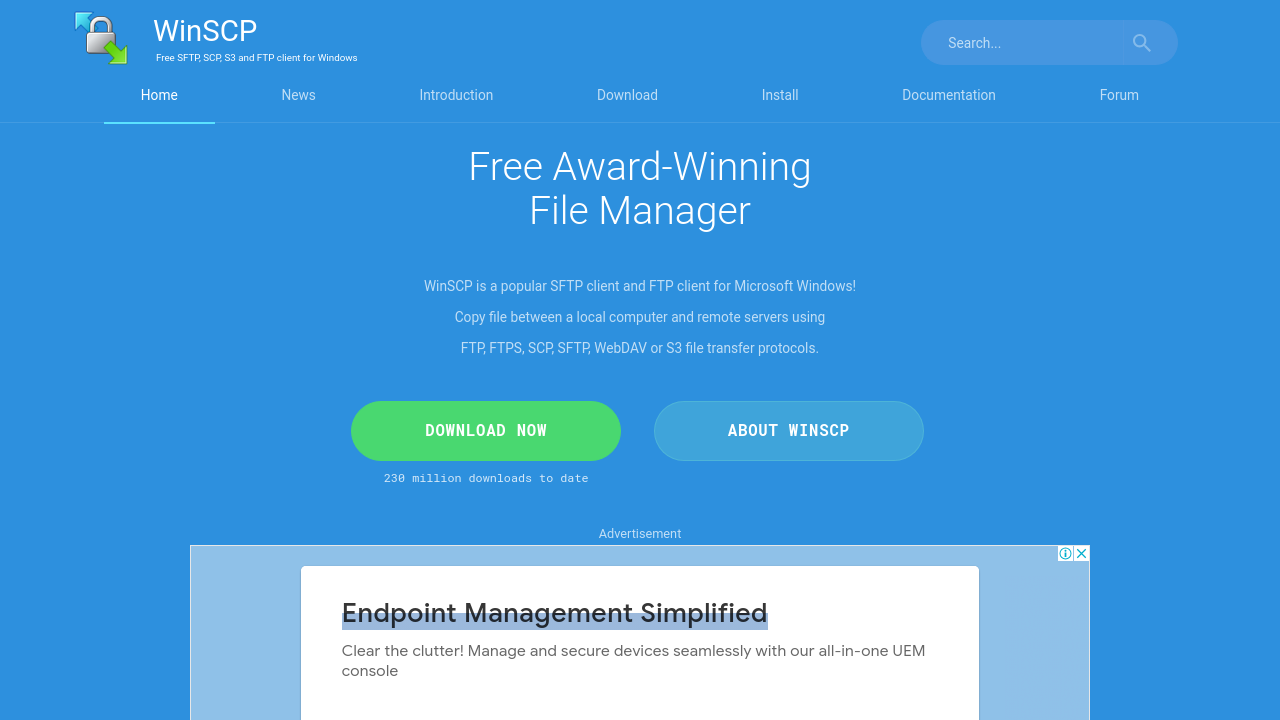
WinSCP is a free and open source client designed exclusively for Windows that offers secure file transfers across multiple protocols, including SFTP, FTP, WebDAV, and SCP. Known for its simplicity and efficiency, WinSCP enables businesses and individual users to reliably transfer files between local systems and remote servers. With its built‐in scripting support and a basic file manager functionality, it has become a trusted solution for remote file management in diverse environments.

This robust tool falls under the Remote Device Management category, addressing the increasing need for secure and effective remote file access and synchronization. Organizations with limited budgets appreciate its zero-cost availability, while those requiring enterprise-grade features benefit from its extensive functionality designed to streamline operational workflows.

Key Features of WinSCP

  • Multi-Protocol Support: Seamlessly transfer files using SFTP, FTP, SCP, and WebDAV protocols.
  • User-Friendly File Management: Enjoy an intuitive interface with drag-and-drop functionality, enabling effortless file and folder transfers.
  • Script Automation & Scheduling: Automate file transfers and maintenance routines with built-in scripting and scheduling capabilities.
  • Robust Security: Benefit from features such as encryption, authentication and access control that safeguard your sensitive data.

Why Use WinSCP?

Choosing WinSCP means opting for a reliable and efficient file transfer solution that minimizes downtime and enhances productivity. Its familiar interface – reminiscent of Windows Explorer – makes it easy to learn and use even for those new to remote device management. Moreover, its integration with popular terminal tools adds versatility by allowing simultaneous file transfers and remote command execution.

Who is WinSCP For?

  • IT Administrators & Developers: Manage servers and work on remote systems effortlessly with a secure platform.
  • Businesses of All Sizes: Whether you are a small business or a large enterprise, WinSCP enhances file management and synchronization processes without additional costs.
  • Freelancers & Hobbyists: Enjoy an easy-to-use solution that offers professional-grade features right out of the box.

To take advantage of exclusive deals, visit the WinSCP deals page and see how this tool can transform your remote file management experience.

Alternative Solutions

For organizations and professionals seeking a streamlined, secure, and cost-effective solution to manage file transfers and remote device connectivity, WinSCP stands out as a trusted choice that combines ease of use with powerful functionality. Discover how WinSCP can enhance your operational efficiency and simplify remote management challenges today.

WinSCP Summary

WinSCP is a free and open source client designed exclusively for Windows that offers secure file transfers across multiple protocols, including SFTP, FTP, WebDAV, and SCP. Known for its simplicity and efficiency, WinSCP enables businesses and individual users to reliably transfer files between local systems and remote servers. With its built‐in scripting support and a basic file manager functionality, it has become a trusted solution for remote file management in diverse environments.

This robust tool falls under the Remote Device Management category, addressing the increasing need for secure and effective remote file access and synchronization. Organizations with limited budgets appreciate its zero-cost availability, while those requiring enterprise-grade features benefit from its extensive functionality designed to streamline operational workflows.

Key Features of WinSCP

  • Multi-Protocol Support: Seamlessly transfer files using SFTP, FTP, SCP, and WebDAV protocols.
  • User-Friendly File Management: Enjoy an intuitive interface with drag-and-drop functionality, enabling effortless file and folder transfers.
  • Script Automation & Scheduling: Automate file transfers and maintenance routines with built-in scripting and scheduling capabilities.
  • Robust Security: Benefit from features such as encryption, authentication and access control that safeguard your sensitive data.

Why Use WinSCP?

Choosing WinSCP means opting for a reliable and efficient file transfer solution that minimizes downtime and enhances productivity. Its familiar interface – reminiscent of Windows Explorer – makes it easy to learn and use even for those new to remote device management. Moreover, its integration with popular terminal tools adds versatility by allowing simultaneous file transfers and remote command execution.

Who is WinSCP For?

  • IT Administrators & Developers: Manage servers and work on remote systems effortlessly with a secure platform.
  • Businesses of All Sizes: Whether you are a small business or a large enterprise, WinSCP enhances file management and synchronization processes without additional costs.
  • Freelancers & Hobbyists: Enjoy an easy-to-use solution that offers professional-grade features right out of the box.

To take advantage of exclusive deals, visit the WinSCP deals page and see how this tool can transform your remote file management experience.

Alternative Solutions

For organizations and professionals seeking a streamlined, secure, and cost-effective solution to manage file transfers and remote device connectivity, WinSCP stands out as a trusted choice that combines ease of use with powerful functionality. Discover how WinSCP can enhance your operational efficiency and simplify remote management challenges today.

WinSCP reviews and insights

Learn what people say about WinSCP

N/A ★ ★ ★ ★ ★
0 Reviews

No Reviews Yet!

Be the first to share your experience and help others in the community.

WinSCP logo

WinSCP User Reviews

0 User Reviews

Reviews from G2, Capterra, Trustpilot
info Icon

These ratings come directly from third-party platforms like G2, Capterra, and Trustpilot. They reflect real user feedback collected independently on those sites.

WinSCP pricing

Pricing model

WinSCP logo
Pricing Range
info Icon

This only an estimated pricing range, visit WinSCP pricing page to access all the information by clicking “Visit Now”.

Not specified
Deals Available

This product comes with a special deal, see details

Visit Now

Overview

WinSCP is a free and open source client designed exclusively for Windows that offers secure file transfers across multiple protocols, including SFTP, FTP, WebDAV, and SCP. Known for its simplicity and efficiency, WinSCP enables businesses and individual users to reliably transfer files between local systems and remote servers. With its built‐in scripting support and a basic file manager functionality, it has become a trusted solution for remote file management in diverse environments.

This robust tool falls under the Remote Device Management category, addressing the increasing need for secure and effective remote file access and synchronization. Organizations with limited budgets appreciate its zero-cost availability, while those requiring enterprise-grade features benefit from its extensive functionality designed to streamline operational workflows.

Key Features of WinSCP

  • Multi-Protocol Support: Seamlessly transfer files using SFTP, FTP, SCP, and WebDAV protocols.
  • User-Friendly File Management: Enjoy an intuitive interface with drag-and-drop functionality, enabling effortless file and folder transfers.
  • Script Automation & Scheduling: Automate file transfers and maintenance routines with built-in scripting and scheduling capabilities.
  • Robust Security: Benefit from features such as encryption, authentication and access control that safeguard your sensitive data.

Why Use WinSCP?

Choosing WinSCP means opting for a reliable and efficient file transfer solution that minimizes downtime and enhances productivity. Its familiar interface – reminiscent of Windows Explorer – makes it easy to learn and use even for those new to remote device management. Moreover, its integration with popular terminal tools adds versatility by allowing simultaneous file transfers and remote command execution.

Who is WinSCP For?

  • IT Administrators & Developers: Manage servers and work on remote systems effortlessly with a secure platform.
  • Businesses of All Sizes: Whether you are a small business or a large enterprise, WinSCP enhances file management and synchronization processes without additional costs.
  • Freelancers & Hobbyists: Enjoy an easy-to-use solution that offers professional-grade features right out of the box.

To take advantage of exclusive deals, visit the WinSCP deals page and see how this tool can transform your remote file management experience.

Alternative Solutions

For organizations and professionals seeking a streamlined, secure, and cost-effective solution to manage file transfers and remote device connectivity, WinSCP stands out as a trusted choice that combines ease of use with powerful functionality. Discover how WinSCP can enhance your operational efficiency and simplify remote management challenges today.

Where WinSCP performs best

What users like
  • Easy to set up and use with familiar interface.
  • Supports multiple protocols, including SCP and SFTP.
  • Free, open-source, and offers reliable file transfers.
  • Advanced features like scripting and PuTTY integration.

Where WinSCP falls short

What users dislike
  • Outdated user interface design.
  • Connection issues when handling large files.
  • Windows-only platform; lacks cross-platform support.
  • Limited advanced file editing capabilities.
WinSCP Pricing Range
Not specified

WinSCP in action
info Icon

A curated gallery of real screenshots and use cases from the product, so you can see how it works before trying it.

WinSCP screenshot 1 Full Screen Icon
https://www.youtube.com/watch?v=vtfpzSdlcGM
Full Screen Icon
https://www.youtube.com/watch?v=BVyWPSPdDbI
Full Screen Icon
WinSCP screenshot 1
Video thumbnail
Video thumbnail
WinSCP screenshot 1

Alternatives to WinSCP
info Icon

A list of platforms similar to WinSCP, helping you evaluate which tool best matches your needs.

How to cancel WinSCP

Need to cancel WinSCP? Here is how
info Icon

Thinking about how to cancel WinSCP this is how you do it!

To cancel a WinSCP product:

  • Close WinSCP if running.
  • Use Windows Settings or Control Panel to uninstall.
  • Optionally, use command-line parameters for automation.

How to Cancel the WinSCP

To cancel a WinSCP product:

  • Close WinSCP if running.
  • Use Windows Settings or Control Panel to uninstall.
  • Optionally, use command-line parameters for automation.

Manage your WinSCP profile

Create profile

Want to list your product on Subscribed.fyi? Create a profile to reach more buyers.

Pricing Range
info Icon

This only an estimated pricing range, visit WinSCP pricing page to access all the information by clicking “Visit Now”.

Not specified
Visit Now
Deals Available

This product comes with a special deal, see details

This product comes with a special deal, see details