XMind Reviews 2026: Details, Pricing, & Features | Subscribed.fyi
Sign in to review
Join our community of software reviewers on Subscribed.fyi

Continue With Google
Continue With LinkedIn
Continue Review with Email
Continue with Email
Enter your email to continue.
Continue
Enter your password
Enter your password to finish setting up your account.
Continue
Activate your email
Enter activation code we sent to your email.
Submit
Reset your password
Enter activation code we sent to your email.
Submit
Set your new password
Enter a new password for your account.
Submit
Categories
For Business
Log in
Provide My Insights

XMind Reviews, Pricing, Features & Alternatives (2026)

XMind is a powerful mind mapping and brainstorming tool designed to boost creativity, organize ideas, and enhance productivity. Suitable for individuals and teams, it offers versatile features like diagram customization, collaboration, and cross-platform support on Windows, macOS, Linux, iOS, Android, and web. With over 100 million downloads, XMind is trusted for generating professional mind maps with ease. Its intuitive interface and advanced features make it ideal for planning, brainstorming, and presenting ideas.

XMind Overview

What is XMind?

N/A
0
Reviews
71%
Subscribed Score

Available for Claim - This listing is available to be claimed
Claim Profile For Free

Unclaimed

Manage profile with subsig, and unlock 23+ social and review monitoring. Get partnership options with

Claim Profile For Free

Why teams choose XMind

Key Features

Smart Automation
Smart Automation
Save time with AI-powered workflows.
Save Time
Save Time
Focus on impact, not repetitive tasks.
Fully Customizable
Fully Customizable
Tailor it to your brand and workflow.

Who is XMind for?

XMind is a powerful mind mapping and brainstorming tool designed to help individuals and teams unleash creativity, capture inspiration, and boost productivity. Since its inception in 2006, XMind has evolved into one of the most robust solutions in the Mind Mapping Software category. Trusted by startups and large companies alike, this versatile app works seamlessly across Windows, macOS, Linux, iOS, Android, and Web, ensuring that your ideas can be developed anywhere, anytime.

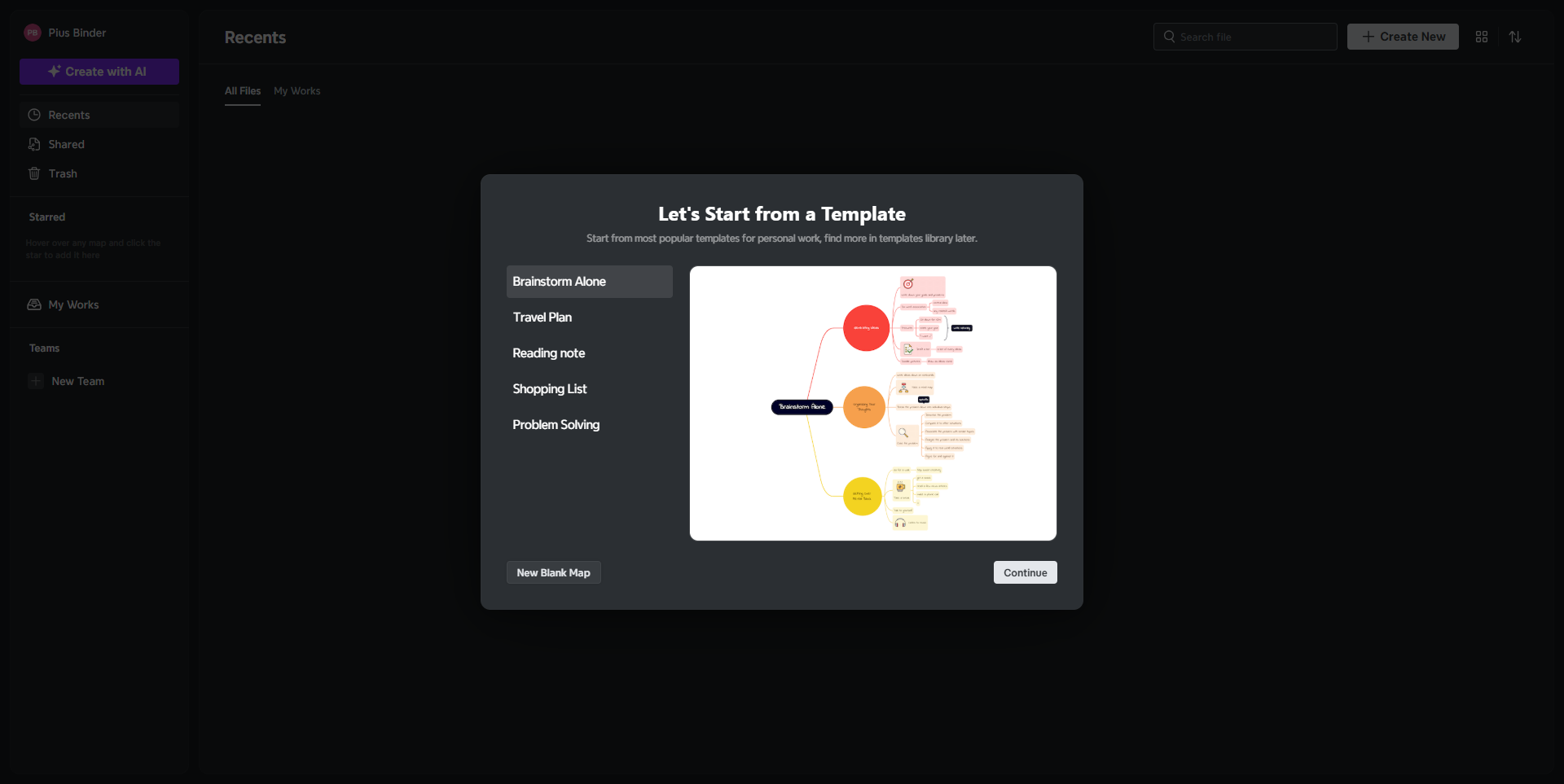
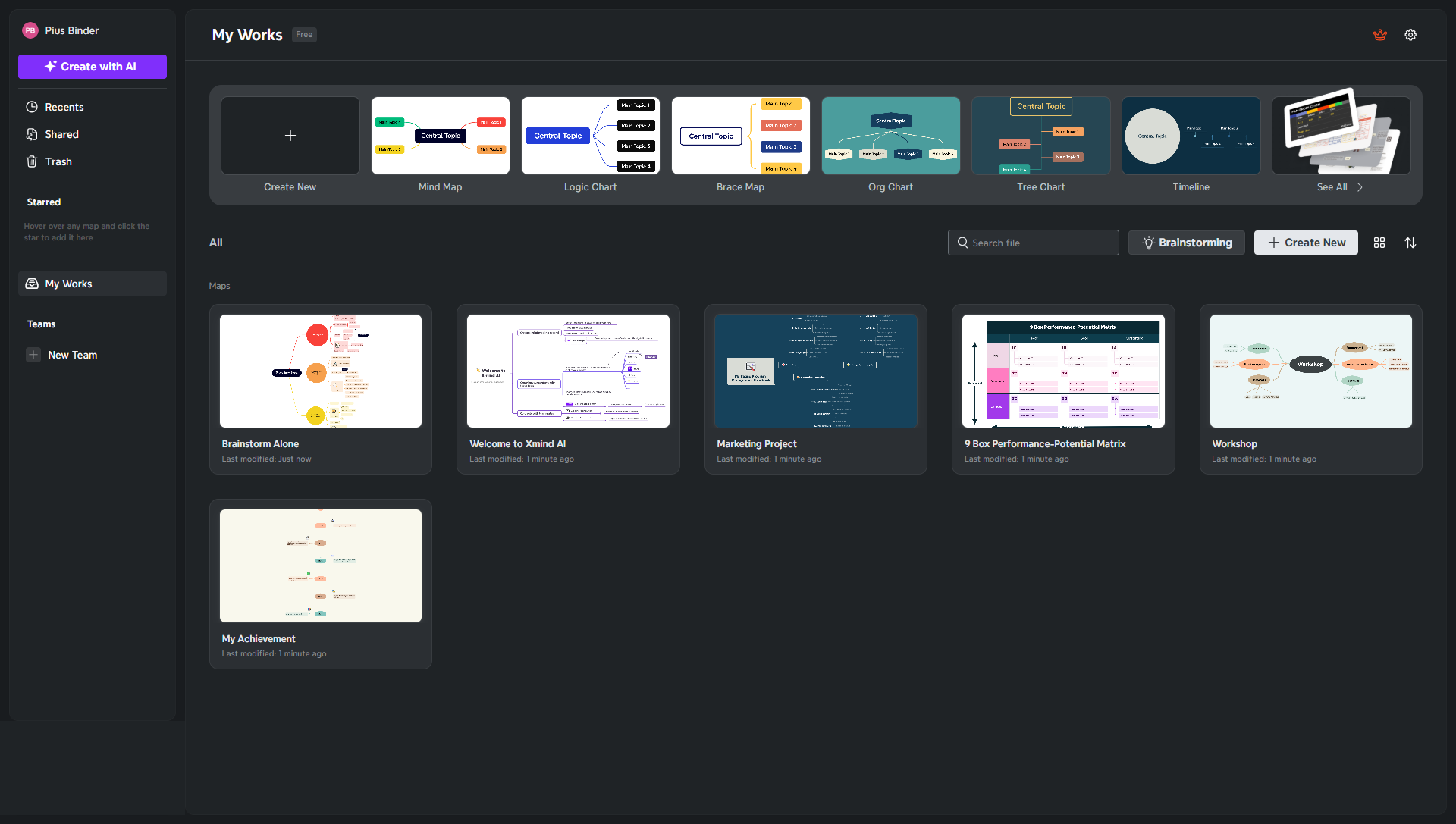
With a beautifully designed interface, XMind enables users to quickly sketch out ideas and organize thoughts with clarity. The tool supports a wide range of diagram types, including mind maps, tree charts, and fishbone diagrams, allowing you to visualize complex information in an accessible format. Whether you’re planning projects, strategizing campaigns, or simply brainstorming, XMind empowers you to structure your ideas in a way that sparks innovation and enhances collaboration.

Key Features

  • Diverse Diagram Options: Create various diagrams from traditional mind maps to flow charts, supporting extensive file format options and cloud storage integration.
  • Customizable Themes: Choose from smart color themes and modify styles to match your personal or brand identity, ensuring visual consistency.
  • Innovative Presentation Modes: Use features like Pitch Mode and ZEN Mode to present ideas in a sleek, engaging format.
  • Cross-Platform Collaboration: Work in real time with team members across different operating systems and devices.
  • Advanced Editing Capabilities: Insert images, LaTeX equations, and topic elements to further enhance the depth and clarity of your mind maps.

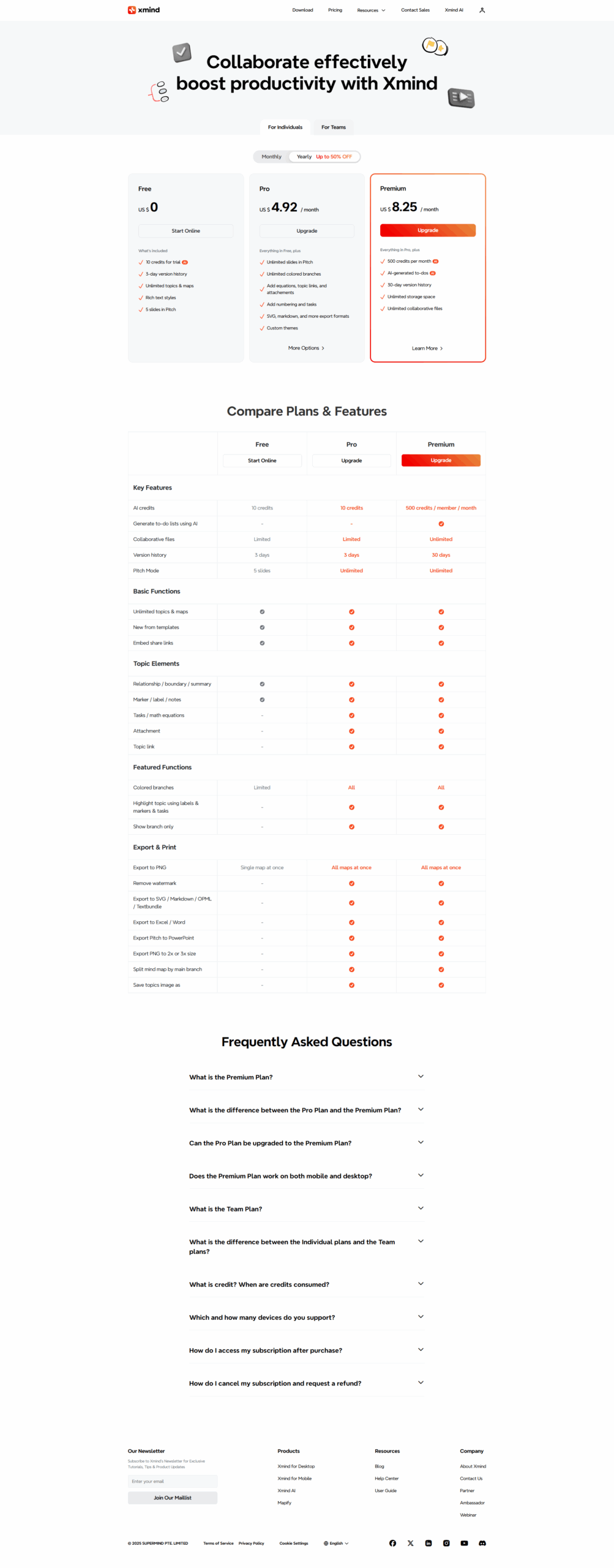
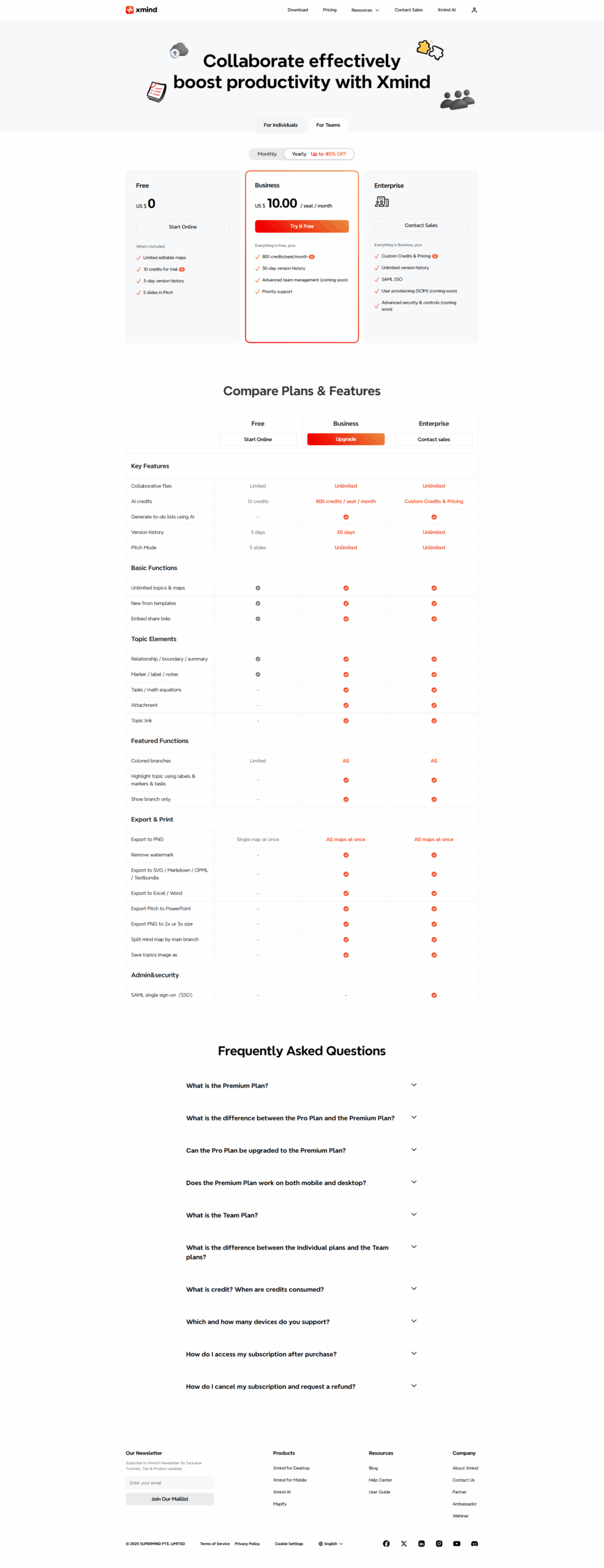
XMind is available in two main pricing plans: a free version that delivers robust functionality for casual users, and the Pro Plan – ideal for power users looking to unlock advanced features such as theme customization, file encryption, and extended export options. This flexibility makes XMind an excellent choice for creative professionals, product managers, educators, and anyone looking to bring structure to their ideas.

Why Choose XMind?

  • Multi-Platform Support: Seamless accessibility across all major platforms ensures your creativity isn’t confined to one device.
  • Ease of Use: An intuitive interface makes creating and editing mind maps a breeze for both beginners and experienced users.
  • Collaboration and Versatility: Support for diverse file formats and real-time teamwork allow for efficient idea sharing and project management.
  • Proven Track Record: With over 100 million downloads, XMind’s heritage speaks to its consistent performance and innovation.

Explore XMind’s homepage for more details or check out exclusive deals to start transforming your creative process today. For those interested in exploring similar solutions, consider these alternatives: Miro, Visio, and MindMeister.


XMind Summary

XMind is a powerful mind mapping and brainstorming tool designed to help individuals and teams unleash creativity, capture inspiration, and boost productivity. Since its inception in 2006, XMind has evolved into one of the most robust solutions in the Mind Mapping Software category. Trusted by startups and large companies alike, this versatile app works seamlessly across Windows, macOS, Linux, iOS, Android, and Web, ensuring that your ideas can be developed anywhere, anytime.

With a beautifully designed interface, XMind enables users to quickly sketch out ideas and organize thoughts with clarity. The tool supports a wide range of diagram types, including mind maps, tree charts, and fishbone diagrams, allowing you to visualize complex information in an accessible format. Whether you’re planning projects, strategizing campaigns, or simply brainstorming, XMind empowers you to structure your ideas in a way that sparks innovation and enhances collaboration.

Key Features

  • Diverse Diagram Options: Create various diagrams from traditional mind maps to flow charts, supporting extensive file format options and cloud storage integration.
  • Customizable Themes: Choose from smart color themes and modify styles to match your personal or brand identity, ensuring visual consistency.
  • Innovative Presentation Modes: Use features like Pitch Mode and ZEN Mode to present ideas in a sleek, engaging format.
  • Cross-Platform Collaboration: Work in real time with team members across different operating systems and devices.
  • Advanced Editing Capabilities: Insert images, LaTeX equations, and topic elements to further enhance the depth and clarity of your mind maps.

XMind is available in two main pricing plans: a free version that delivers robust functionality for casual users, and the Pro Plan – ideal for power users looking to unlock advanced features such as theme customization, file encryption, and extended export options. This flexibility makes XMind an excellent choice for creative professionals, product managers, educators, and anyone looking to bring structure to their ideas.

Why Choose XMind?

  • Multi-Platform Support: Seamless accessibility across all major platforms ensures your creativity isn’t confined to one device.
  • Ease of Use: An intuitive interface makes creating and editing mind maps a breeze for both beginners and experienced users.
  • Collaboration and Versatility: Support for diverse file formats and real-time teamwork allow for efficient idea sharing and project management.
  • Proven Track Record: With over 100 million downloads, XMind’s heritage speaks to its consistent performance and innovation.

Explore XMind’s homepage for more details or check out exclusive deals to start transforming your creative process today. For those interested in exploring similar solutions, consider these alternatives: Miro, Visio, and MindMeister.

XMind reviews and insights

Learn what people say about XMind

N/A
0 Reviews
71%
Subscribed Score

Lear more here about the Subscribed score on how it is composed. Learn more Click here

Overall rating

5
4
3
2
1
CX 4/6

How good is the customer support based on subscribed’s assessment

CX Icon
Security 3/6

How secure is the product based on Subscribed’s assessment?

Security Icon
Ease of Use 5/6

How easy is the product to use, based on Subscribed’s assessment?

EOU Icon
Value 5/6

What is the value for money based on Subscribed’s assessment?

coin Icon
Integration 3/6

How many integrations does the product offer?

gear Icon
Popularity 5/6

How popular is the product?

star

No Reviews Yet!

Be the first to share your experience and help others in the community.

XMind User Reviews

0 User Reviews

Reviews from G2, Capterra, Trustpilot
info Icon

These ratings come directly from third-party platforms like G2, Capterra, and Trustpilot. They reflect real user feedback collected independently on those sites.

XMind pricing

Pricing model

Pricing Range
info Icon

This only an estimated pricing range, visit XMind pricing page to access all the information by clicking “Visit Now”.

$3.42-$5 / Month
Deals Available

This product comes with a special deal, see details

Visit Now
✨ Ask AI about pricing
71% Subscribed Score
info Icon

The Subscribed Score is an independent rating that combines user reviews, features, and value-for-money from multiple trusted sources. It’s designed as a quick benchmark, not a guarantee of individual experience.

Overview

XMind is a powerful mind mapping and brainstorming tool designed to help individuals and teams unleash creativity, capture inspiration, and boost productivity. Since its inception in 2006, XMind has evolved into one of the most robust solutions in the Mind Mapping Software category. Trusted by startups and large companies alike, this versatile app works seamlessly across Windows, macOS, Linux, iOS, Android, and Web, ensuring that your ideas can be developed anywhere, anytime.

With a beautifully designed interface, XMind enables users to quickly sketch out ideas and organize thoughts with clarity. The tool supports a wide range of diagram types, including mind maps, tree charts, and fishbone diagrams, allowing you to visualize complex information in an accessible format. Whether you’re planning projects, strategizing campaigns, or simply brainstorming, XMind empowers you to structure your ideas in a way that sparks innovation and enhances collaboration.

Key Features

  • Diverse Diagram Options: Create various diagrams from traditional mind maps to flow charts, supporting extensive file format options and cloud storage integration.
  • Customizable Themes: Choose from smart color themes and modify styles to match your personal or brand identity, ensuring visual consistency.
  • Innovative Presentation Modes: Use features like Pitch Mode and ZEN Mode to present ideas in a sleek, engaging format.
  • Cross-Platform Collaboration: Work in real time with team members across different operating systems and devices.
  • Advanced Editing Capabilities: Insert images, LaTeX equations, and topic elements to further enhance the depth and clarity of your mind maps.

XMind is available in two main pricing plans: a free version that delivers robust functionality for casual users, and the Pro Plan – ideal for power users looking to unlock advanced features such as theme customization, file encryption, and extended export options. This flexibility makes XMind an excellent choice for creative professionals, product managers, educators, and anyone looking to bring structure to their ideas.

Why Choose XMind?

  • Multi-Platform Support: Seamless accessibility across all major platforms ensures your creativity isn’t confined to one device.
  • Ease of Use: An intuitive interface makes creating and editing mind maps a breeze for both beginners and experienced users.
  • Collaboration and Versatility: Support for diverse file formats and real-time teamwork allow for efficient idea sharing and project management.
  • Proven Track Record: With over 100 million downloads, XMind’s heritage speaks to its consistent performance and innovation.

Explore XMind’s homepage for more details or check out exclusive deals to start transforming your creative process today. For those interested in exploring similar solutions, consider these alternatives: Miro, Visio, and MindMeister.

Where XMind performs best

What users like
  • Easy to use with intuitive interface
  • Cross-platform support for various devices
  • Variety of templates and customization options
  • Great for brainstorming and organizing ideas

Where XMind falls short

What users dislike
  • Limited free version features
  • Export options could be improved
  • Occasional bugs and slowness on some devices
  • UI design feels outdated for some users
Subscribed Score Metrics
25/36 Metric achieved
MetricsScore
Customer Support4/6
Security3/6
Ease of Use5/6
Value of Money5/6
Integration3/6
Popularity5/6
Radar Chart Table View
Ease of Use
Measures how simple and intuitive the product is to use, including setup, navigation, and overall user experience
5/6 Metric Checks
Security
Compares the product`s features, quality, and pricing to determine its overall cost-effectiveness.
3/6 Metric Checks
Value of Money
Assesses the product`s ability to protect data, prevent breaches, and comply with industry standards.
5/6 Metric Checks
Customer Support
Reflects the responsiveness, helpfulness, and quality of assistance provided by the product`s support team.
4/6 Metric Checks
Integrations
Evaluates how well the product connects with other tools and platforms, enabling seamless workflows.
3/6 Metric Checks
XMind Pricing Range
$3.42-$5 / Month

XMind in action
info Icon

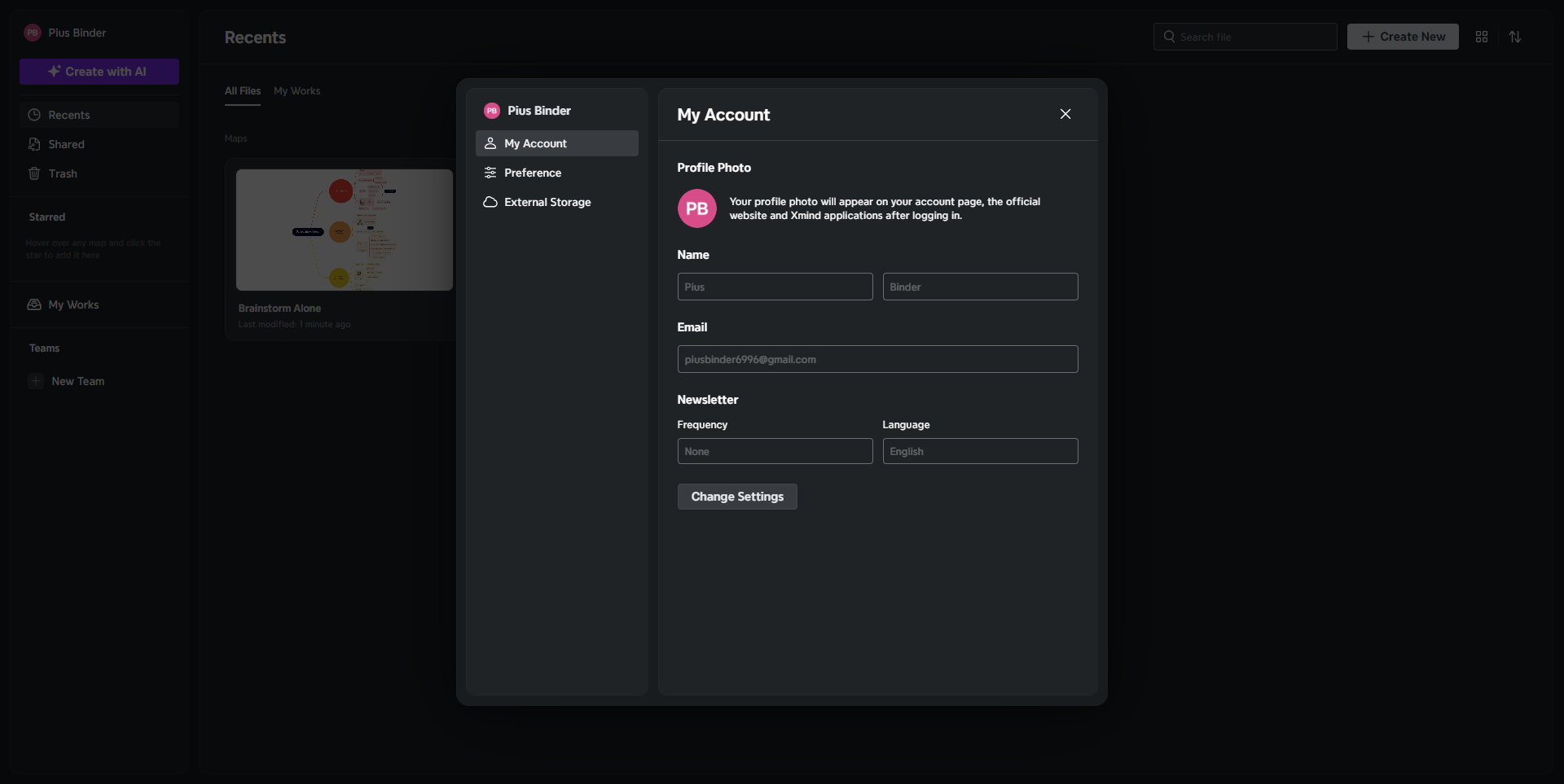
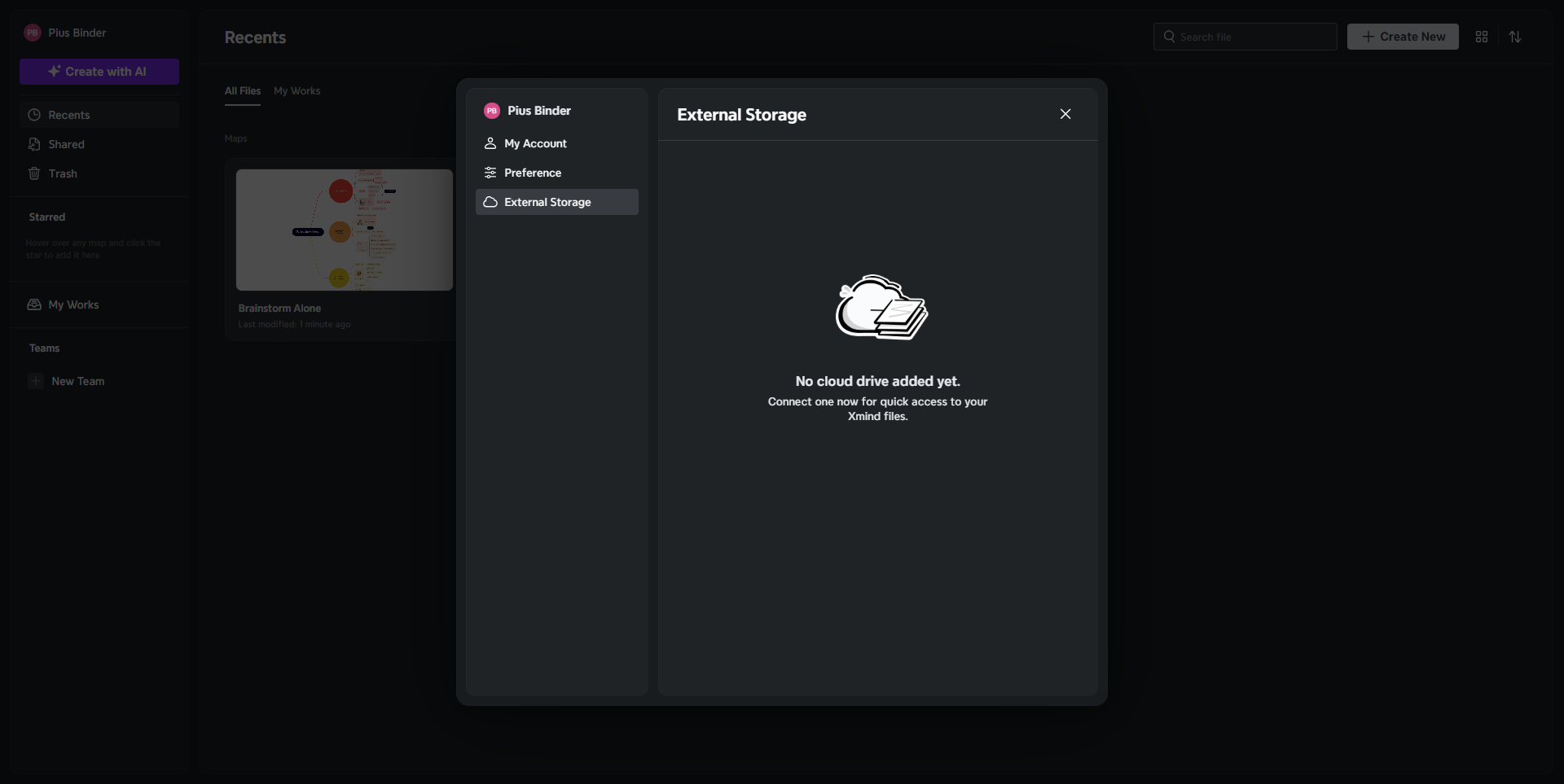
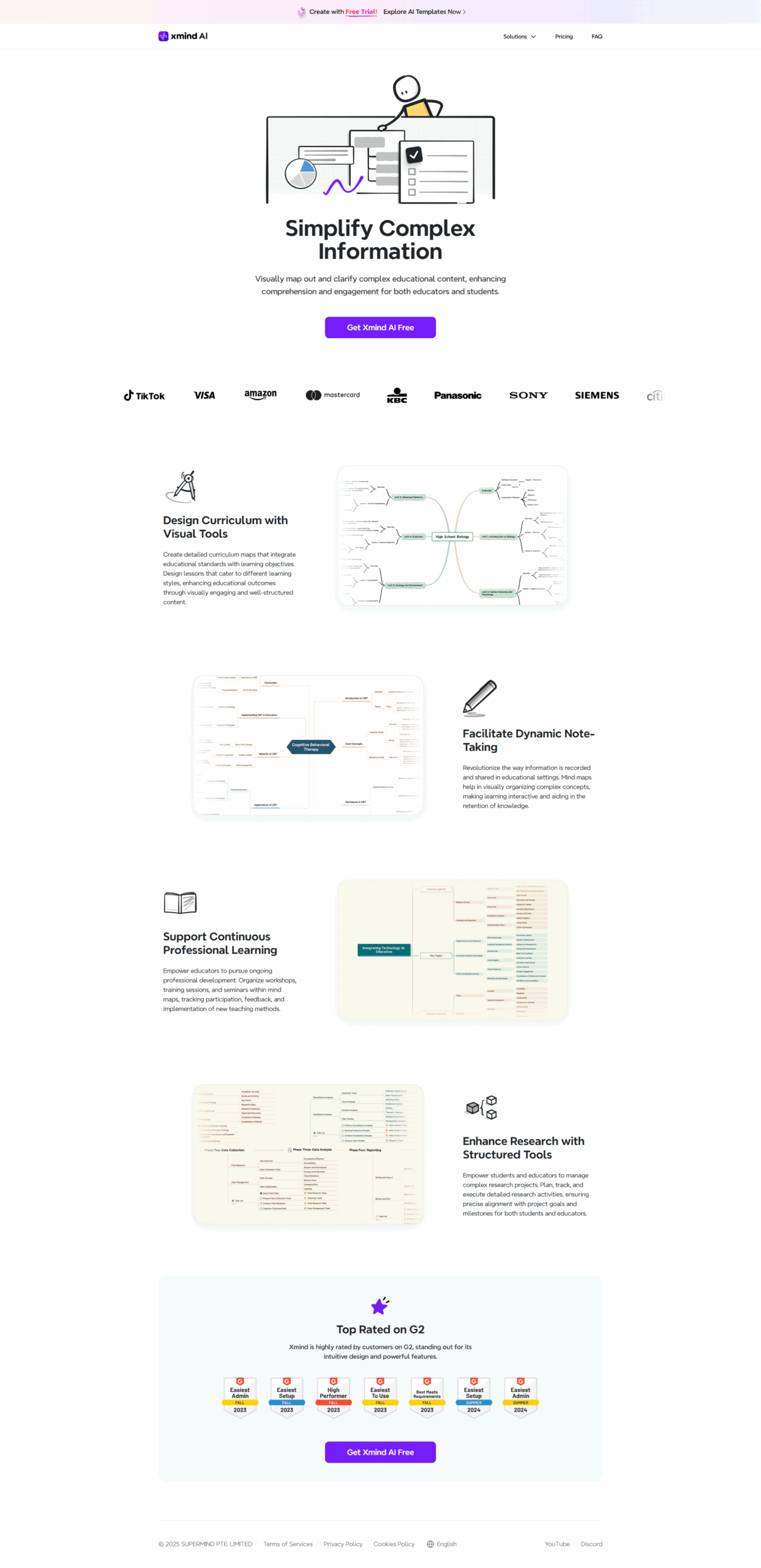
A curated gallery of real screenshots and use cases from the product, so you can see how it works before trying it.

XMind screenshot Full Screen Icon
https://www.youtube.com/watch?v=_ungOmESe1o
Full Screen Icon
https://www.youtube.com/watch?v=MgU_v9uvRjE
Full Screen Icon
Video thumbnail
Video thumbnail
XMind screenshot
XMind screenshot
XMind screenshot
XMind screenshot
XMind screenshot
XMind screenshot
XMind screenshot
XMind screenshot
XMind screenshot
XMind screenshot

Alternatives to XMind
info Icon

A list of platforms similar to XMind, helping you evaluate which tool best matches your needs.

How to cancel XMind

Need to cancel XMind? Here is how
info Icon

Thinking about how to cancel XMind this is how you do it!

To cancel XMind:

  • Log in to your account on the XMind website.
  • Navigate to the Subscription section.
  • Select "Turn Off Auto-Renew" or "Cancel Subscription."
    For Apple App Store purchases, go to Settings > Subscriptions and cancel there.

How to Cancel the XMind

To cancel XMind:

  • Log in to your account on the XMind website.
  • Navigate to the Subscription section.
  • Select "Turn Off Auto-Renew" or "Cancel Subscription."
    For Apple App Store purchases, go to Settings > Subscriptions and cancel there.

FAQs about XMind

Every else you need to know about XMind
info Icon

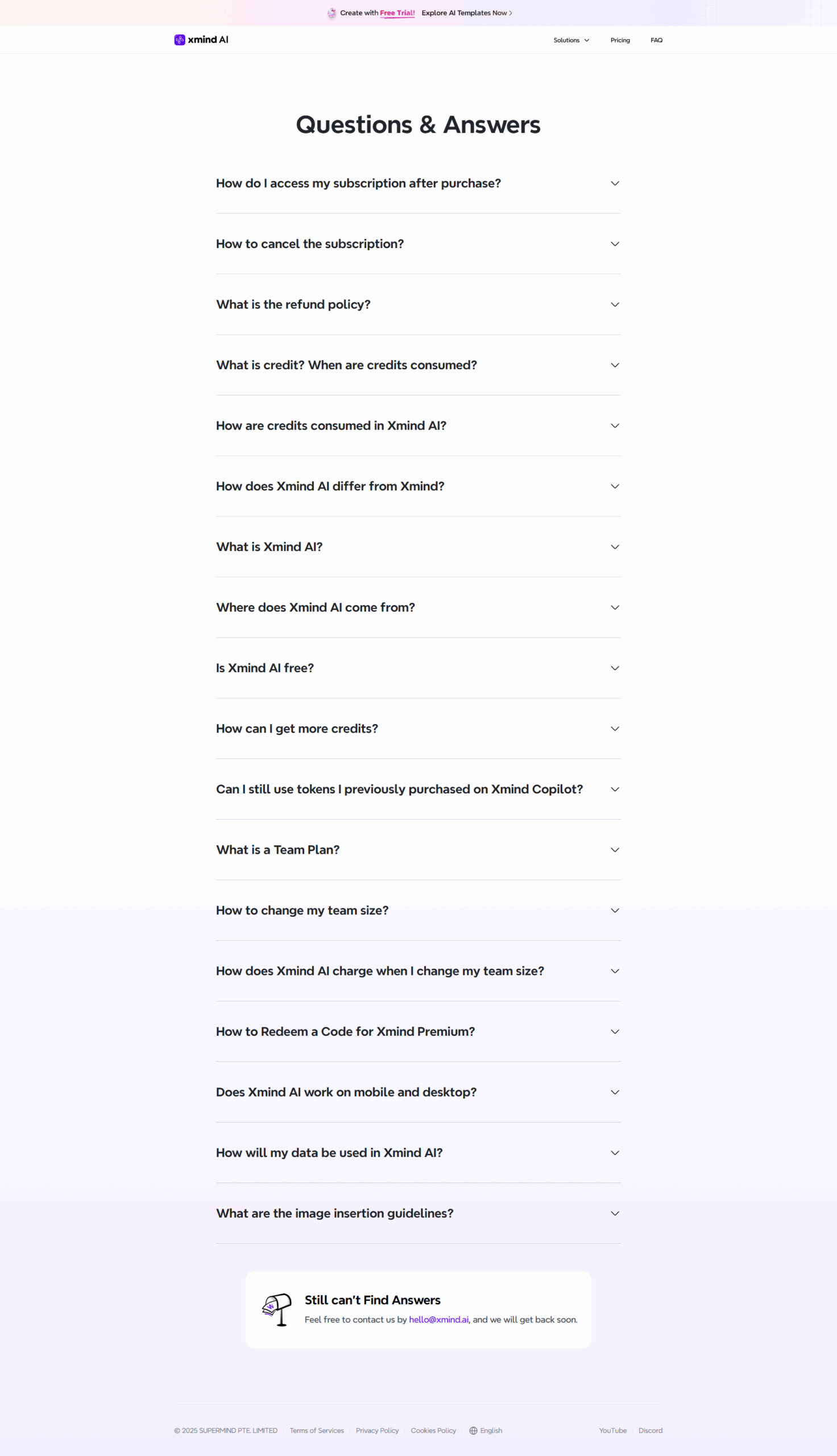
A collection of FAQs, guides, alternatives, and comparisons to help you quickly understand if XMind is right for you.

Manage your XMind profile

Create profile

Want to list your product on Subscribed.fyi? Create a profile to reach more buyers.

Pricing Range
info Icon

This only an estimated pricing range, visit XMind pricing page to access all the information by clicking “Visit Now”.

$3.42-$5 / Month
Visit Now
Deals Available

This product comes with a special deal, see details

This product comes with a special deal, see details