xZoom Reviews 2026: Details, Pricing, & Features | Subscribed.fyi
Sign in to review
Join our community of software reviewers on Subscribed.fyi

Continue With Google
Continue With LinkedIn
Continue Review with Email
Continue with Email
Enter your email to continue.
Continue
Enter your password
Enter your password to finish setting up your account.
Continue
Activate your email
Enter activation code we sent to your email.
Submit
Reset your password
Enter activation code we sent to your email.
Submit
Set your new password
Enter a new password for your account.
Submit
✨ Ask AI Search
Categories
For Business
Log in
Provide My Insights

xZoom

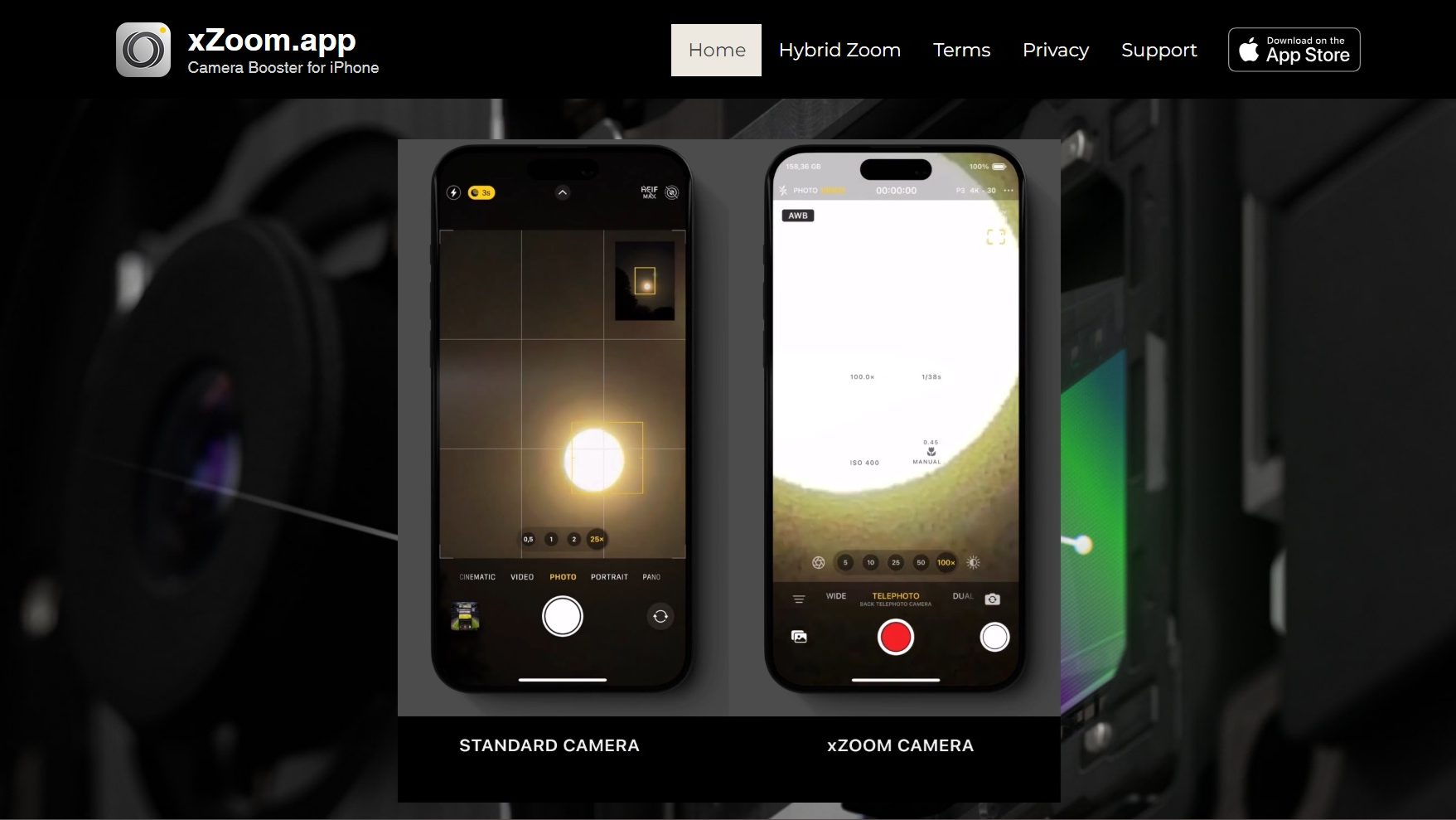
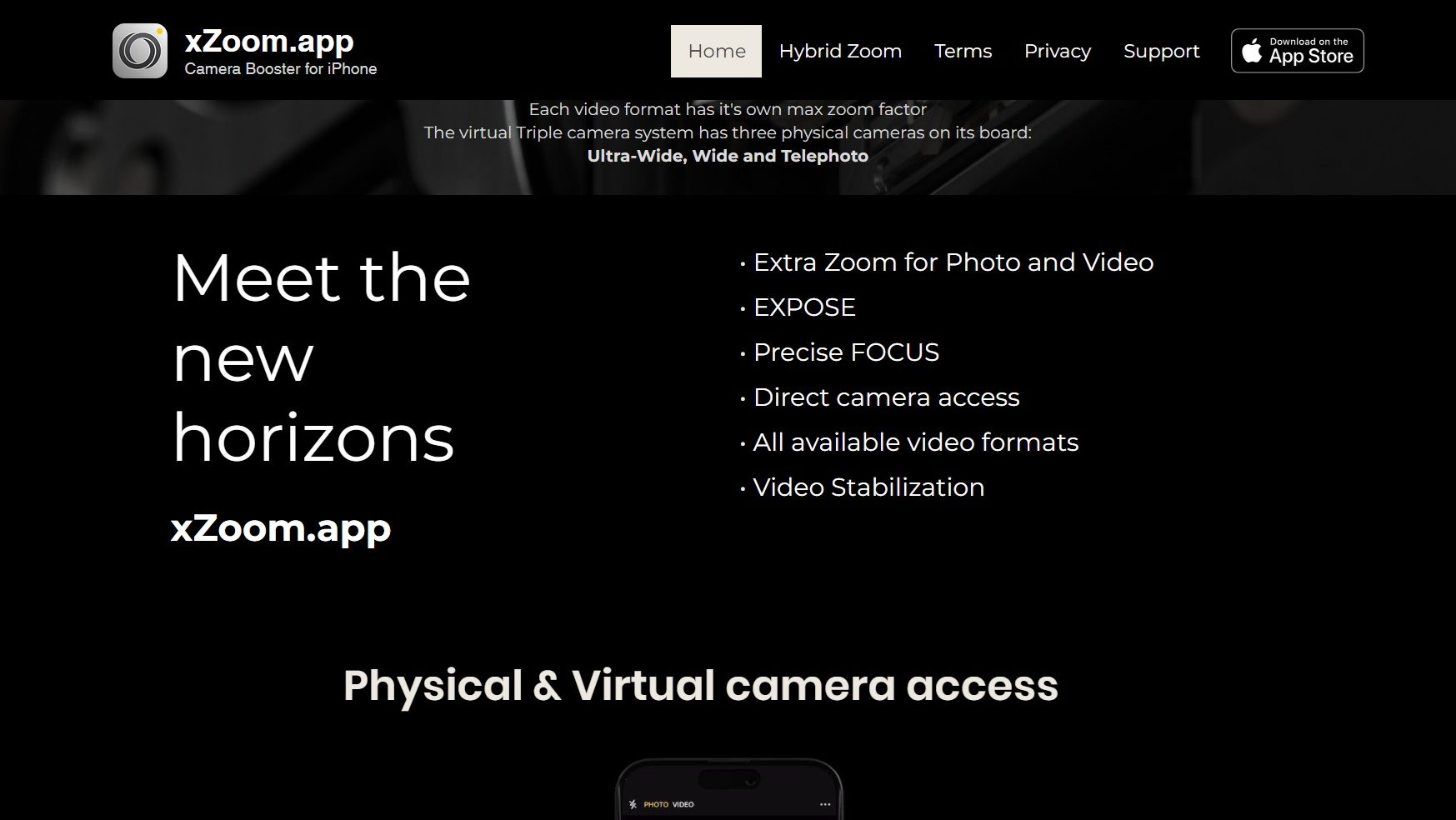
xZoom is an app offering enhanced zoom for photos and videos with precise focus, direct camera access, support for all video formats, and stabilization. Ideal for photographers, videographers, content creators, and enthusiasts seeking professional editing tools.

xZoom

N/A
0
Reviews
72%
Subscribed Score

Available for Claim - This listing is available to be claimed
Claim For Free

Unclaimed

Curated and listed by Subscribed Team

Claim For Free
Built for Flexibility
Adaptable for multiple use cases.
Affordable Pricing
Affordable Pricing
Transparent plans to fit any budget.
Expert Support
Expert Support
Help available when you need it.

What is xZoom?

xZoom is an innovative app that offers enhanced zoom capabilities for both photos and videos, featuring precise focus and direct camera access. With support for all available video formats and video stabilization, xZoom is the ultimate tool for elevating your visual content to the next level.

Why Use xZoom?

In the realm of photo and video editing apps, xZoom stands out for:

  1. Extra Zoom for Photo and Video: xZoom provides additional zoom capabilities for both photos and videos, allowing users to capture and enhance details with precision.
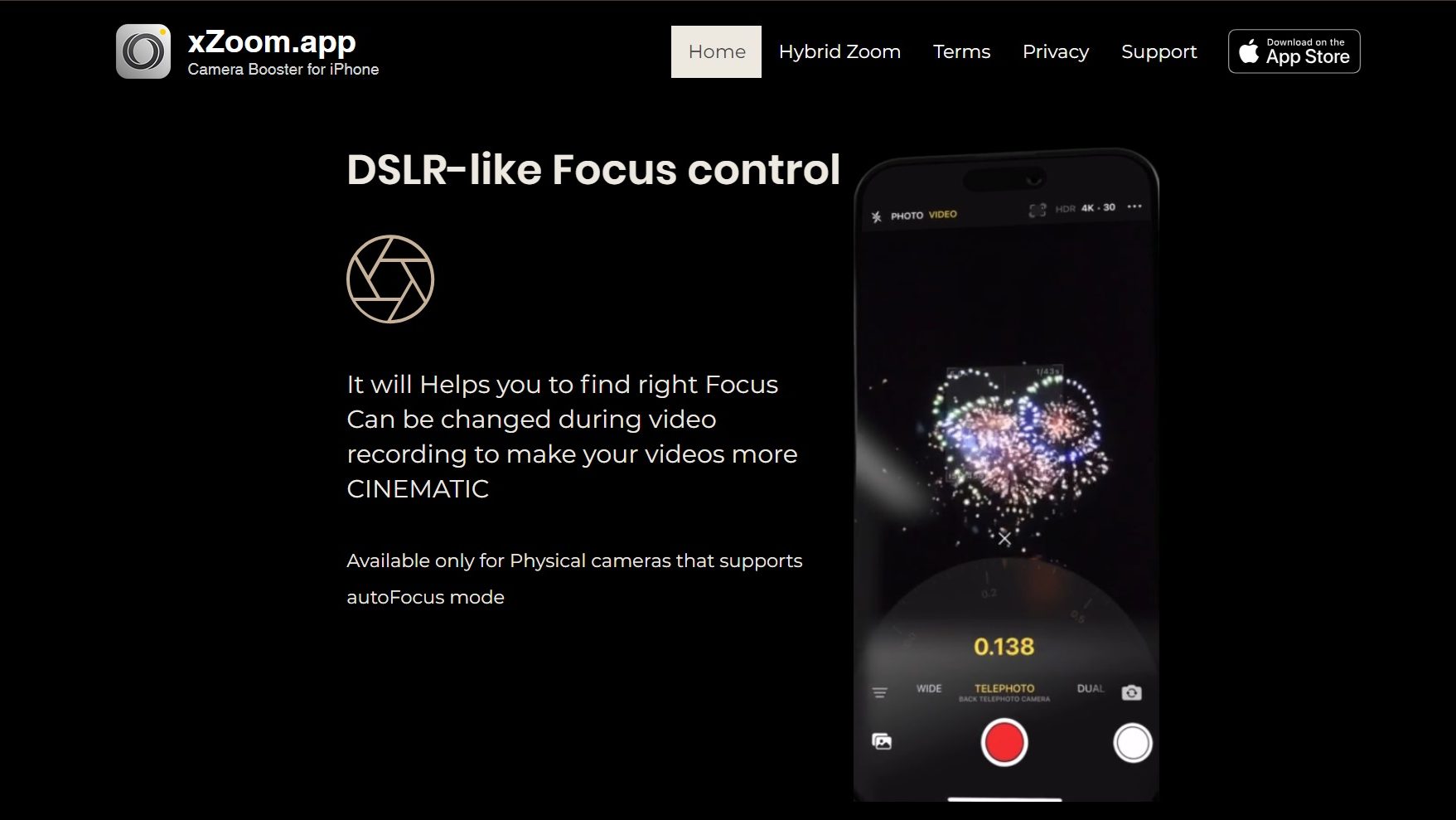
  2. Precise Focus: With xZoom, users can achieve precise focus on their subjects, ensuring sharp and clear images and videos every time.
  3. Direct Camera Access: The app offers direct access to the camera, making it easy to capture moments and apply zoom and focus adjustments in real time.
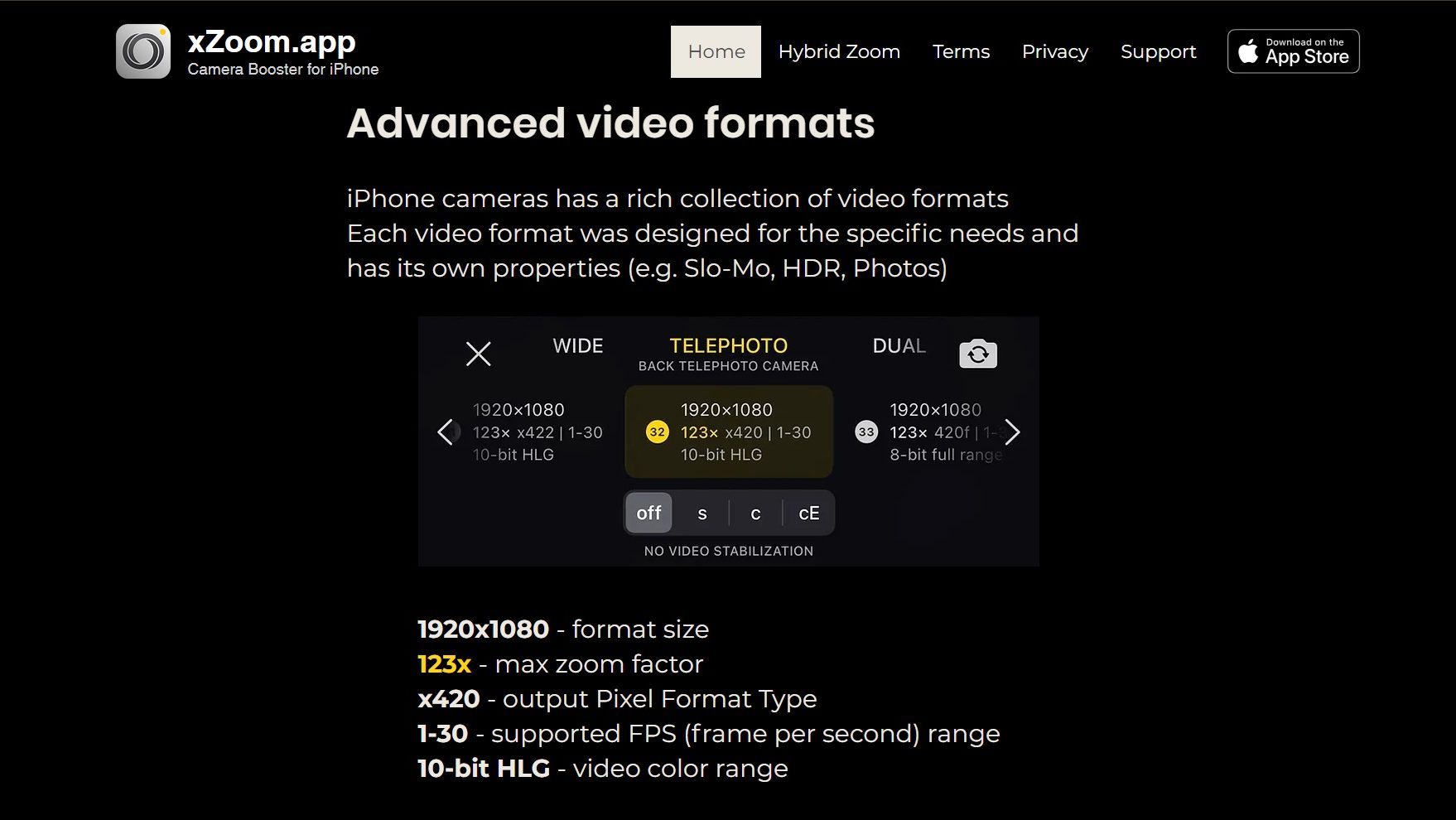
  4. Support for All Video Formats: xZoom supports all available video formats, ensuring compatibility with various devices and platforms for seamless editing and sharing.
  5. Video Stabilization: xZoom includes video stabilization features to minimize shaky footage and produce smooth, professional-looking videos.

Who is xZoom For?

xZoom caters to a wide range of users, including:

  1. Photographers: Photographers can use xZoom to enhance their photos with extra zoom capabilities and precise focus, resulting in stunning and detailed images.
  2. Videographers: Videographers benefit from xZoom’s support for all video formats and video stabilization features, allowing them to create high-quality videos with ease.
  3. Content Creators: Content creators looking to elevate their visual content on social media platforms can use xZoom to add extra zoom and focus effects to their photos and videos.
  4. Enthusiasts: Hobbyists and enthusiasts interested in photography and videography can explore their creativity with xZoom’s user-friendly interface and advanced editing tools.

In summary, xZoom is a must-have app for anyone looking to enhance their photos and videos with extra zoom capabilities, precise focus, and professional editing features. Whether you’re a photographer, videographer, content creator, or enthusiast, xZoom provides the tools you need to take your visual content to the next level.


xZoom Summary

What is xZoom?

xZoom is an innovative app that offers enhanced zoom capabilities for both photos and videos, featuring precise focus and direct camera access. With support for all available video formats and video stabilization, xZoom is the ultimate tool for elevating your visual content to the next level.

Why Use xZoom?

In the realm of photo and video editing apps, xZoom stands out for:

  1. Extra Zoom for Photo and Video: xZoom provides additional zoom capabilities for both photos and videos, allowing users to capture and enhance details with precision.
  2. Precise Focus: With xZoom, users can achieve precise focus on their subjects, ensuring sharp and clear images and videos every time.
  3. Direct Camera Access: The app offers direct access to the camera, making it easy to capture moments and apply zoom and focus adjustments in real time.
  4. Support for All Video Formats: xZoom supports all available video formats, ensuring compatibility with various devices and platforms for seamless editing and sharing.
  5. Video Stabilization: xZoom includes video stabilization features to minimize shaky footage and produce smooth, professional-looking videos.

Who is xZoom For?

xZoom caters to a wide range of users, including:

  1. Photographers: Photographers can use xZoom to enhance their photos with extra zoom capabilities and precise focus, resulting in stunning and detailed images.
  2. Videographers: Videographers benefit from xZoom’s support for all video formats and video stabilization features, allowing them to create high-quality videos with ease.
  3. Content Creators: Content creators looking to elevate their visual content on social media platforms can use xZoom to add extra zoom and focus effects to their photos and videos.
  4. Enthusiasts: Hobbyists and enthusiasts interested in photography and videography can explore their creativity with xZoom’s user-friendly interface and advanced editing tools.

In summary, xZoom is a must-have app for anyone looking to enhance their photos and videos with extra zoom capabilities, precise focus, and professional editing features. Whether you’re a photographer, videographer, content creator, or enthusiast, xZoom provides the tools you need to take your visual content to the next level.

xZoom reviews

Learn what people say about xZoom

N/A
0 Reviews
72%
Subscribed Score

Lear more here about the Subscribed score on how it is composed. Learn more Click here

Overall rating

5
4
3
2
1
CX 4/6

How good is the customer support based on subscribed’s assessment

CX Icon
Security 4/6

How secure is the product based on Subscribed’s assessment?

Security Icon
Ease of Use 5/6

How easy is the product to use, based on Subscribed’s assessment?

EOU Icon
Value 5/6

What is the value for money based on Subscribed’s assessment?

coin Icon
Integration 4/6

How many integrations does the product offer?

gear Icon
Popularity 4/6

How popular is the product?

star

No Reviews Yet!

Be the first to share your experience and help others in the community.

xZoom User Reviews

0 User Reviews

Reviews from G2, Capterra, Trustpilot
info Icon

These ratings come directly from third-party platforms like G2, Capterra, and Trustpilot. They reflect real user feedback collected independently on those sites.

xZoom

No Pricing Yet

We’re still collecting pricing info for this product, Check the website for the latest details.

Deals Available

This product comes with a special deal, see details

Visit Now
✨ Ask AI about pricing
72% Subscribed Score
info Icon

The Subscribed Score is an independent rating that combines user reviews, features, and value-for-money from multiple trusted sources. It’s designed as a quick benchmark, not a guarantee of individual experience.

Analysis

What is xZoom?

xZoom is an innovative app that offers enhanced zoom capabilities for both photos and videos, featuring precise focus and direct camera access. With support for all available video formats and video stabilization, xZoom is the ultimate tool for elevating your visual content to the next level.

Why Use xZoom?

In the realm of photo and video editing apps, xZoom stands out for:

  1. Extra Zoom for Photo and Video: xZoom provides additional zoom capabilities for both photos and videos, allowing users to capture and enhance details with precision.
  2. Precise Focus: With xZoom, users can achieve precise focus on their subjects, ensuring sharp and clear images and videos every time.
  3. Direct Camera Access: The app offers direct access to the camera, making it easy to capture moments and apply zoom and focus adjustments in real time.
  4. Support for All Video Formats: xZoom supports all available video formats, ensuring compatibility with various devices and platforms for seamless editing and sharing.
  5. Video Stabilization: xZoom includes video stabilization features to minimize shaky footage and produce smooth, professional-looking videos.

Who is xZoom For?

xZoom caters to a wide range of users, including:

  1. Photographers: Photographers can use xZoom to enhance their photos with extra zoom capabilities and precise focus, resulting in stunning and detailed images.
  2. Videographers: Videographers benefit from xZoom’s support for all video formats and video stabilization features, allowing them to create high-quality videos with ease.
  3. Content Creators: Content creators looking to elevate their visual content on social media platforms can use xZoom to add extra zoom and focus effects to their photos and videos.
  4. Enthusiasts: Hobbyists and enthusiasts interested in photography and videography can explore their creativity with xZoom’s user-friendly interface and advanced editing tools.

In summary, xZoom is a must-have app for anyone looking to enhance their photos and videos with extra zoom capabilities, precise focus, and professional editing features. Whether you’re a photographer, videographer, content creator, or enthusiast, xZoom provides the tools you need to take your visual content to the next level.

Subscribed Score Metrics
26/36 Metric achieved
MetricsScore
Customer Support4/6
Security4/6
Ease of Use5/6
Value of Money5/6
Integration4/6
Popularity4/6
Radar Chart Table View
Ease of Use
Measures how simple and intuitive the product is to use, including setup, navigation, and overall user experience
5/6 Metric Checks
Security
Compares the product`s features, quality, and pricing to determine its overall cost-effectiveness.
4/6 Metric Checks
Value of Money
Assesses the product`s ability to protect data, prevent breaches, and comply with industry standards.
5/6 Metric Checks
Customer Support
Reflects the responsiveness, helpfulness, and quality of assistance provided by the product`s support team.
4/6 Metric Checks
Integrations
Evaluates how well the product connects with other tools and platforms, enabling seamless workflows.
4/6 Metric Checks
xZoom Pricing Range
No Pricing Yet

xZoom Showcase
info Icon

A curated gallery of real screenshots and use cases from the product, so you can see how it works before trying it.

Full Screen Icon
Full Screen Icon
Full Screen Icon
Full Screen Icon

What else exists next to xZoom
info Icon

A list of platforms similar to xZoom, helping you evaluate which tool best matches your needs.

empty stats

No Alternatives Found

Looks like we cannot found any other relevant product at this moment

✨ Ask All alternative with AI
Need to cancel xZoom? Here is how
info Icon

Thinking about how to cancel xZoom this is how you do it!

Steps to Cancel xZoom Subscription.

Canceling your xZoom Subscription is a straightforward process. You can follow a few simple steps to initiate the cancellation or explore options to switch to a different plan. For detailed instructions, refer to xZoom Cancellation Guide.

How to Cancel the xZoom

Steps to Cancel xZoom Subscription.

Canceling your xZoom Subscription is a straightforward process. You can follow a few simple steps to initiate the cancellation or explore options to switch to a different plan. For detailed instructions, refer to xZoom Cancellation Guide.

Every else you need to know about xZoom
info Icon

A collection of FAQs, guides, alternatives, and comparisons to help you quickly understand if xZoom is right for you.

No Pricing Yet

Ask Curious AI
Visit Now
Deals Available

This product comes with a special deal, see details

This product comes with a special deal, see details