Sign in to review
Join our community of software reviewers on Subscribed.fyi

Continue With Google
Continue With LinkedIn
Continue Review with Email
Continue with Email
Enter your email to continue.
Continue
Enter your password
Enter your password to finish setting up your account.
Continue
Activate your email
Enter activation code we sent to your email.
Submit
Reset your password
Enter activation code we sent to your email.
Submit
Set your new password
Enter a new password for your account.
Submit
Log in
Provide My Insights
Sketch logo
Sketch logo

Sketch Reviews, Pricing, Features & Alternatives (2026)

Revolutionize your creativity with our cutting-edge Sketch tool. Unleash your imagination effortlessly, with intuitive features and a sleek interface. Transform ideas into stunning visuals seamlessly. Elevate your design game today!

Sketch logo
Sketch logo
Sketch logo

Sketch Overview

What is Sketch?

N/A
★ ★ ★ ★ ★
0
Reviews

Available for Claim - This listing is available to be claimed
Claim Profile

Unclaimed

Claim this profile to manage it.

Claim Profile

Why teams choose Sketch

Key Features

Scales with You
Scales with You
Grows with your business needs.
Save Time
Save Time
Focus on impact, not repetitive tasks.
Works Anywhere
Works Anywhere
Accessible from any device, anytime.

Who is Sketch for?

Sketch: Unleash Your Creativity with Revolutionary Design Software

Welcome to Sketch, the industry-leading design software that empowers creatives to turn their ideas into reality. Whether you’re a seasoned designer, a budding artist, or a UI/UX professional, Sketch is your canvas for creating stunning, intuitive, and pixel-perfect designs. Elevate your design process and bring your vision to life with Sketch.

Key Features:

  • Vector Editing at its Finest: Dive into the world of precision with Sketch‘s powerful vector editing tools. Create scalable designs with ease, ensuring your artwork looks flawless on any screen size.
  • Artboard-based Design: Organize your designs effortlessly with Sketch’s artboard-based approach. Streamline your workflow by creating artboards for different screens, devices, or design iterations, keeping your work tidy and well-structured.
  • Symbols and Styles: Speed up your design process and ensure consistency across your projects with Sketch‘s symbols and styles. Make changes to a symbol or style, and watch those updates ripple through your entire design, maintaining a cohesive and polished look.
  • Intuitive Interface: Embrace a user-friendly interface designed for creatives. Navigate seamlessly through your design elements, layers, and tools, allowing you to focus on bringing your ideas to life without unnecessary distractions.
  • Robust Prototyping: Transform static designs into interactive prototypes with Sketch’s powerful prototyping features. Showcase your design flow, transitions, and user interactions to stakeholders, making collaboration and feedback more insightful.
  • Third-Party Integrations: Extend Sketch‘s capabilities with a vast array of plugins and integrations. Connect Sketch to your favorite design and collaboration tools, enhancing your workflow and staying in sync with your team.
  • Version History and Collaboration: Collaborate seamlessly with your team using Sketch Cloud. Share designs, gather feedback, and access version history, ensuring everyone is on the same page throughout the design process.

Benefits:

  • Efficiency in Design: Streamline your design process with Sketch‘s efficient and intuitive tools, allowing you to focus on creativity rather than technicalities.
  • Pixel-Perfect Precision: Achieve pixel-perfect designs with Sketch‘s vector editing capabilities, ensuring your artwork looks sharp and professional across all platforms.
  • Consistency Across Designs: Maintain design consistency with symbols and styles, reducing the risk of errors and saving time on updates across various elements.
  • Effective Collaboration: Collaborate seamlessly with your team, clients, and stakeholders using Sketch Cloud, fostering better communication and reducing iteration cycles.
  • Responsive Prototyping: Showcase your designs in action with interactive prototypes, providing a realistic preview of user interactions and design flow.

Unlock the full potential of your creativity with Sketch. Join the global community of designers who trust Sketch to bring their ideas to life. Start your free trial today and experience the next level of design innovation.

Sketch Summary

Sketch: Unleash Your Creativity with Revolutionary Design Software

Welcome to Sketch, the industry-leading design software that empowers creatives to turn their ideas into reality. Whether you’re a seasoned designer, a budding artist, or a UI/UX professional, Sketch is your canvas for creating stunning, intuitive, and pixel-perfect designs. Elevate your design process and bring your vision to life with Sketch.

Key Features:

  • Vector Editing at its Finest: Dive into the world of precision with Sketch‘s powerful vector editing tools. Create scalable designs with ease, ensuring your artwork looks flawless on any screen size.
  • Artboard-based Design: Organize your designs effortlessly with Sketch’s artboard-based approach. Streamline your workflow by creating artboards for different screens, devices, or design iterations, keeping your work tidy and well-structured.
  • Symbols and Styles: Speed up your design process and ensure consistency across your projects with Sketch‘s symbols and styles. Make changes to a symbol or style, and watch those updates ripple through your entire design, maintaining a cohesive and polished look.
  • Intuitive Interface: Embrace a user-friendly interface designed for creatives. Navigate seamlessly through your design elements, layers, and tools, allowing you to focus on bringing your ideas to life without unnecessary distractions.
  • Robust Prototyping: Transform static designs into interactive prototypes with Sketch’s powerful prototyping features. Showcase your design flow, transitions, and user interactions to stakeholders, making collaboration and feedback more insightful.
  • Third-Party Integrations: Extend Sketch‘s capabilities with a vast array of plugins and integrations. Connect Sketch to your favorite design and collaboration tools, enhancing your workflow and staying in sync with your team.
  • Version History and Collaboration: Collaborate seamlessly with your team using Sketch Cloud. Share designs, gather feedback, and access version history, ensuring everyone is on the same page throughout the design process.

Benefits:

  • Efficiency in Design: Streamline your design process with Sketch‘s efficient and intuitive tools, allowing you to focus on creativity rather than technicalities.
  • Pixel-Perfect Precision: Achieve pixel-perfect designs with Sketch‘s vector editing capabilities, ensuring your artwork looks sharp and professional across all platforms.
  • Consistency Across Designs: Maintain design consistency with symbols and styles, reducing the risk of errors and saving time on updates across various elements.
  • Effective Collaboration: Collaborate seamlessly with your team, clients, and stakeholders using Sketch Cloud, fostering better communication and reducing iteration cycles.
  • Responsive Prototyping: Showcase your designs in action with interactive prototypes, providing a realistic preview of user interactions and design flow.

Unlock the full potential of your creativity with Sketch. Join the global community of designers who trust Sketch to bring their ideas to life. Start your free trial today and experience the next level of design innovation.

Sketch reviews and insights

Learn what people say about Sketch

N/A ★ ★ ★ ★ ★
0 Reviews

No Reviews Yet!

Be the first to share your experience and help others in the community.

Sketch logo

Sketch User Reviews

0 User Reviews

Reviews from G2, Capterra, Trustpilot
info Icon

These ratings come directly from third-party platforms like G2, Capterra, and Trustpilot. They reflect real user feedback collected independently on those sites.

Sketch pricing

Pricing model

Sketch logo
Pricing Range
info Icon

This only an estimated pricing range, visit Sketch pricing page to access all the information by clicking “Visit Now”.

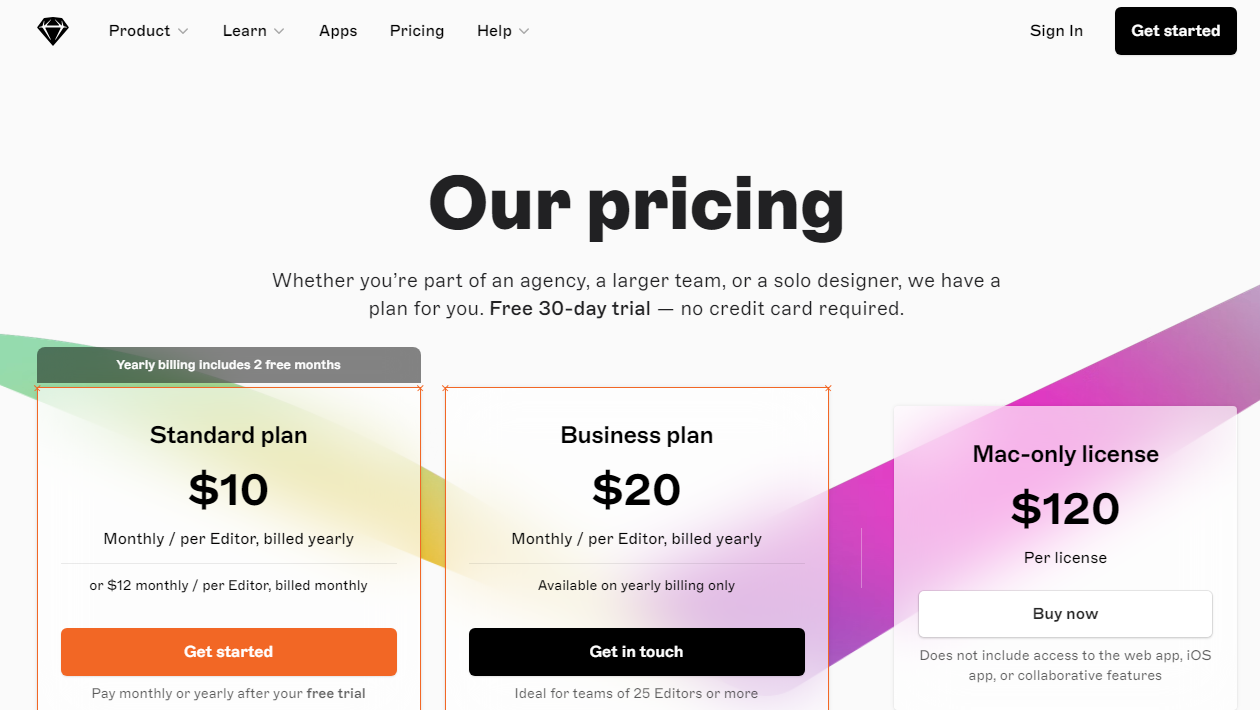
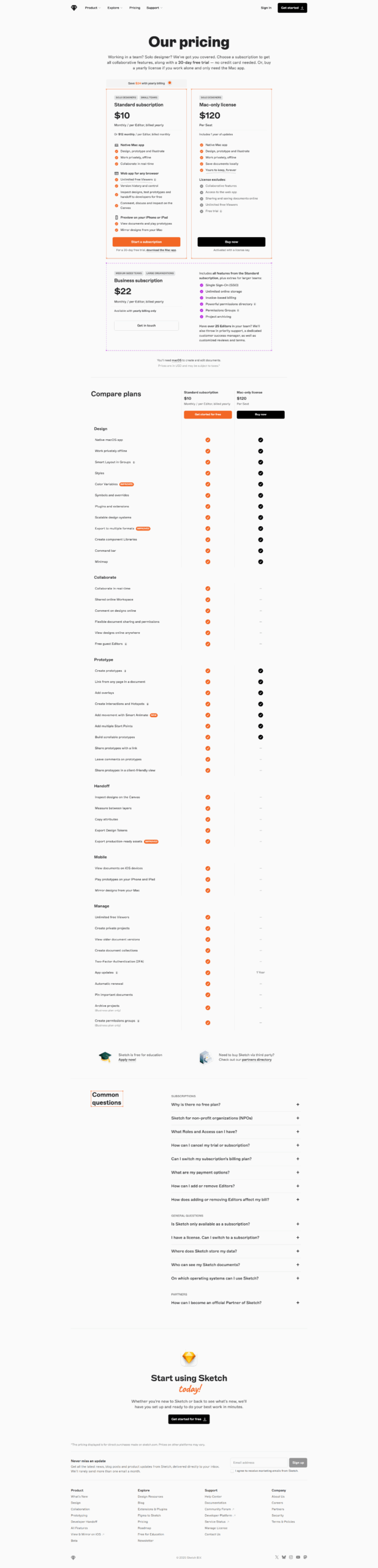
$10-$22 / Month
Deals Available

This product comes with a special deal, see details

Visit Now

Overview

Sketch: Unleash Your Creativity with Revolutionary Design Software

Welcome to Sketch, the industry-leading design software that empowers creatives to turn their ideas into reality. Whether you’re a seasoned designer, a budding artist, or a UI/UX professional, Sketch is your canvas for creating stunning, intuitive, and pixel-perfect designs. Elevate your design process and bring your vision to life with Sketch.

Key Features:

  • Vector Editing at its Finest: Dive into the world of precision with Sketch‘s powerful vector editing tools. Create scalable designs with ease, ensuring your artwork looks flawless on any screen size.
  • Artboard-based Design: Organize your designs effortlessly with Sketch’s artboard-based approach. Streamline your workflow by creating artboards for different screens, devices, or design iterations, keeping your work tidy and well-structured.
  • Symbols and Styles: Speed up your design process and ensure consistency across your projects with Sketch‘s symbols and styles. Make changes to a symbol or style, and watch those updates ripple through your entire design, maintaining a cohesive and polished look.
  • Intuitive Interface: Embrace a user-friendly interface designed for creatives. Navigate seamlessly through your design elements, layers, and tools, allowing you to focus on bringing your ideas to life without unnecessary distractions.
  • Robust Prototyping: Transform static designs into interactive prototypes with Sketch’s powerful prototyping features. Showcase your design flow, transitions, and user interactions to stakeholders, making collaboration and feedback more insightful.
  • Third-Party Integrations: Extend Sketch‘s capabilities with a vast array of plugins and integrations. Connect Sketch to your favorite design and collaboration tools, enhancing your workflow and staying in sync with your team.
  • Version History and Collaboration: Collaborate seamlessly with your team using Sketch Cloud. Share designs, gather feedback, and access version history, ensuring everyone is on the same page throughout the design process.

Benefits:

  • Efficiency in Design: Streamline your design process with Sketch‘s efficient and intuitive tools, allowing you to focus on creativity rather than technicalities.
  • Pixel-Perfect Precision: Achieve pixel-perfect designs with Sketch‘s vector editing capabilities, ensuring your artwork looks sharp and professional across all platforms.
  • Consistency Across Designs: Maintain design consistency with symbols and styles, reducing the risk of errors and saving time on updates across various elements.
  • Effective Collaboration: Collaborate seamlessly with your team, clients, and stakeholders using Sketch Cloud, fostering better communication and reducing iteration cycles.
  • Responsive Prototyping: Showcase your designs in action with interactive prototypes, providing a realistic preview of user interactions and design flow.

Unlock the full potential of your creativity with Sketch. Join the global community of designers who trust Sketch to bring their ideas to life. Start your free trial today and experience the next level of design innovation.

Where Sketch performs best

What users like
  • Intuitive and user-friendly design interface
  • Fast creation of web and app designs
  • Extensive plugins enhancing functionality
  • Strong vector graphic capabilities

Where Sketch falls short

What users dislike
  • Only available for macOS
  • Limited collaboration features compared to competitors
  • Performance issues with large files
  • Relies heavily on plugins for advanced features
Sketch Pricing Range
$10-$22 / Month

Sketch in action
info Icon

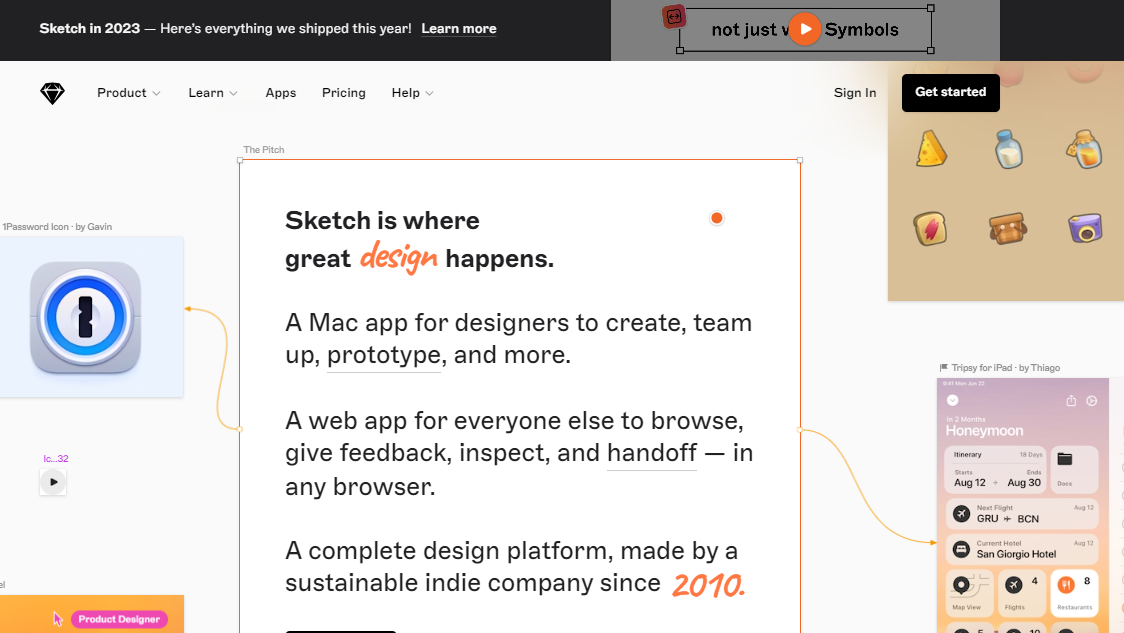
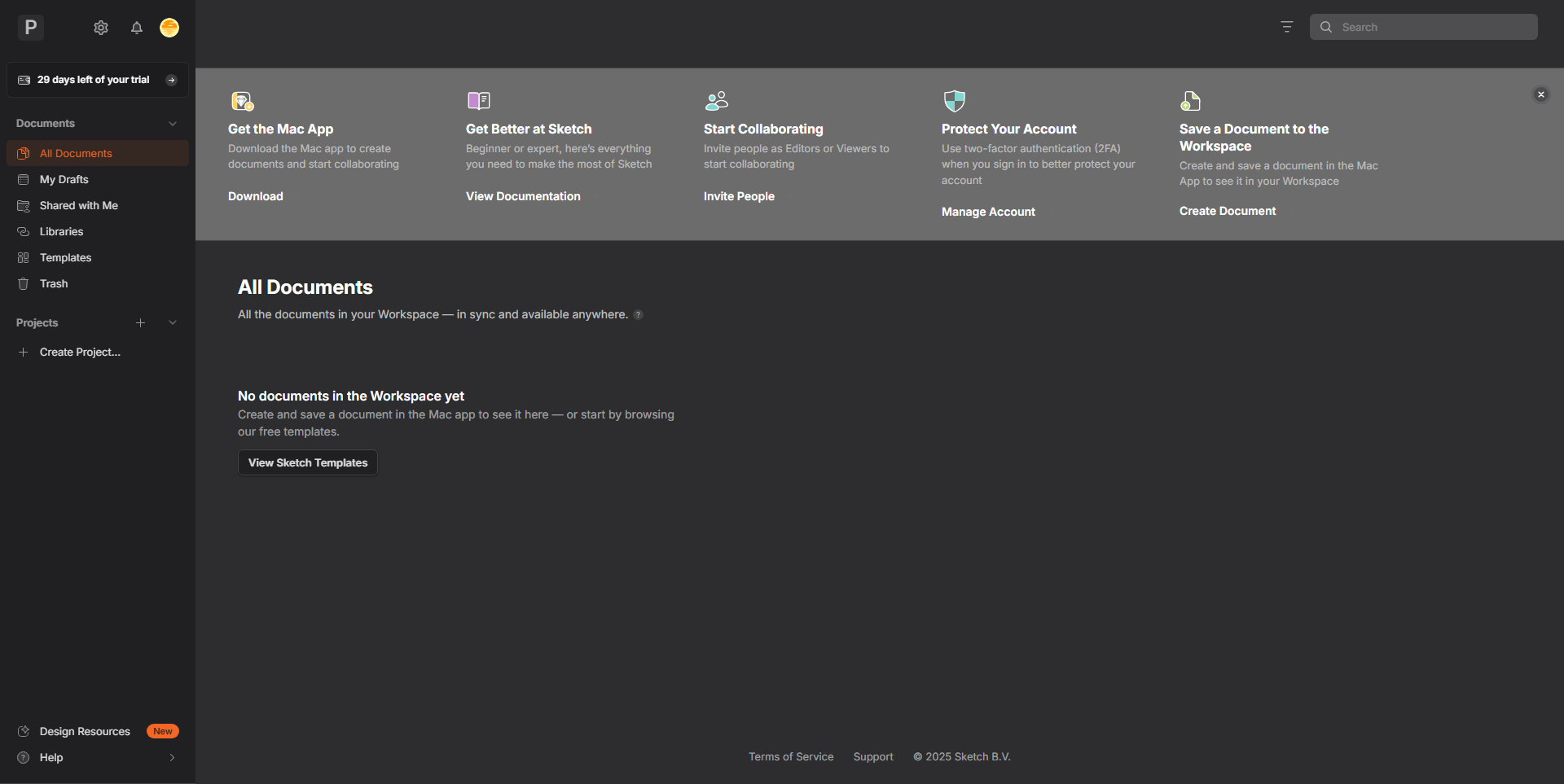
A curated gallery of real screenshots and use cases from the product, so you can see how it works before trying it.

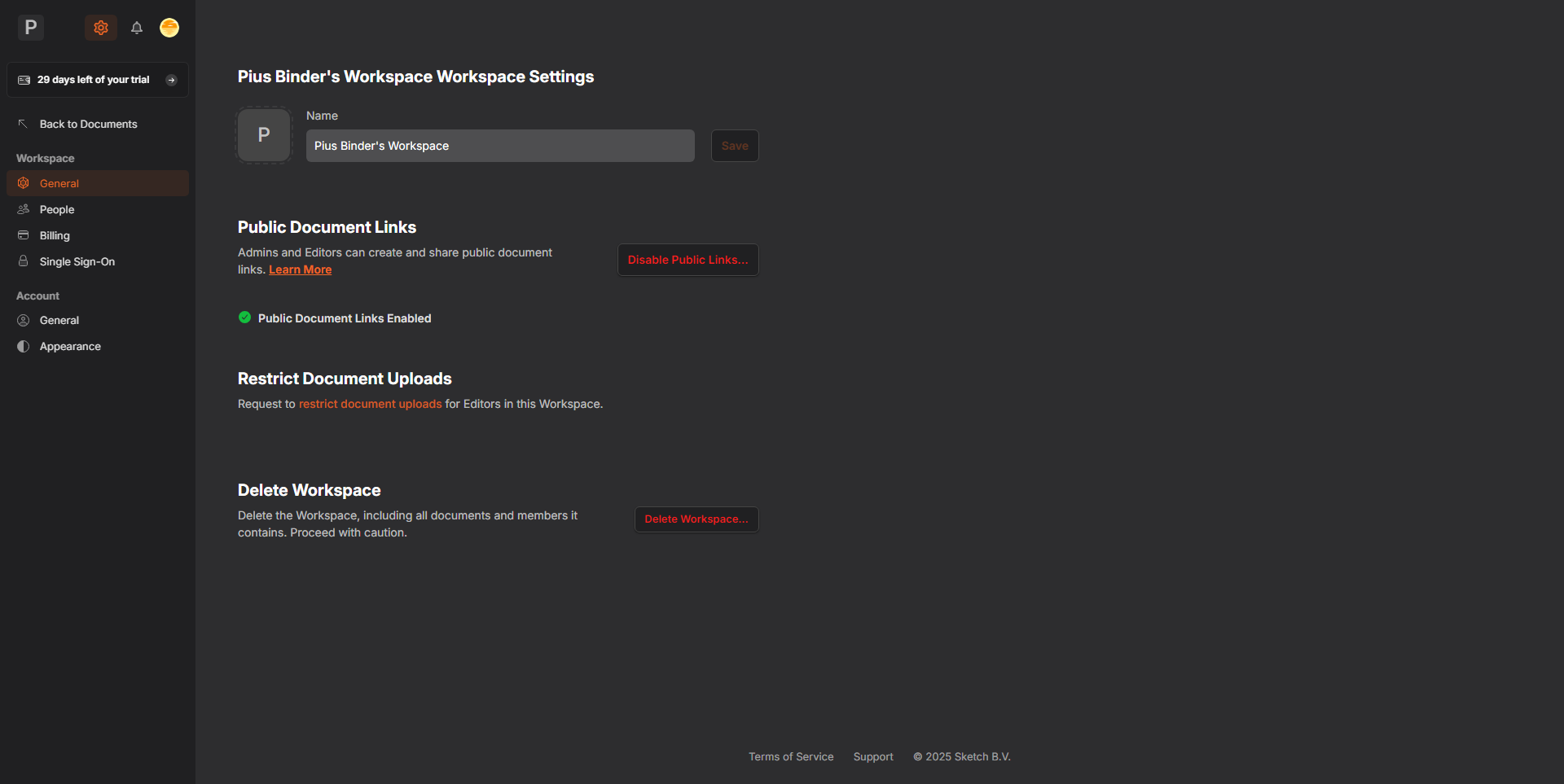
Sketch screenshot 1 Full Screen Icon
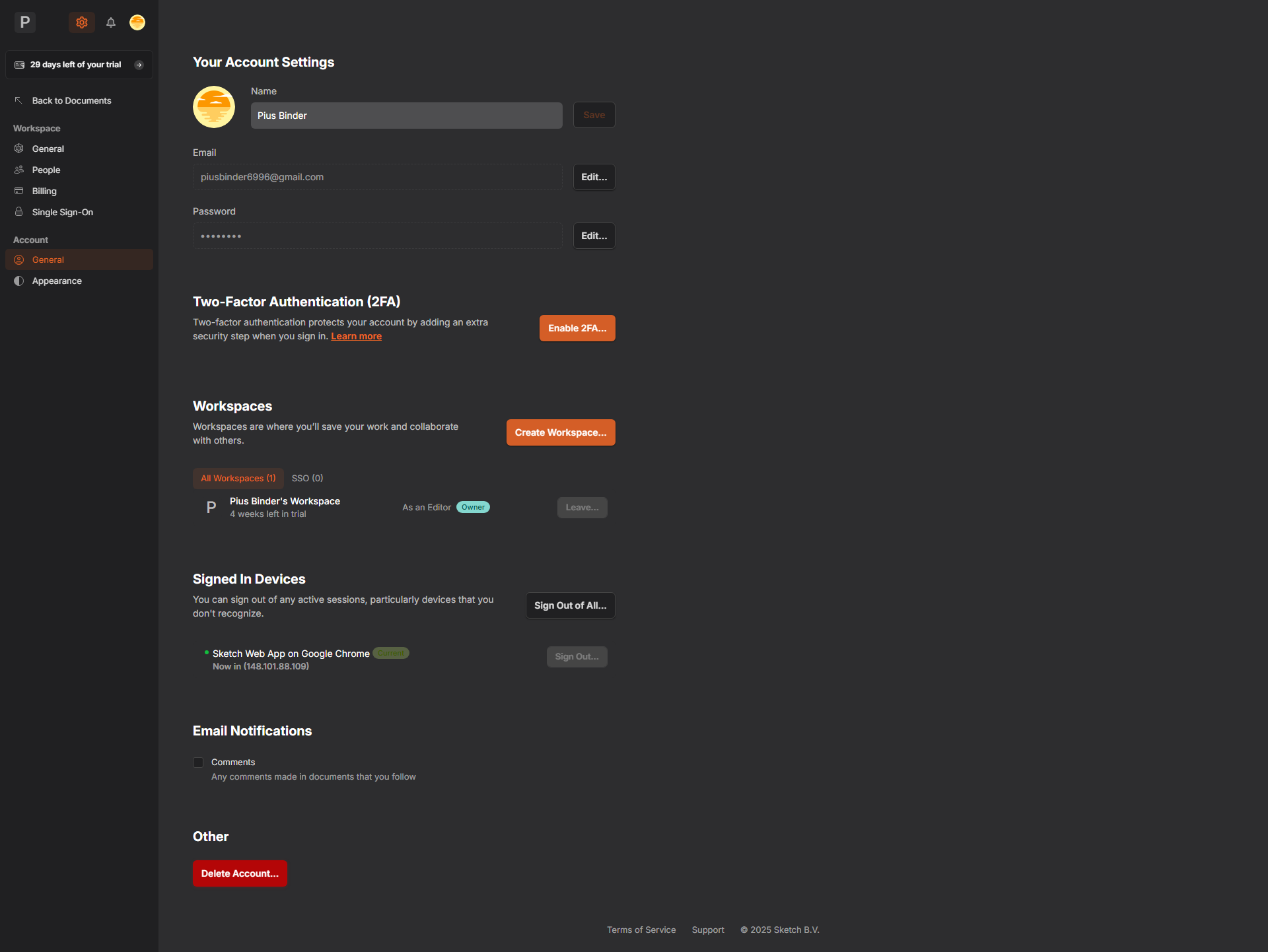
Sketch screenshot 2 Full Screen Icon
Sketch screenshot 3 Full Screen Icon
Sketch screenshot 4 Full Screen Icon
Sketch screenshot 5 Full Screen Icon
Sketch screenshot 6 Full Screen Icon
https://www.youtube.com/watch?v=v9GWRiesKLU?feature=oembed
Full Screen Icon
Sketch screenshot 1
Sketch screenshot 2
Sketch screenshot 3
Sketch screenshot 4
Sketch screenshot 5
Sketch screenshot 6
Video thumbnail
Sketch screenshot 1
Sketch screenshot 2
Sketch screenshot 3
Sketch screenshot 4
Sketch screenshot 5
Sketch screenshot 6

Alternatives to Sketch
info Icon

A list of platforms similar to Sketch, helping you evaluate which tool best matches your needs.

How to cancel Sketch

Need to cancel Sketch? Here is how
info Icon

Thinking about how to cancel Sketch this is how you do it!

Steps to Cancel Sketch Subscription

Canceling your Sketch subscription is a simple process. For detailed instructions on subscription termination, please refer to Sketch Subscription Cancellation.

How to Cancel the Sketch

Steps to Cancel Sketch Subscription

Canceling your Sketch subscription is a simple process. For detailed instructions on subscription termination, please refer to Sketch Subscription Cancellation.

Manage your Sketch profile

Create profile

Want to list your product on Subscribed.fyi? Create a profile to reach more buyers.

Pricing Range
info Icon

This only an estimated pricing range, visit Sketch pricing page to access all the information by clicking “Visit Now”.

$10-$22 / Month
Visit Now
Deals Available

This product comes with a special deal, see details

This product comes with a special deal, see details