Project management tools like , Notion, Basecamp, Lark, Slack, Asana and Trello.
AI chatbot tools like ChatGPT, Grok, Perplexity, Claude, Gemini and Copilot.
Marketing analytics platforms like Google Analytics, Similarweb and Semrush.
CRM systems like HubSpot, Apollo.io Pipedrive, Zoho CRM, and Salesforce.
VPNs, SSO providers, and password managers like NordVPN, Okta, and LastPass.
Email marketing and campaign tools like MailerLite, Instantly, and Mailchimp.
Website builders, hosting tools like Hostinger, Webflow, Framer, and Shopify
HR and recruiting software like ATS platforms, BambooHR, Workday, and Lever.
Automate finances with confidence like Quickbooks, Stripe, Brex, and Mercury.
Design and editing tools like Figma, Canva, Adobe Creative Cloud, CapCut.
Workflow automation tools like Zapier, Make, Clay, and Reclaim.ai.
No-code and AI-native dev tools like Cursor, Windsurf, Lovable and Bubble.

Chat to find tools, compare options,

Discover the best-performing
Manage profile with subsig, and
unlock 23+ social and review monitoring. Get partnership options with
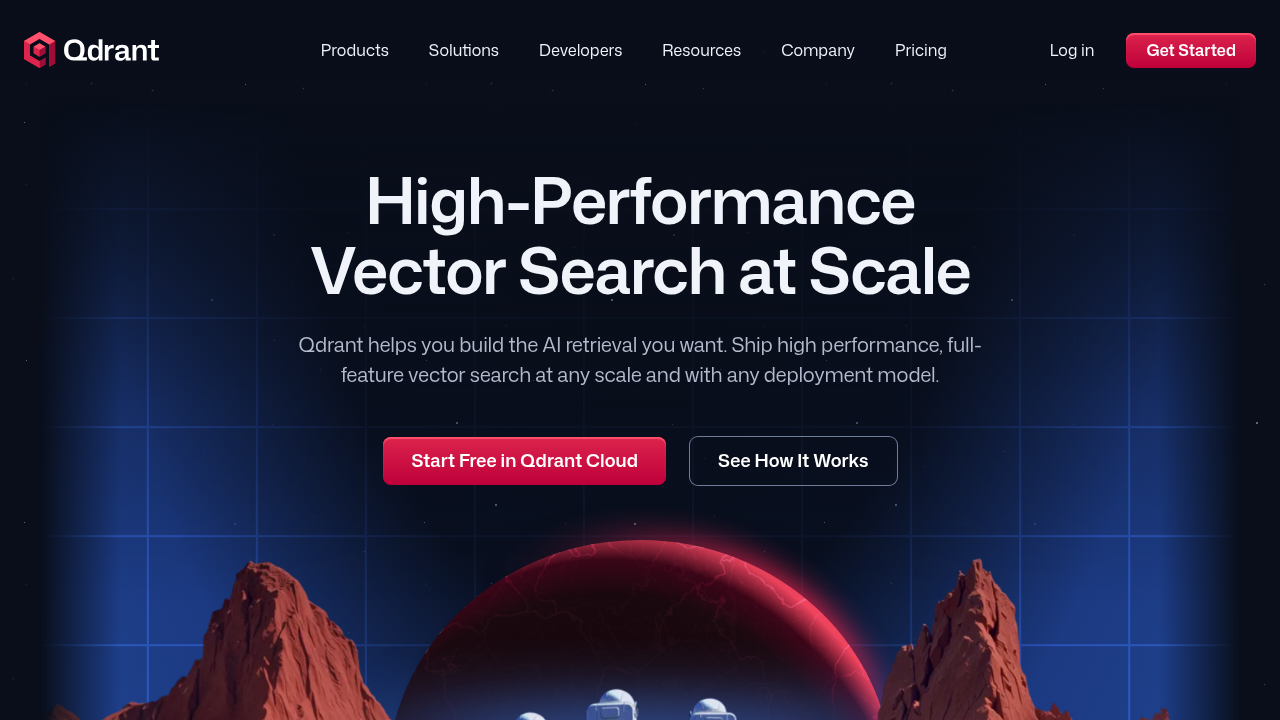
Qdrant is an enterprise-ready, high-performance vector database and search engine designed to power next-generation AI applications. Written in Rust, it provides fast and scalable vector similarity search capabilities with a convenient API that developers can deploy across any environment.
Why Use Qdrant? Qdrant enables AI applications to perform semantic search, matching, recommendations, and retrieval operations with exceptional speed and reliability. Its vector similarity search technology allows businesses to build sophisticated AI-powered features without managing complex infrastructure.
Who is Qdrant For? Qdrant serves enterprises, developers, and organizations building AI applications requiring high-performance vector search. It’s ideal for teams implementing retrieval-augmented generation (RAG), semantic search, recommendation systems, and other AI-driven features.
Key Features and Benefits
Qdrant is an enterprise-ready, high-performance vector database and search engine designed to power next-generation AI applications. Written in Rust, it provides fast and scalable vector similarity search capabilities with a convenient API that developers can deploy across any environment.
Why Use Qdrant? Qdrant enables AI applications to perform semantic search, matching, recommendations, and retrieval operations with exceptional speed and reliability. Its vector similarity search technology allows businesses to build sophisticated AI-powered features without managing complex infrastructure.
Who is Qdrant For? Qdrant serves enterprises, developers, and organizations building AI applications requiring high-performance vector search. It’s ideal for teams implementing retrieval-augmented generation (RAG), semantic search, recommendation systems, and other AI-driven features.
Key Features and Benefits
Learn what people say about Qdrant
Be the first to share your experience and help others in the community.
Qdrant is an enterprise-ready, high-performance vector database and search engine designed to power next-generation AI applications. Written in Rust, it provides fast and scalable vector similarity search capabilities with a convenient API that developers can deploy across any environment.
Why Use Qdrant? Qdrant enables AI applications to perform semantic search, matching, recommendations, and retrieval operations with exceptional speed and reliability. Its vector similarity search technology allows businesses to build sophisticated AI-powered features without managing complex infrastructure.
Who is Qdrant For? Qdrant serves enterprises, developers, and organizations building AI applications requiring high-performance vector search. It’s ideal for teams implementing retrieval-augmented generation (RAG), semantic search, recommendation systems, and other AI-driven features.
Key Features and Benefits
To cancel Qdrant Cloud, log into your account at cloud.qdrant.io, navigate to billing settings, delete or pause clusters, and select the cancellation option. Confirm the cancellation through the email verification link. Back up your data before canceling, as deletion is permanent. For open-source users, simply discontinue use.
Want to list your product on Subscribed.fyi? Create a profile to reach more buyers.