Organize Your Thoughts with Google Keep – The Simple Note-Taking Solution
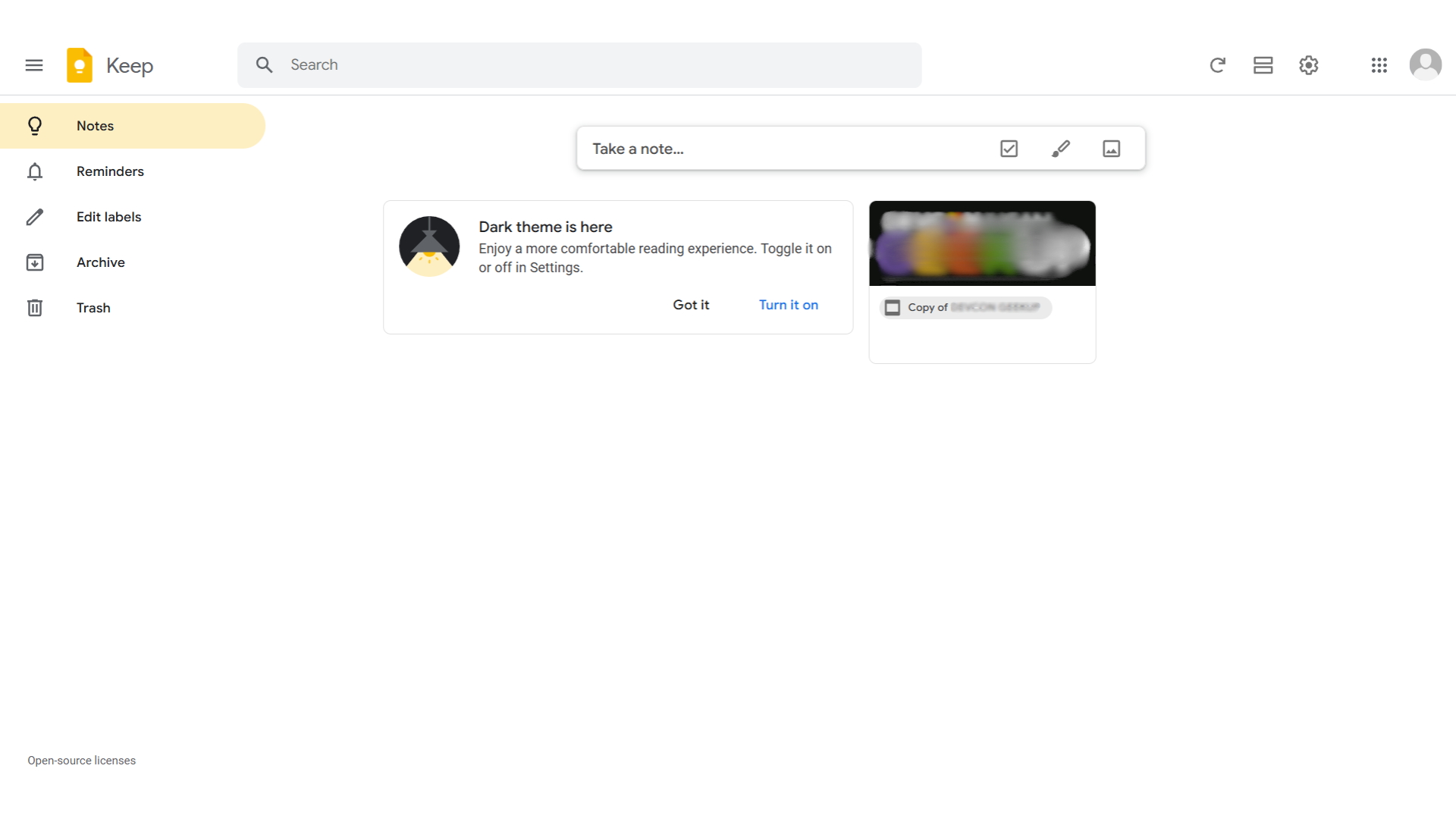
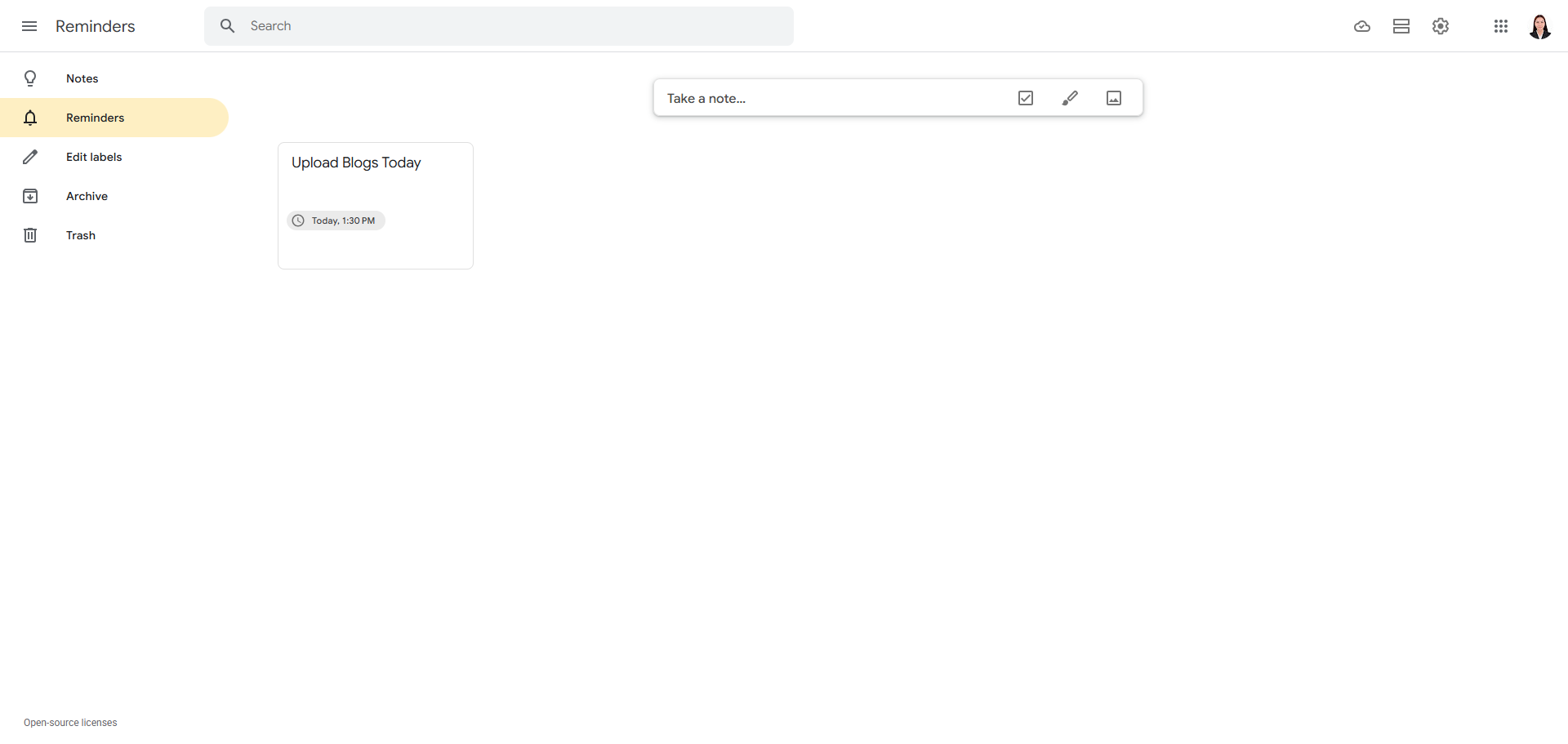
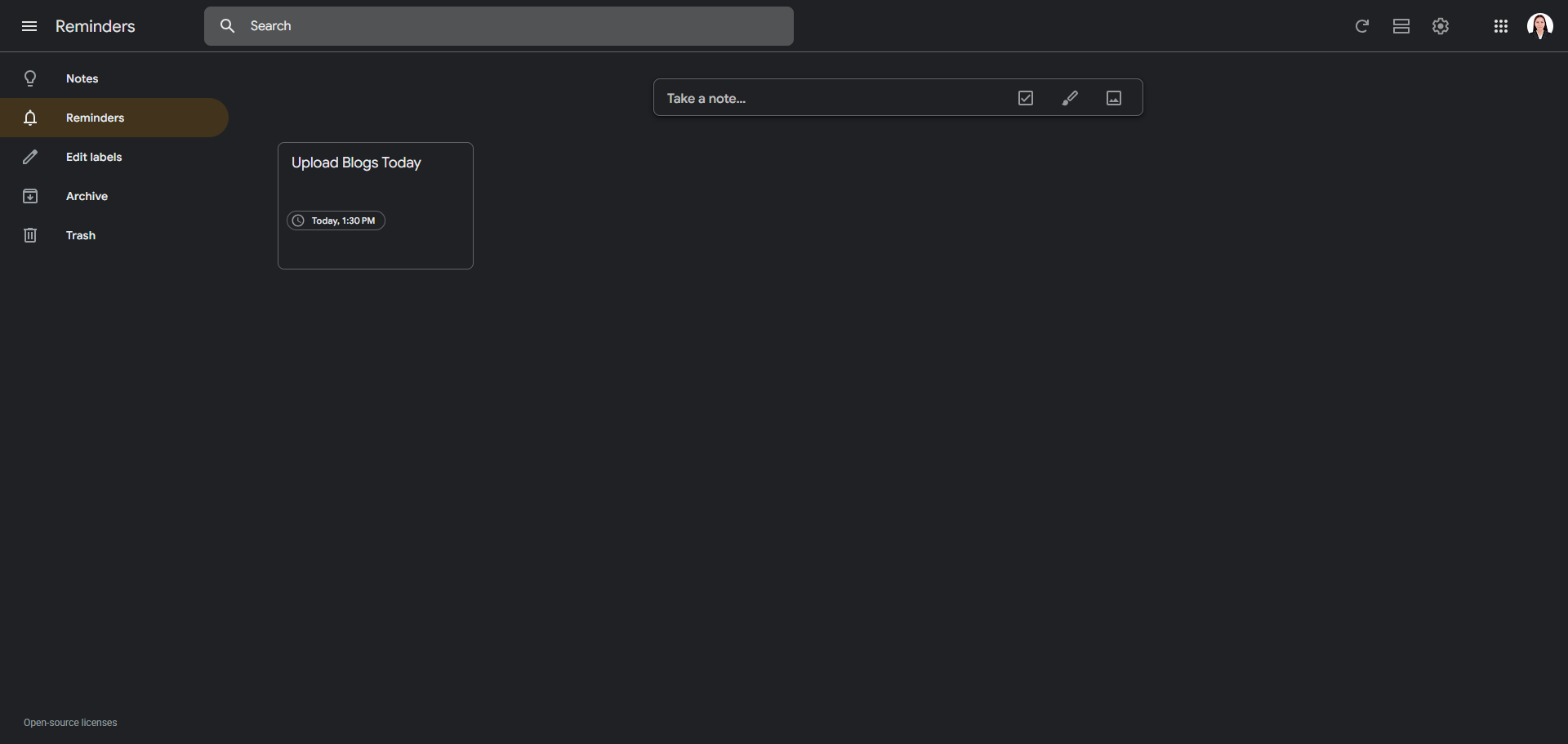
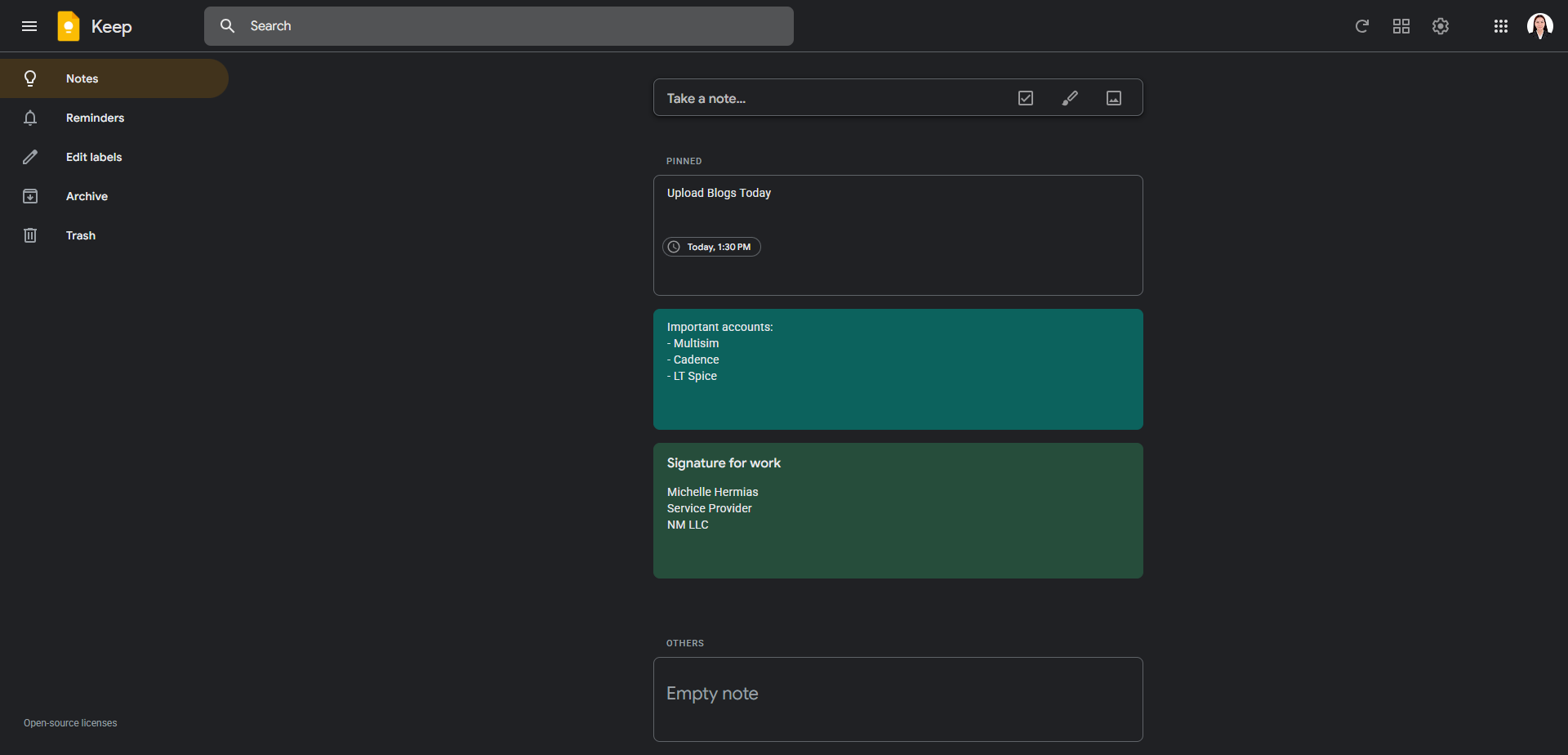
Google Keep in the Project Management category helps you capture and organize notes, lists, and reminders effortlessly. With color-coding, labels, and collaboration tools, it’s perfect for staying on top of tasks. Don’t miss exclusive Google Keep deals. Explore similar tools like Jira, Trello, and Smartsheet.
Why Use Google Keep?
In the realm of note-taking applications, Google Keep stands out by:
- Cross-Device Synchronization: Google Keep ensures that your notes, lists, and reminders are accessible and up-to-date across all your devices, providing a seamless experience whether you’re on your phone, tablet, or computer.
- Real-Time Collaboration: The platform allows users to share and collaborate on notes with others in real-time, making it ideal for teamwork and shared projects.
- Organizational Features: With options for color-coding, labeling, and pinning notes, Google Keep helps users organize their information in a visually appealing and easily navigable manner.
- Integration with Google Services: Google Keep integrates smoothly with other Google services like Google Drive and Google Calendar, enhancing productivity by allowing users to link notes with events and documents.
Who is Google Keep For?
Google Keep caters to a wide range of users:
- Students: Students use Google Keep for organizing class notes, creating to-do lists, and setting reminders for assignments and exams, benefiting from its straightforward and accessible interface.
- Professionals: Professionals leverage Google Keep for managing work tasks, brainstorming ideas, and collaborating with colleagues, thanks to its real-time sharing and organizational capabilities.
- Personal Users: Individuals use Google Keep for everyday tasks like grocery lists, personal reminders, and capturing spontaneous ideas, appreciating its simplicity and ease of use.
- Teams: Teams utilize Google Keep for collaborative projects, sharing notes and updates instantly, which enhances communication and productivity.
In conclusion, Google Keep is a practical tool for anyone looking to streamline their note-taking and organizational processes. Whether you’re a student, professional, personal user, or part of a team, Google Keep provides the features needed to manage your information effectively and collaboratively.