Fotor Photo Editor Reviews 2026: Details, Pricing, & Features | Subscribed.fyi
Sign in to review
Join our community of software reviewers on Subscribed.fyi

Continue With Google
Continue With LinkedIn
Continue Review with Email
Continue with Email
Enter your email to continue.
Continue
Enter your password
Enter your password to finish setting up your account.
Continue
Activate your email
Enter activation code we sent to your email.
Submit
Reset your password
Enter activation code we sent to your email.
Submit
Set your new password
Enter a new password for your account.
Submit
✨ Ask AI Search
Categories
For Business
Log in
Provide My Insights

Fotor Photo Editor

3.3/5
(3)

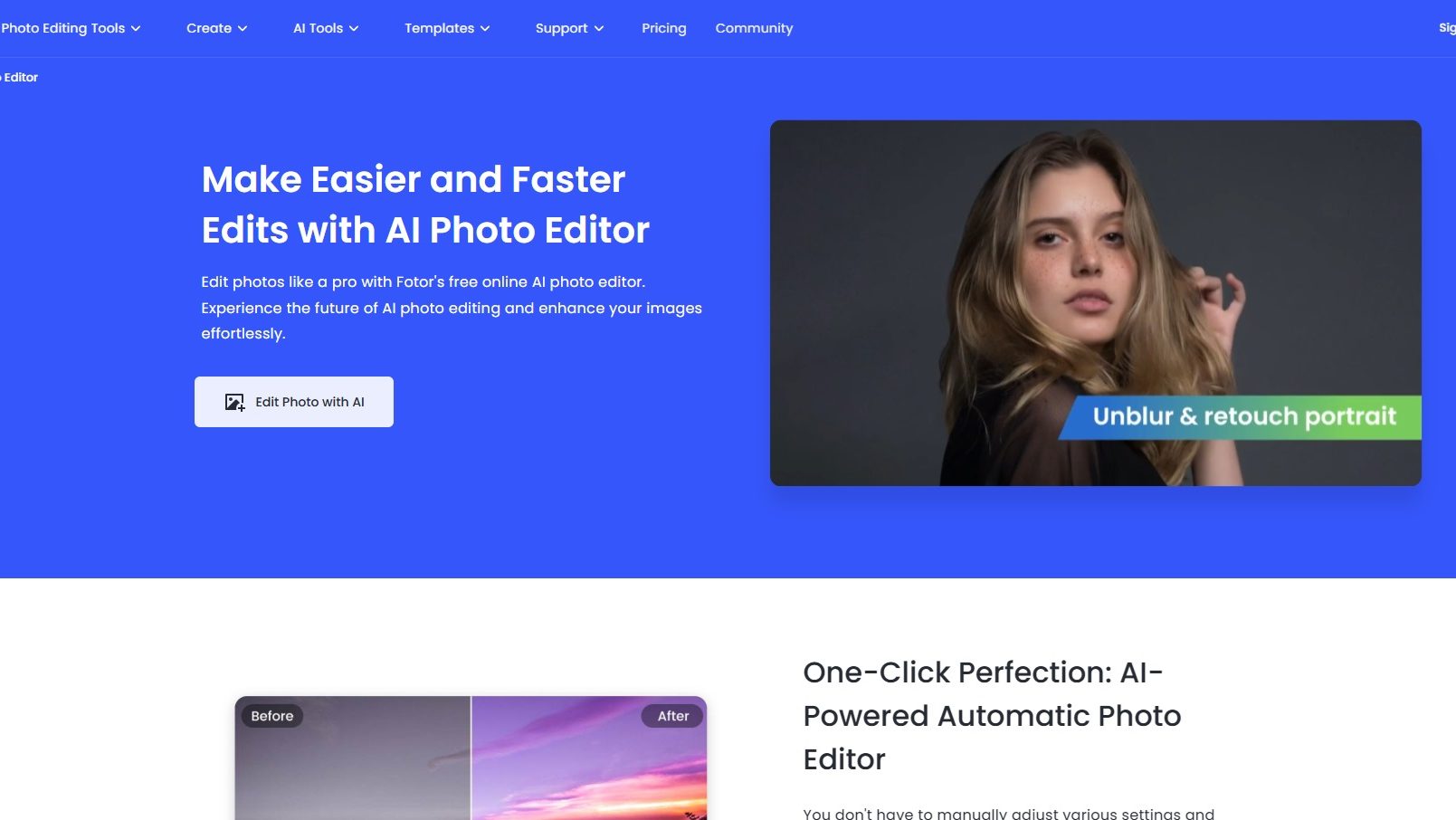
Fotor Photo Editor is an online platform offering AI-powered photo editing tools for both amateurs and professionals. It features retouching, background removal, and artistic effects, with a user-friendly interface and cloud-based accessibility.

Fotor Photo Editor

3.3
3
Reviews
83%
Subscribed Score

Available for Claim - This listing is available to be claimed
Claim For Free

Unclaimed

Curated and listed by Subscribed Team

Claim For Free
Works Anywhere
Works Anywhere
Accessible from any device, anytime.
Secure by Design
Secure by Design
Data protection and compliance built in.
Smart Automation
Smart Automation
Save time with AI-powered workflows.

What is Fotor Photo Editor?

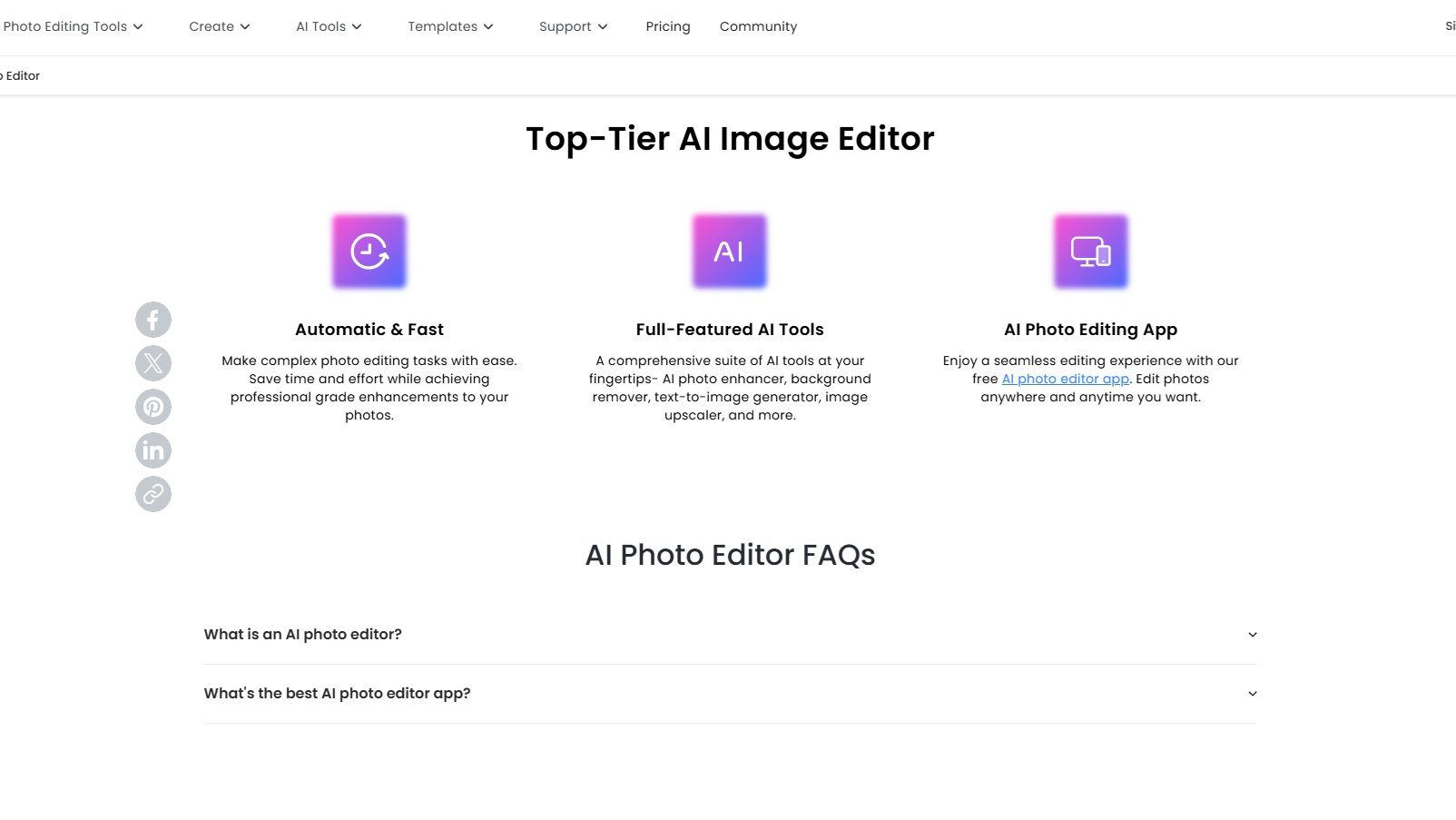
Fotor Photo Editor is an online platform offering a comprehensive suite of AI-powered photo editing tools designed to enhance images with ease and precision. It caters to both amateur and professional photographers by providing features such as retouching, background removal, and artistic effects.

Why Use Fotor Photo Editor?

In the realm of online photo editing tools, Fotor Photo Editor stands out by:

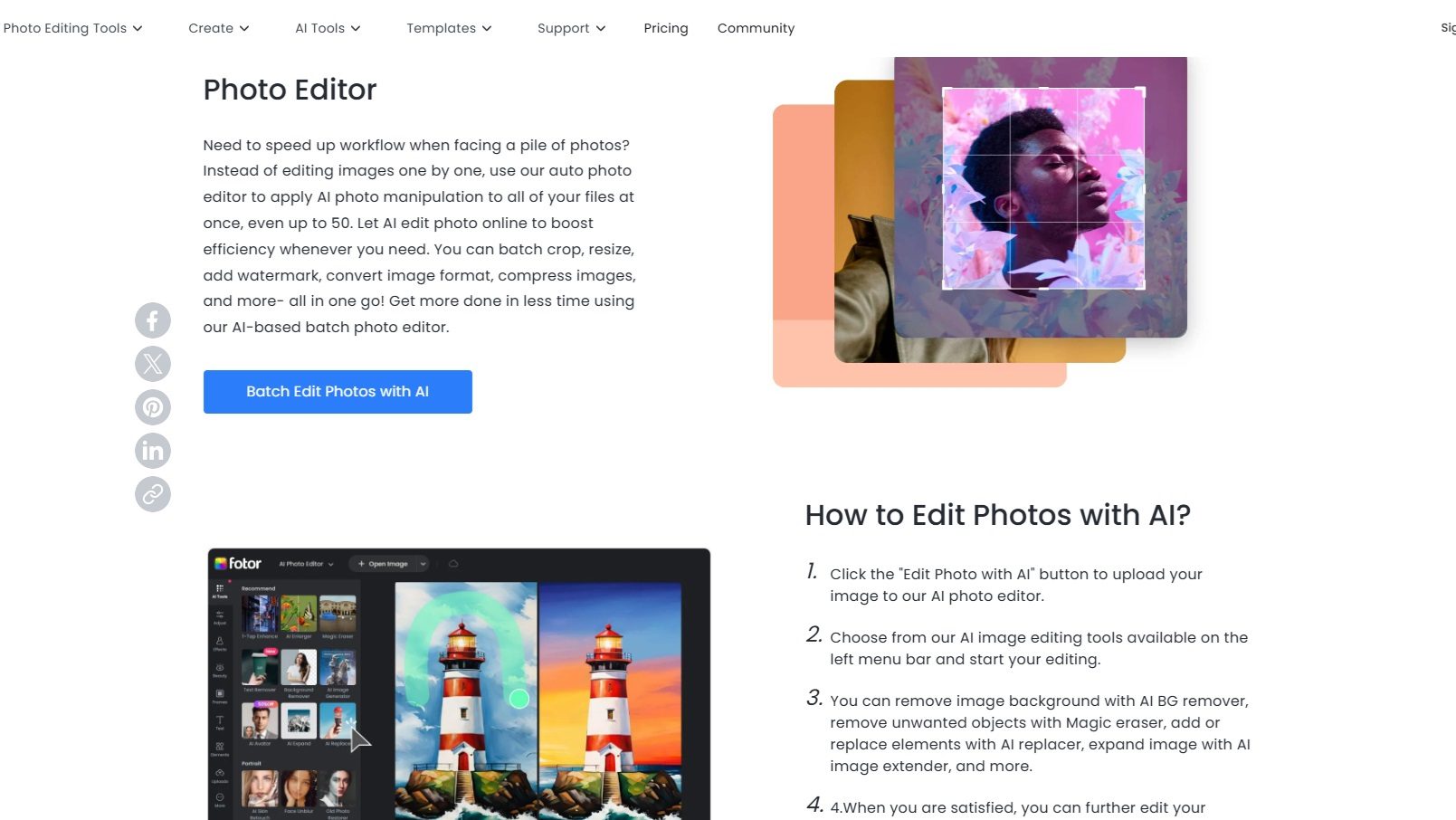
  1. AI-Powered Editing: Fotor utilizes advanced AI technology to simplify complex editing tasks, allowing users to achieve professional-quality results with minimal effort.
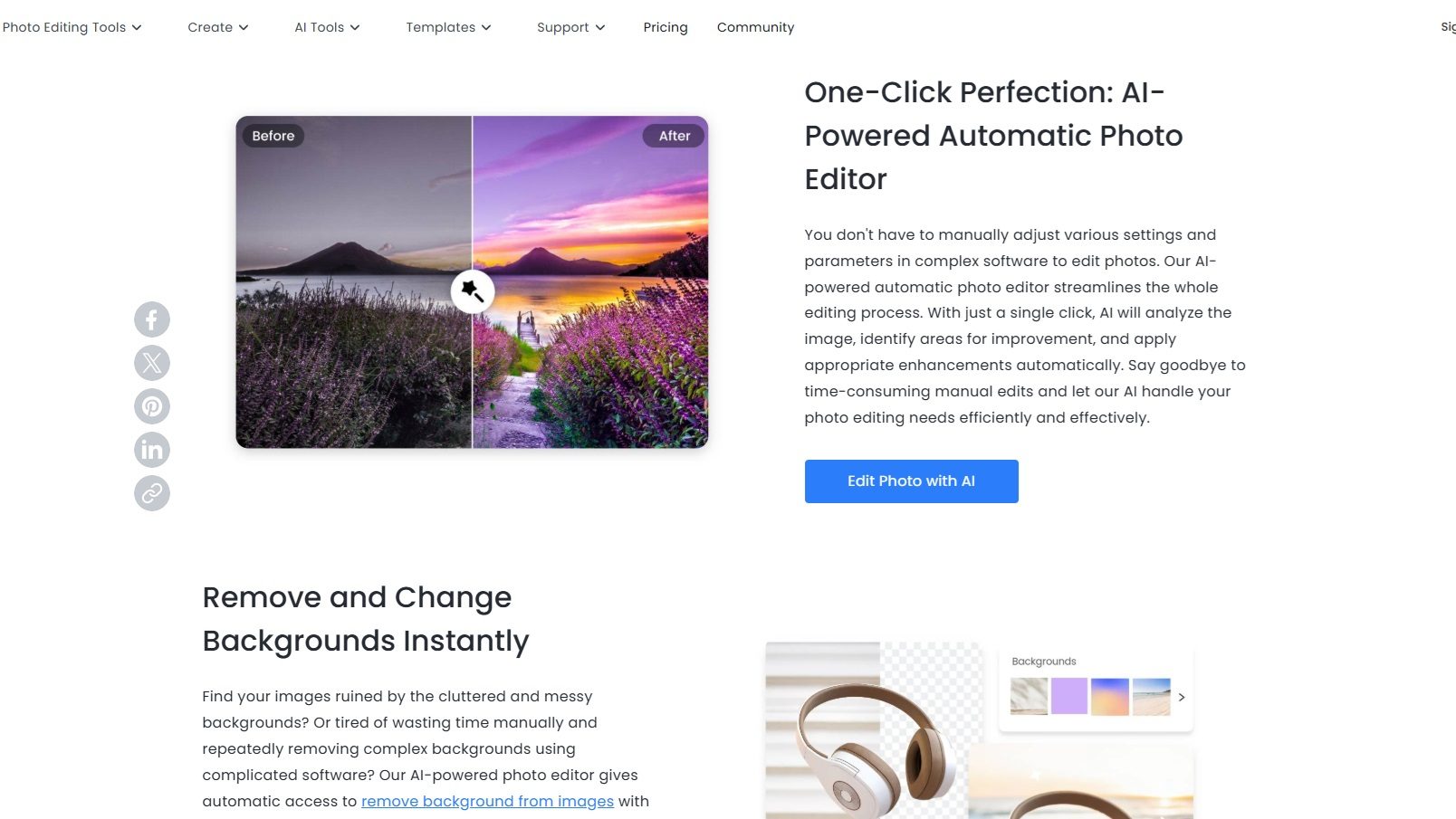
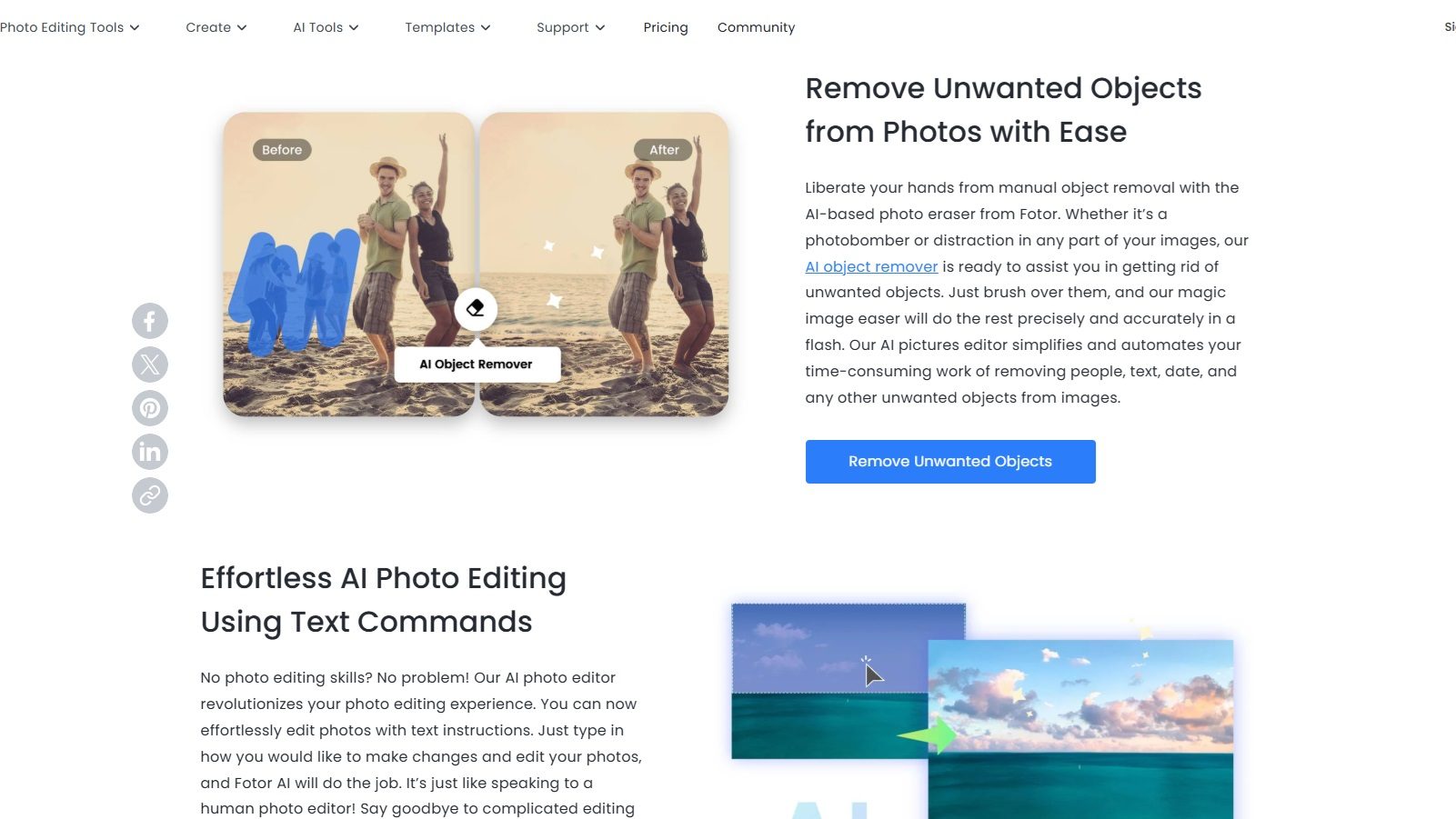
  2. Comprehensive Toolset: The platform offers a wide range of editing features, including retouching, background removal, and artistic effects, making it a versatile choice for various photo enhancement needs.
  3. User-Friendly Interface: With its intuitive interface, Fotor makes photo editing accessible to users of all skill levels, ensuring a smooth and enjoyable editing experience.
  4. Cloud-Based Accessibility: As an online platform, Fotor allows users to edit photos from any device with internet access, providing flexibility and convenience for on-the-go editing.

Who is Fotor Photo Editor For?

Fotor Photo Editor caters to a diverse range of users:

  1. Amateur Photographers: Hobbyists and beginners can use Fotor to enhance their photos easily, thanks to its user-friendly tools and AI-powered features.
  2. Professional Photographers: Professionals benefit from Fotor’s advanced editing capabilities, allowing them to fine-tune images and apply creative effects efficiently.
  3. Social Media Enthusiasts: Users looking to create eye-catching visuals for social media platforms can leverage Fotor’s tools to produce high-quality content quickly.
  4. Businesses and Marketers: Businesses can utilize Fotor for creating polished marketing materials and product images, enhancing their visual branding efforts.

In conclusion, Fotor Photo Editor is a versatile and powerful tool for anyone looking to enhance their photos with ease. Whether you’re an amateur photographer, a professional, a social media enthusiast, or a business, Fotor provides the tools needed to achieve stunning visual results.


Fotor Photo Editor Summary

What is Fotor Photo Editor?

Fotor Photo Editor is an online platform offering a comprehensive suite of AI-powered photo editing tools designed to enhance images with ease and precision. It caters to both amateur and professional photographers by providing features such as retouching, background removal, and artistic effects.

Why Use Fotor Photo Editor?

In the realm of online photo editing tools, Fotor Photo Editor stands out by:

  1. AI-Powered Editing: Fotor utilizes advanced AI technology to simplify complex editing tasks, allowing users to achieve professional-quality results with minimal effort.
  2. Comprehensive Toolset: The platform offers a wide range of editing features, including retouching, background removal, and artistic effects, making it a versatile choice for various photo enhancement needs.
  3. User-Friendly Interface: With its intuitive interface, Fotor makes photo editing accessible to users of all skill levels, ensuring a smooth and enjoyable editing experience.
  4. Cloud-Based Accessibility: As an online platform, Fotor allows users to edit photos from any device with internet access, providing flexibility and convenience for on-the-go editing.

Who is Fotor Photo Editor For?

Fotor Photo Editor caters to a diverse range of users:

  1. Amateur Photographers: Hobbyists and beginners can use Fotor to enhance their photos easily, thanks to its user-friendly tools and AI-powered features.
  2. Professional Photographers: Professionals benefit from Fotor’s advanced editing capabilities, allowing them to fine-tune images and apply creative effects efficiently.
  3. Social Media Enthusiasts: Users looking to create eye-catching visuals for social media platforms can leverage Fotor’s tools to produce high-quality content quickly.
  4. Businesses and Marketers: Businesses can utilize Fotor for creating polished marketing materials and product images, enhancing their visual branding efforts.

In conclusion, Fotor Photo Editor is a versatile and powerful tool for anyone looking to enhance their photos with ease. Whether you’re an amateur photographer, a professional, a social media enthusiast, or a business, Fotor provides the tools needed to achieve stunning visual results.

Fotor Photo Editor reviews

Learn what people say about Fotor Photo Editor

3.3
3 Reviews
83%
Subscribed Score

Lear more here about the Subscribed score on how it is composed. Learn more Click here

Overall rating

5
4
3
2
1
CX 5/6

How good is the customer support based on subscribed’s assessment

CX Icon
Security 4/6

How secure is the product based on Subscribed’s assessment?

Security Icon
Ease of Use 6/6

How easy is the product to use, based on Subscribed’s assessment?

EOU Icon
Value 5/6

What is the value for money based on Subscribed’s assessment?

coin Icon
Integration 3/6

How many integrations does the product offer?

gear Icon
Popularity 6/6

How popular is the product?

star
Irfan Ali Invitation
Developer
5 days ago
Share
What exceeded your expectations?
i like that i can quickly improve photos with one click or even generate images from prompts. The UI feels simple and many useful templates are available. it works fast for basic edits and the AI features make it easy to remove backgrounds or enhance colors without much effort.
What’s been frustrating in your experience?
The free version is quite limited, and some templates or tools are locked behind a paid plan. Sometimes the AI suggestions aren’t 100% accurate, and i have to manually tweak things. The interface could feel a bit confusing at first, since there are many options,
Is there a workflow that could be simpler?
a more generous free tier or subscription purchase option would help small users. offline support for basic features would be great. and accuracy of ai outputs and making the UI less cluttered could help new users. It would also be nice if Fotor added more languages or auto-save so nothing gets lost when i forget to save.
Final thoughts, wrap up what you think
overall, fotor is a solid tool for quick photo edits and fun AI image generation. It’s very accessible for non-experts and speeds up creating graphics. If you just need to fix pictures or make simple designs, it’s worth trying
Upvote
Gochmurad Eyyamberdiyev User Test Enabled
1 week ago
Share
What’s the biggest benefit you’ve noticed?
What I liked about this site was its design. It has a gorgeous, eye-pleasing interface.
What feature doesn’t work as expected?
There are a lot of AI photo and video editors/generators on the market. Well, somehow you need to stand out in the market, otherwise everything is the same.
What problem did this product solve for you?
I don't see any potential, to be honest. If I want to generate images, there are free alternatives.
Final thoughts, wrap up what you think
I consider it a mid-tier product because it offers nothing but an attractive interface. There are better alternatives with similar or better designs.
Upvote
Kit Irvin Mationg Organic
Virtual Assistant | AI Operations | Admin & Workflow Coordination
See My Portfolio
1 week ago
Share
What was your first impression when you started using it?
Fotor is easy to use. I noticed that it has a simple and fun interface, making it beginner-friendly. Also, AI tools like AI background remover and enhancer can quickly improve images with minimal clicks or taps.
What do you dislike about this product?
Many features are locked behind a paid plan. Honestly, some advanced tools and downloads without watermarks requires a subscription which make it a bit handful sometimes.
What could make it even better?
I know that Fotor can improve collaboration tools so teams can edit and share visual content more efficiently for marketing and social media projects. Also, adding some AI features like "auto design suggestions" for creators who manage many photos.
Final thoughts, wrap up what you think
I dropped a 7 because Fotor offers convenient editing tools for us users. However, it may feel limited compared to more advanced professional editing software.
Upvote

Fotor Photo Editor User Reviews

3 User Reviews

Irfan Ali Invitation
Developer
5 days ago
Share
What exceeded your expectations?
i like that i can quickly improve photos with one click or even generate images from prompts. The UI feels simple and many useful templates are available. it works fast for basic edits and the AI features make it easy to remove backgrounds or enhance colors without much effort.
What’s been frustrating in your experience?
The free version is quite limited, and some templates or tools are locked behind a paid plan. Sometimes the AI suggestions aren’t 100% accurate, and i have to manually tweak things. The interface could feel a bit confusing at first, since there are many options,
Is there a workflow that could be simpler?
a more generous free tier or subscription purchase option would help small users. offline support for basic features would be great. and accuracy of ai outputs and making the UI less cluttered could help new users. It would also be nice if Fotor added more languages or auto-save so nothing gets lost when i forget to save.
Final thoughts, wrap up what you think
overall, fotor is a solid tool for quick photo edits and fun AI image generation. It’s very accessible for non-experts and speeds up creating graphics. If you just need to fix pictures or make simple designs, it’s worth trying
Upvote
Gochmurad Eyyamberdiyev User Test Enabled
1 week ago
Share
What’s the biggest benefit you’ve noticed?
What I liked about this site was its design. It has a gorgeous, eye-pleasing interface.
What feature doesn’t work as expected?
There are a lot of AI photo and video editors/generators on the market. Well, somehow you need to stand out in the market, otherwise everything is the same.
What problem did this product solve for you?
I don't see any potential, to be honest. If I want to generate images, there are free alternatives.
Final thoughts, wrap up what you think
I consider it a mid-tier product because it offers nothing but an attractive interface. There are better alternatives with similar or better designs.
Upvote
Kit Irvin Mationg Organic
Virtual Assistant | AI Operations | Admin & Workflow Coordination
See My Portfolio
1 week ago
Share
What was your first impression when you started using it?
Fotor is easy to use. I noticed that it has a simple and fun interface, making it beginner-friendly. Also, AI tools like AI background remover and enhancer can quickly improve images with minimal clicks or taps.
What do you dislike about this product?
Many features are locked behind a paid plan. Honestly, some advanced tools and downloads without watermarks requires a subscription which make it a bit handful sometimes.
What could make it even better?
I know that Fotor can improve collaboration tools so teams can edit and share visual content more efficiently for marketing and social media projects. Also, adding some AI features like "auto design suggestions" for creators who manage many photos.
Final thoughts, wrap up what you think
I dropped a 7 because Fotor offers convenient editing tools for us users. However, it may feel limited compared to more advanced professional editing software.
Upvote
Reviews from G2, Capterra, Trustpilot
info Icon

These ratings come directly from third-party platforms like G2, Capterra, and Trustpilot. They reflect real user feedback collected independently on those sites.

Fotor Photo Editor

Pricing Range
info Icon

This only an estimated pricing range, visit Fotor Photo Editor pricing page to access all the information by clicking “Visit Now”.

$8.99-$19.99 / Month
Deals Available

This product comes with a special deal, see details

Visit Now
✨ Ask AI about pricing
83% Subscribed Score
info Icon

The Subscribed Score is an independent rating that combines user reviews, features, and value-for-money from multiple trusted sources. It’s designed as a quick benchmark, not a guarantee of individual experience.

Analysis

What is Fotor Photo Editor?

Fotor Photo Editor is an online platform offering a comprehensive suite of AI-powered photo editing tools designed to enhance images with ease and precision. It caters to both amateur and professional photographers by providing features such as retouching, background removal, and artistic effects.

Why Use Fotor Photo Editor?

In the realm of online photo editing tools, Fotor Photo Editor stands out by:

  1. AI-Powered Editing: Fotor utilizes advanced AI technology to simplify complex editing tasks, allowing users to achieve professional-quality results with minimal effort.
  2. Comprehensive Toolset: The platform offers a wide range of editing features, including retouching, background removal, and artistic effects, making it a versatile choice for various photo enhancement needs.
  3. User-Friendly Interface: With its intuitive interface, Fotor makes photo editing accessible to users of all skill levels, ensuring a smooth and enjoyable editing experience.
  4. Cloud-Based Accessibility: As an online platform, Fotor allows users to edit photos from any device with internet access, providing flexibility and convenience for on-the-go editing.

Who is Fotor Photo Editor For?

Fotor Photo Editor caters to a diverse range of users:

  1. Amateur Photographers: Hobbyists and beginners can use Fotor to enhance their photos easily, thanks to its user-friendly tools and AI-powered features.
  2. Professional Photographers: Professionals benefit from Fotor’s advanced editing capabilities, allowing them to fine-tune images and apply creative effects efficiently.
  3. Social Media Enthusiasts: Users looking to create eye-catching visuals for social media platforms can leverage Fotor’s tools to produce high-quality content quickly.
  4. Businesses and Marketers: Businesses can utilize Fotor for creating polished marketing materials and product images, enhancing their visual branding efforts.

In conclusion, Fotor Photo Editor is a versatile and powerful tool for anyone looking to enhance their photos with ease. Whether you’re an amateur photographer, a professional, a social media enthusiast, or a business, Fotor provides the tools needed to achieve stunning visual results.

Pros
  • User-friendly and intuitive interface
  • Versatile photo editing and design tools
  • Affordable pricing options
  • Cloud-based for seamless access
Cons
  • Limited advanced editing features
  • AI occasionally produces inconsistent results
  • Too few credits in subscription plans
  • Basic AI art filters need improvement
Subscribed Score Metrics
29/36 Metric achieved
MetricsScore
Customer Support5/6
Security4/6
Ease of Use6/6
Value of Money5/6
Integration3/6
Popularity6/6
Radar Chart Table View
Ease of Use
Measures how simple and intuitive the product is to use, including setup, navigation, and overall user experience
6/6 Metric Checks
Security
Compares the product`s features, quality, and pricing to determine its overall cost-effectiveness.
4/6 Metric Checks
Value of Money
Assesses the product`s ability to protect data, prevent breaches, and comply with industry standards.
5/6 Metric Checks
Customer Support
Reflects the responsiveness, helpfulness, and quality of assistance provided by the product`s support team.
5/6 Metric Checks
Integrations
Evaluates how well the product connects with other tools and platforms, enabling seamless workflows.
3/6 Metric Checks
Fotor Photo Editor Pricing Range
$8.99-$19.99 / Month

Fotor Photo Editor Showcase
info Icon

A curated gallery of real screenshots and use cases from the product, so you can see how it works before trying it.

Full Screen Icon
Full Screen Icon
Full Screen Icon
Full Screen Icon
Full Screen Icon
https://www.youtube.com/watch?v=AM-bgTehc6o?feature=oembed
Full Screen Icon

What else exists next to Fotor Photo Editor
info Icon

A list of platforms similar to Fotor Photo Editor, helping you evaluate which tool best matches your needs.

Need to cancel Fotor Photo Editor? Here is how
info Icon

Thinking about how to cancel Fotor Photo Editor this is how you do it!

Steps to Cancel Fotor Photo Editor Subscription.

Canceling your Fotor Photo Editor Subscription is a straightforward process. You can follow a few simple steps to initiate the cancellation or explore options to switch to a different plan. For detailed instructions, refer to Fotor Photo Editor Cancellation Guide.

How to Cancel the Fotor Photo Editor

Steps to Cancel Fotor Photo Editor Subscription.

Canceling your Fotor Photo Editor Subscription is a straightforward process. You can follow a few simple steps to initiate the cancellation or explore options to switch to a different plan. For detailed instructions, refer to Fotor Photo Editor Cancellation Guide.

Every else you need to know about Fotor Photo Editor
info Icon

A collection of FAQs, guides, alternatives, and comparisons to help you quickly understand if Fotor Photo Editor is right for you.

Pricing Range
info Icon

This only an estimated pricing range, visit Fotor Photo Editor pricing page to access all the information by clicking “Visit Now”.

$8.99-$19.99 / Month
Visit Now
Deals Available

This product comes with a special deal, see details

This product comes with a special deal, see details