Sign in to review
Join our community of software reviewers on Subscribed.fyi

Continue With Google
Continue With LinkedIn
Continue Review with Email
Continue with Email
Enter your email to continue.
Continue
Enter your password
Enter your password to finish setting up your account.
Continue
Activate your email
Enter activation code we sent to your email.
Submit
Reset your password
Enter activation code we sent to your email.
Submit
Set your new password
Enter a new password for your account.
Submit
Log in
Provide My Insights
CloudMounter logo
CloudMounter logo

CloudMounter Reviews, Pricing, Features & Alternatives (2026)

CloudMounter simplifies file access by mounting cloud storage services and remote servers directly within your desktop’s file manager. Manage Google Drive, Dropbox, OneDrive, and FTP/SFTP servers as if they were local drives, eliminating the need for multiple client apps. Its file encryption feature ensures secure data handling, making it an efficient tool for streamlined workflows and enhanced storage management.

CloudMounter logo
CloudMounter logo
CloudMounter logo

CloudMounter Overview

What is CloudMounter?

N/A
★ ★ ★ ★ ★
0
Reviews

Available for Claim - This listing is available to be claimed
Claim Profile

Unclaimed

Claim this profile to manage it.

Claim Profile

Why teams choose CloudMounter

Key Features

Plug & Play Setup
Plug & Play Setup
Get started in minutes, not weeks.
Affordable Pricing
Affordable Pricing
Transparent plans to fit any budget.
Seamless Integrations
Connect easily with your favorite tools.

Who is CloudMounter for?

CloudMounter is a versatile solution designed to bridge the gap between online storages and your computer. As an essential tool in the Cloud Data Management category, it enables you to mount remote cloud services and servers onto your Mac as if they were local drives. This seamless integration allows you to interact with services like OneDrive, Google Drive, Amazon S3, Dropbox, and OpenStack, among others, directly from your Finder. By eliminating the need to switch between different interfaces, CloudMounter streamlines file management and enhances productivity.

Key Features:

  • Unified Access: Access multiple cloud services and web servers in one central location. CloudMounter brings all your online storages together, virtually eliminating desktop clutter.
  • Local File Manager Integration: With its Finder integration, the software mounts cloud storage as additional hard drives, making it simple to work with remote files as if they were on your local system.
  • Enhanced Security: CloudMounter allows file encryption to ensure that your data remains secure during transfers and storage. This added layer of protection helps you safeguard sensitive information.
  • Versatility with Protocols: Whether you’re connecting through FTP, SFTP, FTPS, or WebDAV protocols, CloudMounter effortlessly handles them, providing a flexible solution for various remote storage needs.

Designed for professionals across industries, CloudMounter caters to IT specialists, product managers, and anyone who needs efficient remote file handling. By mounting cloud storage as if it were a local folder, it negates the cumbersome process of logging into separate web interfaces. This capability is especially useful for collaborative projects, enabling team members to access shared files quickly and securely from anywhere in the world.

The intuitive interface and ease of integration help minimize time spent on file transfers and system navigation. Whether you’re managing everyday documents or handling large data transfers, CloudMounter’s streamlined approach improves efficiency and reduces technical hurdles.

For those interested in exclusive deals and discounts, visit the CloudMounter deal page to explore current offers.

Alternatives to Consider:

CloudMounter is an invaluable application for efficient cloud data management. By simplifying access to multiple cloud storages through a familiar desktop interface, it empowers users to work faster, collaborate more effectively, and maintain high standards of data security—all while keeping operations well-organized and under control.

CloudMounter Summary

CloudMounter is a versatile solution designed to bridge the gap between online storages and your computer. As an essential tool in the Cloud Data Management category, it enables you to mount remote cloud services and servers onto your Mac as if they were local drives. This seamless integration allows you to interact with services like OneDrive, Google Drive, Amazon S3, Dropbox, and OpenStack, among others, directly from your Finder. By eliminating the need to switch between different interfaces, CloudMounter streamlines file management and enhances productivity.

Key Features:

  • Unified Access: Access multiple cloud services and web servers in one central location. CloudMounter brings all your online storages together, virtually eliminating desktop clutter.
  • Local File Manager Integration: With its Finder integration, the software mounts cloud storage as additional hard drives, making it simple to work with remote files as if they were on your local system.
  • Enhanced Security: CloudMounter allows file encryption to ensure that your data remains secure during transfers and storage. This added layer of protection helps you safeguard sensitive information.
  • Versatility with Protocols: Whether you’re connecting through FTP, SFTP, FTPS, or WebDAV protocols, CloudMounter effortlessly handles them, providing a flexible solution for various remote storage needs.

Designed for professionals across industries, CloudMounter caters to IT specialists, product managers, and anyone who needs efficient remote file handling. By mounting cloud storage as if it were a local folder, it negates the cumbersome process of logging into separate web interfaces. This capability is especially useful for collaborative projects, enabling team members to access shared files quickly and securely from anywhere in the world.

The intuitive interface and ease of integration help minimize time spent on file transfers and system navigation. Whether you’re managing everyday documents or handling large data transfers, CloudMounter’s streamlined approach improves efficiency and reduces technical hurdles.

For those interested in exclusive deals and discounts, visit the CloudMounter deal page to explore current offers.

Alternatives to Consider:

CloudMounter is an invaluable application for efficient cloud data management. By simplifying access to multiple cloud storages through a familiar desktop interface, it empowers users to work faster, collaborate more effectively, and maintain high standards of data security—all while keeping operations well-organized and under control.

CloudMounter reviews and insights

Learn what people say about CloudMounter

N/A ★ ★ ★ ★ ★
0 Reviews

No Reviews Yet!

Be the first to share your experience and help others in the community.

CloudMounter logo

CloudMounter User Reviews

0 User Reviews

Reviews from G2, Capterra, Trustpilot
info Icon

These ratings come directly from third-party platforms like G2, Capterra, and Trustpilot. They reflect real user feedback collected independently on those sites.

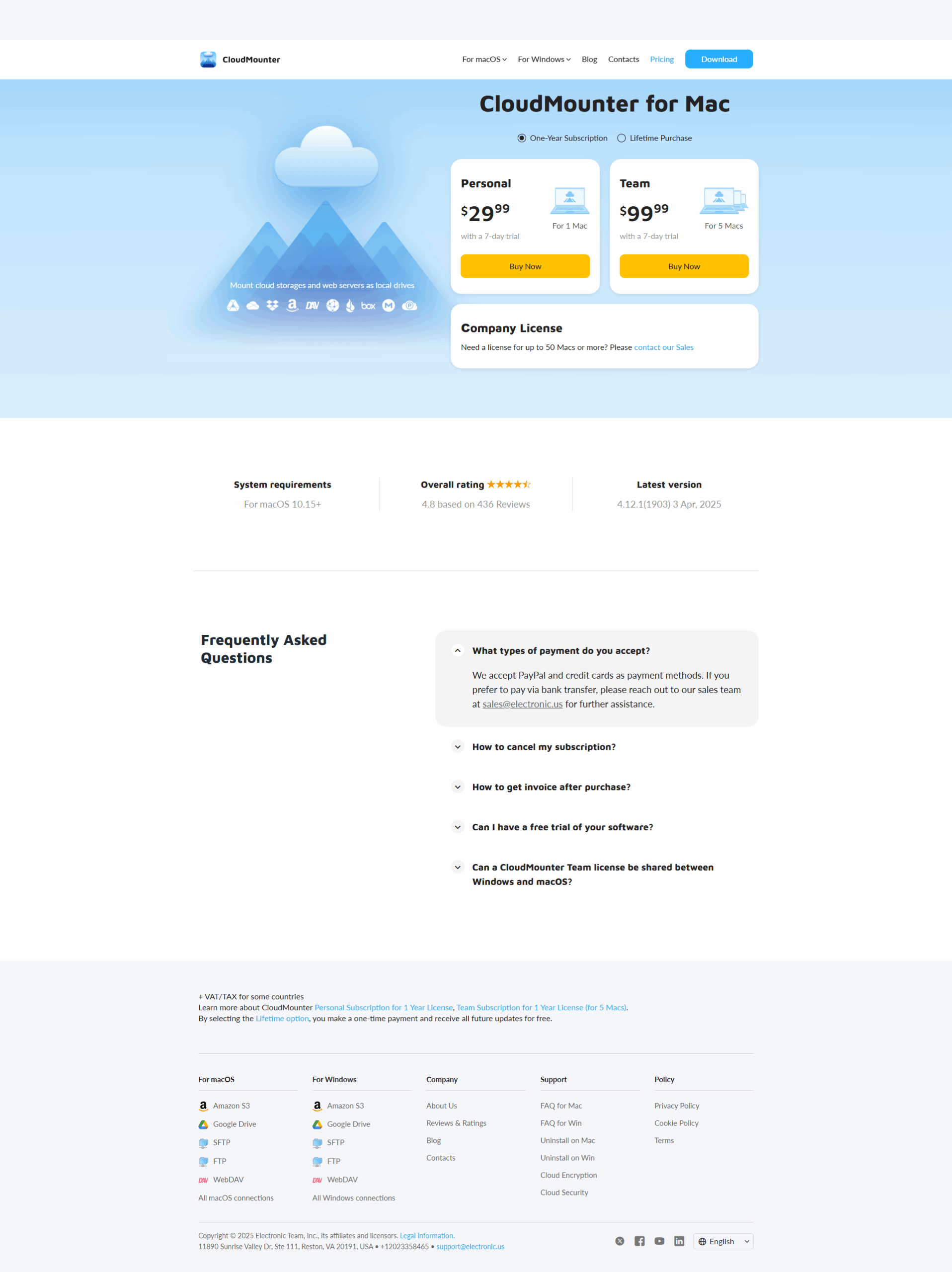
CloudMounter pricing

Pricing model

CloudMounter logo
Pricing Range
info Icon

This only an estimated pricing range, visit CloudMounter pricing page to access all the information by clicking “Visit Now”.

$29.99-$99.99 / Month
Deals Available

This product comes with a special deal, see details

Visit Now

Overview

CloudMounter is a versatile solution designed to bridge the gap between online storages and your computer. As an essential tool in the Cloud Data Management category, it enables you to mount remote cloud services and servers onto your Mac as if they were local drives. This seamless integration allows you to interact with services like OneDrive, Google Drive, Amazon S3, Dropbox, and OpenStack, among others, directly from your Finder. By eliminating the need to switch between different interfaces, CloudMounter streamlines file management and enhances productivity.

Key Features:

  • Unified Access: Access multiple cloud services and web servers in one central location. CloudMounter brings all your online storages together, virtually eliminating desktop clutter.
  • Local File Manager Integration: With its Finder integration, the software mounts cloud storage as additional hard drives, making it simple to work with remote files as if they were on your local system.
  • Enhanced Security: CloudMounter allows file encryption to ensure that your data remains secure during transfers and storage. This added layer of protection helps you safeguard sensitive information.
  • Versatility with Protocols: Whether you’re connecting through FTP, SFTP, FTPS, or WebDAV protocols, CloudMounter effortlessly handles them, providing a flexible solution for various remote storage needs.

Designed for professionals across industries, CloudMounter caters to IT specialists, product managers, and anyone who needs efficient remote file handling. By mounting cloud storage as if it were a local folder, it negates the cumbersome process of logging into separate web interfaces. This capability is especially useful for collaborative projects, enabling team members to access shared files quickly and securely from anywhere in the world.

The intuitive interface and ease of integration help minimize time spent on file transfers and system navigation. Whether you’re managing everyday documents or handling large data transfers, CloudMounter’s streamlined approach improves efficiency and reduces technical hurdles.

For those interested in exclusive deals and discounts, visit the CloudMounter deal page to explore current offers.

Alternatives to Consider:

CloudMounter is an invaluable application for efficient cloud data management. By simplifying access to multiple cloud storages through a familiar desktop interface, it empowers users to work faster, collaborate more effectively, and maintain high standards of data security—all while keeping operations well-organized and under control.

Where CloudMounter performs best

What users like
  • Seamlessly mounts multiple cloud drives.
  • Ease of use and integration with Mac.
  • Manages cloud files like local storage.
  • Supports many cloud services.

Where CloudMounter falls short

What users dislike
  • Limited free version features.
  • Instability with many accounts added.
  • Subscription model not appealing to all.
  • Occasional connectivity issues.
CloudMounter Pricing Range
$29.99-$99.99 / Month

CloudMounter in action
info Icon

A curated gallery of real screenshots and use cases from the product, so you can see how it works before trying it.

CloudMounter screenshot 1 Full Screen Icon
https://www.youtube.com/watch?v=OrsGZJdCa3Y
Full Screen Icon
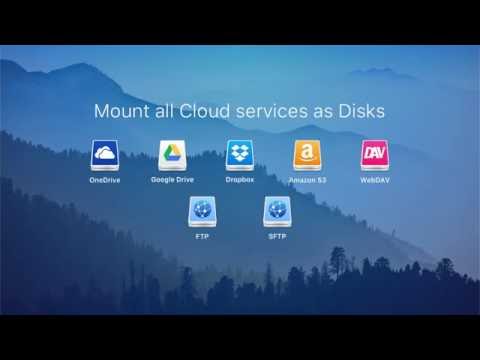
https://www.youtube.com/watch?v=RvgoYZEJMpU
Full Screen Icon
CloudMounter screenshot 1
Video thumbnail
Video thumbnail
CloudMounter screenshot 1

Alternatives to CloudMounter
info Icon

A list of platforms similar to CloudMounter, helping you evaluate which tool best matches your needs.

How to cancel CloudMounter

Need to cancel CloudMounter? Here is how
info Icon

Thinking about how to cancel CloudMounter this is how you do it!

To cancel CloudMounter, go to your subscription settings. Current subscriptions cannot be canceled directly; disable auto-renewal at least 24 hours before the renewal date. Cancel during the trial period to avoid charges.

How to Cancel the CloudMounter

To cancel CloudMounter, go to your subscription settings. Current subscriptions cannot be canceled directly; disable auto-renewal at least 24 hours before the renewal date. Cancel during the trial period to avoid charges.

Manage your CloudMounter profile

Create profile

Want to list your product on Subscribed.fyi? Create a profile to reach more buyers.

Pricing Range
info Icon

This only an estimated pricing range, visit CloudMounter pricing page to access all the information by clicking “Visit Now”.

$29.99-$99.99 / Month
Visit Now
Deals Available

This product comes with a special deal, see details

This product comes with a special deal, see details