Project management tools like , Notion, Basecamp, Lark, Slack, Asana and Trello.
AI chatbot tools like ChatGPT, Grok, Perplexity, Claude, Gemini and Copilot.
Marketing analytics platforms like Google Analytics, Similarweb and Semrush.
CRM systems like HubSpot, Apollo.io Pipedrive, Zoho CRM, and Salesforce.
VPNs, SSO providers, and password managers like NordVPN, Okta, and LastPass.
Email marketing and campaign tools like MailerLite, Instantly, and Mailchimp.
Website builders, hosting tools like Hostinger, Webflow, Framer, and Shopify
HR and recruiting software like ATS platforms, BambooHR, Workday, and Lever.
Automate finances with confidence like Quickbooks, Stripe, Brex, and Mercury.
Design and editing tools like Figma, Canva, Adobe Creative Cloud, CapCut.
Workflow automation tools like Zapier, Make, Clay, and Reclaim.ai.
No-code and AI-native dev tools like Cursor, Windsurf, Lovable and Bubble.

Chat to find tools, compare options,

Discover the best-performing
Manage profile with subsig, and
unlock 23+ social and review monitoring. Get partnership options with
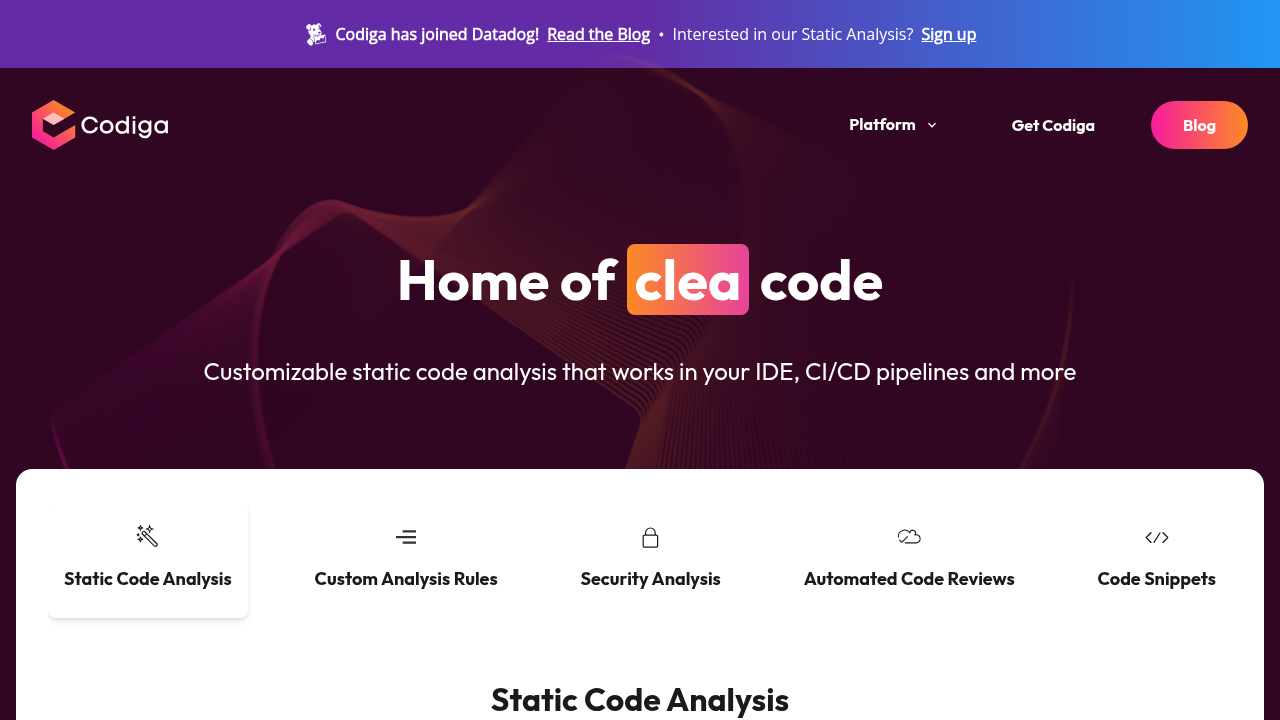
Codiga is a comprehensive code quality and automation platform designed to help developers and teams write better code faster. The platform combines automated code reviews, static code analysis, and an AI-powered coding assistant to catch bugs, enforce coding standards, and improve overall code quality before deployment.
Why Use Codiga?
Codeiga helps teams save approximately 2 hours per engineer per week by automating repetitive code review tasks and flag coding errors within seconds. The platform reduces the time spent on manual code reviews and helps catch issues before they reach production environments.
Key Features and Benefits
Who is Codiga For?
Codeiga serves individual developers, open-source project maintainers, startups, and enterprise teams. The platform offers free access to core features for individual users and open-source projects, while premium and enterprise features are available on paid plans. Students can access the platform free with academic verification.
Codiga is a comprehensive code quality and automation platform designed to help developers and teams write better code faster. The platform combines automated code reviews, static code analysis, and an AI-powered coding assistant to catch bugs, enforce coding standards, and improve overall code quality before deployment.
Why Use Codiga?
Codeiga helps teams save approximately 2 hours per engineer per week by automating repetitive code review tasks and flag coding errors within seconds. The platform reduces the time spent on manual code reviews and helps catch issues before they reach production environments.
Key Features and Benefits
Who is Codiga For?
Codeiga serves individual developers, open-source project maintainers, startups, and enterprise teams. The platform offers free access to core features for individual users and open-source projects, while premium and enterprise features are available on paid plans. Students can access the platform free with academic verification.
Learn what people say about Codiga
Codiga is a comprehensive code quality and automation platform designed to help developers and teams write better code faster. The platform combines automated code reviews, static code analysis, and an AI-powered coding assistant to catch bugs, enforce coding standards, and improve overall code quality before deployment.
Why Use Codiga?
Codeiga helps teams save approximately 2 hours per engineer per week by automating repetitive code review tasks and flag coding errors within seconds. The platform reduces the time spent on manual code reviews and helps catch issues before they reach production environments.
Key Features and Benefits
Who is Codiga For?
Codeiga serves individual developers, open-source project maintainers, startups, and enterprise teams. The platform offers free access to core features for individual users and open-source projects, while premium and enterprise features are available on paid plans. Students can access the platform free with academic verification.
To cancel your Codiga subscription, log into your account, go to Team Preferences, click ‘Manage Subscription,’ and follow the cancellation prompts. Your account will downgrade to the free plan upon cancellation. Contact support if you need assistance with the cancellation process.
Want to list your product on Subscribed.fyi? Create a profile to reach more buyers.