Sign in to review
Join our community of software reviewers on Subscribed.fyi

Continue With Google
Continue With LinkedIn
Continue Review with Email
Continue with Email
Enter your email to continue.
Continue
Enter your password
Enter your password to finish setting up your account.
Continue
Activate your email
Enter activation code we sent to your email.
Submit
Reset your password
Enter activation code we sent to your email.
Submit
Set your new password
Enter a new password for your account.
Submit
Categories
For Business
Log in
Provide My Insights
Add Product
Suggested products People also compare with
Add to Comparison
Suggested products People also compare with

Compare AceProject and Trello

We are comparing AceProject and Trello to evaluate which one is the best product.

Suggested products People also compare with
Review Pricing Alternatives Experience

Review

53%
20/36 Metric achieved
90%
32/36 Metric achieved

Subscribed Metric

Customer Support 5/6
Security 0/6
Ease of Use 5/6
Value of Money 5/6
Integration 3/6
Popularity 2/6

Subscribed Metric

Customer Support 4/6
Security 5/6
Ease of Use 6/6
Value of Money 5/6
Integration 6/6
Popularity 6/6

Pros & Cons

Easy task management with tracking features
Great customer support
Affordable pricing options
Custom reporting capabilities
Outdated interface design
Slow feature updates
Limited automated reminders
Lacks SMS/social integration

Pros & Cons

Easy to use with intuitive interface.
Highly customizable Kanban boards.
Great for team collaboration and task tracking.
Cost-effective free and basic plans.
Pricing can be a hurdle for small teams.
UI feels outdated compared to rivals.
Limited advanced features for complex needs.
Reliance on internet; lacks offline flexibility.

Conclusion

AceProject is a flexible project management tool offering task tracking, timesheets, Gantt charts, and document management. Ideal for small to mid-sized teams like designers, developers, and marketers, it supports Agile workflows and collaboration. Its free Basic plan works for up to 5 users, while paid plans range from $19/month to $99/month with varying features. Although not as feature-rich as competitors like Asana or Jira, it’s cost-effective and easy to use. Customer support is well-rated. Best for teams seeking simplicity over advanced automation or integrations.

Conclusion

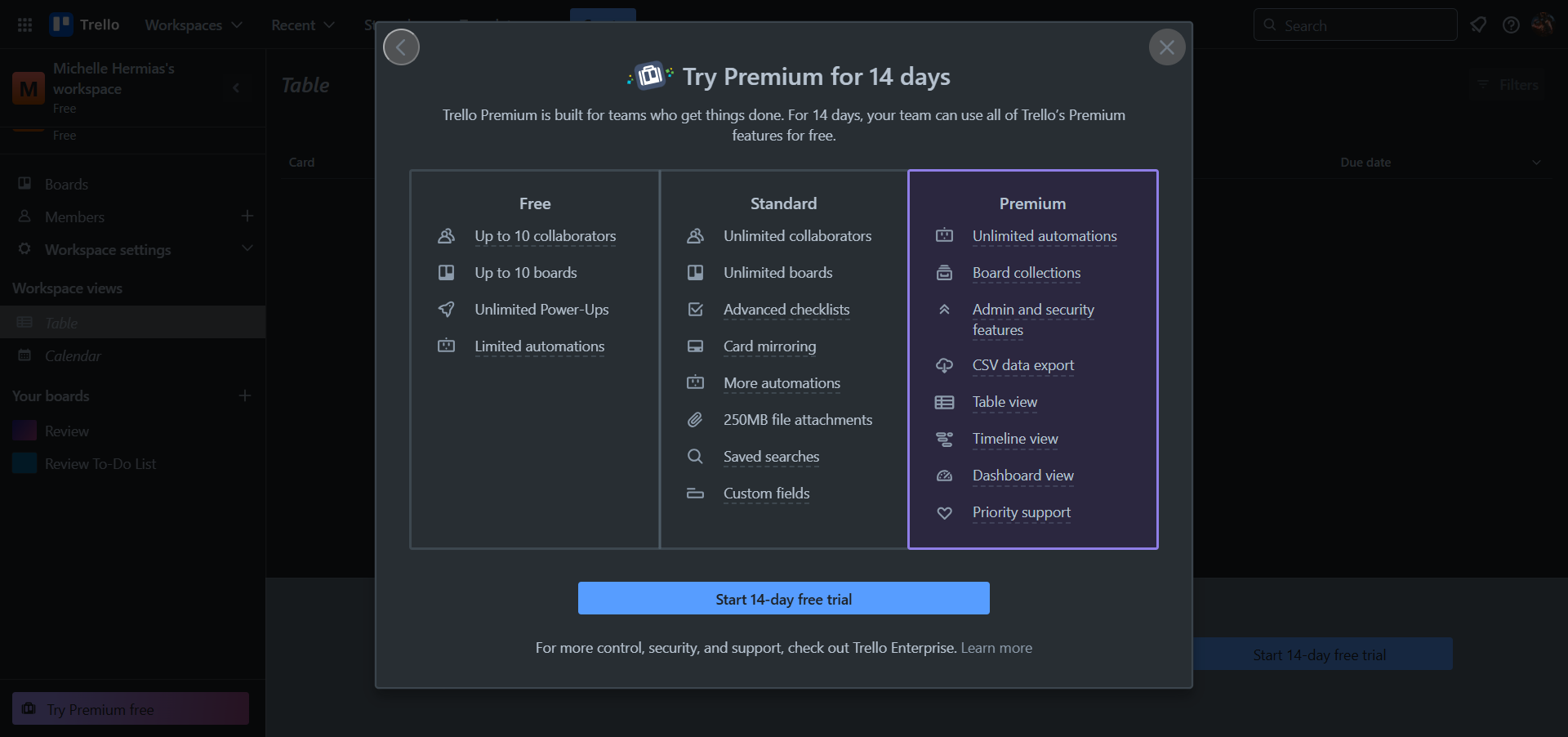
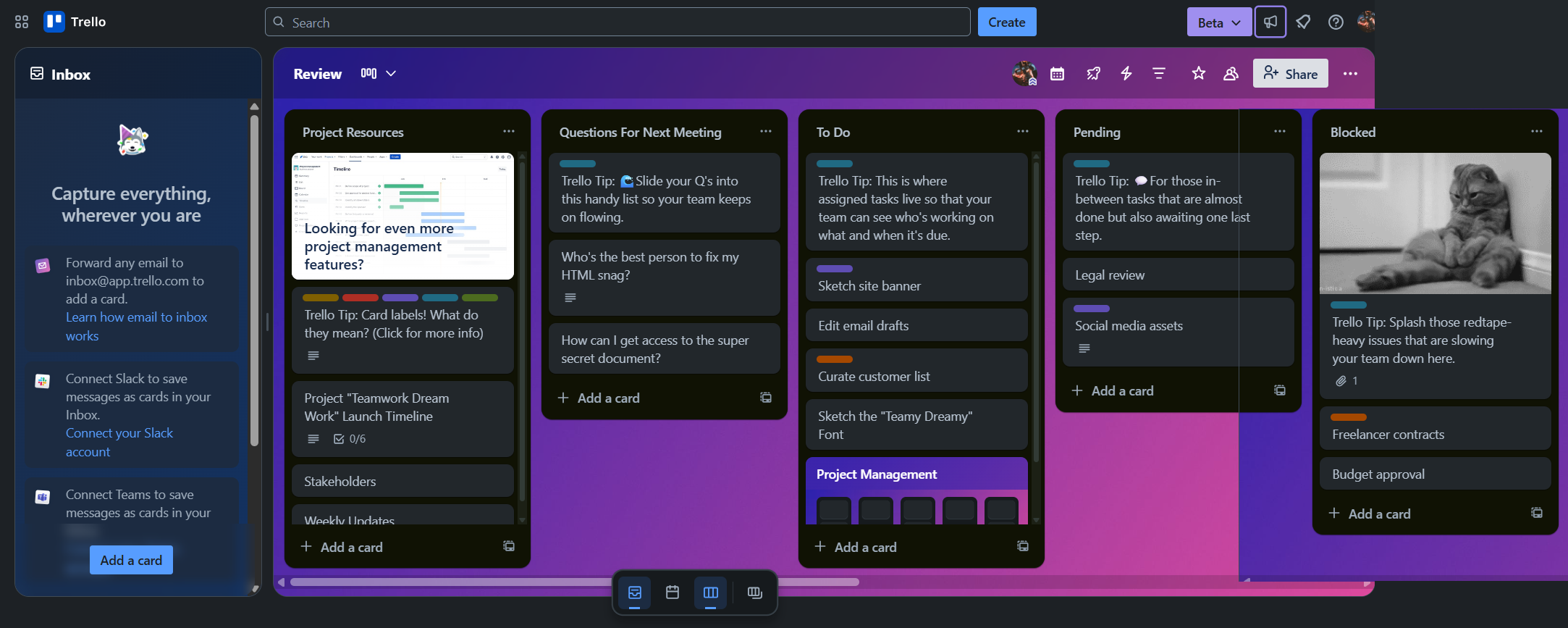
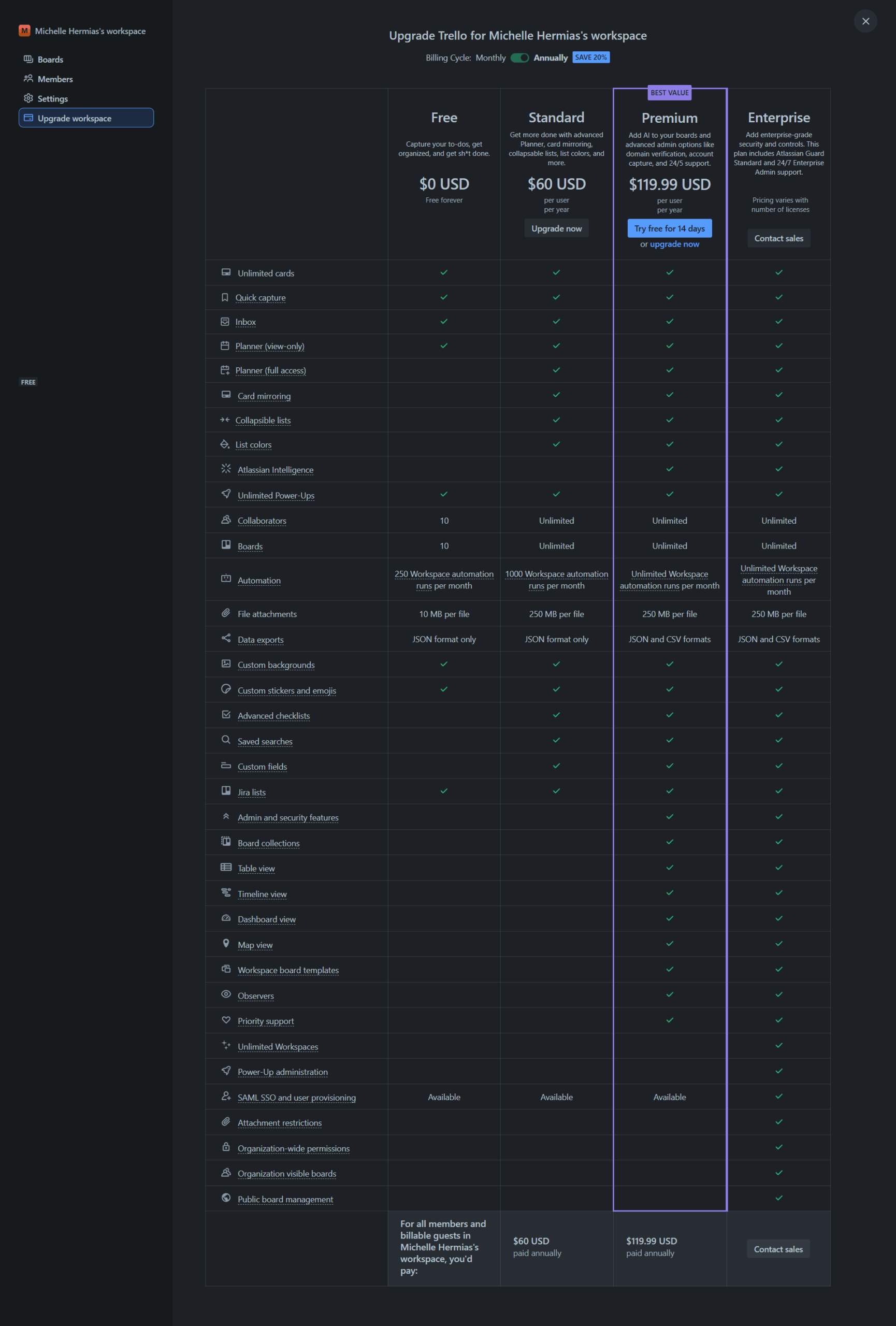
Trello is a flexible visual project management tool ideal for marketers, designers, and small teams. Its Kanban-style boards enable task tracking, deadlines, and collaboration via cards, assignees, and comments. With integrations like Google Drive and Slack, Trello streamlines workflows. It offers Free, Standard ($5/user/month), Premium ($10/user/month), and Enterprise options. Alternatives like Asana and monday.com offer advanced views but cost more. Trello’s intuitive interface and cost-effectiveness shine, though lacks advanced reporting. Support: fair, responsive.

Pricing

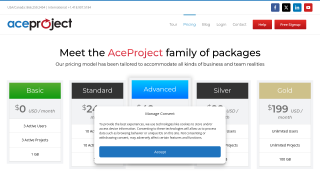
AceProject Pricing

Pricing Range $0-199/Month See AceProject Pricing

Trello Pricing

Pricing Range $0-$17.50/Month See Trello Pricing

Alternatives

AceProject Alternatives

Trello logo

Trello

90%
Asana logo

Asana

83%
See All AceProject Alternatives

Trello Alternatives

Miro logo

Miro

93%
JIRA logo

JIRA

90%
Monday.com logo

Monday.com

90%
Wrike logo

Wrike

90%
See All Trello Alternatives

Experience

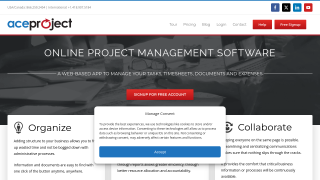
AceProject Screenshots

AceProject screenshot 1
AceProject screenshot 2

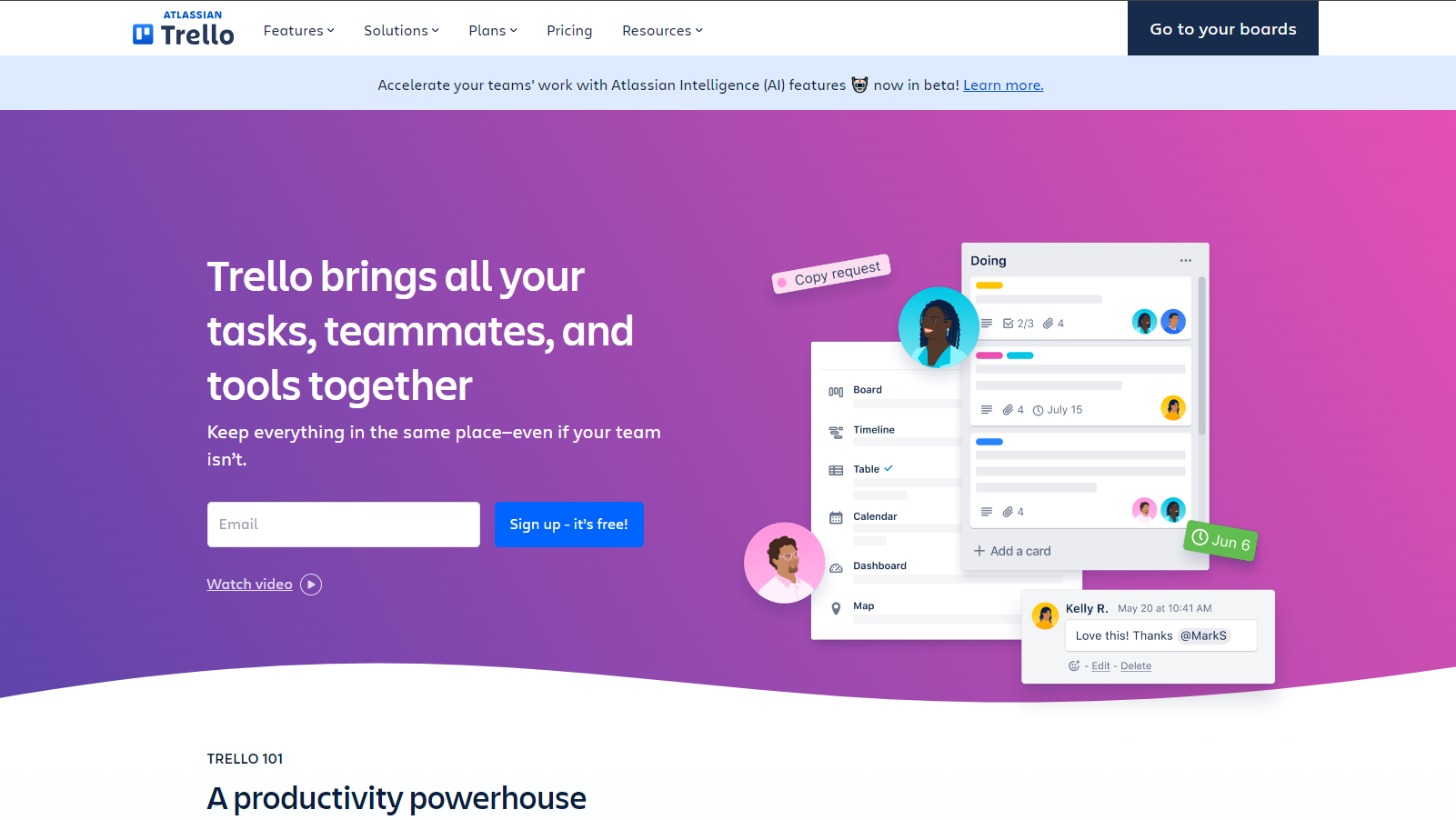
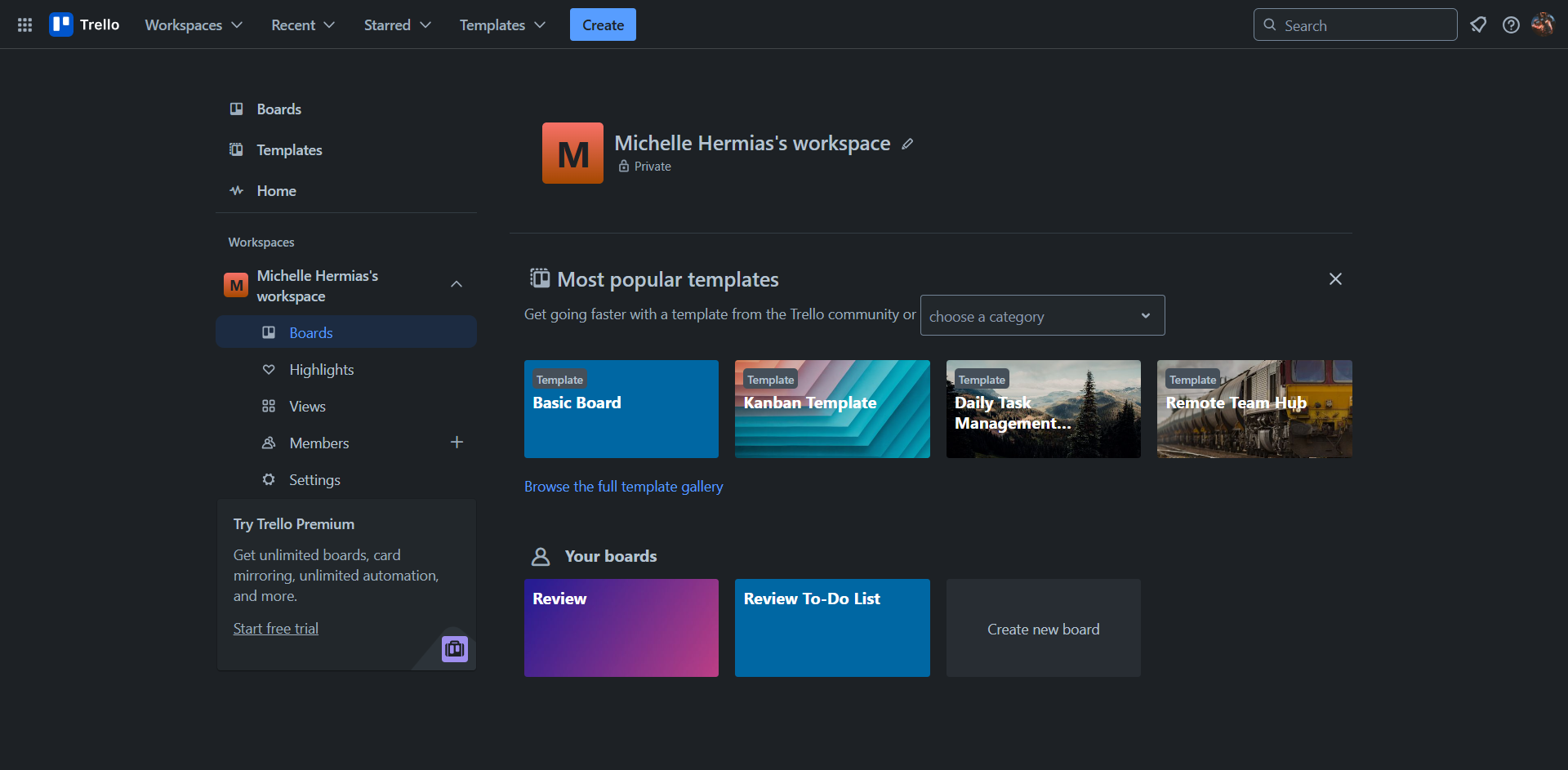
Trello Screenshots

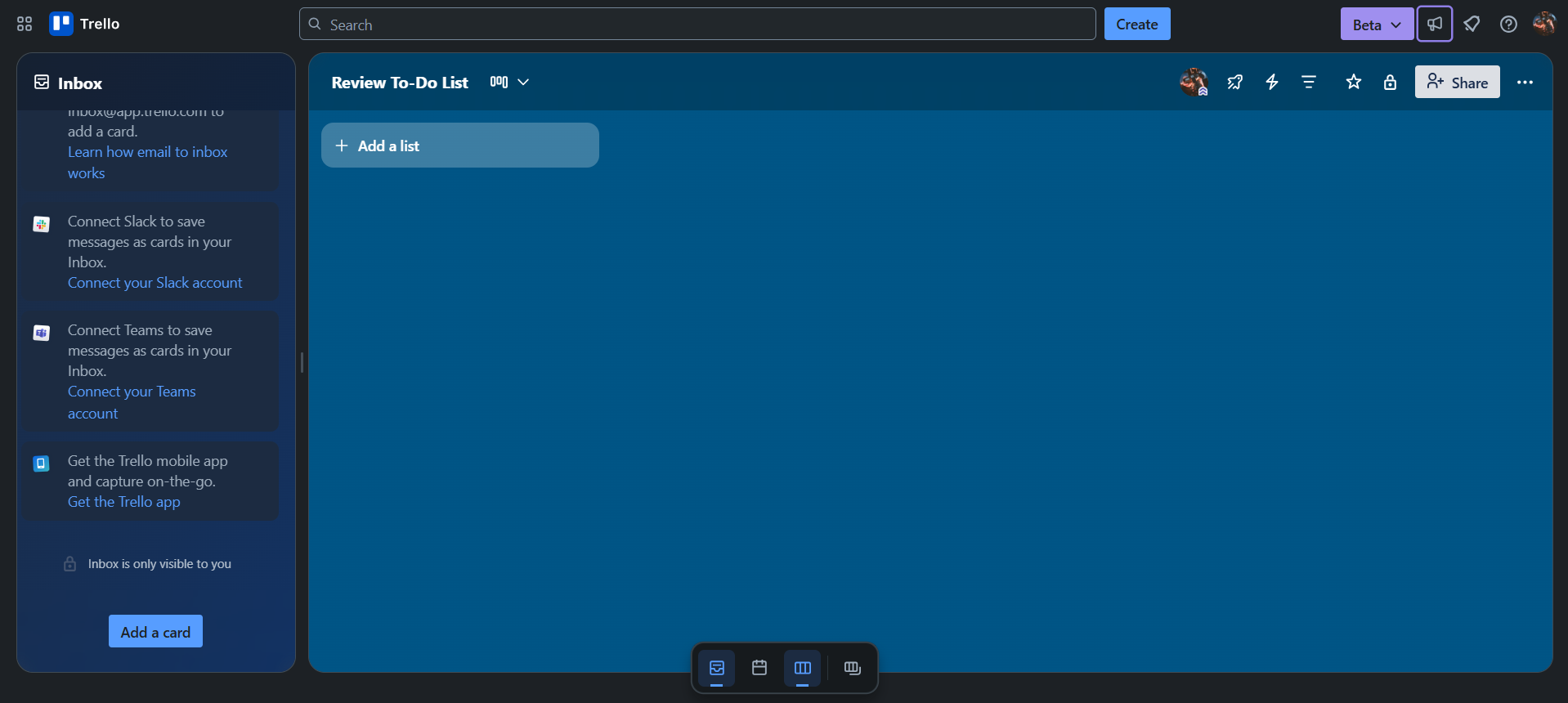
Trello screenshot 1
Trello screenshot 2
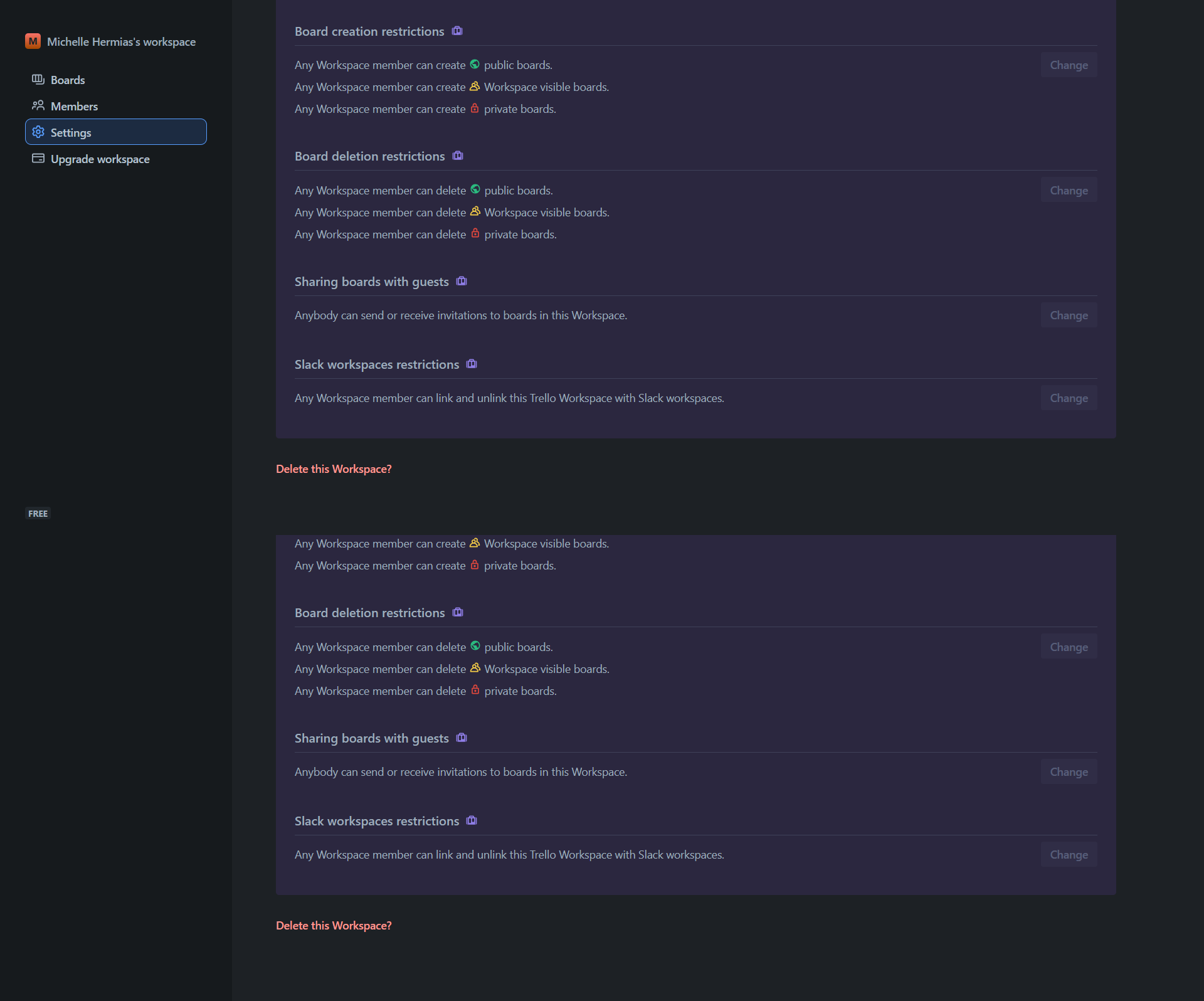
Trello screenshot 3
Trello screenshot 4
Trello screenshot 5
Trello screenshot 6
Trello screenshot 7