Sign in to review
Join our community of software reviewers on Subscribed.fyi

Continue With Google
Continue With LinkedIn
Continue Review with Email
Continue with Email
Enter your email to continue.
Continue
Enter your password
Enter your password to finish setting up your account.
Continue
Activate your email
Enter activation code we sent to your email.
Submit
Reset your password
Enter activation code we sent to your email.
Submit
Set your new password
Enter a new password for your account.
Submit
Categories
For Business
Log in
Provide My Insights
Add Product
Suggested products People also compare with
Add to Comparison
Suggested products People also compare with

Compare AnalyticsCreator and Qlik Sense

We are comparing AnalyticsCreator and Qlik Sense to evaluate which one is the best product.

Suggested products People also compare with
Review Pricing Alternatives Experience

Review

60%
22/36 Metric achieved
83%
29/36 Metric achieved

Subscribed Metric

Customer Support 6/6
Security 0/6
Ease of Use 5/6
Value of Money 5/6
Integration 3/6
Popularity 3/6

Subscribed Metric

Customer Support 4/6
Security 4/6
Ease of Use 5/6
Value of Money 5/6
Integration 5/6
Popularity 6/6

Pros & Cons

Fast implementation of data pipelines
Highly automated for efficiency
Great DWH project flexibility
Comprehensive support for SQL Server
Limited to Microsoft stack
Steep learning curve for beginners
GUI appears outdated to some
Limited compatibility with certain cloud platforms

Pros & Cons

Powerful data visualization
Handles large datasets effectively
Customizable and user-friendly interface
Integrates with diverse data sources
Steep learning curve for advanced features
High licensing costs
Occasional performance issues on large data
Limited built-in advanced reporting

Conclusion

AnalyticsCreator is a no-code data warehouse automation tool designed for Data Engineers. It accelerates the BI lifecycle by automating design, development, and deployment, offering compatibility with major platforms like Azure SQL and MS SQL. Key features include workflow automation, 250+ connectors, and ultrafast prototyping, reducing costs by up to 80%. Pricing includes Free Trial options for Power, Professional, and Unlimited plans. Compared to tools like Snowflake or WhereScape RED, AnalyticsCreator excels in usability for Microsoft-based environments but may lack broader SaaS/cloud support. Customer support rates highly, making it cost-effective and ideal for mid-sized businesses seeking agility.

Conclusion

Qlik Sense is a robust analytics platform ideal for business analysts, developers, and decision-makers. It offers self-service data visualization, dashboard creation, advanced analytics, and real-time insights powered by its associative engine and AI capabilities. Its cloud-based and hybrid deployment options ensure scalability and accessibility. Pricing starts at $30/user/month, billed annually.

Compared to Tableau and Power BI, Qlik Sense excels in handling large datasets and seamless data integration but has a steeper learning curve and higher upfront costs. While developers appreciate its flexibility, marketers might find the design options slightly restrictive. Customer support is responsive but often relies on third-party involvement.

Cost-effective for mid to large organizations due to its advanced functionality, it may not be the best fit for small businesses with limited budgets.

Pricing

AnalyticsCreator Pricing

Pricing Range Not specified See AnalyticsCreator Pricing

Qlik Sense Pricing

Pricing Range Not specified. See Qlik Sense Pricing

Alternatives

AnalyticsCreator Alternatives

TimeXtender logo

TimeXtender

83%
IBM Db2 logo

IBM Db2

83%
Qlik Sense logo

Qlik Sense

83%
WhereScape Red logo

WhereScape Red

61%
See All AnalyticsCreator Alternatives

Qlik Sense Alternatives

Sisense logo

Sisense

85%
Tableau logo

Tableau

83%
Domo logo

Domo

80%
Looker logo

Looker

73%
See All Qlik Sense Alternatives

Experience

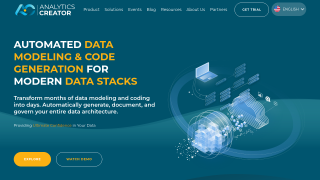
AnalyticsCreator Screenshots

AnalyticsCreator screenshot 1
AnalyticsCreator screenshot 2

Qlik Sense Screenshots

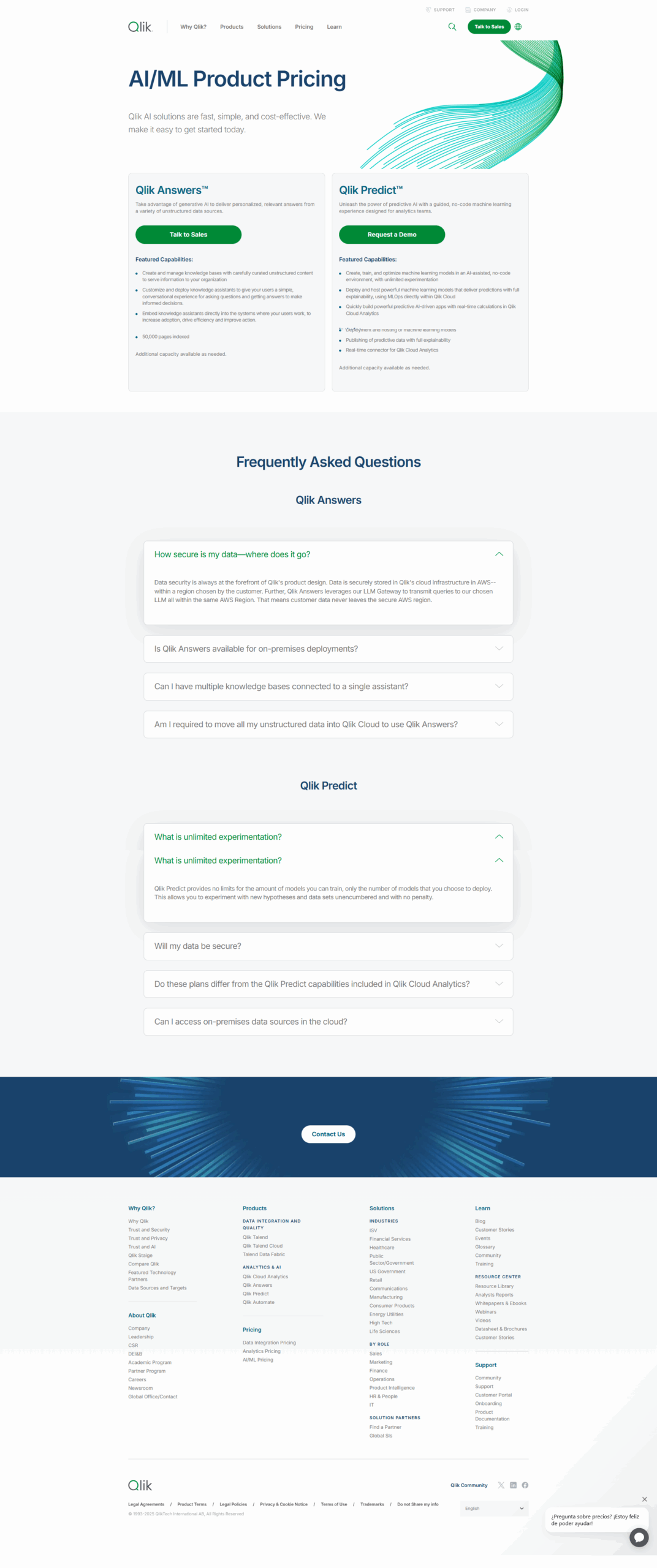
Qlik Sense screenshot 1
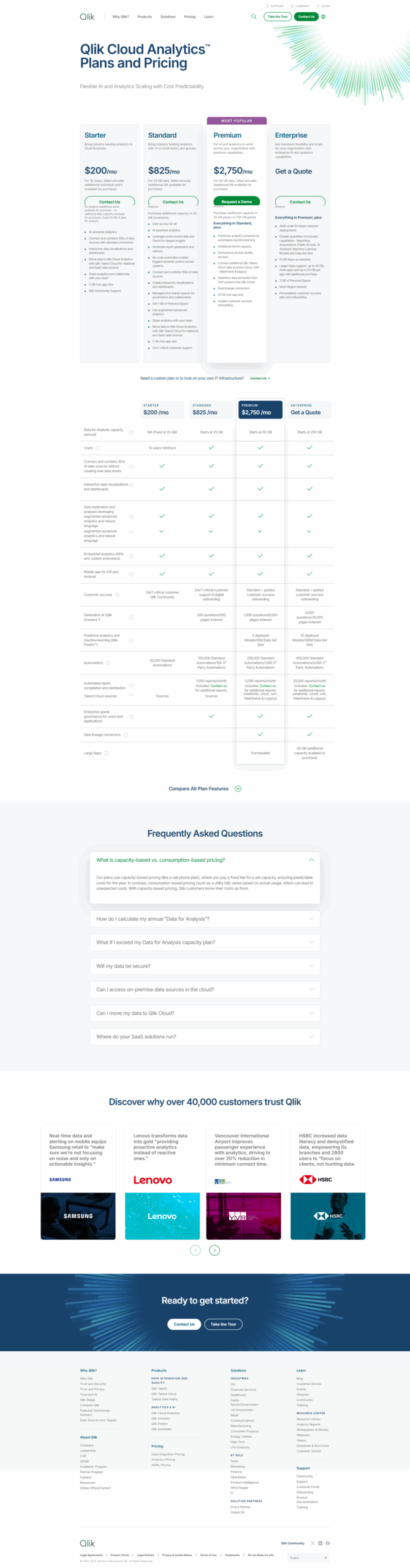
Qlik Sense screenshot 2
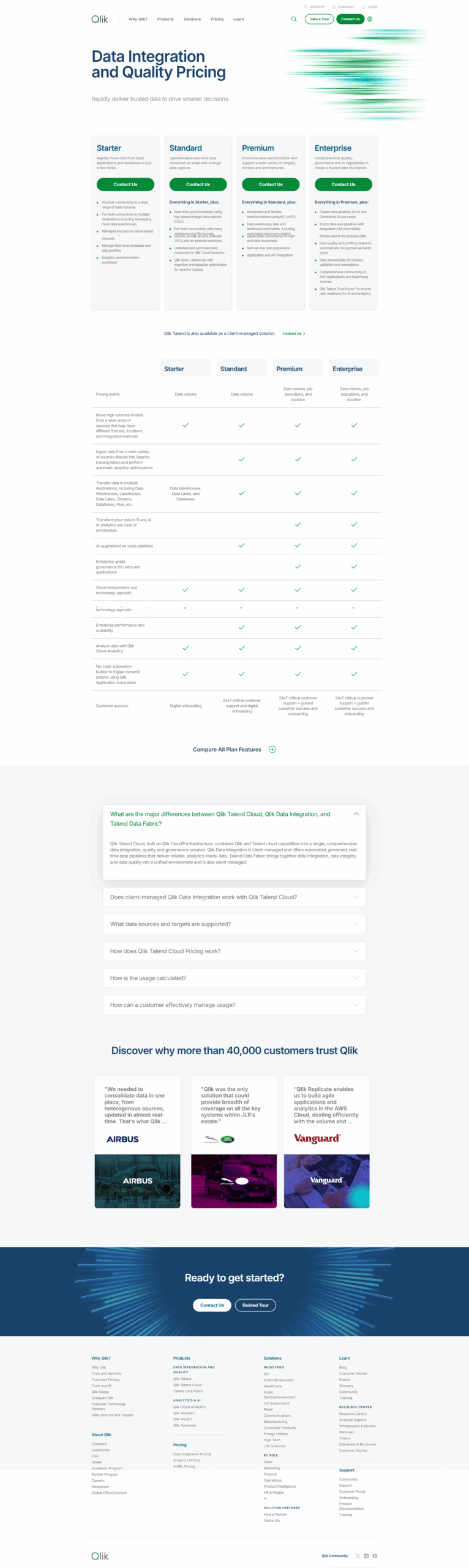
Qlik Sense screenshot 3