Sign in to review
Join our community of software reviewers on Subscribed.fyi

Continue With Google
Continue With LinkedIn
Continue Review with Email
Continue with Email
Enter your email to continue.
Continue
Enter your password
Enter your password to finish setting up your account.
Continue
Activate your email
Enter activation code we sent to your email.
Submit
Reset your password
Enter activation code we sent to your email.
Submit
Set your new password
Enter a new password for your account.
Submit
Categories
For Business
Log in
Provide My Insights
Add Product
Suggested products People also compare with
Add to Comparison
Suggested products People also compare with

Compare Asana and Trello

We are comparing Asana and Trello to evaluate which one is the best product.

Suggested products People also compare with
Review Pricing Alternatives Experience

Review

83%
29/36 Metric achieved
90%
32/36 Metric achieved

Subscribed Metric

Customer Support 4/6
Security 4/6
Ease of Use 5/6
Value of Money 5/6
Integration 5/6
Popularity 6/6

Subscribed Metric

Customer Support 4/6
Security 5/6
Ease of Use 6/6
Value of Money 5/6
Integration 6/6
Popularity 6/6

Pros & Cons

Intuitive and user-friendly interface
Great for collaboration and task management
Customizable workflows and views
Facilitates efficient project tracking
Limited features in free version
Some find it overwhelming for small teams
No built-in video conferencing
Subtask duplication issues reported

Pros & Cons

Easy to use with intuitive interface.
Highly customizable Kanban boards.
Great for team collaboration and task tracking.
Cost-effective free and basic plans.
Pricing can be a hurdle for small teams.
UI feels outdated compared to rivals.
Limited advanced features for complex needs.
Reliance on internet; lacks offline flexibility.

Conclusion

Asana is a versatile project management tool designed for designers, developers, and marketers, enabling task tracking, team collaboration, and workflow automation using features like Gantt charts, Kanban boards, and resource allocation. Its AI-driven tools simplify project tracking, making it ideal for remote and cross-functional teams. Pricing ranges from free for basic use to advanced plans starting at $10.99/user/month. Compared to Monday.com or ClickUp, Asana offers better scalability but may lack simplicity for small teams. While its UI is intuitive, some users report limited integrations and customer support. Cost-effective for medium/large teams, it excels in enhancing productivity.

Conclusion

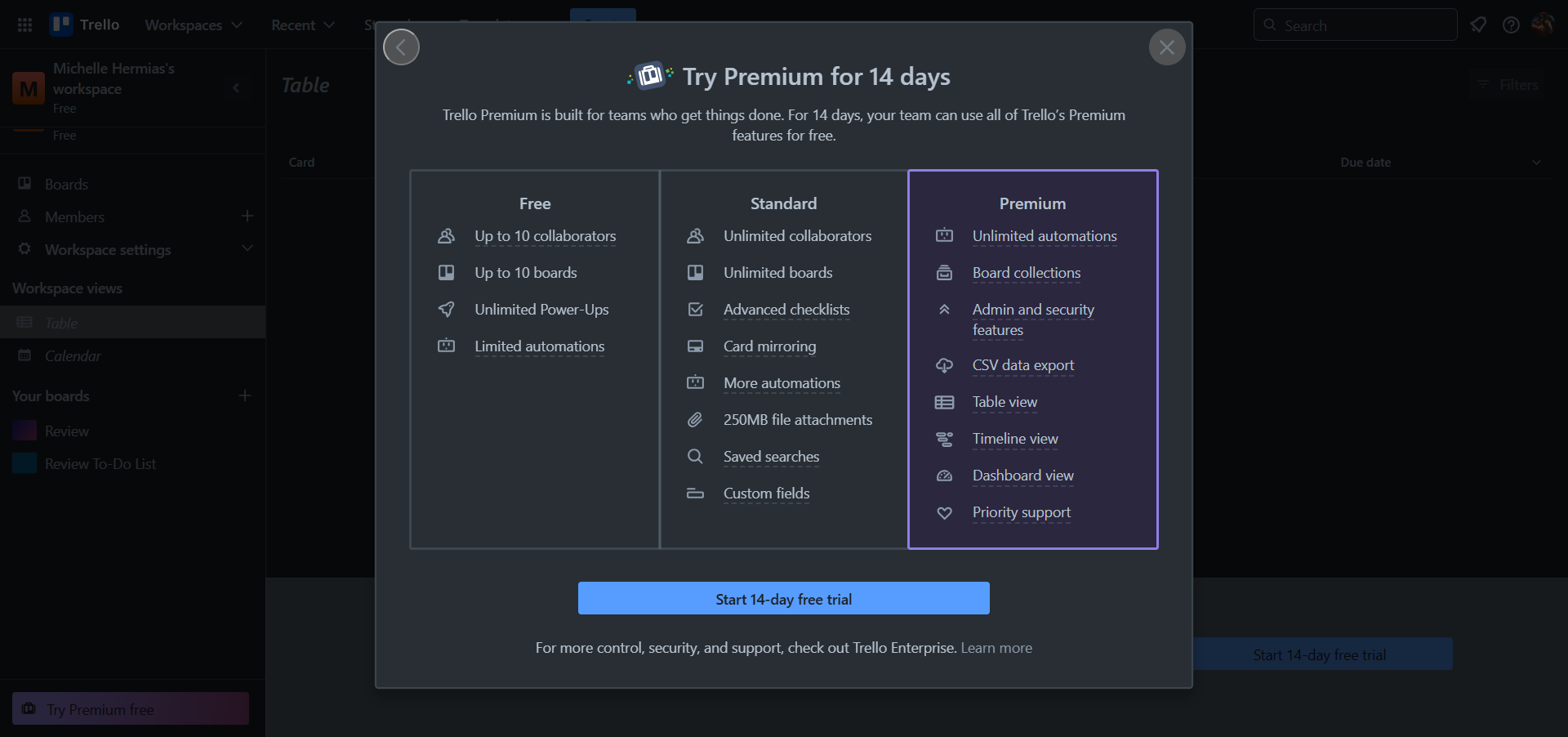
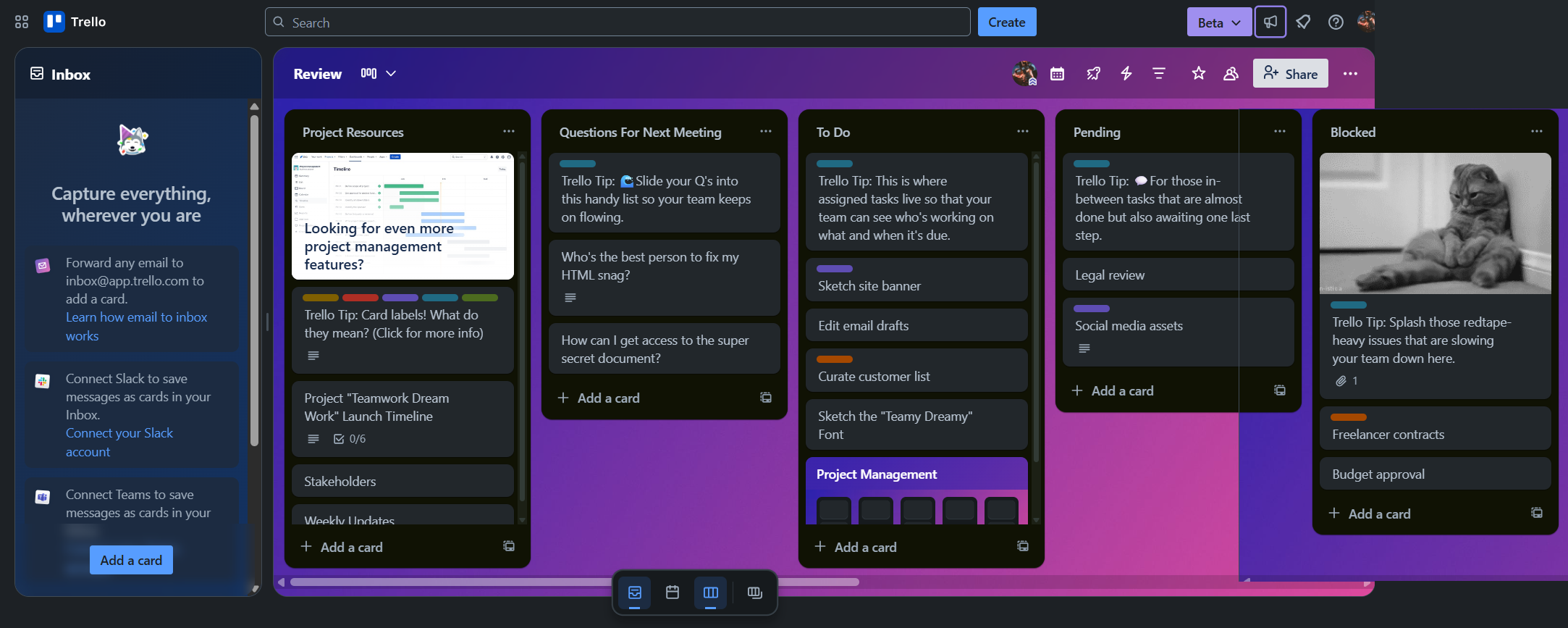
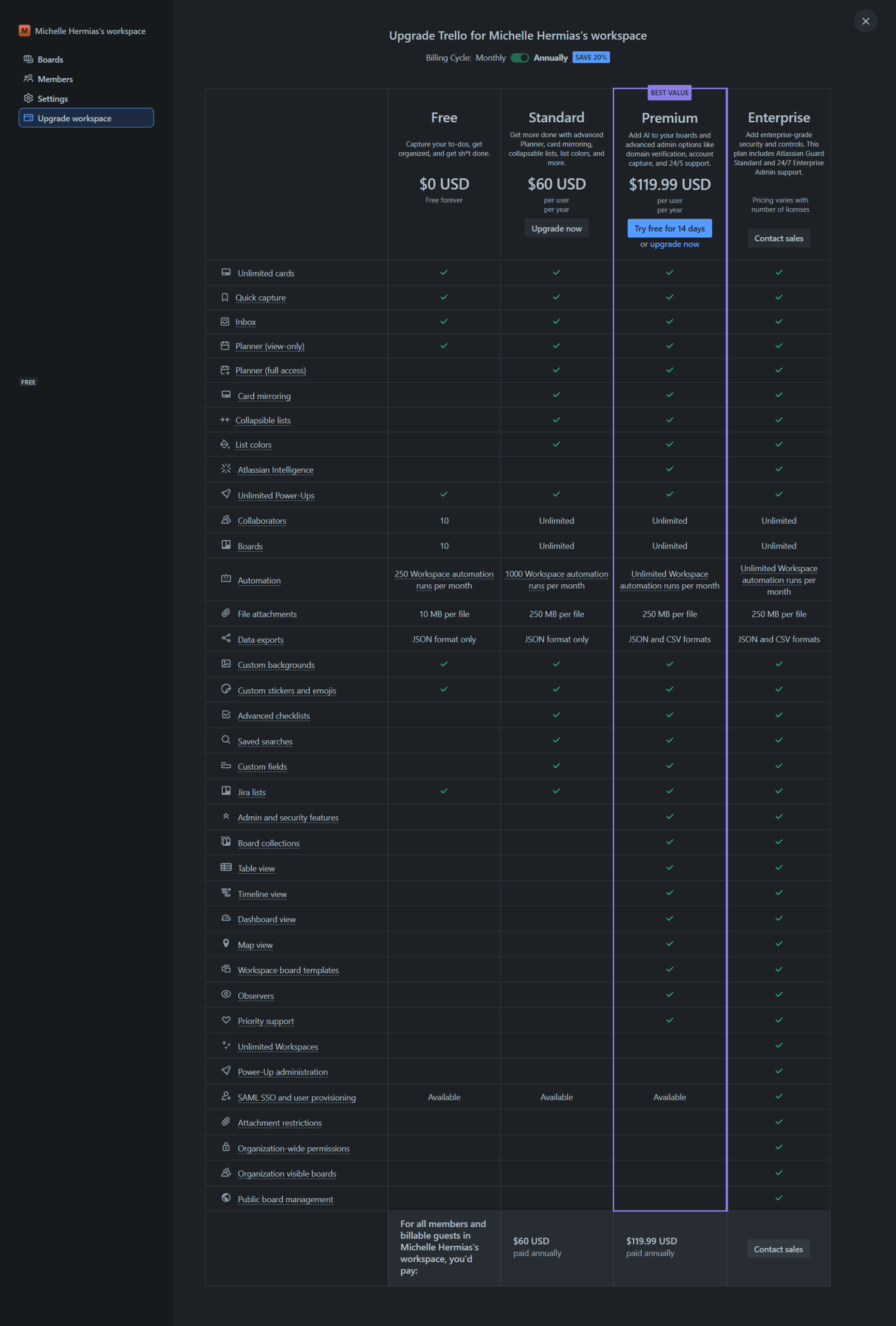
Trello is a flexible visual project management tool ideal for marketers, designers, and small teams. Its Kanban-style boards enable task tracking, deadlines, and collaboration via cards, assignees, and comments. With integrations like Google Drive and Slack, Trello streamlines workflows. It offers Free, Standard ($5/user/month), Premium ($10/user/month), and Enterprise options. Alternatives like Asana and monday.com offer advanced views but cost more. Trello’s intuitive interface and cost-effectiveness shine, though lacks advanced reporting. Support: fair, responsive.

Pricing

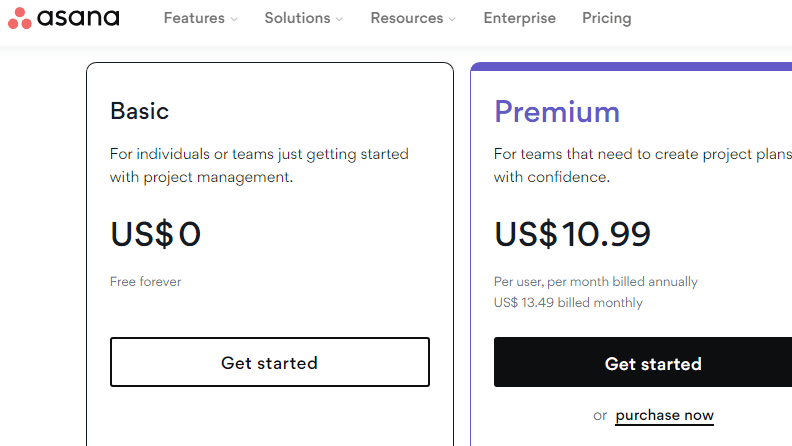
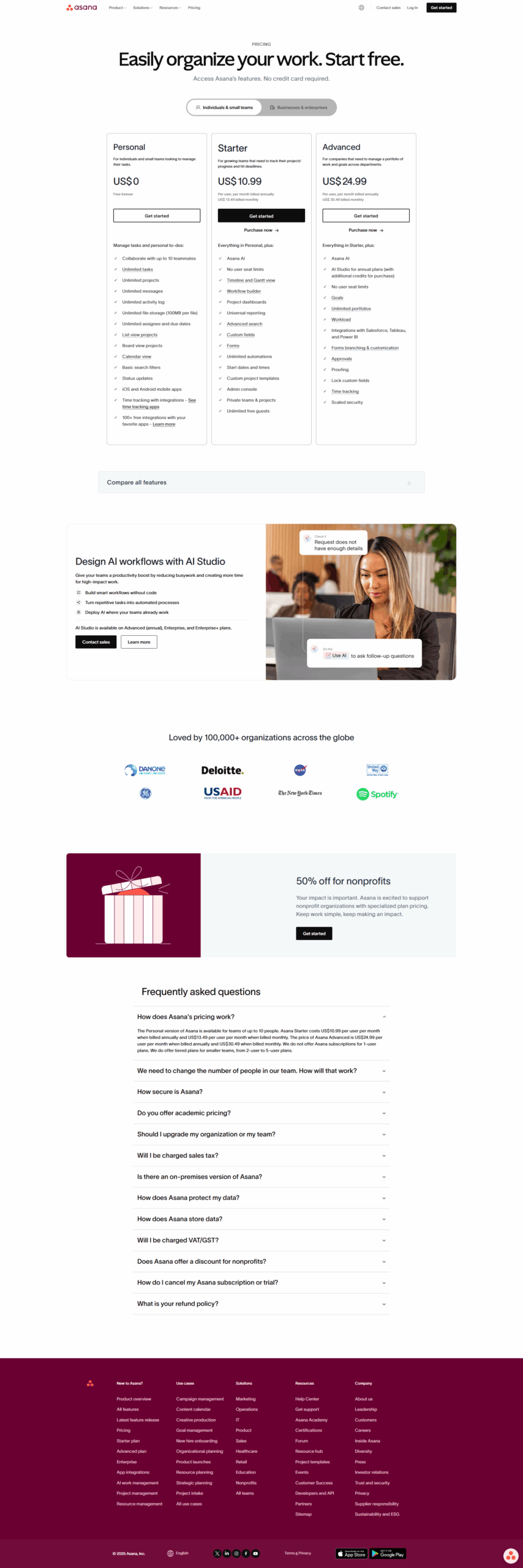
Asana Pricing

Pricing Range $10.99-$24.99/Month See Asana Pricing

Trello Pricing

Pricing Range $0-$17.50/Month See Trello Pricing

Alternatives

Asana Alternatives

Slack logo

Slack

90%
Trello logo

Trello

90%
JIRA logo

JIRA

90%
Monday.com logo

Monday.com

90%
See All Asana Alternatives

Trello Alternatives

Miro logo

Miro

93%
JIRA logo

JIRA

90%
Monday.com logo

Monday.com

90%
Wrike logo

Wrike

90%
See All Trello Alternatives

Experience

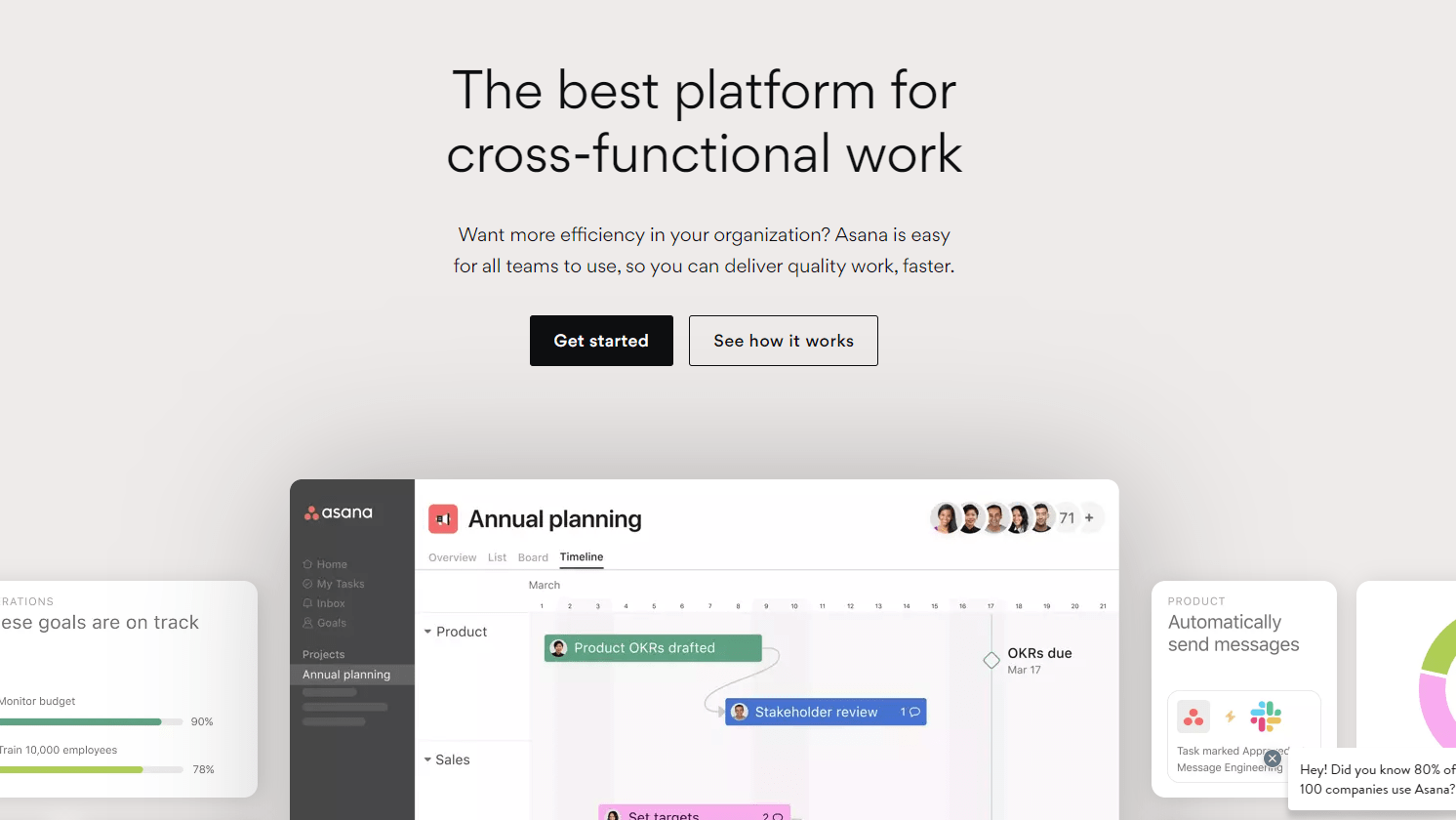
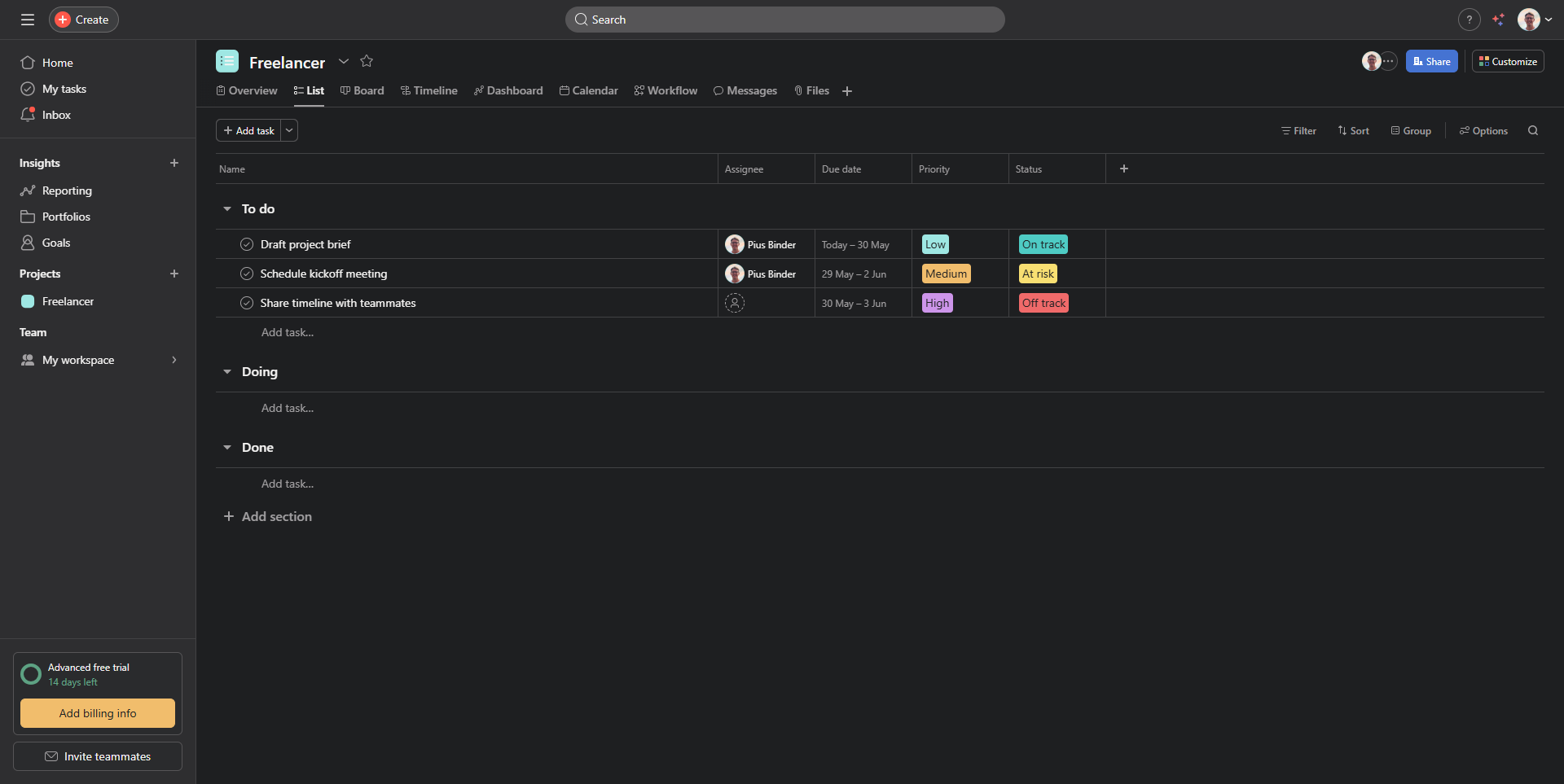
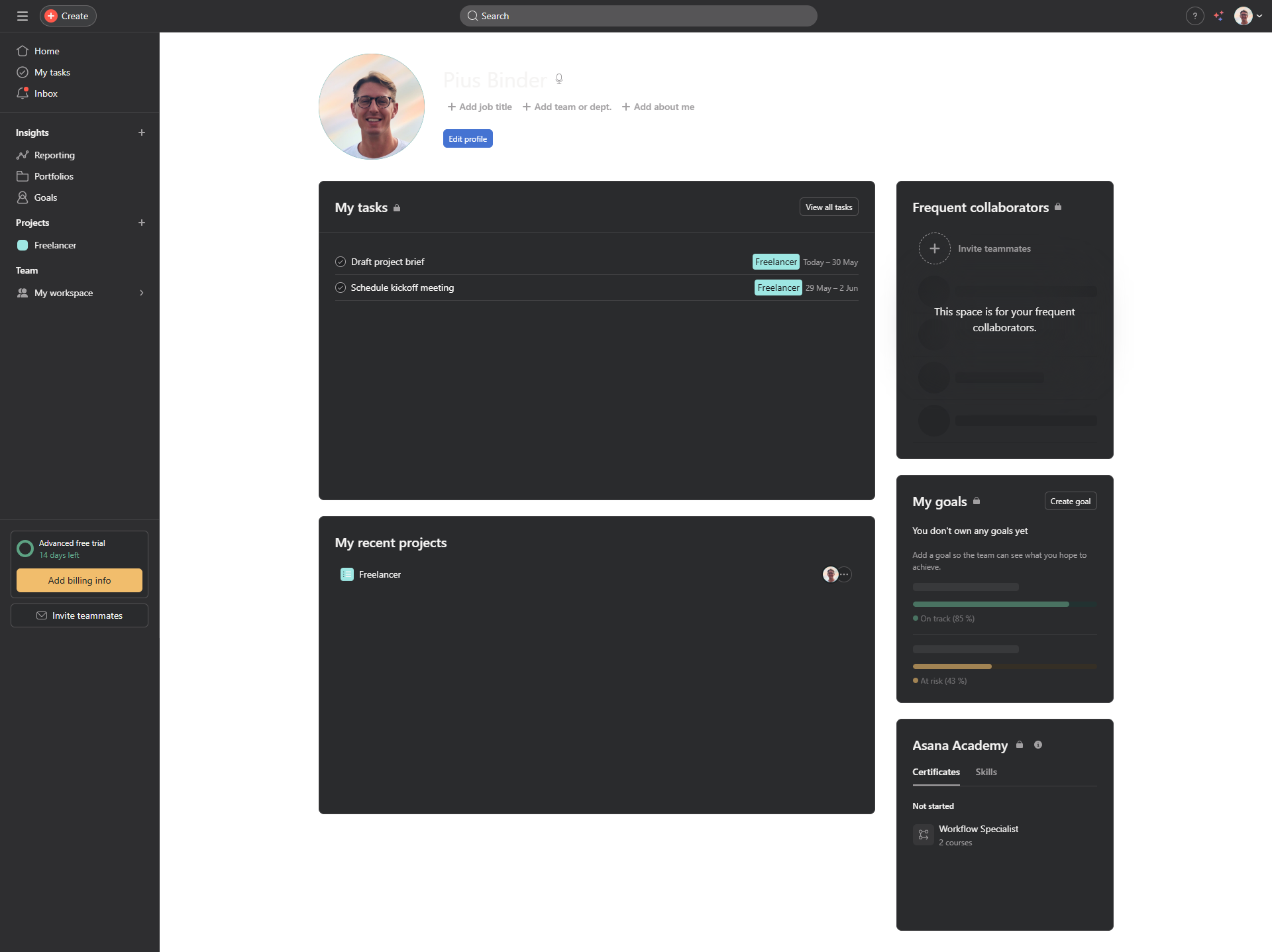
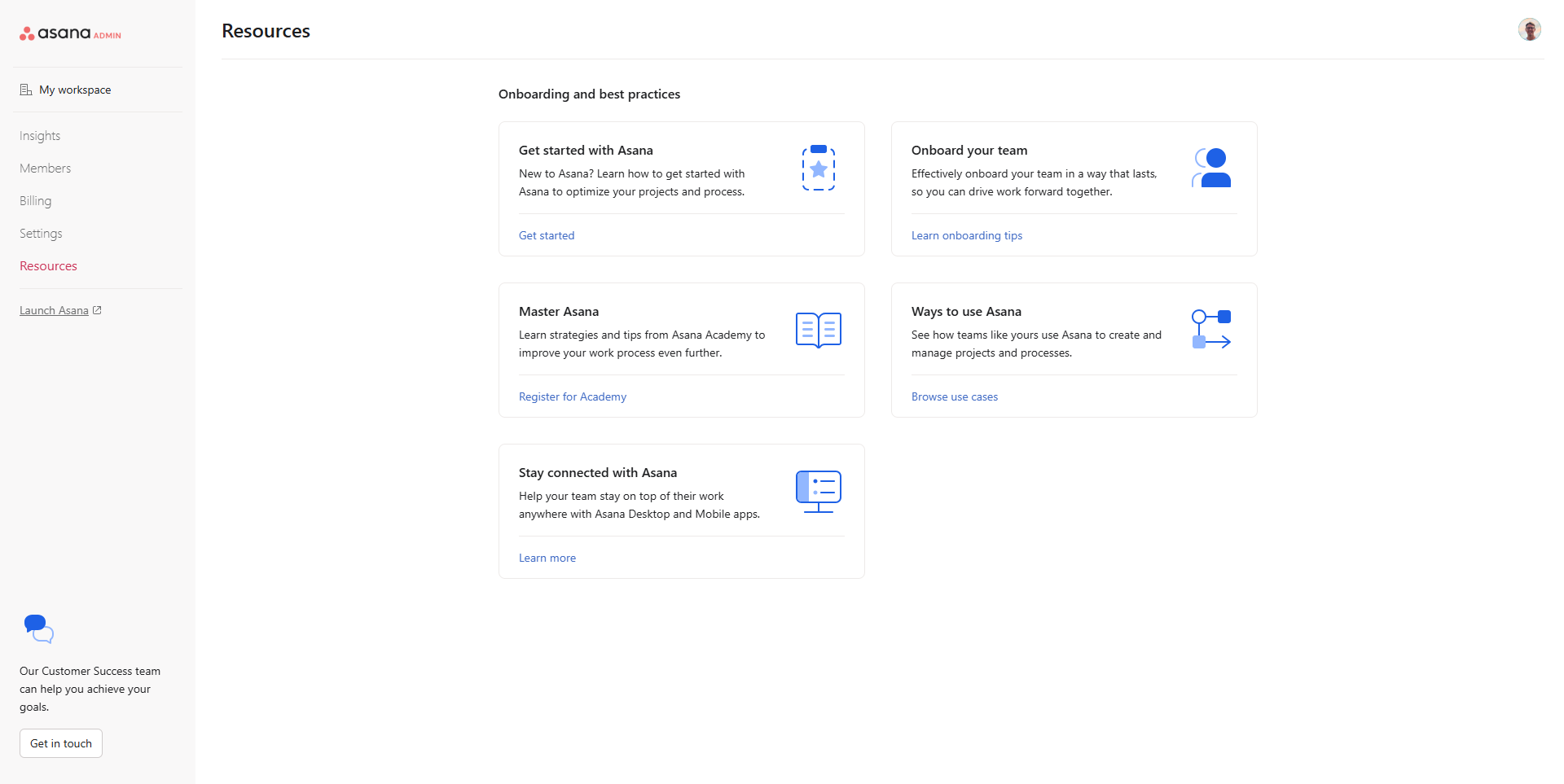
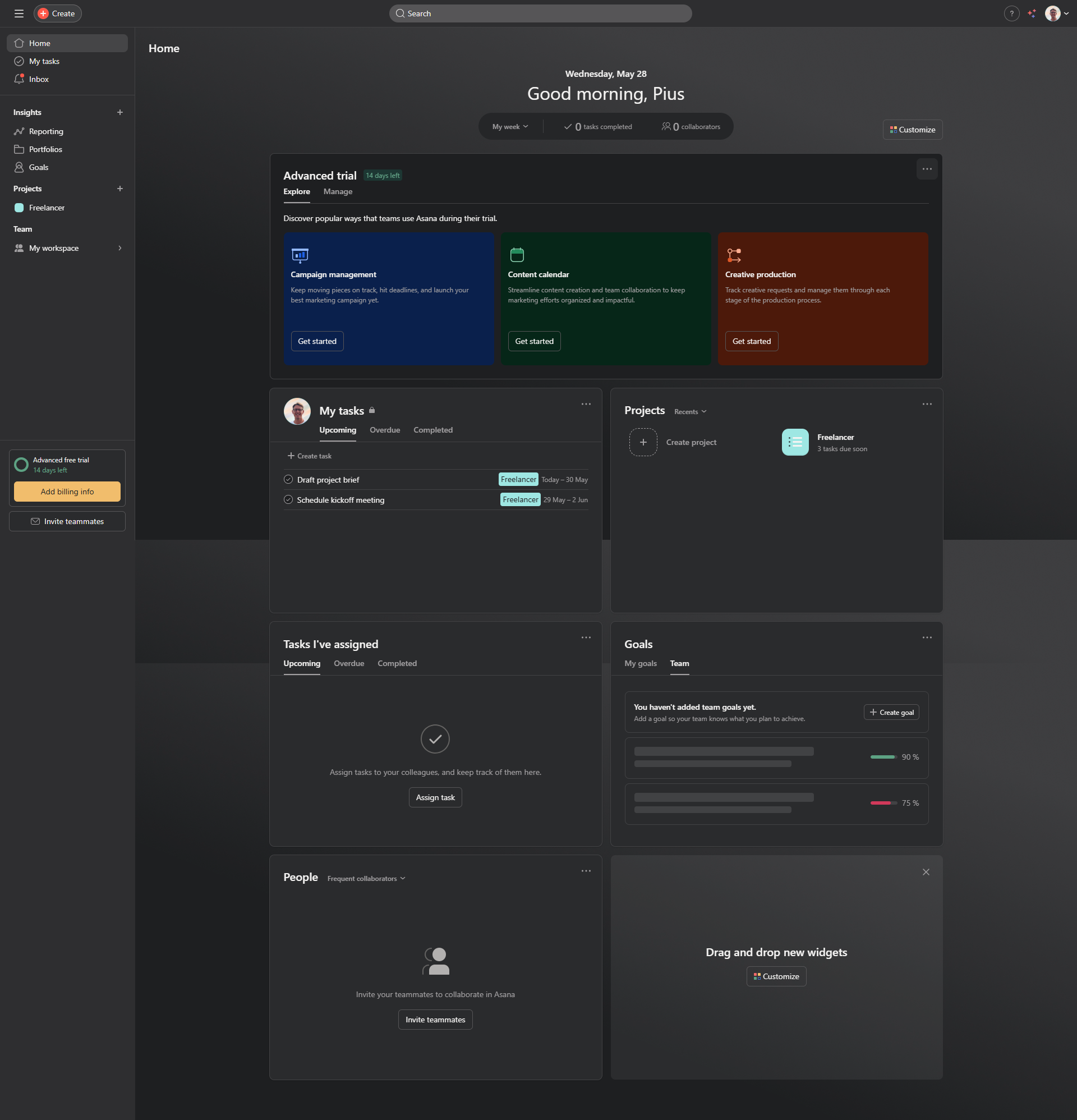
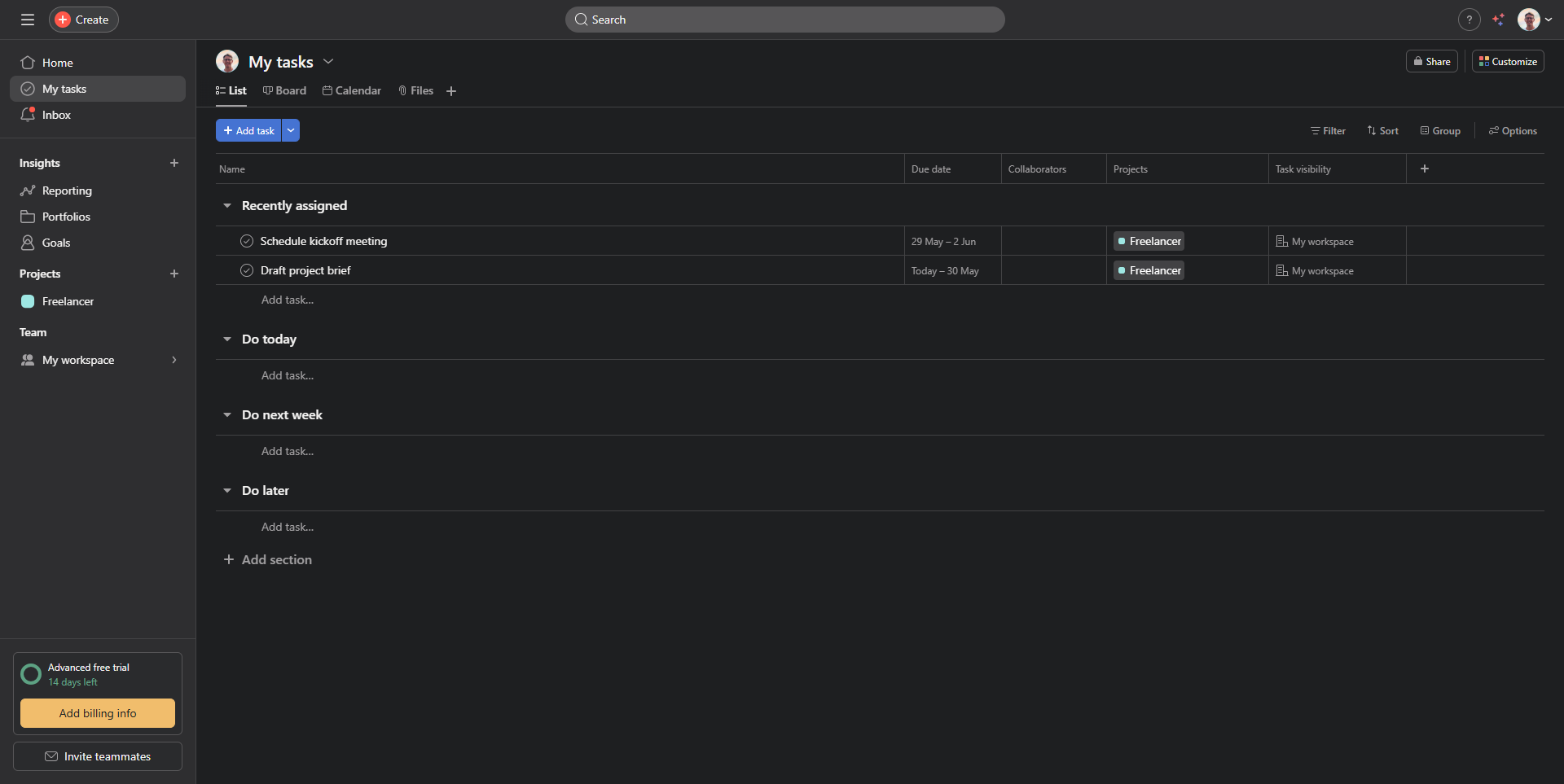
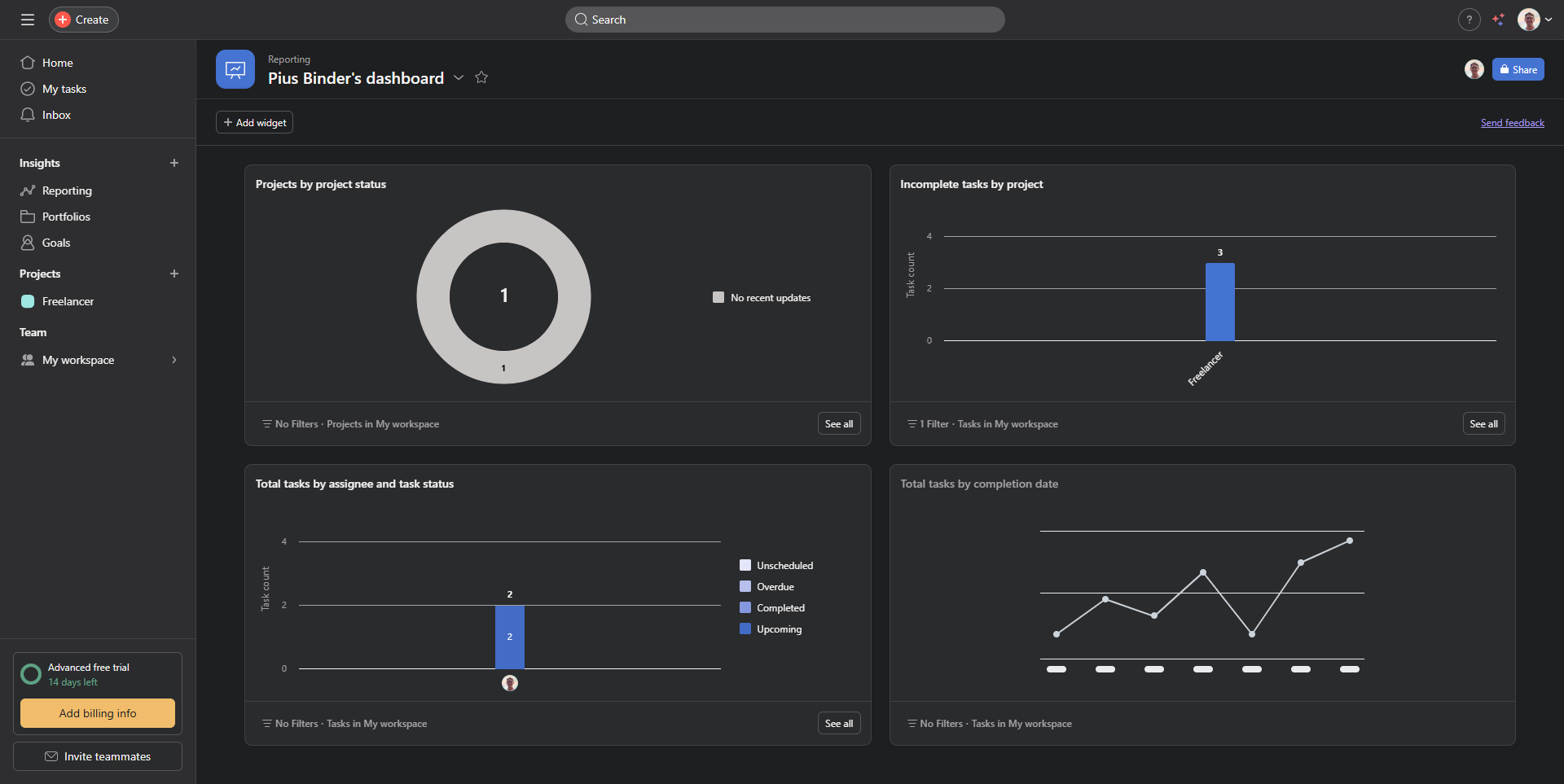
Asana Screenshots

Asana screenshot 1
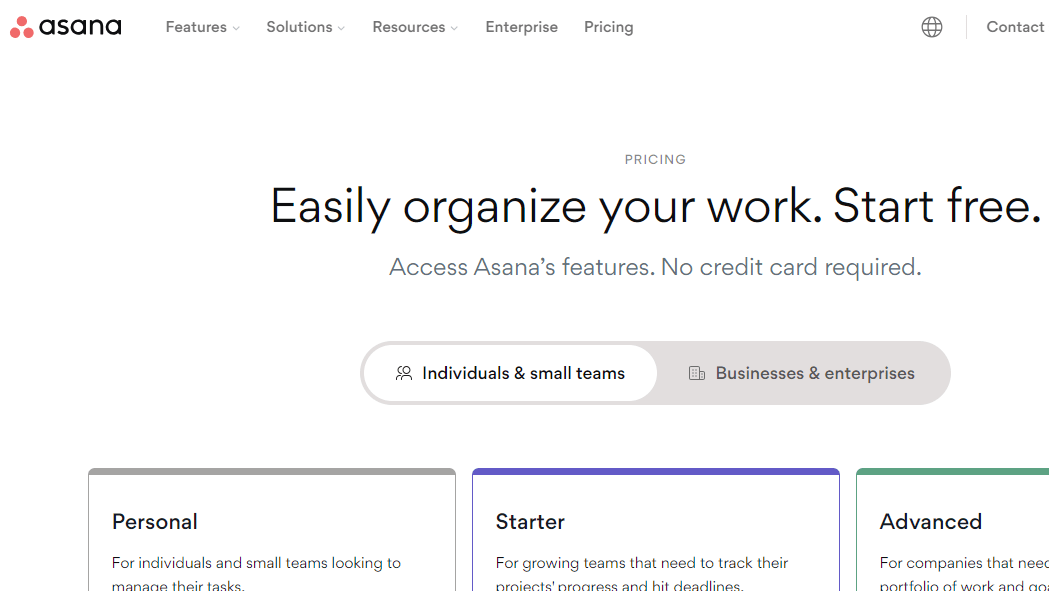
Asana screenshot 2
Asana screenshot 3
Asana screenshot 4
Asana screenshot 5
Asana screenshot 6
Asana screenshot 7
Asana screenshot 8
Asana screenshot 9
Asana screenshot 10

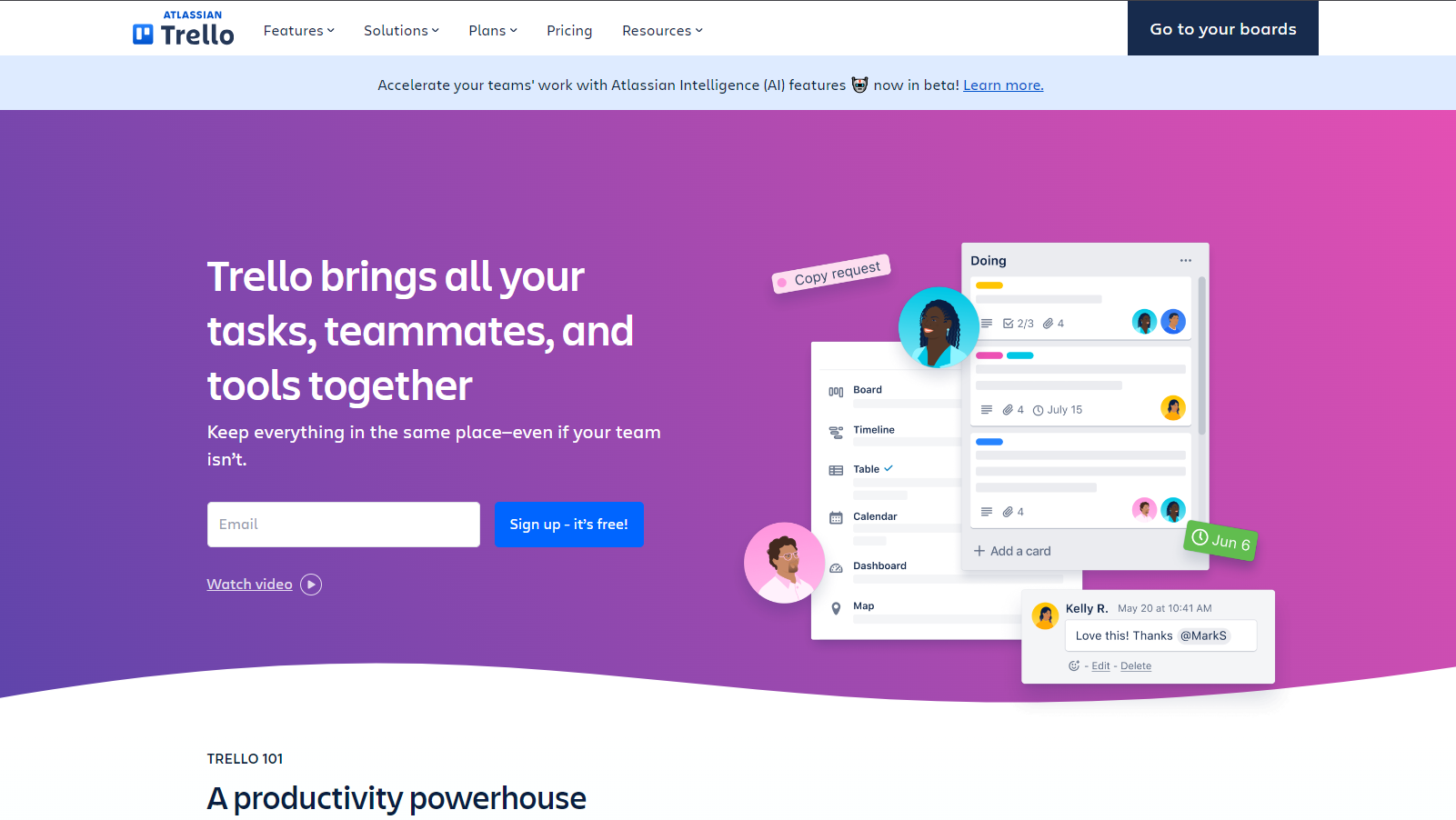
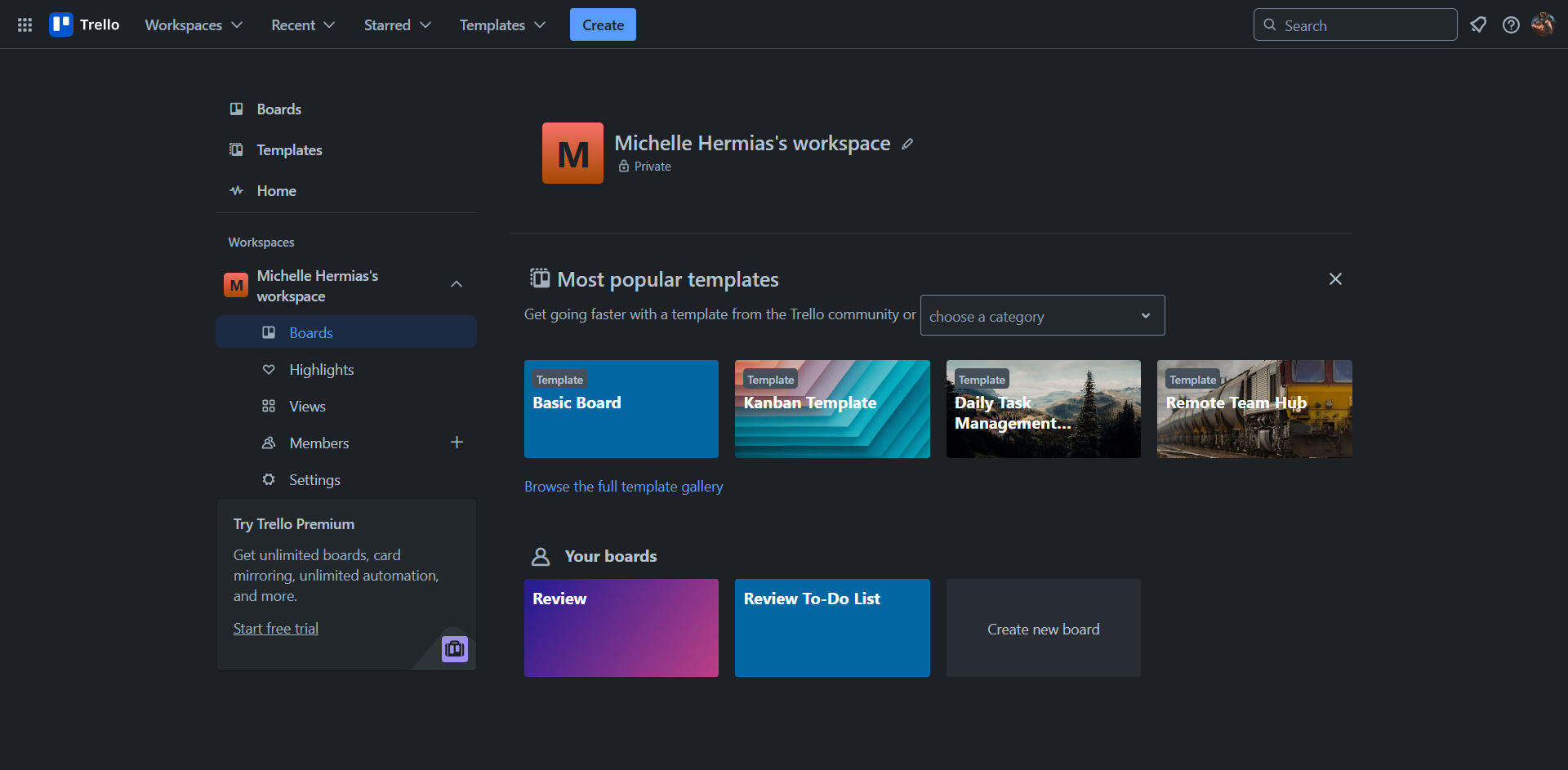
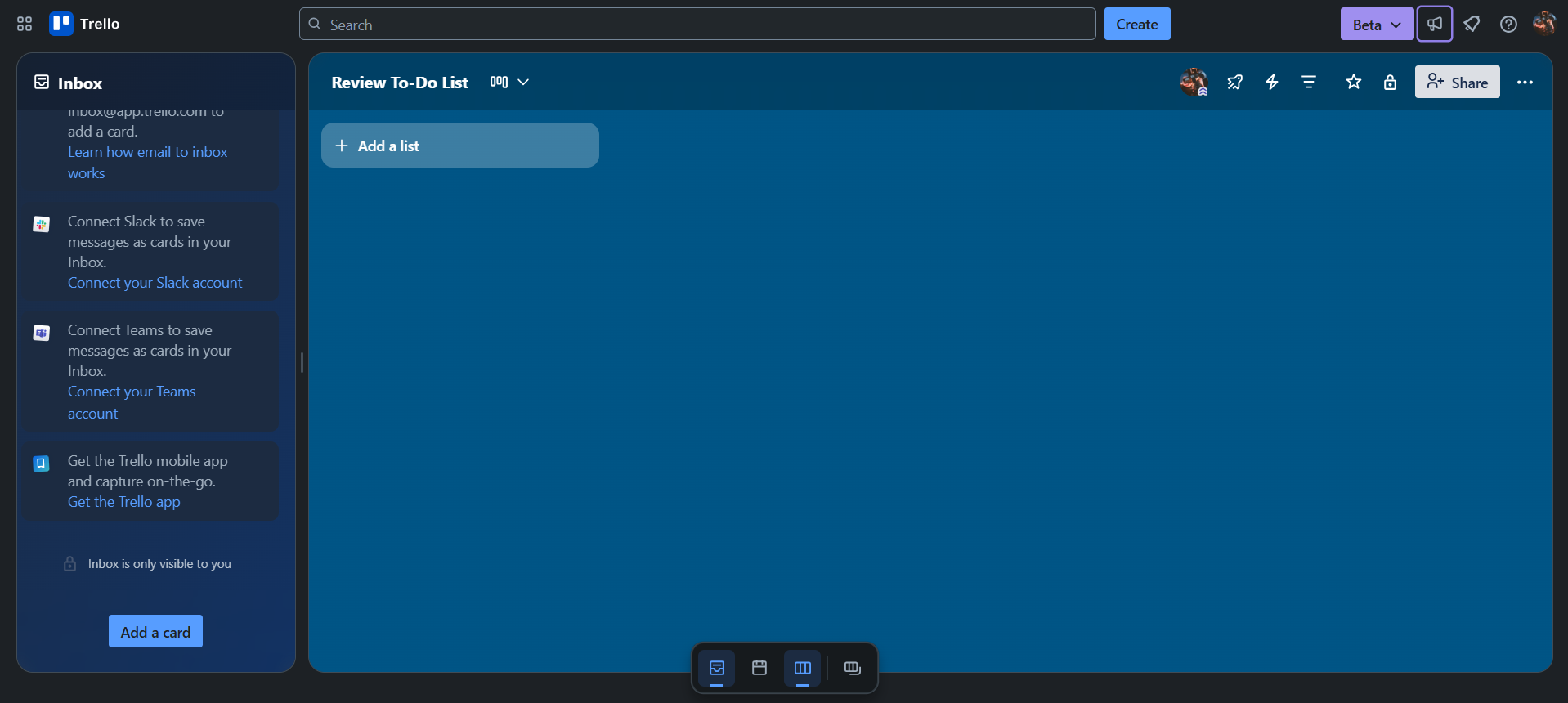
Trello Screenshots

Trello screenshot 1
Trello screenshot 2
Trello screenshot 3
Trello screenshot 4
Trello screenshot 5
Trello screenshot 6
Trello screenshot 7