Sign in to review
Join our community of software reviewers on Subscribed.fyi

Continue With Google
Continue With LinkedIn
Continue Review with Email
Continue with Email
Enter your email to continue.
Continue
Enter your password
Enter your password to finish setting up your account.
Continue
Activate your email
Enter activation code we sent to your email.
Submit
Reset your password
Enter activation code we sent to your email.
Submit
Set your new password
Enter a new password for your account.
Submit
Categories
For Business
Log in
Provide My Insights
Add Product
Suggested products People also compare with
Add to Comparison
Suggested products People also compare with

Compare Chrome Remote Desktop and TeamViewer

We are comparing Chrome Remote Desktop and TeamViewer to evaluate which one is the best product.

Suggested products People also compare with
Review Pricing Alternatives Experience

Review

67%
24/36 Metric achieved
85%
30/36 Metric achieved

Subscribed Metric

Customer Support 3/6
Security 4/6
Ease of Use 5/6
Value of Money 6/6
Integration 2/6
Popularity 4/6

Subscribed Metric

Customer Support 4/6
Security 5/6
Ease of Use 6/6
Value of Money 4/6
Integration 5/6
Popularity 6/6

Pros & Cons

Free with no ads or time limits
Easy to set up and use
Cross-platform compatibility
Secure with SSL encryption
Requires stable internet
Limited advanced features
Occasional lag issues
No built-in file transfer

Pros & Cons

Easy to set up and use.
Supports cross-platform access.
Reliable remote connectivity.
Secure with encryption and TFA.
High cost for commercial use.
Occasional connection drops.
Compatibility issues with updates.
Admin setup can be confusing.

Conclusion

Chrome Remote Desktop is a free Google-powered tool enabling secure, cross-platform remote desktop access. Ideal for professionals like developers, marketers, and designers, it offers ease of use, unattended access, file sharing, and mobile compatibility. While cost-effective, it lacks advanced collaboration features and has occasional lag issues. Competing solutions like TeamViewer and AnyDesk provide richer features but at higher costs. Customer support is limited but sufficient for basic needs. Best for users on a budget needing simple remote access.

Conclusion

TeamViewer is a premier remote connectivity tool built for remote support, collaboration, and IoT device management across platforms. Key features include cross-platform access, secure connections, AR capabilities, and file transfer. Despite minor connection or cost concerns, it’s ideal for IT teams, developers, and marketers. Pricing starts at $24.90/month, with higher tiers suited for enterprises. Compared to tools like AnyDesk or Zoho Assist, TeamViewer excels in AR integration but may feel costly. Customer support is reliable, adding to its value. Cost-efficient for business-critical needs.

Pricing

Chrome Remote Desktop Pricing

Pricing Range Not specified

TeamViewer Pricing

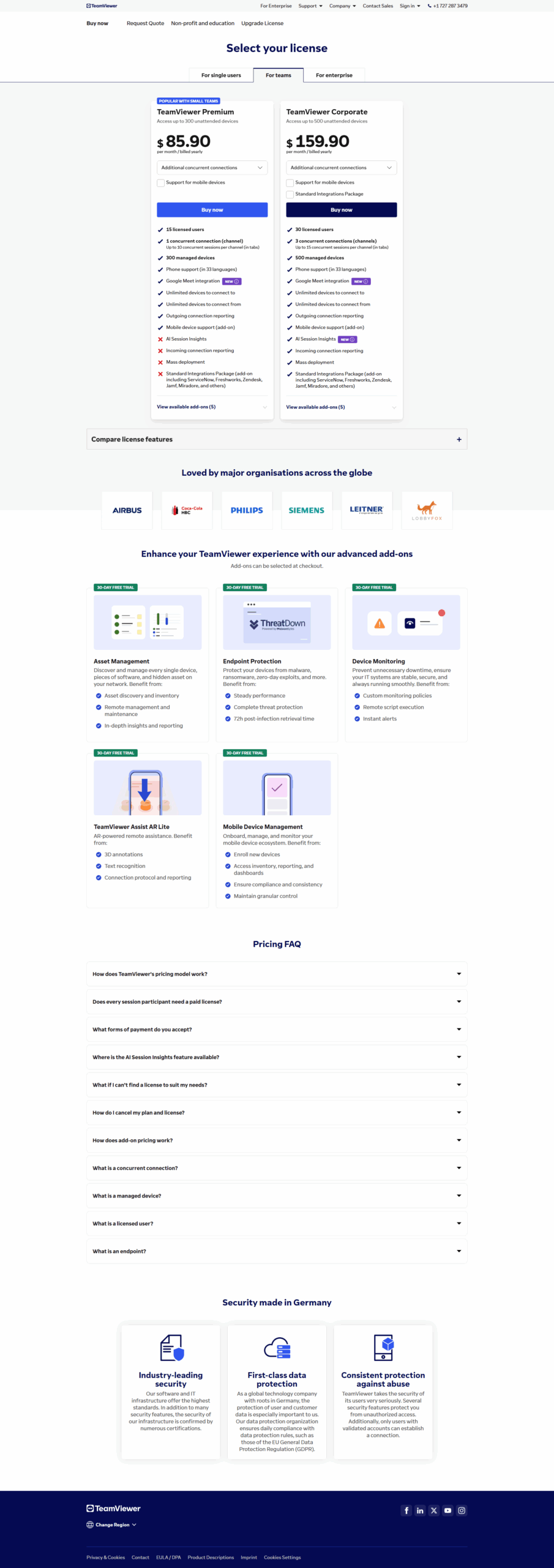
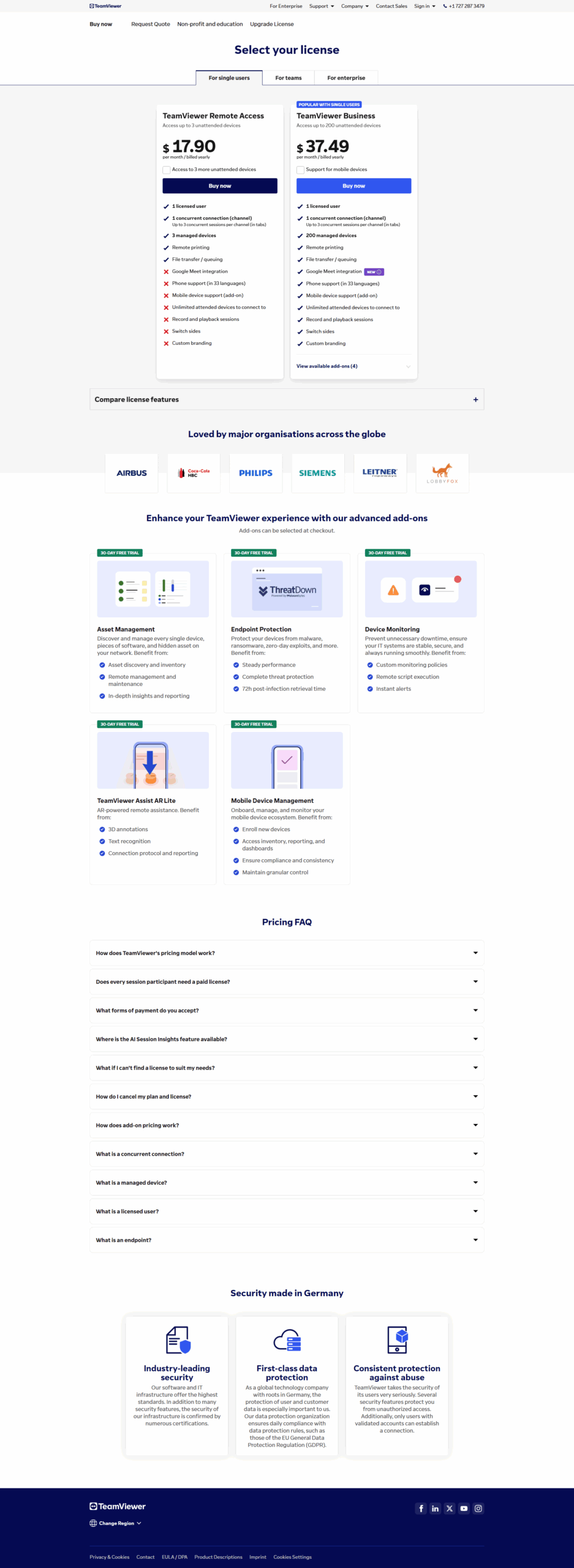
Pricing Range $24.90-$206.90/Month

Alternatives

Chrome Remote Desktop Alternatives

RemotePC logo

RemotePC

90%
AnyDesk logo

AnyDesk

85%
TeamViewer logo

TeamViewer

85%
See All Chrome Remote Desktop Alternatives

TeamViewer Alternatives

Zoho Assist logo

Zoho Assist

90%
NinjaOne logo

NinjaOne

90%
Zoom logo

Zoom

88%
AnyDesk logo

AnyDesk

85%
See All TeamViewer Alternatives

Experience

Chrome Remote Desktop Screenshots

Chrome Remote Desktop screenshot 1

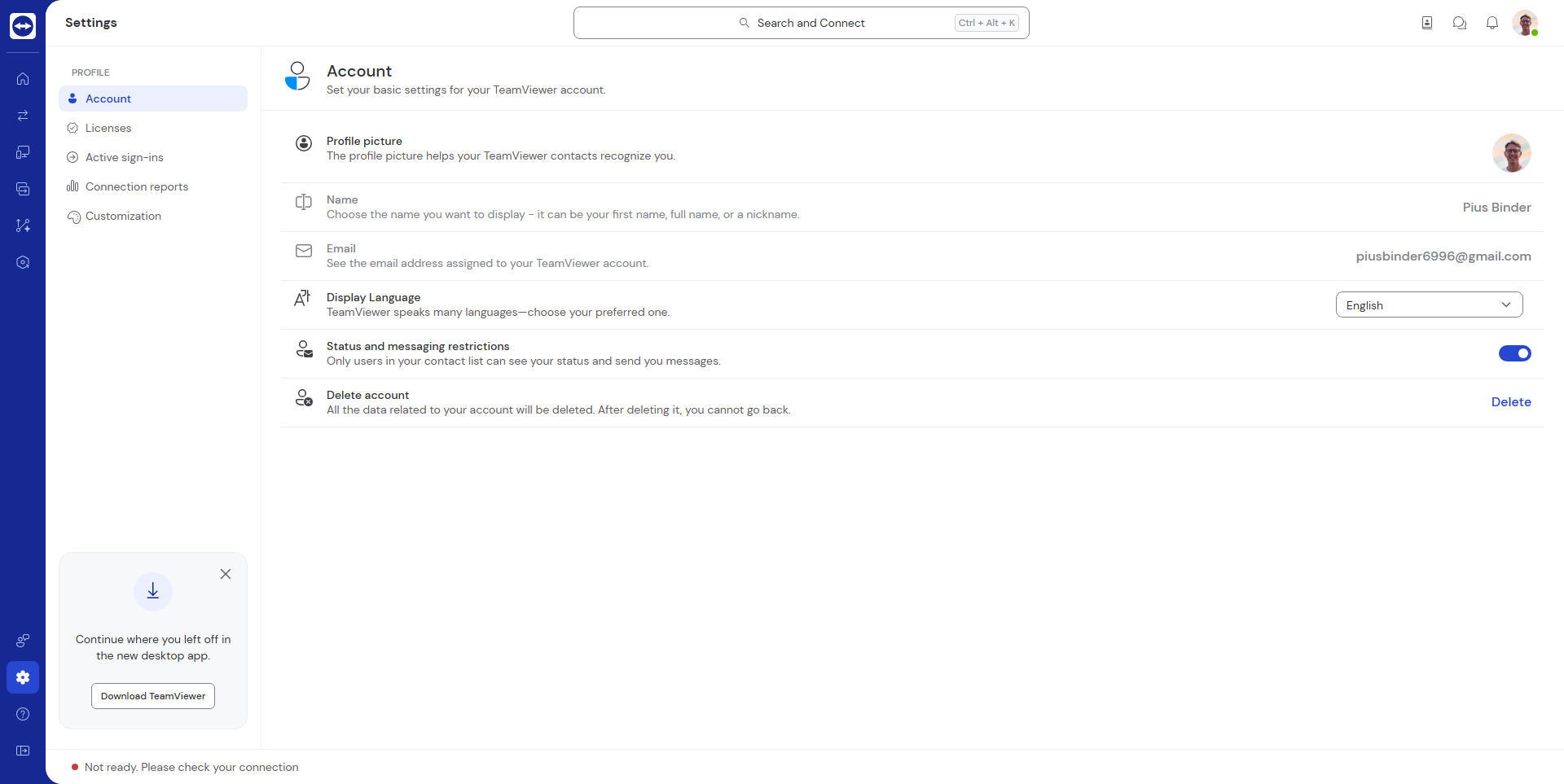
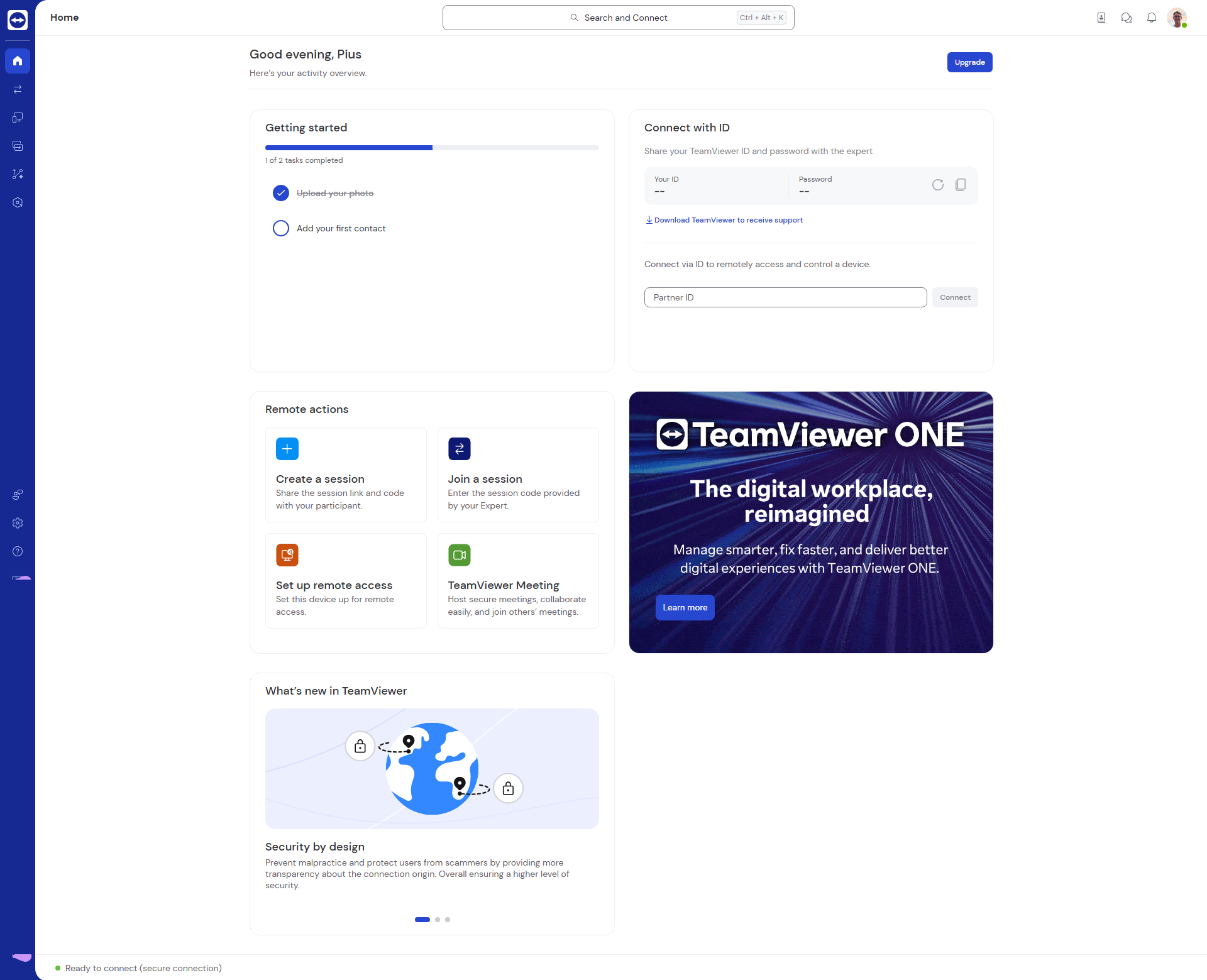
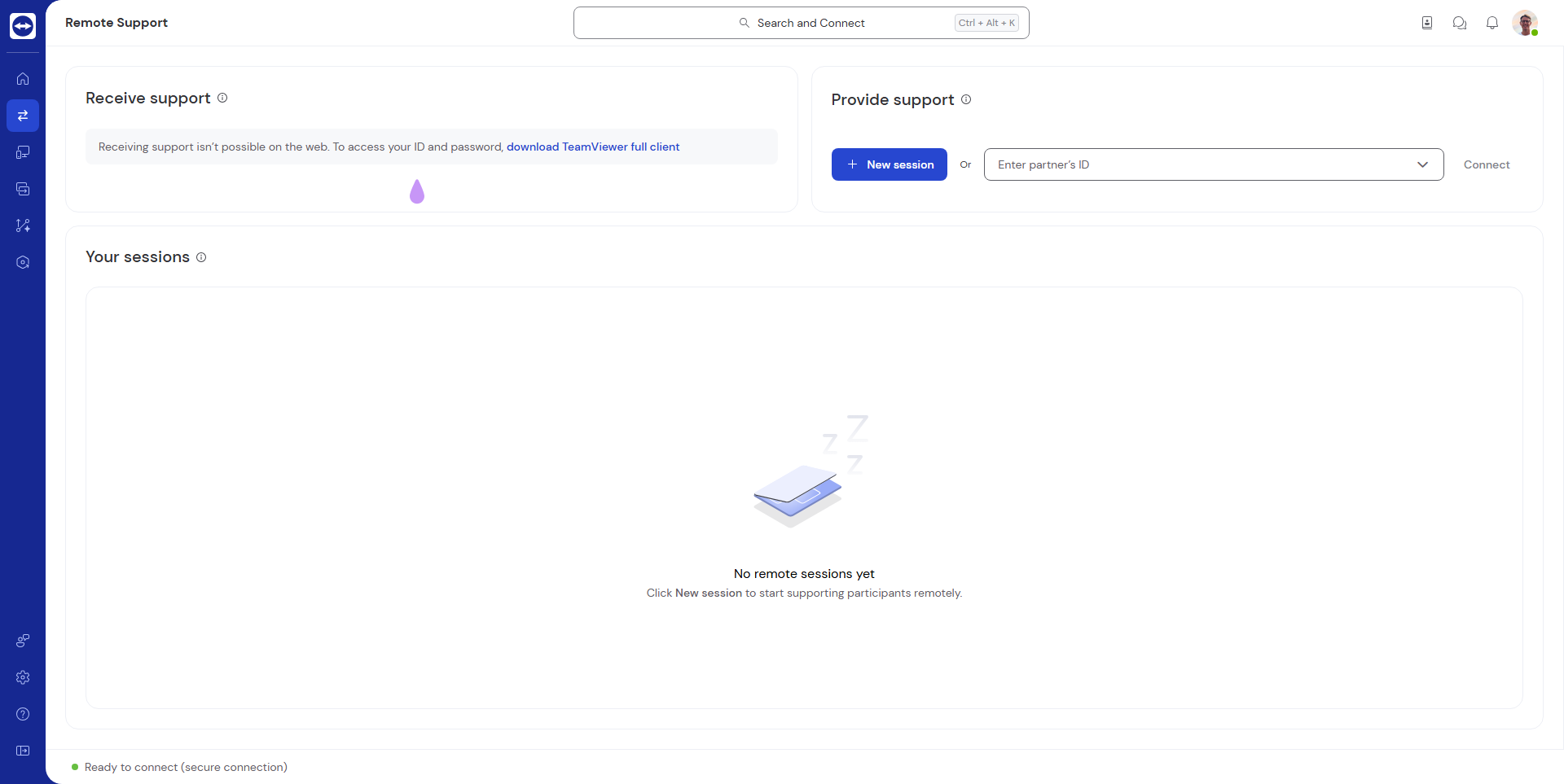
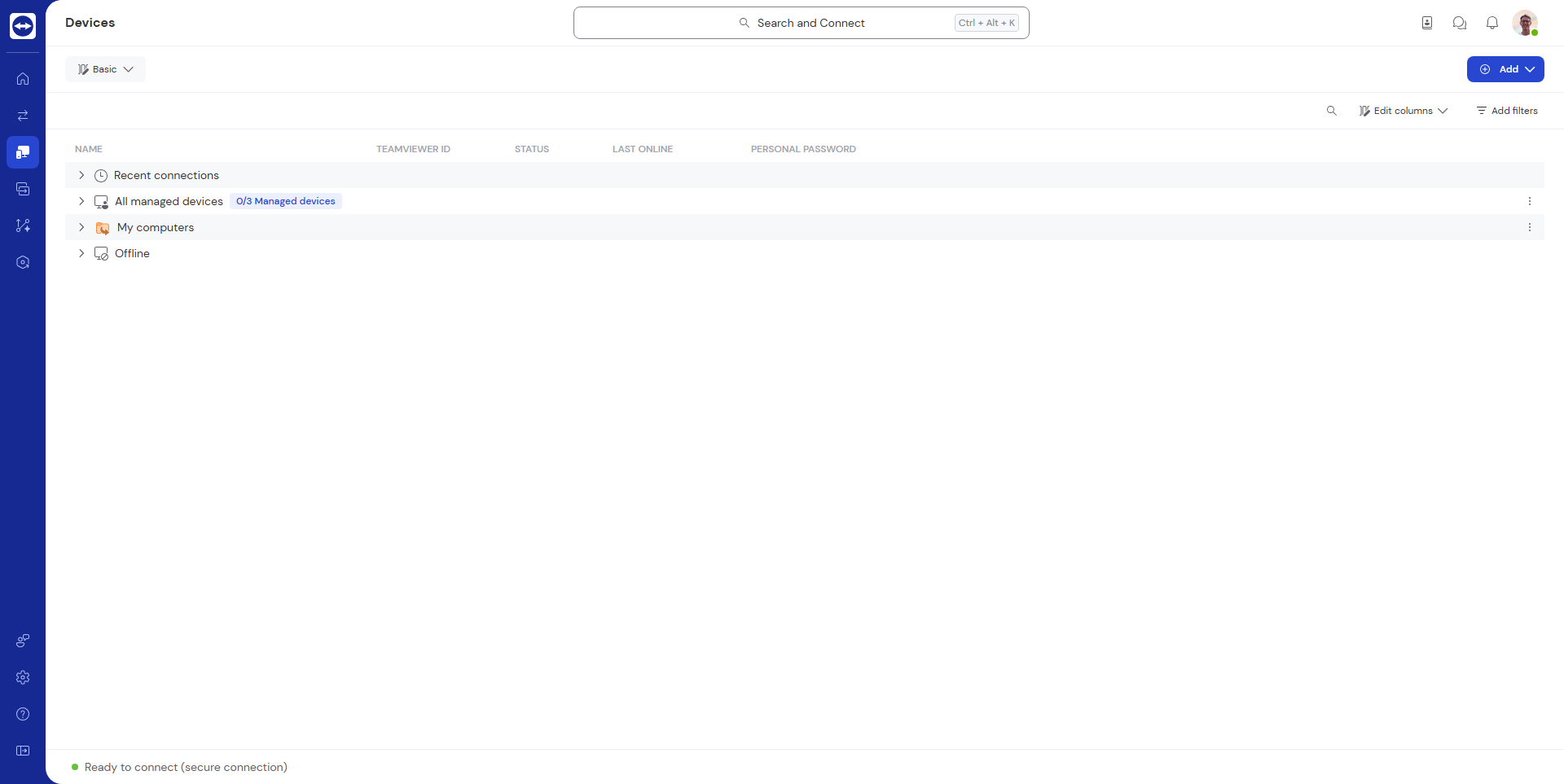
TeamViewer Screenshots

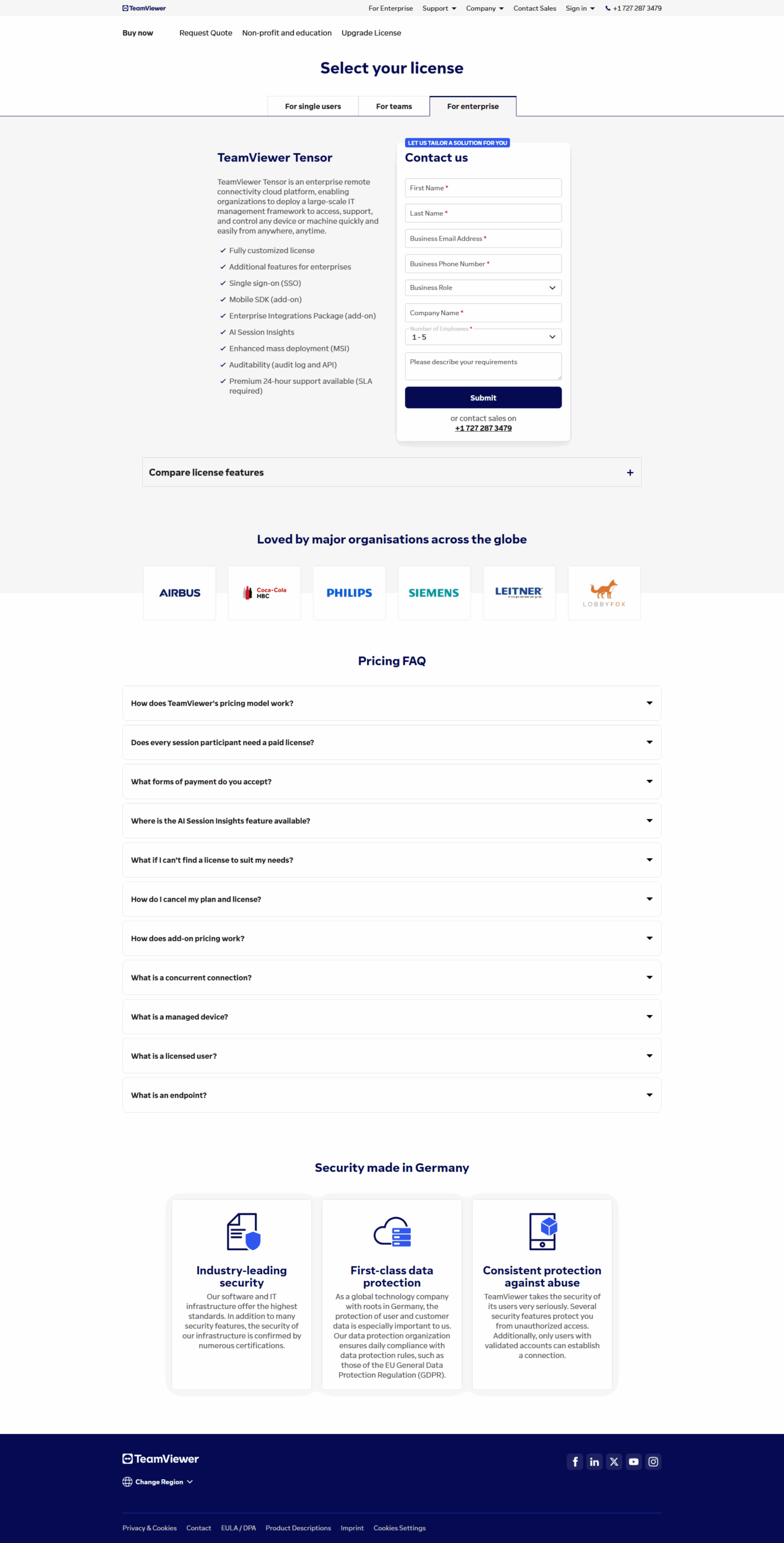
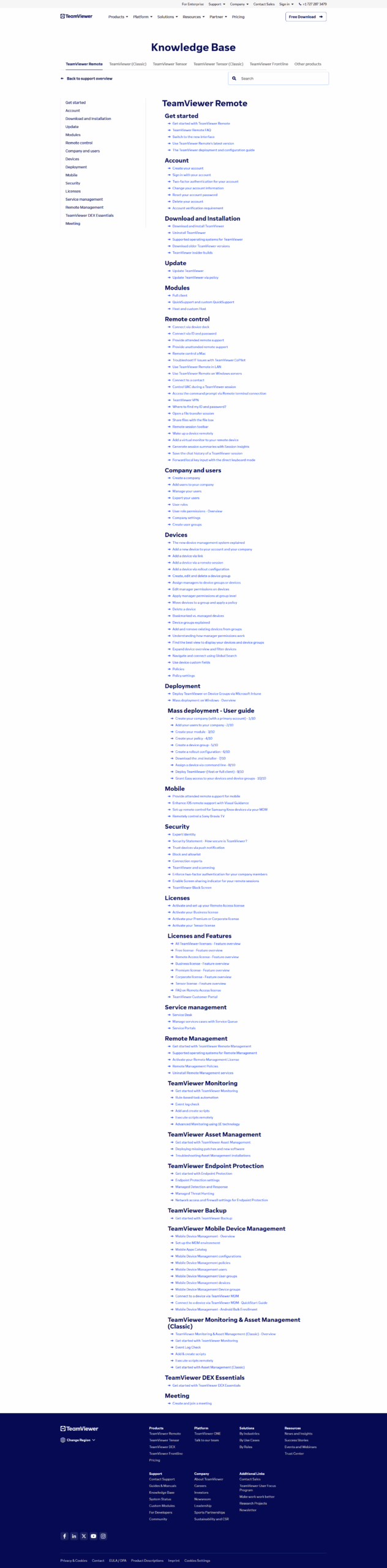
TeamViewer screenshot 1
TeamViewer screenshot 2
TeamViewer screenshot 3
TeamViewer screenshot 4
TeamViewer screenshot 5
TeamViewer screenshot 6
TeamViewer screenshot 7
TeamViewer screenshot 8