Sign in to review
Join our community of software reviewers on Subscribed.fyi

Continue With Google
Continue With LinkedIn
Continue Review with Email
Continue with Email
Enter your email to continue.
Continue
Enter your password
Enter your password to finish setting up your account.
Continue
Activate your email
Enter activation code we sent to your email.
Submit
Reset your password
Enter activation code we sent to your email.
Submit
Set your new password
Enter a new password for your account.
Submit
Categories
For Business
Log in
Provide My Insights
Add Product
Suggested products People also compare with
Add to Comparison
Suggested products People also compare with

Compare ClickMeeting and GoTo Meeting

We are comparing ClickMeeting and GoTo Meeting to evaluate which one is the best product.

Suggested products People also compare with
Review Pricing Alternatives Experience

Review

88%
31/36 Metric achieved
85%
30/36 Metric achieved

Subscribed Metric

Customer Support 5/6
Security 5/6
Ease of Use 6/6
Value of Money 5/6
Integration 4/6
Popularity 6/6

Subscribed Metric

Customer Support 5/6
Security 5/6
Ease of Use 6/6
Value of Money 5/6
Integration 3/6
Popularity 6/6

Pros & Cons

Easy to use, intuitive interface
Great customer support
Stable platform for webinars
Good automation features
Issues with mobile functionality
Limited customization options
Inconsistent attendee connectivity
Complicated advanced features

Pros & Cons

High video and audio quality
Easy to use interface
Reliable screen sharing and recording
Secure and professional feel
Occasional connection issues
Mobile app lacks full features
Can be resource-intensive
Limited free plan options

Conclusion

ClickMeeting is a user-friendly webinar platform tailored for marketers, educators, and trainers. It offers live, automated, and on-demand webinars with features like screen sharing, chat translations, Q&A, and event analytics for up to 5,000 attendees. Its GDPR compliance ensures data privacy. Compared to tools like Zoom or Livestorm, ClickMeeting excels in simplicity and automation but may lack advanced branding or CRM integrations. Pricing starts at $32/month, making it cost-effective for small businesses. Customer support is highly rated and responsive.

Conclusion

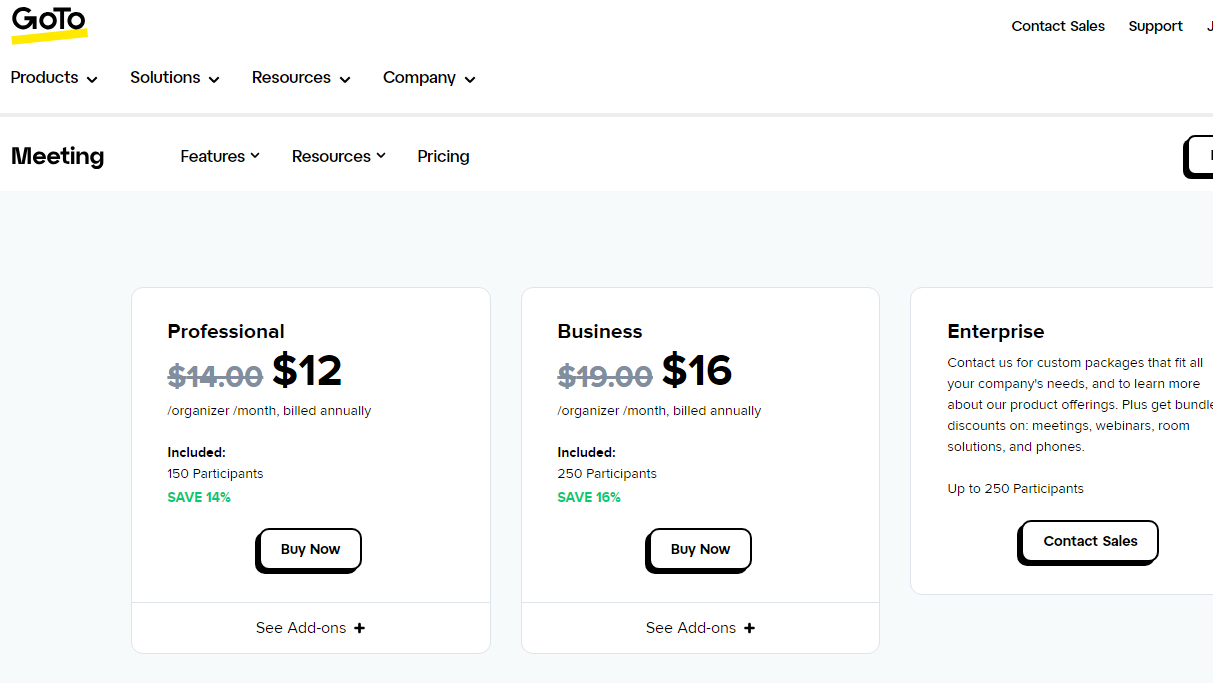
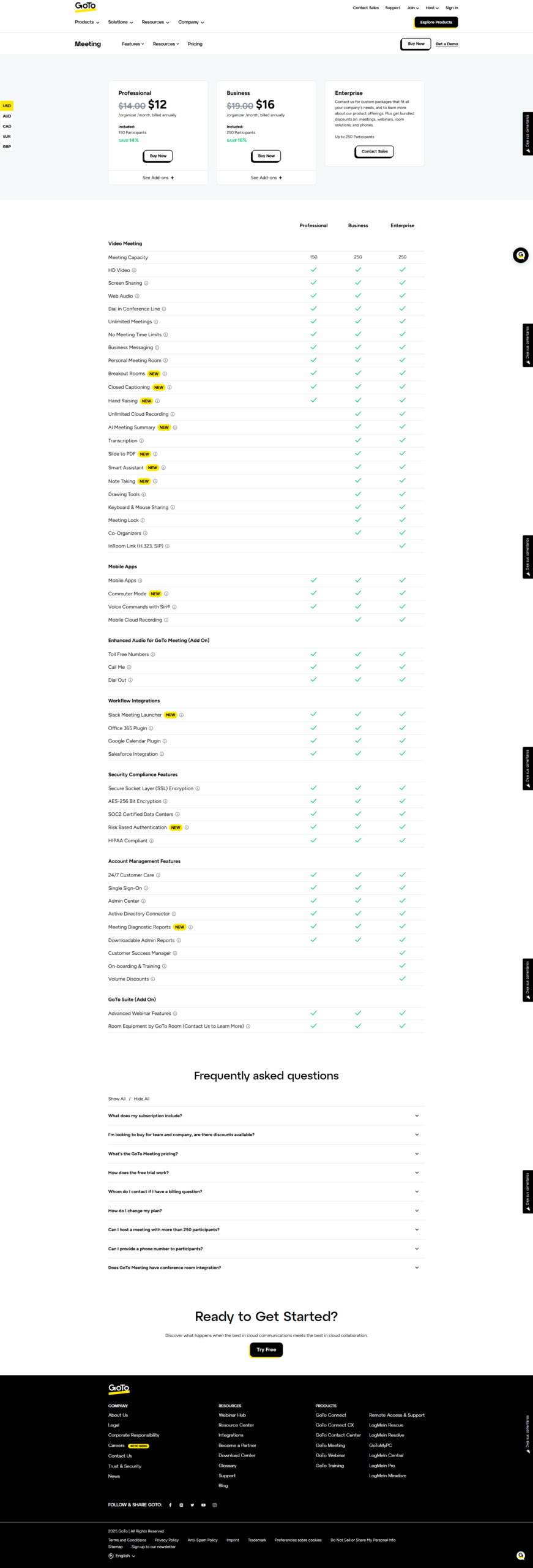
GoTo Meeting offers robust video conferencing, HD video, screen sharing, and meeting recording, making it ideal for remote collaboration. Features like real-time chat, admin control, and smart transcription cater well to marketers, developers, and SMEs. Pricing starts at $12/month (150 users). Compared to Zoom or Webex, it boasts security and ease of use but lags in user interface updates and mobile app efficiency. Its 24/7 customer support ensures client satisfaction, providing good value for cost.

Pricing

ClickMeeting Pricing

Pricing Range $25-279/Month See ClickMeeting Pricing

GoTo Meeting Pricing

Pricing Range $12-$16/Month See GoTo Meeting Pricing

Alternatives

ClickMeeting Alternatives

Zoom logo

Zoom

88%
GoTo Meeting logo

GoTo Meeting

85%
Zoho Meeting logo

Zoho Meeting

85%
GoTo Webinar logo

GoTo Webinar

80%
See All ClickMeeting Alternatives

GoTo Meeting Alternatives

Zoom logo

Zoom

88%
Webex Meetings logo

Webex Meetings

85%
Google Meet logo

Google Meet

85%
Skype logo

Skype

73%
See All GoTo Meeting Alternatives

Experience

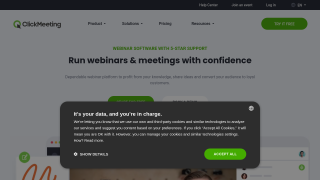
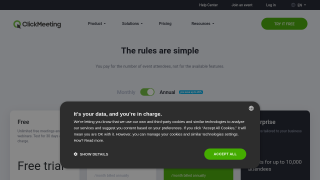
ClickMeeting Screenshots

ClickMeeting screenshot 1
ClickMeeting screenshot 2

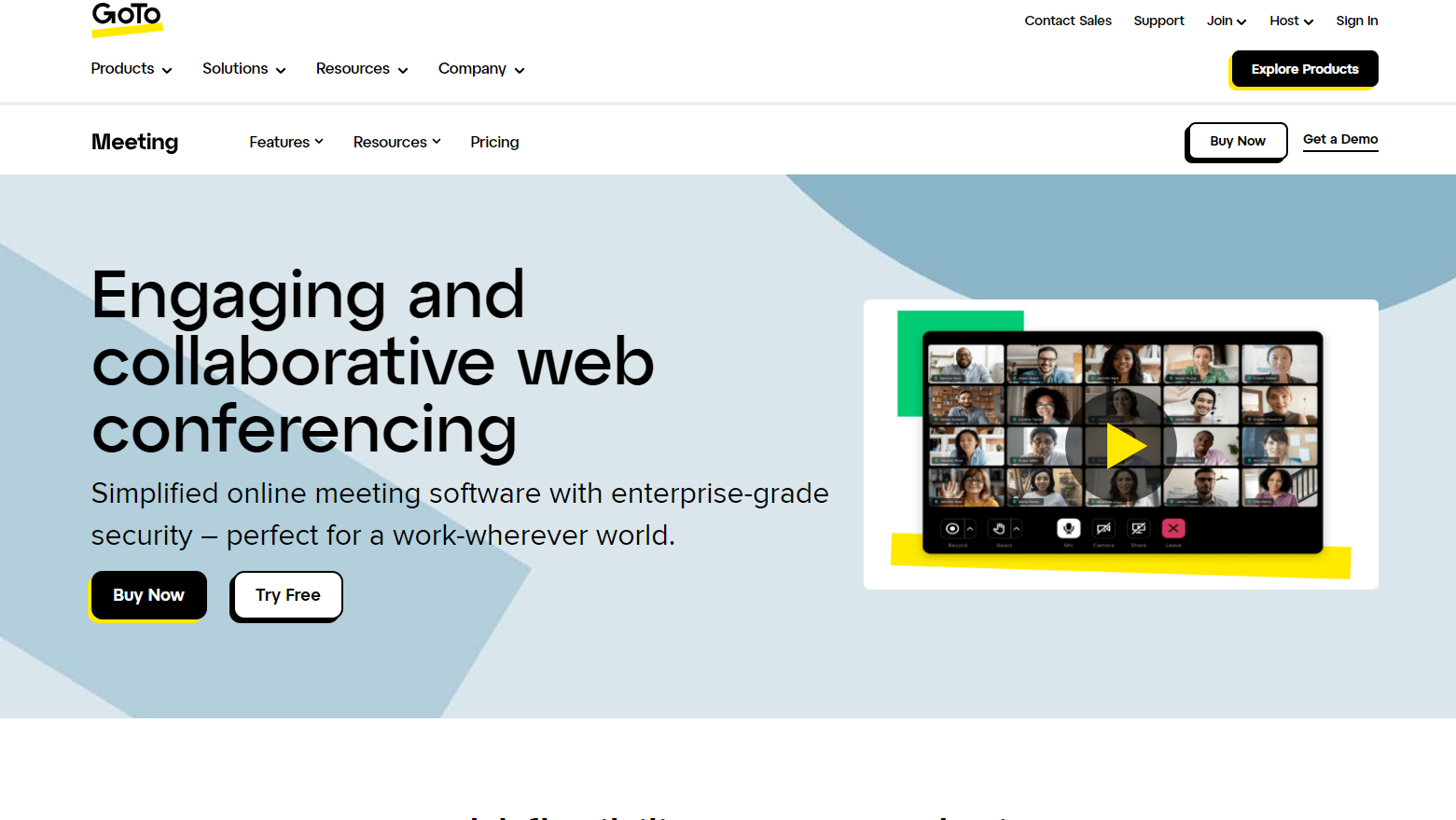
GoTo Meeting Screenshots

GoTo Meeting screenshot 1
GoTo Meeting screenshot 2
GoTo Meeting screenshot 3