Project management tools like , Notion, Basecamp, Lark, Slack, Asana and Trello.
AI chatbot tools like ChatGPT, Grok, Perplexity, Claude, Gemini and Copilot.
Marketing analytics platforms like Google Analytics, Similarweb and Semrush.
CRM systems like HubSpot, Apollo.io Pipedrive, Zoho CRM, and Salesforce.
VPNs, SSO providers, and password managers like NordVPN, Okta, and LastPass.
Email marketing and campaign tools like MailerLite, Instantly, and Mailchimp.
Website builders, hosting tools like Hostinger, Webflow, Framer, and Shopify
HR and recruiting software like ATS platforms, BambooHR, Workday, and Lever.
Automate finances with confidence like Quickbooks, Stripe, Brex, and Mercury.
Design and editing tools like Figma, Canva, Adobe Creative Cloud, CapCut.
Workflow automation tools like Zapier, Make, Clay, and Reclaim.ai.
No-code and AI-native dev tools like Cursor, Windsurf, Lovable and Bubble.

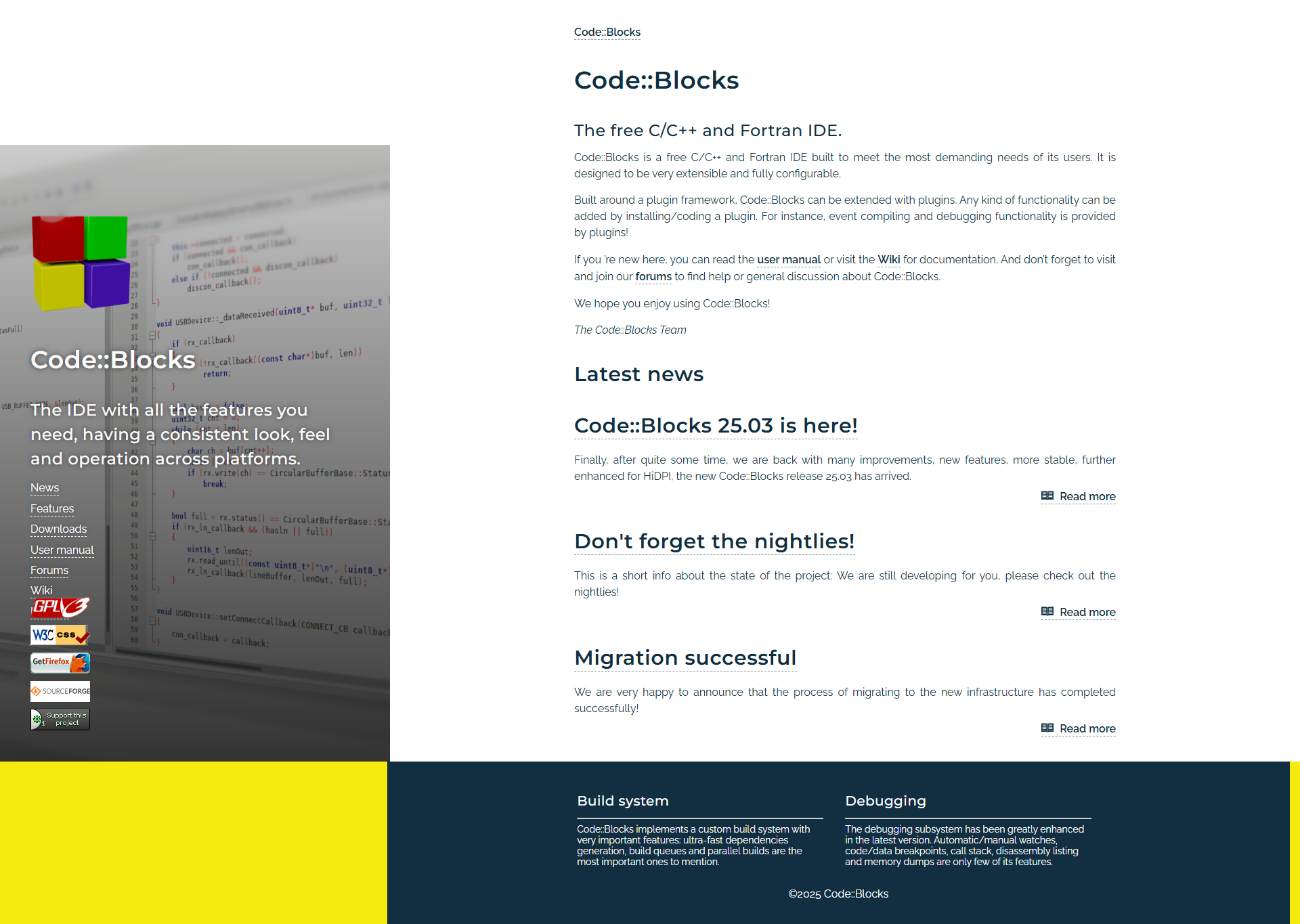
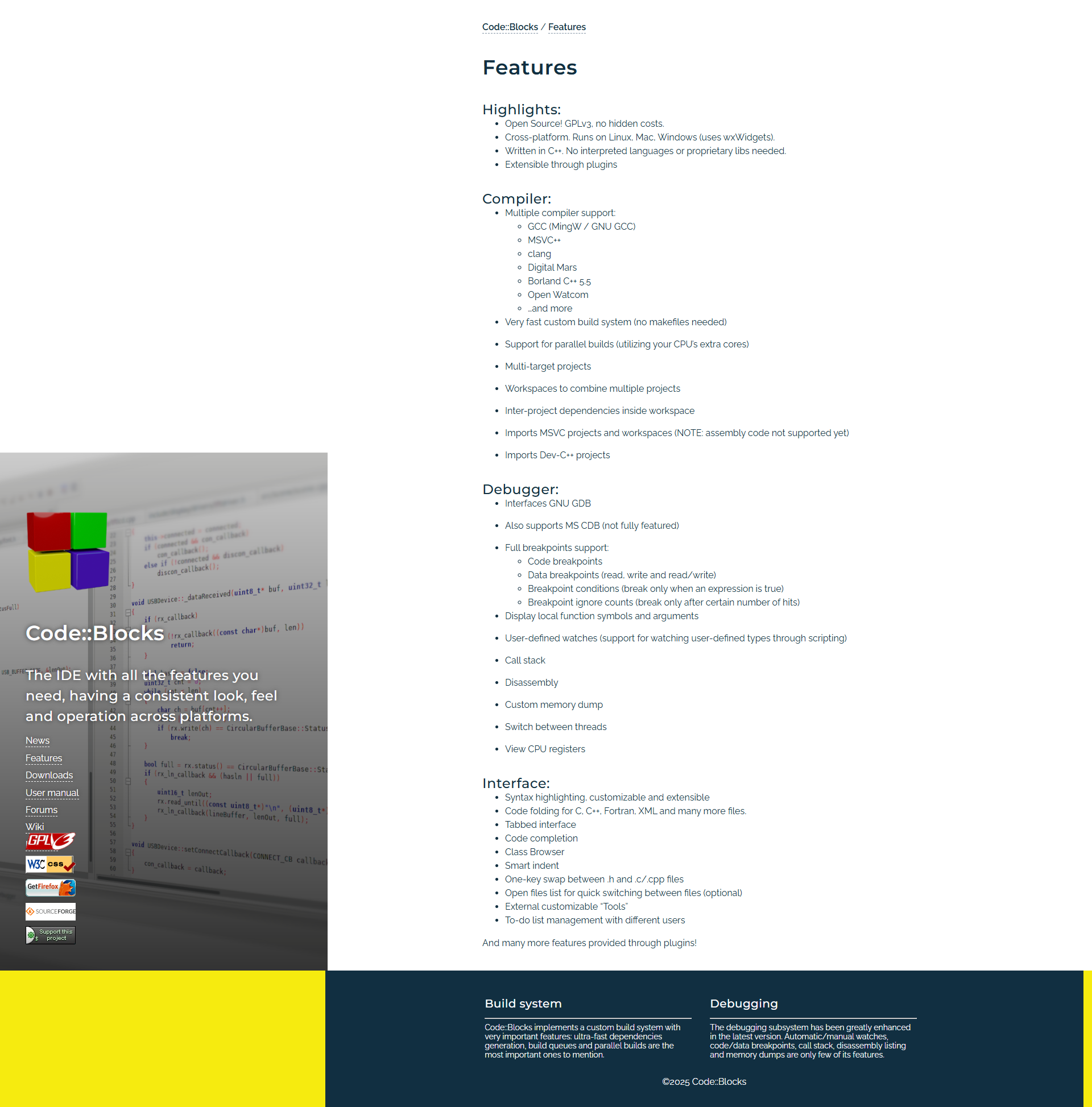
Code::Blocks is a free, versatile, cross-platform IDE for C, C++, and Fortran programming. Key features include support for multiple compilers, debugging tools, syntax highlighting, and customization through plugins. It’s lightweight, beginner-friendly, and ideal for students and developers targeting small to moderate-scale projects. While its interface feels outdated and less feature-rich compared to alternatives like Visual Studio or CLion, it excels in simplicity and cost-effectiveness.
Customer support is limited but adequate, with rich community resources. For larger or enterprise-level projects requiring modern interfaces, better debugging, or multi-language support, alternatives provide more robust features at a higher price. However, for its free price tag and ease of use, Code::Blocks remains an excellent choice for learners and C/C++ enthusiasts.
PyCharm, developed by JetBrains, is an advanced Python IDE catered towards professional developers. Its standout features include intelligent code completion, debugging, seamless version control, and support for web frameworks, databases, and scientific tools. The Community Edition is free, but the Professional Edition starts at $99/year for individuals. PyCharm’s strengths lie in its excellent plugin ecosystem and robust debugging for large projects, but it demands high memory resources and might overwhelm beginners.
When compared to alternatives like Visual Studio Code and Jupyter Notebook, PyCharm offers unparalleled Python-specific features but at a higher cost. VS Code is lightweight, versatile, and free, appealing to multi-language developers, while Jupyter is ideal for data scientists working with interactive notebooks.
PyCharm excels for backend developers and Python-centric data analysts. While its pricing might deter students, its productivity-boosting tools justify costs for professionals. User reviews criticize its resource intensity and steep learning curve but praise the dependable customer support as a highlight. Overall, it’s cost-effective for dedicated Python development.