Sign in to review
Join our community of software reviewers on Subscribed.fyi

Continue With Google
Continue With LinkedIn
Continue Review with Email
Continue with Email
Enter your email to continue.
Continue
Enter your password
Enter your password to finish setting up your account.
Continue
Activate your email
Enter activation code we sent to your email.
Submit
Reset your password
Enter activation code we sent to your email.
Submit
Set your new password
Enter a new password for your account.
Submit
Categories
For Business
Log in
Provide My Insights
Add Product
Suggested products People also compare with
Add to Comparison
Suggested products People also compare with

Compare Code Blocks and Sublime Text

We are comparing Code Blocks and Sublime Text to evaluate which one is the best product.

Suggested products People also compare with
Review Pricing Alternatives Experience

Review

62%
22/36 Metric achieved
83%
29/36 Metric achieved

Subscribed Metric

Customer Support 3/6
Security 3/6
Ease of Use 5/6
Value of Money 5/6
Integration 2/6
Popularity 4/6

Subscribed Metric

Customer Support 4/6
Security 4/6
Ease of Use 6/6
Value of Money 6/6
Integration 3/6
Popularity 6/6

Pros & Cons

Lightweight and fast for C++ coding
Supports multiple compilers
Free and open-source
User-friendly for beginners
Outdated and unappealing UI
Debugging tools could improve
Limited language support
Occasional startup and performance issues

Pros & Cons

Fast and lightweight for coding.
Highly customizable with plugins.
Supports multiple programming languages.
Retains unsaved changes after crashes.
No built-in debugger functionalities.
Limited collaborative editing options.
Some plugins are complex to install.
Slower performance with large files.

Conclusion

Code::Blocks is a free, versatile, cross-platform IDE for C, C++, and Fortran programming. Key features include support for multiple compilers, debugging tools, syntax highlighting, and customization through plugins. It’s lightweight, beginner-friendly, and ideal for students and developers targeting small to moderate-scale projects. While its interface feels outdated and less feature-rich compared to alternatives like Visual Studio or CLion, it excels in simplicity and cost-effectiveness.

Customer support is limited but adequate, with rich community resources. For larger or enterprise-level projects requiring modern interfaces, better debugging, or multi-language support, alternatives provide more robust features at a higher price. However, for its free price tag and ease of use, Code::Blocks remains an excellent choice for learners and C/C++ enthusiasts.

Conclusion

Sublime Text is a lightweight, high-performance text editor designed for developers, offering syntax highlighting, multi-cursor editing, and cross-platform support. It excels with a sleek UI, extensibility via plugins, and fast operation even for large files. However, it lacks built-in debugging and collaboration features, compared to tools like Visual Studio Code (free, advanced integrations) or Notepad++ (cost-effective alternative). Ideal for developers prioritizing speed and customization. Pricing is above average but reasonable for its performance. Customer support is effective but less frequent on updates. Cost-effective for professionals seeking simplicity minus the feature-rich complexity of IDEs.

Pricing

Code Blocks Pricing

Pricing Range Not specified

Sublime Text Pricing

Pricing Range Not specified See Sublime Text Pricing

Alternatives

Code Blocks Alternatives

Visual Studio Code logo

Visual Studio Code

93%
Sublime Text logo

Sublime Text

83%
PyCharm logo

PyCharm

73%
CLion logo

CLion

68%
See All Code Blocks Alternatives

Sublime Text Alternatives

Visual Studio Code logo

Visual Studio Code

93%
UltraEdit logo

UltraEdit

78%
See All Sublime Text Alternatives

Experience

Code Blocks Screenshots

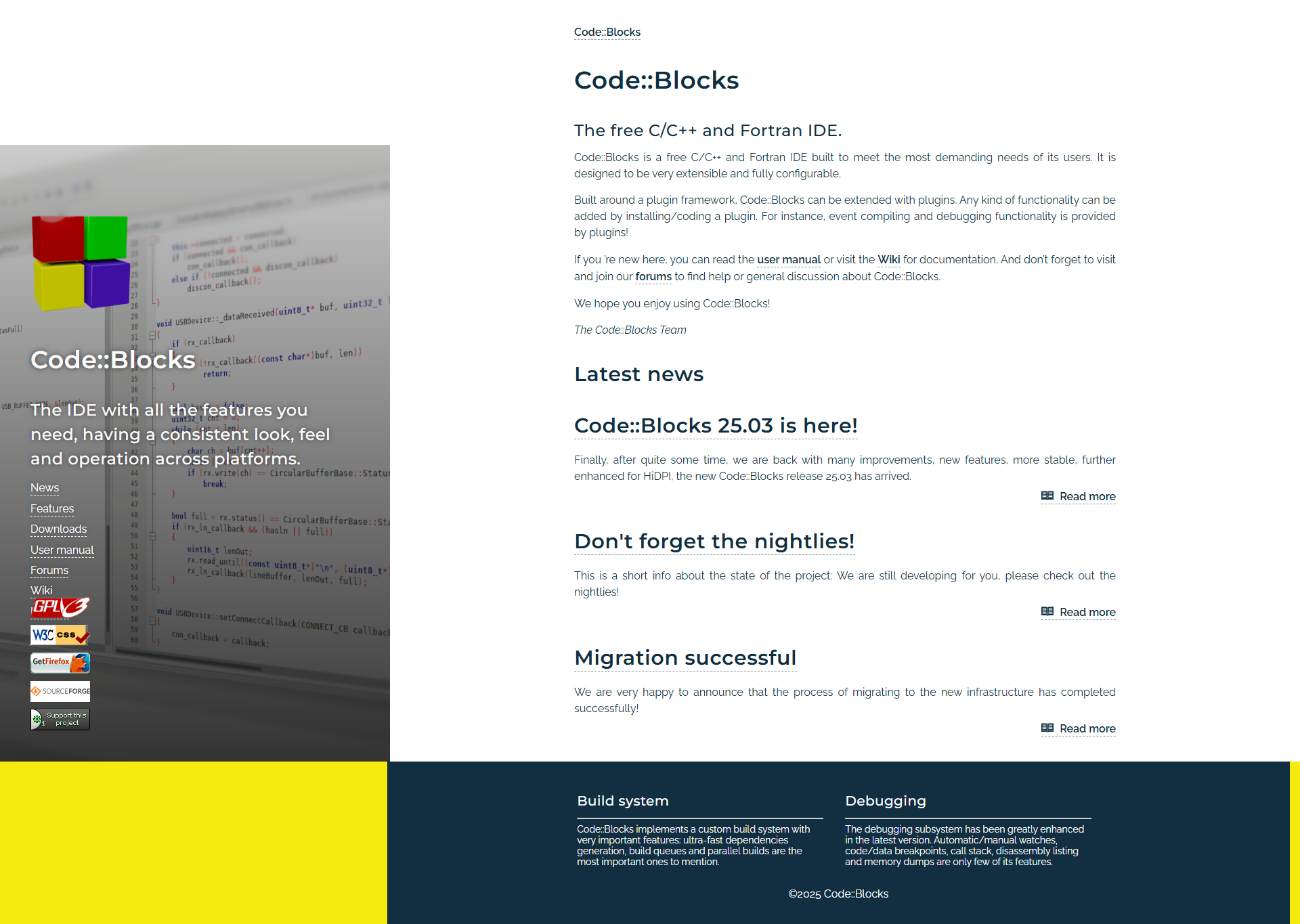
Code Blocks screenshot 1
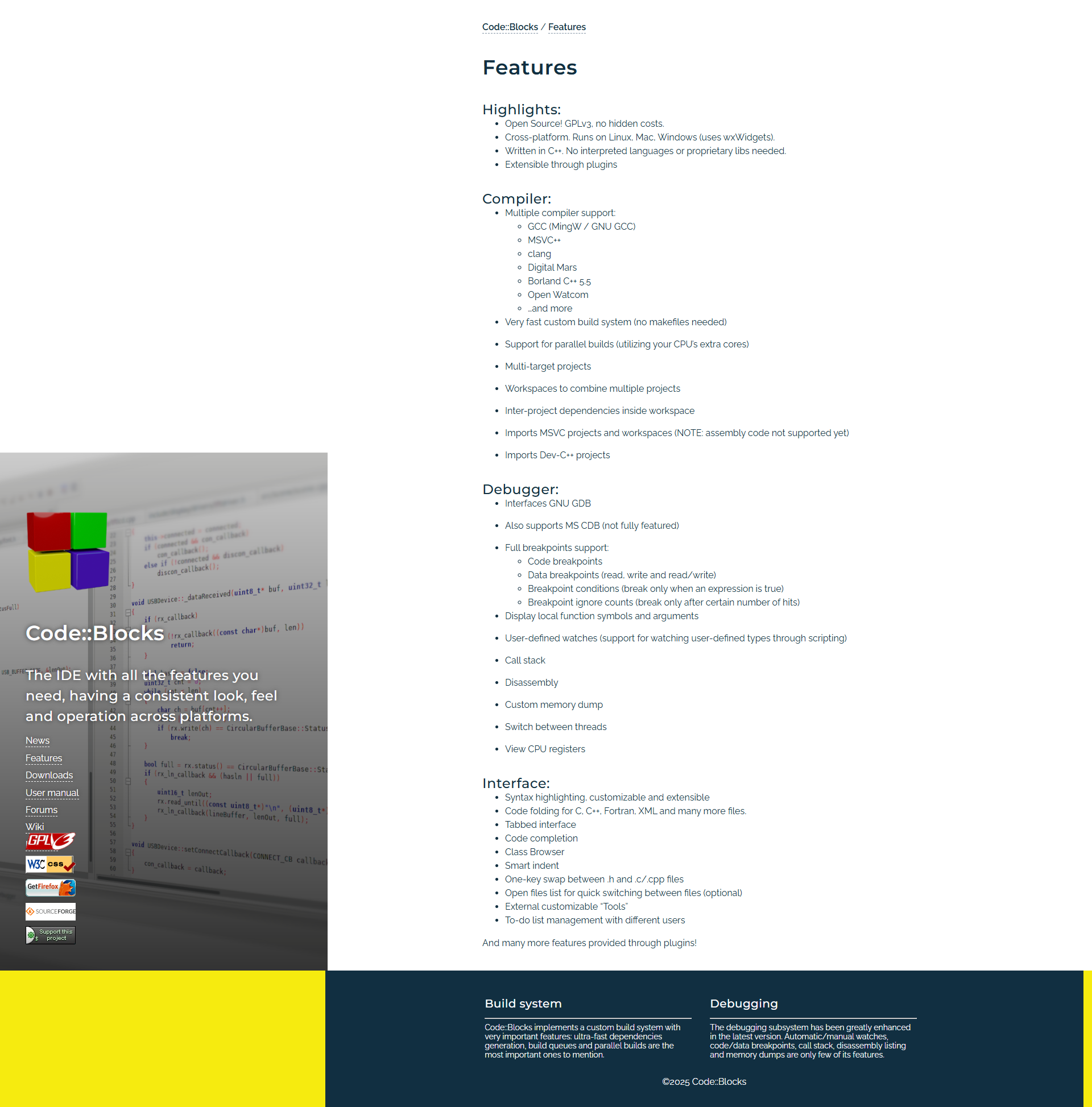
Code Blocks screenshot 2

Sublime Text Screenshots

Sublime Text screenshot 1
Sublime Text screenshot 2