Sign in to review
Join our community of software reviewers on Subscribed.fyi

Continue With Google
Continue With LinkedIn
Continue Review with Email
Continue with Email
Enter your email to continue.
Continue
Enter your password
Enter your password to finish setting up your account.
Continue
Activate your email
Enter activation code we sent to your email.
Submit
Reset your password
Enter activation code we sent to your email.
Submit
Set your new password
Enter a new password for your account.
Submit
Categories
For Business
Log in
Provide My Insights
Add Product
Suggested products People also compare with
Add to Comparison
Suggested products People also compare with

Compare ConceptDraw Project and Trello

We are comparing ConceptDraw Project and Trello to evaluate which one is the best product.

Suggested products People also compare with
Review Pricing Alternatives Experience

Review

60%
22/36 Metric achieved
90%
32/36 Metric achieved

Subscribed Metric

Customer Support 4/6
Security 0/6
Ease of Use 5/6
Value of Money 5/6
Integration 5/6
Popularity 3/6

Subscribed Metric

Customer Support 4/6
Security 5/6
Ease of Use 6/6
Value of Money 5/6
Integration 6/6
Popularity 6/6

Pros & Cons

Easy to use and update
Seamless export/import options
Integrates well with other tools
Reliable offline functionality
Resource usage may slow system
Limited export compatibility with MS Project
Area selection for Gantt printing lacking
Setup can initially be challenging

Pros & Cons

Easy to use with intuitive interface.
Highly customizable Kanban boards.
Great for team collaboration and task tracking.
Cost-effective free and basic plans.
Pricing can be a hurdle for small teams.
UI feels outdated compared to rivals.
Limited advanced features for complex needs.
Reliance on internet; lacks offline flexibility.

Conclusion

ConceptDraw Project is a feature-rich project management tool designed for professionals like designers, developers, and marketers. Key features include Gantt charts, task/resource management, multi-project dashboards, and integration with ConceptDraw Office for advanced visualization and mind mapping. Ideal for Mac and Windows users, it offers excellent resource allocation and reporting. While more cost-effective and user-friendly than tools like Microsoft Project, it may lack advanced enterprise features or seamless MS Project exports. Compared to Trello, ConceptDraw excels in detailed visual reports but may feel complex for smaller teams. Customer support is responsive, and the overall pricing is competitive, making it a solid choice for comprehensive project management.

Conclusion

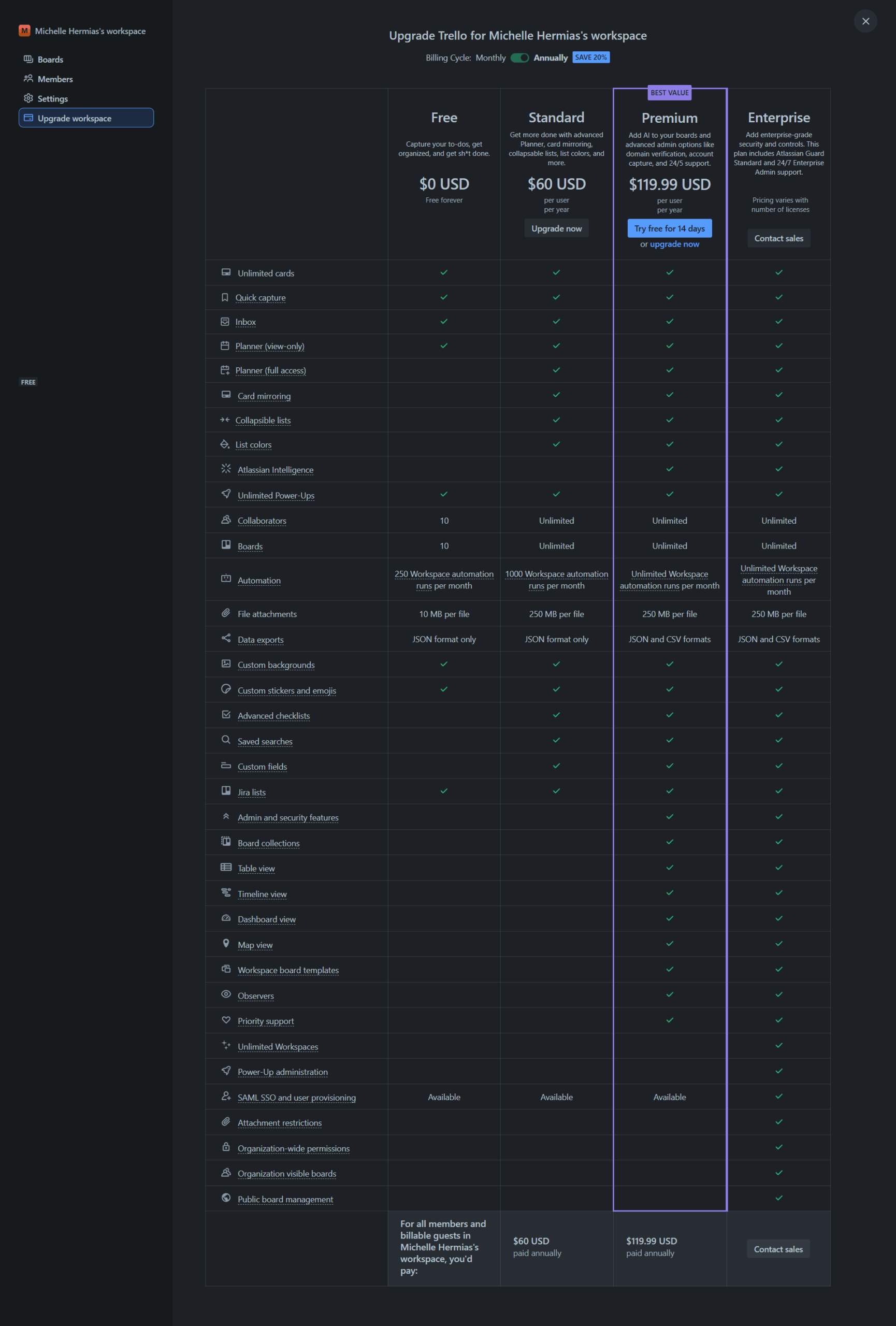
Trello is a flexible visual project management tool ideal for marketers, designers, and small teams. Its Kanban-style boards enable task tracking, deadlines, and collaboration via cards, assignees, and comments. With integrations like Google Drive and Slack, Trello streamlines workflows. It offers Free, Standard ($5/user/month), Premium ($10/user/month), and Enterprise options. Alternatives like Asana and monday.com offer advanced views but cost more. Trello’s intuitive interface and cost-effectiveness shine, though lacks advanced reporting. Support: fair, responsive.

Pricing

ConceptDraw Project Pricing

Pricing Range $199-$499/Month

Trello Pricing

Pricing Range $0-$17.50/Month See Trello Pricing

Alternatives

ConceptDraw Project Alternatives

Trello logo

Trello

90%
TeamGantt logo

TeamGantt

78%
OmniPlan logo

OmniPlan

53%
See All ConceptDraw Project Alternatives

Trello Alternatives

Miro logo

Miro

93%
JIRA logo

JIRA

90%
Monday.com logo

Monday.com

90%
Wrike logo

Wrike

90%
See All Trello Alternatives

Experience

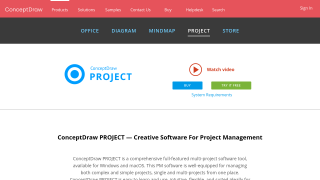
ConceptDraw Project Screenshots

ConceptDraw Project screenshot 1

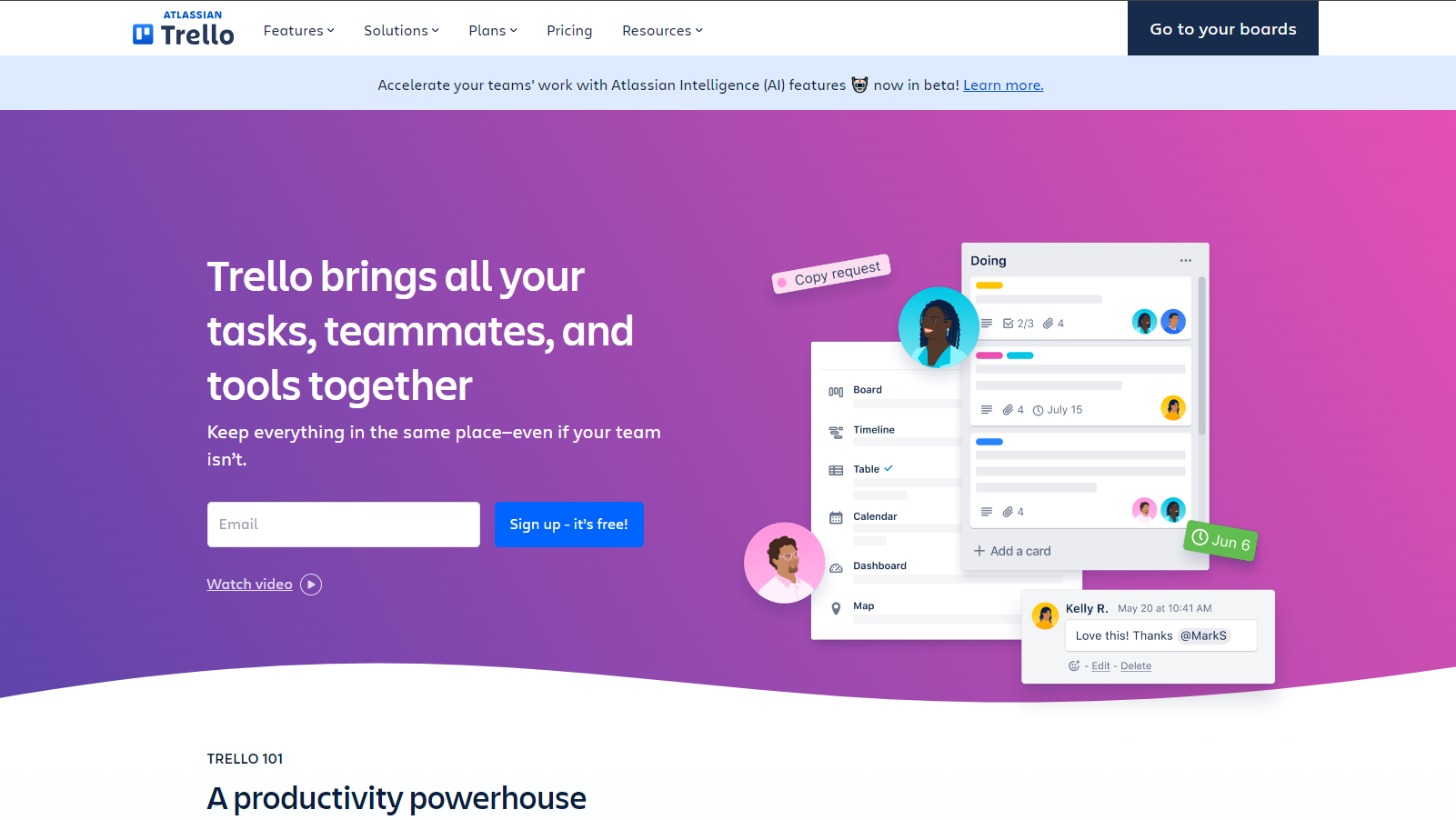
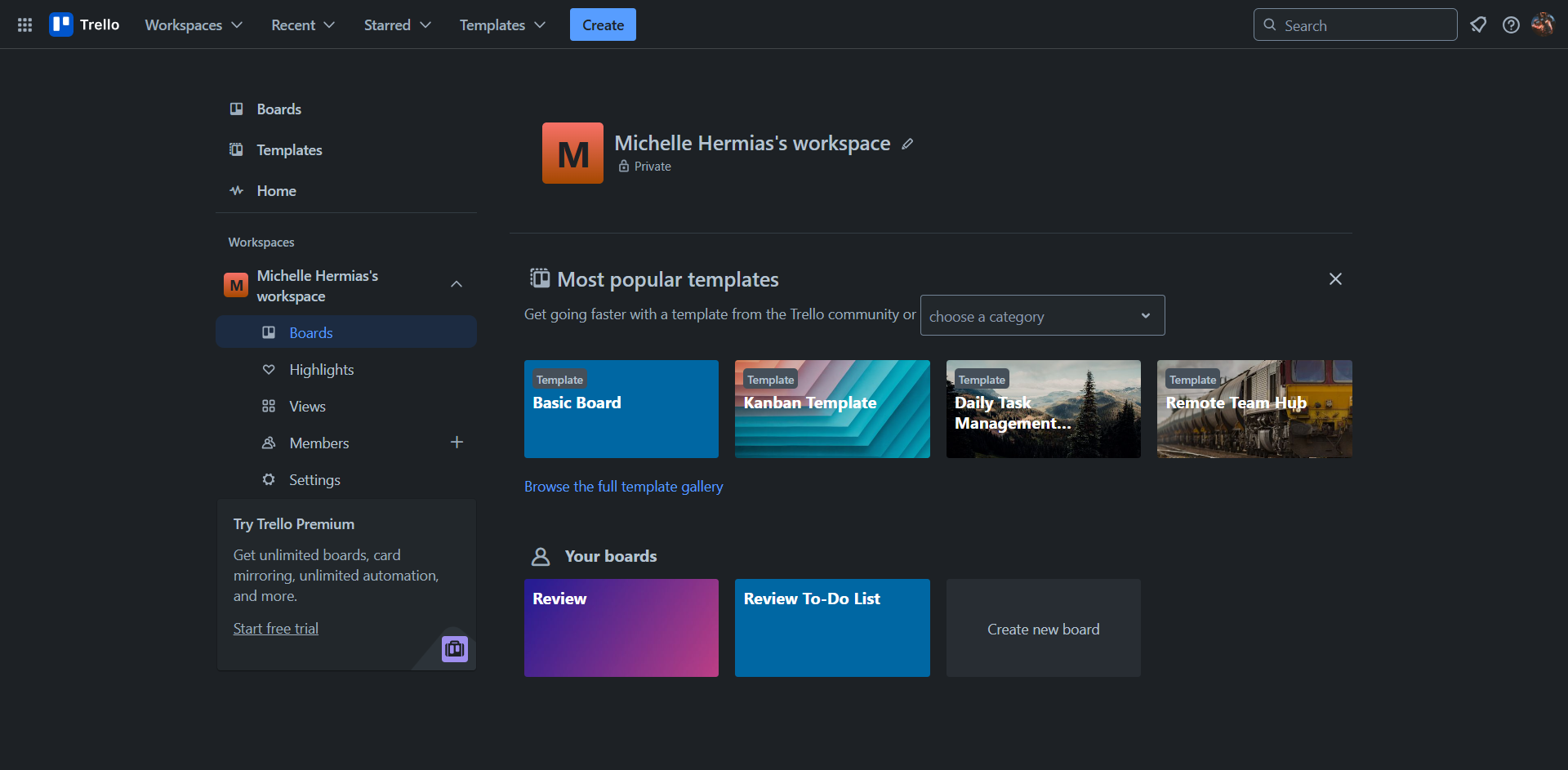
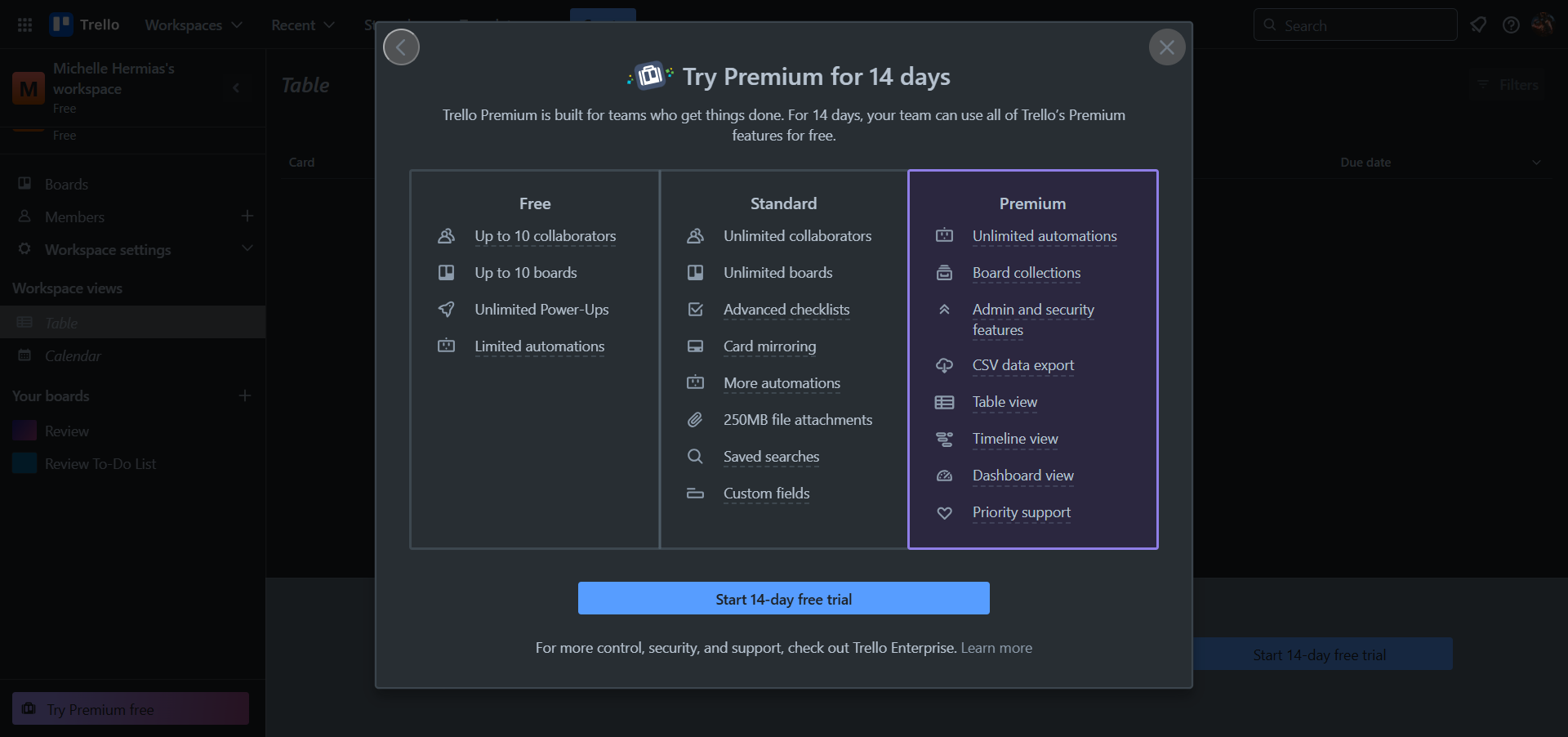
Trello Screenshots

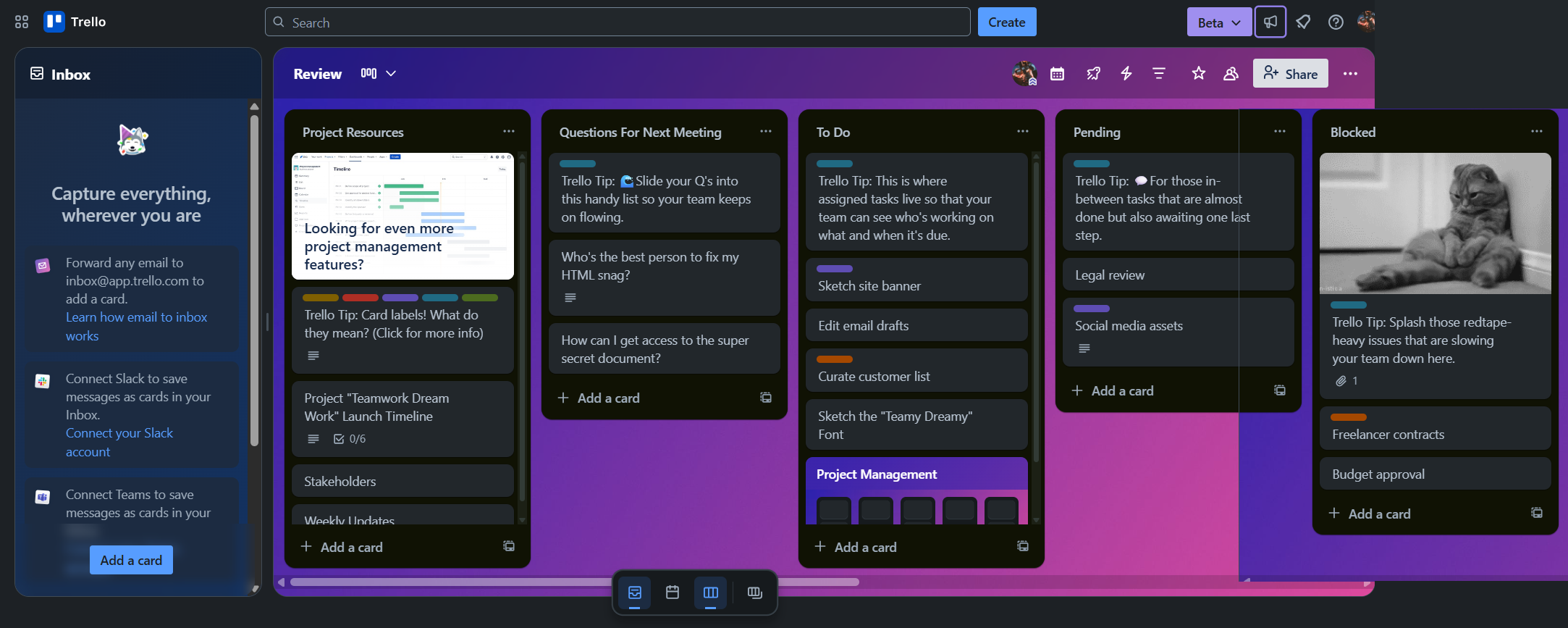
Trello screenshot 1
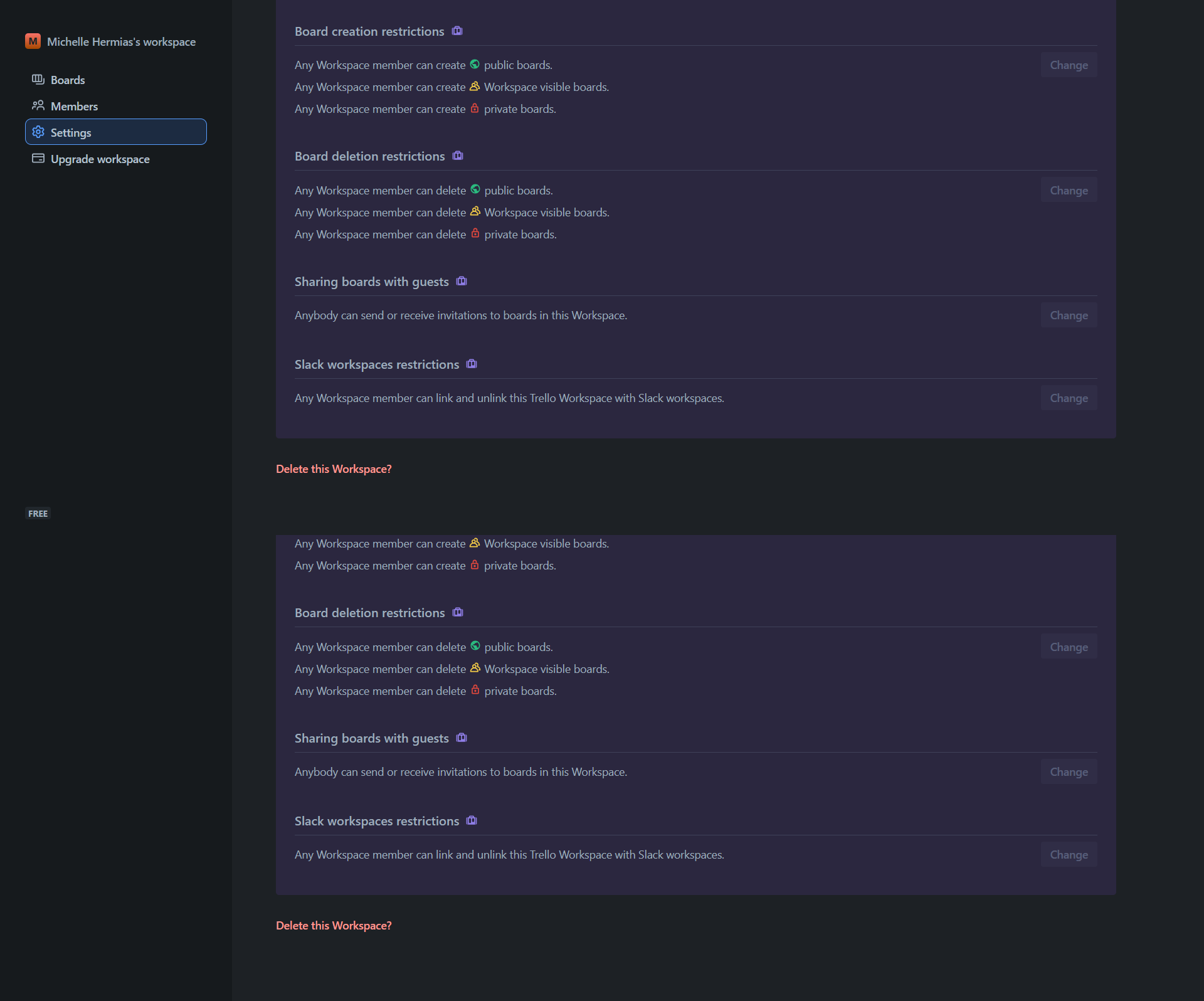
Trello screenshot 2
Trello screenshot 3
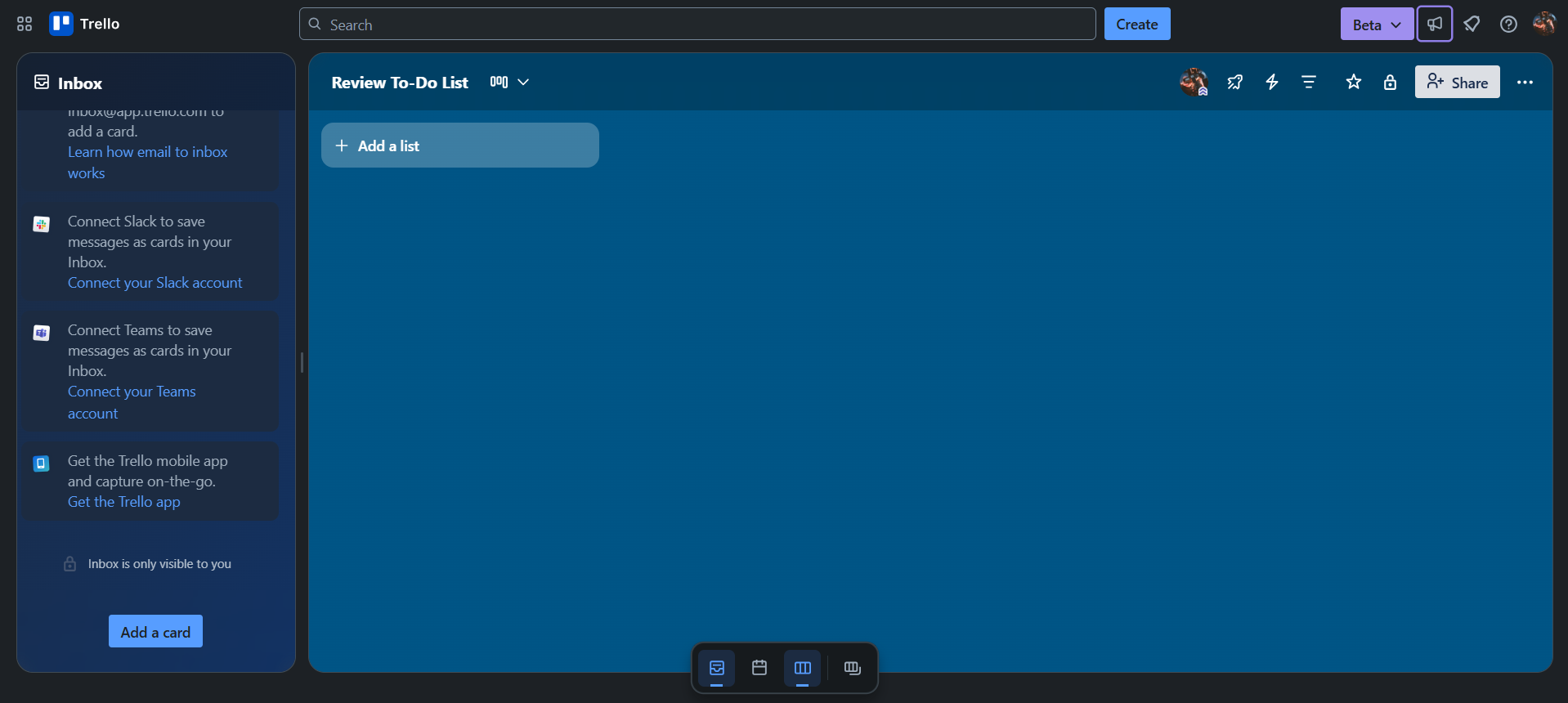
Trello screenshot 4
Trello screenshot 5
Trello screenshot 6
Trello screenshot 7