Sign in to review
Join our community of software reviewers on Subscribed.fyi

Continue With Google
Continue With LinkedIn
Continue Review with Email
Continue with Email
Enter your email to continue.
Continue
Enter your password
Enter your password to finish setting up your account.
Continue
Activate your email
Enter activation code we sent to your email.
Submit
Reset your password
Enter activation code we sent to your email.
Submit
Set your new password
Enter a new password for your account.
Submit
Categories
For Business
Log in
Provide My Insights
Add Product
Suggested products People also compare with
Add to Comparison
Suggested products People also compare with

Compare Connecteam and Monday.com

We are comparing Connecteam and Monday.com to evaluate which one is the best product.

Suggested products People also compare with
Review Pricing Alternatives Experience

Review

90%
32/36 Metric achieved
90%
32/36 Metric achieved

Subscribed Metric

Customer Support 6/6
Security 5/6
Ease of Use 6/6
Value of Money 5/6
Integration 4/6
Popularity 6/6

Subscribed Metric

Customer Support 5/6
Security 5/6
Ease of Use 6/6
Value of Money 5/6
Integration 5/6
Popularity 6/6

Pros & Cons

Easy to use and intuitive interface
Great customer support and communication tools
Highly customizable features
Efficient for scheduling and time management
Frequent prompts to upgrade plans
Learning curve for some users
Limited offline functionality
Complex settings structure at times

Pros & Cons

Highly intuitive and user-friendly interface.
Streamlines task and project management effectively.
Offers powerful automation and customization tools.
Supports collaboration with communication integrations.
Can feel overwhelming for new users.
Pricing structure criticized for small teams.
Limited customization of visual elements.
Some features feel basic or less developed.

Conclusion

Connecteam is a highly-rated workforce management tool designed for deskless teams, offering features such as scheduling, time tracking with GPS, task management, employee engagement, training, and robust communication tools in a mobile-first platform. It’s highly customizable and supports seamless payroll integrations. Pricing begins at $29/month, scaling based on users and needs.

Compared to alternatives (e.g., Clockify, Jibble), Connecteam excels in all-in-one functionality but may feel complex for smaller teams or have steep paywalls for advanced features. Best for retail, hospitality, and construction sectors, it provides exceptional customer support and great value for money, especially for mid-sized businesses. Some users note that mobile capabilities could improve.

Conclusion

Monday.com is a customizable Work OS designed to streamline workflows and enhance collaboration for teams like marketers, developers, and designers. It features task management, Gantt charts, automations, and over 200 integrations. While praised for its versatility, scalability, and user-friendly interface, some users find the pricing steep and setup complex. Compared to Asana or ClickUp, Monday.com excels in custom workflows but lacks native advanced capacity-planning tools. Pricing starts at $9/user/month; enterprise plans are negotiable. Reliable customer support (24/7 chat, email) ensures smooth deployment, making it cost-effective for growing teams needing flexibility.

Pricing

Connecteam Pricing

Pricing Range $29-$99/Month See Connecteam Pricing

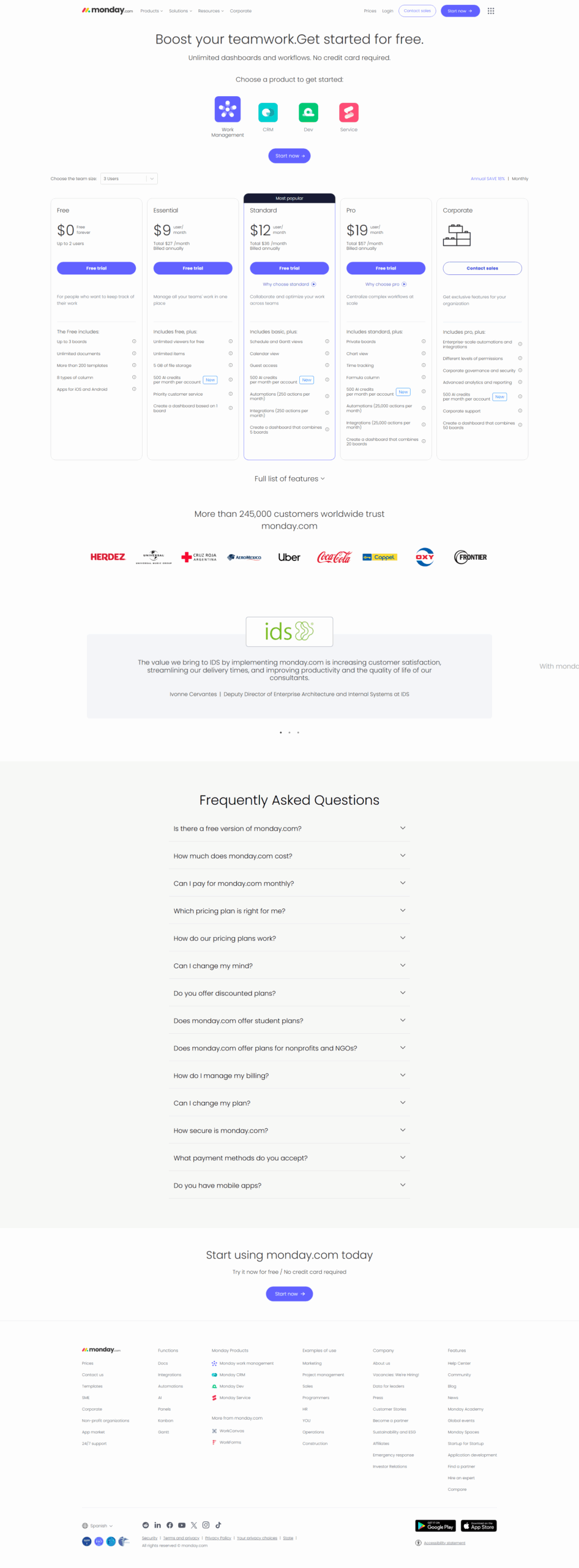
Monday.com Pricing

Pricing Range $0-$19/Month See Monday.com Pricing

Alternatives

Connecteam Alternatives

Slack logo

Slack

90%
Monday.com logo

Monday.com

90%
Deputy logo

Deputy

85%
Sling logo

Sling

78%
See All Connecteam Alternatives

Monday.com Alternatives

JIRA logo

JIRA

90%
Wrike logo

Wrike

90%
ClickUp logo

ClickUp

88%
Smartsheet logo

Smartsheet

85%
See All Monday.com Alternatives

Experience

Connecteam Screenshots

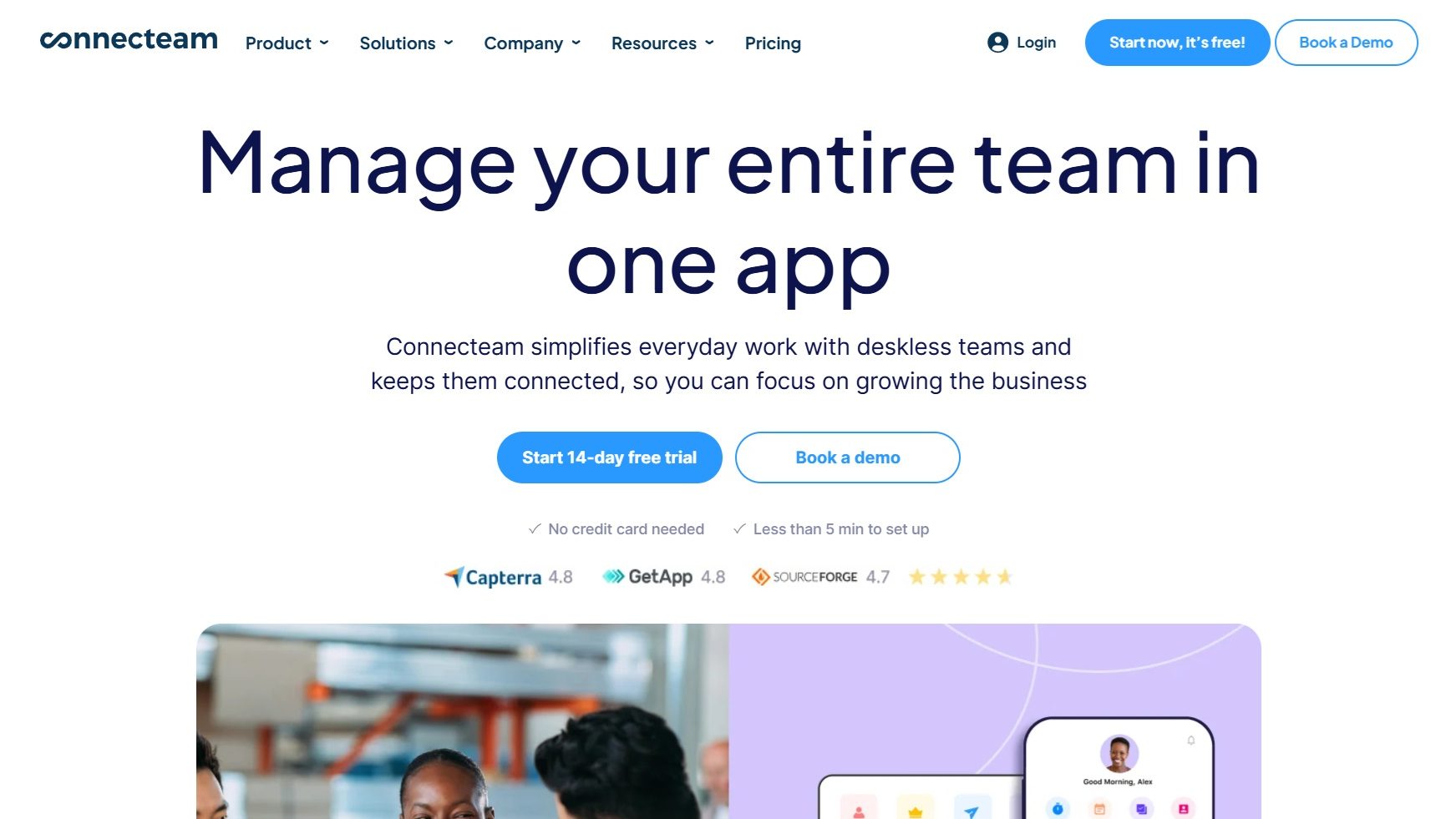
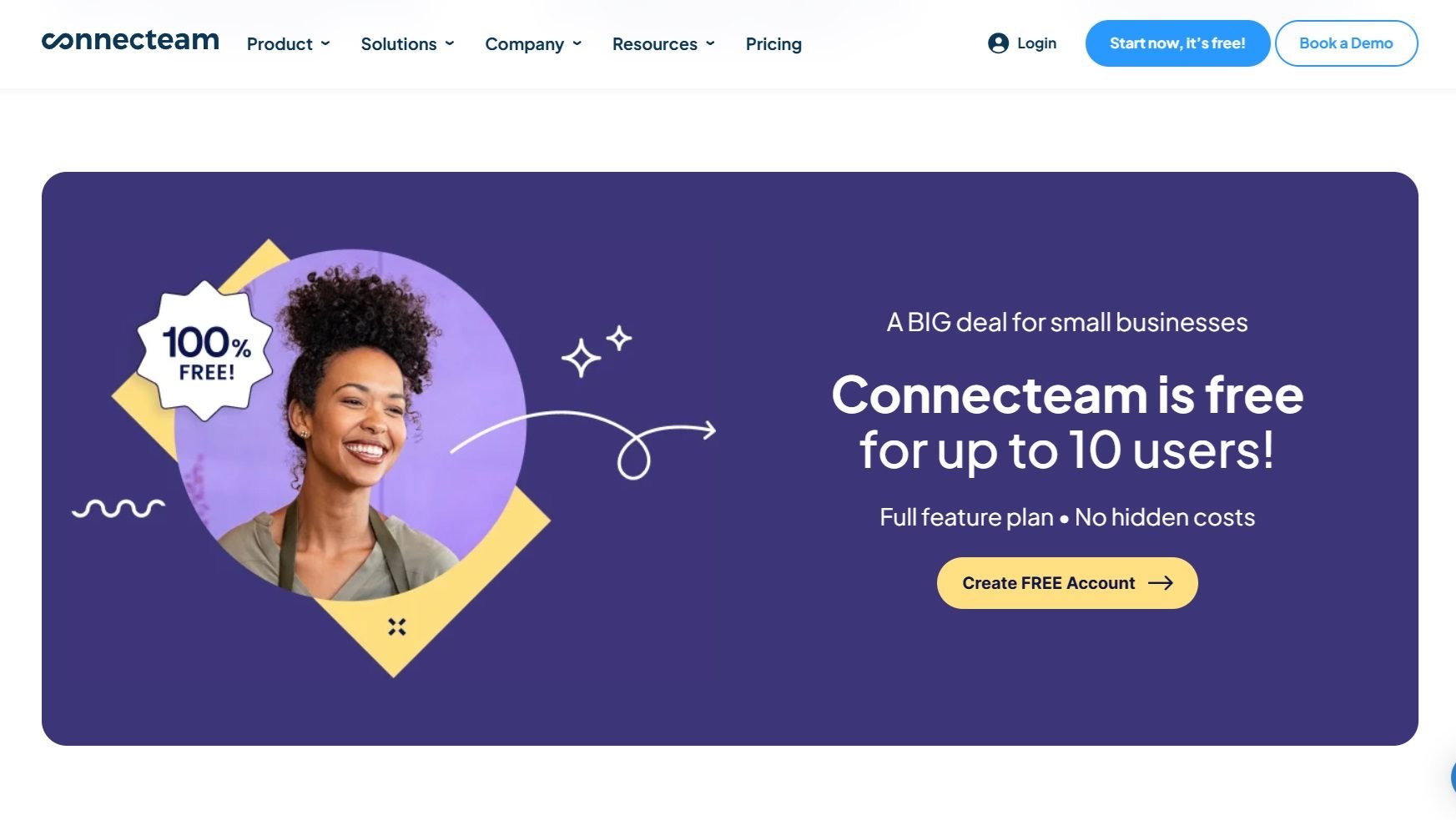
Connecteam screenshot 1
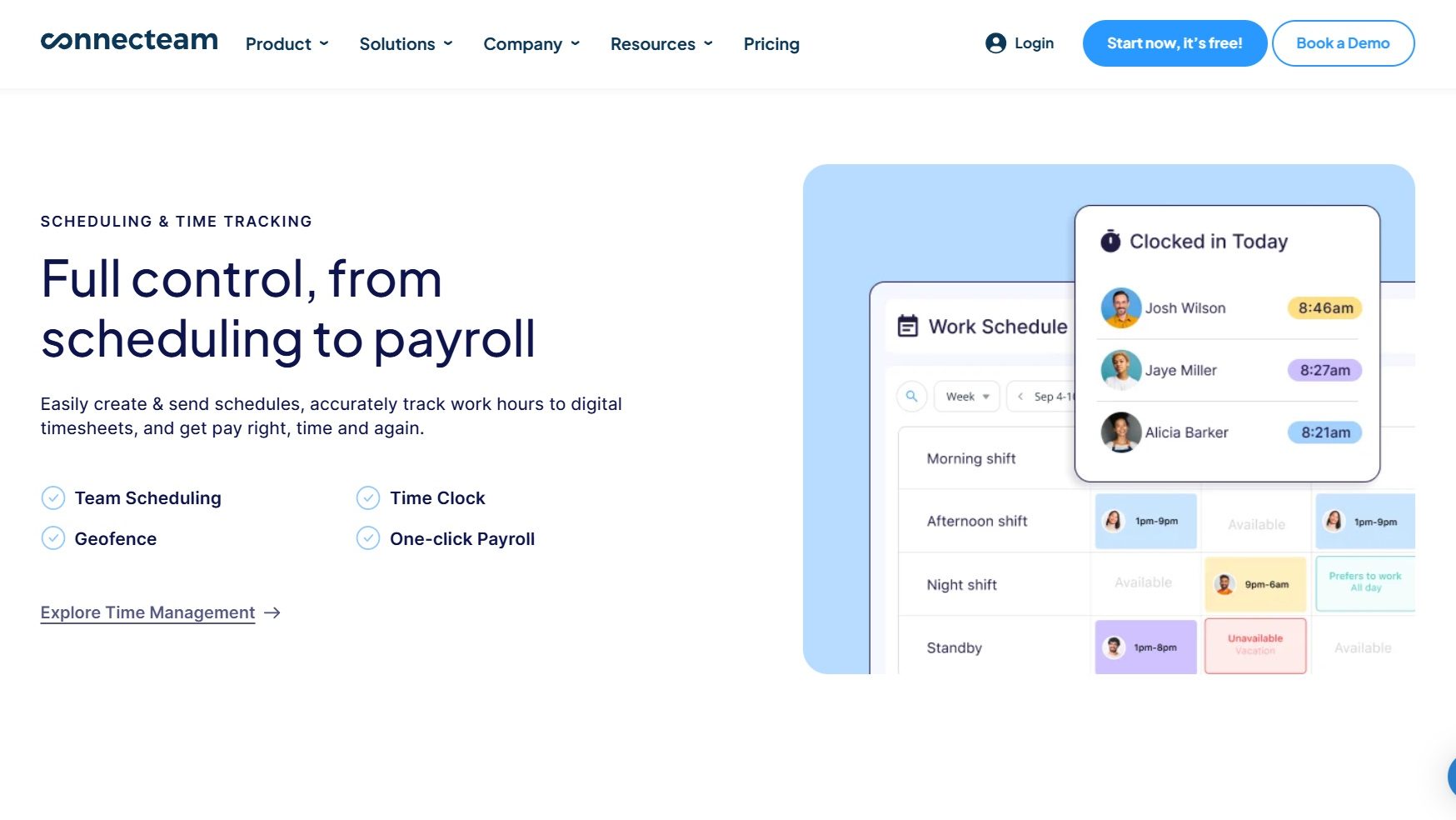
Connecteam screenshot 2
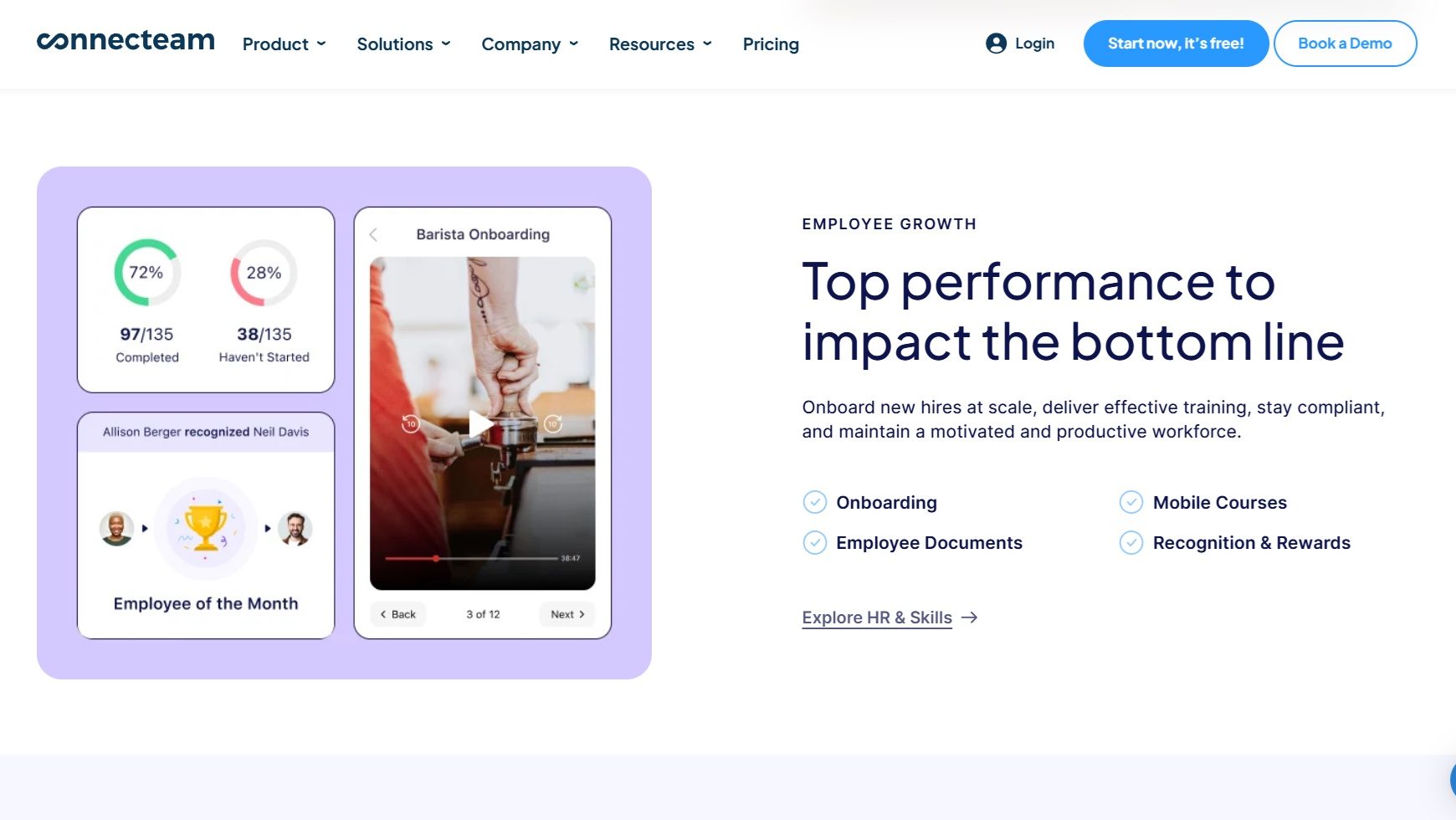
Connecteam screenshot 3
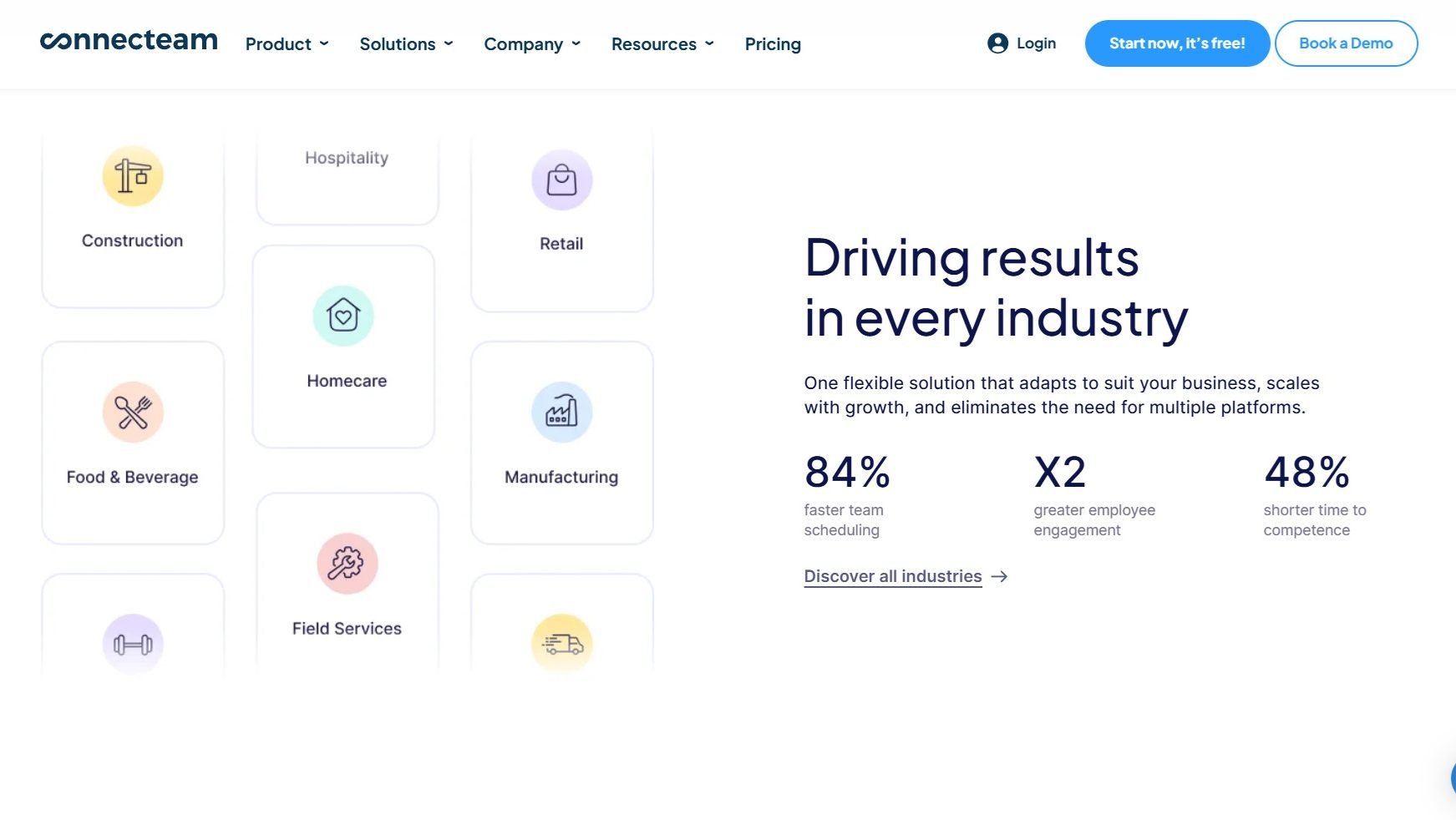
Connecteam screenshot 4
Connecteam screenshot 5

Monday.com Screenshots

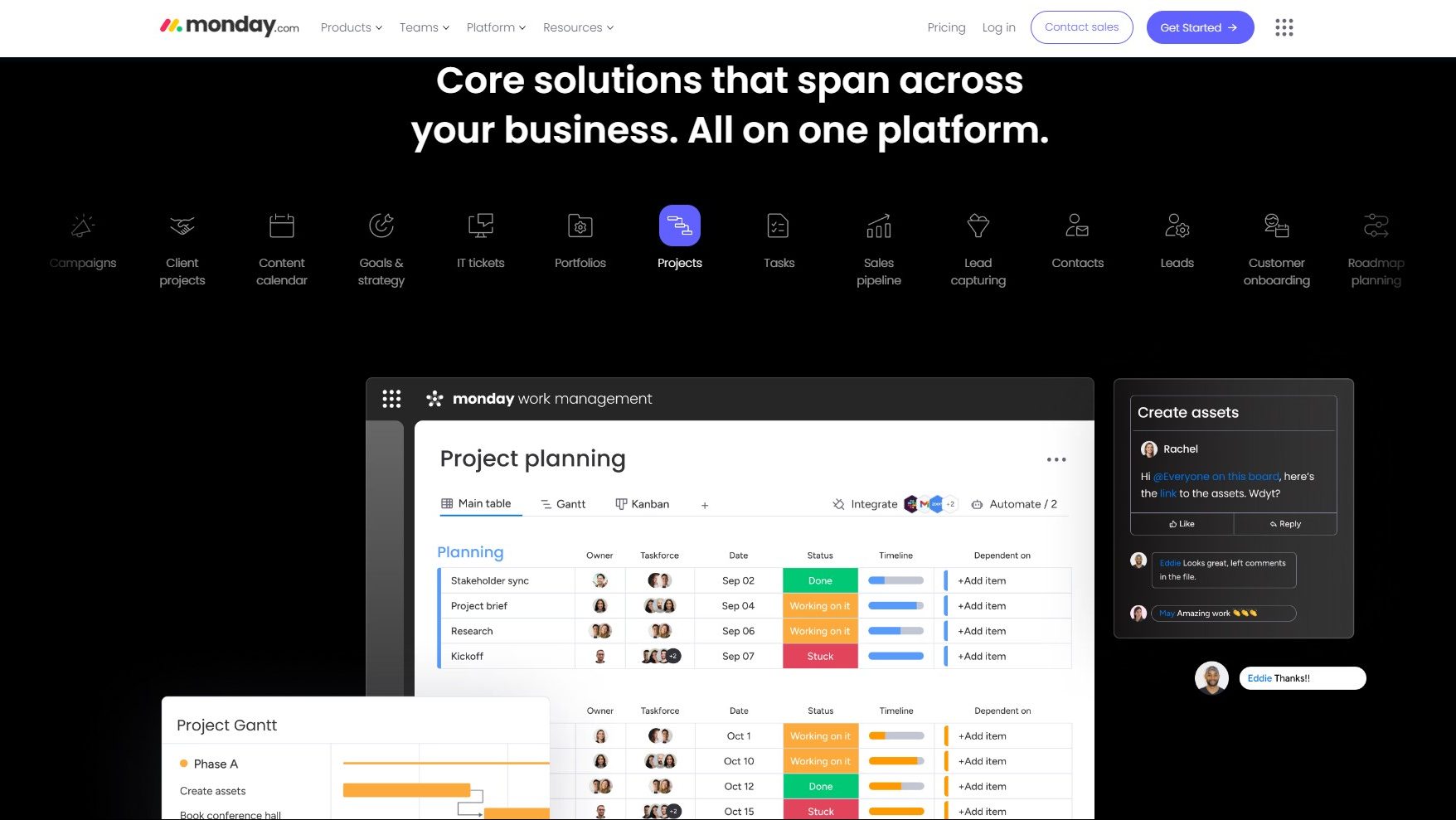
Monday.com screenshot 1
Monday.com screenshot 2
Monday.com screenshot 3