Sign in to review
Join our community of software reviewers on Subscribed.fyi

Continue With Google
Continue With LinkedIn
Continue Review with Email
Continue with Email
Enter your email to continue.
Continue
Enter your password
Enter your password to finish setting up your account.
Continue
Activate your email
Enter activation code we sent to your email.
Submit
Reset your password
Enter activation code we sent to your email.
Submit
Set your new password
Enter a new password for your account.
Submit
Categories
For Business
Log in
Provide My Insights
Add Product
Suggested products People also compare with
Add to Comparison
Suggested products People also compare with

Compare Dialpad and Zoom

We are comparing Dialpad and Zoom to evaluate which one is the best product.

Suggested products People also compare with
Review Pricing Alternatives Experience

Review

80%
28/36 Metric achieved
88%
31/36 Metric achieved

Subscribed Metric

Customer Support 3/6
Security 5/6
Ease of Use 5/6
Value of Money 4/6
Integration 5/6
Popularity 6/6

Subscribed Metric

Customer Support 4/6
Security 5/6
Ease of Use 6/6
Value of Money 5/6
Integration 5/6
Popularity 6/6

Pros & Cons

Offers flexible cloud-based communication features
User-friendly interface and accessibility
AI transcription and call recording praised
Seamless integration with popular tools
Poor and unresponsive customer support
Billing issues and hidden contract terms
Limited features in lower-tier plans
Technical issues with app functionality

Pros & Cons

Intuitive interface and ease of use
High-quality video and audio
Wide range of integrations
Reliable for large meetings
Free version has time limits
Expensive for large teams
Occasional connectivity issues
AI tools need improvement

Conclusion

Dialpad is a robust VoIP solution offering AI-powered tools for voice, video, and messaging. Its AI features (e.g., live transcription, call summaries) enhance productivity, making it valuable for remote teams, marketers, and customer service managers. Key integrations with Google Workspace and Salesforce streamline workflows. Pricing starts at $15/user/month billed annually, with tailored enterprise plans. While praised for excellent call quality and user-friendly design, it faces criticism for rigid contracts and inconsistent customer service. Compared to tools like Nextiva or OpenPhone, Dialpad excels in AI innovation but may lag in personalized support. It’s cost-effective for flexible, AI-driven communication but less ideal for startups needing simpler setups. Customer support is average, with room for improvement.

Conclusion

Zoom is a versatile video conferencing platform ideal for professionals like marketers, designers, and developers. Key features include HD video/audio, screen sharing, breakout rooms, cloud recordings, and AI companion tools. Its user-friendly interface supports seamless integration with calendars, file sharing, and collaboration tools like Whiteboard. Pricing ranges from free to enterprise plans. Compared to Webex and Google Meet, Zoom excels in reliability and features but may cost more. Customer support is robust, and it’s cost-effective for extended teams requiring advanced collaboration. Perfect for hybrid and remote teams.

Pricing

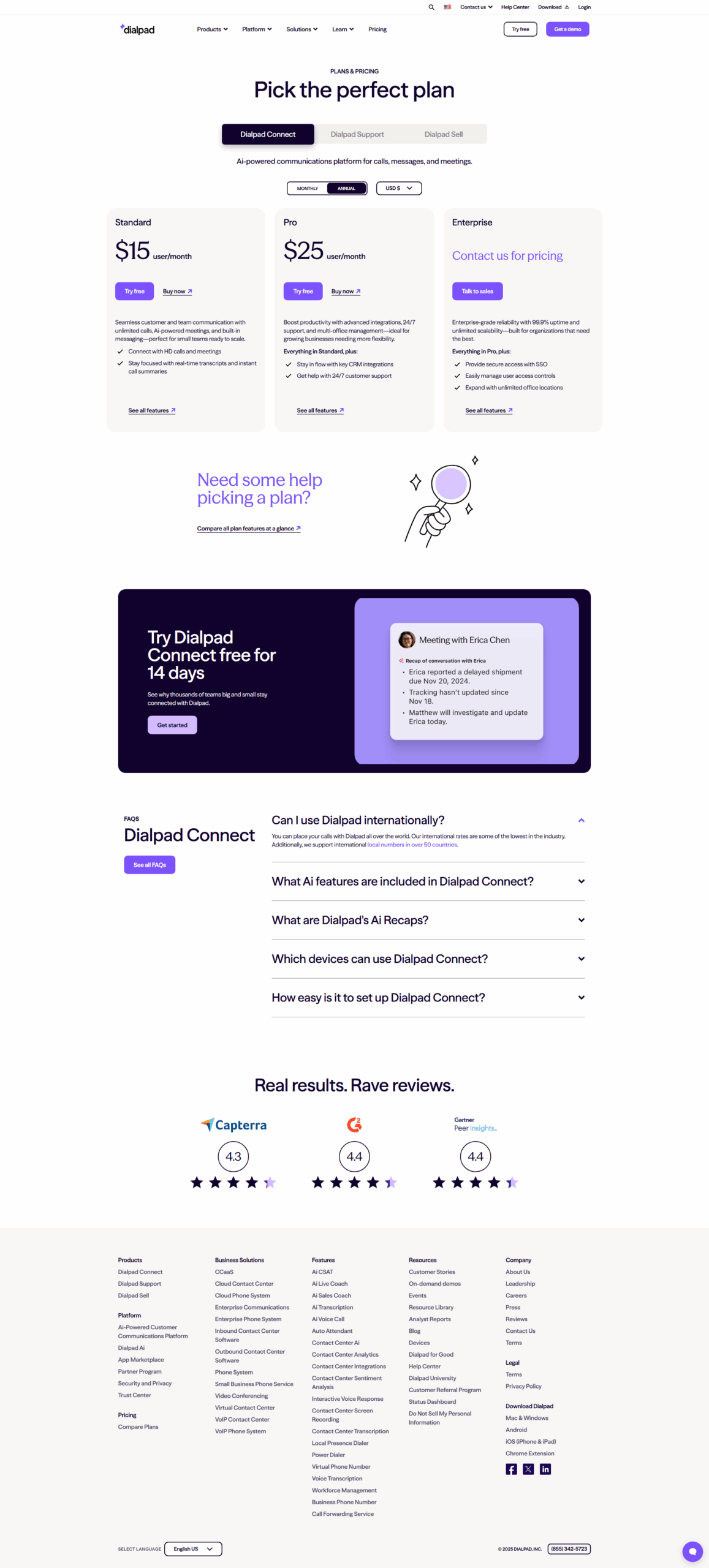
Dialpad Pricing

Pricing Range $15-$25/Month See Dialpad Pricing

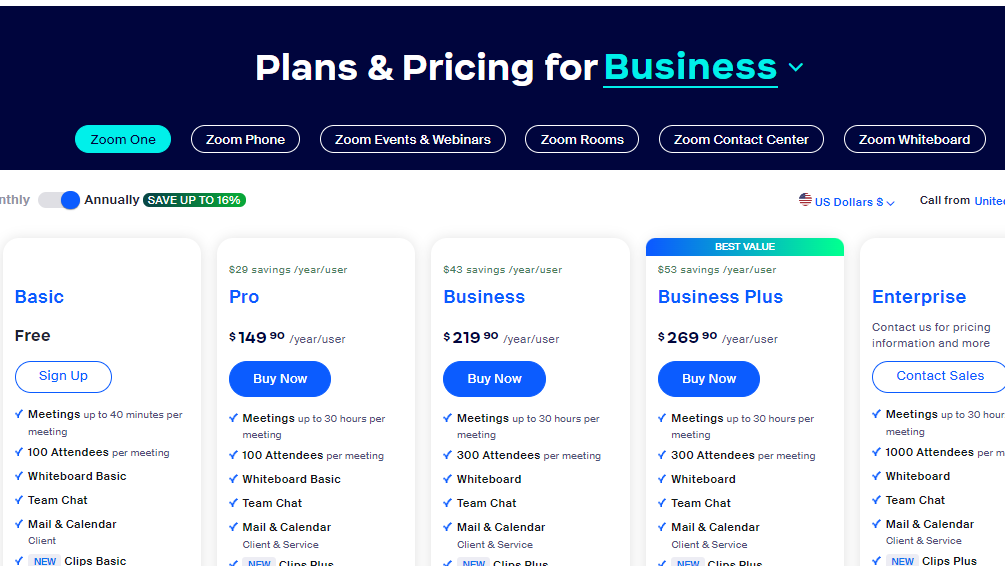
Zoom Pricing

Pricing Range $14.99-$21.99/Month See Zoom Pricing

Alternatives

Dialpad Alternatives

Nextiva logo

Nextiva

90%
Zoom logo

Zoom

88%
Five9 logo

Five9

83%
Aircall logo

Aircall

78%
See All Dialpad Alternatives

Zoom Alternatives

Google Workspace logo

Google Workspace

90%
Microsoft Teams logo

Microsoft Teams

88%
GoTo Meeting logo

GoTo Meeting

85%
Webex Meetings logo

Webex Meetings

85%
See All Zoom Alternatives

Experience

Dialpad Screenshots

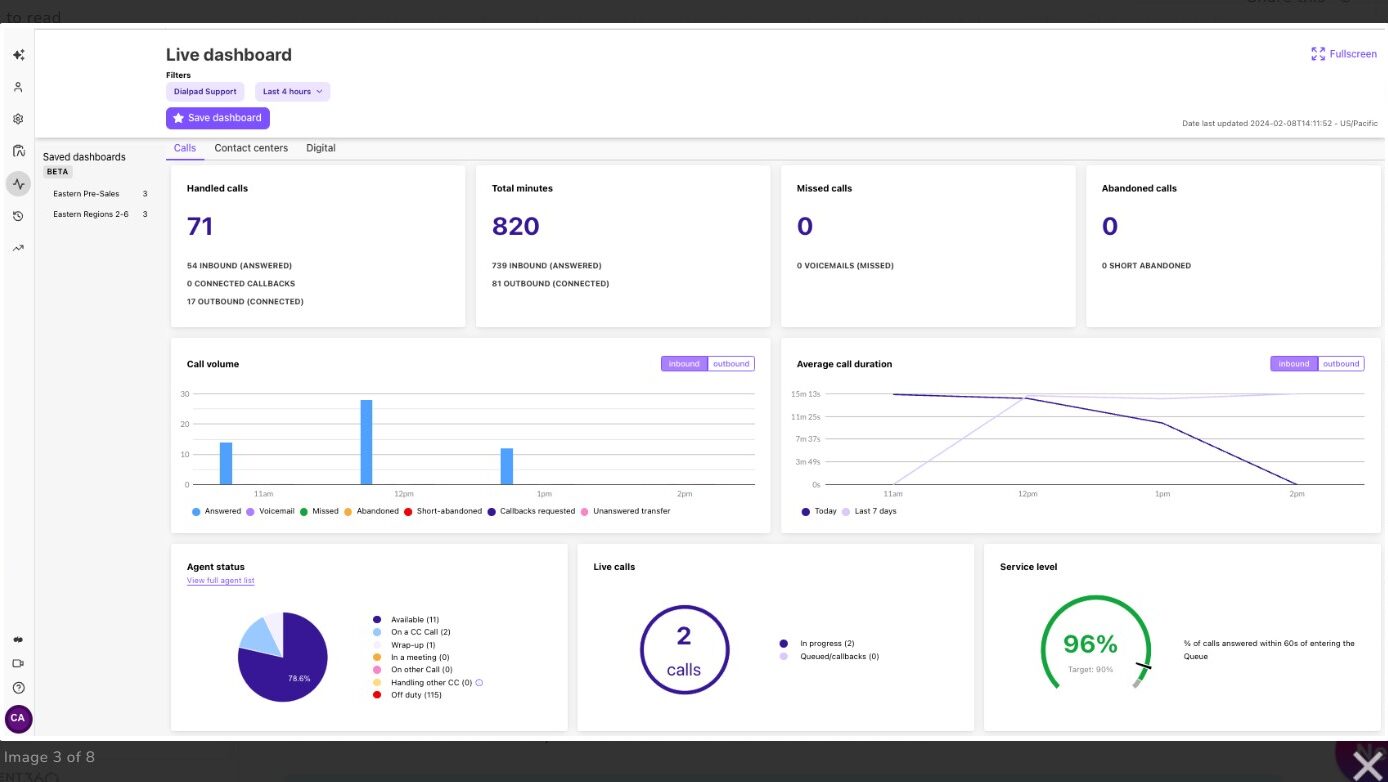
Dialpad screenshot 1
Dialpad screenshot 2
Dialpad screenshot 3
Dialpad screenshot 4

Zoom Screenshots

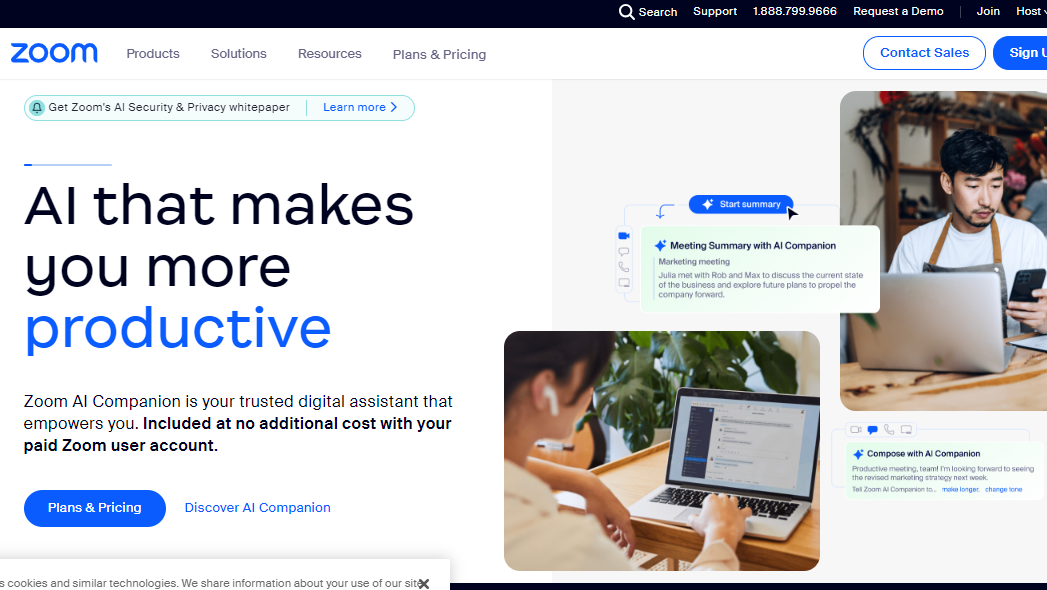
Zoom screenshot 1
Zoom screenshot 2