Sign in to review
Join our community of software reviewers on Subscribed.fyi

Continue With Google
Continue With LinkedIn
Continue Review with Email
Continue with Email
Enter your email to continue.
Continue
Enter your password
Enter your password to finish setting up your account.
Continue
Activate your email
Enter activation code we sent to your email.
Submit
Reset your password
Enter activation code we sent to your email.
Submit
Set your new password
Enter a new password for your account.
Submit
Categories
For Business
Log in
Provide My Insights
Add Product
Suggested products People also compare with
Add to Comparison
Suggested products People also compare with

Compare Doodle and Calendly

We are comparing Doodle and Calendly to evaluate which one is the best product.

Suggested products People also compare with
Review Pricing Alternatives Experience

Review

80%
28/36 Metric achieved
93%
33/36 Metric achieved

Subscribed Metric

Customer Support 4/6
Security 4/6
Ease of Use 5/6
Value of Money 4/6
Integration 5/6
Popularity 6/6

Subscribed Metric

Customer Support 5/6
Security 5/6
Ease of Use 6/6
Value of Money 5/6
Integration 6/6
Popularity 6/6

Pros & Cons

Easy to set up and deploy polls
Helps streamline meeting scheduling
Customizable and flexible for needs
Effective notifications and reminders
Free version lacks features
Sync issues with some calendars
User interface can be confusing
Occasional delays or missed events

Pros & Cons

Easy to set up and use with seamless integrations.
Eliminates scheduling back-and-forth with clients.
Customizable links and availability settings.
Works well across different time zones.
Limited features in the free version.
Customization locked behind paid plans.
Occasional calendar sync issues.
Less suitable for non-tech-savvy users.

Conclusion

Doodle is a leading online scheduling platform that simplifies coordinating meetings with clients, peers, or teams. Key features include calendar sync, custom scheduling URLs, integrated video conferencing, and reminders. Designed for professionals like marketers, educators, and freelancers, Doodle excels in managing group polls and one-on-one meetings. Pricing starts at $6/month for Pro users, offering excellent value. Compared to Calendly, Doodle is user-friendly but its free plan is limited. Customer support is reliable, scoring well on satisfaction metrics. Doodle’s standout feature is its group polling function, ideal for group scheduling, though its interface issues may deter some users. Overall, it’s cost-effective and efficient for businesses of varying sizes.

Conclusion

Calendly is a cloud-based scheduling tool simplifying meeting setup for professionals, such as marketers, designers, and developers. It eliminates back-and-forth emails with customizable time slots, automatic calendar syncing, and notification reminders. Key features include integrations with platforms like Zoom, Salesforce, and Google Calendar, personalized booking links, and team scheduling options. Plans range from a free version for basic needs to paid tiers starting at $10/month. Compared to competitors like Acuity Scheduling or YouCanBook.Me, Calendly stands out for ease of use and robust integrations but may lack extensive advanced features at lower pricing tiers. Its support services and automated workflows enhance cost-effectiveness, making it a top option for teams and freelancers.

Pricing

Doodle Pricing

Pricing Range $14.95-$19.95/Month See Doodle Pricing

Calendly Pricing

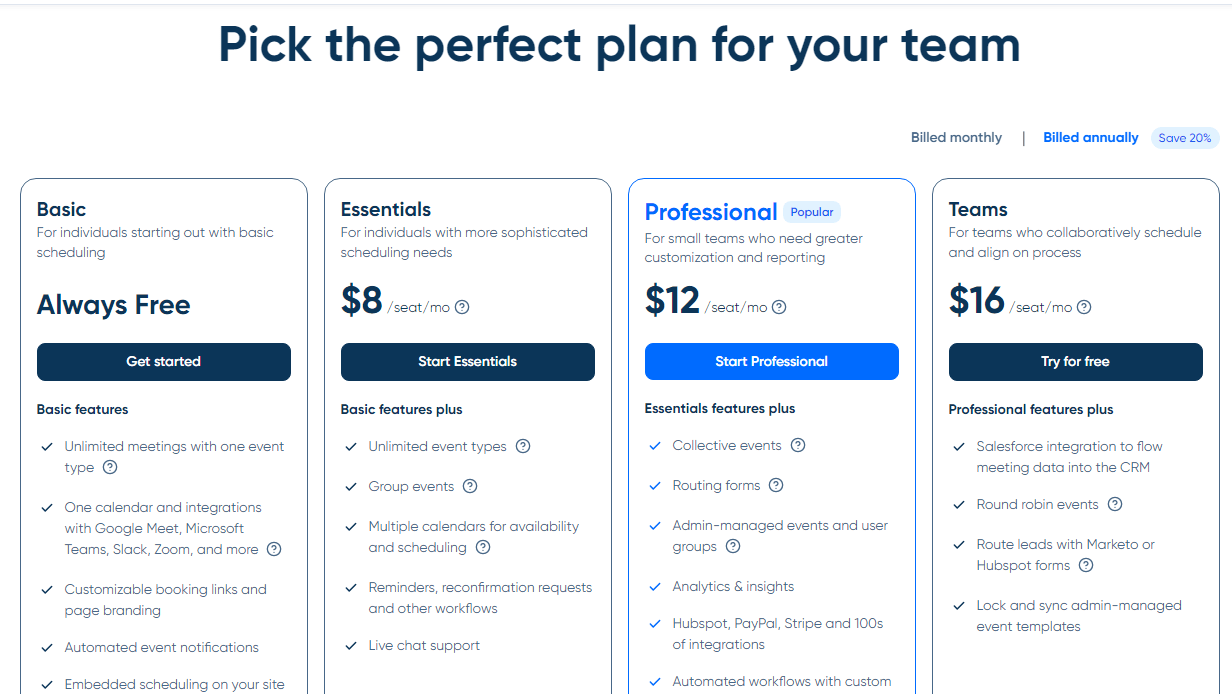
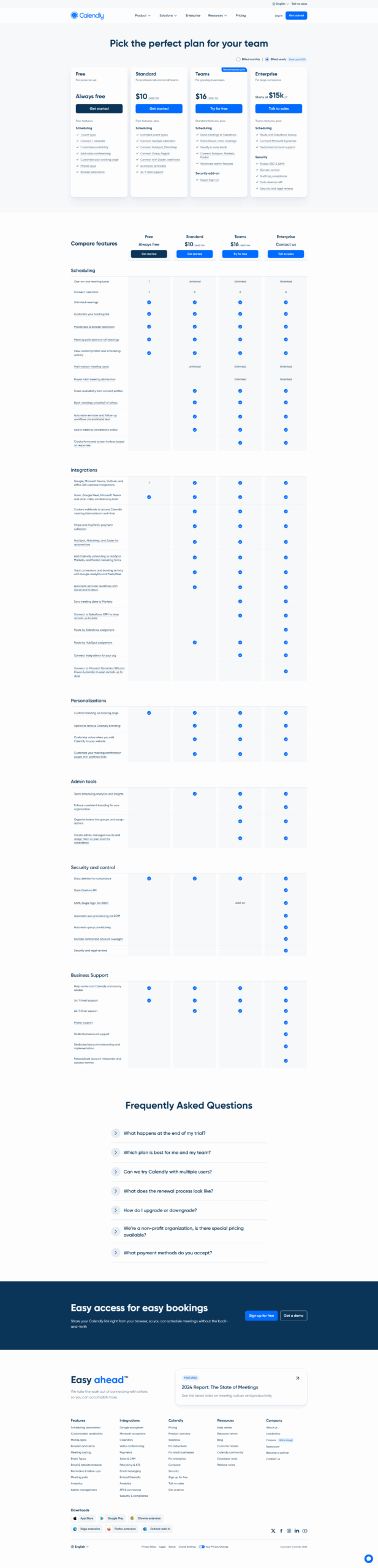
Pricing Range $0-$16/Month See Calendly Pricing

Alternatives

Doodle Alternatives

Calendly logo

Calendly

93%
YouCanBookMe logo

YouCanBookMe

93%
Acuity Scheduling logo

Acuity Scheduling

76%
See All Doodle Alternatives

Calendly Alternatives

YouCanBookMe logo

YouCanBookMe

93%
Google Workspace logo

Google Workspace

90%
Microsoft 365 logo

Microsoft 365

88%
Chili Piper logo

Chili Piper

88%
See All Calendly Alternatives

Experience

Doodle Screenshots

Doodle screenshot 1
Doodle screenshot 2

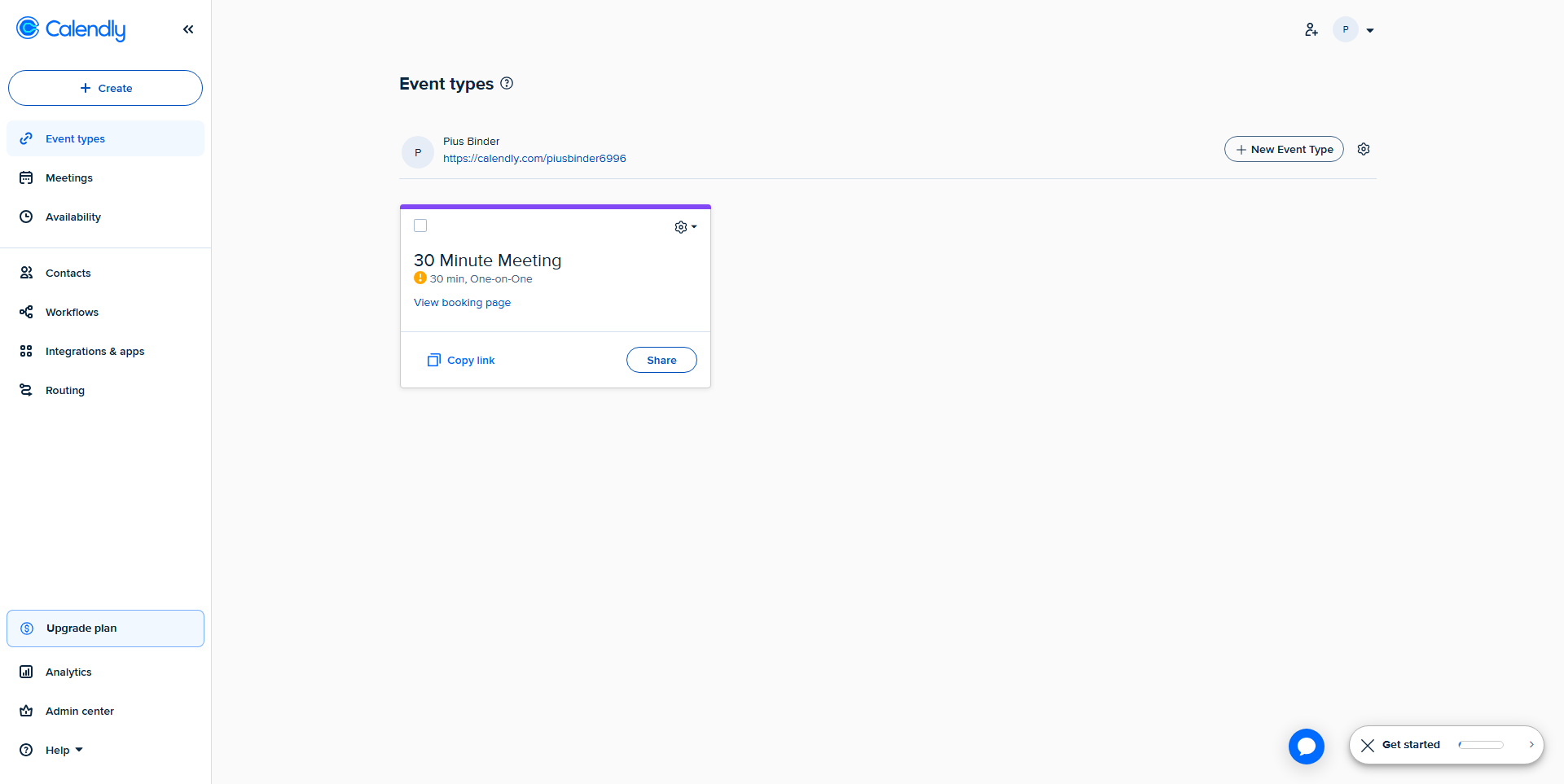
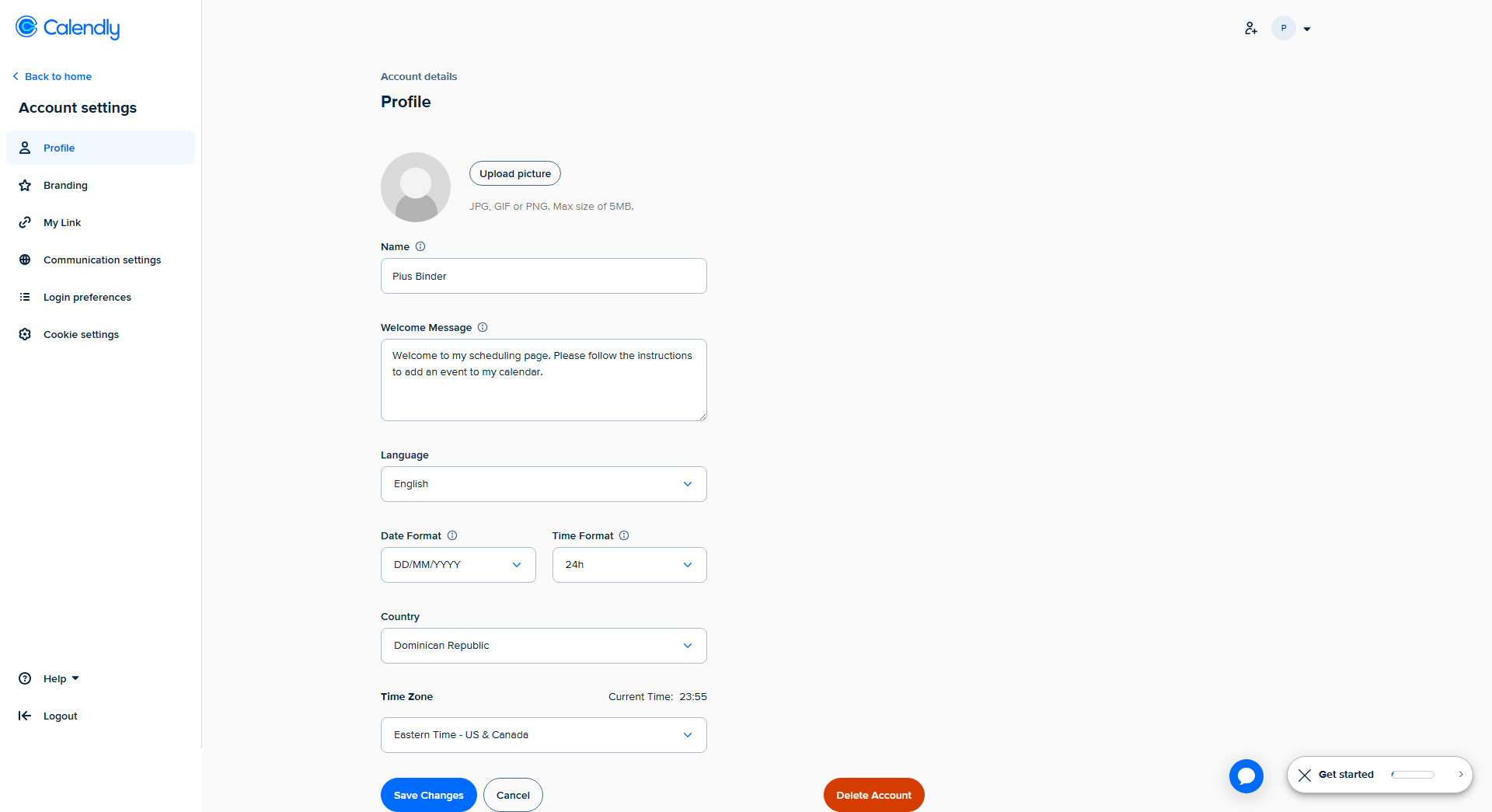
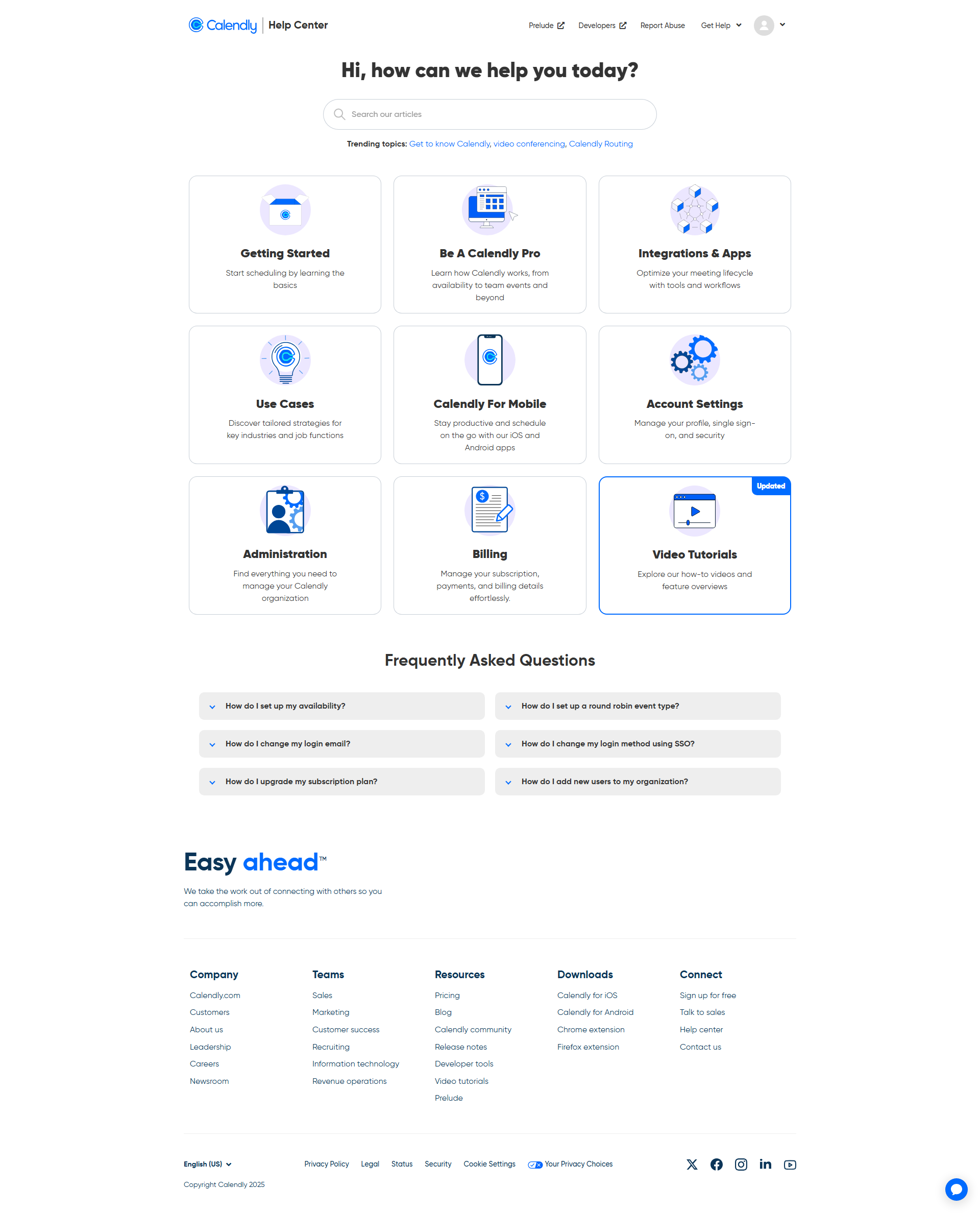
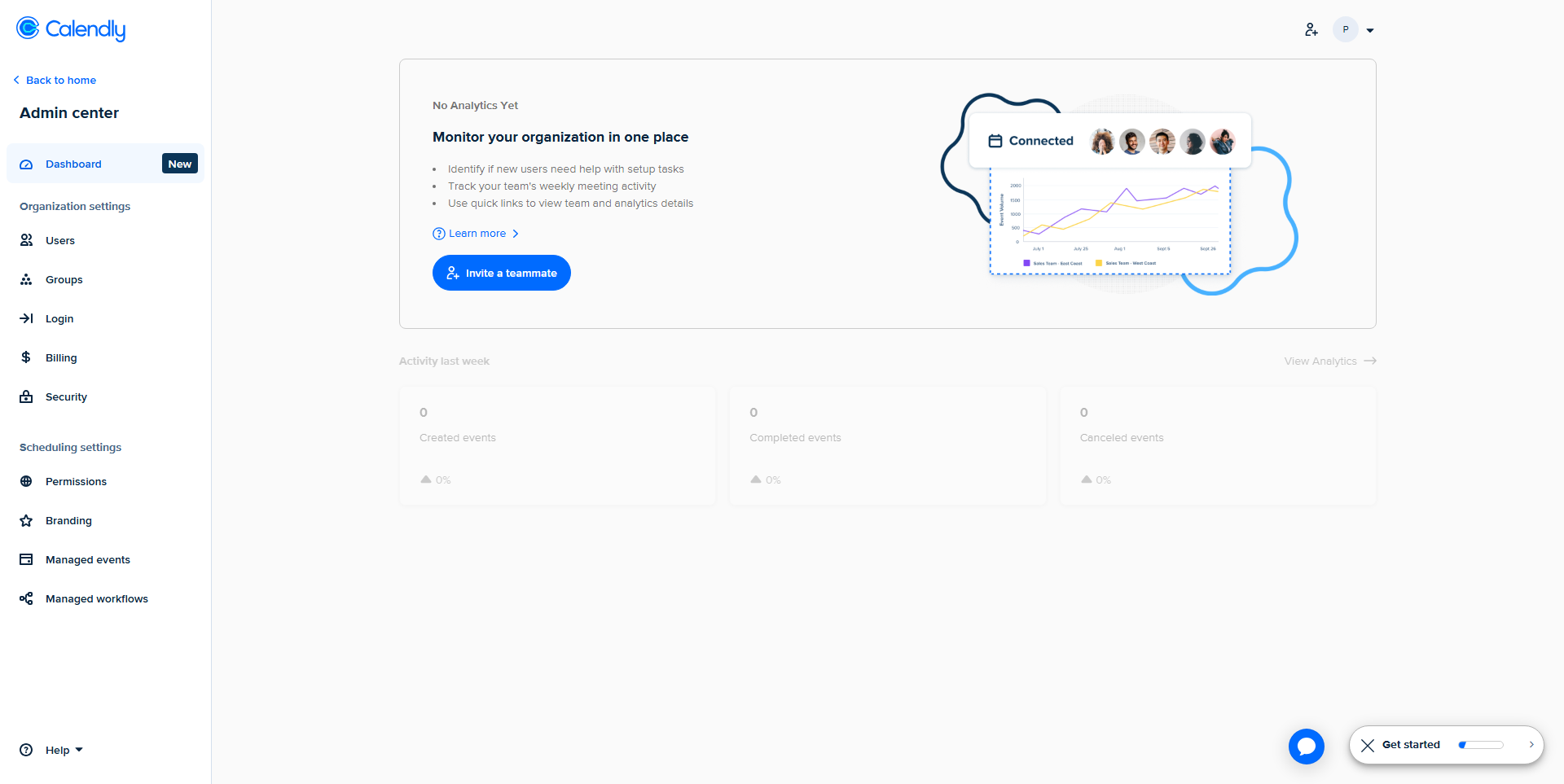
Calendly Screenshots

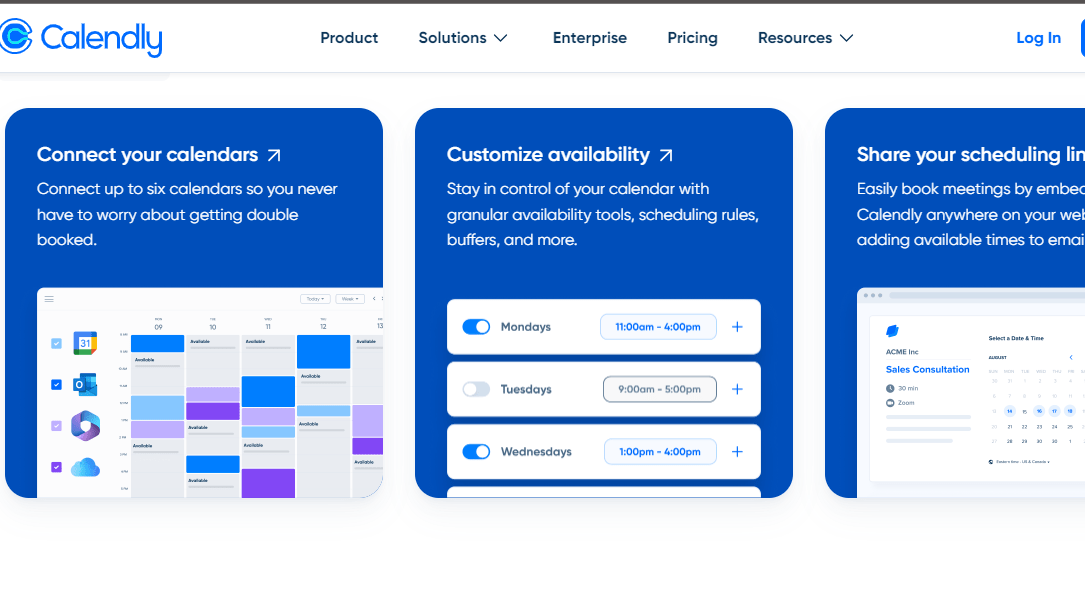
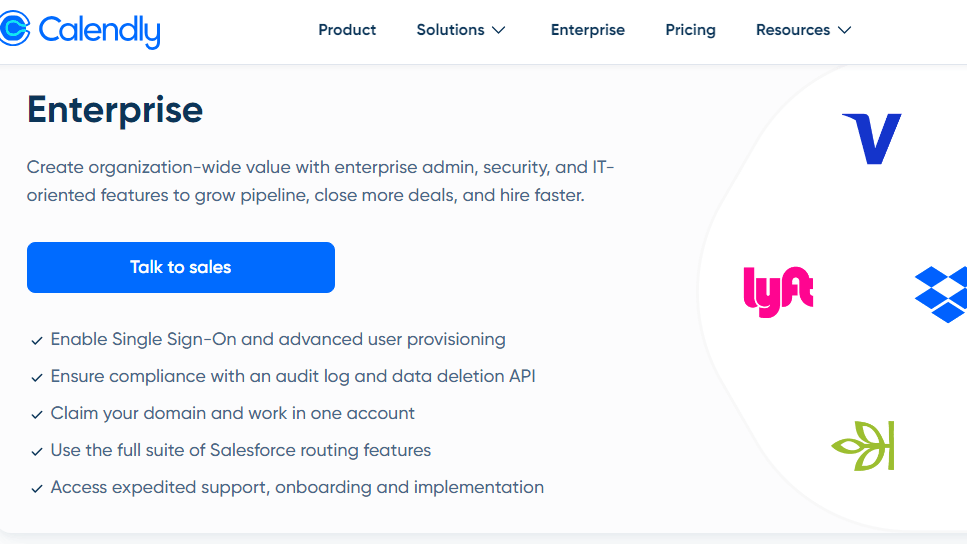
Calendly screenshot 1
Calendly screenshot 2
Calendly screenshot 3
Calendly screenshot 4
Calendly screenshot 5
Calendly screenshot 6
Calendly screenshot 7
Calendly screenshot 8