Sign in to review
Join our community of software reviewers on Subscribed.fyi

Continue With Google
Continue With LinkedIn
Continue Review with Email
Continue with Email
Enter your email to continue.
Continue
Enter your password
Enter your password to finish setting up your account.
Continue
Activate your email
Enter activation code we sent to your email.
Submit
Reset your password
Enter activation code we sent to your email.
Submit
Set your new password
Enter a new password for your account.
Submit
Categories
For Business
Log in
Provide My Insights
Add Product
Suggested products People also compare with
Add to Comparison
Suggested products People also compare with

Compare Flare and Keeper Password Manager

We are comparing Flare and Keeper Password Manager to evaluate which one is the best product.

Suggested products People also compare with
Review Pricing Alternatives Experience

Review

70%
26/36 Metric achieved
85%
30/36 Metric achieved

Subscribed Metric

Customer Support 6/6
Security 5/6
Ease of Use 5/6
Value of Money 4/6
Integration 3/6
Popularity 3/6

Subscribed Metric

Customer Support 4/6
Security 6/6
Ease of Use 5/6
Value of Money 5/6
Integration 4/6
Popularity 6/6

Pros & Cons

Proactive threat detection and alerts
Excellent customer support
Straightforward and actionable insights
Easy to use for analyzing digital footprints
Lacks detailed documentation examples
Export features need improvement
Interface takes time to adapt to
Reporting capabilities for management are missing

Pros & Cons

Strong security features including 2FA and encryption.
Easy to use across multiple devices and platforms.
Efficient password generation and storage.
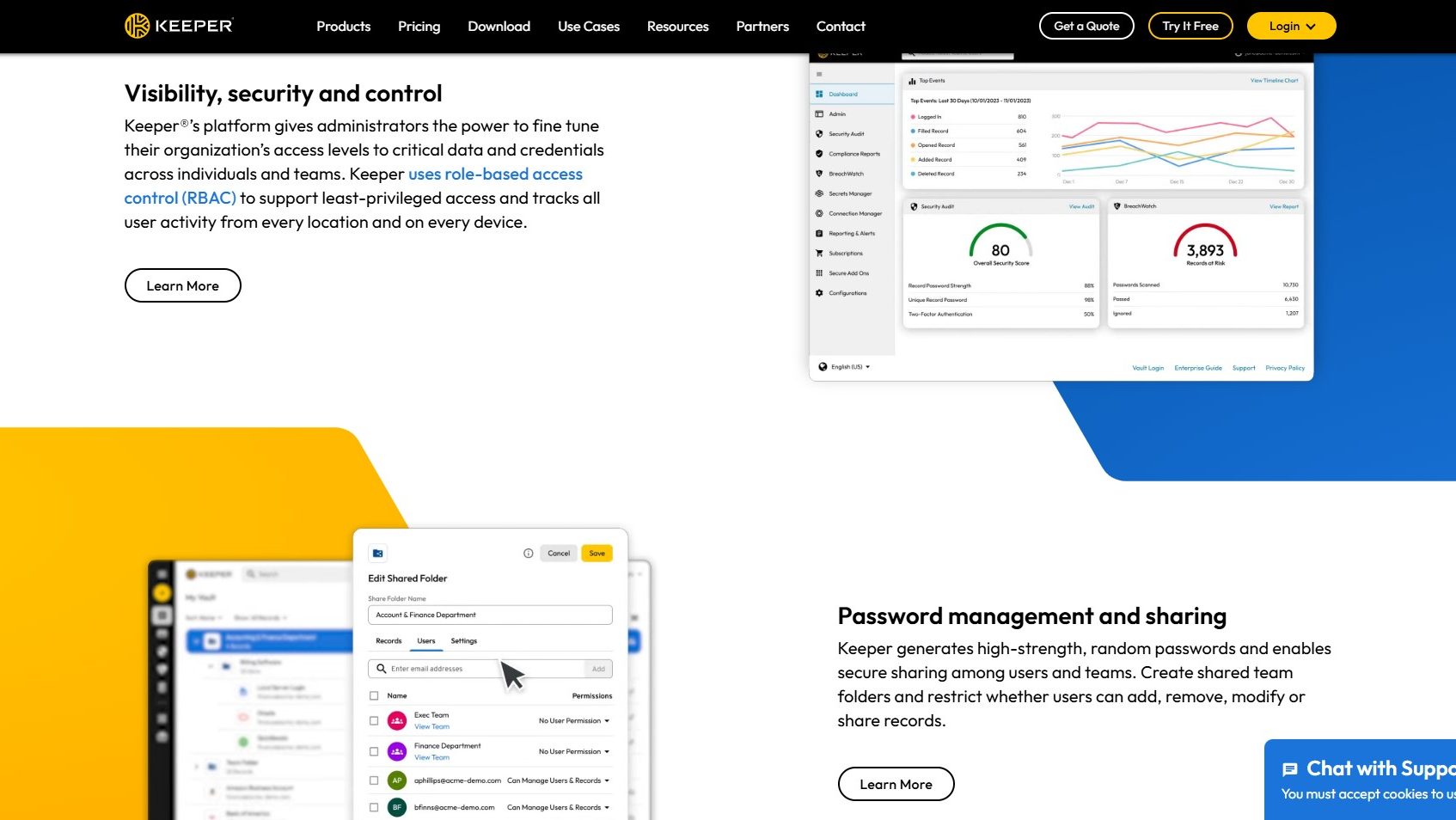
Supports sharing passwords securely with teams.
Browser extension can autofill fields incorrectly.
Admin console can be unintuitive for some users.
Set-up process could be simpler for new users.
Customer support response can be inconsistent.

Conclusion

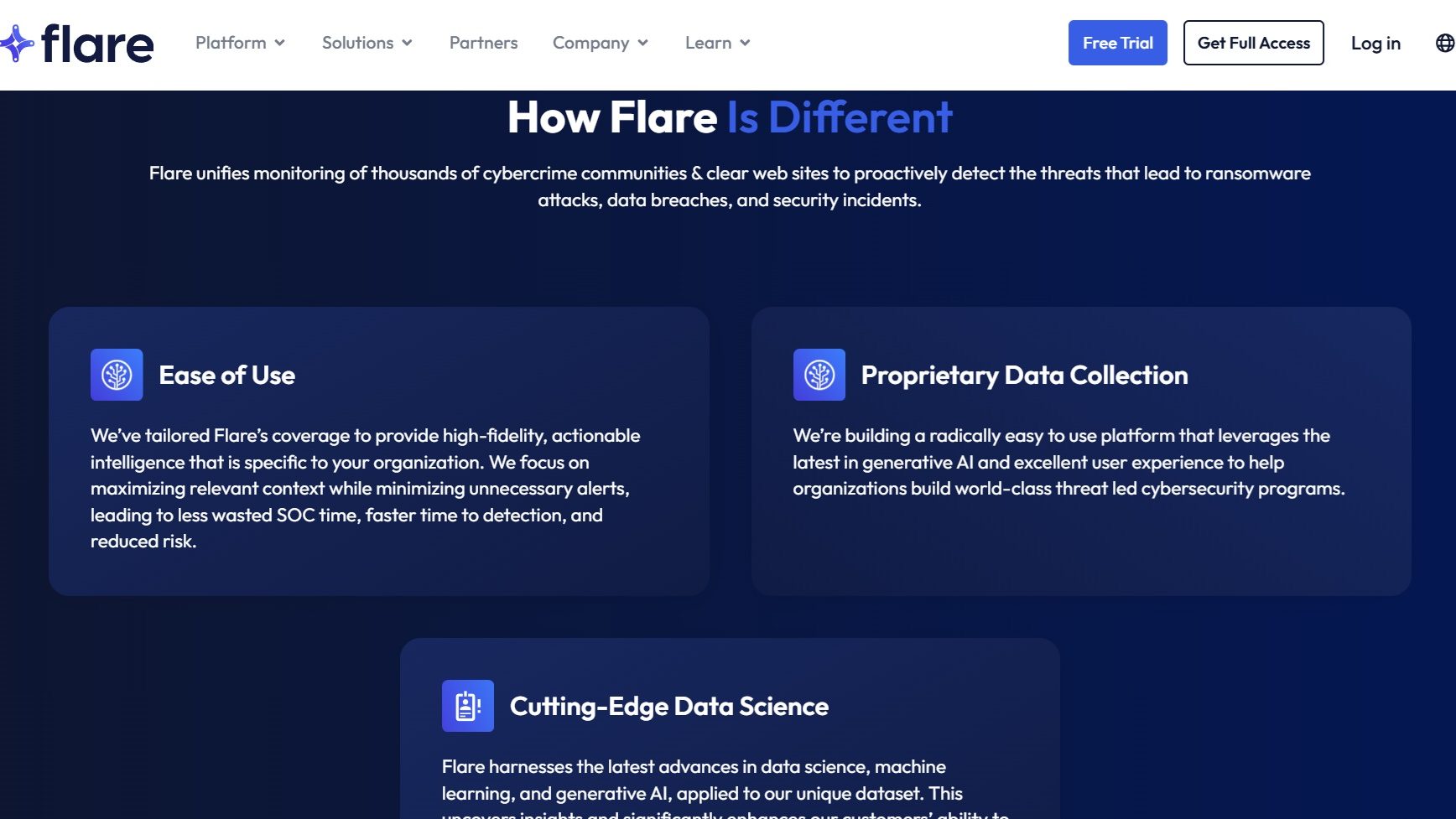
Flare is an AI-driven dark web monitoring solution that proactively scans digital footprints across the clear, deep, and dark web to identify and mitigate risks. Designed for cybersecurity professionals, it excels in detecting leaked credentials, ransomware impacts, and data breaches. It offers strong customer support (rated 4.7/5) but can initially require training to navigate. While Flare lacks transparent pricing, its comprehensive coverage differentiates it from alternatives like LastPass or 1Password, which focus solely on credential management. Pros include actionable insights and automation; cons are limited reporting capabilities and higher costs compared to simpler tools. Overall, it’s a robust choice for enterprises seeking extensive threat intelligence, despite the steeper price.

Conclusion

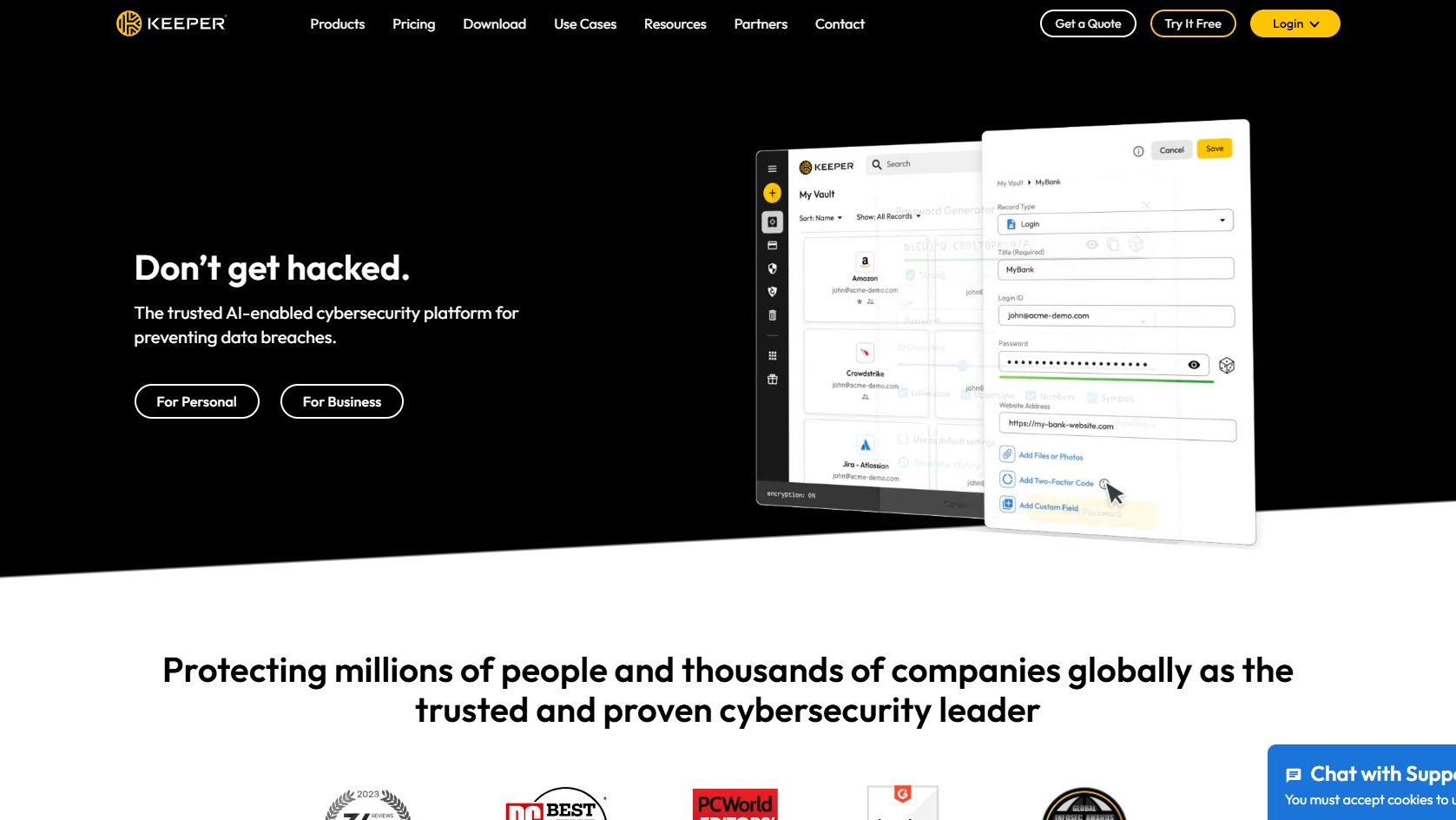
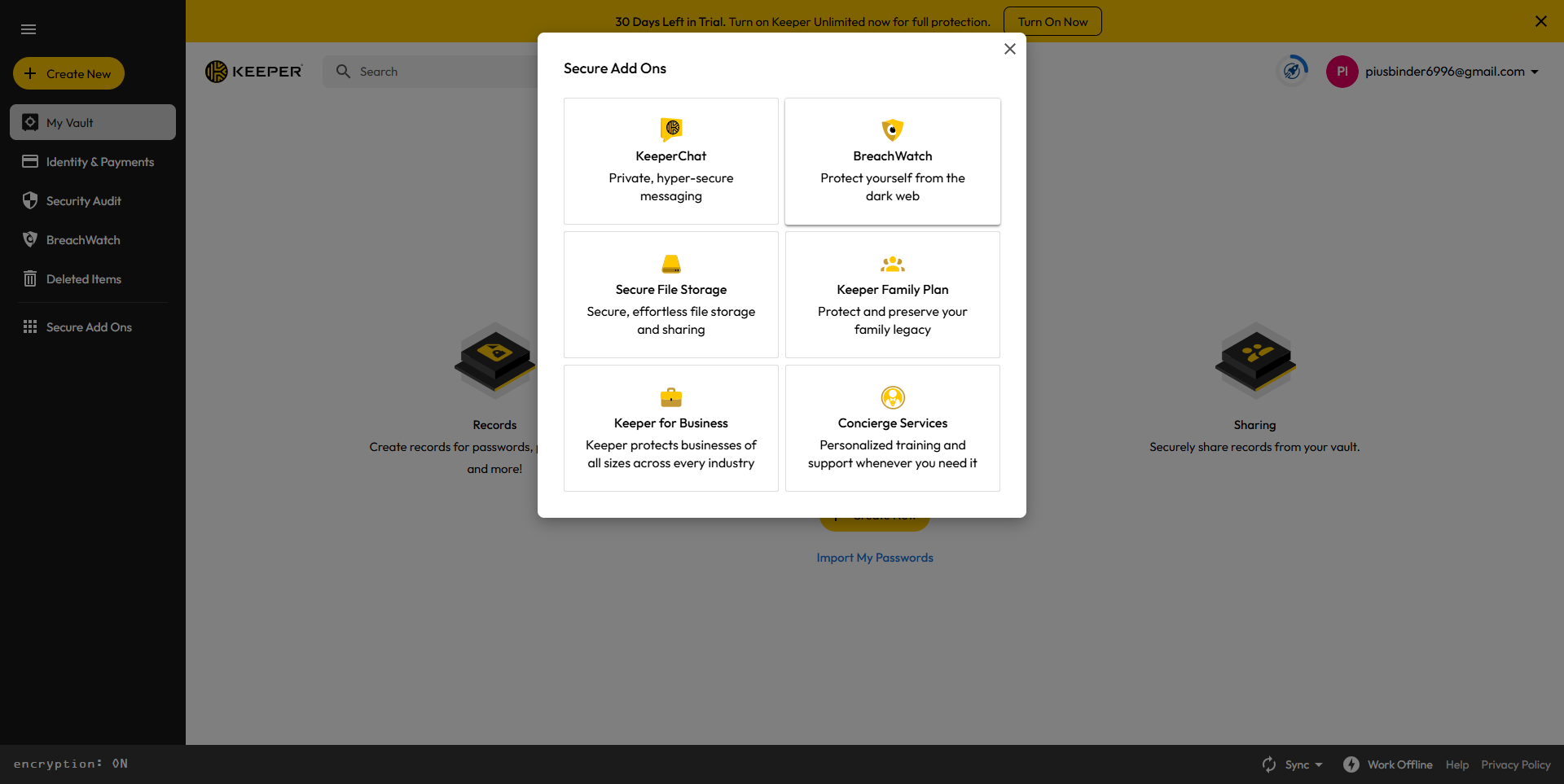
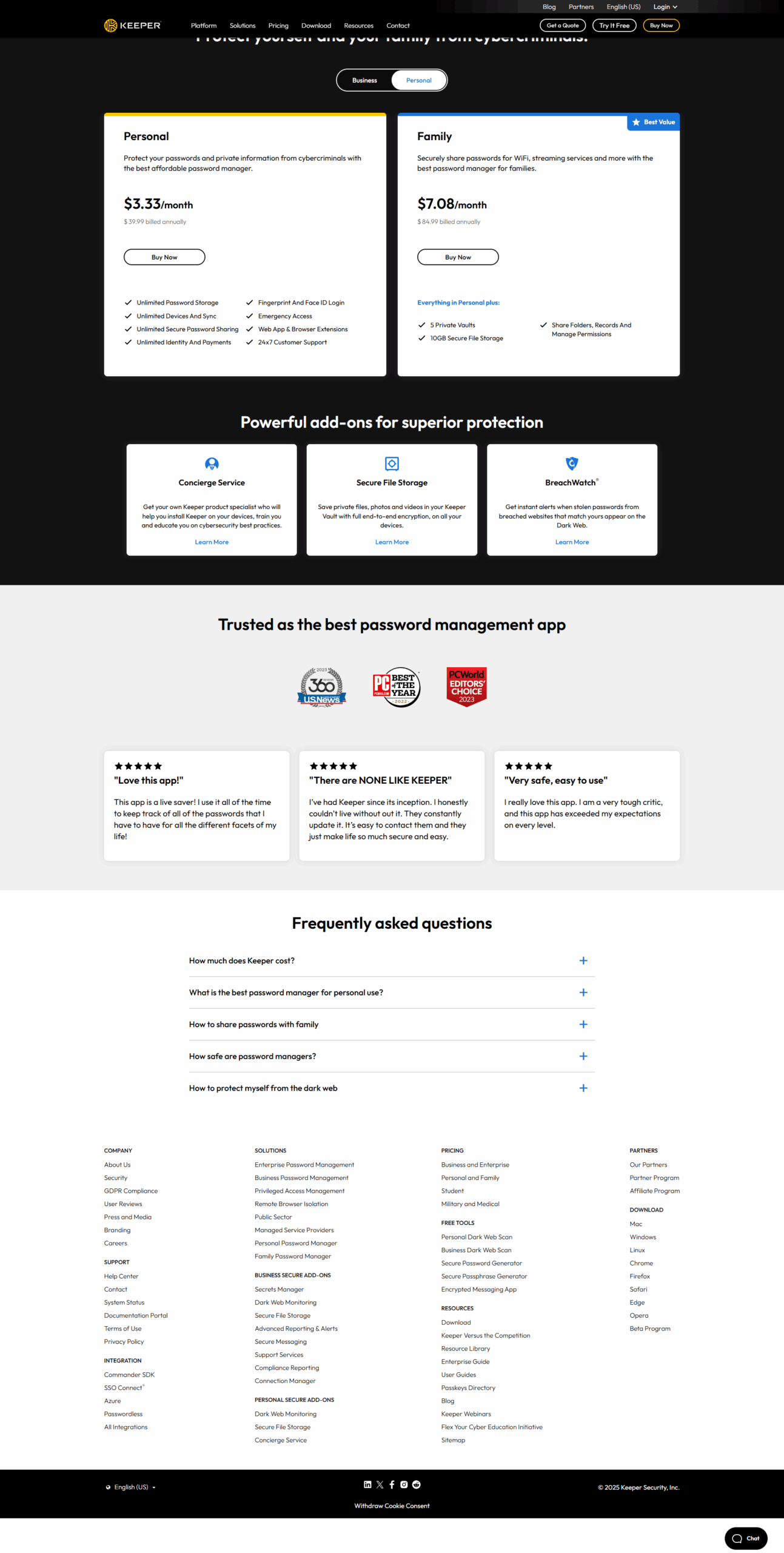
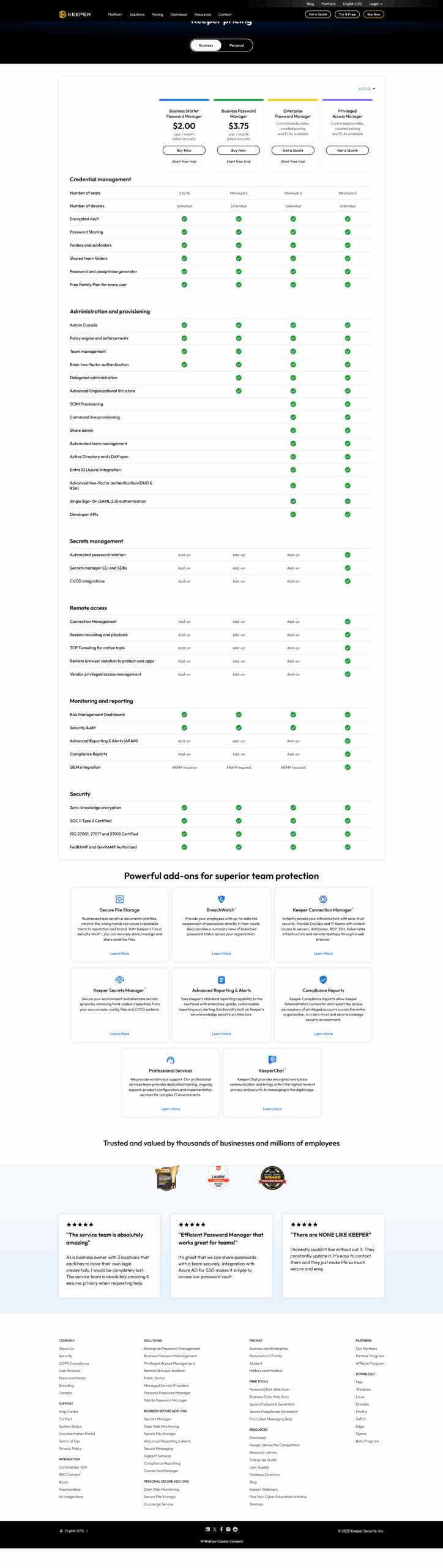
Keeper Password Manager offers robust features like password generation, encrypted digital vaults, two-factor authentication, and seamless integration with SSO and LDAP. Ideal for IT admins, small businesses, and enterprises, it provides secure sharing, cross-device syncing, and compliance with certifications like SOC 2. Priced starting at $2/month for businesses, Keeper outshines competitors like LastPass with innovative automation tools but may feel less user-friendly for browser autofill. Customer support is responsive, with a focus on security and performance. Cost-effective for professionals prioritizing security.

Pricing

Flare Pricing

Pricing Range $0.2k-0.2k/Month

Keeper Password Manager Pricing

Pricing Range $2-$6.25/Month See Keeper Password Manager Pricing

Alternatives

Flare Alternatives

1Password logo

1Password

90%
LastPass logo

LastPass

85%
Keeper Password Manager logo

Keeper Password Manager

85%
ZeroFox logo

ZeroFox

83%
See All Flare Alternatives

Keeper Password Manager Alternatives

Bitwarden logo

Bitwarden

95%
Nordpass logo

Nordpass

93%
1Password logo

1Password

90%
LastPass logo

LastPass

85%
See All Keeper Password Manager Alternatives

Experience

Flare Screenshots

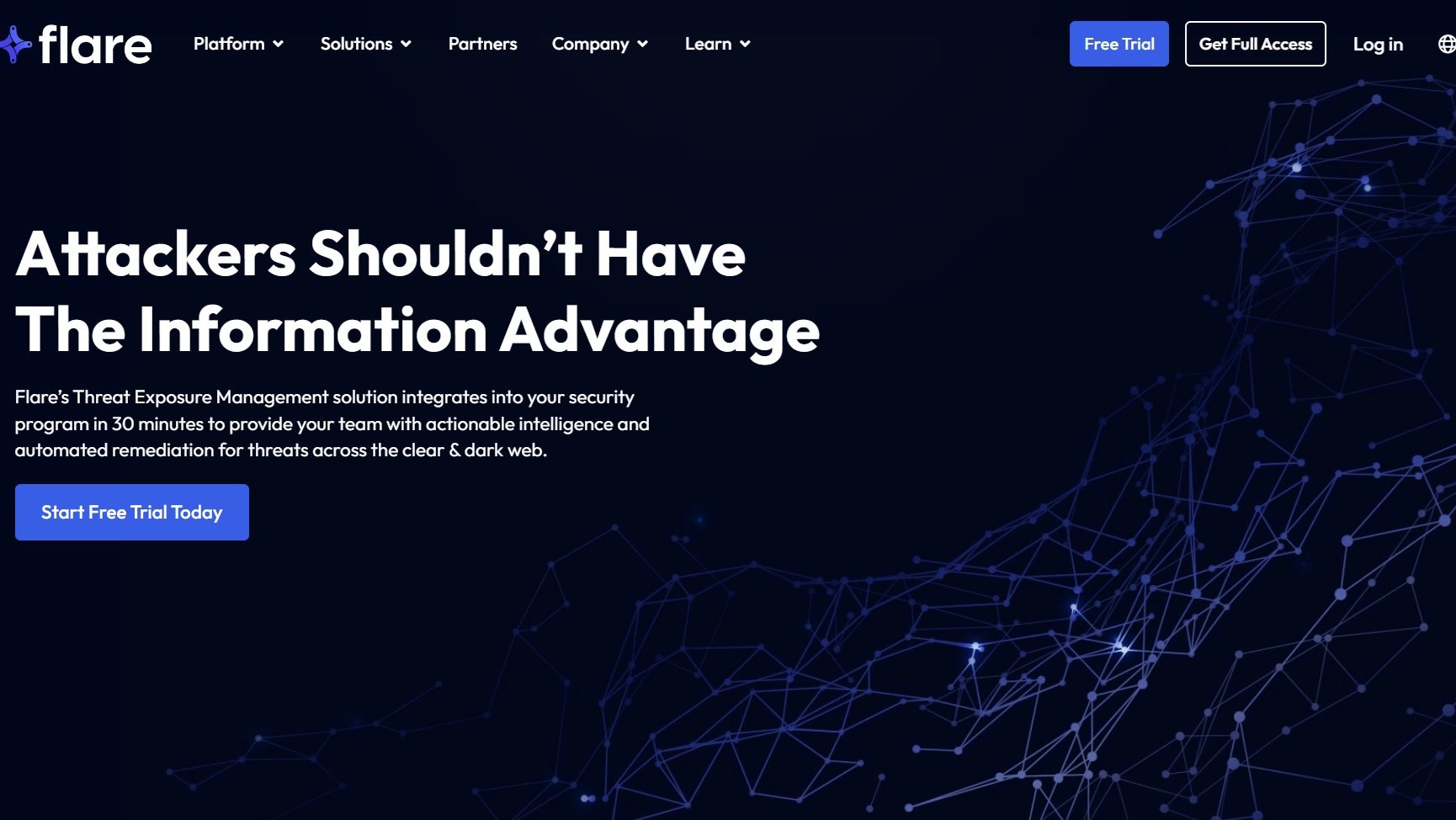
Flare screenshot 1
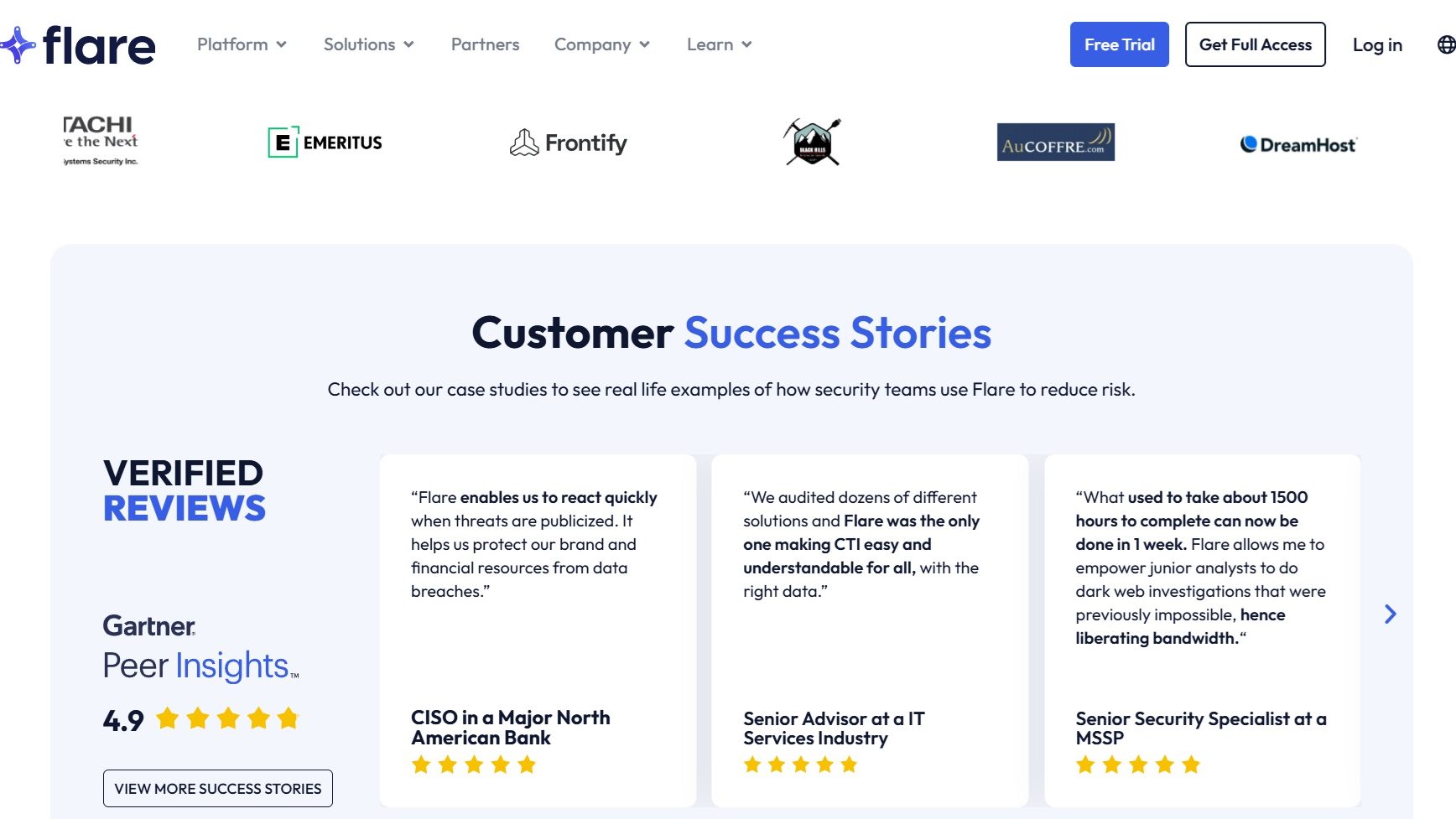
Flare screenshot 2
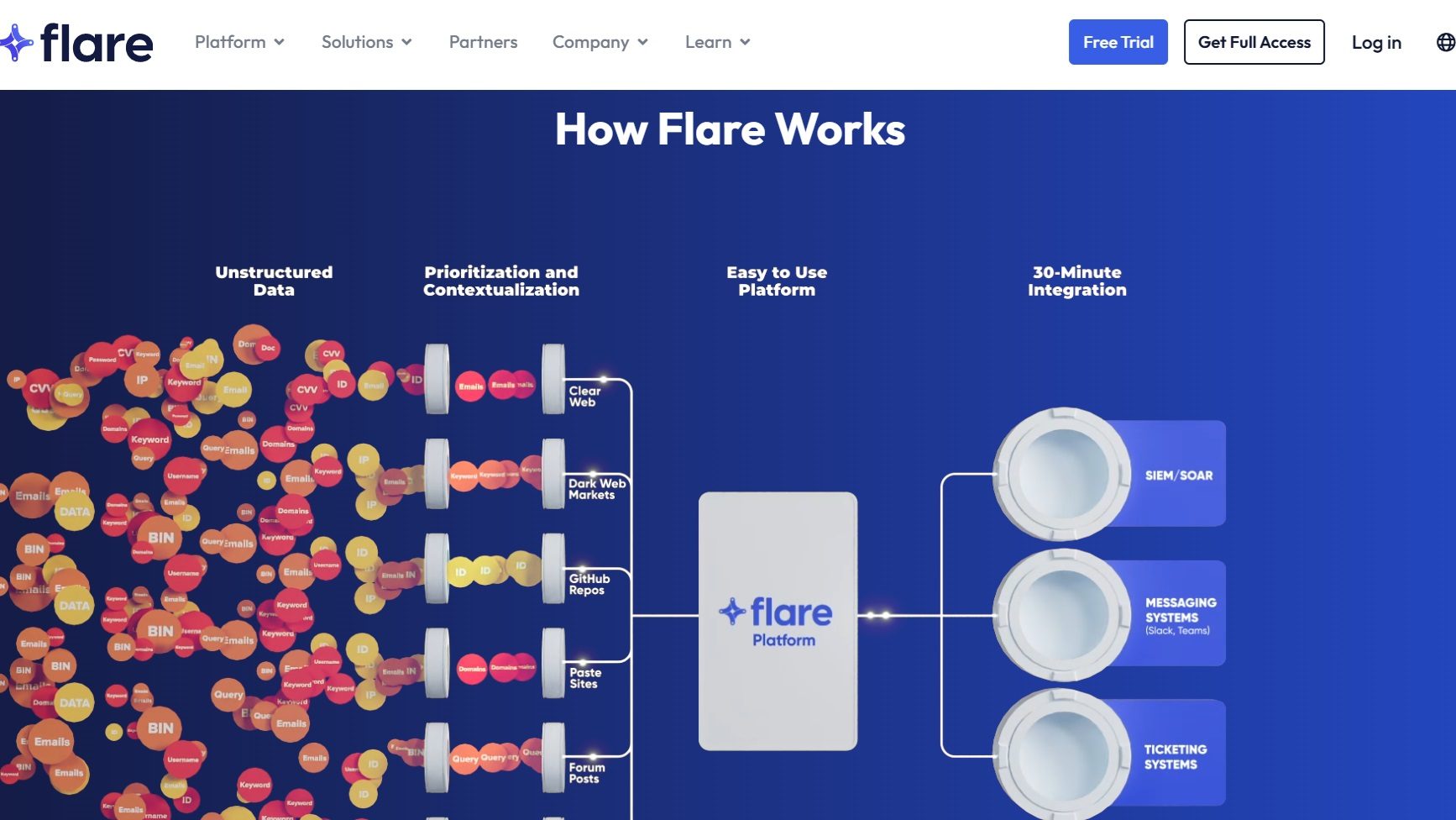
Flare screenshot 3
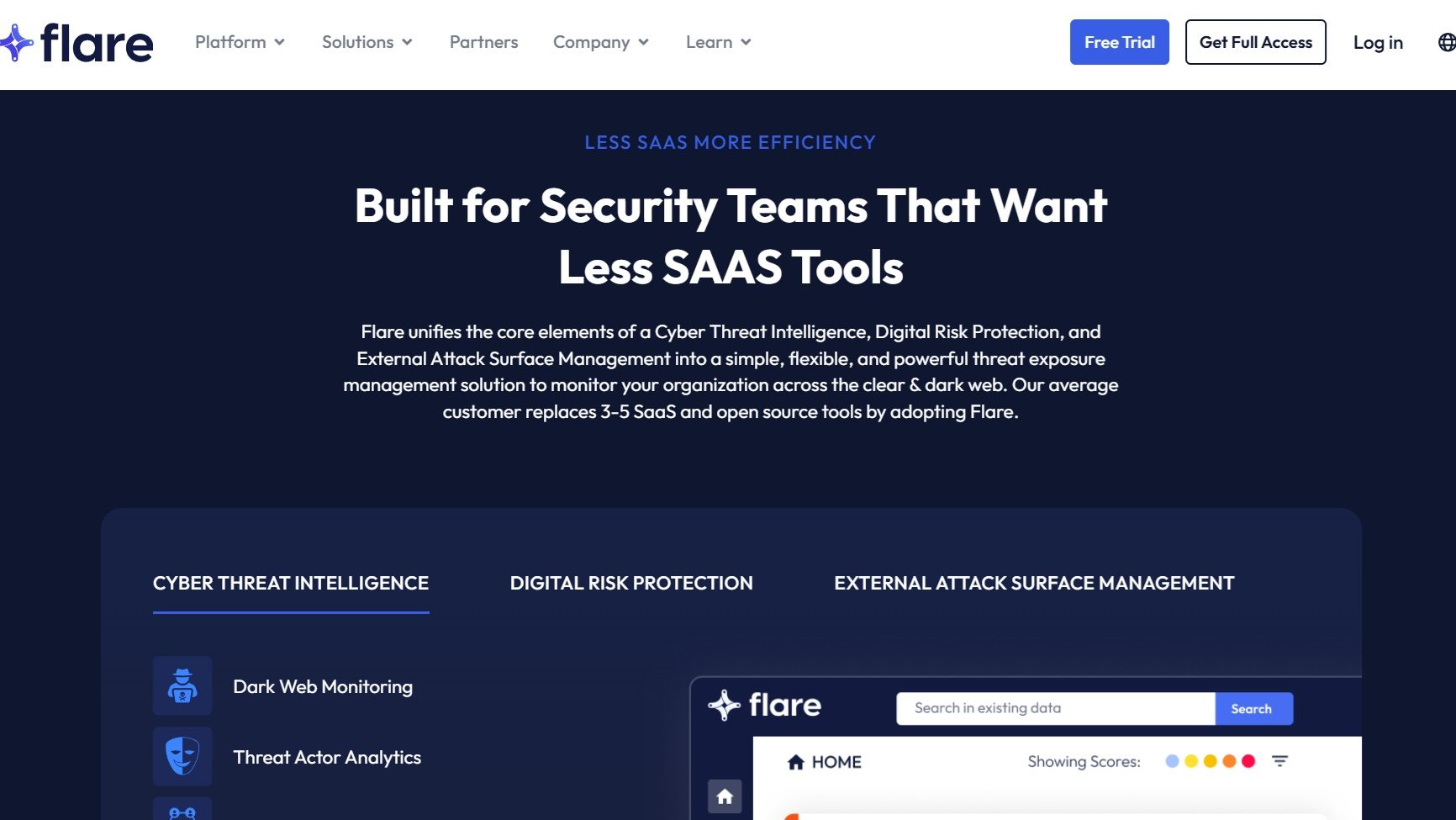
Flare screenshot 4
Flare screenshot 5

Keeper Password Manager Screenshots

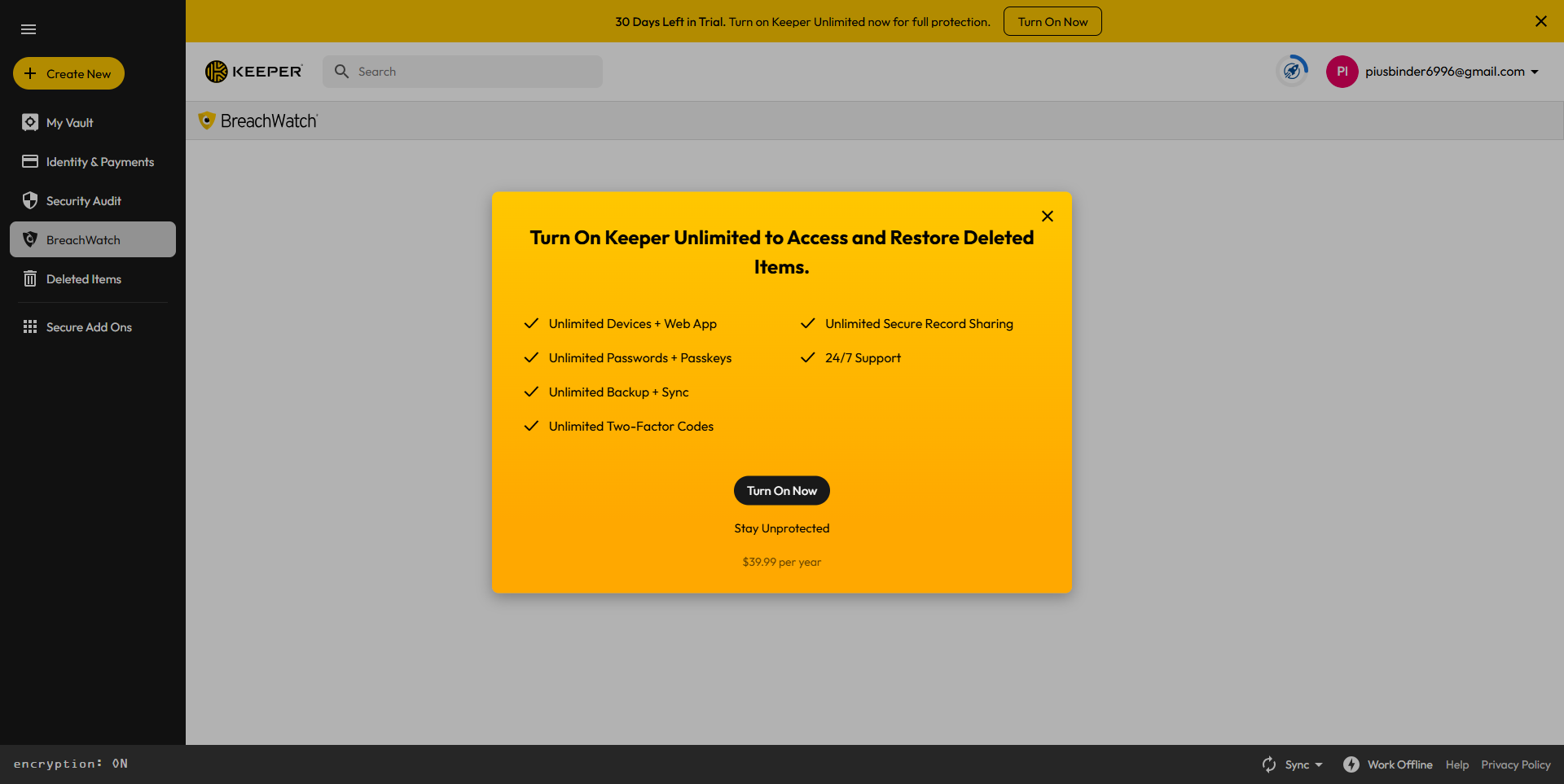
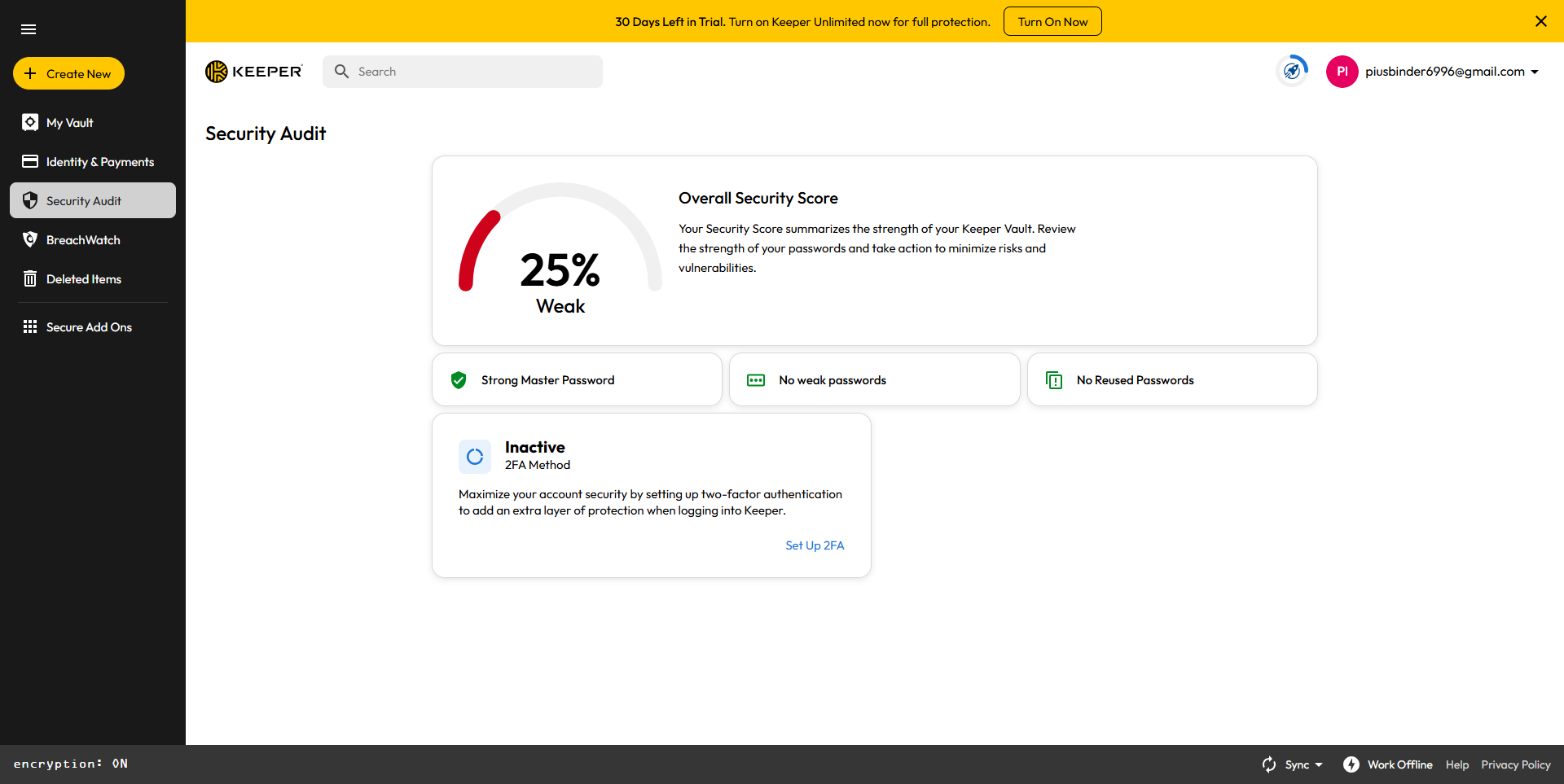
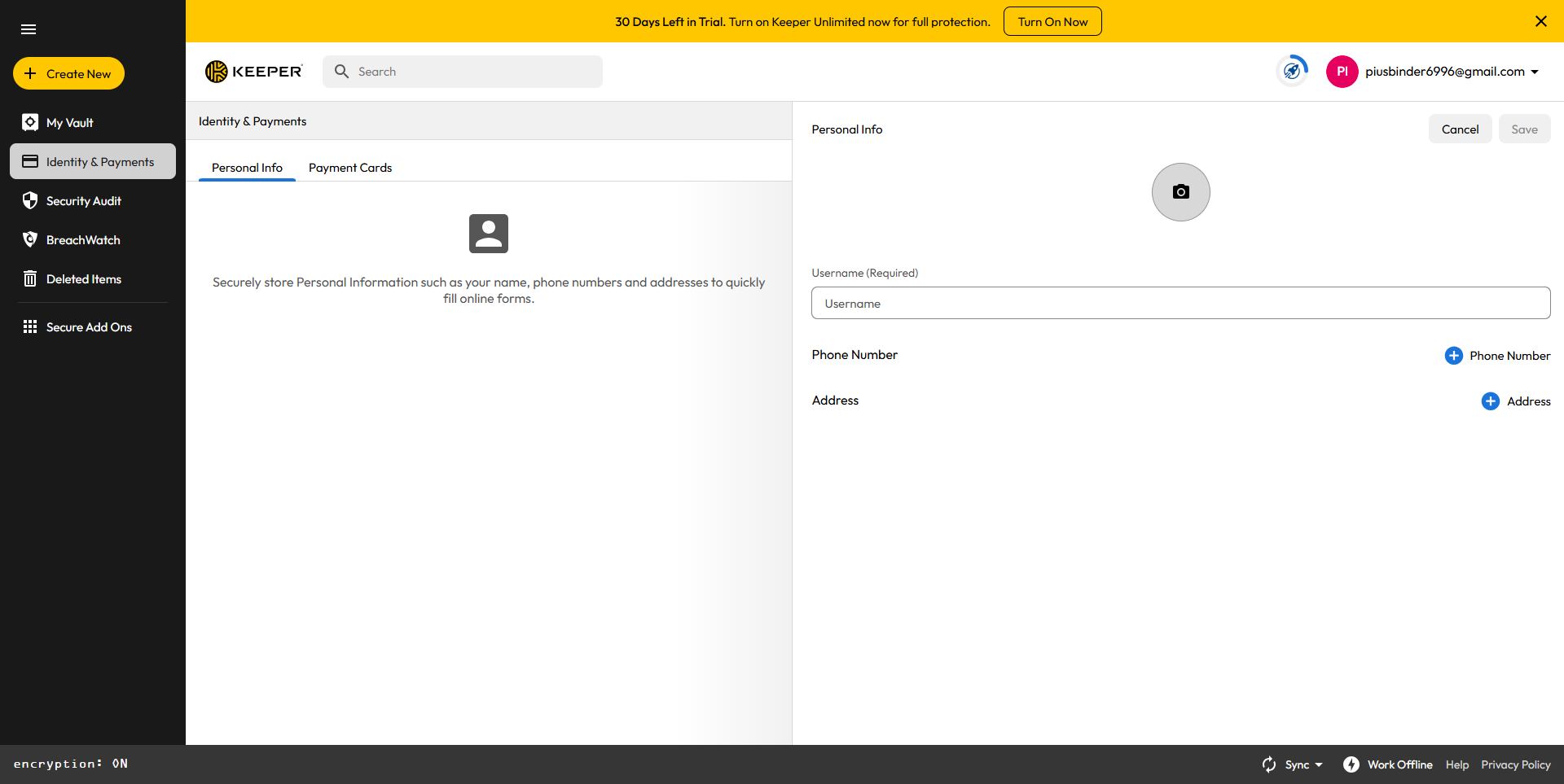
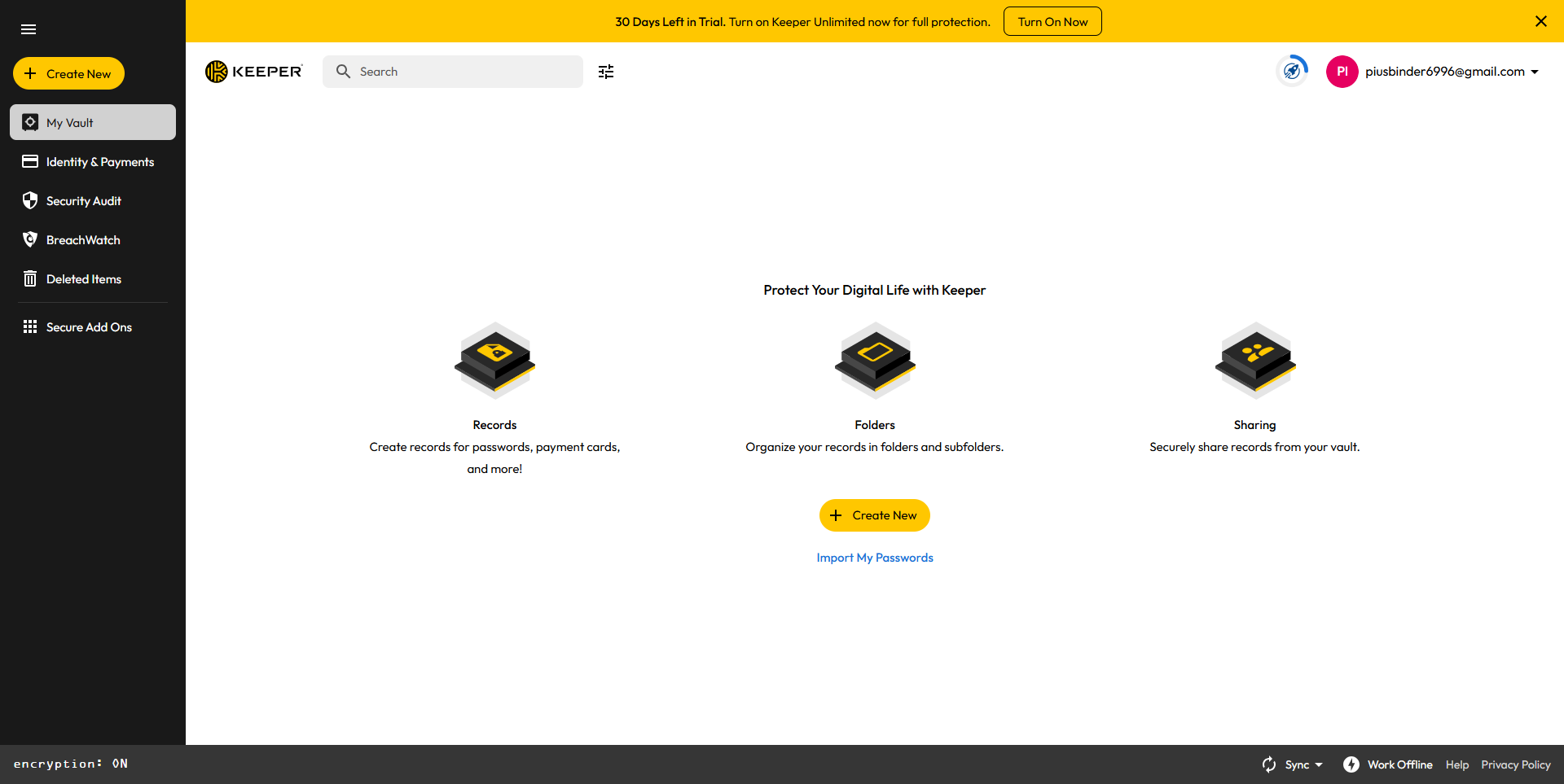
Keeper Password Manager screenshot 1
Keeper Password Manager screenshot 2
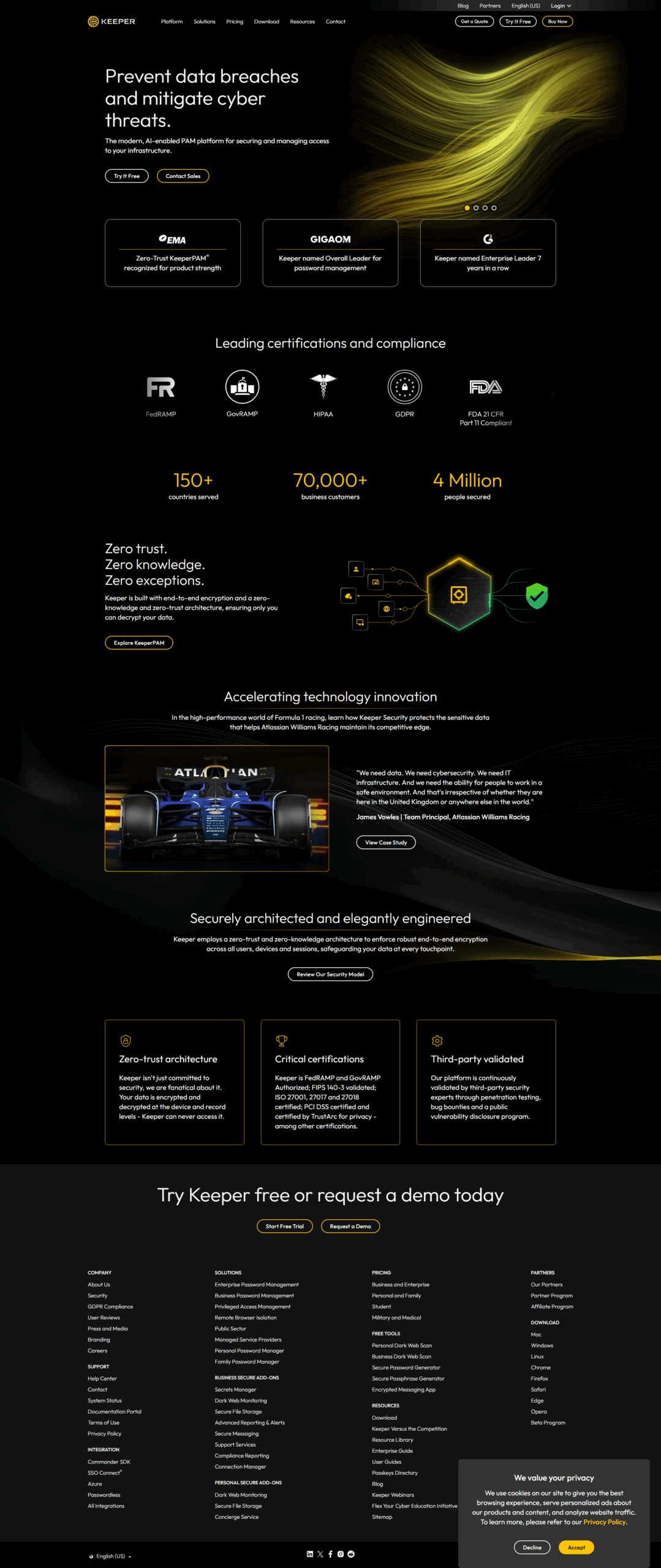
Keeper Password Manager screenshot 3
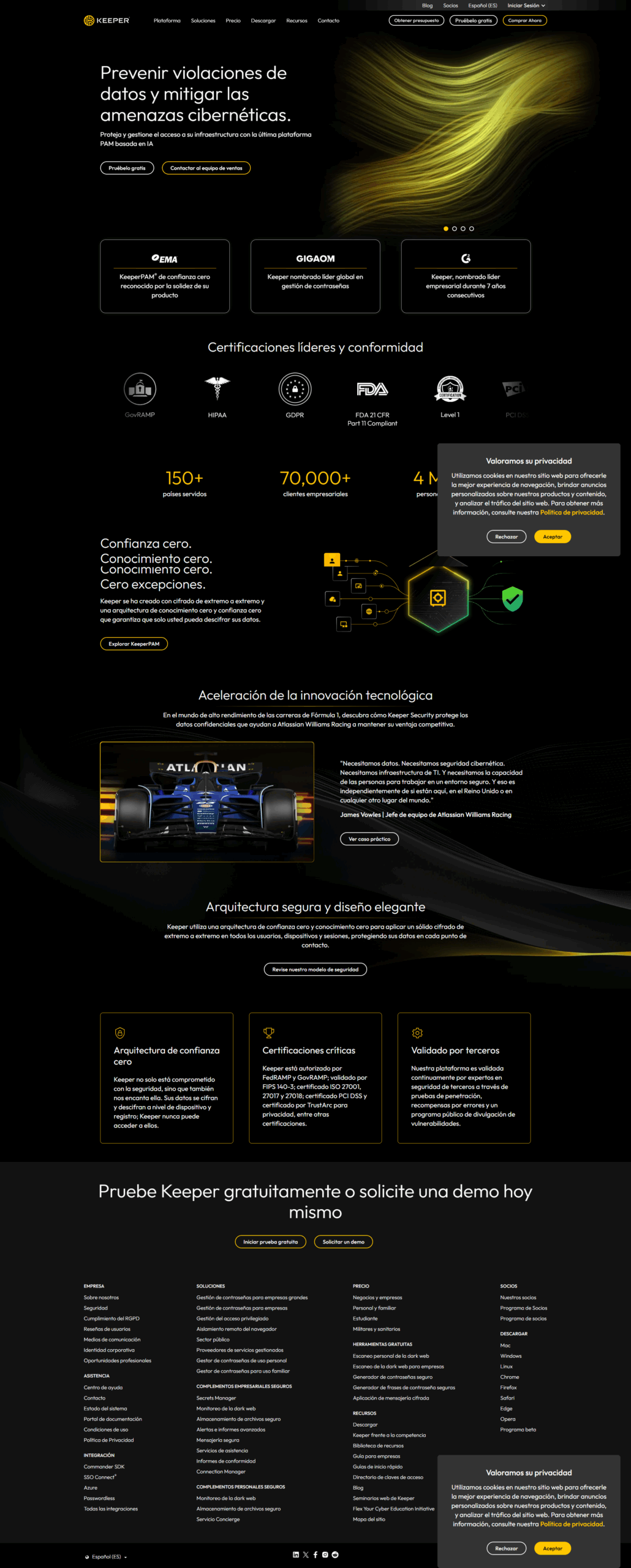
Keeper Password Manager screenshot 4
Keeper Password Manager screenshot 5
Keeper Password Manager screenshot 6
Keeper Password Manager screenshot 7
Keeper Password Manager screenshot 8
Keeper Password Manager screenshot 9
Keeper Password Manager screenshot 10
Keeper Password Manager screenshot 11