Sign in to review
Join our community of software reviewers on Subscribed.fyi

Continue With Google
Continue With LinkedIn
Continue Review with Email
Continue with Email
Enter your email to continue.
Continue
Enter your password
Enter your password to finish setting up your account.
Continue
Activate your email
Enter activation code we sent to your email.
Submit
Reset your password
Enter activation code we sent to your email.
Submit
Set your new password
Enter a new password for your account.
Submit
Log in
Provide My Insights
Keeper Password Manager logo

Keeper Password Manager Reviews, Pricing, Features & Alternatives (2026)

5/5
(1)

Keeper Password Manager is a cybersecurity platform offering secure password management and digital vault solutions. It features advanced encryption, password generation, secure sharing, and cross-platform compatibility for individuals, businesses, and IT professionals.

Keeper Password Manager logo

Keeper Password Manager Overview

What is Keeper Password Manager?

5
★ ★ ★ ★ ★
1
Reviews

Available for Claim - This listing is available to be claimed
Claim Profile

Unclaimed

Claim this profile to manage it.

Claim Profile

Why teams choose Keeper Password Manager

Key Features

Data-Driven Insights
Make better decisions with analytics.
Built for Flexibility
Adaptable for multiple use cases.
Real-Time Updates
Real-Time Updates
See changes instantly, no delays.

Who is Keeper Password Manager for?

What is Keeper Password Manager?

Keeper Password Manager is a robust cybersecurity platform designed to provide secure password management and digital vault solutions for both individuals and businesses. With features like encrypted storage, password generation, and secure sharing, Keeper ensures the protection of sensitive information against cyber threats.

Why Use Keeper Password Manager?

In the realm of cybersecurity solutions, Keeper Password Manager stands out by:

  1. Advanced Encryption: Keeper employs top-tier encryption methods to safeguard user data, ensuring that passwords and sensitive information remain secure from unauthorized access.
  2. Password Generation and Management: The platform offers a powerful password generator and management tools, enabling users to create strong, unique passwords and manage them effortlessly across devices.
  3. Secure Sharing: Keeper allows users to securely share passwords and files with trusted contacts, maintaining privacy and security through encrypted channels.
  4. Cross-Platform Compatibility: Keeper is available on multiple platforms, including desktop and mobile devices, providing seamless access to passwords and secure information anytime, anywhere.

Who is Keeper Password Manager For?

Keeper Password Manager caters to a wide range of users:

  1. Individuals: Individuals use Keeper to manage personal passwords and sensitive information securely, reducing the risk of identity theft and data breaches.
  2. Businesses: Businesses leverage Keeper to enforce strong password policies, protect corporate data, and facilitate secure collaboration among employees.
  3. IT Professionals: IT professionals rely on Keeper for its robust security features and administrative controls, ensuring compliance and safeguarding organizational data.
  4. Remote Workers: Remote workers benefit from Keeper’s secure access and sharing capabilities, enabling them to work safely and efficiently from any location.

In conclusion, Keeper Password Manager is an essential tool for enhancing cybersecurity and protecting sensitive information. Whether you’re an individual, part of a business, an IT professional, or a remote worker, Keeper provides the security and convenience needed to manage passwords and sensitive data effectively.

Keeper Password Manager Summary

What is Keeper Password Manager?

Keeper Password Manager is a robust cybersecurity platform designed to provide secure password management and digital vault solutions for both individuals and businesses. With features like encrypted storage, password generation, and secure sharing, Keeper ensures the protection of sensitive information against cyber threats.

Why Use Keeper Password Manager?

In the realm of cybersecurity solutions, Keeper Password Manager stands out by:

  1. Advanced Encryption: Keeper employs top-tier encryption methods to safeguard user data, ensuring that passwords and sensitive information remain secure from unauthorized access.
  2. Password Generation and Management: The platform offers a powerful password generator and management tools, enabling users to create strong, unique passwords and manage them effortlessly across devices.
  3. Secure Sharing: Keeper allows users to securely share passwords and files with trusted contacts, maintaining privacy and security through encrypted channels.
  4. Cross-Platform Compatibility: Keeper is available on multiple platforms, including desktop and mobile devices, providing seamless access to passwords and secure information anytime, anywhere.

Who is Keeper Password Manager For?

Keeper Password Manager caters to a wide range of users:

  1. Individuals: Individuals use Keeper to manage personal passwords and sensitive information securely, reducing the risk of identity theft and data breaches.
  2. Businesses: Businesses leverage Keeper to enforce strong password policies, protect corporate data, and facilitate secure collaboration among employees.
  3. IT Professionals: IT professionals rely on Keeper for its robust security features and administrative controls, ensuring compliance and safeguarding organizational data.
  4. Remote Workers: Remote workers benefit from Keeper’s secure access and sharing capabilities, enabling them to work safely and efficiently from any location.

In conclusion, Keeper Password Manager is an essential tool for enhancing cybersecurity and protecting sensitive information. Whether you’re an individual, part of a business, an IT professional, or a remote worker, Keeper provides the security and convenience needed to manage passwords and sensitive data effectively.

Keeper Password Manager reviews and insights

Learn what people say about Keeper Password Manager

5 ★ ★ ★ ★ ★
1 Reviews
Hamza Rauf Organic
Full Stack Developer
See My Portfolio
8 months ago
Share
What exceeded your expectations?
The zero-knowledge security architecture really won me over, giving me total peace of mind that my data is truly inaccessible to anyone but me.
Have you experienced any bugs or errors?
The autofill can be quite inconsistent. It frequently misses fields on custom-built or less common websites, often requiring me to manually copy-paste credentials.
What could make it even better?
I’d love to see BreachWatch and secure file storage bundled into the base subscription rather than being pricey add-ons, especially since many competitors now include dark web monitoring for free.
Final thoughts, wrap up what you think
Keeper's zero-knowledge vault has maintained a perfect, breach-free record in an increasingly volatile digital landscape. It makes it the definitive choice for anyone prioritizing raw data protection over aesthetics.
Upvote
Keeper Password Manager logo

Keeper Password Manager User Reviews

1 User Reviews

Reviews from G2, Capterra, Trustpilot
info Icon

These ratings come directly from third-party platforms like G2, Capterra, and Trustpilot. They reflect real user feedback collected independently on those sites.

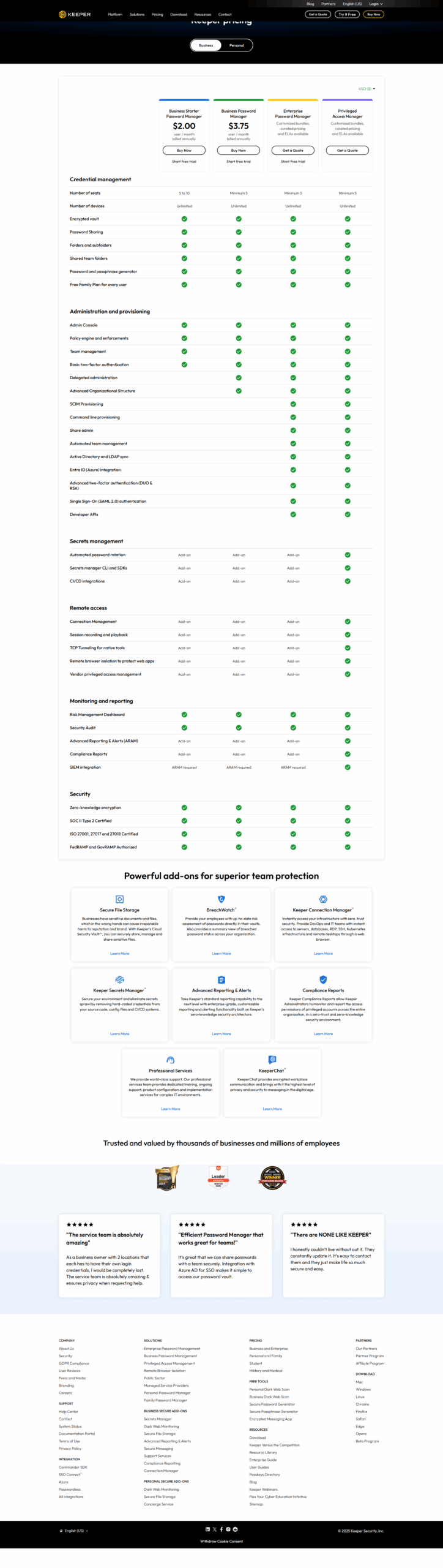
Keeper Password Manager pricing

Pricing model

Keeper Password Manager logo
Pricing Range
info Icon

This only an estimated pricing range, visit Keeper Password Manager pricing page to access all the information by clicking “Visit Now”.

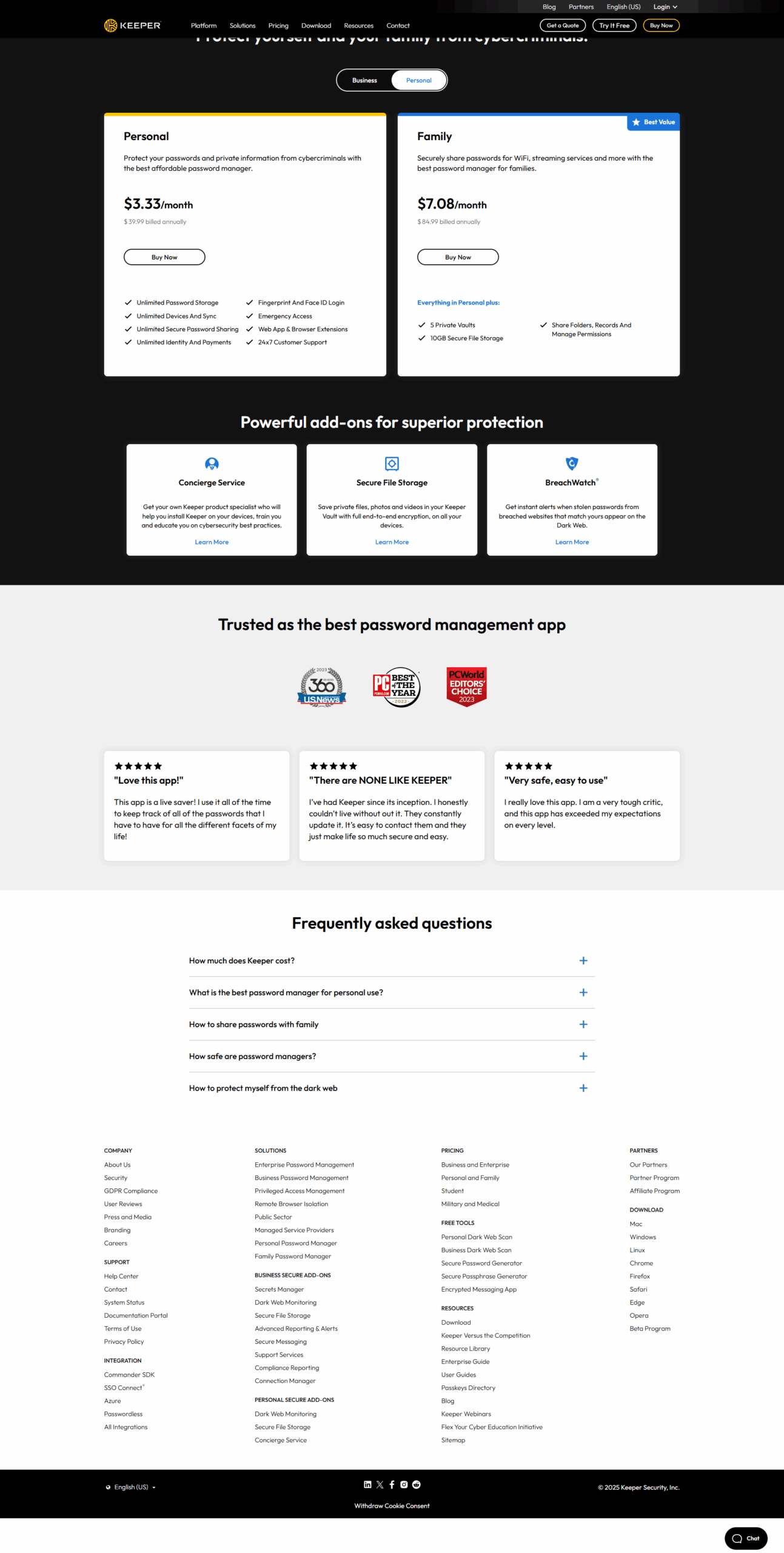
$2-$6.25 / Month
Deals Available

This product comes with a special deal, see details

Visit Now

Overview

What is Keeper Password Manager?

Keeper Password Manager is a robust cybersecurity platform designed to provide secure password management and digital vault solutions for both individuals and businesses. With features like encrypted storage, password generation, and secure sharing, Keeper ensures the protection of sensitive information against cyber threats.

Why Use Keeper Password Manager?

In the realm of cybersecurity solutions, Keeper Password Manager stands out by:

  1. Advanced Encryption: Keeper employs top-tier encryption methods to safeguard user data, ensuring that passwords and sensitive information remain secure from unauthorized access.
  2. Password Generation and Management: The platform offers a powerful password generator and management tools, enabling users to create strong, unique passwords and manage them effortlessly across devices.
  3. Secure Sharing: Keeper allows users to securely share passwords and files with trusted contacts, maintaining privacy and security through encrypted channels.
  4. Cross-Platform Compatibility: Keeper is available on multiple platforms, including desktop and mobile devices, providing seamless access to passwords and secure information anytime, anywhere.

Who is Keeper Password Manager For?

Keeper Password Manager caters to a wide range of users:

  1. Individuals: Individuals use Keeper to manage personal passwords and sensitive information securely, reducing the risk of identity theft and data breaches.
  2. Businesses: Businesses leverage Keeper to enforce strong password policies, protect corporate data, and facilitate secure collaboration among employees.
  3. IT Professionals: IT professionals rely on Keeper for its robust security features and administrative controls, ensuring compliance and safeguarding organizational data.
  4. Remote Workers: Remote workers benefit from Keeper’s secure access and sharing capabilities, enabling them to work safely and efficiently from any location.

In conclusion, Keeper Password Manager is an essential tool for enhancing cybersecurity and protecting sensitive information. Whether you’re an individual, part of a business, an IT professional, or a remote worker, Keeper provides the security and convenience needed to manage passwords and sensitive data effectively.

Where Keeper Password Manager performs best

What users like
  • Strong security features including 2FA and encryption.
  • Easy to use across multiple devices and platforms.
  • Efficient password generation and storage.
  • Supports sharing passwords securely with teams.

Where Keeper Password Manager falls short

What users dislike
  • Browser extension can autofill fields incorrectly.
  • Admin console can be unintuitive for some users.
  • Set-up process could be simpler for new users.
  • Customer support response can be inconsistent.
Keeper Password Manager Pricing Range
$2-$6.25 / Month

Keeper Password Manager in action
info Icon

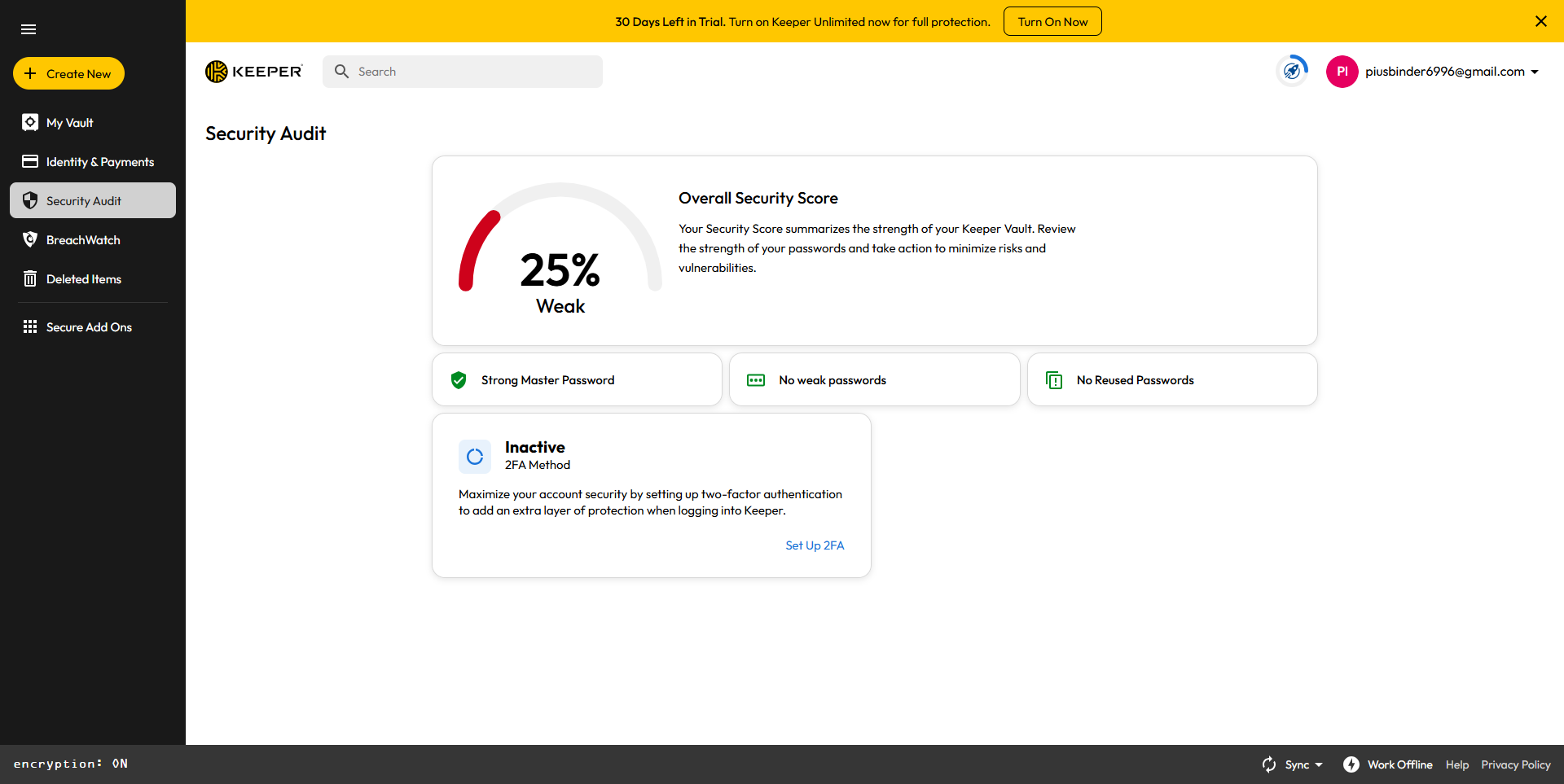
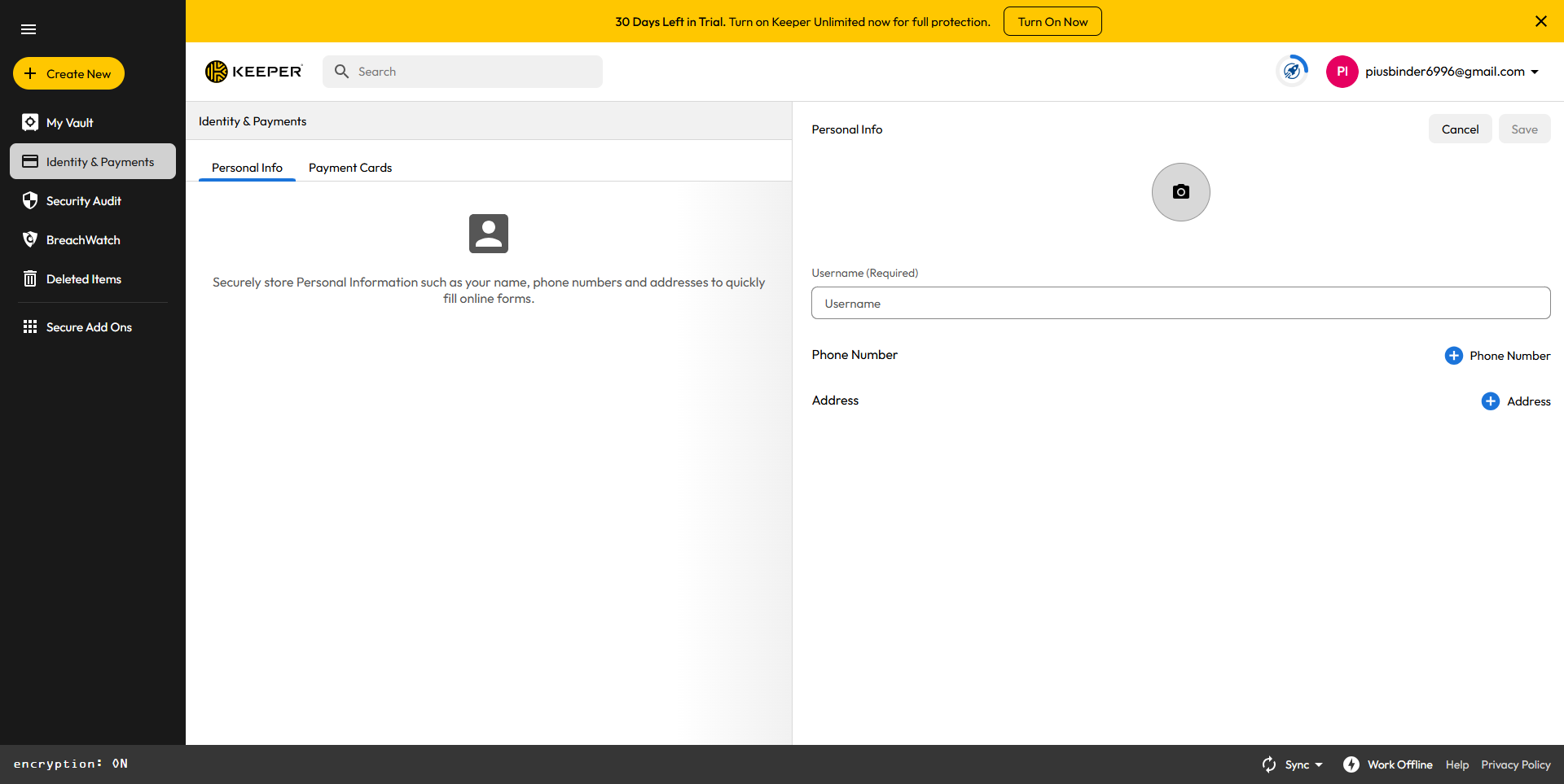
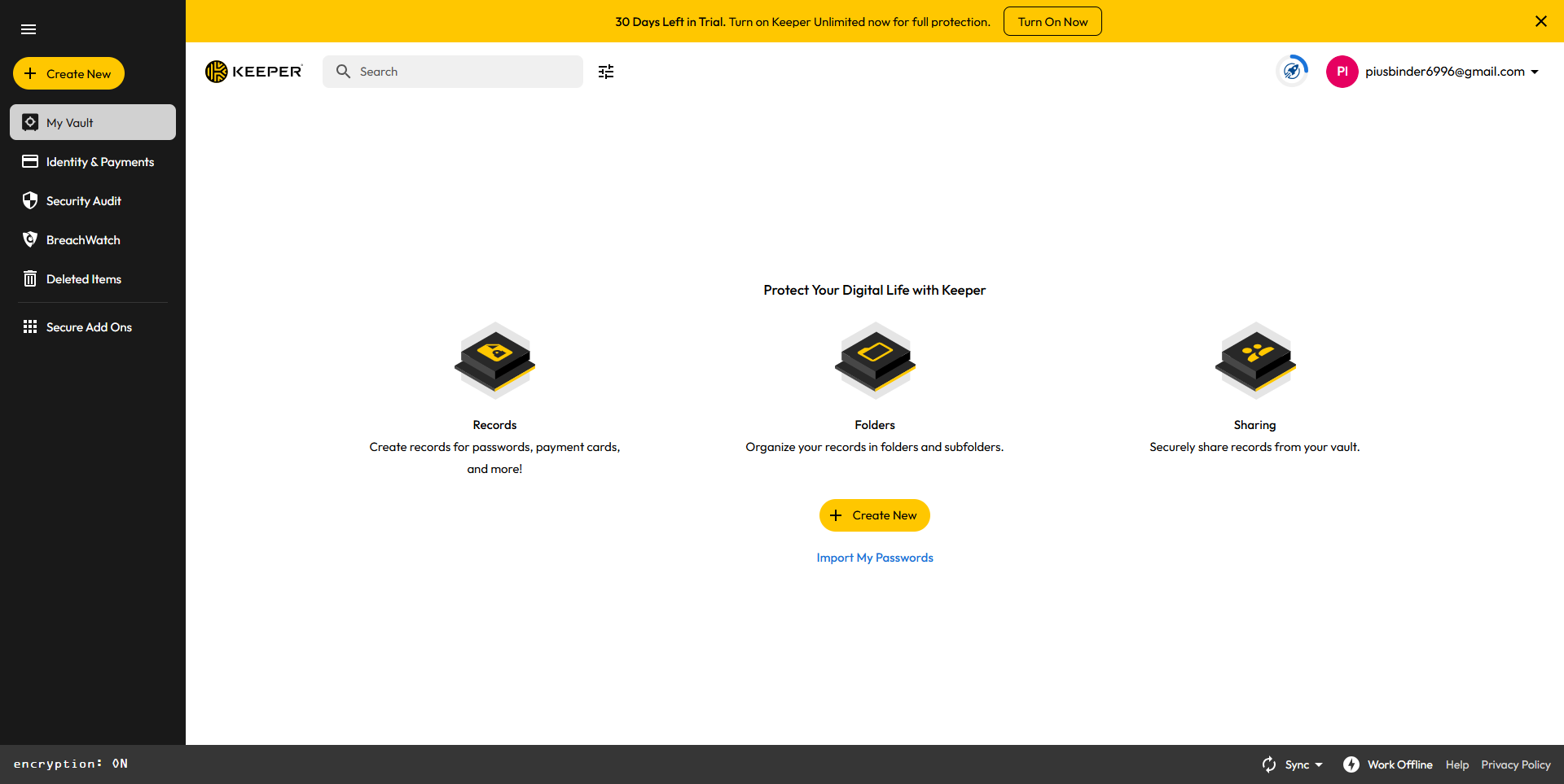
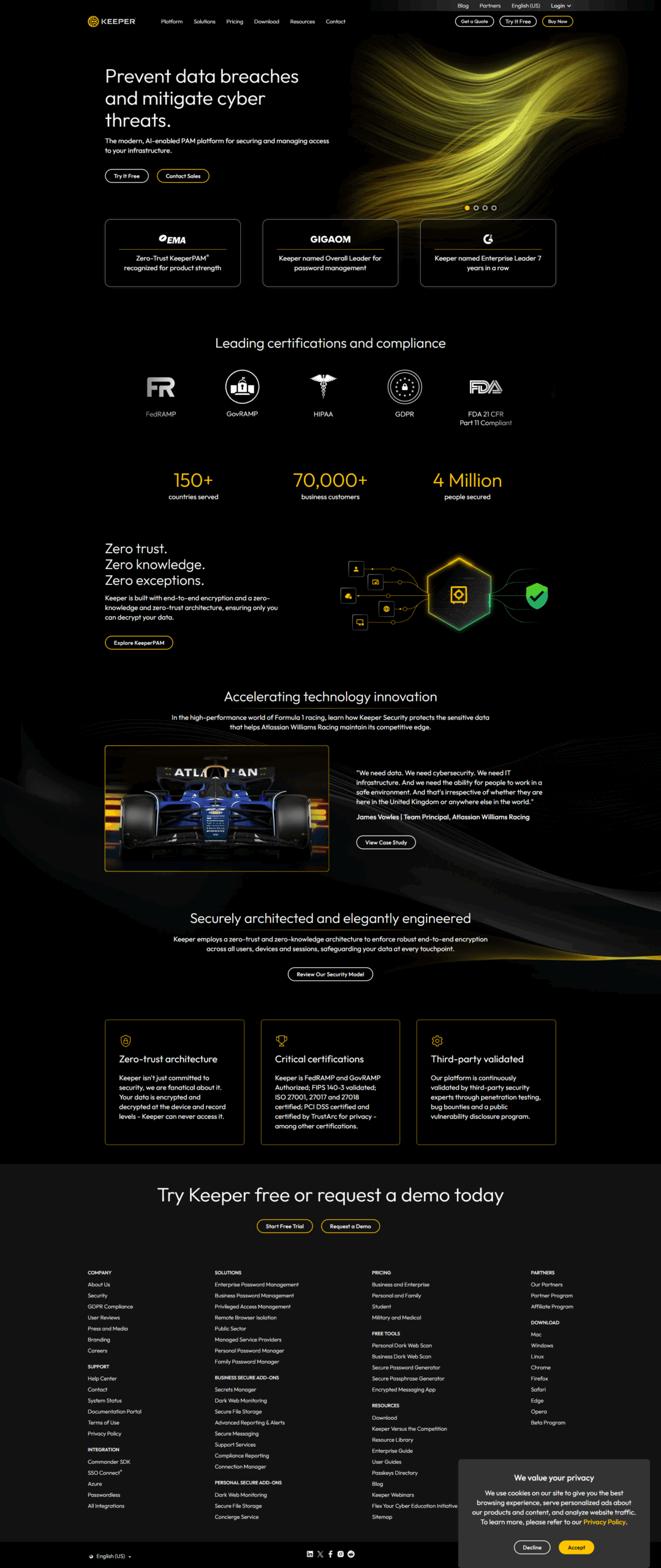
A curated gallery of real screenshots and use cases from the product, so you can see how it works before trying it.

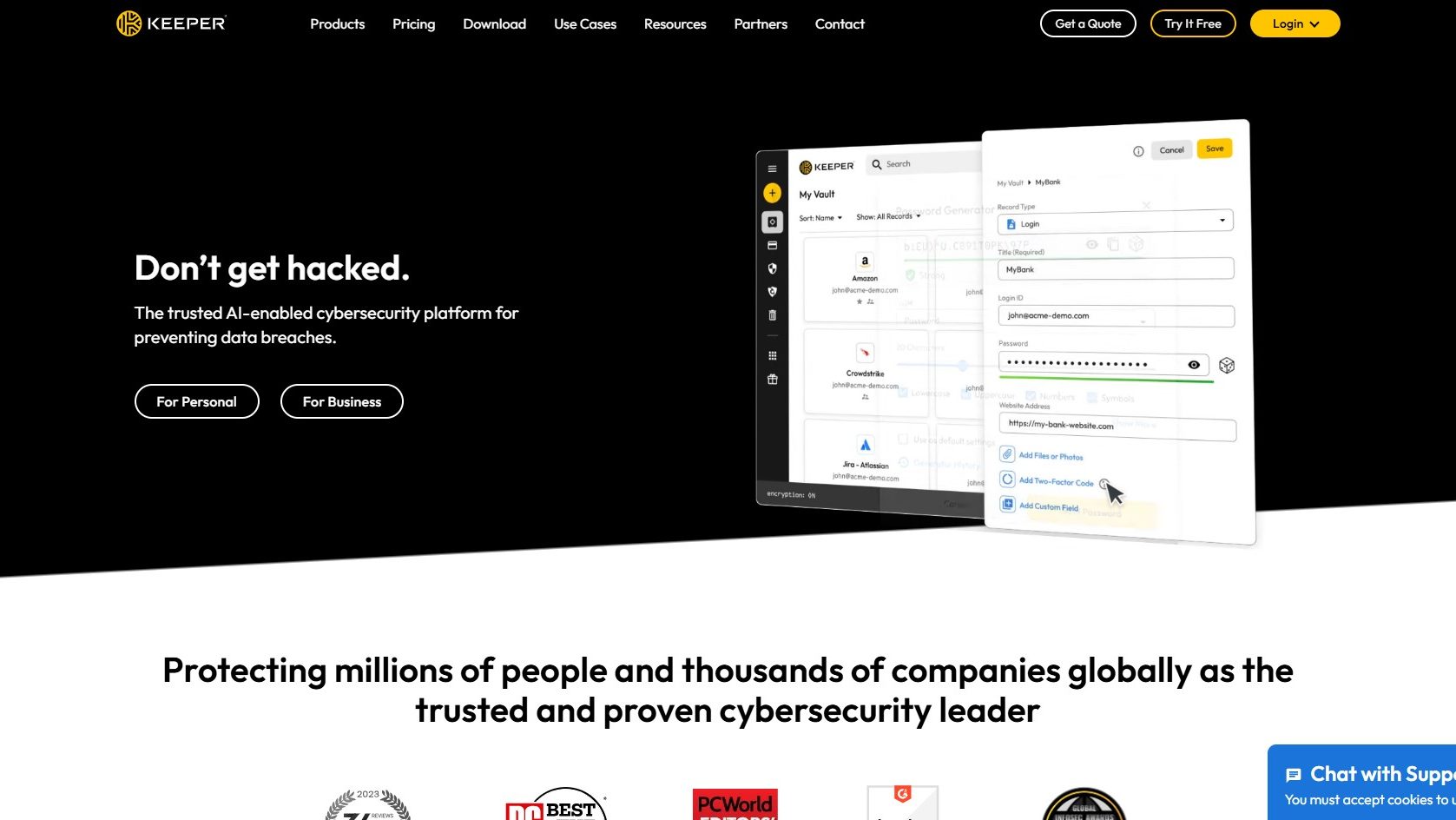
Keeper Password Manager screenshot 1 Full Screen Icon
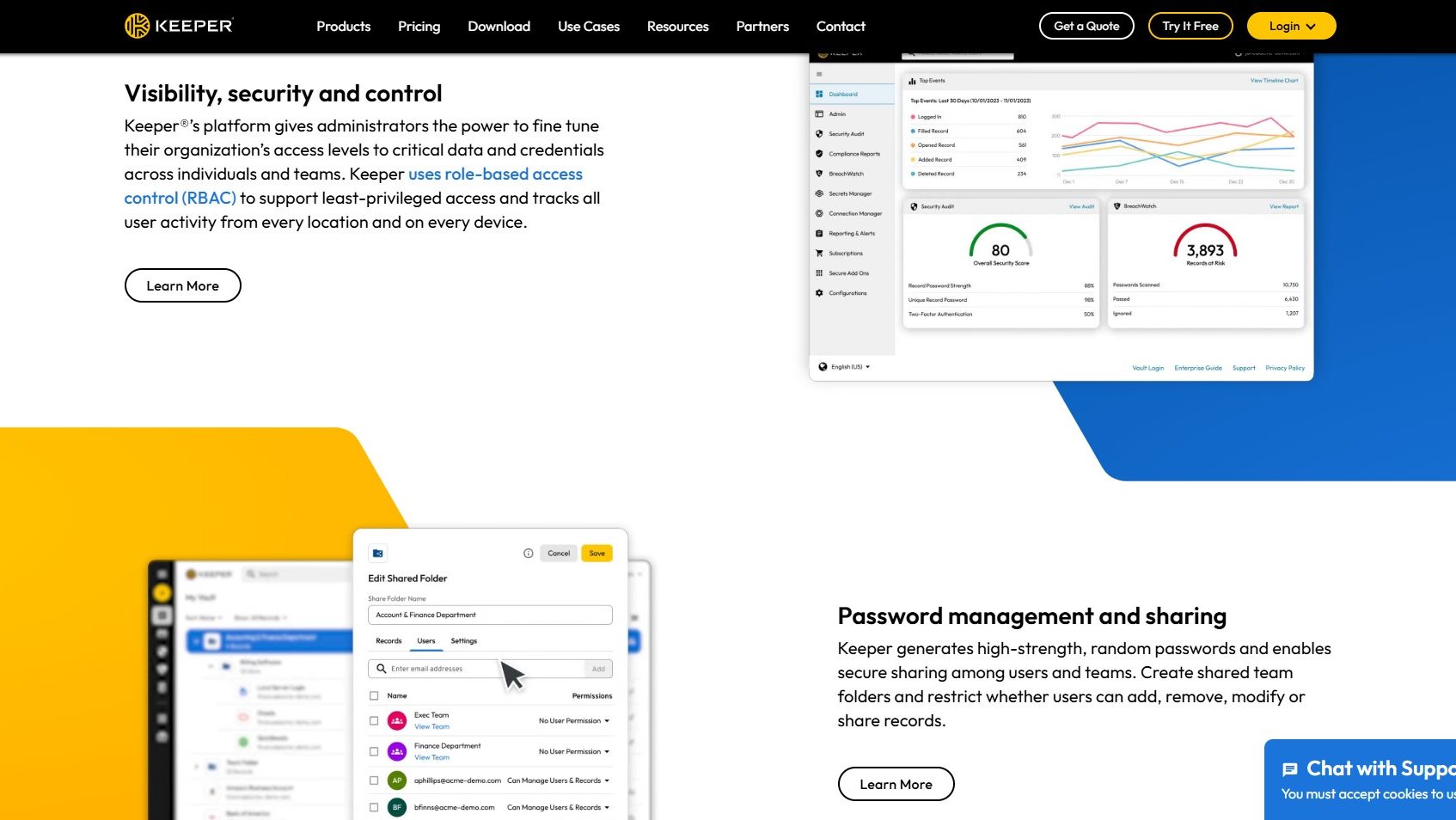
Keeper Password Manager screenshot 2 Full Screen Icon
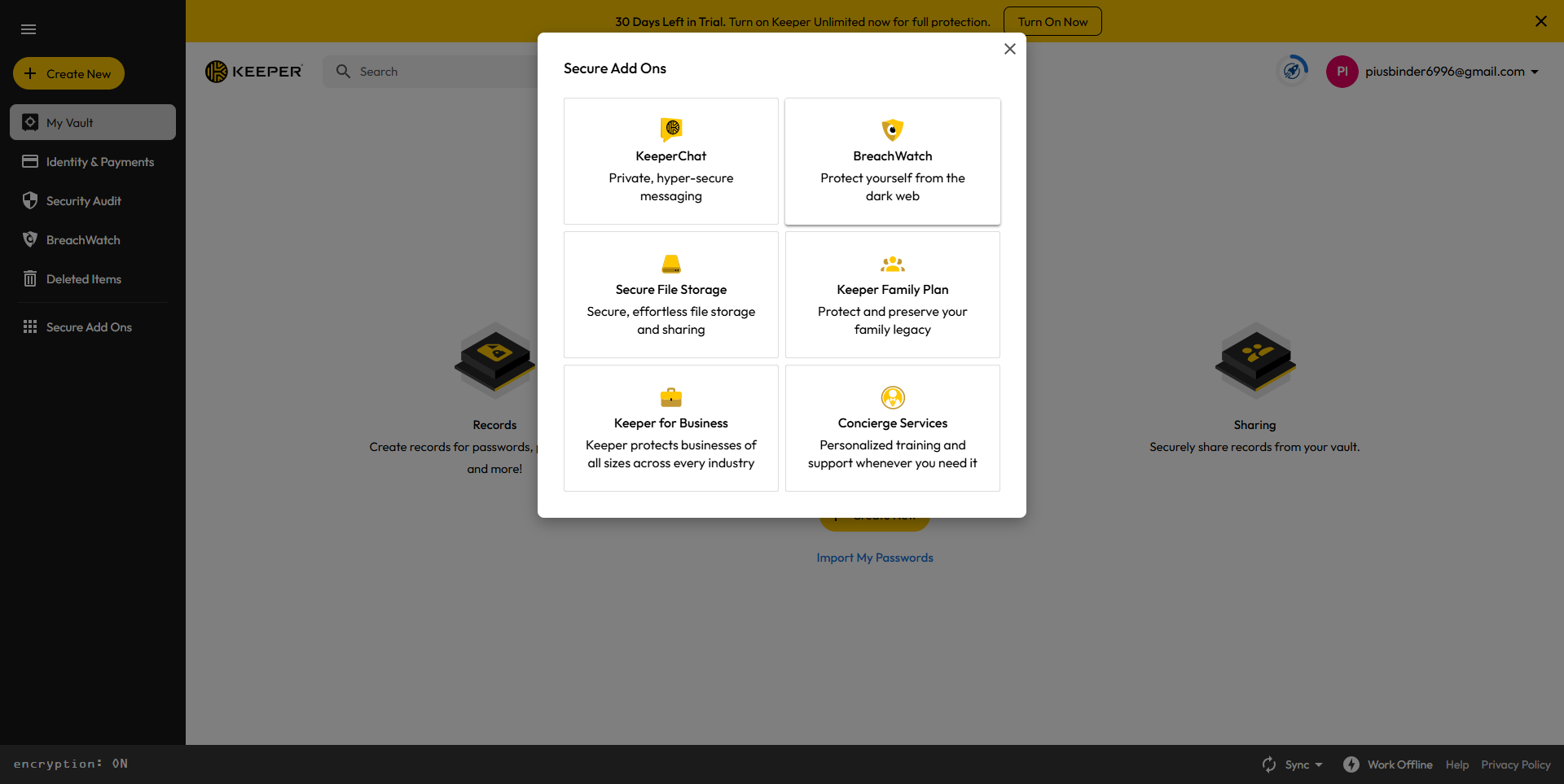
Keeper Password Manager screenshot 3 Full Screen Icon
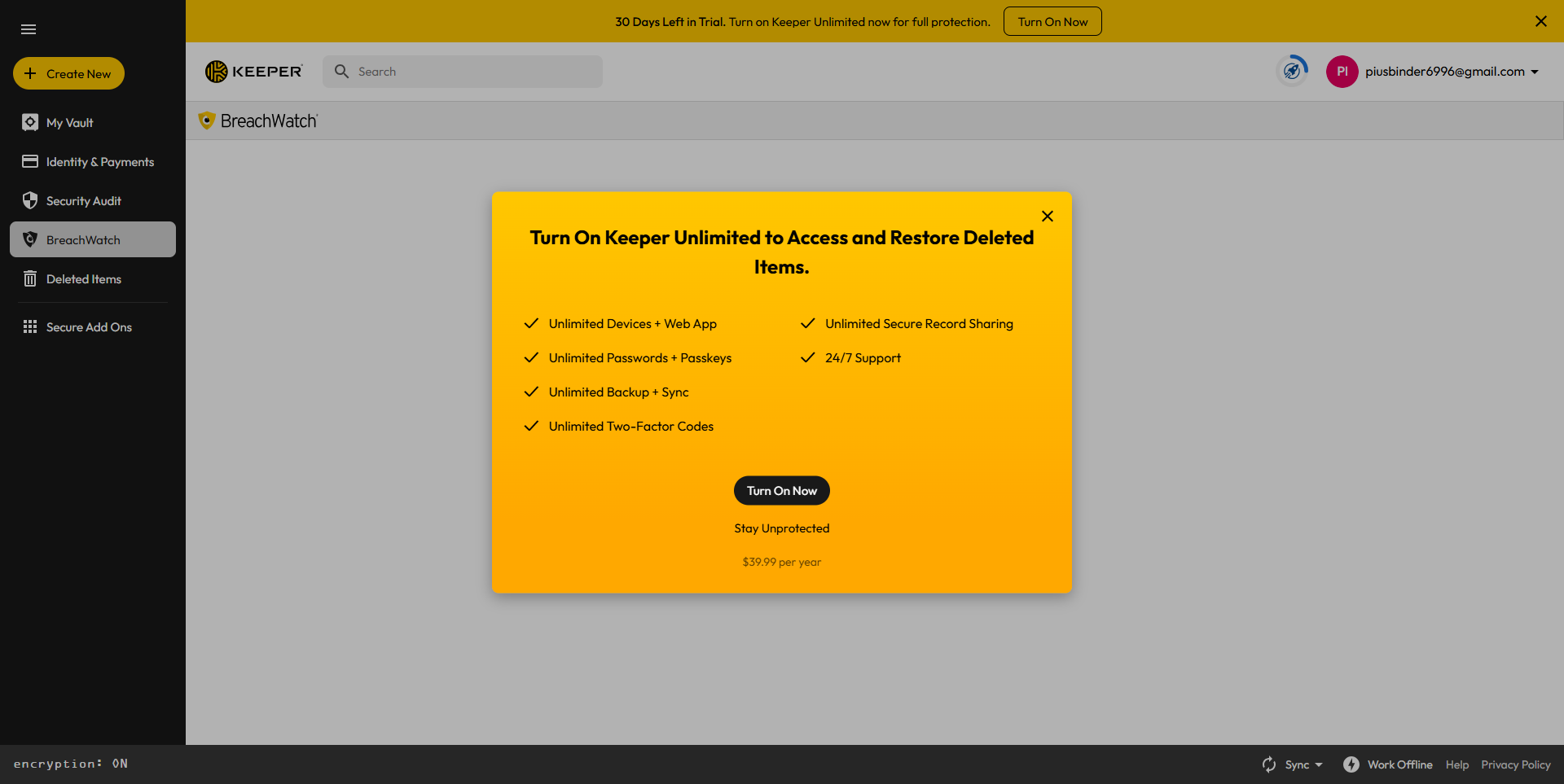
Keeper Password Manager screenshot 4 Full Screen Icon
Keeper Password Manager screenshot 5 Full Screen Icon
Keeper Password Manager screenshot 6 Full Screen Icon
Keeper Password Manager screenshot 7 Full Screen Icon
Keeper Password Manager screenshot 8 Full Screen Icon
Keeper Password Manager screenshot 9 Full Screen Icon
Keeper Password Manager screenshot 10 Full Screen Icon
Keeper Password Manager screenshot 11 Full Screen Icon
https://www.youtube.com/watch?v=_qkR7Aoyvm0?feature=oembed
Full Screen Icon
Keeper Password Manager screenshot 1
Keeper Password Manager screenshot 2
Keeper Password Manager screenshot 3
Keeper Password Manager screenshot 4
Keeper Password Manager screenshot 5
Keeper Password Manager screenshot 6
Keeper Password Manager screenshot 7
Keeper Password Manager screenshot 8
Keeper Password Manager screenshot 9
Keeper Password Manager screenshot 10
Keeper Password Manager screenshot 11
Video thumbnail
Keeper Password Manager screenshot 1
Keeper Password Manager screenshot 2
Keeper Password Manager screenshot 3
Keeper Password Manager screenshot 4
Keeper Password Manager screenshot 5
Keeper Password Manager screenshot 6
Keeper Password Manager screenshot 7
Keeper Password Manager screenshot 8
Keeper Password Manager screenshot 9
Keeper Password Manager screenshot 10
Keeper Password Manager screenshot 11

Alternatives to Keeper Password Manager
info Icon

A list of platforms similar to Keeper Password Manager, helping you evaluate which tool best matches your needs.

How to cancel Keeper Password Manager

Need to cancel Keeper Password Manager? Here is how
info Icon

Thinking about how to cancel Keeper Password Manager this is how you do it!

Steps to Cancel Keeper Password Manager Subscription.

Canceling your Keeper Password Manager Subscription is a straightforward process. You can follow a few simple steps to initiate the cancellation or explore options to switch to a different plan. For detailed instructions, refer to Keeper Password Manager Cancellation Guide.

How to Cancel the Keeper Password Manager

Steps to Cancel Keeper Password Manager Subscription.

Canceling your Keeper Password Manager Subscription is a straightforward process. You can follow a few simple steps to initiate the cancellation or explore options to switch to a different plan. For detailed instructions, refer to Keeper Password Manager Cancellation Guide.

Manage your Keeper Password Manager profile

Create profile

Want to list your product on Subscribed.fyi? Create a profile to reach more buyers.

Pricing Range
info Icon

This only an estimated pricing range, visit Keeper Password Manager pricing page to access all the information by clicking “Visit Now”.

$2-$6.25 / Month
Visit Now
Deals Available

This product comes with a special deal, see details

This product comes with a special deal, see details