Sign in to review
Join our community of software reviewers on Subscribed.fyi

Continue With Google
Continue With LinkedIn
Continue Review with Email
Continue with Email
Enter your email to continue.
Continue
Enter your password
Enter your password to finish setting up your account.
Continue
Activate your email
Enter activation code we sent to your email.
Submit
Reset your password
Enter activation code we sent to your email.
Submit
Set your new password
Enter a new password for your account.
Submit
Categories
For Business
Log in
Provide My Insights
Add Product
Suggested products People also compare with
Add to Comparison
Suggested products People also compare with

Compare Freedcamp and JIRA

We are comparing Freedcamp and JIRA to evaluate which one is the best product.

Suggested products People also compare with
Review Pricing Alternatives Experience

Review

74%
27/36 Metric achieved
90%
32/36 Metric achieved

Subscribed Metric

Customer Support 5/6
Security 4/6
Ease of Use 5/6
Value of Money 5/6
Integration 4/6
Popularity 4/6

Subscribed Metric

Customer Support 5/6
Security 5/6
Ease of Use 5/6
Value of Money 5/6
Integration 6/6
Popularity 6/6

Pros & Cons

Affordable with robust features
User-friendly and intuitive interface
Responsive customer support
Customizable for various needs
Learning curve for advanced features
Mobile app lacks full functionality
Delays in updates occasionally cause issues
Complex for large-scale team adoption

Pros & Cons

Highly customizable workflows.
Efficient task and project tracking.
Integration with third-party tools.
Robust reporting and analytics.
Steep learning curve for beginners.
Can feel slow with large datasets.
Email notifications can be overwhelming.
Advanced configurations are complex.

Conclusion

Freedcamp is a comprehensive project management tool offering features like task tracking, file sharing, milestones, Gantt charts, and customizable templates. Its scalability suits various user groups, including designers, developers, and marketers, allowing specific modules activation. Plans range from the Free version (basic features) to Enterprise ($16.99/user/year). Compared with tools like Trello or Asana, Freedcamp offers cost-effectiveness and unlimited storage but a steeper learning curve for beginners. Customer support is highly responsive, enhancing user experience. Its affordability and feature set make it ideal for startups, freelancers, and small teams, though larger teams might find alternatives like Monday.com or Asana better for advanced project workflows.

Conclusion

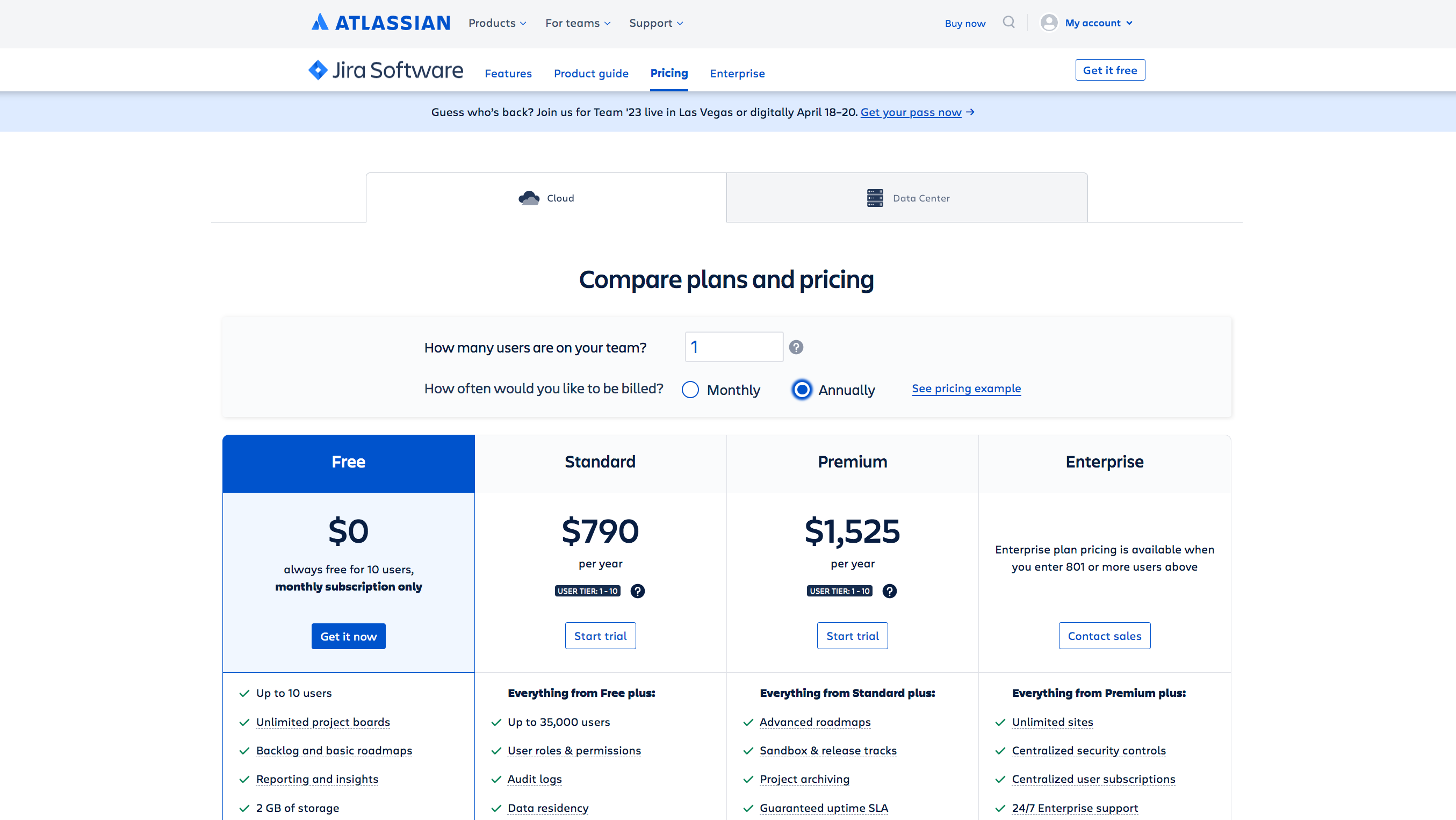
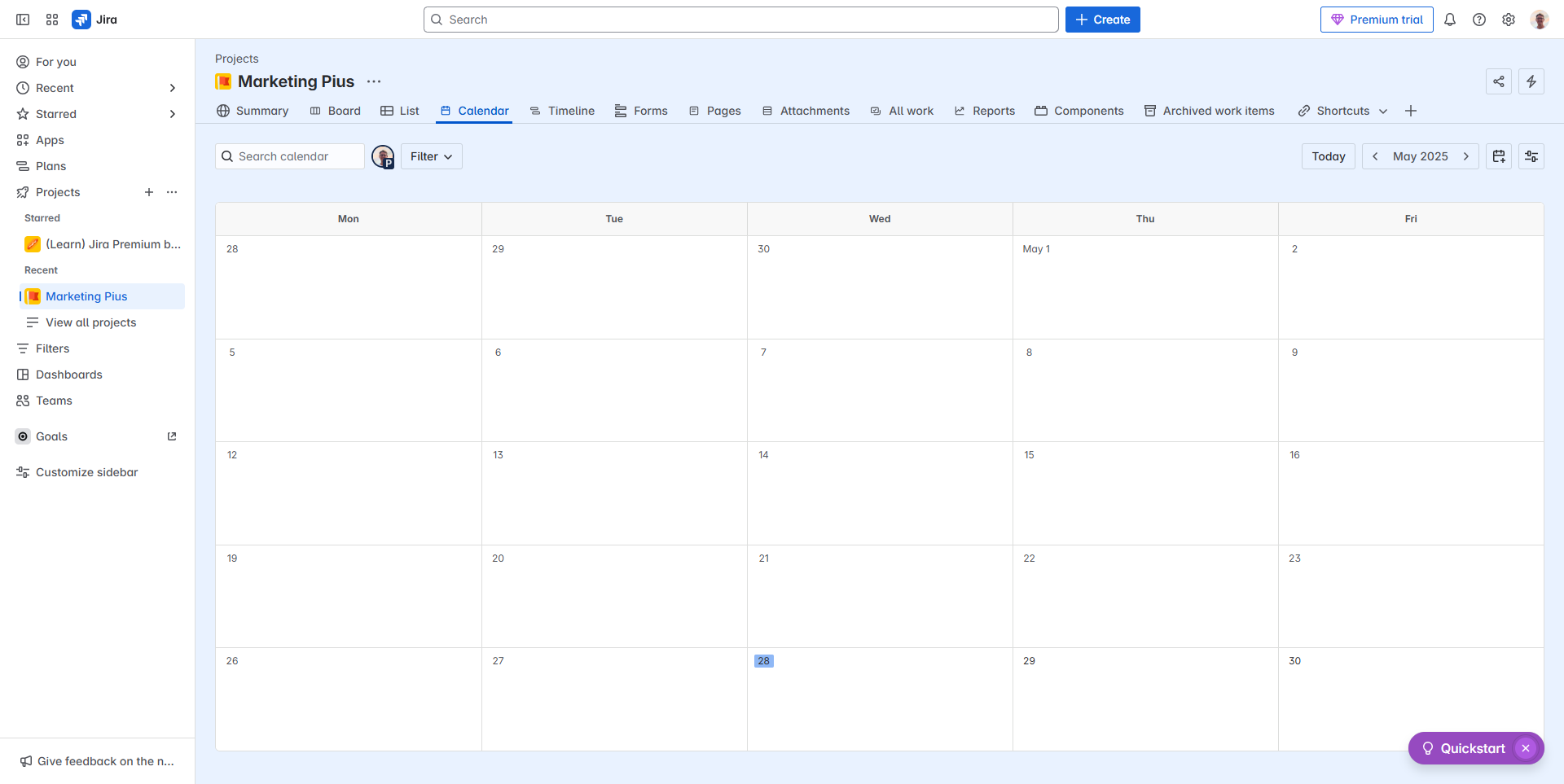
JIRA is a versatile project management tool tailored for developers, marketers, and designers. It offers agile tools like Kanban and Scrum boards, robust bug tracking, customizable workflows, automation, and seamless integrations (e.g., GitHub). Pricing starts at $10/month for 10 users. It excels in task management and analysis but has a learning curve for new users.

Compared to tools like ClickUp or Trello, JIRA is more advanced but less beginner-friendly. Developers benefit most, while marketers may prefer simpler alternatives. Customer support rates highly, and cost-effectiveness depends on project complexity.

Pricing

Freedcamp Pricing

Pricing Range $2.49-$19.99/Month See Freedcamp Pricing

JIRA Pricing

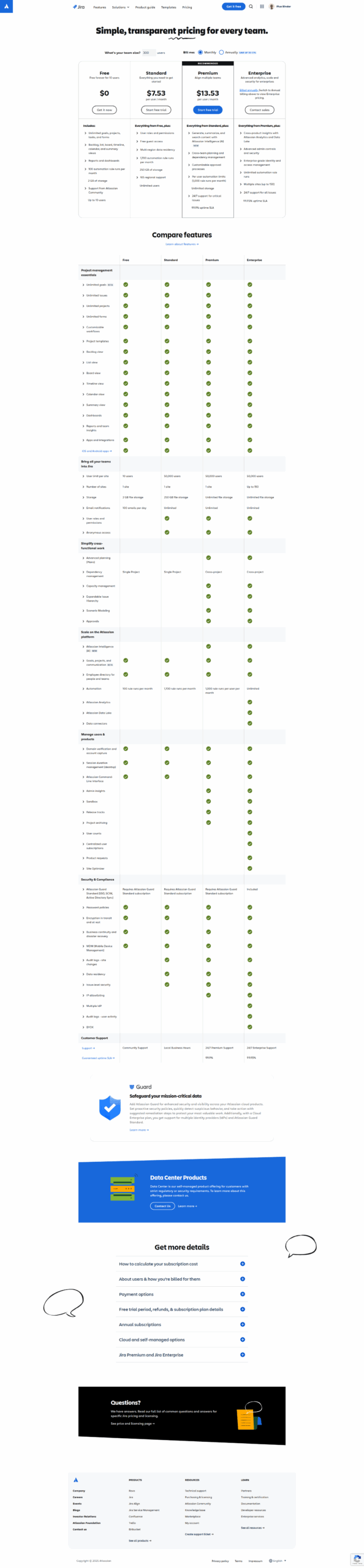
Pricing Range $7.53-$17/Month See JIRA Pricing

Alternatives

Freedcamp Alternatives

Slack logo

Slack

90%
Trello logo

Trello

90%
JIRA logo

JIRA

90%
Google Workspace logo

Google Workspace

90%
See All Freedcamp Alternatives

JIRA Alternatives

Trello logo

Trello

90%
Wrike logo

Wrike

90%
ClickUp logo

ClickUp

88%
Asana logo

Asana

83%
See All JIRA Alternatives

Experience

Freedcamp Screenshots

Freedcamp screenshot 1
Freedcamp screenshot 2

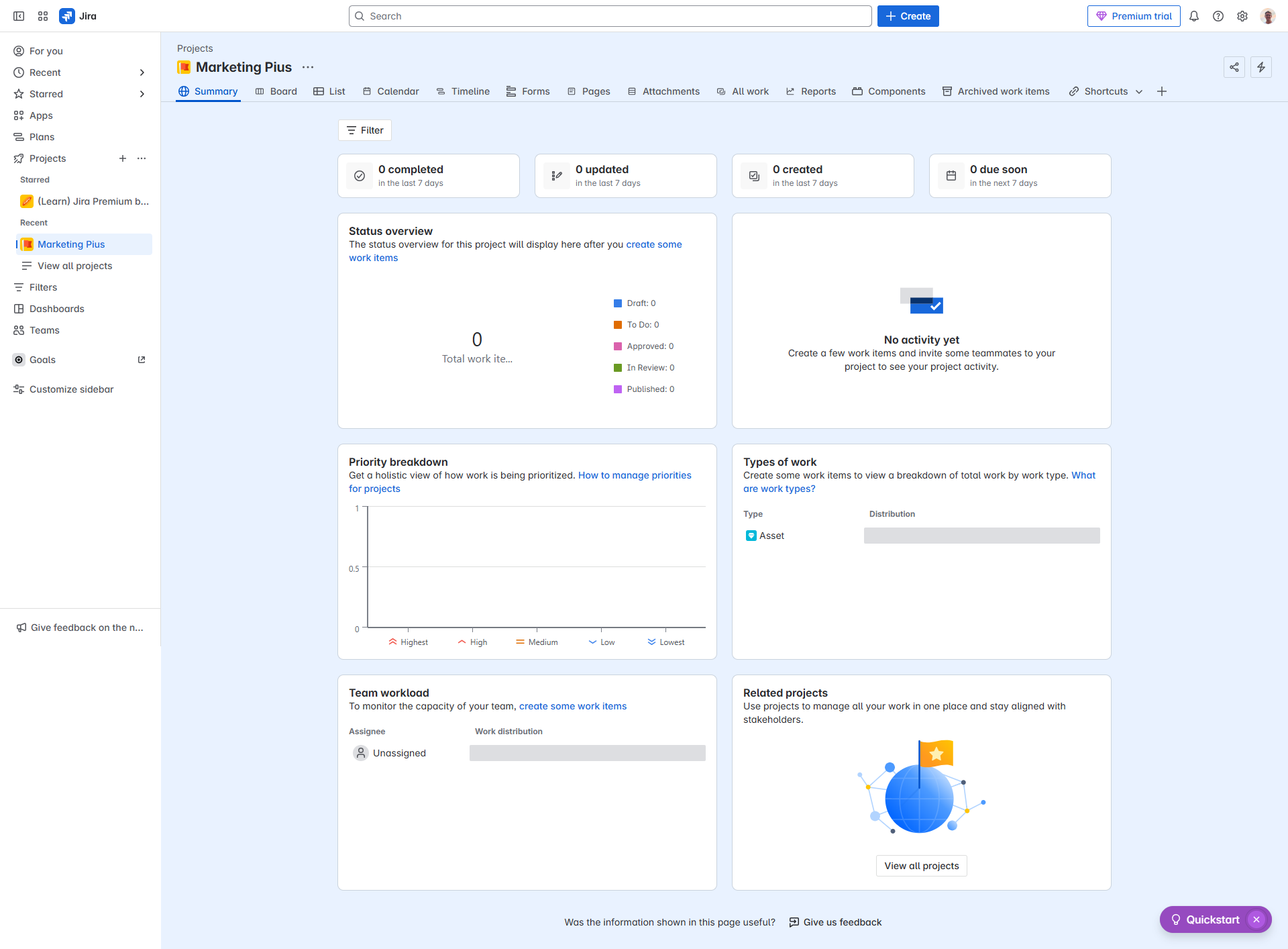
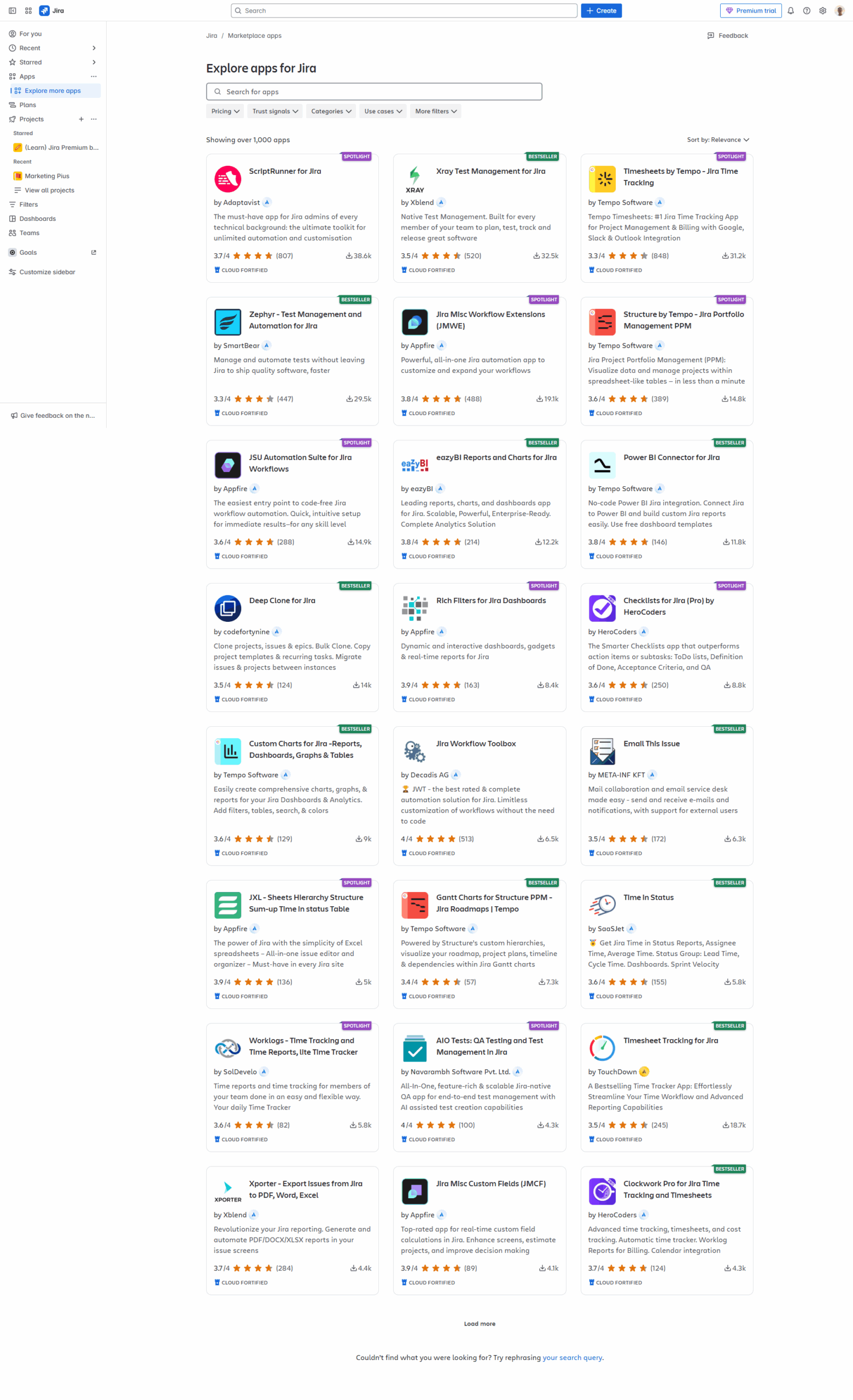
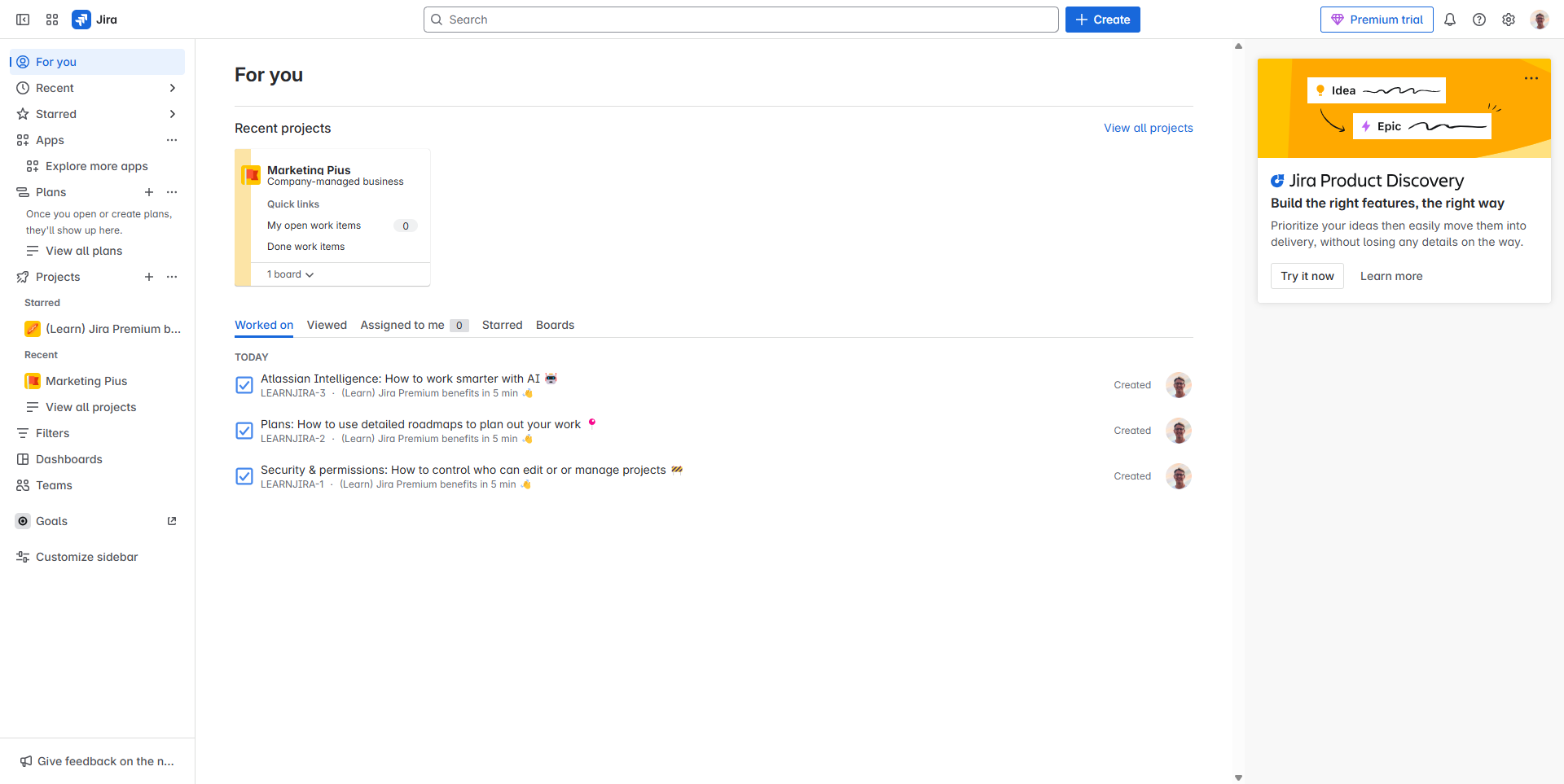
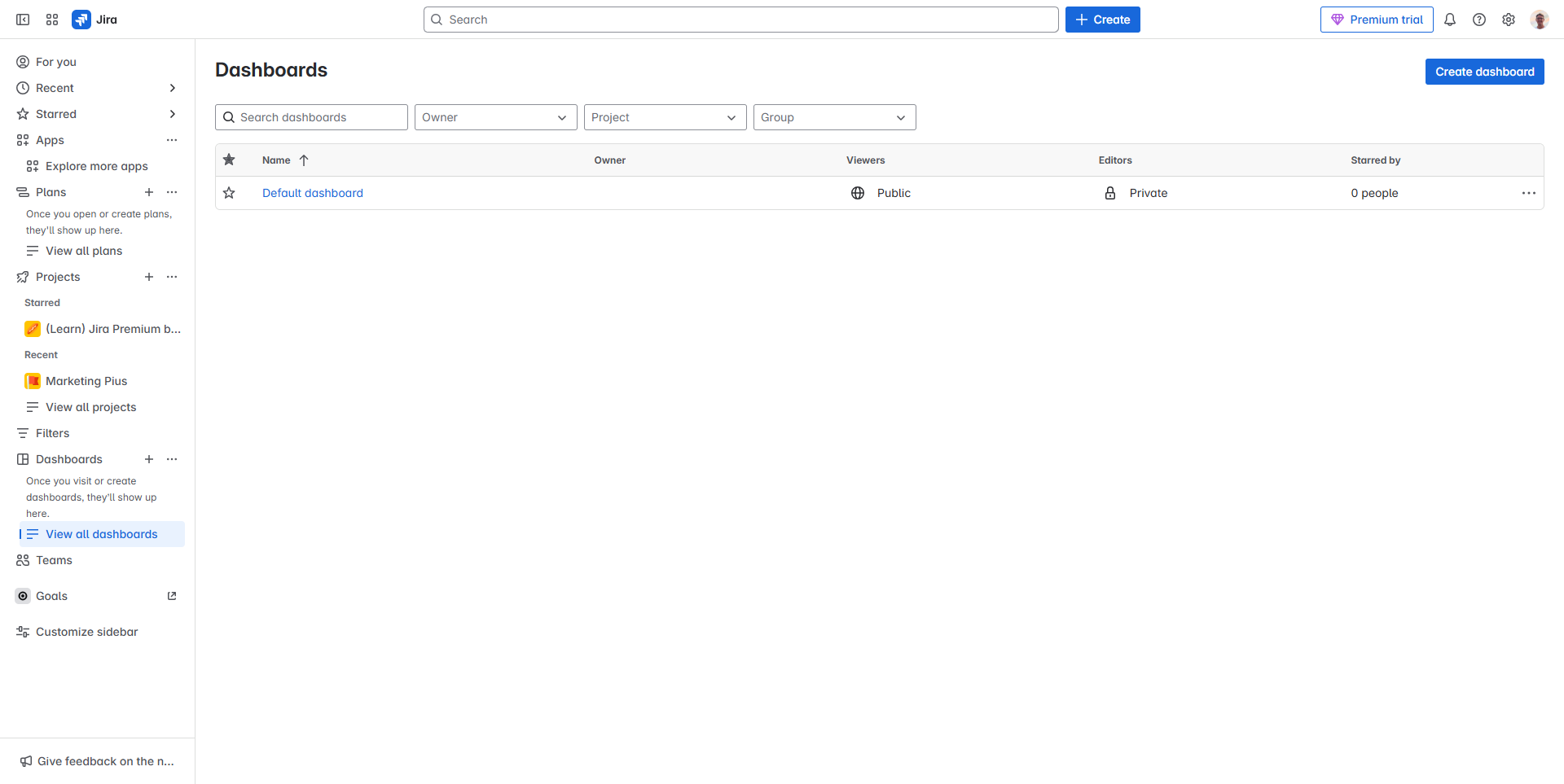
JIRA Screenshots

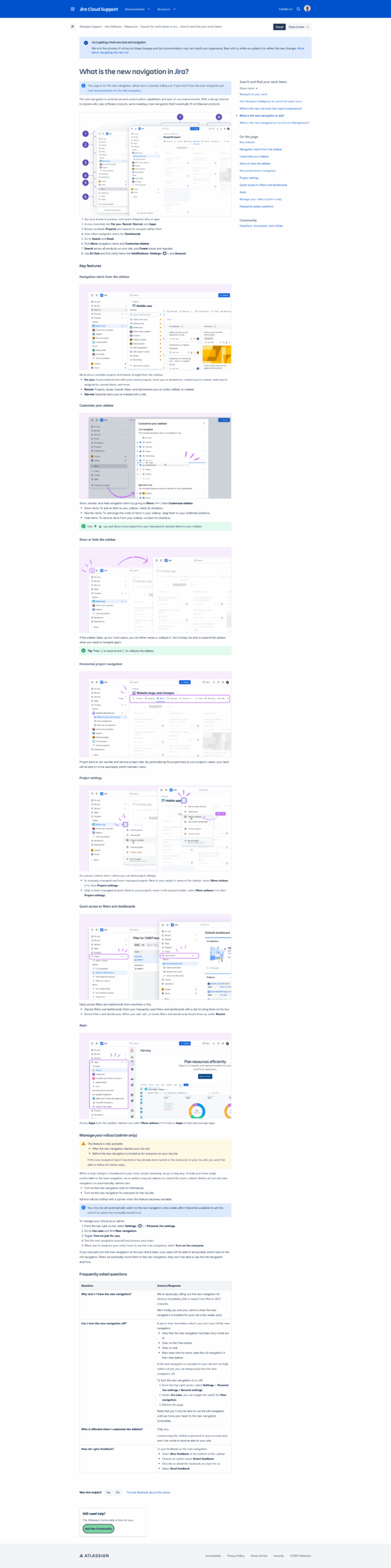
JIRA screenshot 1
JIRA screenshot 2
JIRA screenshot 3
JIRA screenshot 4
JIRA screenshot 5
JIRA screenshot 6
JIRA screenshot 7
JIRA screenshot 8
JIRA screenshot 9
JIRA screenshot 10