Sign in to review
Join our community of software reviewers on Subscribed.fyi

Continue With Google
Continue With LinkedIn
Continue Review with Email
Continue with Email
Enter your email to continue.
Continue
Enter your password
Enter your password to finish setting up your account.
Continue
Activate your email
Enter activation code we sent to your email.
Submit
Reset your password
Enter activation code we sent to your email.
Submit
Set your new password
Enter a new password for your account.
Submit
Categories
For Business
Log in
Provide My Insights
Add Product
Suggested products People also compare with
Add to Comparison
Suggested products People also compare with

Compare Front and Zendesk Support Suite

We are comparing Front and Zendesk Support Suite to evaluate which one is the best product.

Suggested products People also compare with
Review Pricing Alternatives Experience

Review

88%
31/36 Metric achieved
83%
29/36 Metric achieved

Subscribed Metric

Customer Support 4/6
Security 4/6
Ease of Use 6/6
Value of Money 5/6
Integration 6/6
Popularity 6/6

Subscribed Metric

Customer Support 4/6
Security 4/6
Ease of Use 5/6
Value of Money 4/6
Integration 6/6
Popularity 6/6

Pros & Cons

Streamlines team email collaboration
Easy email assignment and tagging
Personalized and proactive messaging
Integrates well with other tools
Occasional latency issues
Steep learning curve for setup
Limited advanced performance tracking
Refund policy dissatisfaction

Pros & Cons

User-friendly interface and easy navigation
Comprehensive ticketing and reporting system
Effective automation and customizable workflows
Seamless multi-channel customer communication
Complex setup and advanced configuration
Higher pricing for advanced features
Limited mobile app functionality
Occasional delays in customer support

Conclusion

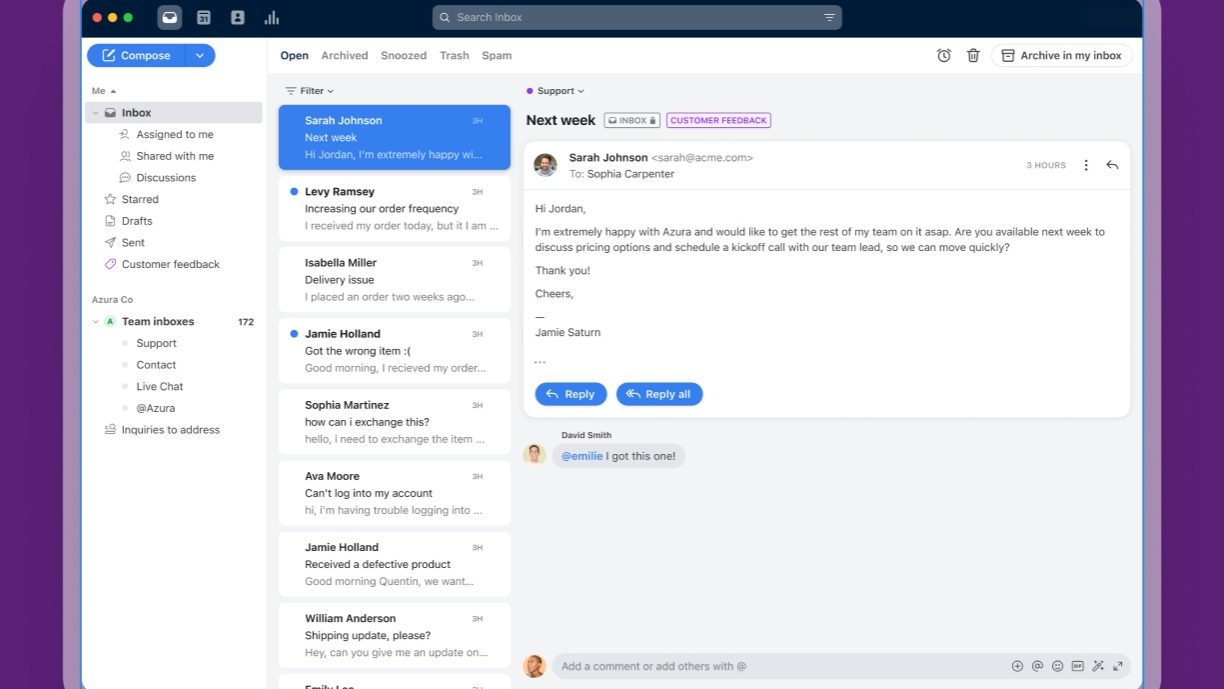
Front is a customer service platform designed to enhance team collaboration through shared inboxes, omnichannel messaging, and automation tools. Ideal for marketers, designers, and developers handling client-facing communication, it offers email tracking, tagging, and workflow automation. Pricing starts at $19/user/month (Starter) and scales to $229/user/month (Premier). While its intuitive interface and integrations outperform competitors like Zendesk and Freshdesk, setup may require effort. Customer support is efficient, but refund policies are rigid, with some users noting latency issues. Best suited for scaling client-focused teams seeking improved organization and personalized communication.

Conclusion

Zendesk Support Suite is a feature-rich help desk tool, ideal for SMBs and enterprises. It offers omnichannel support (email, chat, social, phone), AI automation, workflow customization, and analytics, helping marketers, IT teams, and customer service professionals streamline operations. Pricing starts at $19/user/month. While its scalability and integrations are unparalleled, some users find its cost steep and initial setup complex. Alternatives like Freshdesk or Zoho Desk may be more affordable for smaller teams. Zendesk excels in customer support; however, some reviews note improvement areas in responsiveness and pricing flexibility. Cost-effective for larger teams needing robust functionality.

Pricing

Front Pricing

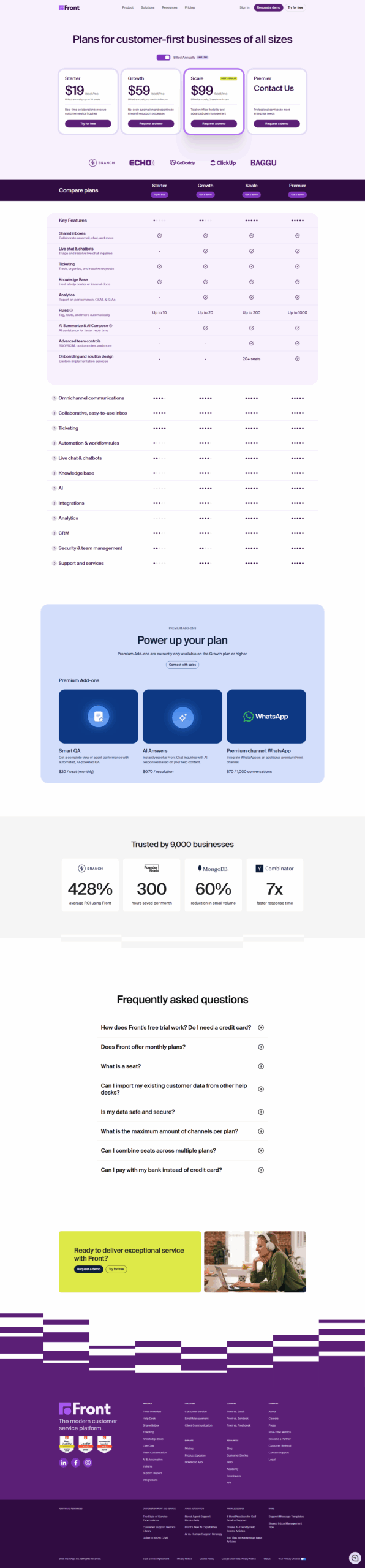
Pricing Range $19-$229/Month See Front Pricing

Zendesk Support Suite Pricing

Pricing Range $19-$169/Month See Zendesk Support Suite Pricing

Alternatives

Front Alternatives

Hiver logo

Hiver

90%
Zendesk Support Suite logo

Zendesk Support Suite

83%
Freshdesk logo

Freshdesk

83%
Trengo logo

Trengo

69%
See All Front Alternatives

Zendesk Support Suite Alternatives

Salesforce logo

Salesforce

90%
Zoho Desk logo

Zoho Desk

88%
Help Scout logo

Help Scout

88%
tawk.to logo

tawk.to

85%
See All Zendesk Support Suite Alternatives

Experience

Front Screenshots

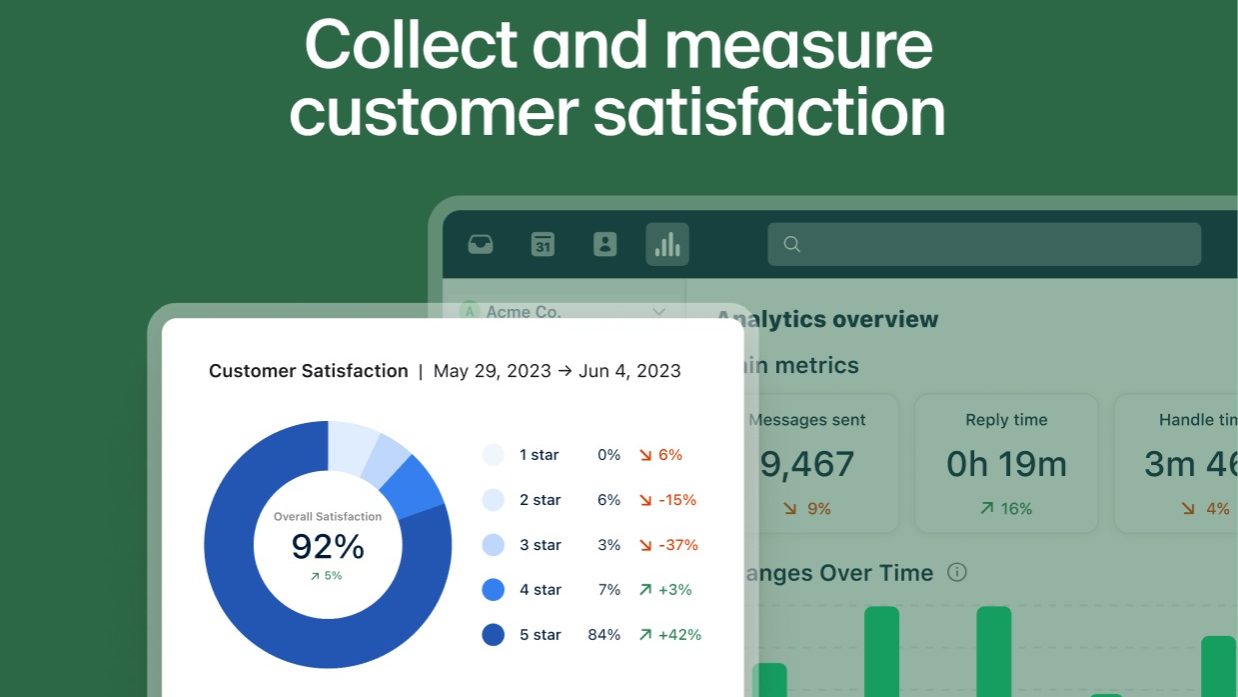
Front screenshot 1
Front screenshot 2
Front screenshot 3
Front screenshot 4
Front screenshot 5
Front screenshot 6

Zendesk Support Suite Screenshots

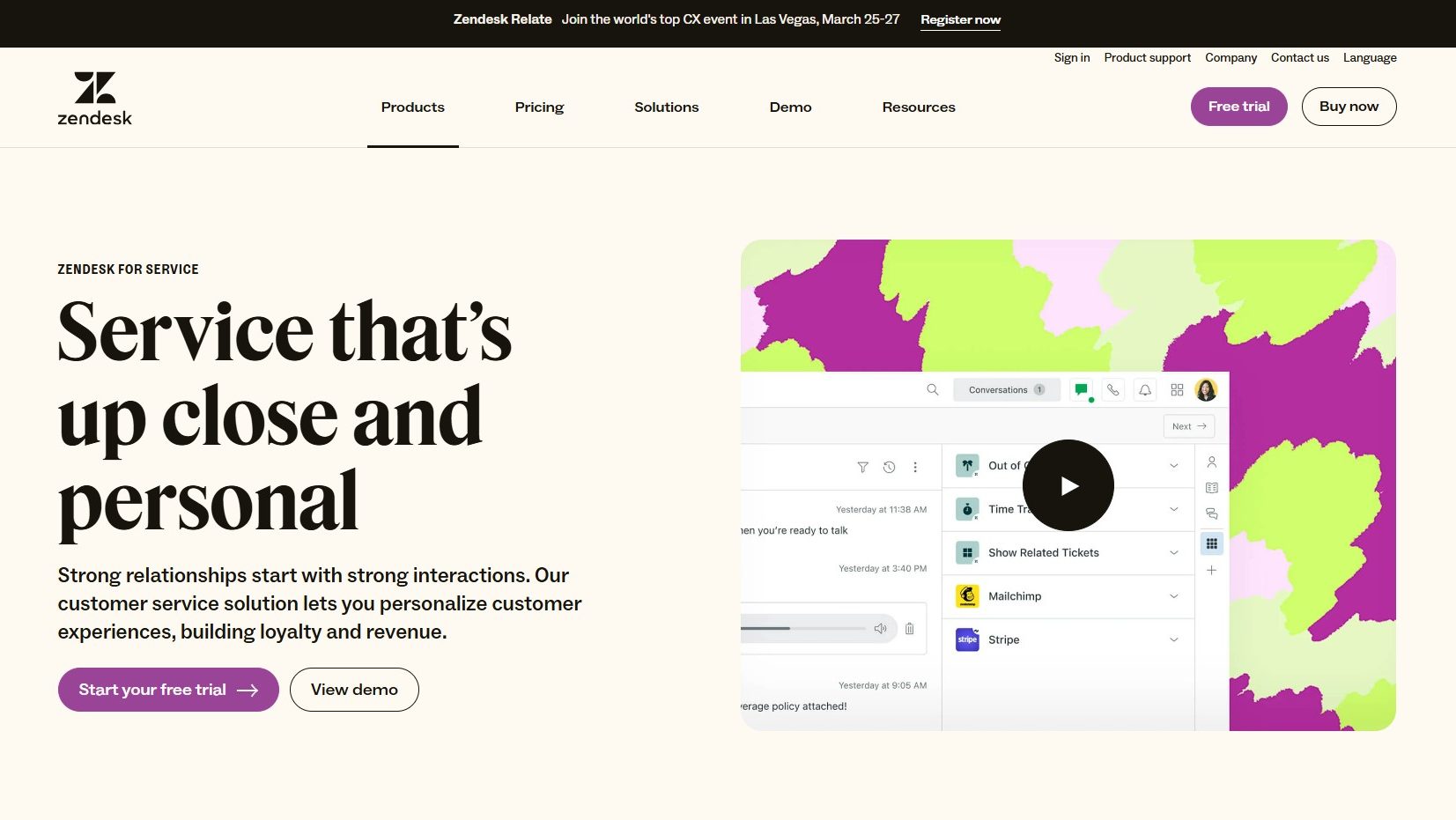
Zendesk Support Suite screenshot 1
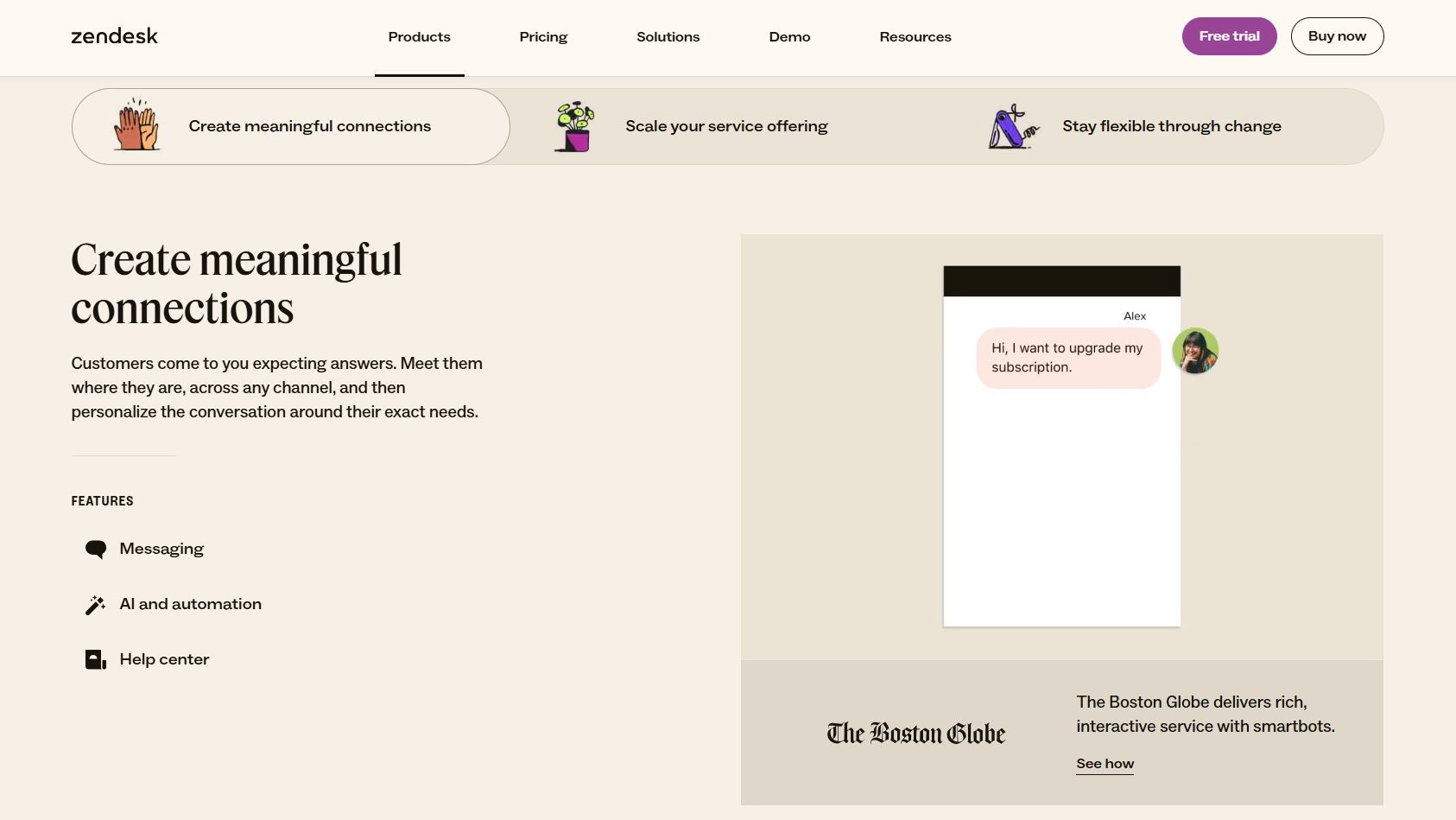
Zendesk Support Suite screenshot 2
Zendesk Support Suite screenshot 3