Sign in to review
Join our community of software reviewers on Subscribed.fyi

Continue With Google
Continue With LinkedIn
Continue Review with Email
Continue with Email
Enter your email to continue.
Continue
Enter your password
Enter your password to finish setting up your account.
Continue
Activate your email
Enter activation code we sent to your email.
Submit
Reset your password
Enter activation code we sent to your email.
Submit
Set your new password
Enter a new password for your account.
Submit
Categories
For Business
Log in
Provide My Insights
Add Product
Suggested products People also compare with
Add to Comparison
Suggested products People also compare with

Compare IFTTT and Zapier

We are comparing IFTTT and Zapier to evaluate which one is the best product.

Suggested products People also compare with
Review Pricing Alternatives Experience

Review

83%
29/36 Metric achieved
85%
30/36 Metric achieved

Subscribed Metric

Customer Support 4/6
Security 4/6
Ease of Use 5/6
Value of Money 5/6
Integration 5/6
Popularity 6/6

Subscribed Metric

Customer Support 4/6
Security 5/6
Ease of Use 5/6
Value of Money 4/6
Integration 6/6
Popularity 6/6

Pros & Cons

Easy setup and user-friendly interface
Wide variety of app and device integrations
Great for personal task automation
Time-saving with seamless multi-platform sync
Limited business-oriented integrations
Inconsistent applet reliability
Advanced features lack customization
Some applets fail without clear feedback

Pros & Cons

Streamlines workflows and saves time
Offers a wide range of app integrations
User-friendly with no coding required
Excellent for automating repetitive tasks
Higher pricing for advanced features
Limited functionality in free plan
Initial learning curve for beginners
Support can feel inadequate for some issues

Conclusion

IFTTT is a user-friendly automation platform connecting over 800 apps and devices, making it ideal for marketers, smart-home users, and small business owners seeking task automation without coding. Its low-code infrastructure supports real-time integration for seamless workflows but lacks advanced multi-step actions and enterprise-level software integrations seen in alternatives like Zapier or Make. Cost-effective (free for basic use, premium plans available), it’s reliable for simple automation but limited for developers requiring complex workflows. Compared to alternatives, IFTTT excels in simplicity and affordability. Customer support ratings are moderate, with a significant range of applets offering time savings. Overall, it’s better for personal or small-scale uses rather than complex professional team needs.

Conclusion

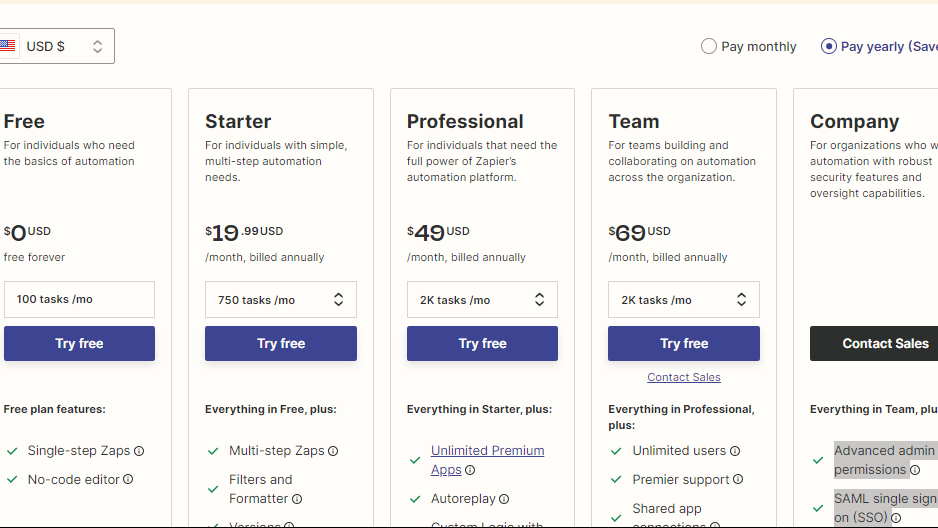
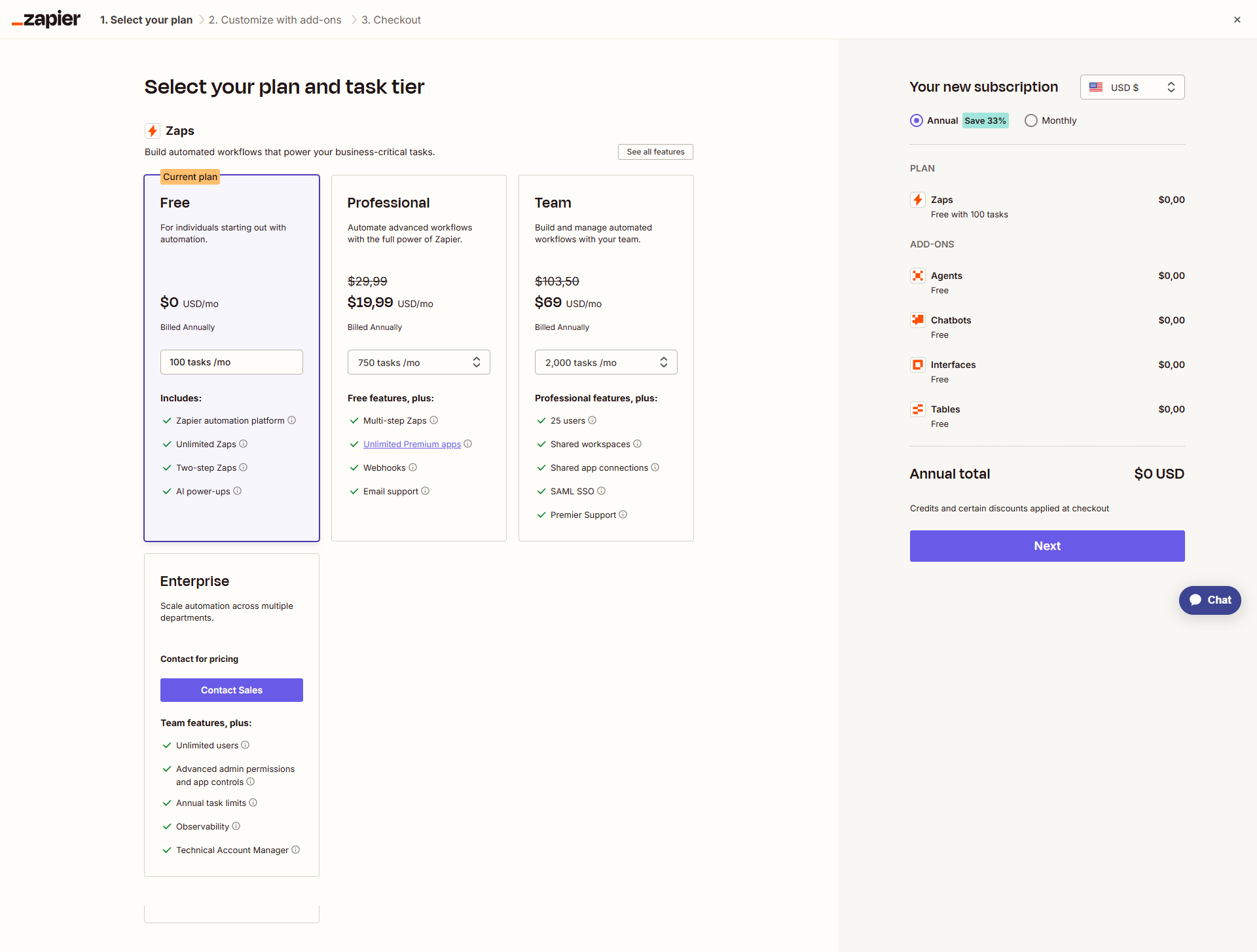
Zapier is a leading no-code automation platform, connecting 6,000+ apps to streamline repetitive tasks. Its intuitive interface, visual editor, and advanced features like multi-step workflows and webhook support cater to marketers, developers, and project managers. While its free plan is limited, paid tiers (starting at $19.99/month) may feel pricey for small businesses. Compared to tools like Make or Integrately, Zapier boasts more integrations but is costlier. Support is competent but leans on self-help resources. Overall, it’s effective for boosting productivity but may be better suited for teams with scalable needs.

Pricing

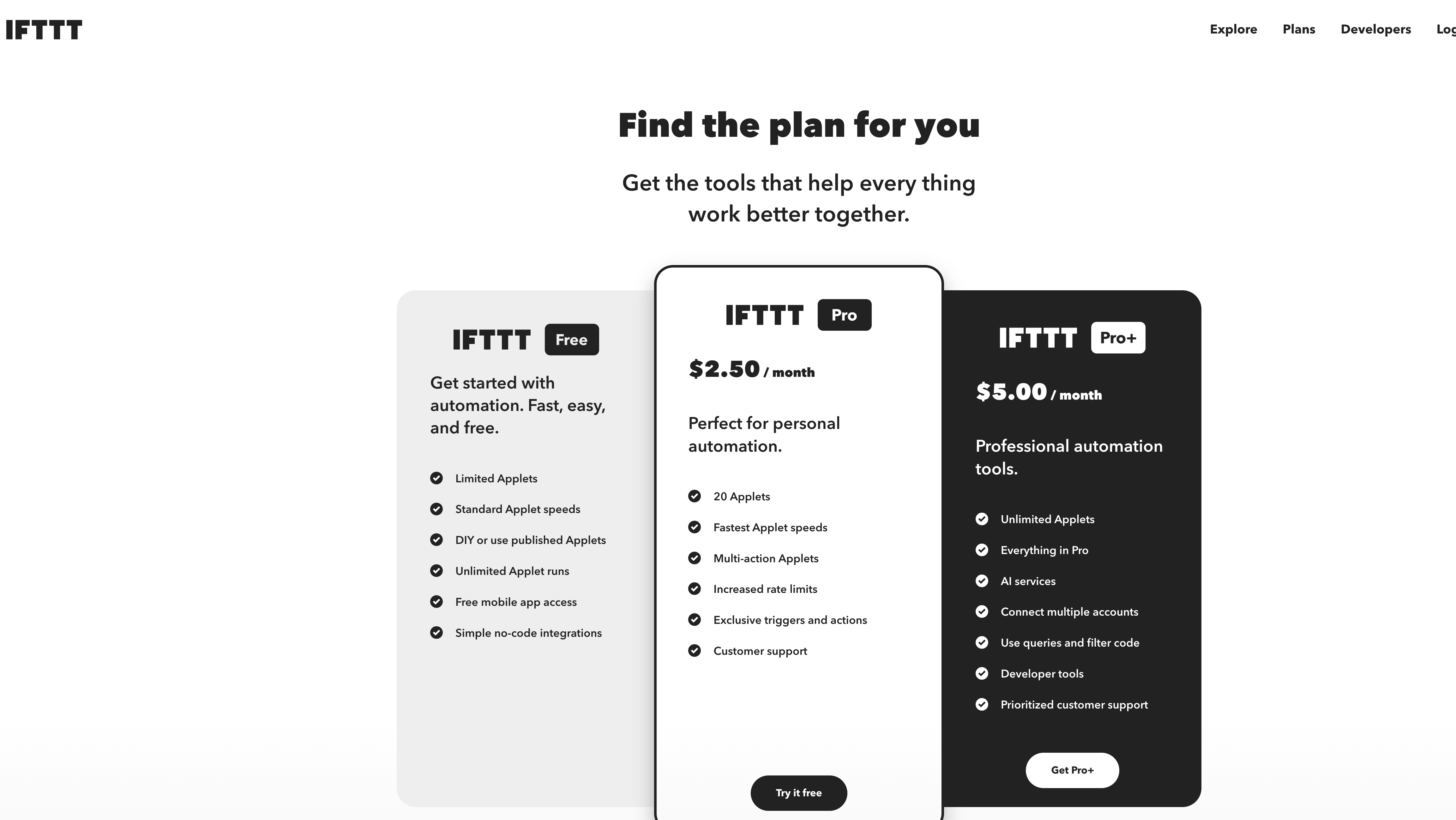
IFTTT Pricing

Pricing Range $2.92-$12.50/Month See IFTTT Pricing

Zapier Pricing

Pricing Range $9.99-$79/Month See Zapier Pricing

Alternatives

IFTTT Alternatives

Workato logo

Workato

93%
Zapier logo

Zapier

85%
HootSuite logo

HootSuite

80%
Integrate logo

Integrate

76%
See All IFTTT Alternatives

Zapier Alternatives

Workato logo

Workato

93%
ClickUp logo

ClickUp

88%
Tray.io logo

Tray.io

88%
Celigo logo

Celigo

88%
See All Zapier Alternatives

Experience

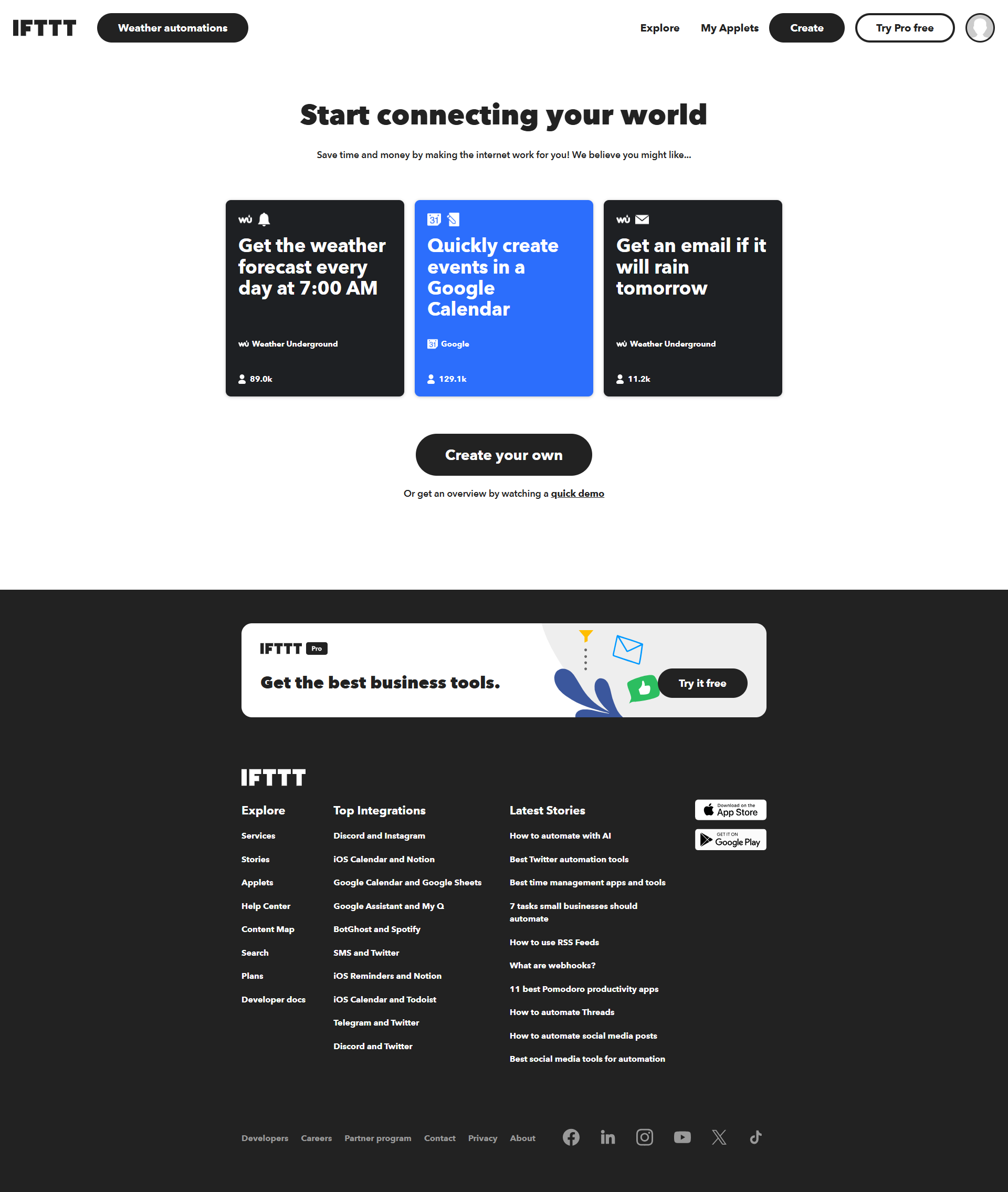
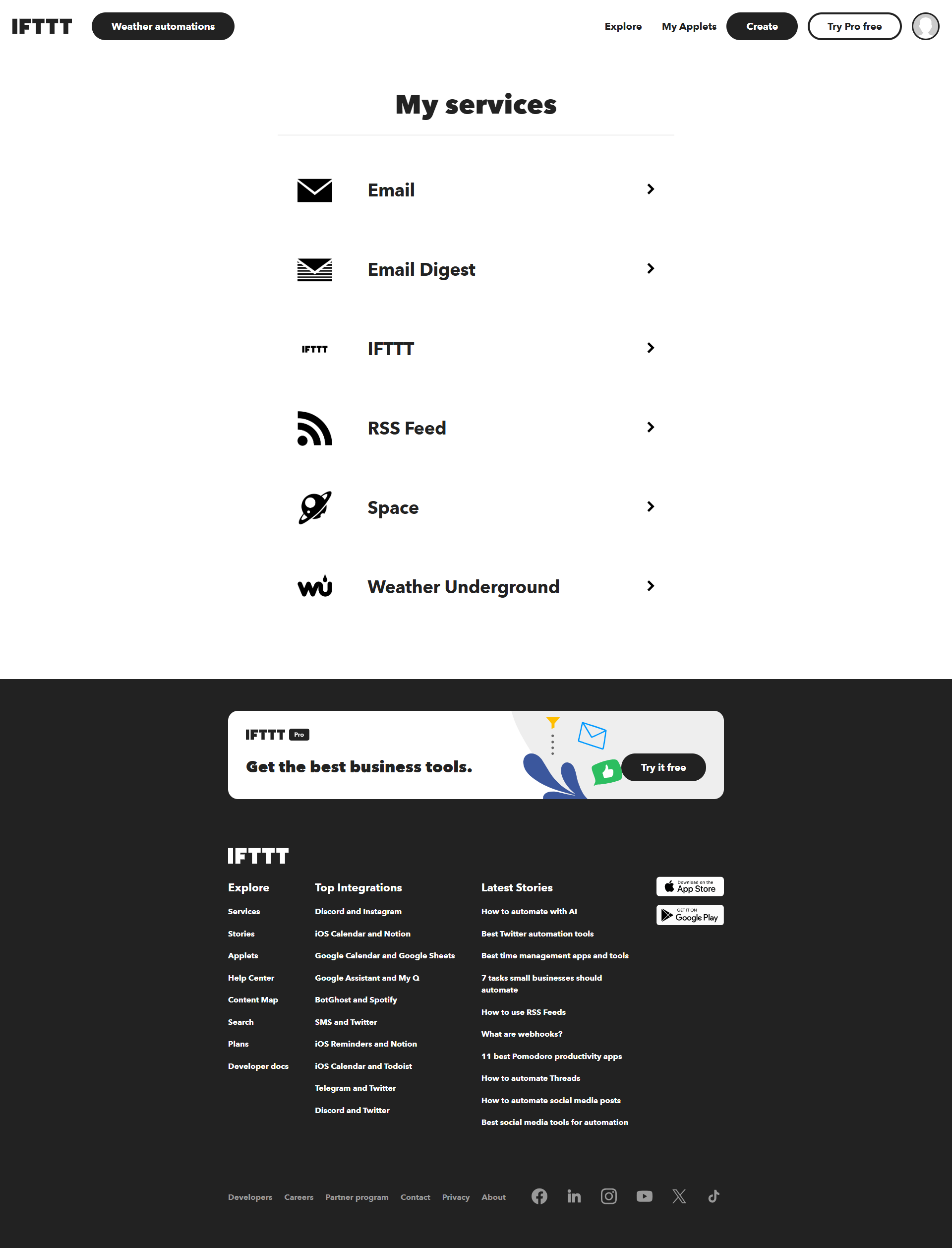
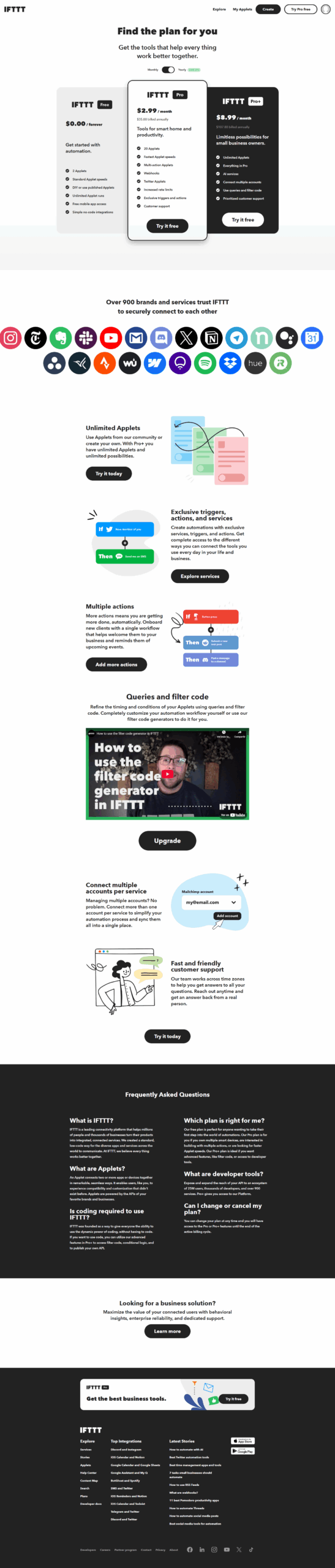
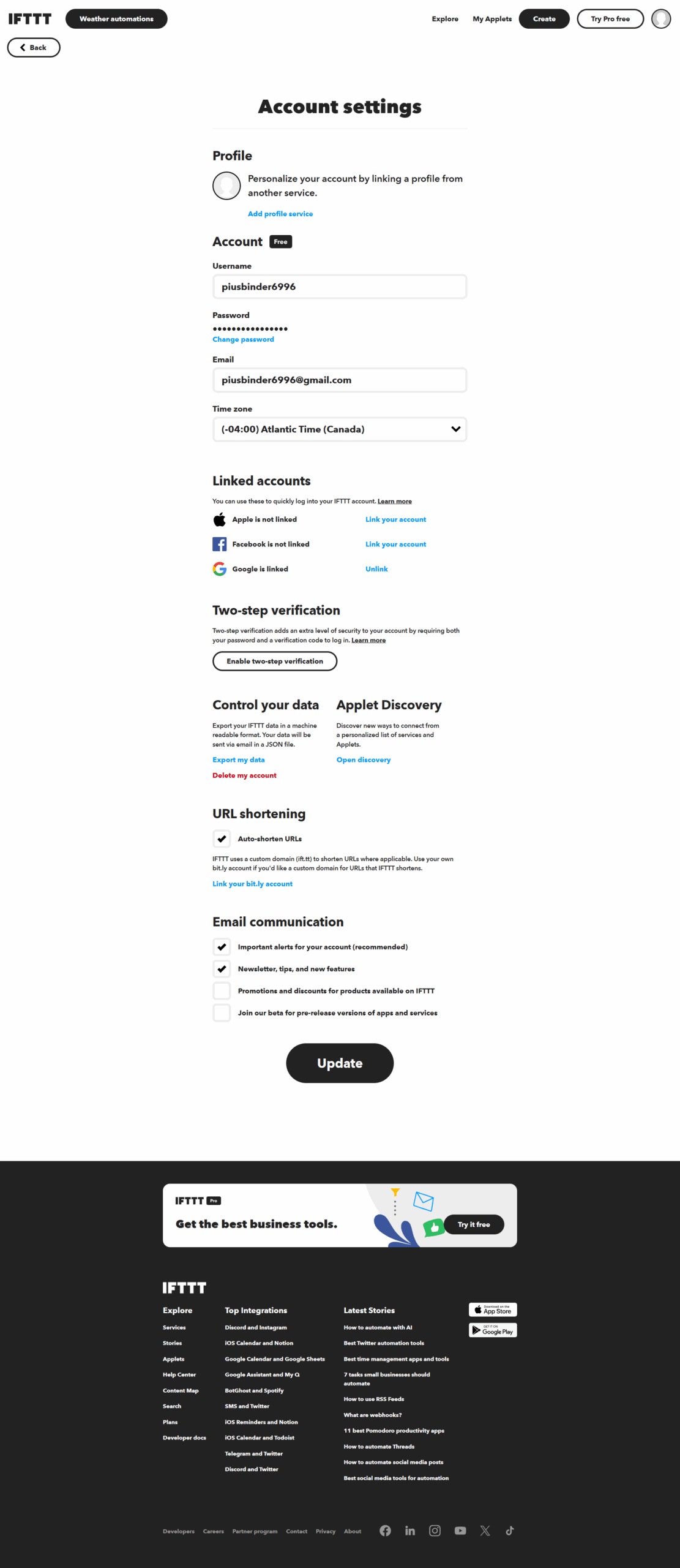
IFTTT Screenshots

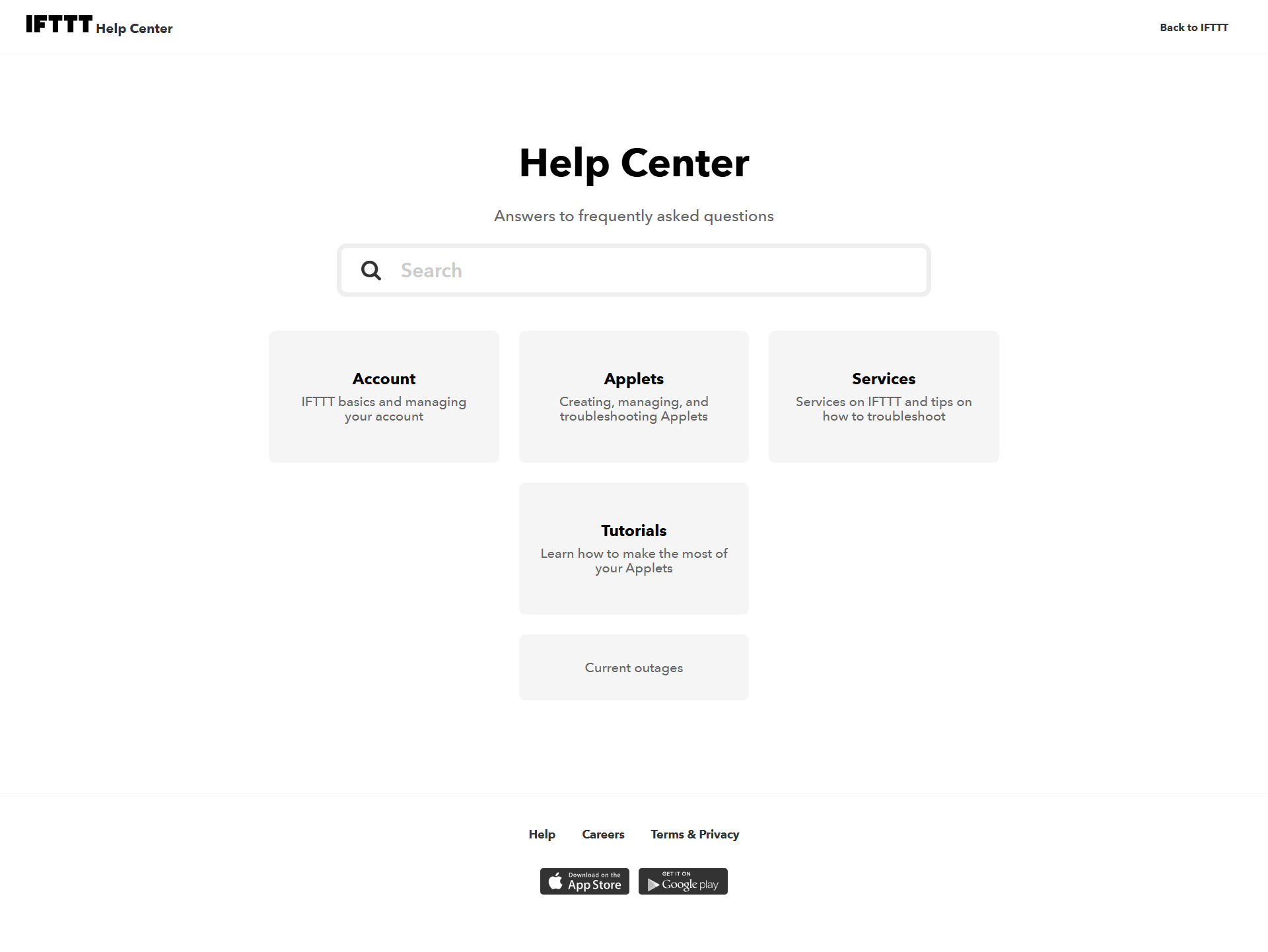
IFTTT screenshot 1
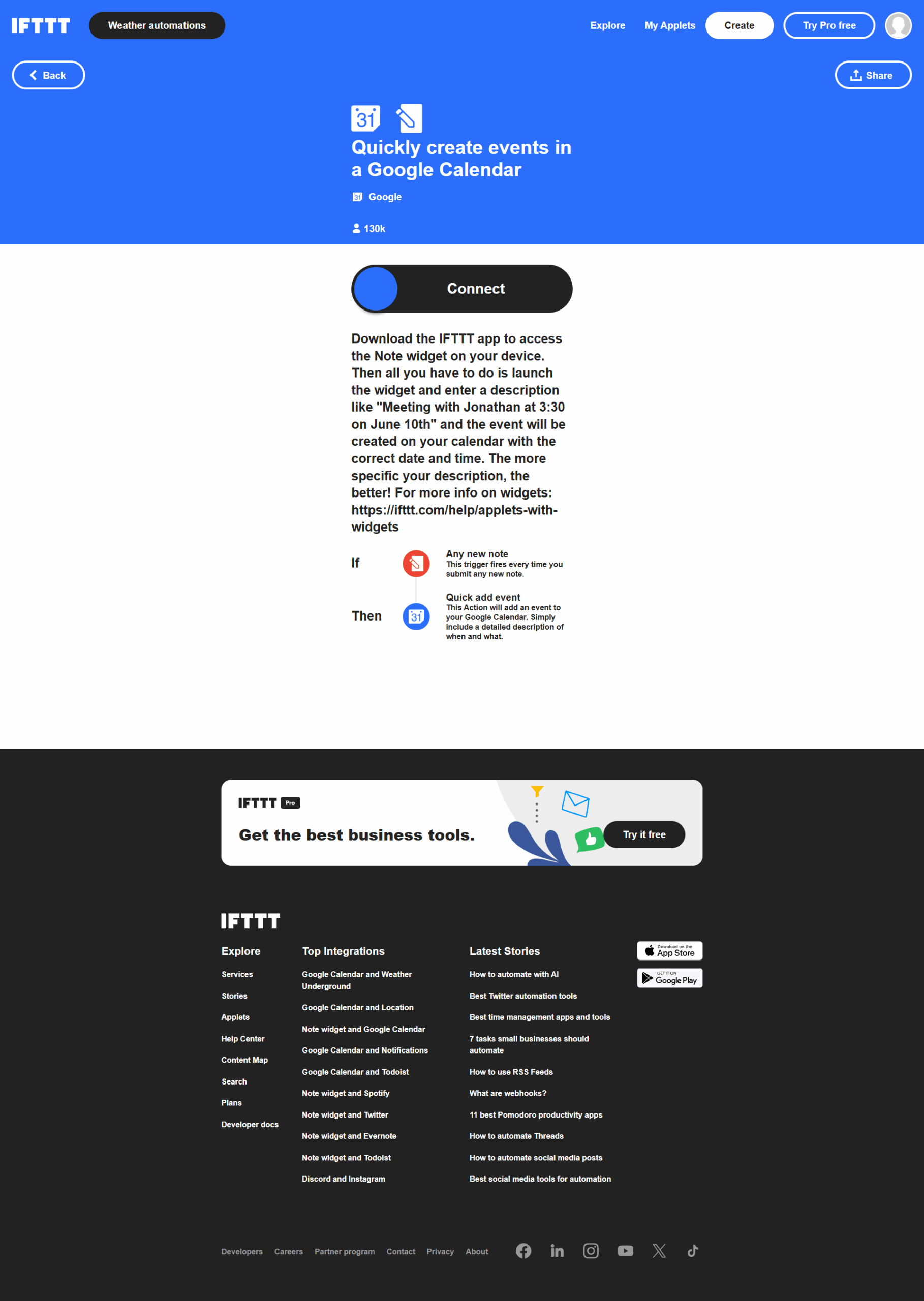
IFTTT screenshot 2
IFTTT screenshot 3
IFTTT screenshot 4
IFTTT screenshot 5
IFTTT screenshot 6
IFTTT screenshot 7
IFTTT screenshot 8
IFTTT screenshot 9

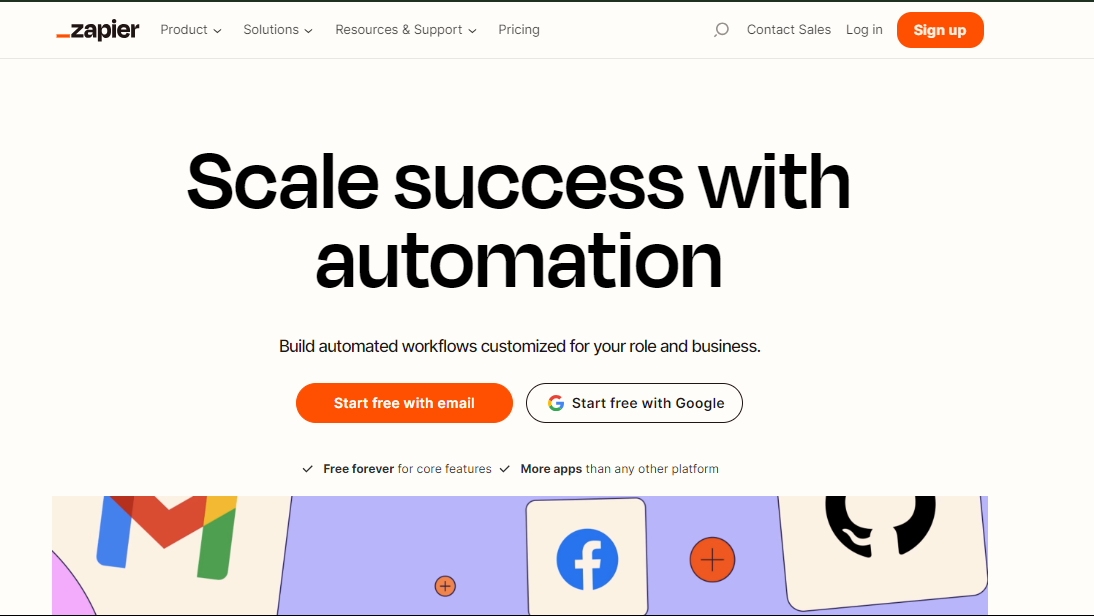
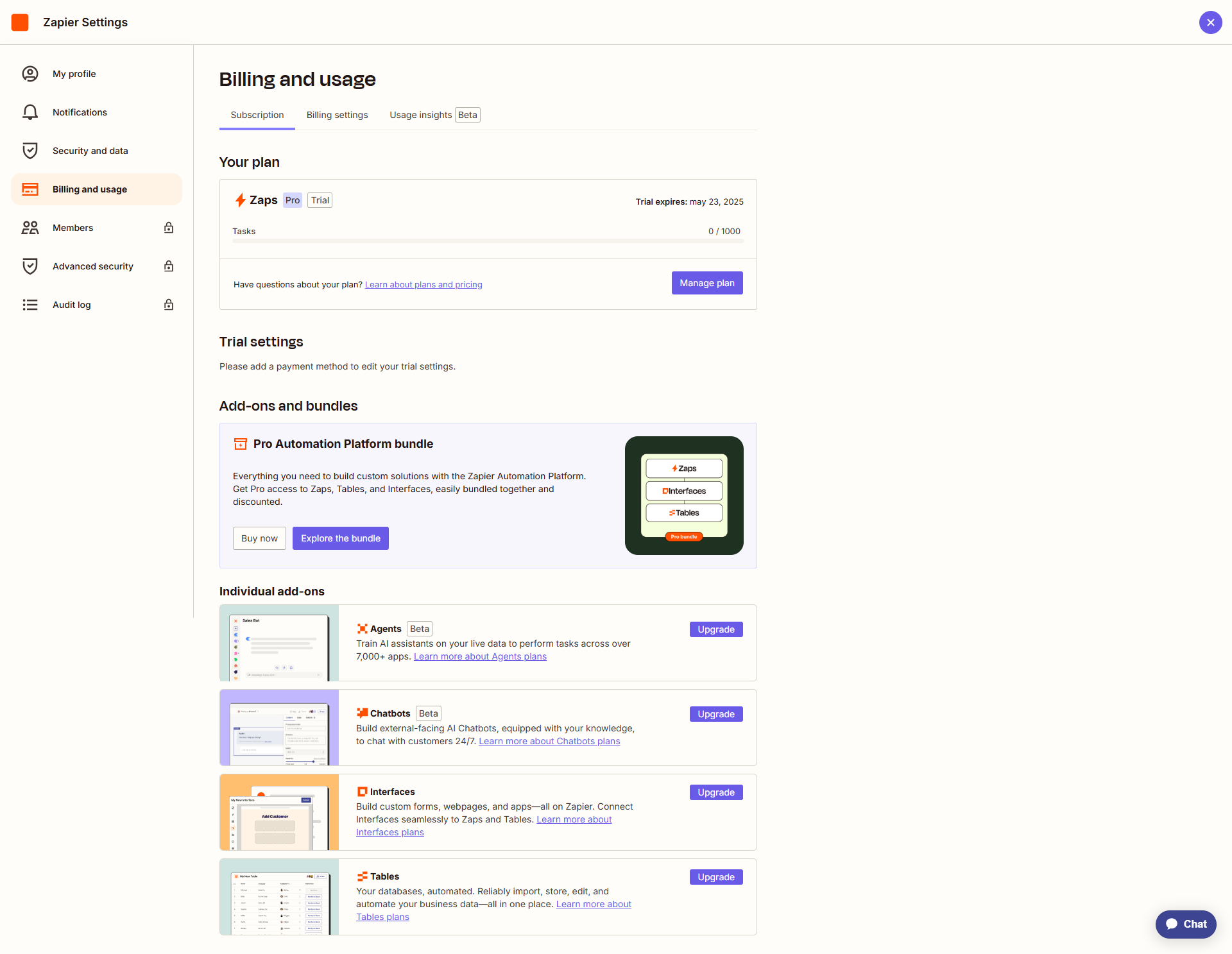
Zapier Screenshots

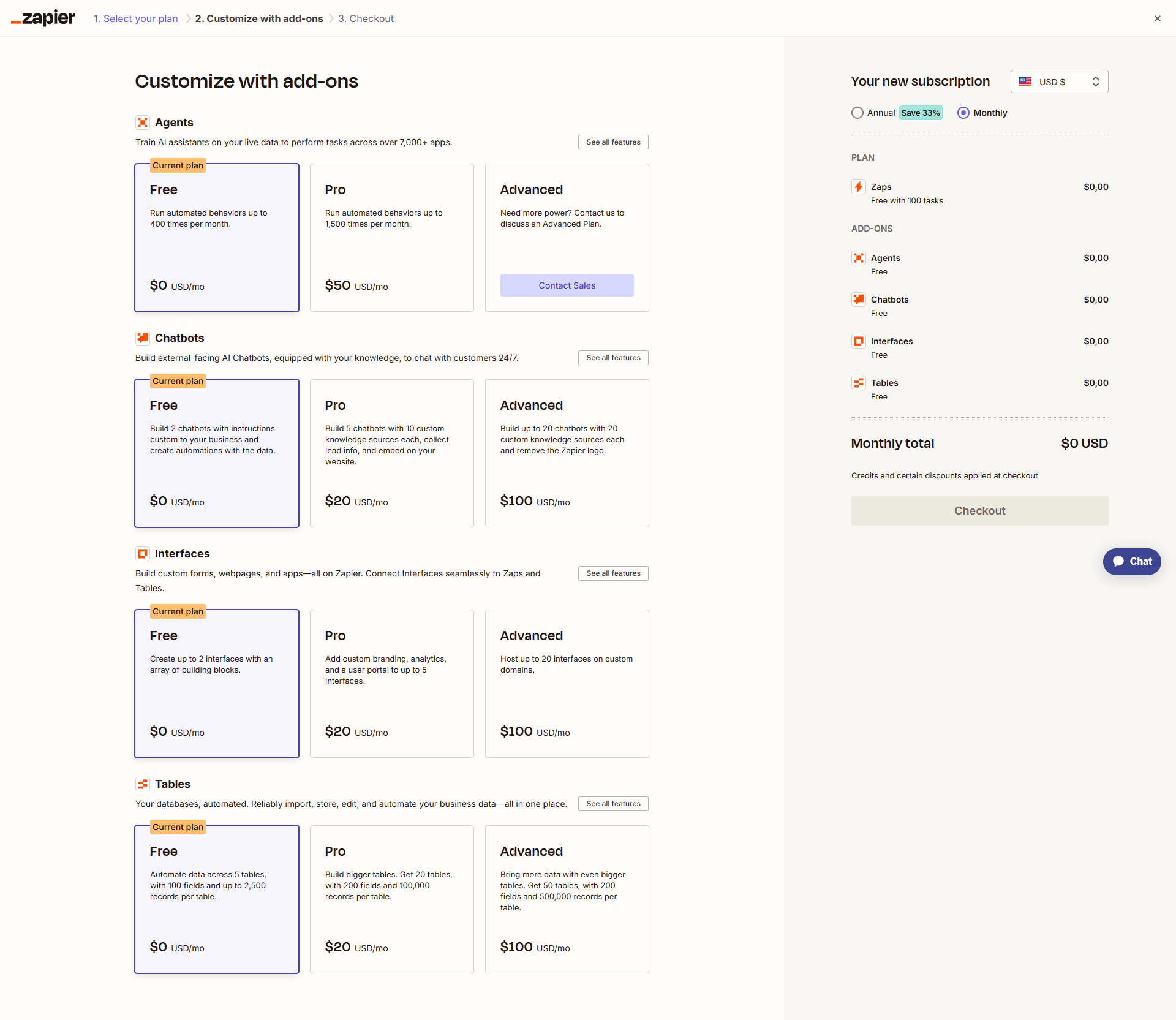
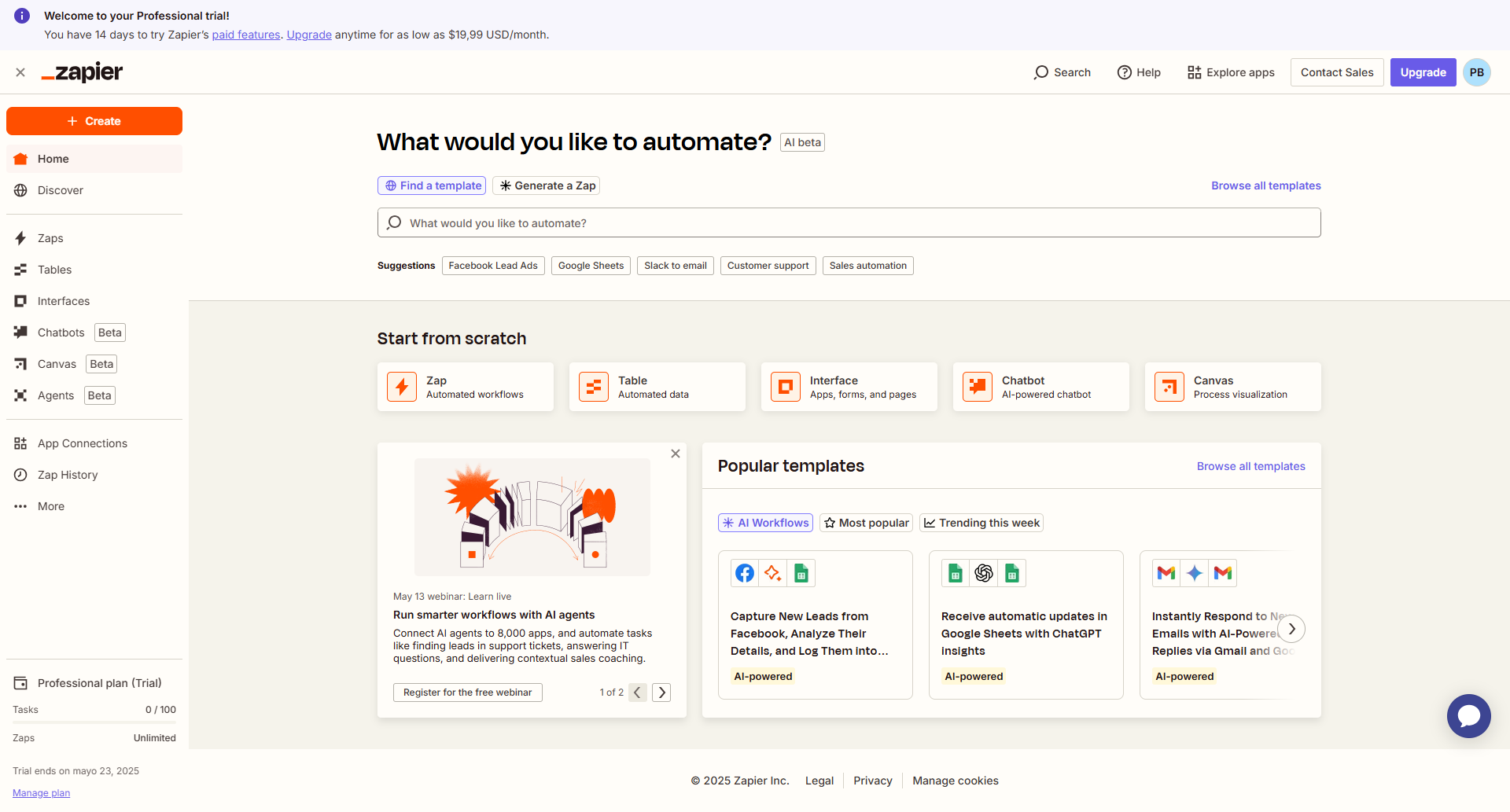
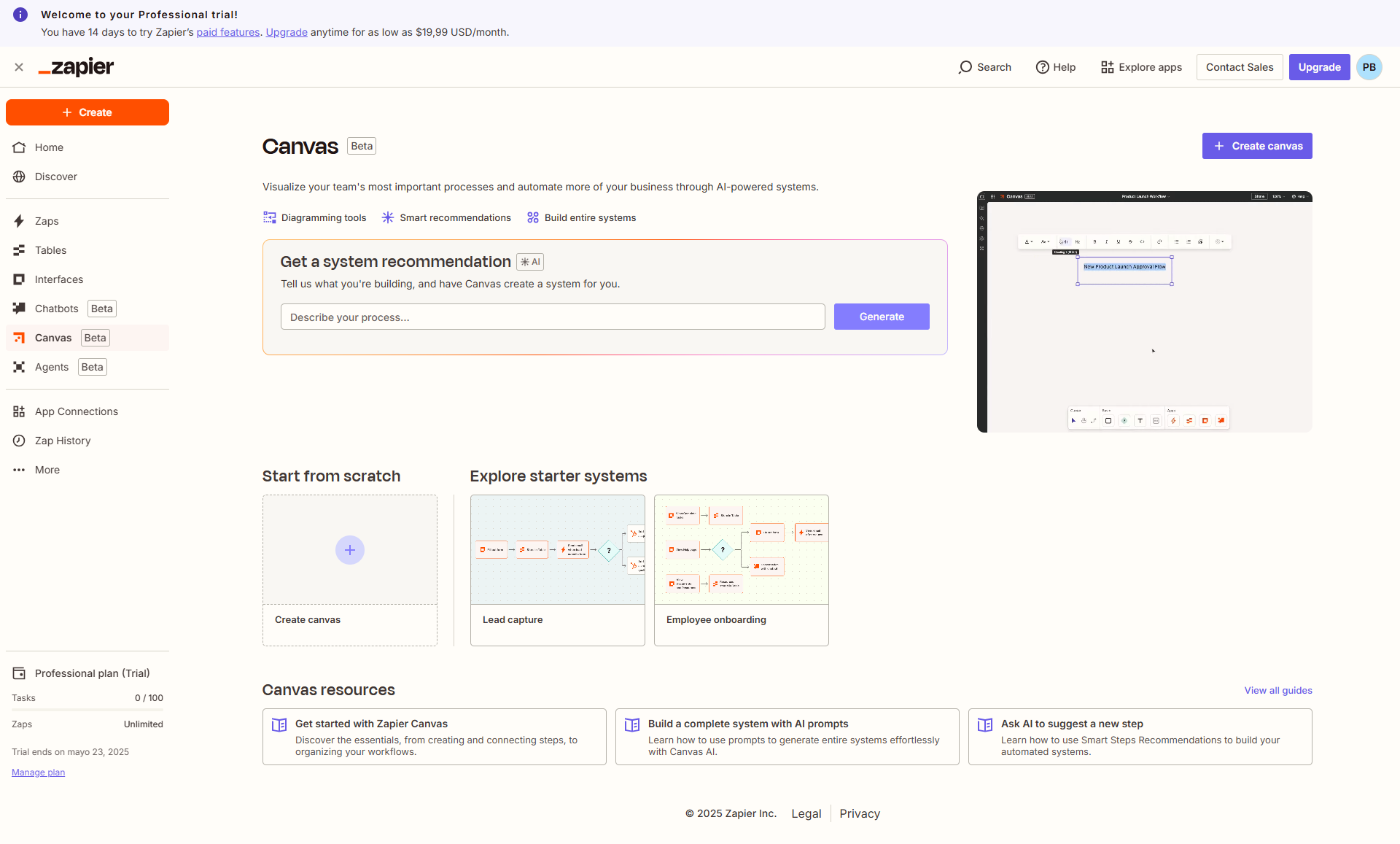
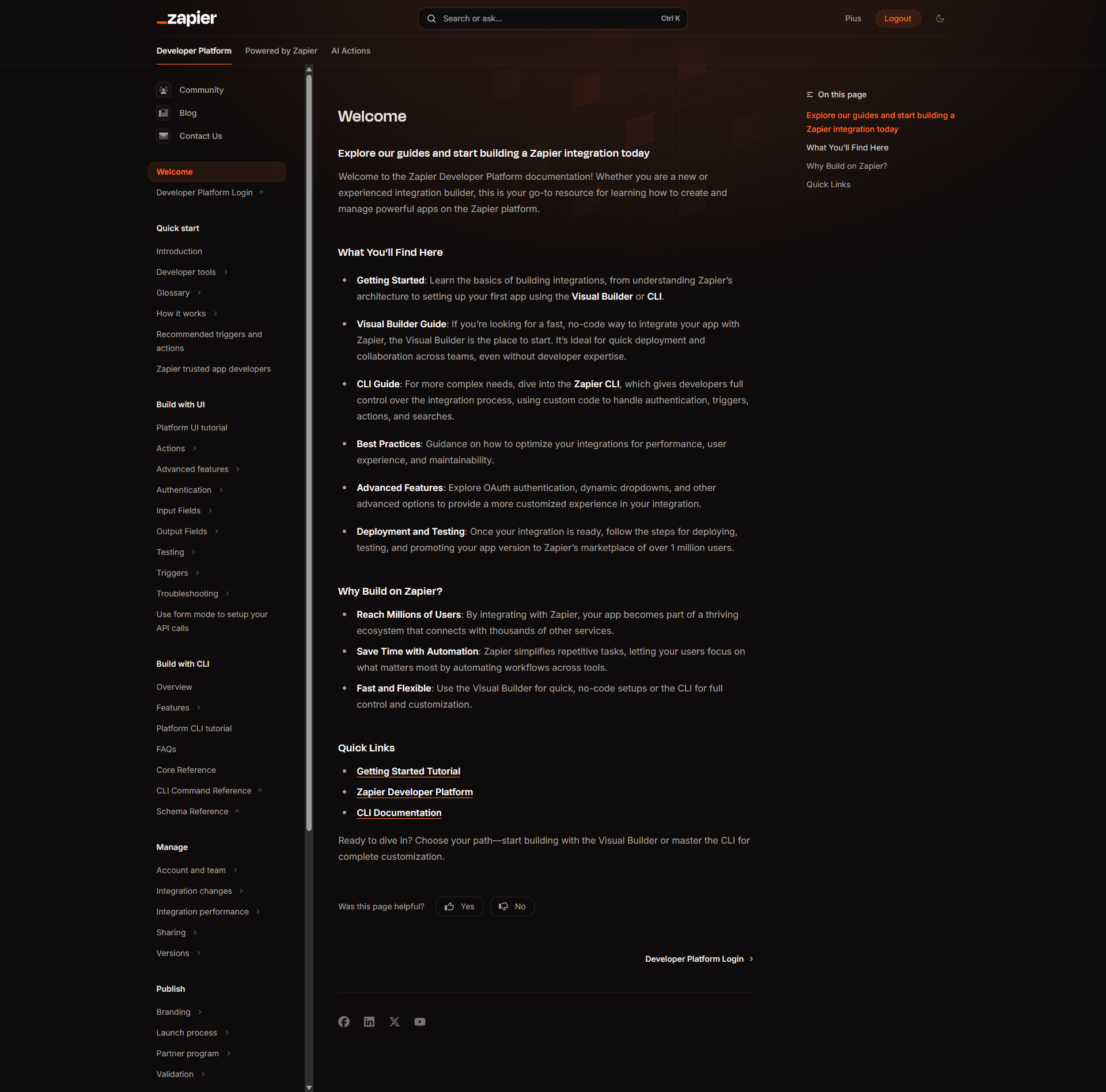
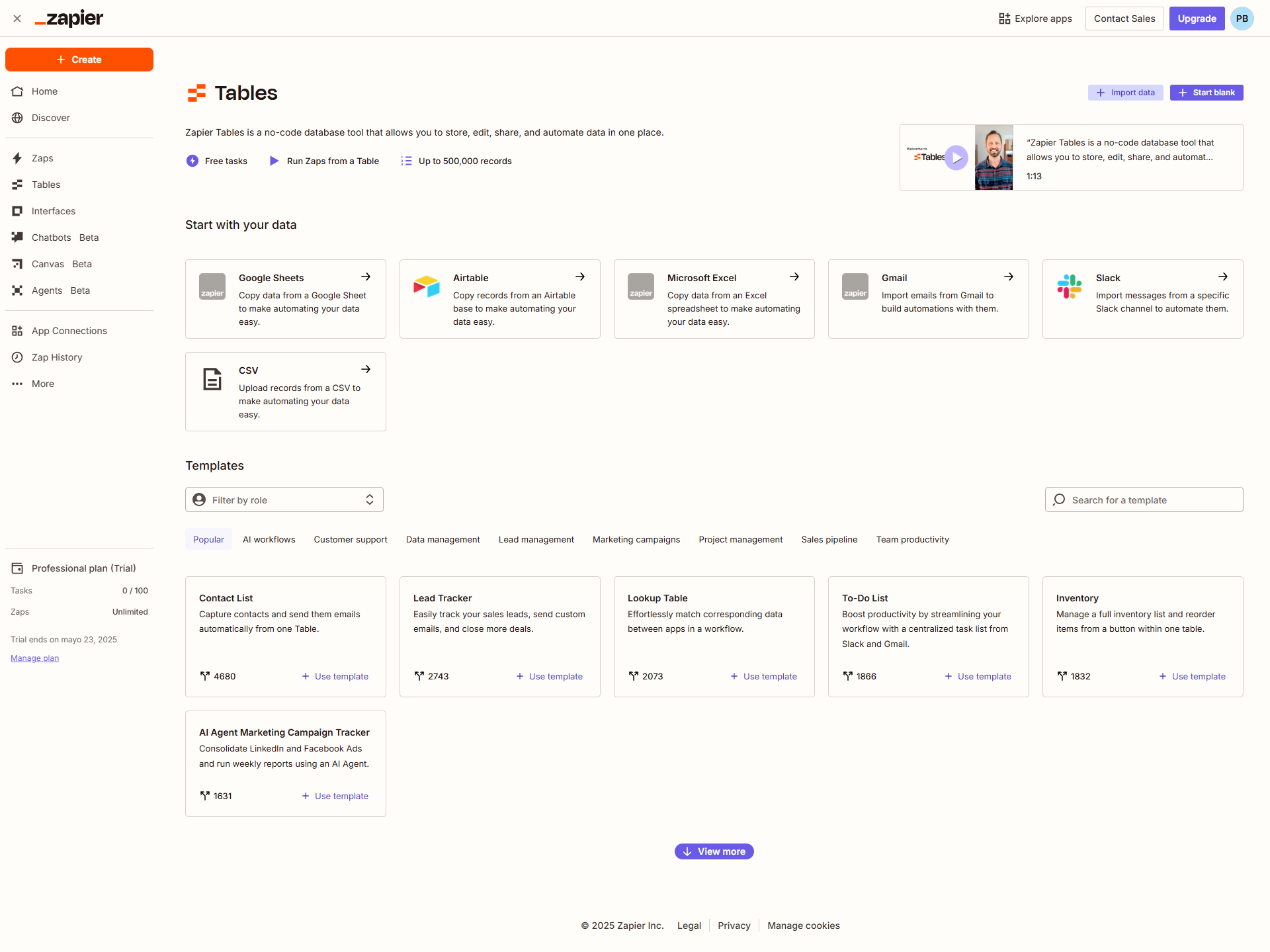
Zapier screenshot 1
Zapier screenshot 2
Zapier screenshot 3
Zapier screenshot 4
Zapier screenshot 5
Zapier screenshot 6
Zapier screenshot 7
Zapier screenshot 8
Zapier screenshot 9
Zapier screenshot 10