Sign in to review
Join our community of software reviewers on Subscribed.fyi

Continue With Google
Continue With LinkedIn
Continue Review with Email
Continue with Email
Enter your email to continue.
Continue
Enter your password
Enter your password to finish setting up your account.
Continue
Activate your email
Enter activation code we sent to your email.
Submit
Reset your password
Enter activation code we sent to your email.
Submit
Set your new password
Enter a new password for your account.
Submit
Log in
Provide My Insights
IFTTT logo
IFTTT logo

IFTTT Reviews, Pricing, Features & Alternatives (2026)

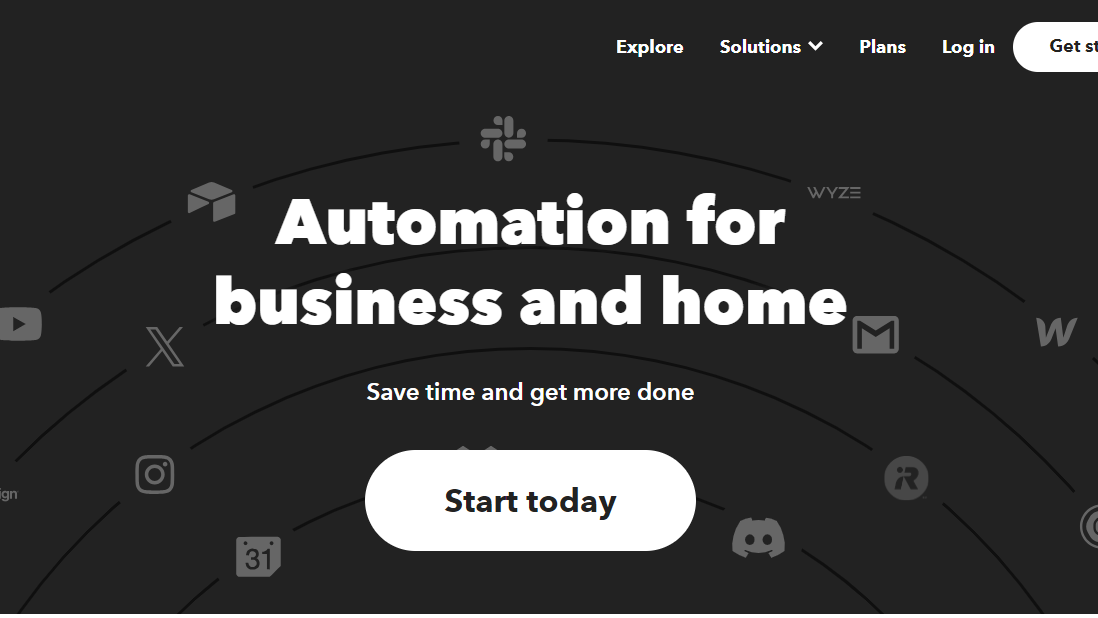
IFTTT (If This Then That) is an automation platform that connects various apps and devices to perform actions based on predefined triggers. Simplifying digital tasks, it enhances efficiency and connectivity in everyday processes.

IFTTT logo
IFTTT logo
IFTTT logo

IFTTT Overview

What is IFTTT?

N/A
★ ★ ★ ★ ★
0
Reviews

Available for Claim - This listing is available to be claimed
Claim Profile

Unclaimed

Claim this profile to manage it.

Claim Profile

Why teams choose IFTTT

Key Features

No-Code Simplicity
No-Code Simplicity
Launch without writing a single line of code.
Works Anywhere
Works Anywhere
Accessible from any device, anytime.
Secure by Design
Secure by Design
Data protection and compliance built in.

Who is IFTTT for?

What is IFTTT?

IFTTT, which stands for “If This Then That,” is a popular web-based automation platform that allows users to create and customize automated workflows, known as applets. These applets connect various online services, devices, and applications, enabling users to automate tasks and actions based on predefined triggers and conditions.

Why Use IFTTT?

IFTTT offers several key benefits:

  • Automation and Integration: IFTTT enables users to automate repetitive tasks by connecting different online services and devices, streamlining workflows and enhancing efficiency.
  • Wide Range of Applets: The platform supports a vast library of pre-built applets created by the IFTTT community, covering a diverse range of use cases, from smart home automation to social media management.
  • User-Friendly Interface: IFTTT provides a user-friendly interface that allows individuals to easily create, customize, and manage their automated workflows without requiring programming skills.
  • Cross-Platform Compatibility: IFTTT supports integration with a wide array of popular services, including social media platforms, productivity tools, smart home devices, and more.

Who is IFTTT For?

IFTTT is suitable for:

  • Smart Home Users: Individuals looking to automate tasks in their smart home, such as turning on lights or adjusting thermostats, can create applets to enhance the functionality of their devices.
  • Productivity Enthusiasts: Users seeking to streamline their digital workflows and automate routine tasks across various online platforms can leverage IFTTT to save time and effort.
  • Tech Enthusiasts: Those interested in exploring the possibilities of automation and connecting different online services can use IFTTT to create personalized and innovative workflows.

In conclusion, IFTTT is a versatile automation platform that empowers users to create personalized, cross-platform workflows. Whether for smart home automation, productivity enhancements, or experimenting with creative automations, IFTTT provides a user-friendly and accessible solution for automating various digital tasks.

IFTTT Summary

What is IFTTT?

IFTTT, which stands for “If This Then That,” is a popular web-based automation platform that allows users to create and customize automated workflows, known as applets. These applets connect various online services, devices, and applications, enabling users to automate tasks and actions based on predefined triggers and conditions.

Why Use IFTTT?

IFTTT offers several key benefits:

  • Automation and Integration: IFTTT enables users to automate repetitive tasks by connecting different online services and devices, streamlining workflows and enhancing efficiency.
  • Wide Range of Applets: The platform supports a vast library of pre-built applets created by the IFTTT community, covering a diverse range of use cases, from smart home automation to social media management.
  • User-Friendly Interface: IFTTT provides a user-friendly interface that allows individuals to easily create, customize, and manage their automated workflows without requiring programming skills.
  • Cross-Platform Compatibility: IFTTT supports integration with a wide array of popular services, including social media platforms, productivity tools, smart home devices, and more.

Who is IFTTT For?

IFTTT is suitable for:

  • Smart Home Users: Individuals looking to automate tasks in their smart home, such as turning on lights or adjusting thermostats, can create applets to enhance the functionality of their devices.
  • Productivity Enthusiasts: Users seeking to streamline their digital workflows and automate routine tasks across various online platforms can leverage IFTTT to save time and effort.
  • Tech Enthusiasts: Those interested in exploring the possibilities of automation and connecting different online services can use IFTTT to create personalized and innovative workflows.

In conclusion, IFTTT is a versatile automation platform that empowers users to create personalized, cross-platform workflows. Whether for smart home automation, productivity enhancements, or experimenting with creative automations, IFTTT provides a user-friendly and accessible solution for automating various digital tasks.

IFTTT reviews and insights

Learn what people say about IFTTT

N/A ★ ★ ★ ★ ★
0 Reviews

No Reviews Yet!

Be the first to share your experience and help others in the community.

IFTTT logo

IFTTT User Reviews

0 User Reviews

Reviews from G2, Capterra, Trustpilot
info Icon

These ratings come directly from third-party platforms like G2, Capterra, and Trustpilot. They reflect real user feedback collected independently on those sites.

IFTTT pricing

Pricing model

IFTTT logo
Pricing Range
info Icon

This only an estimated pricing range, visit IFTTT pricing page to access all the information by clicking “Visit Now”.

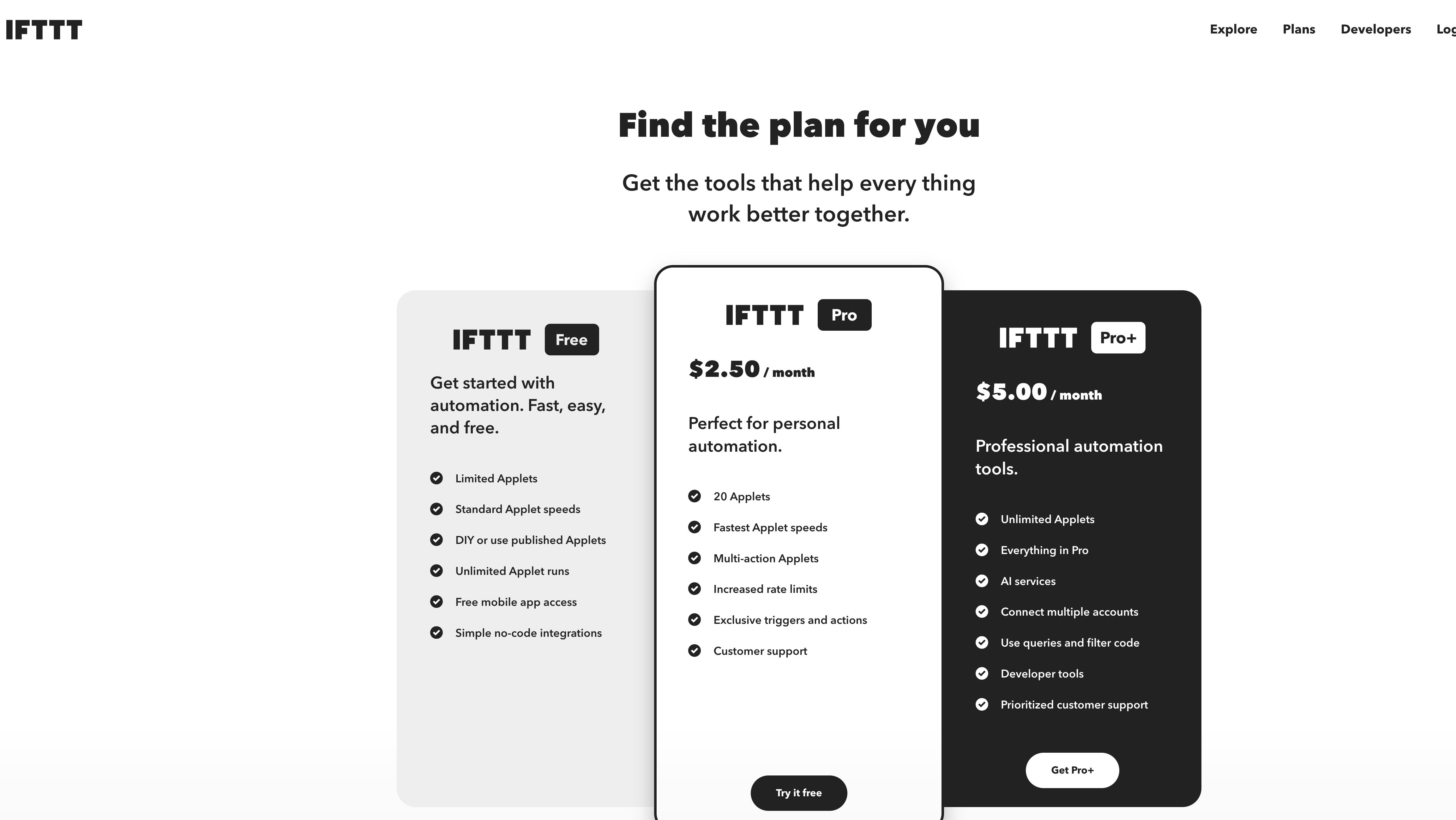
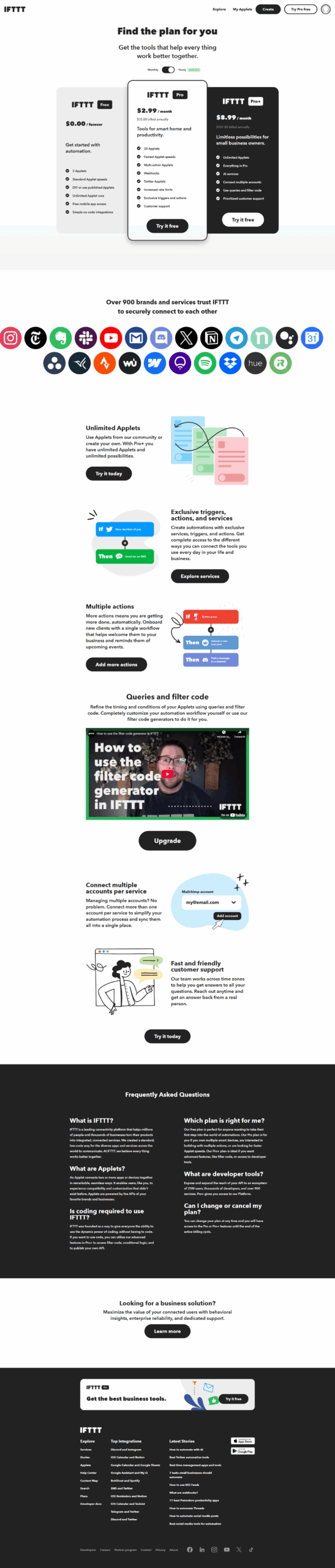
$2.92-$12.50 / Month
Deals Available

This product comes with a special deal, see details

Visit Now

Overview

What is IFTTT?

IFTTT, which stands for “If This Then That,” is a popular web-based automation platform that allows users to create and customize automated workflows, known as applets. These applets connect various online services, devices, and applications, enabling users to automate tasks and actions based on predefined triggers and conditions.

Why Use IFTTT?

IFTTT offers several key benefits:

  • Automation and Integration: IFTTT enables users to automate repetitive tasks by connecting different online services and devices, streamlining workflows and enhancing efficiency.
  • Wide Range of Applets: The platform supports a vast library of pre-built applets created by the IFTTT community, covering a diverse range of use cases, from smart home automation to social media management.
  • User-Friendly Interface: IFTTT provides a user-friendly interface that allows individuals to easily create, customize, and manage their automated workflows without requiring programming skills.
  • Cross-Platform Compatibility: IFTTT supports integration with a wide array of popular services, including social media platforms, productivity tools, smart home devices, and more.

Who is IFTTT For?

IFTTT is suitable for:

  • Smart Home Users: Individuals looking to automate tasks in their smart home, such as turning on lights or adjusting thermostats, can create applets to enhance the functionality of their devices.
  • Productivity Enthusiasts: Users seeking to streamline their digital workflows and automate routine tasks across various online platforms can leverage IFTTT to save time and effort.
  • Tech Enthusiasts: Those interested in exploring the possibilities of automation and connecting different online services can use IFTTT to create personalized and innovative workflows.

In conclusion, IFTTT is a versatile automation platform that empowers users to create personalized, cross-platform workflows. Whether for smart home automation, productivity enhancements, or experimenting with creative automations, IFTTT provides a user-friendly and accessible solution for automating various digital tasks.

Where IFTTT performs best

What users like
  • Easy setup and user-friendly interface
  • Wide variety of app and device integrations
  • Great for personal task automation
  • Time-saving with seamless multi-platform sync

Where IFTTT falls short

What users dislike
  • Limited business-oriented integrations
  • Inconsistent applet reliability
  • Advanced features lack customization
  • Some applets fail without clear feedback
IFTTT Pricing Range
$2.92-$12.50 / Month

IFTTT in action
info Icon

A curated gallery of real screenshots and use cases from the product, so you can see how it works before trying it.

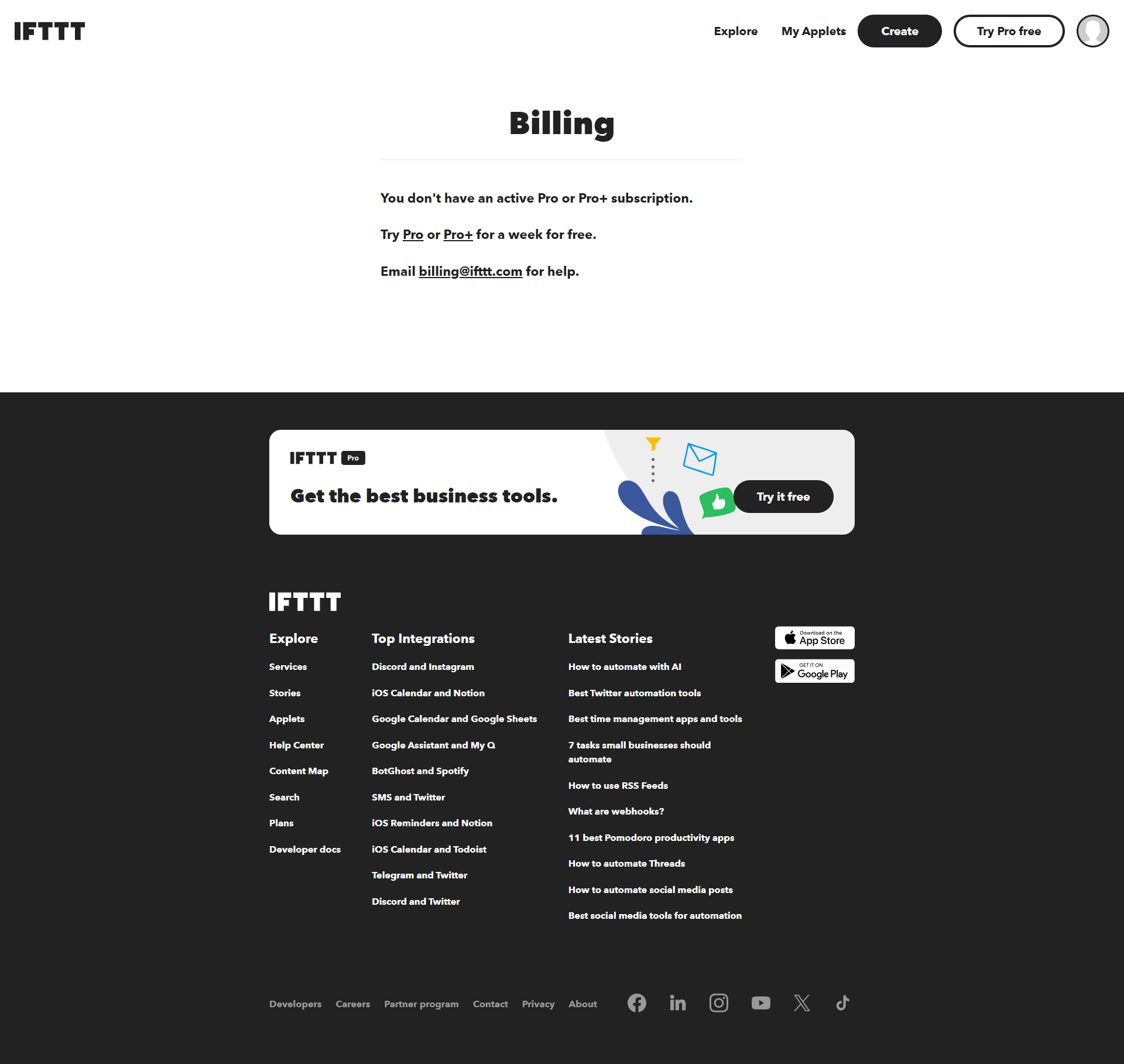
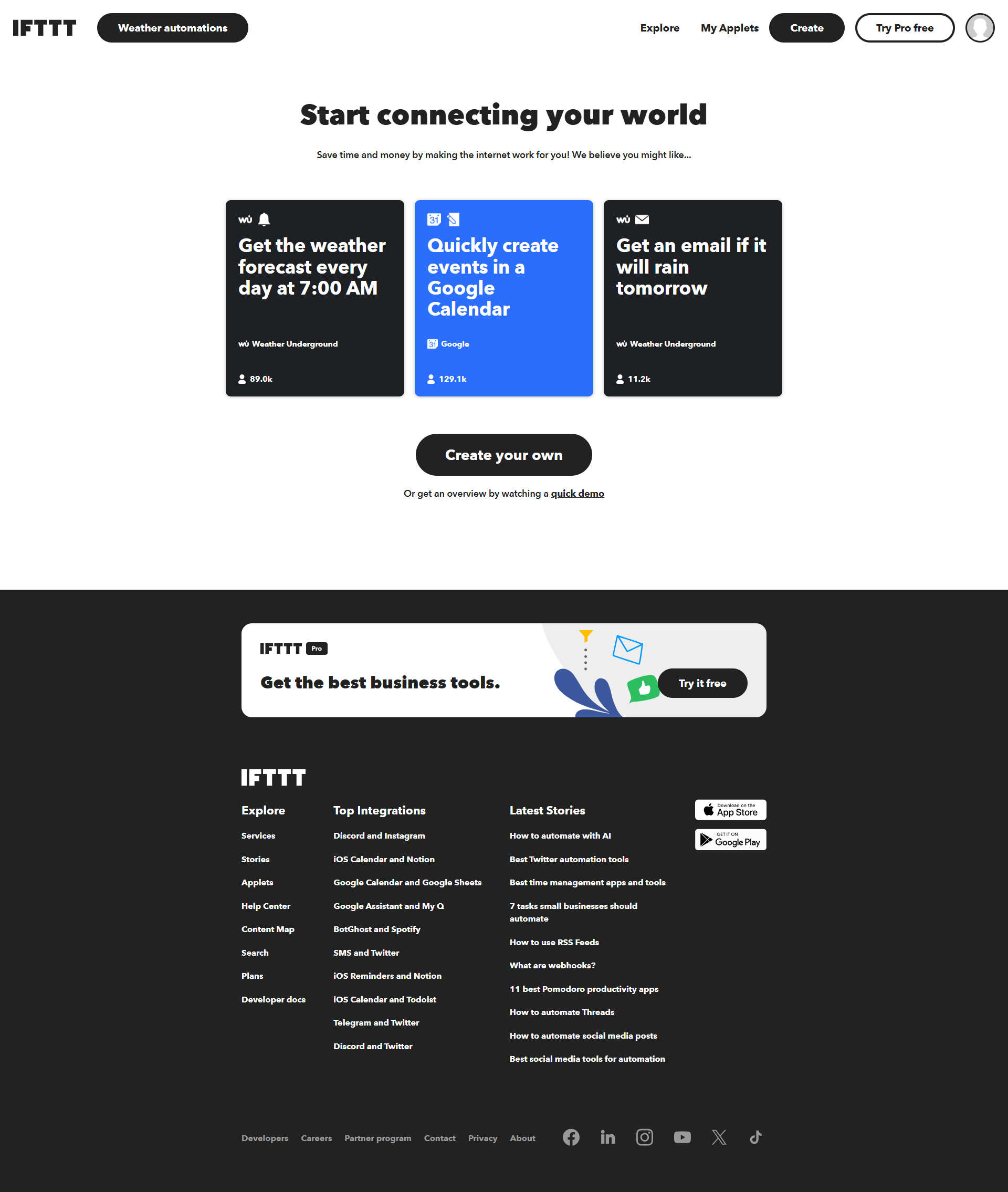
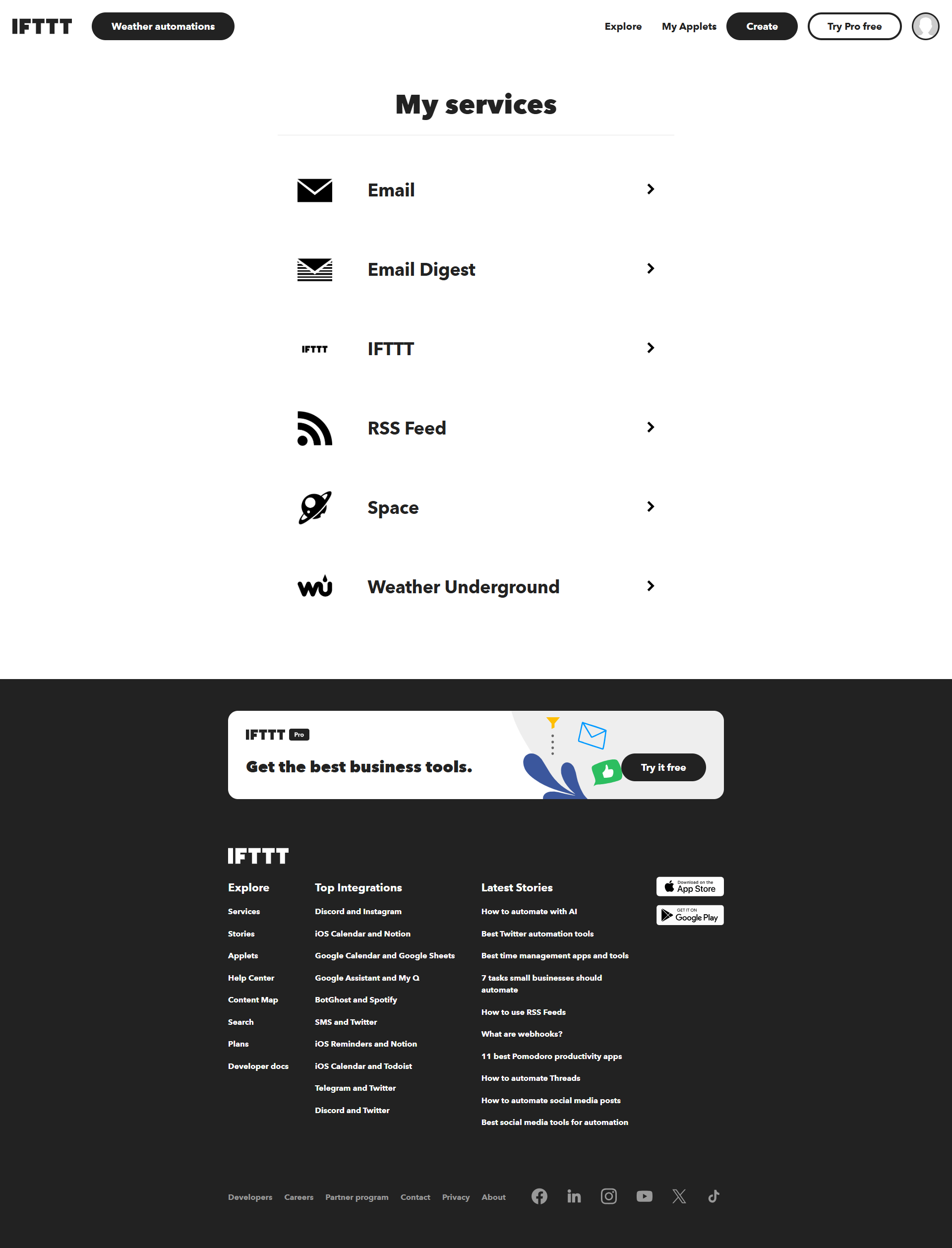
IFTTT screenshot 1 Full Screen Icon
IFTTT screenshot 2 Full Screen Icon
IFTTT screenshot 3 Full Screen Icon
IFTTT screenshot 4 Full Screen Icon
IFTTT screenshot 5 Full Screen Icon
IFTTT screenshot 6 Full Screen Icon
IFTTT screenshot 7 Full Screen Icon
IFTTT screenshot 8 Full Screen Icon
IFTTT screenshot 9 Full Screen Icon
https://www.youtube.com/watch?v=oQgvFKMEYHA?feature=oembed
Full Screen Icon
IFTTT screenshot 1
IFTTT screenshot 2
IFTTT screenshot 3
IFTTT screenshot 4
IFTTT screenshot 5
IFTTT screenshot 6
IFTTT screenshot 7
IFTTT screenshot 8
IFTTT screenshot 9
Video thumbnail
IFTTT screenshot 1
IFTTT screenshot 2
IFTTT screenshot 3
IFTTT screenshot 4
IFTTT screenshot 5
IFTTT screenshot 6
IFTTT screenshot 7
IFTTT screenshot 8
IFTTT screenshot 9

Alternatives to IFTTT
info Icon

A list of platforms similar to IFTTT, helping you evaluate which tool best matches your needs.

How to cancel IFTTT

Need to cancel IFTTT? Here is how
info Icon

Thinking about how to cancel IFTTT this is how you do it!

How to Cancel IFTTT Subscription

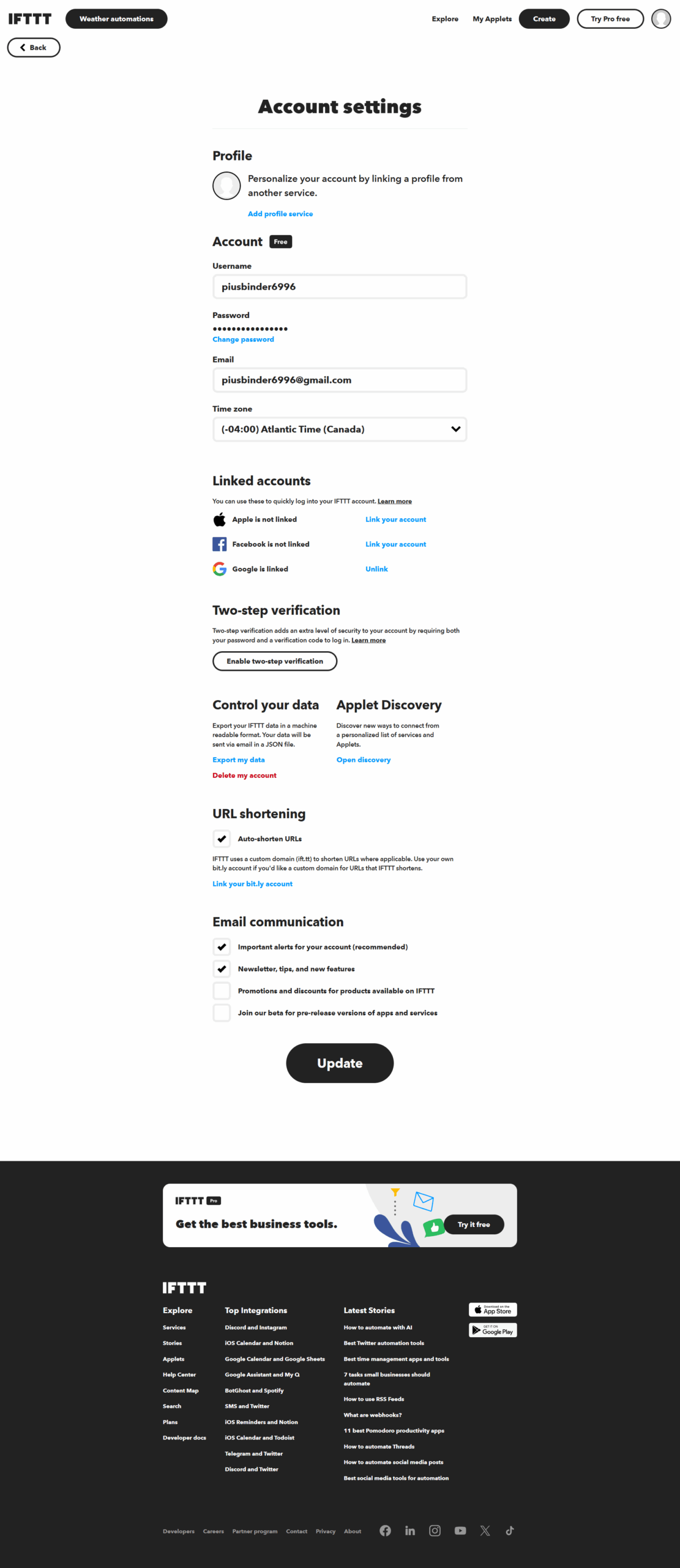
To cancel an IFTTT subscription, if applicable, log in to your account, go to account settings, find the cancellation option, and follow the on-screen instructions provided by visiting IFTTT Support.

How to Cancel the IFTTT

How to Cancel IFTTT Subscription

To cancel an IFTTT subscription, if applicable, log in to your account, go to account settings, find the cancellation option, and follow the on-screen instructions provided by visiting IFTTT Support.

Manage your IFTTT profile

Create profile

Want to list your product on Subscribed.fyi? Create a profile to reach more buyers.

Pricing Range
info Icon

This only an estimated pricing range, visit IFTTT pricing page to access all the information by clicking “Visit Now”.

$2.92-$12.50 / Month
Visit Now
Deals Available

This product comes with a special deal, see details

This product comes with a special deal, see details