Sign in to review
Join our community of software reviewers on Subscribed.fyi

Continue With Google
Continue With LinkedIn
Continue Review with Email
Continue with Email
Enter your email to continue.
Continue
Enter your password
Enter your password to finish setting up your account.
Continue
Activate your email
Enter activation code we sent to your email.
Submit
Reset your password
Enter activation code we sent to your email.
Submit
Set your new password
Enter a new password for your account.
Submit
Categories
For Business
Log in
Provide My Insights
Add Product
Suggested products People also compare with
Add to Comparison
Suggested products People also compare with

Compare Intervals and Wrike

We are comparing Intervals and Wrike to evaluate which one is the best product.

Suggested products People also compare with
Review Pricing Alternatives Experience

Review

71%
25/36 Metric achieved
90%
32/36 Metric achieved

Subscribed Metric

Customer Support 5/6
Security 3/6
Ease of Use 4/6
Value of Money 5/6
Integration 3/6
Popularity 5/6

Subscribed Metric

Customer Support 5/6
Security 5/6
Ease of Use 5/6
Value of Money 5/6
Integration 6/6
Popularity 6/6

Pros & Cons

Robust time tracking and reporting.
Intuitive project tracking features.
Reliable with strong customer support.
Affordable for small businesses.
Interface can feel outdated.
Challenging for beginners to navigate.
Limited customization for specific needs.
Cumbersome file organization and task filtering.

Pros & Cons

Highly customizable for workflows
Robust collaboration features
Efficient reporting and dashboards
Automation saves time on tasks
Complex interface and learning curve
High pricing for smaller teams
Occasional performance issues
Limited offline access capabilities

Conclusion

Intervals Product Overview
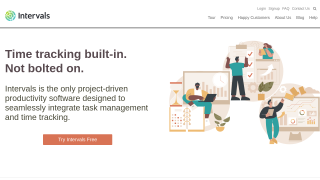
Intervals is a time-tracking and project management tool tailored for small businesses, including consultants, designers, developers, IT services, and agencies. Key features include time tracking, task management, Gantt charts, invoicing, and reporting. It supports unlimited users (except Lite) and offers scalable pricing starting at $29/month, based on active projects, not team size. Compared to tools like Basecamp (simpler but less comprehensive) or Wrike (more robust but costlier), Intervals strikes a balance between functionality and affordability. Its detailed reporting suits businesses needing granular insights, but the interface may feel outdated, and onboarding requires some effort. Support is responsive, and pricing is cost-effective for its feature set. Recommended for professionals managing project-based or hourly work.

Conclusion

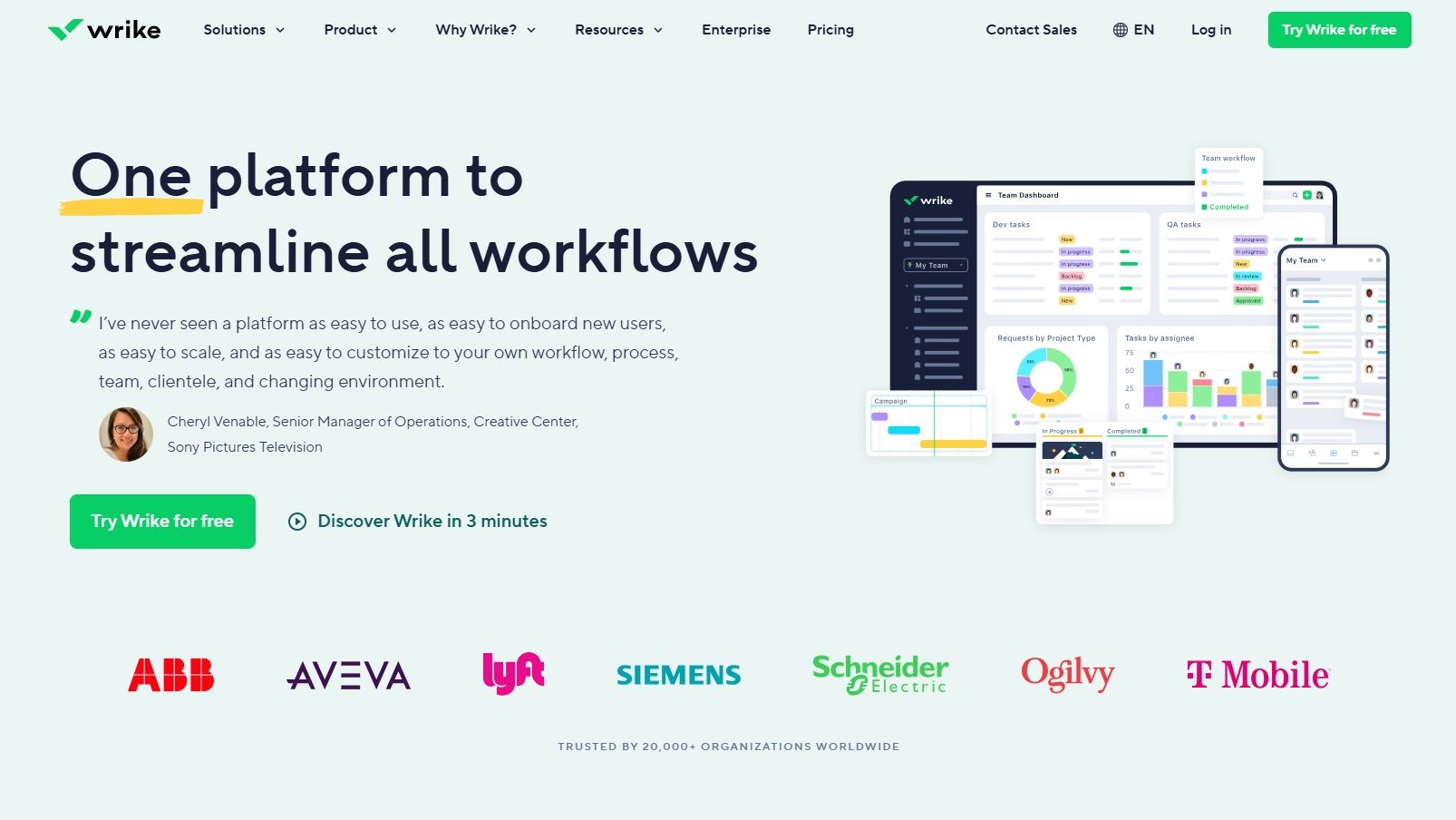
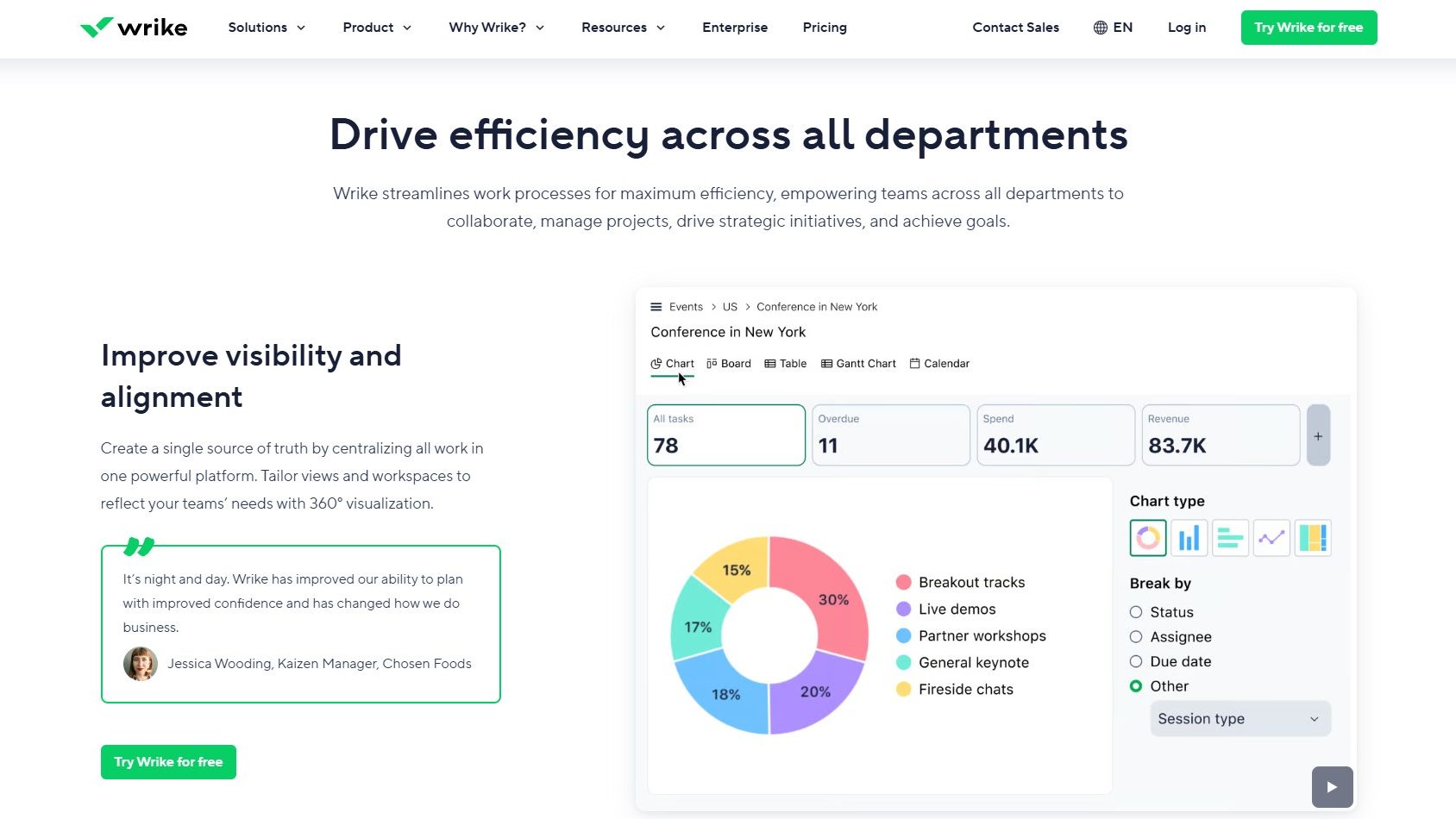
Wrike is a versatile project management tool catering to designers, developers, and marketers with features like Gantt charts, Kanban boards, time tracking, and advanced reporting. It supports customization, real-time collaboration, and integrations with 400+ platforms. Pricing ranges from a free basic plan to $24.80/user/month for advanced features, while enterprise plans require inquiry. Wrike surpasses rivals like Monday.com and Asana in complexity but has a steeper learning curve. Users praise Wrike’s reliability and feature depth, while some find the interface cluttered. Customer support is responsive, balancing cost-effectiveness for mid-to-large teams.

Pricing

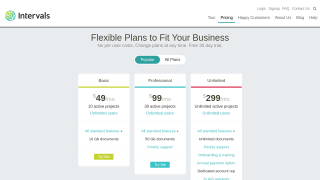
Intervals Pricing

Pricing Range $29-$299/Month See Intervals Pricing

Wrike Pricing

Pricing Range $9.80-$24.80/Month See Wrike Pricing

Alternatives

Intervals Alternatives

Wrike logo

Wrike

90%
Teamwork logo

Teamwork

83%
Basecamp logo

Basecamp

78%
See All Intervals Alternatives

Wrike Alternatives

Trello logo

Trello

90%
Monday.com logo

Monday.com

90%
ClickUp logo

ClickUp

88%
Smartsheet logo

Smartsheet

85%
See All Wrike Alternatives

Experience

Intervals Screenshots

Intervals screenshot 1
Intervals screenshot 2

Wrike Screenshots

Wrike screenshot 1
Wrike screenshot 2