Sign in to review
Join our community of software reviewers on Subscribed.fyi

Continue With Google
Continue With LinkedIn
Continue Review with Email
Continue with Email
Enter your email to continue.
Continue
Enter your password
Enter your password to finish setting up your account.
Continue
Activate your email
Enter activation code we sent to your email.
Submit
Reset your password
Enter activation code we sent to your email.
Submit
Set your new password
Enter a new password for your account.
Submit
Categories
For Business
Log in
Provide My Insights
Add Product
Suggested products People also compare with
Add to Comparison
Suggested products People also compare with

Compare mHelpDesk and Zoho Desk

We are comparing mHelpDesk and Zoho Desk to evaluate which one is the best product.

Suggested products People also compare with
Review Pricing Alternatives Experience

Review

78%
27/36 Metric achieved
88%
31/36 Metric achieved

Subscribed Metric

Customer Support 5/6
Security 4/6
Ease of Use 5/6
Value of Money 4/6
Integration 3/6
Popularity 6/6

Subscribed Metric

Customer Support 5/6
Security 4/6
Ease of Use 5/6
Value of Money 6/6
Integration 5/6
Popularity 6/6

Pros & Cons

Streamlined invoicing and estimates.
Excellent customer service support.
Customizable workflows and features.
QuickBooks integration simplifies tasks.
Slow performance and glitches.
Lack of meaningful updates.
Reports lack customization.
Technical issues disrupt use in the field.

Pros & Cons

User-friendly interface and easy navigation.
Comprehensive automation features.
Seamless integration with other tools.
Cost-effective with strong customer support.
Occasional slow performance or loading times.
Needs smoother mobile app functionality.
UI can feel cluttered or overwhelming.
Limited features in the free plan.

Conclusion

mHelpDesk is a powerful Field Service Management solution ideal for managing field technicians, work orders, schedules, and billing. Key features include job scheduling, invoicing, real-time location tracking, and CRM integration. Its ease of use, customization capabilities, and QuickBooks compatibility suit small and medium-sized businesses, particularly service contractors. Compared to alternatives like Jobber and ServiceTitan, mHelpDesk offers affordable plans but lacks advanced reporting and seamless mobile functionality. Renowned for responsive customer support, its pricing may not suit businesses seeking low-cost options. For organizations requiring reliable field organization tools with decent scalability, mHelpDesk is a solid, effective choice.

Conclusion

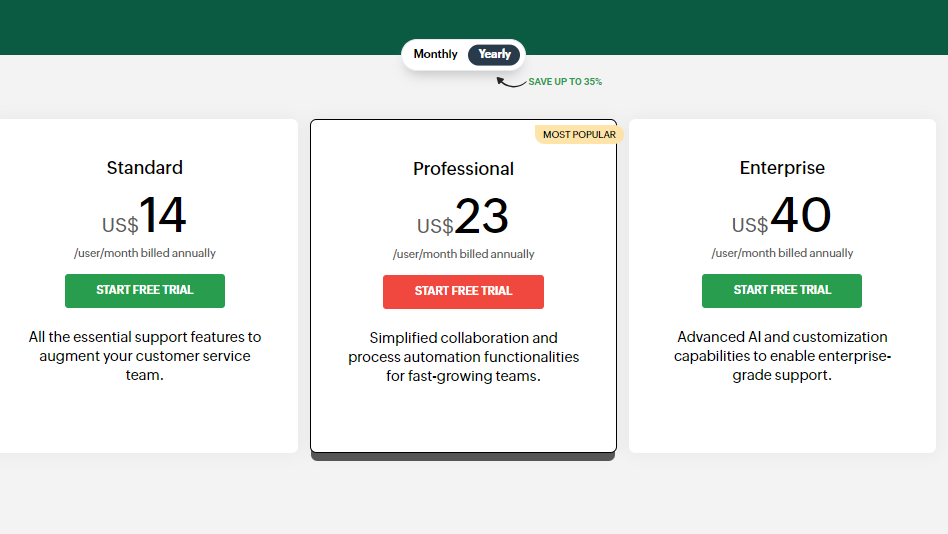
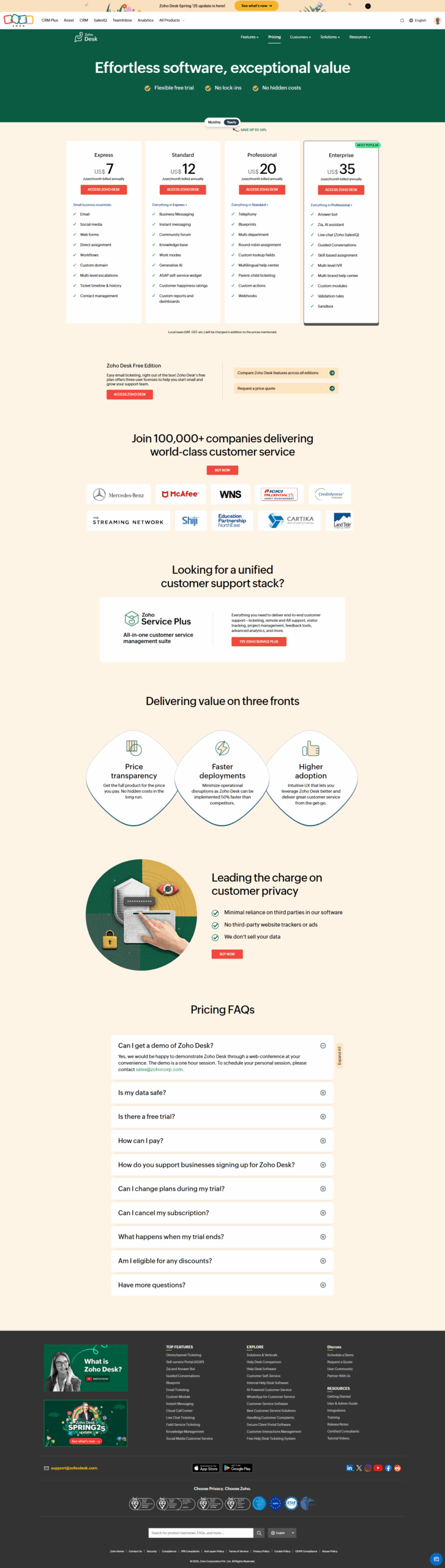
Zoho Desk is an AI-powered help desk software tailored for customer service teams, offering omnichannel support, ticket management, customizable workflows, and real-time analytics. Key features include SLA management, knowledge base integration, automation, and third-party app compatibility. Pricing starts free for three users and scales up to $40/user/month. It’s user-friendly, cost-effective, and ideal for small businesses seeking scalability. Compared to Zendesk or Freshdesk, Zoho Desk is budget-friendly with robust features but can feel overwhelming for new users. Marketers and IT teams will appreciate its automation; however, designers may find UI less intuitive. Customer support is strong but can improve responsiveness.

Pricing

mHelpDesk Pricing

Pricing Range $0.5k-0.5k/Month See mHelpDesk Pricing

Zoho Desk Pricing

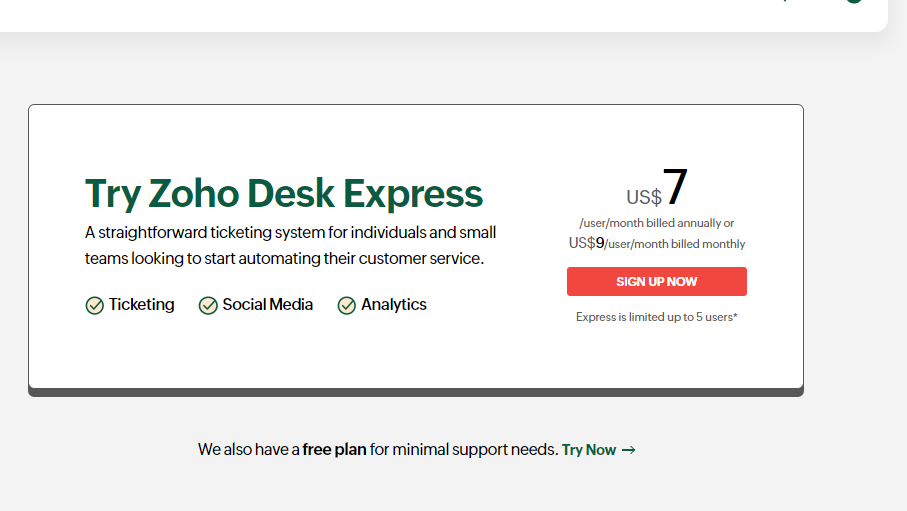
Pricing Range $20-$65/Month See Zoho Desk Pricing

Alternatives

mHelpDesk Alternatives

Zoho Desk logo

Zoho Desk

88%
ServiceTitan logo

ServiceTitan

85%
SysAid logo

SysAid

83%
Solarwinds Service Desk logo

Solarwinds Service Desk

80%
See All mHelpDesk Alternatives

Zoho Desk Alternatives

Salesforce logo

Salesforce

90%
Zendesk Support Suite logo

Zendesk Support Suite

83%
Freshdesk logo

Freshdesk

83%
Intercom logo

Intercom

78%
See All Zoho Desk Alternatives

Experience

mHelpDesk Screenshots

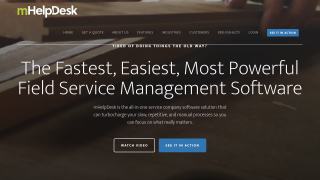
mHelpDesk screenshot 1
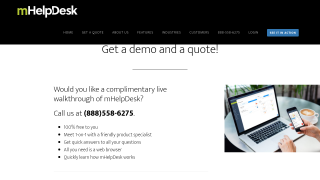
mHelpDesk screenshot 2

Zoho Desk Screenshots

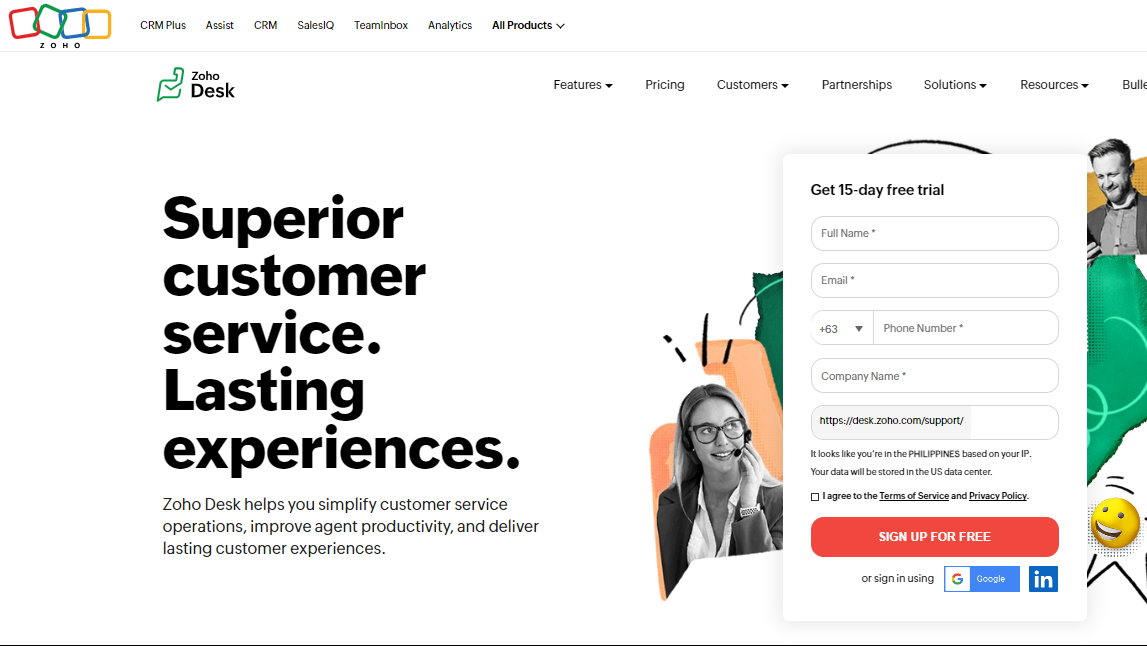
Zoho Desk screenshot 1
Zoho Desk screenshot 2
Zoho Desk screenshot 3
Zoho Desk screenshot 4