Sign in to review
Join our community of software reviewers on Subscribed.fyi

Continue With Google
Continue With LinkedIn
Continue Review with Email
Continue with Email
Enter your email to continue.
Continue
Enter your password
Enter your password to finish setting up your account.
Continue
Activate your email
Enter activation code we sent to your email.
Submit
Reset your password
Enter activation code we sent to your email.
Submit
Set your new password
Enter a new password for your account.
Submit
Categories
For Business
Log in
Provide My Insights
Add Product
Suggested products People also compare with
Add to Comparison
Suggested products People also compare with

Compare Microsoft Access and MongoDB

We are comparing Microsoft Access and MongoDB to evaluate which one is the best product.

Suggested products People also compare with
Review Pricing Alternatives Experience

Review

61%
21/36 Metric achieved
88%
31/36 Metric achieved

Subscribed Metric

Customer Support 3/6
Security 3/6
Ease of Use 4/6
Value of Money 4/6
Integration 2/6
Popularity 5/6

Subscribed Metric

Customer Support 4/6
Security 5/6
Ease of Use 5/6
Value of Money 5/6
Integration 6/6
Popularity 6/6

Pros & Cons

Easy integration with Microsoft suite
Ideal for small to medium-sized databases
Customizable forms, reports, and queries
Quick setup and intuitive for beginners
Struggles with large data handling
Limited capabilities for multi-user access
Not intuitive for complex setups
Slows down with extensive inputs

Pros & Cons

Flexible and scalable for evolving data needs.
Easy to use with JSON-like data storage.
Strong integration with programming languages.
Fast performance and reliable data handling.
Complex queries can be difficult to optimize.
Steep learning curve for beginners.
High memory usage with large datasets.
Limited transaction support compared to SQL.

Conclusion

Microsoft Access is a desktop database software ideal for small businesses, solo developers, or marketers managing structured data. It offers templates, easy report creation, and integration with other Microsoft products. Although powerful for small-scale use, it struggles with large datasets and multi-user collaboration. Compared to alternatives like MySQL or Airtable, Access is easier for non-technical users but lacks scalability and cloud-native features. It offers decent customer support but is costlier than average in its category. Suitable for beginners, its cost-effectiveness is moderate.

Conclusion

MongoDB is a flexible, scalable NoSQL database popular among developers and data analysts for unstructured data. It supports JSON-like documents, horizontal scaling (sharding), and advanced search capabilities with robust security features like encryption and role-based authorization. Compared to alternatives like MySQL (reliable for relational data) and DynamoDB (managed NoSQL), MongoDB excels in agility but has a steeper learning curve for complex queries. Pricing is competitive, offering free shared clusters and scaled paid options starting at $57/month. While support is efficient, heavy users may prefer its enterprise edition for advanced needs. Ideal for developers building dynamic, high-traffic apps.

Pricing

Microsoft Access Pricing

Pricing Range $50-$195/Month See Microsoft Access Pricing

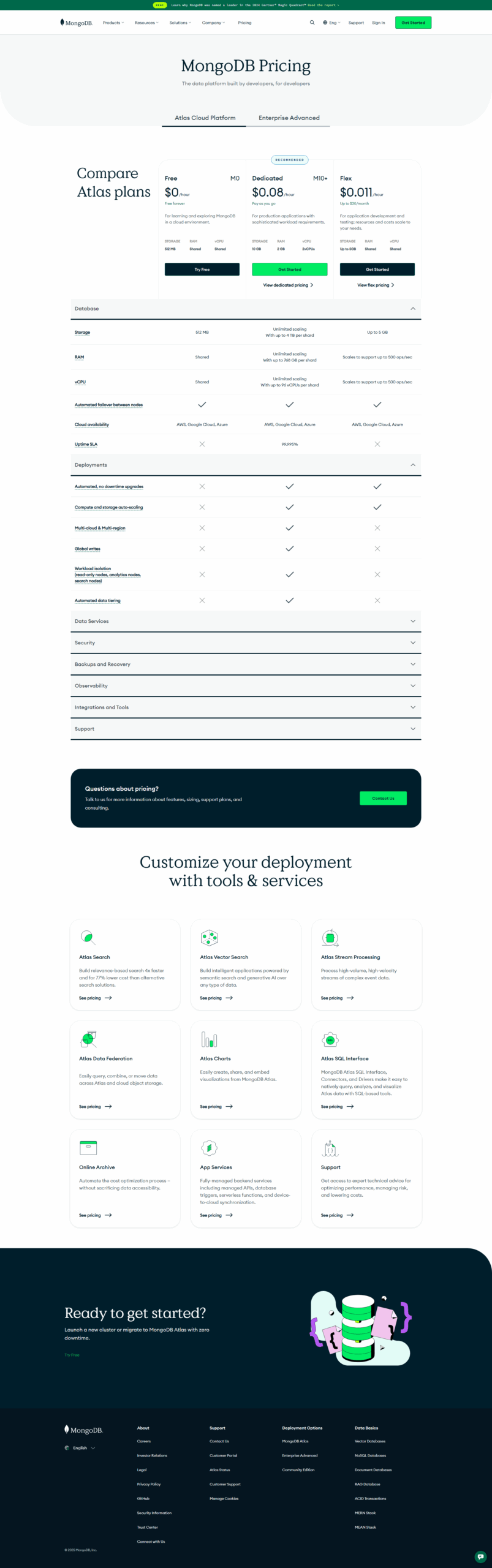
MongoDB Pricing

Pricing Range $9-95/Month See MongoDB Pricing

Alternatives

Microsoft Access Alternatives

MongoDB logo

MongoDB

88%
Ninox logo

Ninox

83%
MySQL logo

MySQL

78%
See All Microsoft Access Alternatives

MongoDB Alternatives

MySQL logo

MySQL

78%
See All MongoDB Alternatives

Experience

Microsoft Access Screenshots

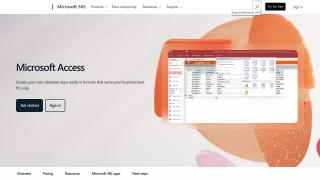
Microsoft Access screenshot 1
Microsoft Access screenshot 2

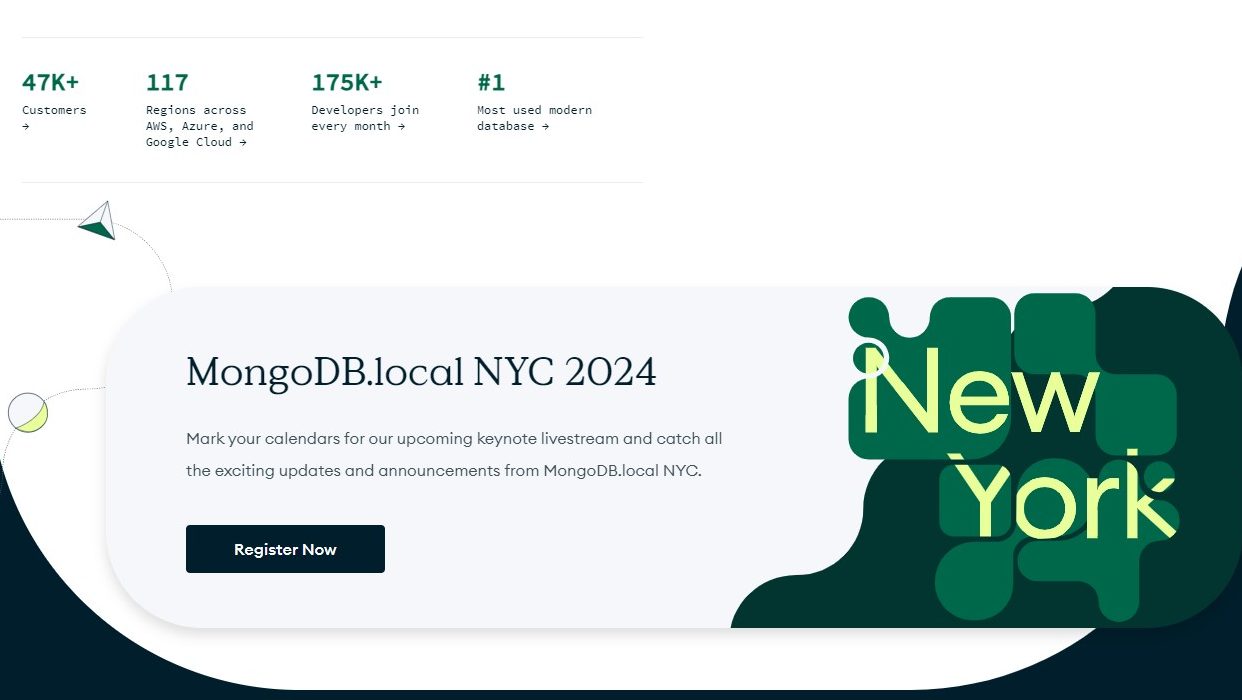
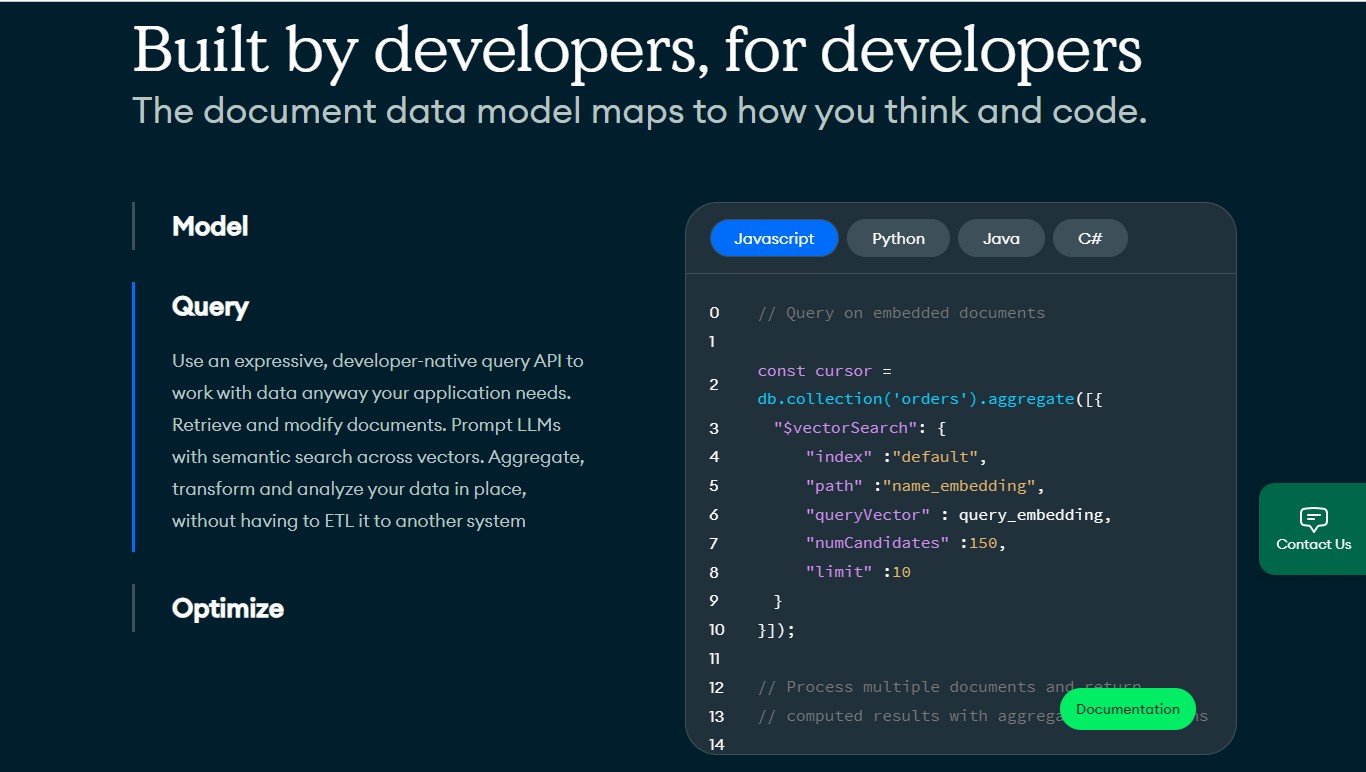
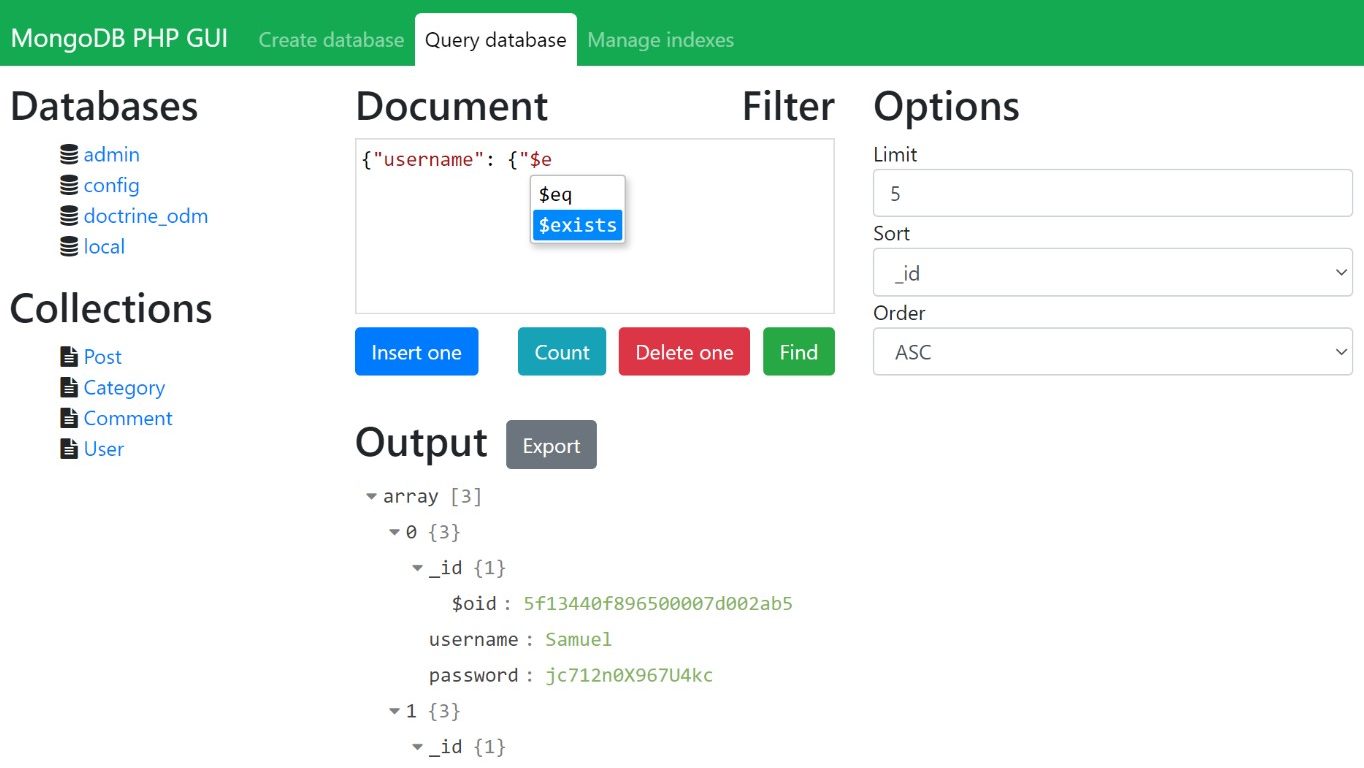
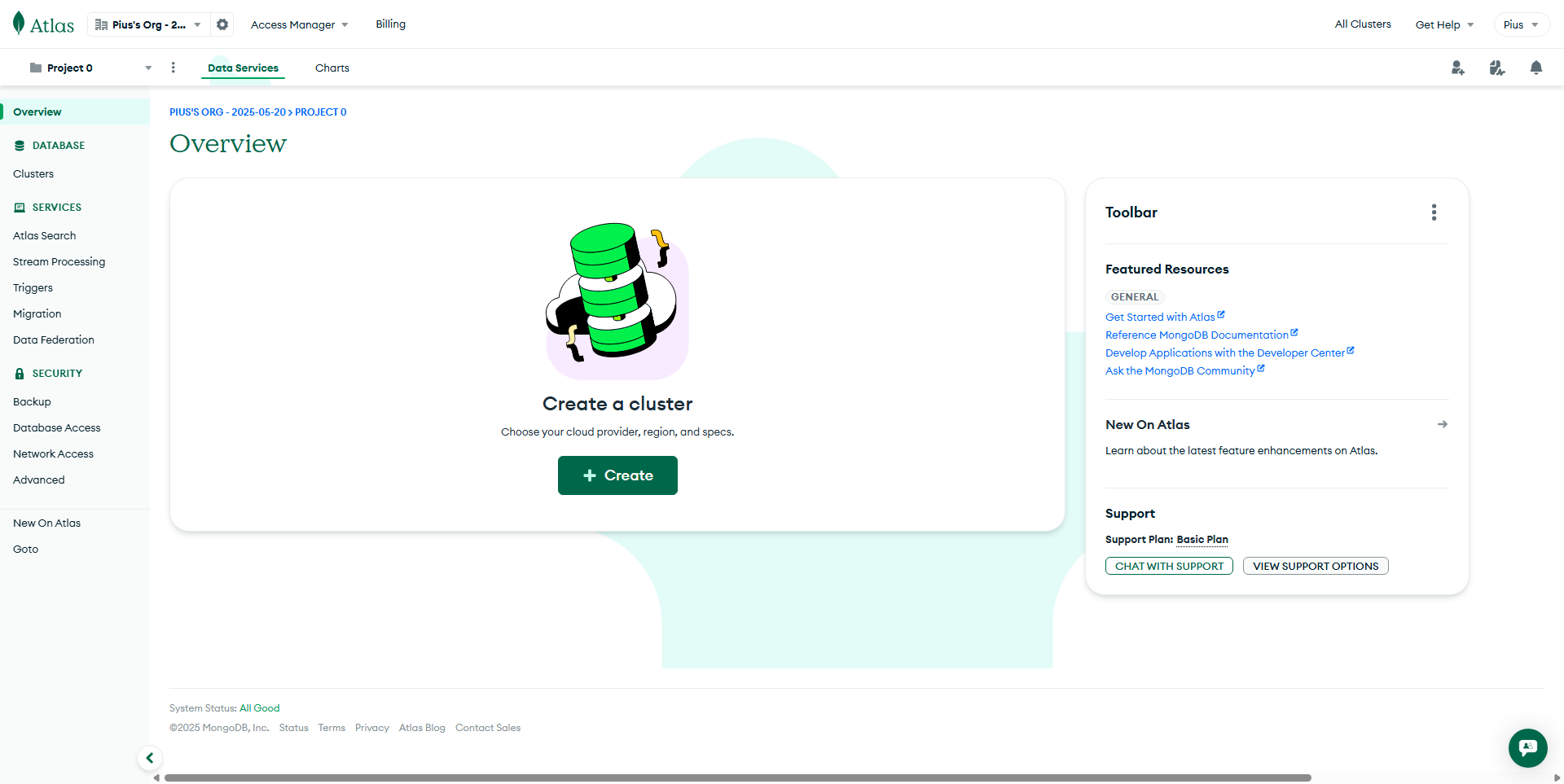
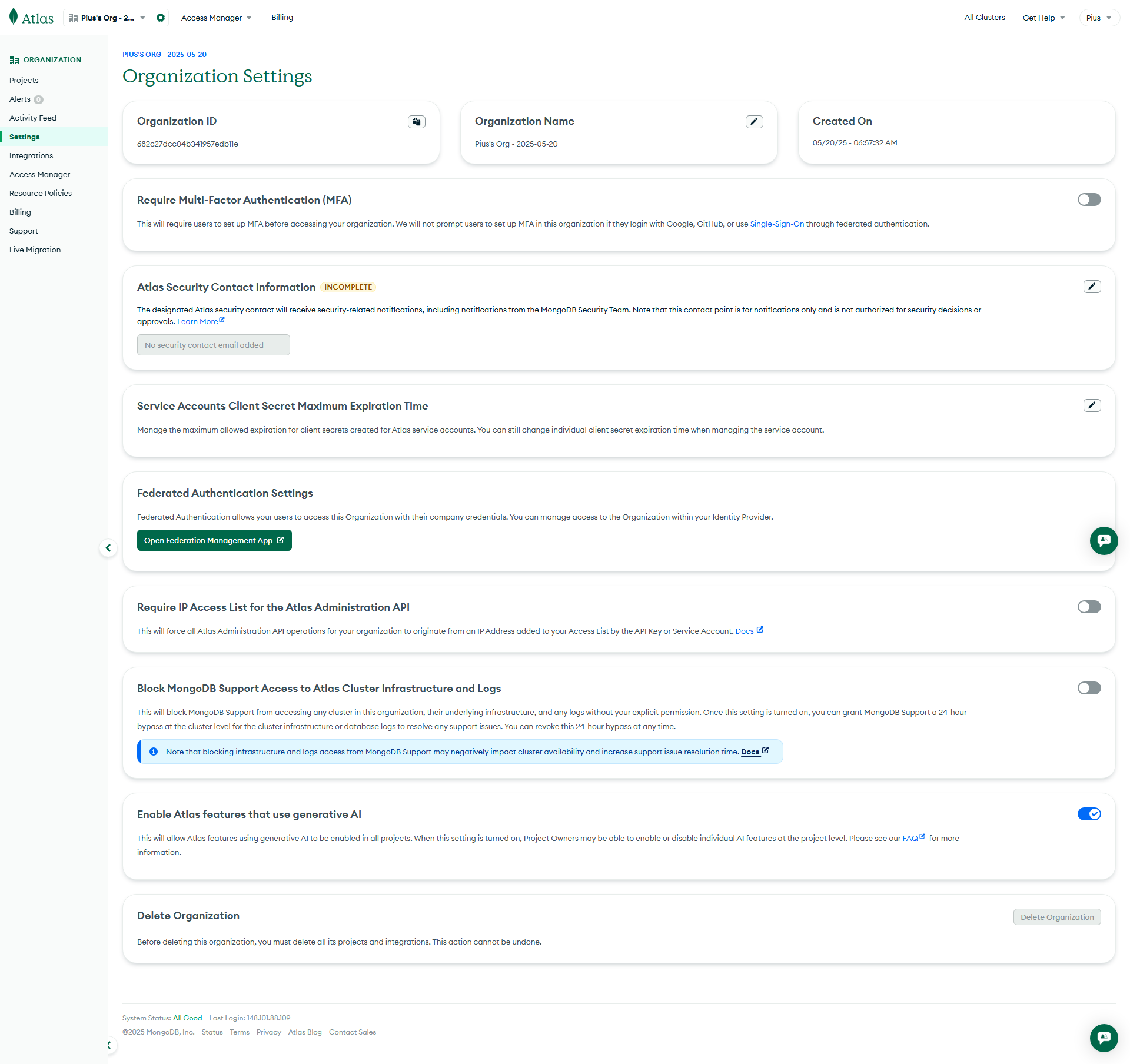
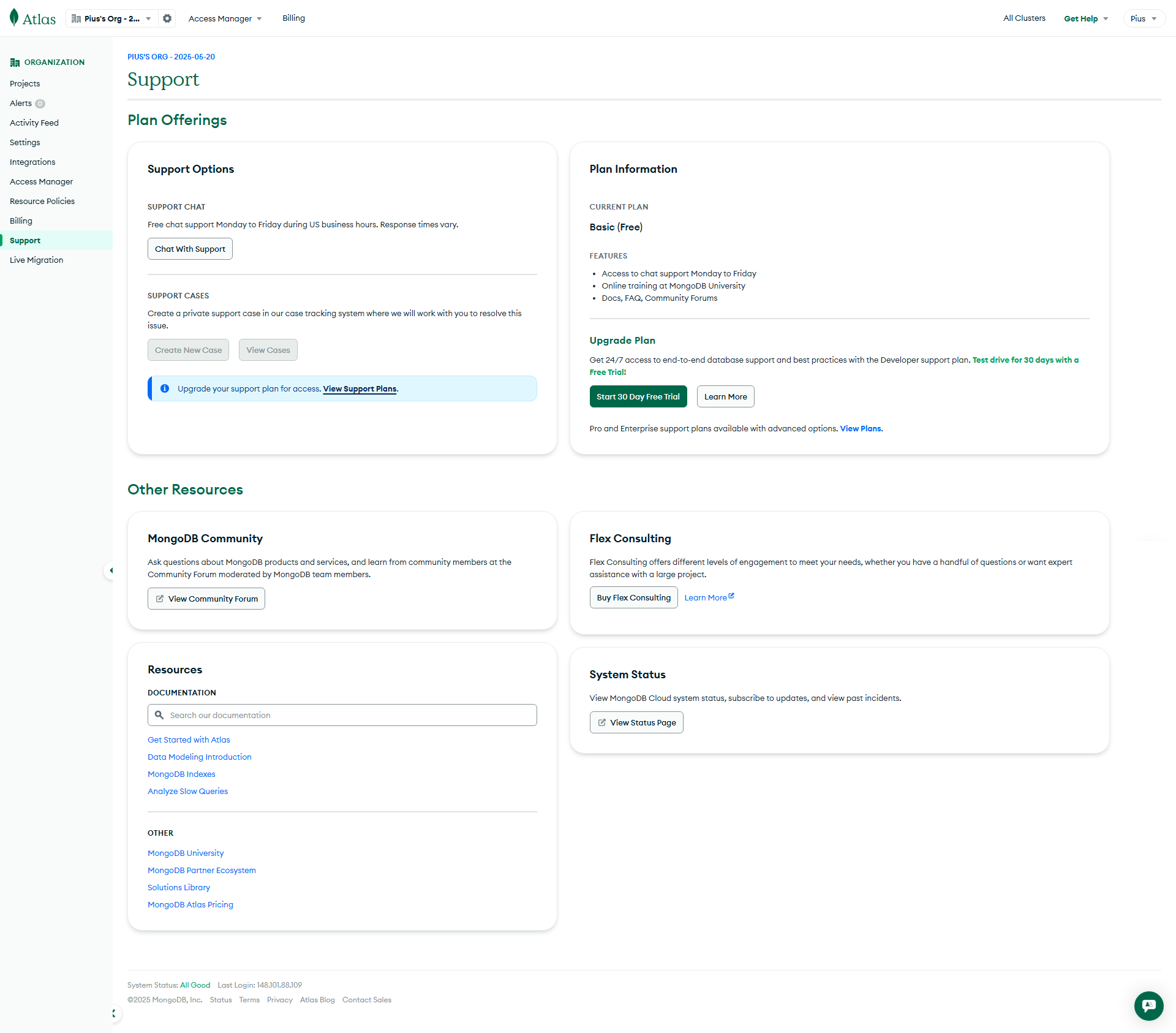
MongoDB Screenshots

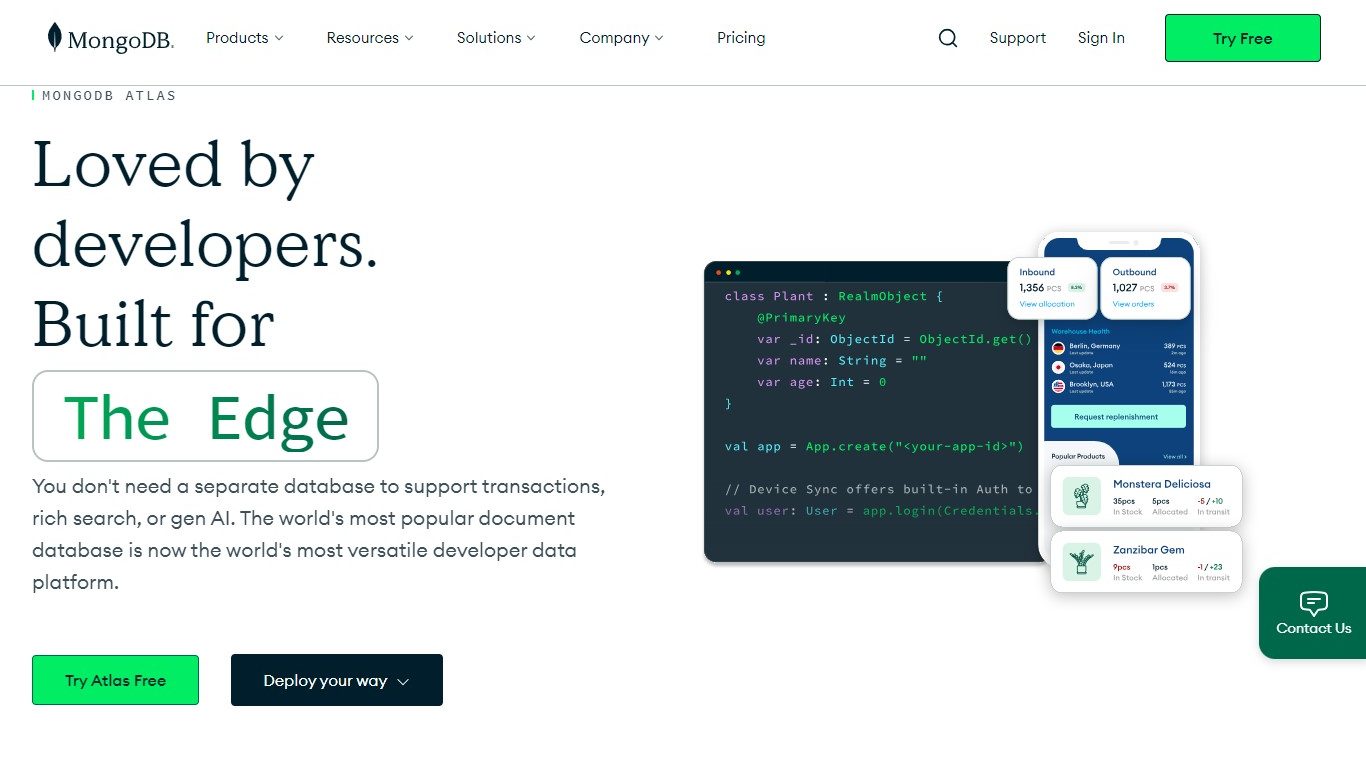
MongoDB screenshot 1
MongoDB screenshot 2
MongoDB screenshot 3
MongoDB screenshot 4
MongoDB screenshot 5
MongoDB screenshot 6
MongoDB screenshot 7
MongoDB screenshot 8