Sign in to review
Join our community of software reviewers on Subscribed.fyi

Continue With Google
Continue With LinkedIn
Continue Review with Email
Continue with Email
Enter your email to continue.
Continue
Enter your password
Enter your password to finish setting up your account.
Continue
Activate your email
Enter activation code we sent to your email.
Submit
Reset your password
Enter activation code we sent to your email.
Submit
Set your new password
Enter a new password for your account.
Submit
Categories
For Business
Log in
Provide My Insights
Add Product
Suggested products People also compare with
Add to Comparison
Suggested products People also compare with

Compare OneLogin and LastPass

We are comparing OneLogin and LastPass to evaluate which one is the best product.

Suggested products People also compare with
Review Pricing Alternatives Experience

Review

90%
32/36 Metric achieved
85%
30/36 Metric achieved

Subscribed Metric

Customer Support 4/6
Security 6/6
Ease of Use 6/6
Value of Money 5/6
Integration 5/6
Popularity 6/6

Subscribed Metric

Customer Support 4/6
Security 4/6
Ease of Use 5/6
Value of Money 5/6
Integration 6/6
Popularity 6/6

Pros & Cons

Seamless single sign-on access
Strong security features like MFA
User-friendly and intuitive interface
Efficient role-based access control
Setup can be complex for large organizations
Frequent re-logins can disrupt workflow
Higher cost for additional support packages
Occasional synchronization delays

Pros & Cons

Strong and secure password storage
Cross-device synchronization
User-friendly interface
Advanced features like password generator
Past security breach concerns
Occasional autofill and sync issues
High cost for full features
Logging out unexpectedly

Conclusion

OneLogin simplifies identity and access management with secure single sign-on (SSO), multi-factor authentication (MFA), and user provisioning for organizations of all sizes. It supports seamless integration across cloud and on-premises applications, offering a centralized platform for user management. Developers, IT admins, and security teams benefit from its ease of use, scalability, and robust compliance features. While its flexibility shines, initial setup may be time-consuming, and advanced features come at a premium. Competitors like Okta and Microsoft Entra ID are solid alternatives, with Okta excelling in scalability but often costing more. Customer support is reliable but can occasionally lag. Pricing starts at $2/user/month, providing a cost-effective solution for most businesses.

Conclusion

LastPass is a secure, feature-rich password manager ideal for teams and businesses of all sizes. Key benefits include seamless password generation, storage, auto-fill, and sharing capabilities. It integrates with SSO and MFA to enhance security without compromising accessibility. Priced from $4/user/month, LastPass competes with alternatives like 1Password and Keeper, excelling in team sharing and browser plugins but trailing in incident transparency and cost. Its customer support and extensive integrations make it valuable for tech-savvy marketers and developers managing many credentials.

Pricing

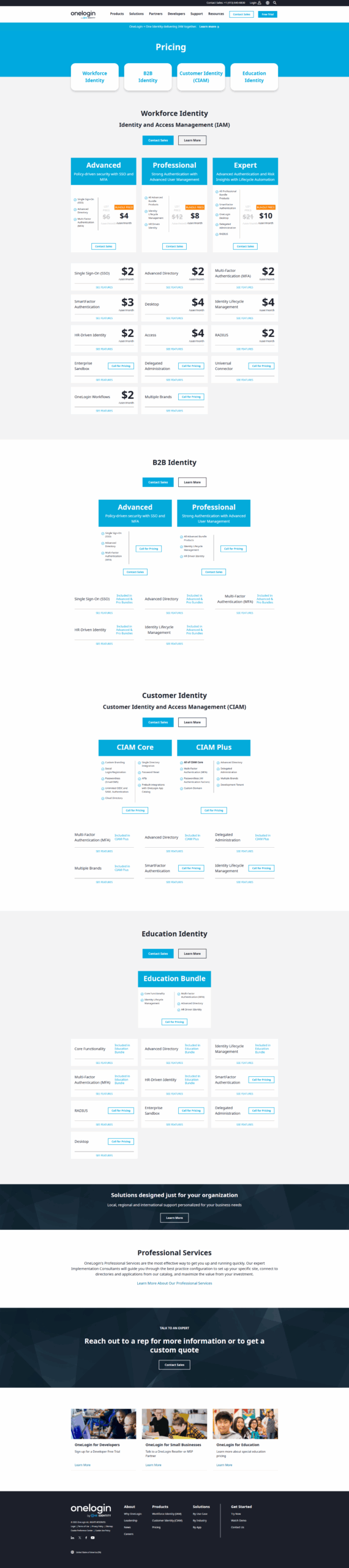
OneLogin Pricing

Pricing Range $2-$8/Month See OneLogin Pricing

LastPass Pricing

Pricing Range $0-$7/Month See LastPass Pricing

Alternatives

OneLogin Alternatives

Okta logo

Okta

95%
LastPass logo

LastPass

85%
See All OneLogin Alternatives

LastPass Alternatives

Okta logo

Okta

95%
1Password logo

1Password

90%
Keeper Password Manager logo

Keeper Password Manager

85%
See All LastPass Alternatives

Experience

OneLogin Screenshots

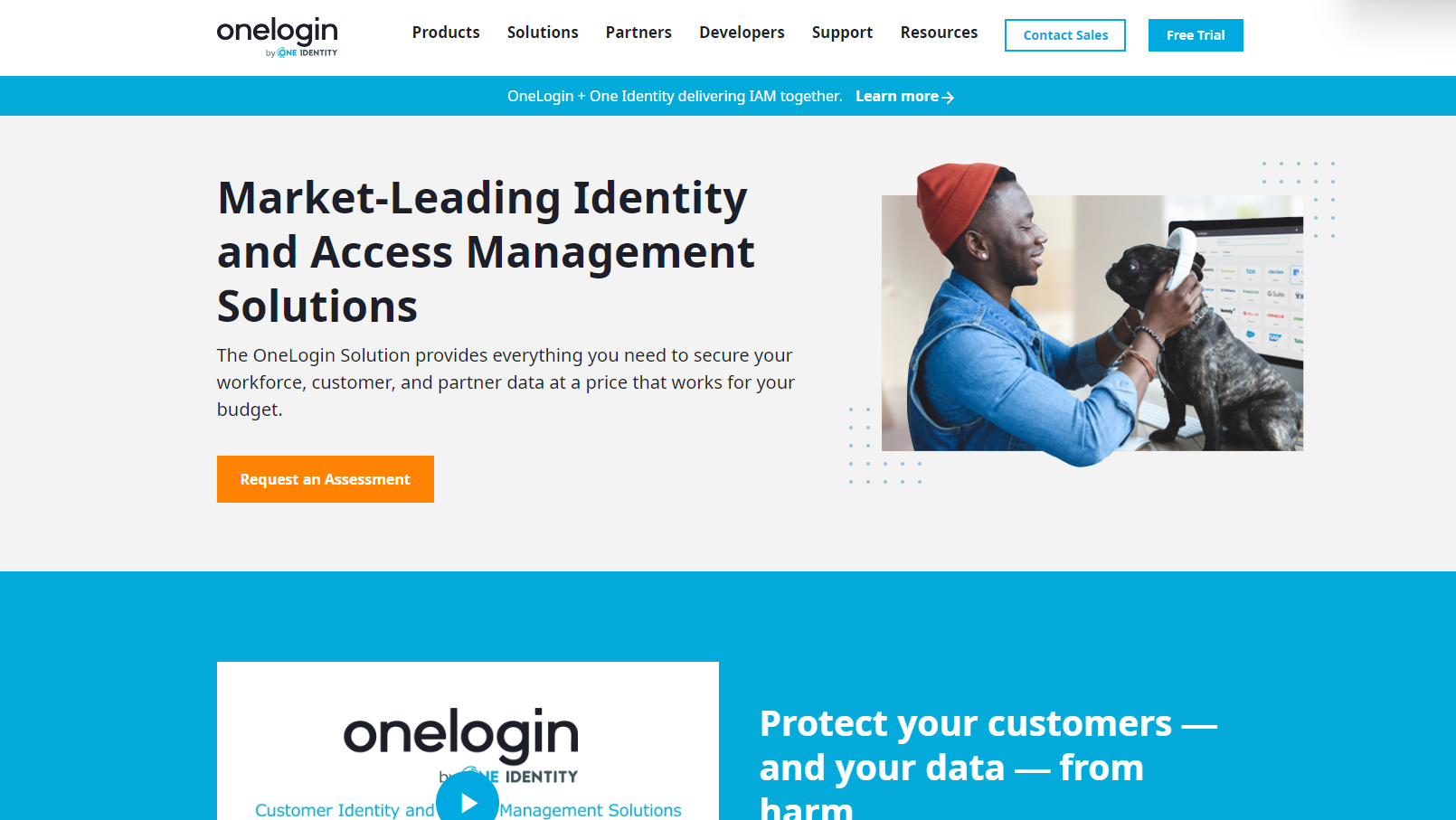
OneLogin screenshot 1
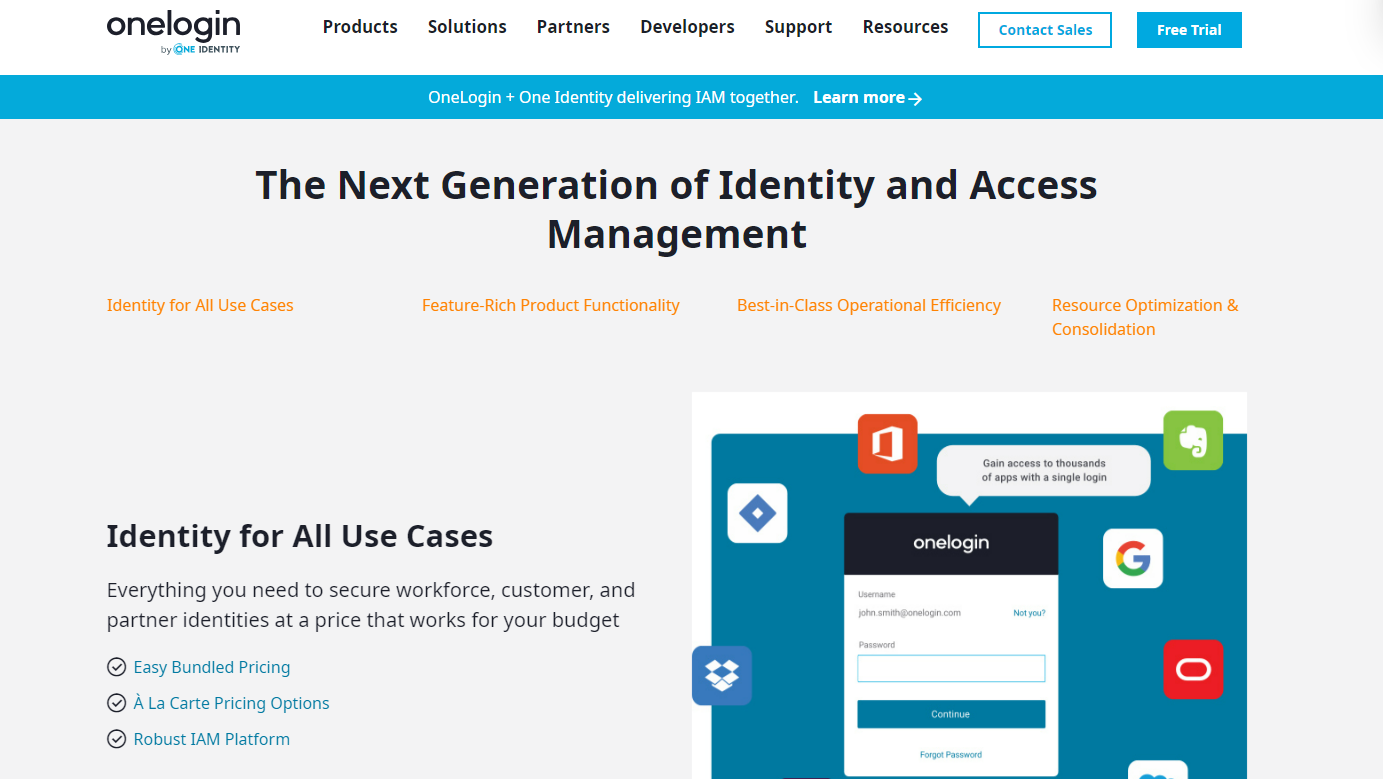
OneLogin screenshot 2
OneLogin screenshot 3
OneLogin screenshot 4

LastPass Screenshots

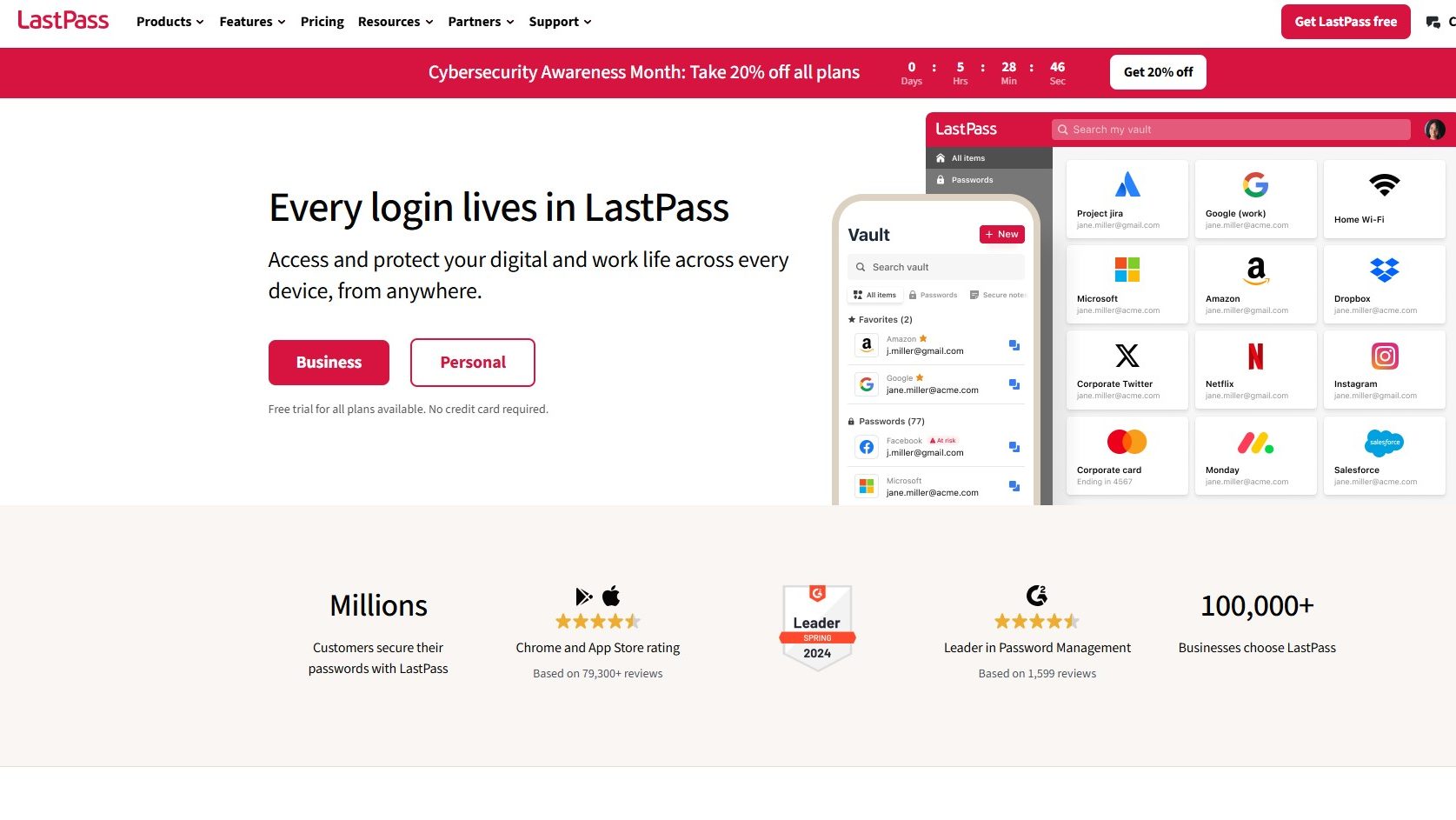
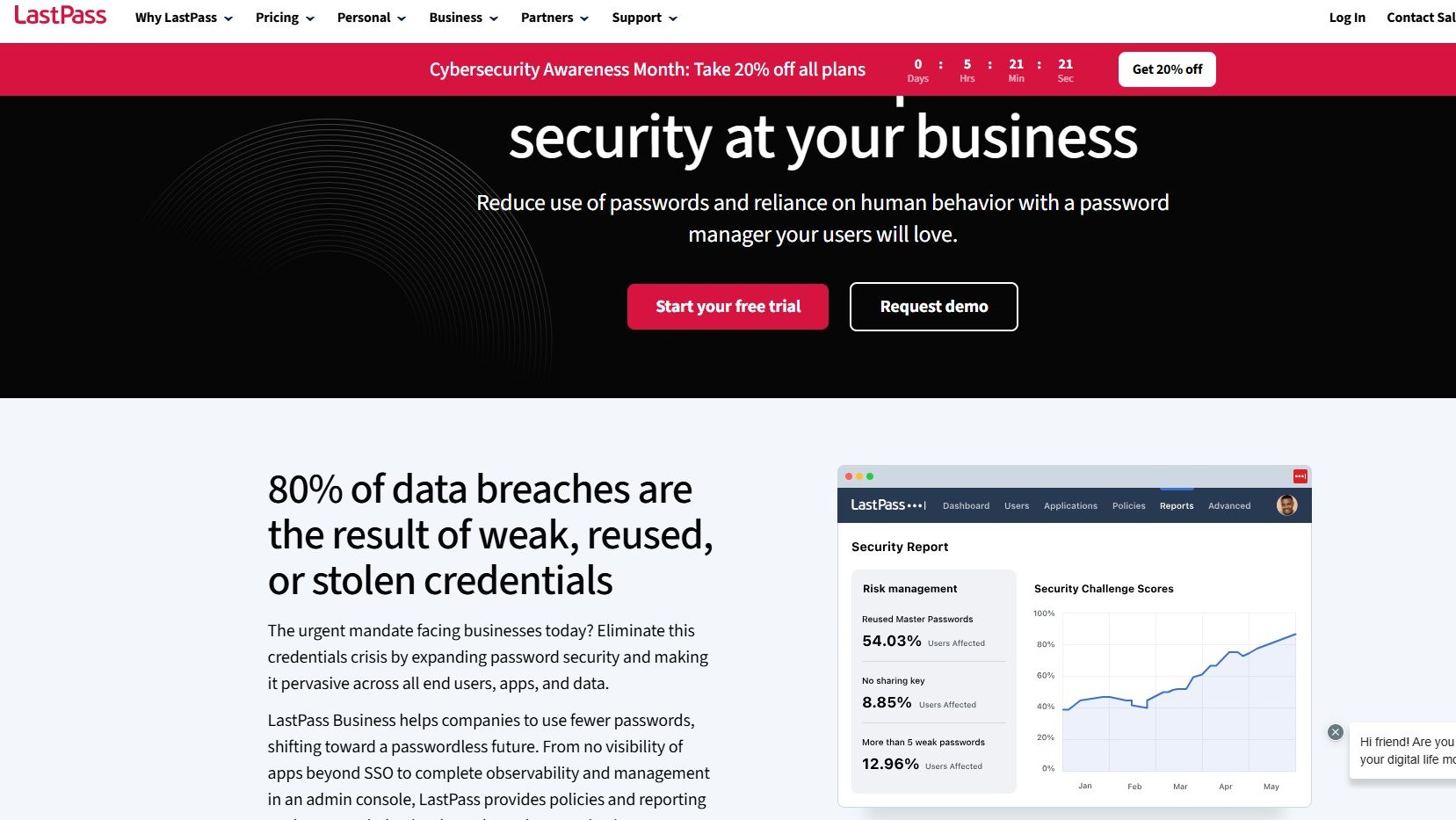
LastPass screenshot 1
LastPass screenshot 2