Sign in to review
Join our community of software reviewers on Subscribed.fyi

Continue With Google
Continue With LinkedIn
Continue Review with Email
Continue with Email
Enter your email to continue.
Continue
Enter your password
Enter your password to finish setting up your account.
Continue
Activate your email
Enter activation code we sent to your email.
Submit
Reset your password
Enter activation code we sent to your email.
Submit
Set your new password
Enter a new password for your account.
Submit
Categories
For Business
Log in
Provide My Insights
Add Product
Suggested products People also compare with
Add to Comparison
Suggested products People also compare with

Compare OXON and Salesforce

We are comparing OXON and Salesforce to evaluate which one is the best product.

Suggested products People also compare with
Review Pricing Alternatives Experience

Review

65%
24/36 Metric achieved
90%
32/36 Metric achieved

Subscribed Metric

Customer Support 5/6
Security 0/6
Ease of Use 6/6
Value of Money 6/6
Integration 4/6
Popularity 3/6

Subscribed Metric

Customer Support 5/6
Security 6/6
Ease of Use 5/6
Value of Money 4/6
Integration 6/6
Popularity 6/6

Pros & Cons

All-in-one platform for communication needs
Ease of use with minimal training required
Customizable campaign parameters
Affordable pricing with great value
Dashboard sometimes loads data slowly
Interface can be confusing initially
Limited features like missing chatbox
Switching between plans not seamless

Pros & Cons

Highly customizable for business needs.
Improves case and data management.
AI-driven features boost efficiency.
Supports multiple communication channels.
Steep learning curve for new users.
High cost can be prohibitive.
Customer support needs improvement.
Certain features may feel unnecessary.

Conclusion

OXON is a cloud-based contact center software designed for businesses to streamline communication across channels. Its key features include omnichannel customer support (email, SMS, calls, social media), personalized email marketing, sales team management, and advanced reporting for real-time performance tracking. Priced at $39/user/month (Business) and $69/user/month (Enterprise), it offers excellent value. Compared to tools like Salesforce Service Cloud or Talkdesk, OXON is cost-effective, though it lacks extensive integrations and customization. Ideal for small to mid-sized teams in sales, telemarketing, and customer support, it enhances productivity while monitoring employee performance efficiently. Customer support and usability are highly rated but could improve in feature expansion and interface design.

Conclusion

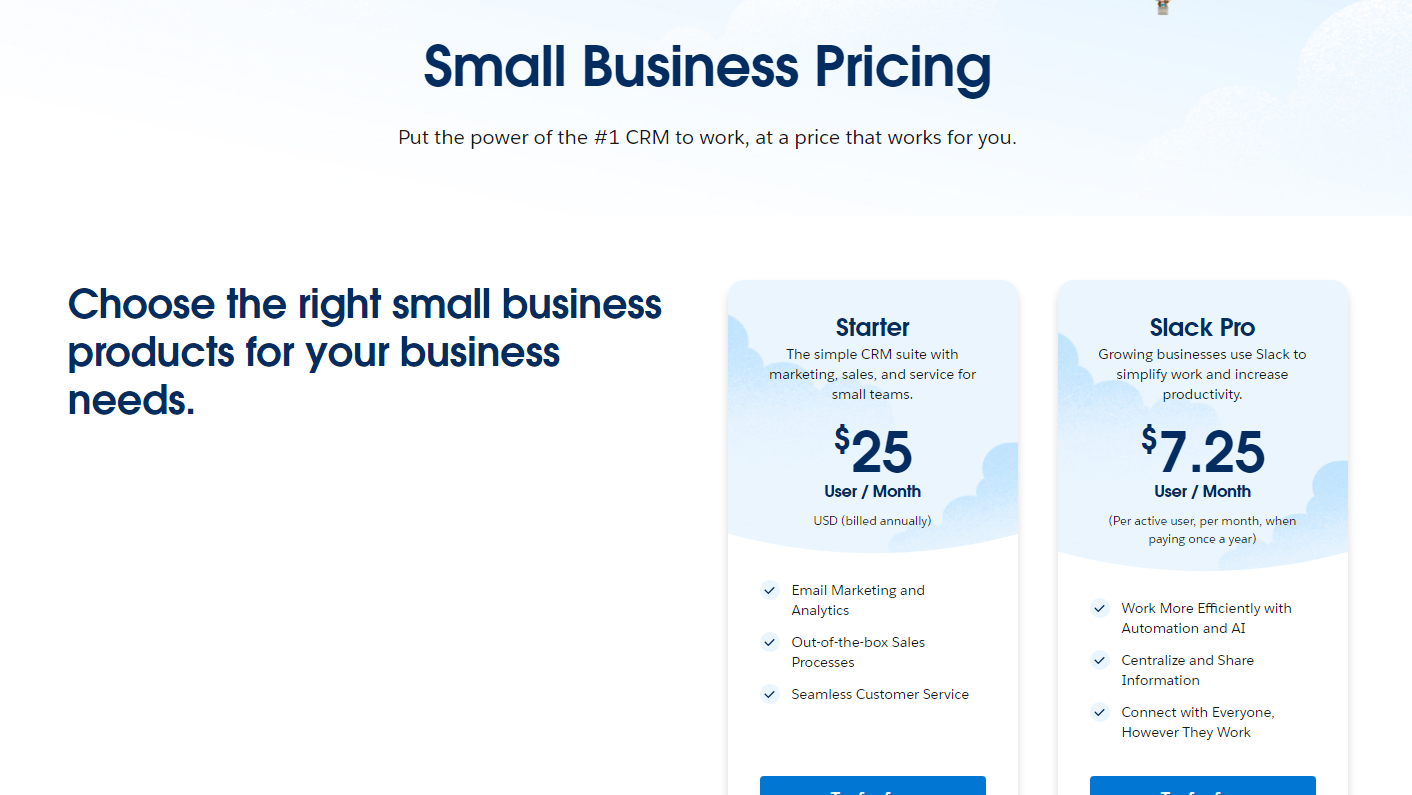
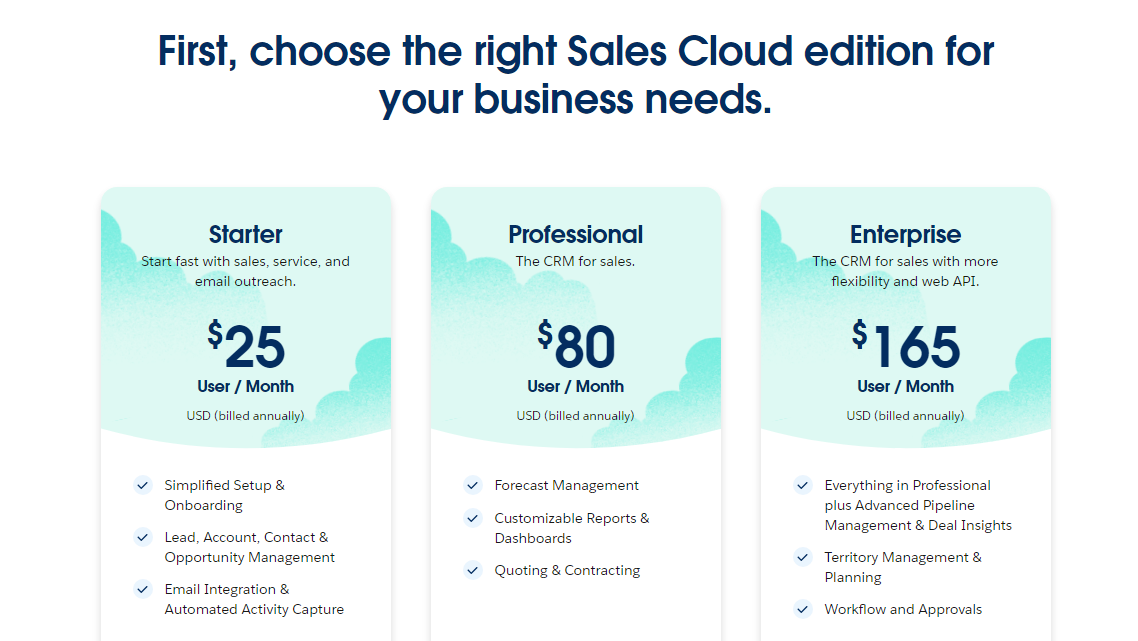
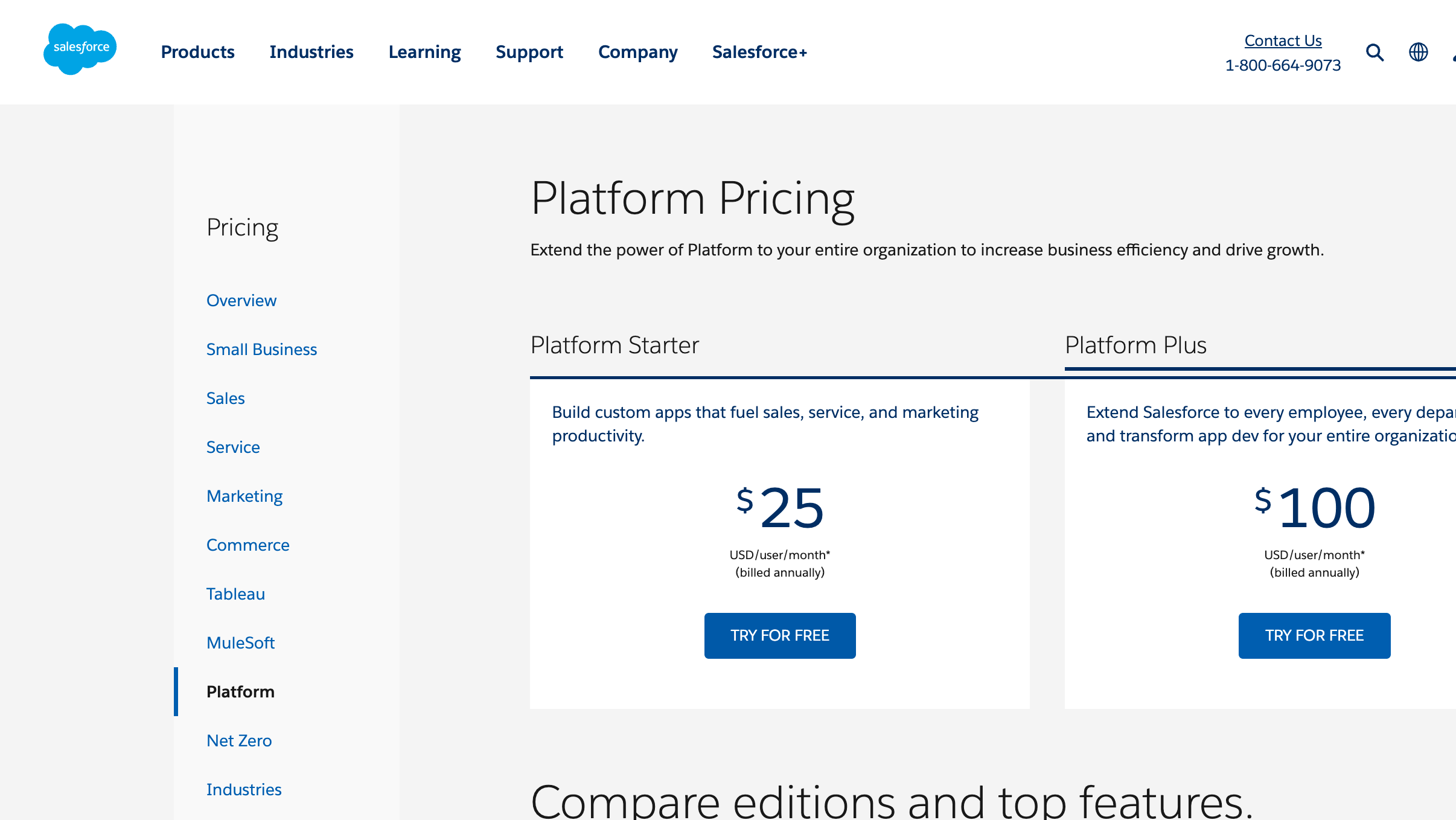
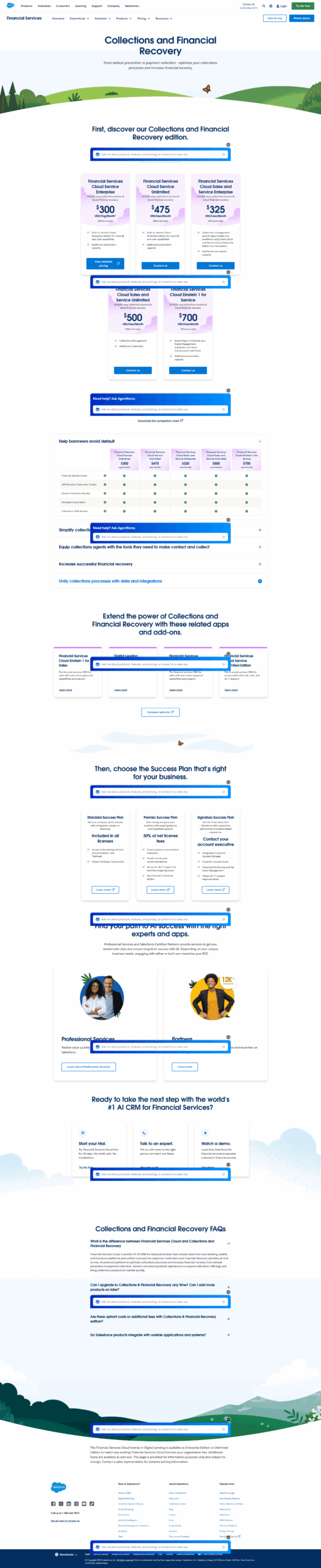
Salesforce Service Cloud is a robust AI-powered CRM tailored for customer service, offering features like omnichannel support, automated workflows, reporting, and case management. It enhances agent productivity with AI-driven insights and customizable dashboards. Key pricing tiers range from $25/user/month for basic tools to $500/user/month for AI-advanced services.

Compared to Zendesk or Zoho Desk, Salesforce excels in scalability, AI integration, and security but has a steeper learning curve and higher costs. It suits enterprises, marketers, and account managers needing in-depth customer data integration. However, small businesses may find alternatives like Zoho more cost-effective. Customer support quality is strong but comes with added costs in higher-tier plans. Despite its price, Salesforce is a comprehensive and reliable tool for growing organizations.

Pricing

OXON Pricing

Pricing Range $0.06k-975k/Month See OXON Pricing

Salesforce Pricing

Pricing Range $25-500/Month See Salesforce Pricing

Alternatives

OXON Alternatives

Salesforce logo

Salesforce

90%
Talkdesk logo

Talkdesk

90%
Nextiva logo

Nextiva

90%
See All OXON Alternatives

Salesforce Alternatives

Zoho Desk logo

Zoho Desk

88%
Zendesk Support Suite logo

Zendesk Support Suite

83%
Freshdesk logo

Freshdesk

83%
SAP Concur logo

SAP Concur

82%
See All Salesforce Alternatives

Experience

OXON Screenshots

OXON screenshot 1
OXON screenshot 2

Salesforce Screenshots

Salesforce screenshot 1
Salesforce screenshot 2
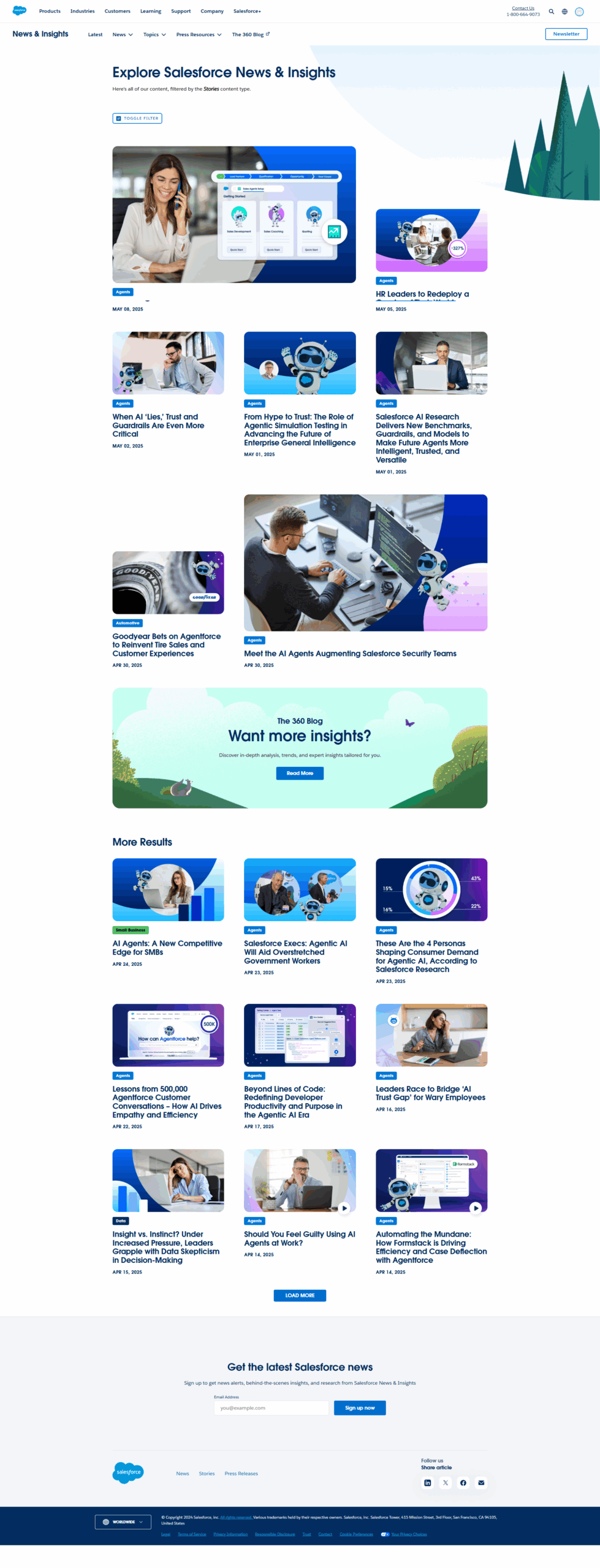
Salesforce screenshot 3
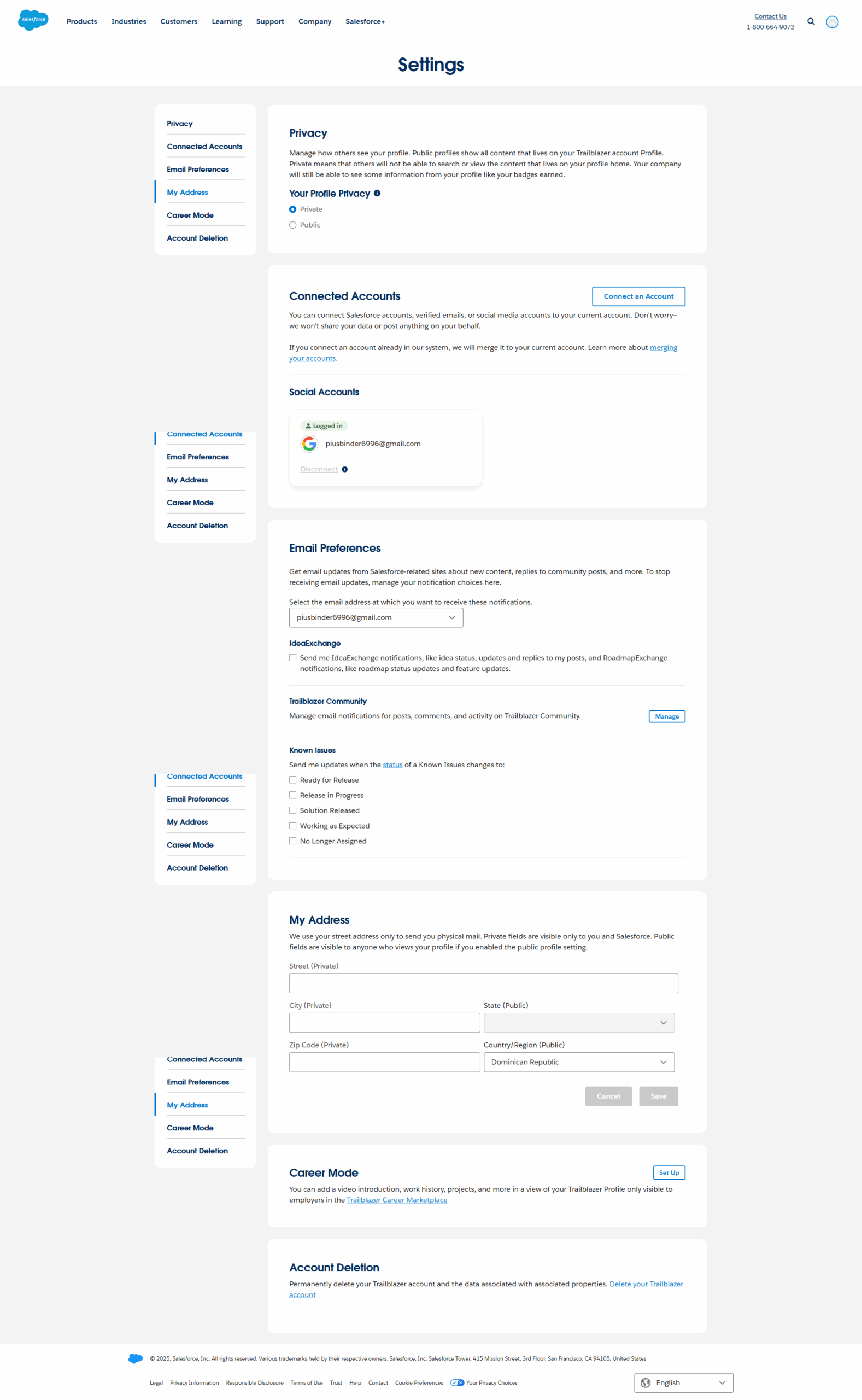
Salesforce screenshot 4
Salesforce screenshot 5
Salesforce screenshot 6
Salesforce screenshot 7