Sign in to review
Join our community of software reviewers on Subscribed.fyi

Continue With Google
Continue With LinkedIn
Continue Review with Email
Continue with Email
Enter your email to continue.
Continue
Enter your password
Enter your password to finish setting up your account.
Continue
Activate your email
Enter activation code we sent to your email.
Submit
Reset your password
Enter activation code we sent to your email.
Submit
Set your new password
Enter a new password for your account.
Submit
Categories
For Business
Log in
Provide My Insights
Add Product
Suggested products People also compare with
Add to Comparison
Suggested products People also compare with

Compare Quixy and Airtable

We are comparing Quixy and Airtable to evaluate which one is the best product.

Suggested products People also compare with
Review Pricing Alternatives Experience

Review

93%
34/36 Metric achieved
85%
30/36 Metric achieved

Subscribed Metric

Customer Support 6/6
Security 6/6
Ease of Use 6/6
Value of Money 6/6
Integration 5/6
Popularity 5/6

Subscribed Metric

Customer Support 4/6
Security 4/6
Ease of Use 5/6
Value of Money 5/6
Integration 6/6
Popularity 6/6

Pros & Cons

Fast app building without coding
Highly customizable workflows
Easy integration with APIs
Strong data security features
Limited multi-language support
Steeper learning curve for beginners
Occasional performance lags
High cost for small teams

Pros & Cons

Highly flexible and customizable
Excellent collaboration features
Simple spreadsheet-database combo
Wide range of integrations and templates
Advanced features are costly
Steep learning curve for new users
Limited offline functionalities
Overwhelming setup for complex workflows

Conclusion

Quixy is a no-code platform empowering business users to create enterprise-grade applications using drag-and-drop tools. It enhances efficiency, transparency, and productivity through features like customizable workflows, real-time monitoring, and integration capabilities. Unlike alternatives like AppSheet or Kissflow, which may focus on simpler workflows or require some technical expertise, Quixy supports robust automation and scalability for enterprise needs. Priced flexibly, starting at $20/user/month, it’s cost-effective with strong customer support including knowledge bases and chat. Ideal for project managers and business analysts, it minimizes dependency on developers. However, smaller teams may find simpler tools more suited.

Conclusion

Airtable is a no-code app-building platform combining spreadsheet-style simplicity with robust features like automation, integrations, and customizable workflows. It excels for marketers, designers, and project managers needing data collaboration and task tracking. Compared to ClickUp or Asana, Airtable shines in personalization but may overwhelm new users and lacks advanced project management tools. Pricing starts free, scaling up based on usage, though costs can escalate. Customer support is reliable, and overall it offers excellent cost-effectiveness for mid-scale data organization.

Pricing

Quixy Pricing

Pricing Range $0.4k-1k/Month See Quixy Pricing

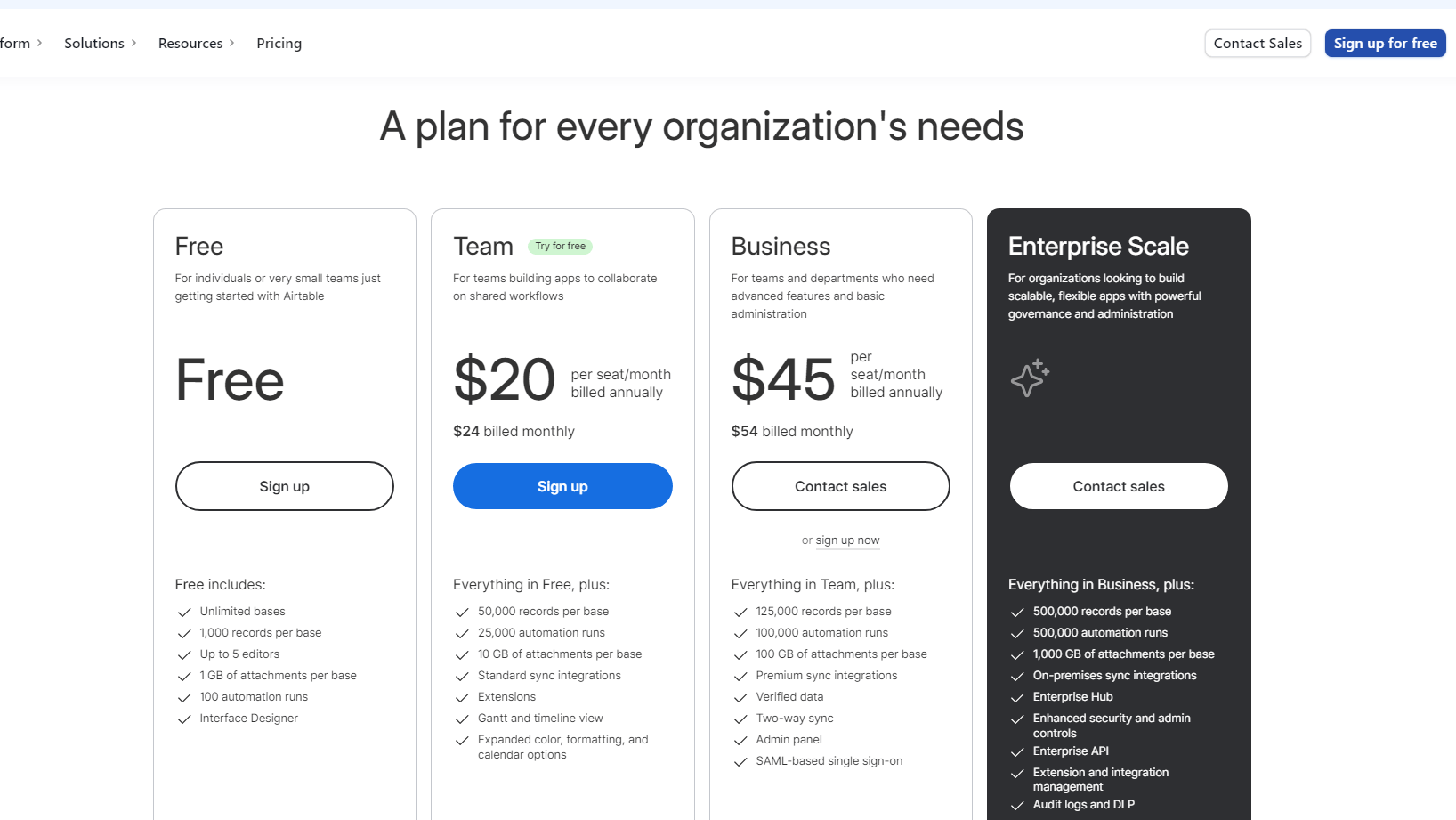
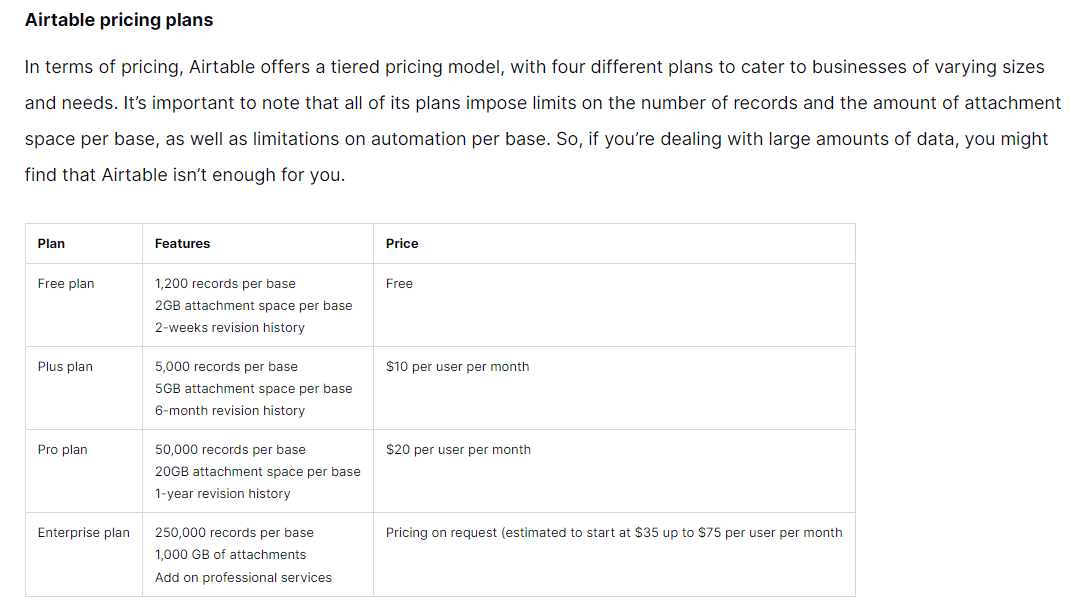
Airtable Pricing

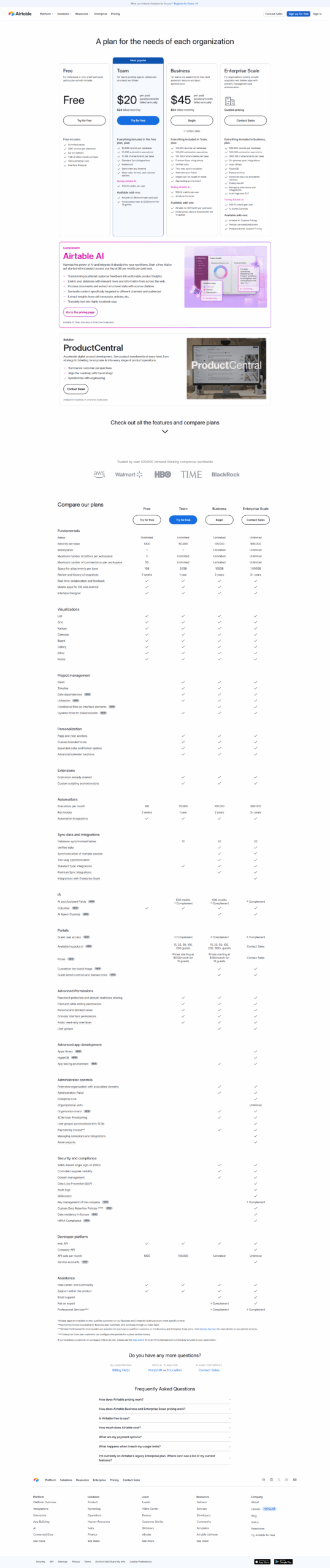
Pricing Range $7-$45/Month See Airtable Pricing

Alternatives

Quixy Alternatives

Airtable logo

Airtable

85%
Appy Pie logo

Appy Pie

85%
AppSheet logo

AppSheet

80%
KiSSFLOW logo

KiSSFLOW

78%
See All Quixy Alternatives

Airtable Alternatives

Trello logo

Trello

90%
Monday.com logo

Monday.com

90%
ClickUp logo

ClickUp

88%
Smartsheet logo

Smartsheet

85%
See All Airtable Alternatives

Experience

Quixy Screenshots

Quixy screenshot 1
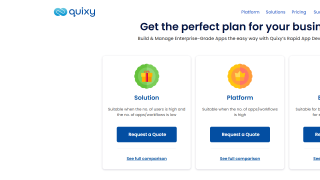
Quixy screenshot 2

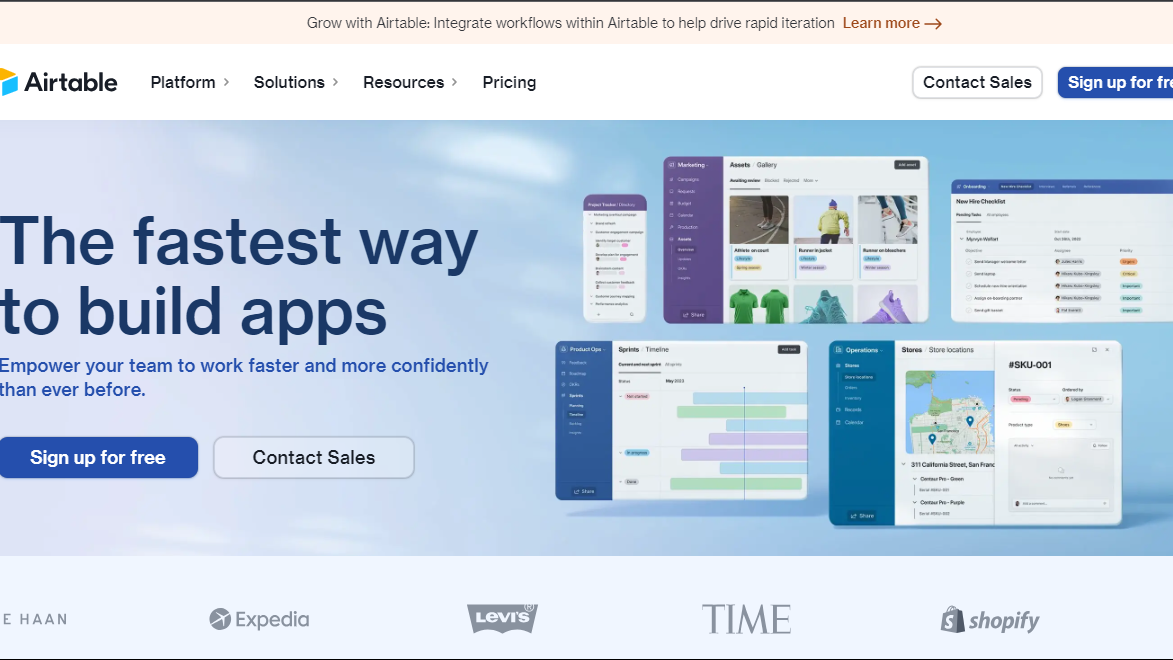
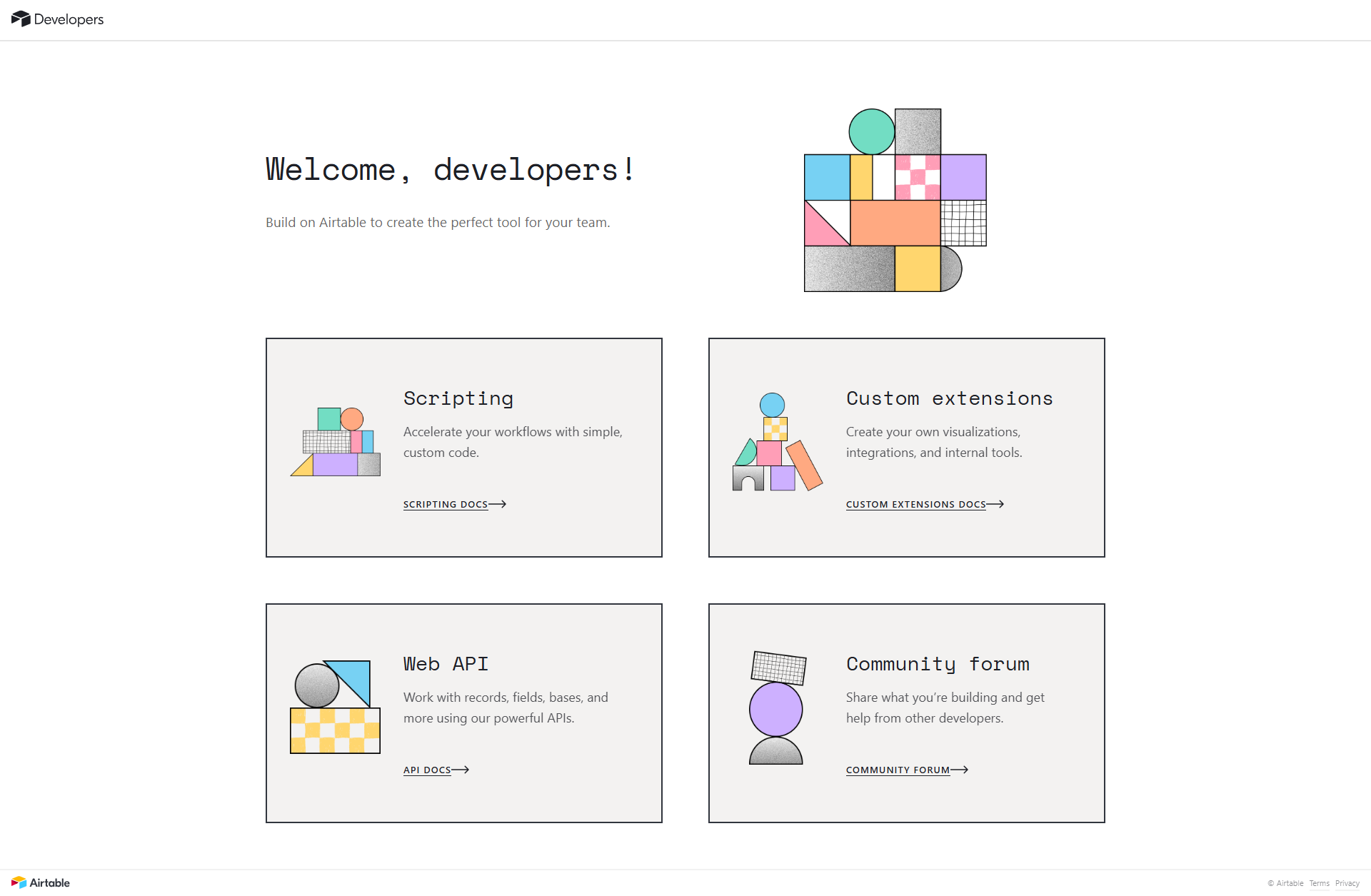
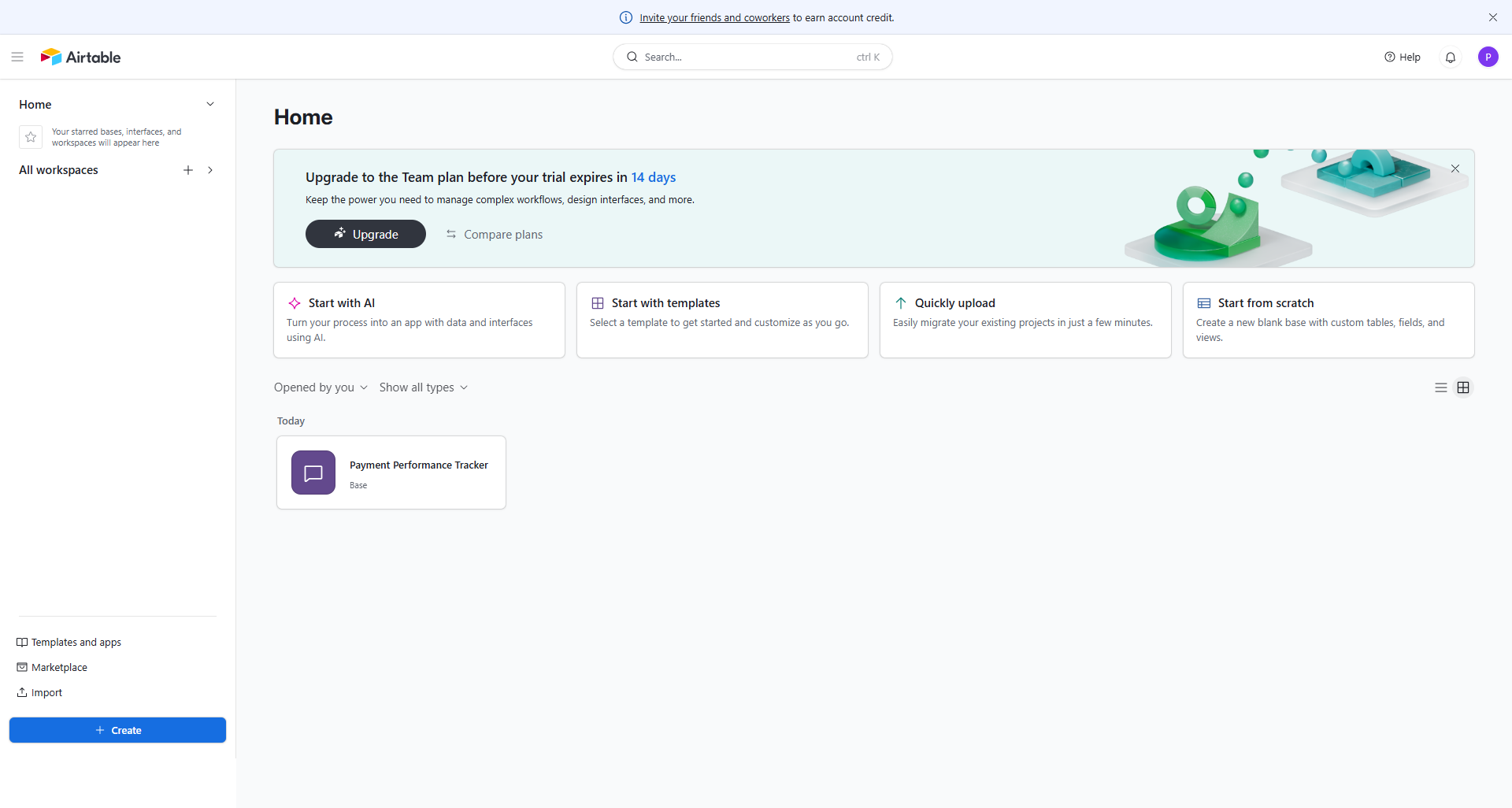
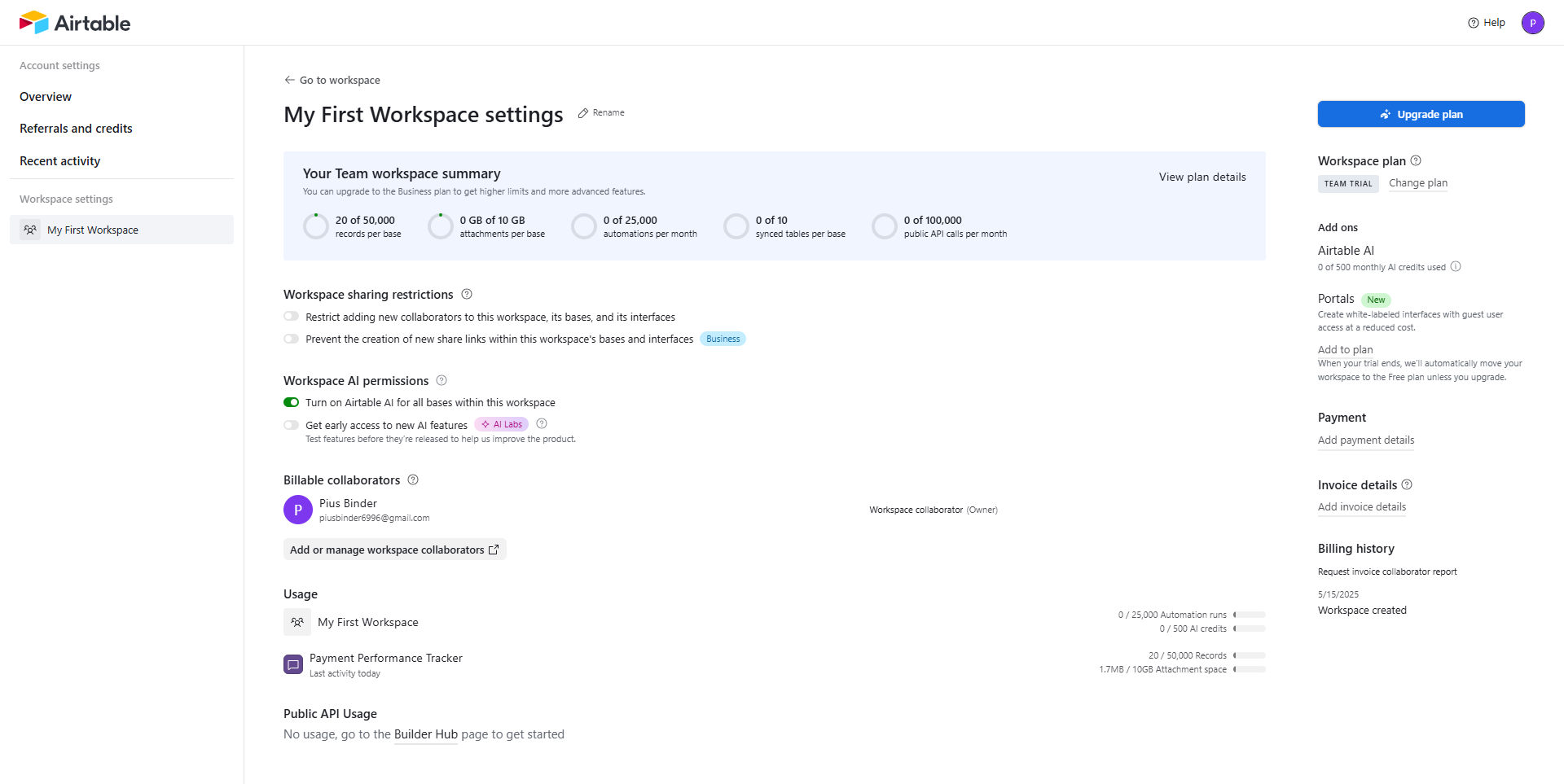
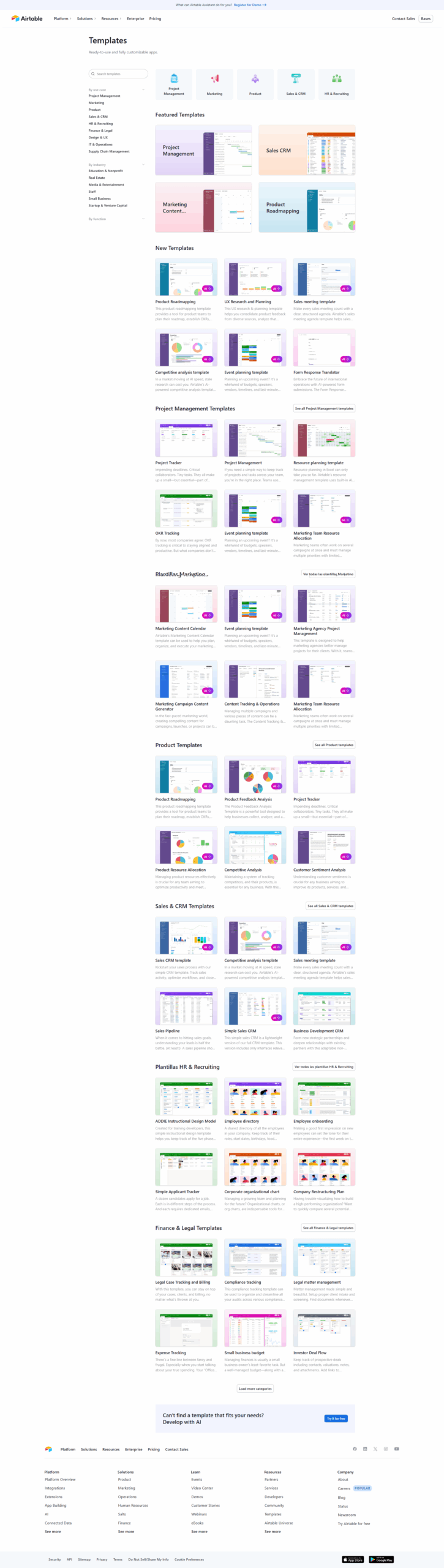
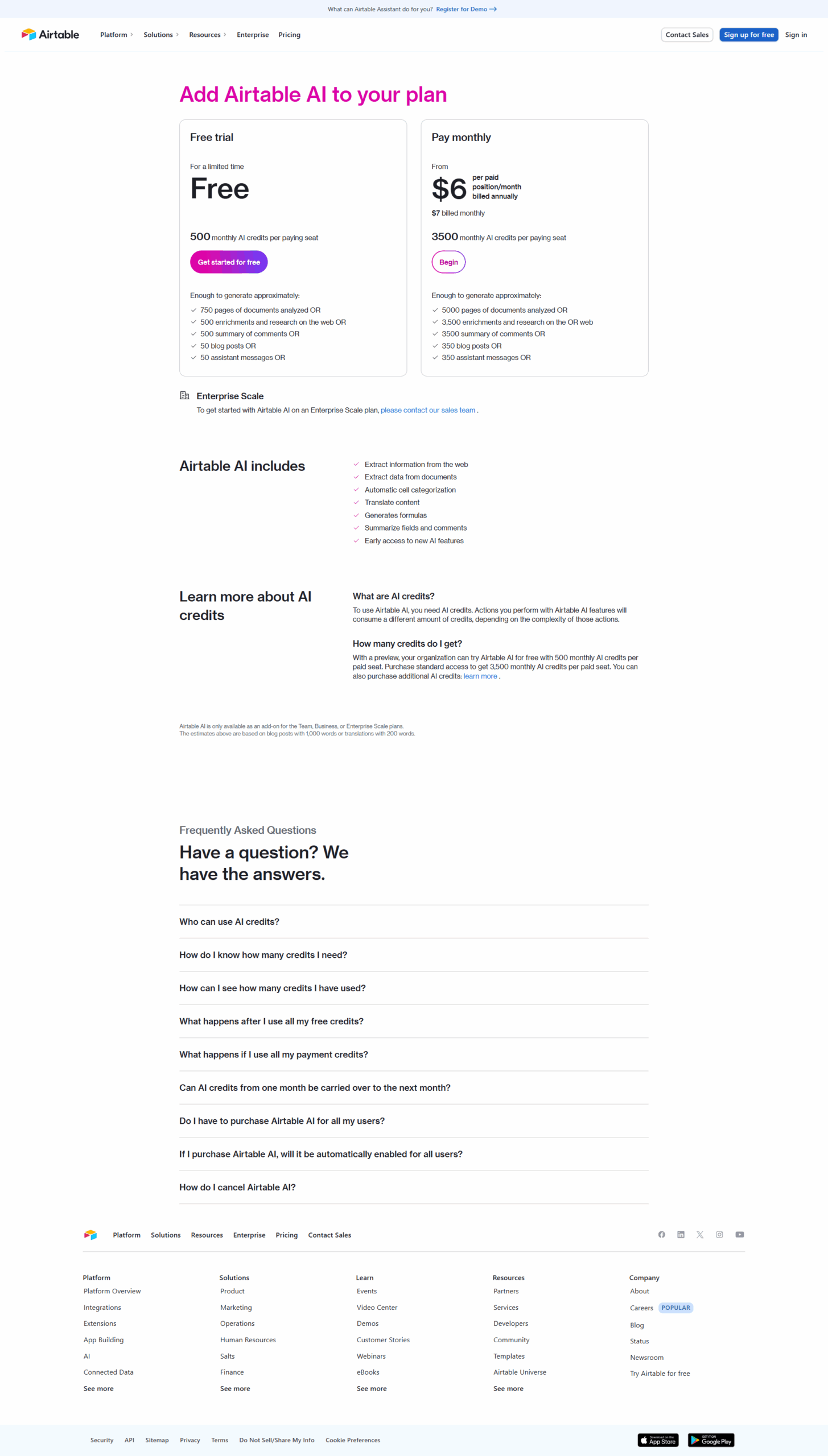
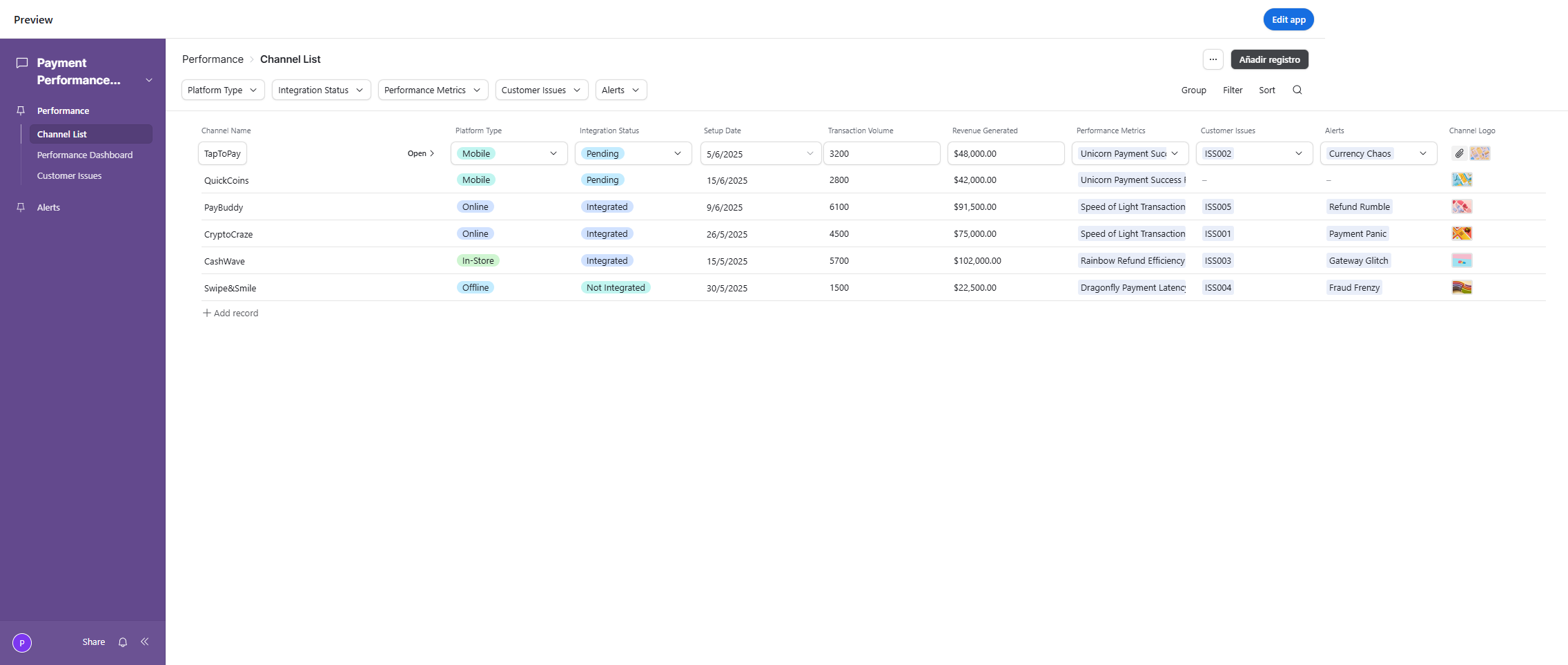
Airtable Screenshots

Airtable screenshot 1
Airtable screenshot 2
Airtable screenshot 3
Airtable screenshot 4
Airtable screenshot 5
Airtable screenshot 6
Airtable screenshot 7
Airtable screenshot 8
Airtable screenshot 9
Airtable screenshot 10