Sign in to review
Join our community of software reviewers on Subscribed.fyi

Continue With Google
Continue With LinkedIn
Continue Review with Email
Continue with Email
Enter your email to continue.
Continue
Enter your password
Enter your password to finish setting up your account.
Continue
Activate your email
Enter activation code we sent to your email.
Submit
Reset your password
Enter activation code we sent to your email.
Submit
Set your new password
Enter a new password for your account.
Submit
Categories
For Business
Log in
Provide My Insights
Add Product
Suggested products People also compare with
Add to Comparison
Suggested products People also compare with

Compare Square Appointments and Calendly

We are comparing Square Appointments and Calendly to evaluate which one is the best product.

Suggested products People also compare with
Review Pricing Alternatives Experience

Review

85%
30/36 Metric achieved
93%
33/36 Metric achieved

Subscribed Metric

Customer Support 4/6
Security 5/6
Ease of Use 6/6
Value of Money 5/6
Integration 4/6
Popularity 6/6

Subscribed Metric

Customer Support 5/6
Security 5/6
Ease of Use 6/6
Value of Money 5/6
Integration 6/6
Popularity 6/6

Pros & Cons

Easy to use and set up
Integrates with other Square features
Clients appreciate appointment reminders
Free version available for individuals
Limited advanced features in free version
Multiple apps needed for full functionality
High fees for processing and multi-location use
Customer support needs improvement

Pros & Cons

Easy to set up and use with seamless integrations.
Eliminates scheduling back-and-forth with clients.
Customizable links and availability settings.
Works well across different time zones.
Limited features in the free version.
Customization locked behind paid plans.
Occasional calendar sync issues.
Less suitable for non-tech-savvy users.

Conclusion

Square Appointments is an all-in-one scheduling and payment tool tailored for small businesses, particularly service providers like therapists, salon owners, and consultants. Features include online booking, automated reminders, and calendar syncing. Pricing starts at $0 for individuals, scaling to $110/month for larger teams. Compared to tools like Acuity Scheduling and Calendly, it excels in simplicity and POS integration but can lack advanced customization. Square offers reliable support, making it cost-effective for starter businesses, although feature limitations may hinder growth.

Conclusion

Calendly is a cloud-based scheduling tool simplifying meeting setup for professionals, such as marketers, designers, and developers. It eliminates back-and-forth emails with customizable time slots, automatic calendar syncing, and notification reminders. Key features include integrations with platforms like Zoom, Salesforce, and Google Calendar, personalized booking links, and team scheduling options. Plans range from a free version for basic needs to paid tiers starting at $10/month. Compared to competitors like Acuity Scheduling or YouCanBook.Me, Calendly stands out for ease of use and robust integrations but may lack extensive advanced features at lower pricing tiers. Its support services and automated workflows enhance cost-effectiveness, making it a top option for teams and freelancers.

Pricing

Square Appointments Pricing

Pricing Range $0-$69/Month See Square Appointments Pricing

Calendly Pricing

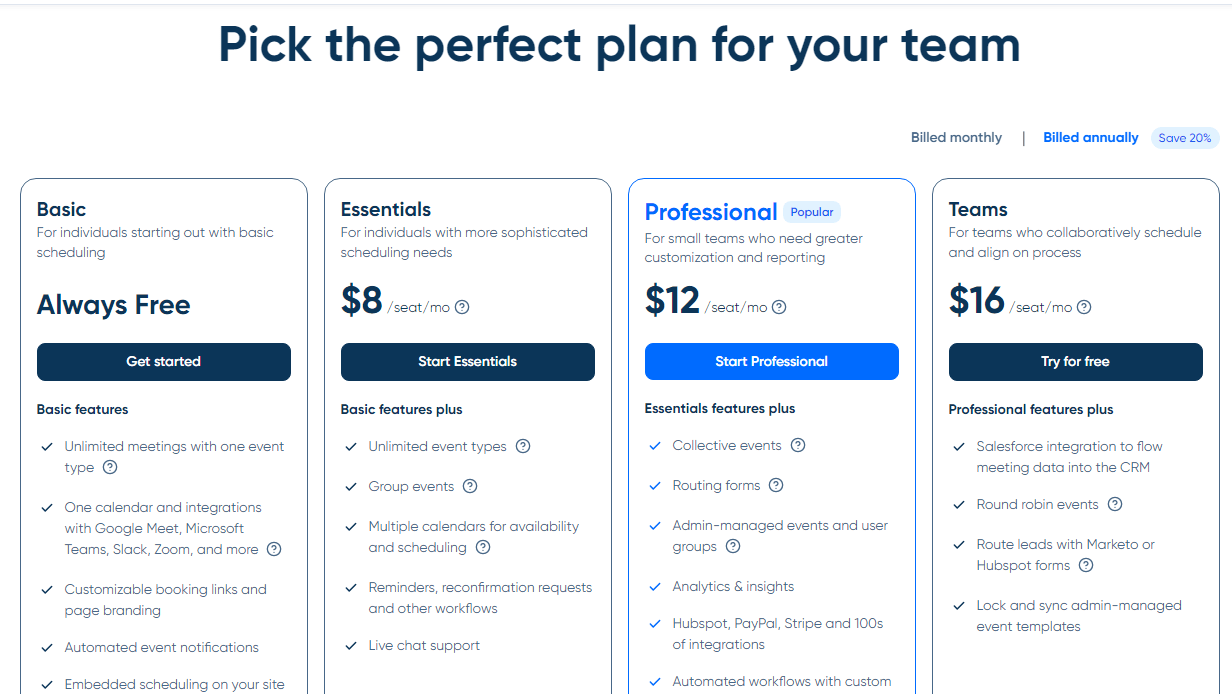
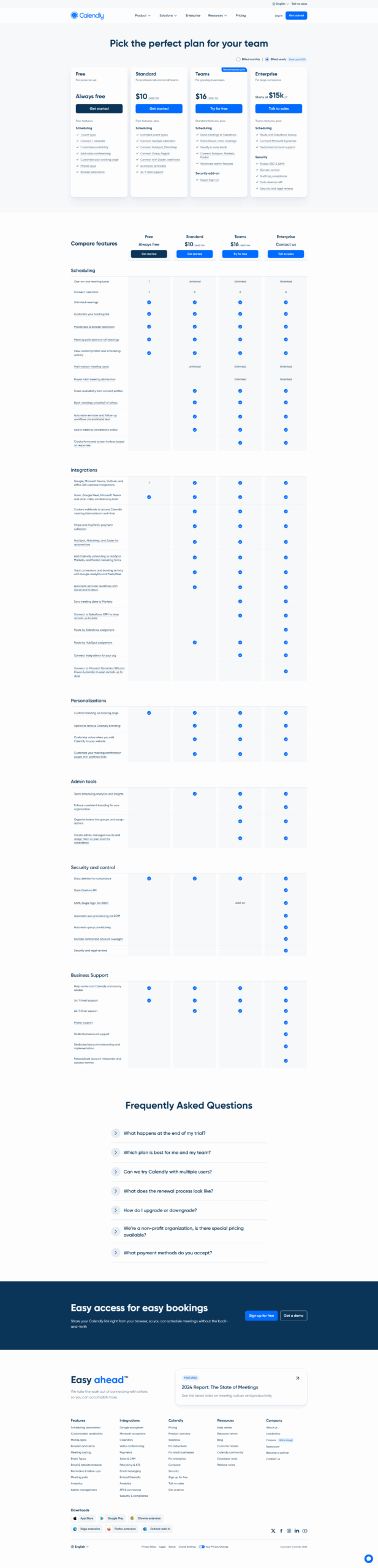
Pricing Range $0-$16/Month See Calendly Pricing

Alternatives

Square Appointments Alternatives

Calendly logo

Calendly

93%
PayPal logo

PayPal

85%
GlossGenius logo

GlossGenius

85%
SetMore logo

SetMore

85%
See All Square Appointments Alternatives

Calendly Alternatives

YouCanBookMe logo

YouCanBookMe

93%
Google Workspace logo

Google Workspace

90%
Microsoft 365 logo

Microsoft 365

88%
Chili Piper logo

Chili Piper

88%
See All Calendly Alternatives

Experience

Square Appointments Screenshots

Square Appointments screenshot 1
Square Appointments screenshot 2

Calendly Screenshots

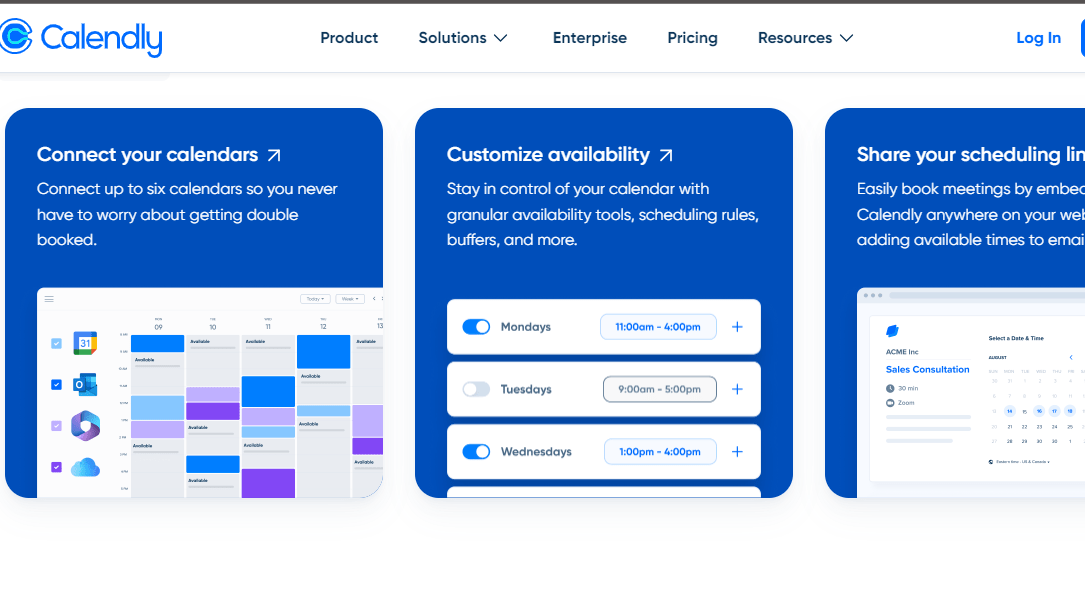
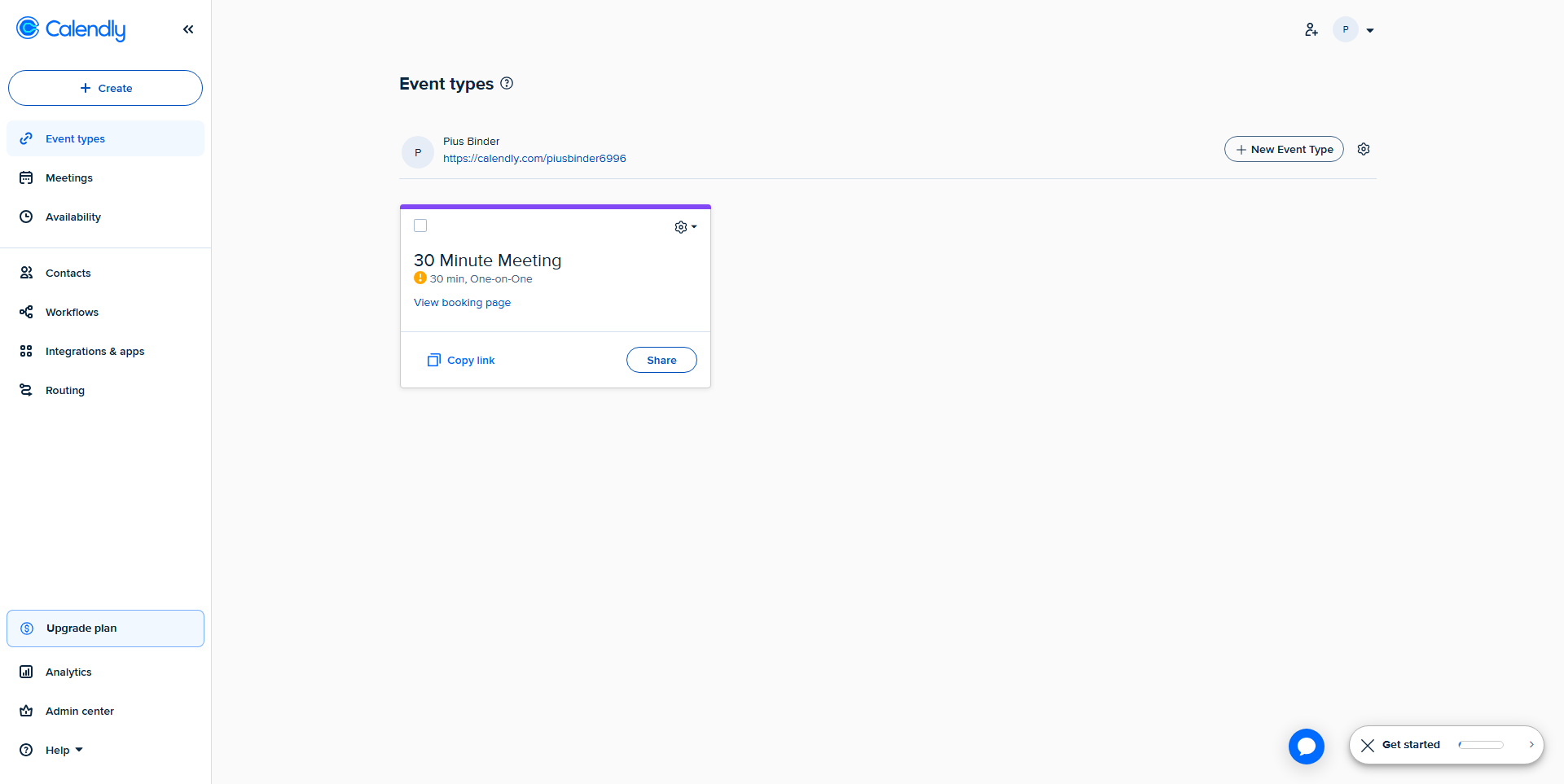
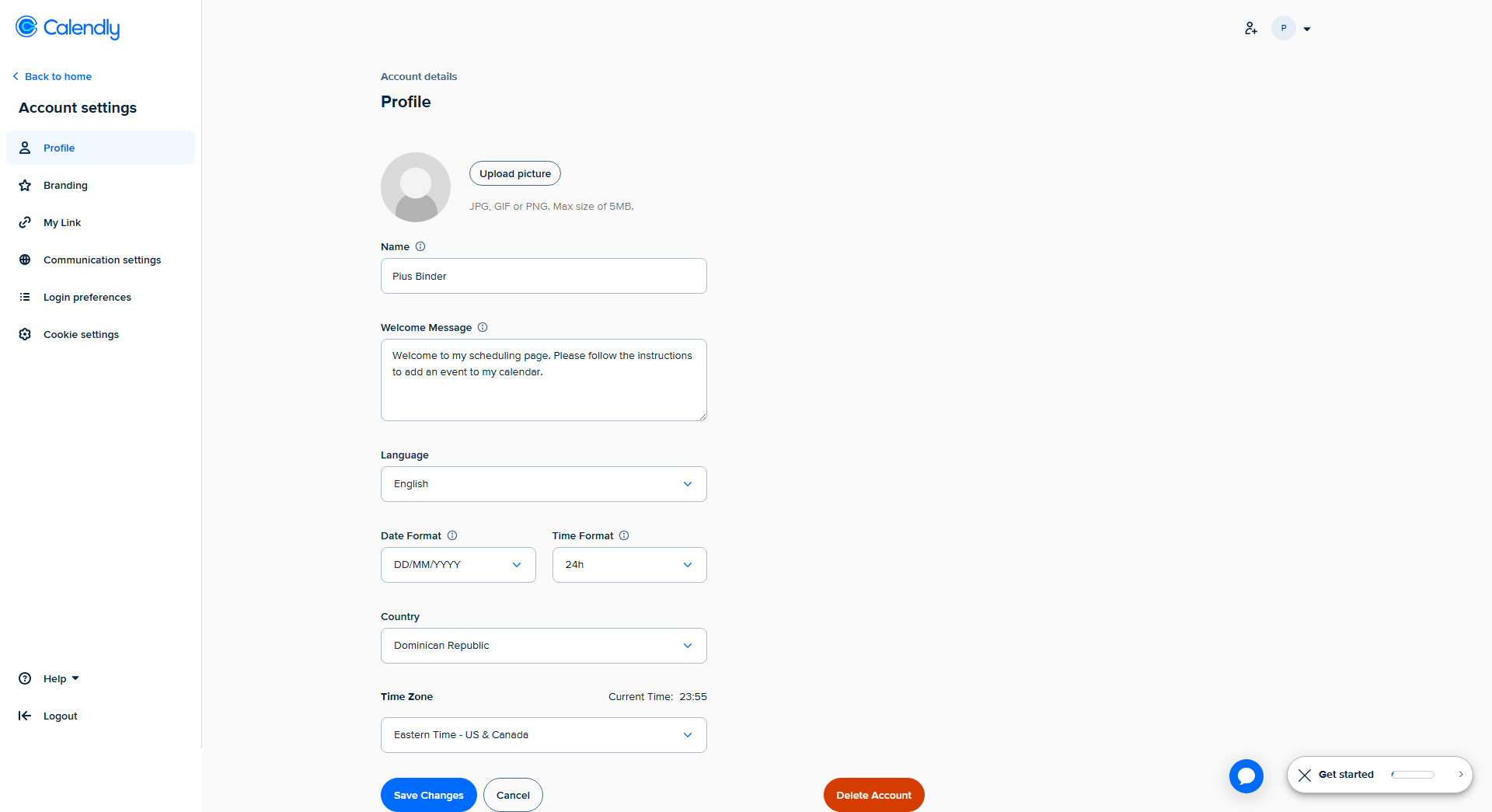
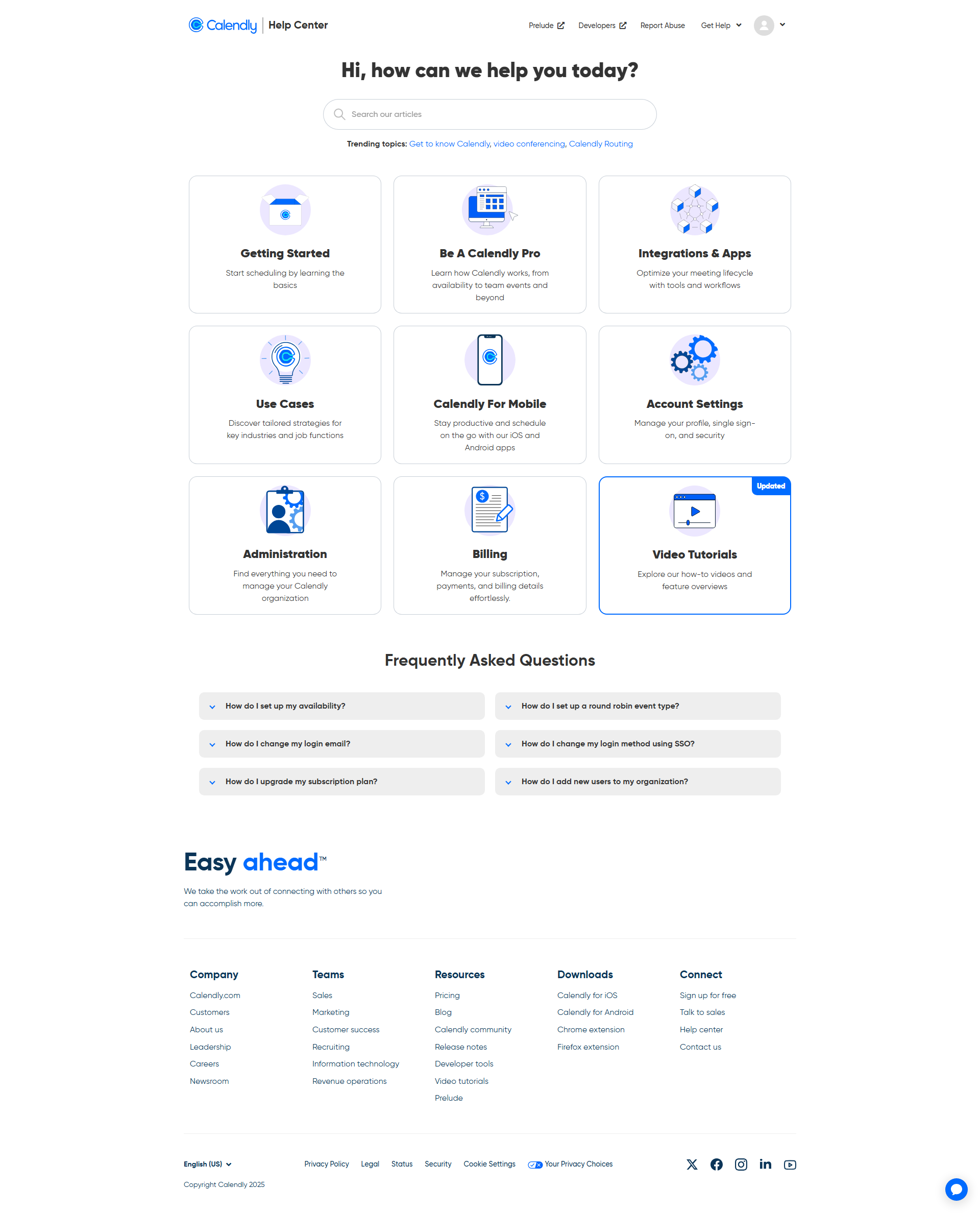
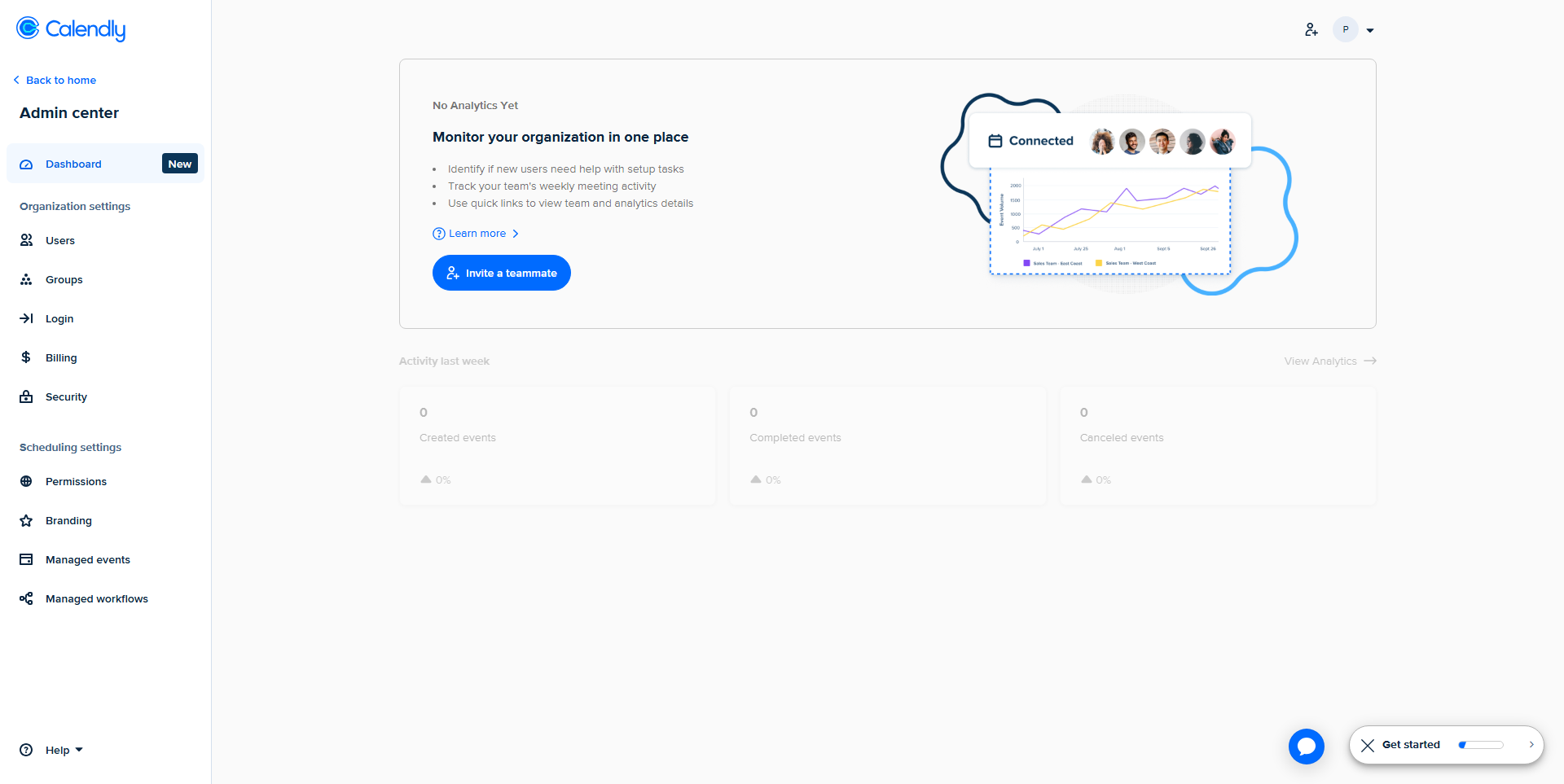
Calendly screenshot 1
Calendly screenshot 2
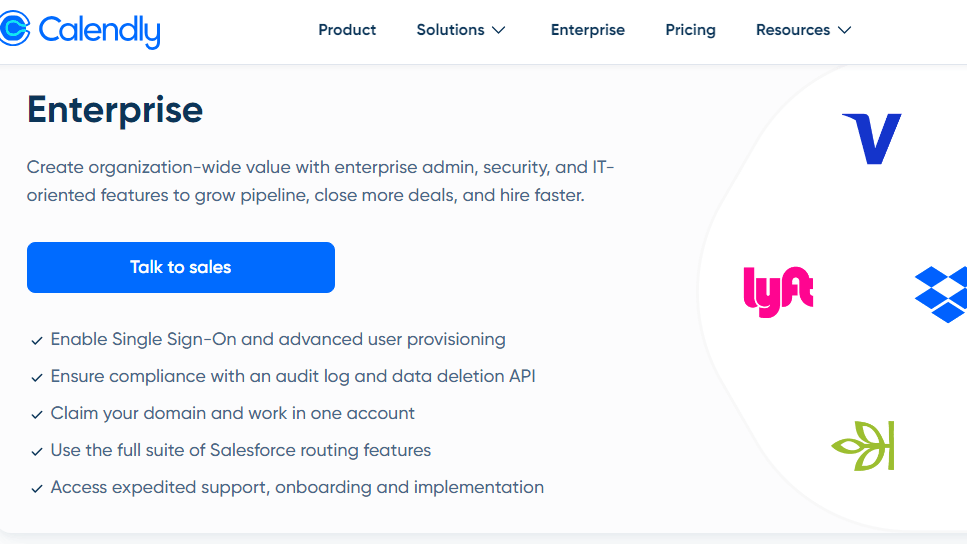
Calendly screenshot 3
Calendly screenshot 4
Calendly screenshot 5
Calendly screenshot 6
Calendly screenshot 7
Calendly screenshot 8