Sign in to review
Join our community of software reviewers on Subscribed.fyi

Continue With Google
Continue With LinkedIn
Continue Review with Email
Continue with Email
Enter your email to continue.
Continue
Enter your password
Enter your password to finish setting up your account.
Continue
Activate your email
Enter activation code we sent to your email.
Submit
Reset your password
Enter activation code we sent to your email.
Submit
Set your new password
Enter a new password for your account.
Submit
Categories
For Business
Log in
Provide My Insights
Add Product
Suggested products People also compare with
Add to Comparison
Suggested products People also compare with

Compare Sweep AI and GitHub

We are comparing Sweep AI and GitHub to evaluate which one is the best product.

Suggested products People also compare with
Review Pricing Alternatives Experience

Review

67%
24/36 Metric achieved
85%
30/36 Metric achieved

Subscribed Metric

Customer Support 3/6
Security 5/6
Ease of Use 4/6
Value of Money 5/6
Integration 3/6
Popularity 4/6

Subscribed Metric

Customer Support 4/6
Security 4/6
Ease of Use 5/6
Value of Money 5/6
Integration 6/6
Popularity 6/6

Pros & Cons

Purpose-built for JetBrains IDEs with deep native integration
Extremely fast autocomplete with near-instant suggestions
Understands entire codebases using indexing for context-aware edits
Includes AI agent features for code editing, review, and automation
Privacy-focused with no code retention by third parties
Primarily optimized for JetBrains users, limiting appeal for other IDE users
Still evolving compared to more mature competitors like Copilot
Limited ecosystem integrations beyond IDE usage
Advanced agent workflows may not match full autonomous coding tools

Pros & Cons

Facilitates efficient collaboration on projects.
Extensive integrations and automation tools.
User-friendly interface with vast community support.
Free tier and cost-effective for small projects.
Steep learning curve for beginners.
Complex navigation in large repositories.
Conflict resolution can be tricky at times.
Premium features can be expensive.

Other Platform Review

Data Unavailable This information for the product is not yet available. Please check back later or explore directly on product website.

Conclusion

Sweep’s biggest advantage is its deep focus on the JetBrains ecosystem. By leveraging native indexing and optimizing for speed, it delivers highly responsive and context-aware coding assistance that feels tightly integrated into the developer workflow. Its near-instant autocomplete and next-edit predictions are particularly strong differentiators.

However, its specialization is also its limitation. Developers using VS Code or other environments may find better-supported alternatives elsewhere. Additionally, while Sweep includes agent-like capabilities, it is still evolving compared to more advanced autonomous coding tools. It is best suited for JetBrains users who want fast, reliable AI assistance without leaving their IDE.

Conclusion

GitHub, a leading version control and DevOps platform, simplifies collaborative software development with key features like GitHub Actions for CI/CD, Codespaces for remote development, and secure code hosting. It’s ideal for developers and organizations of all sizes, though designers and marketers might find its UI technical. Compared to GitLab and Bitbucket, GitHub offers a polished UX and extensive third-party integrations but has costly advanced plans. Customer support and free-tier features make it cost-effective.

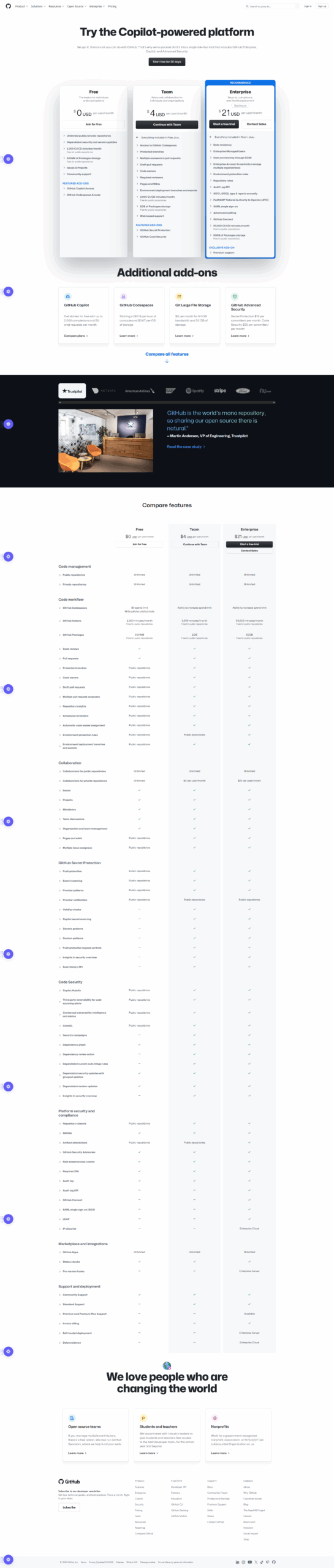
Pricing

Sweep AI Pricing

Pricing Range Custom (No Public plans) See Sweep AI Pricing

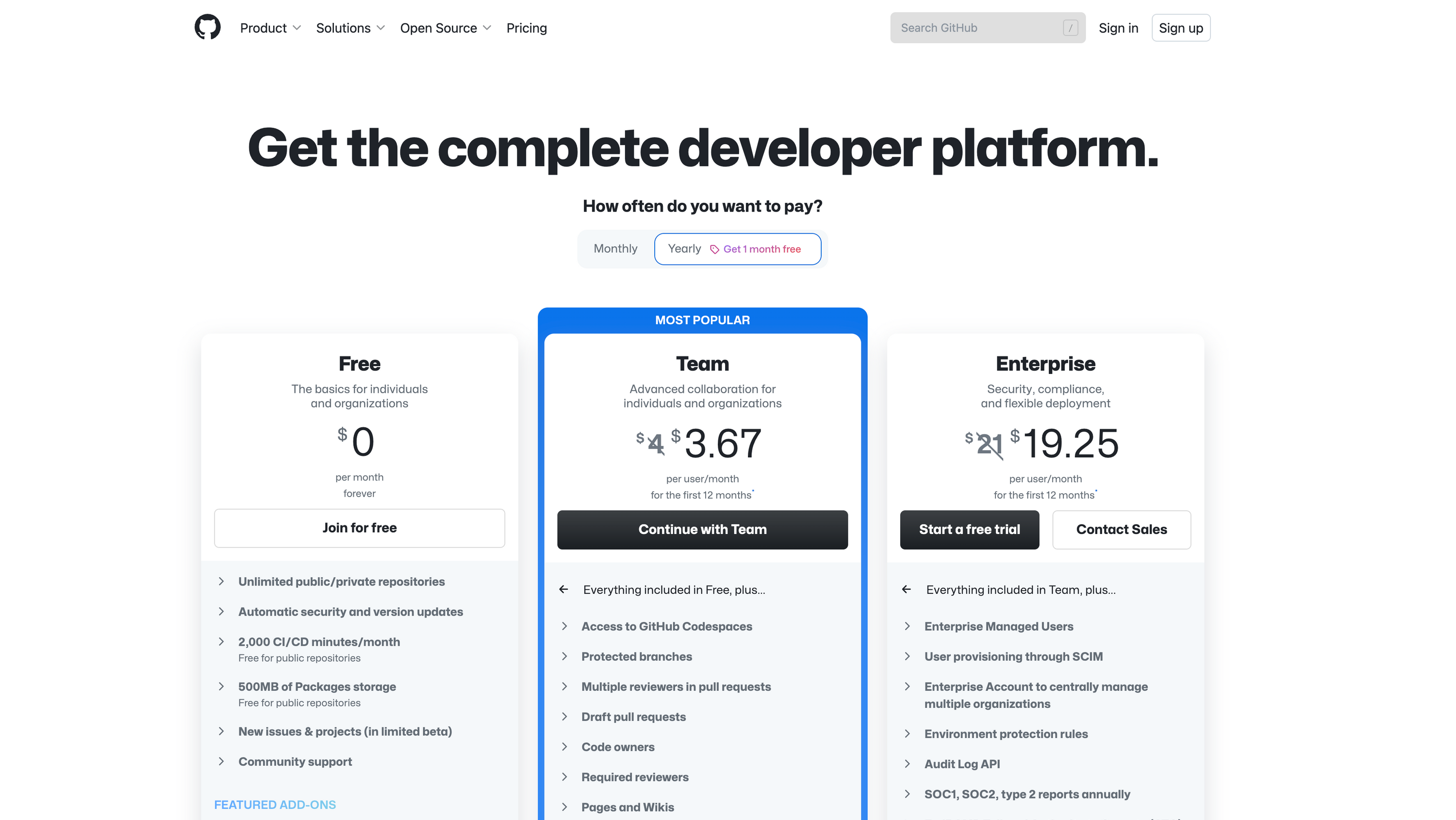
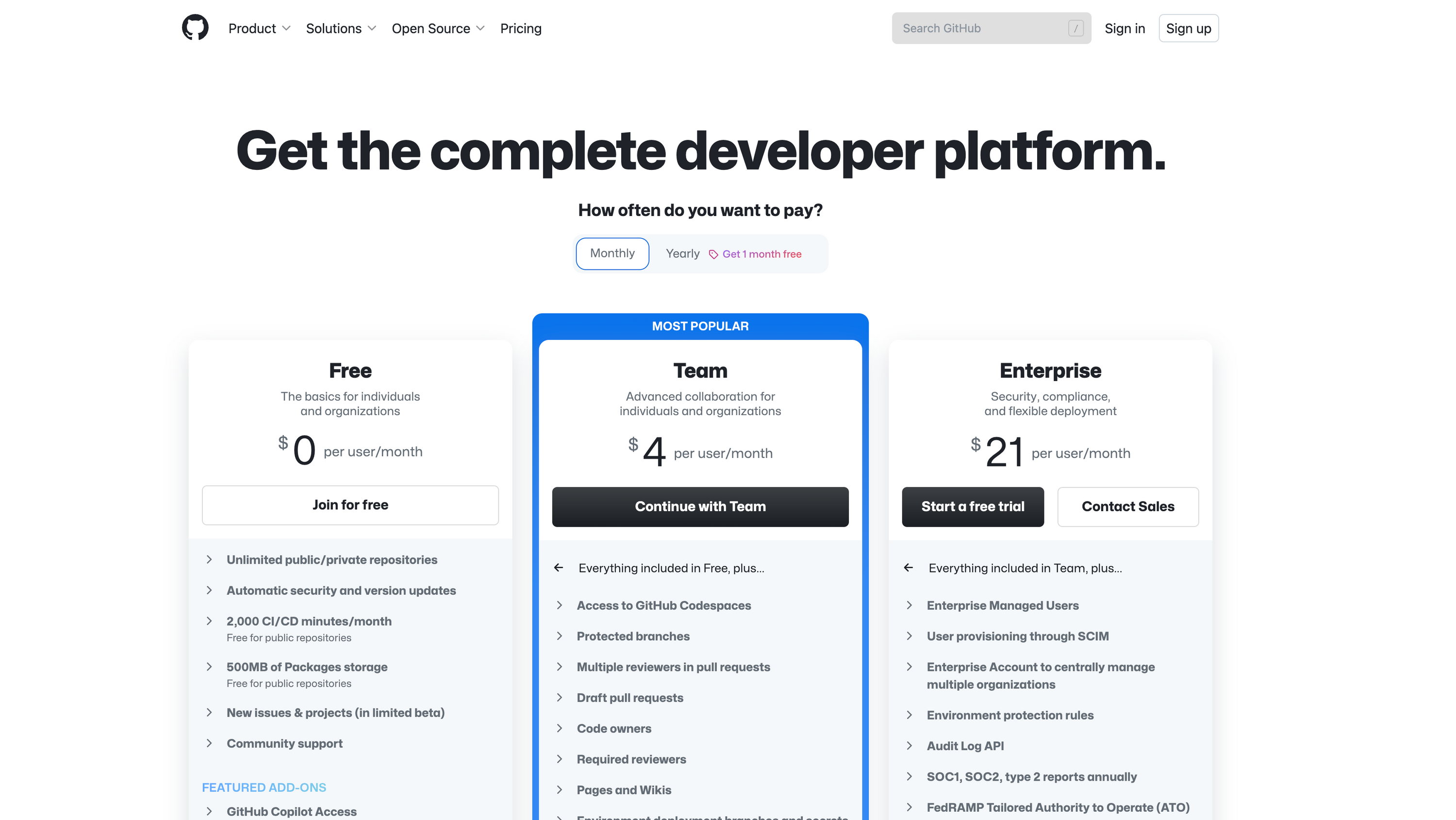
GitHub Pricing

Pricing Range $4-$21/Month See GitHub Pricing

Alternatives

Sweep AI Alternatives

GitHub logo

GitHub

85%
Continue.dev logo

Continue.dev

67%
See All Sweep AI Alternatives

GitHub Alternatives

JIRA logo

JIRA

90%
Bitbucket logo

Bitbucket

85%
GitLab logo

GitLab

83%
Jenkins logo

Jenkins

80%
See All GitHub Alternatives

Experience

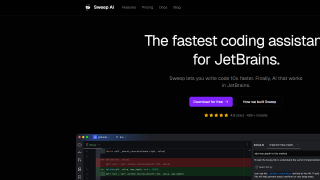
Sweep AI Screenshots

Sweep AI screenshot 1
Sweep AI screenshot 2

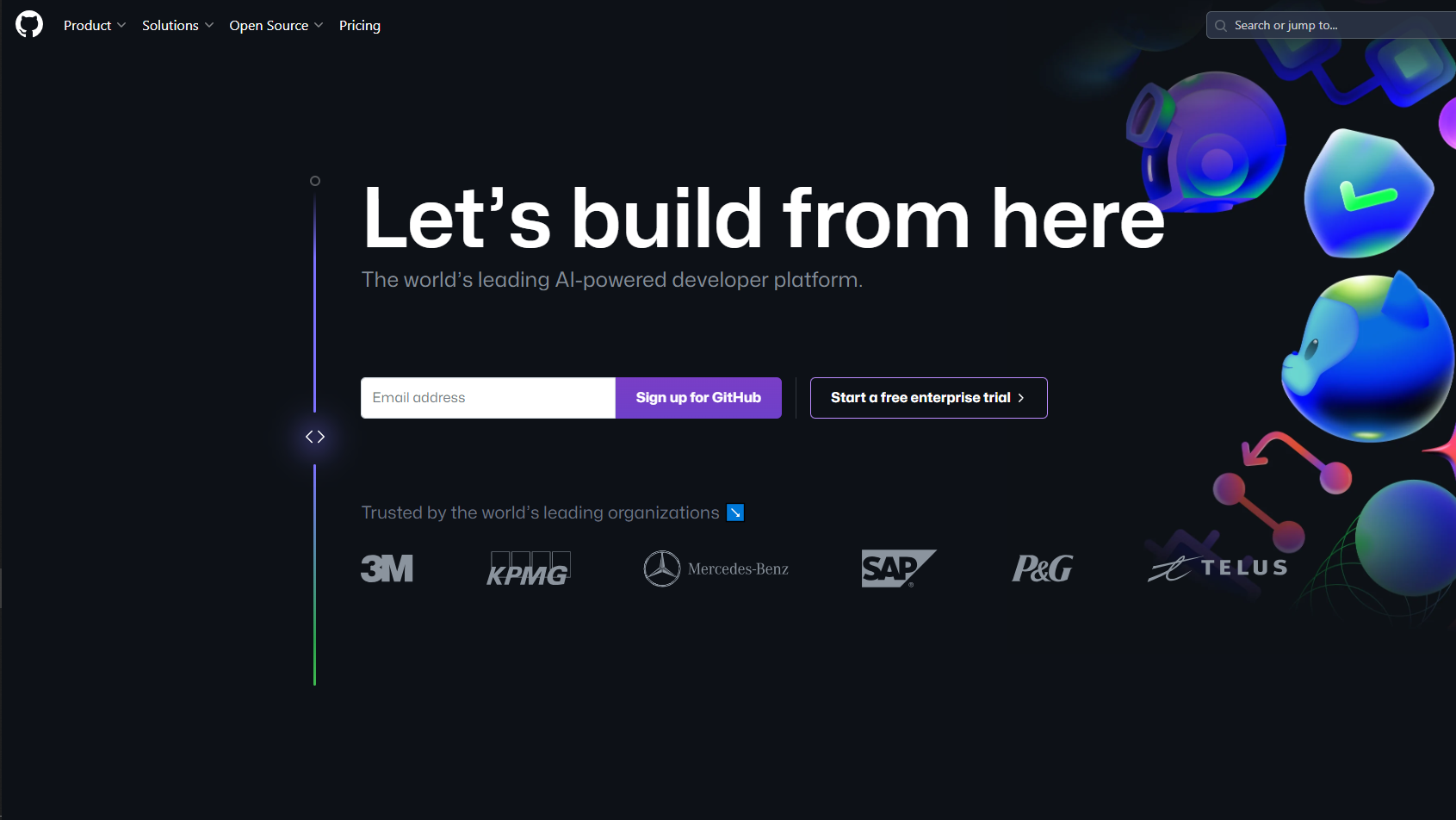
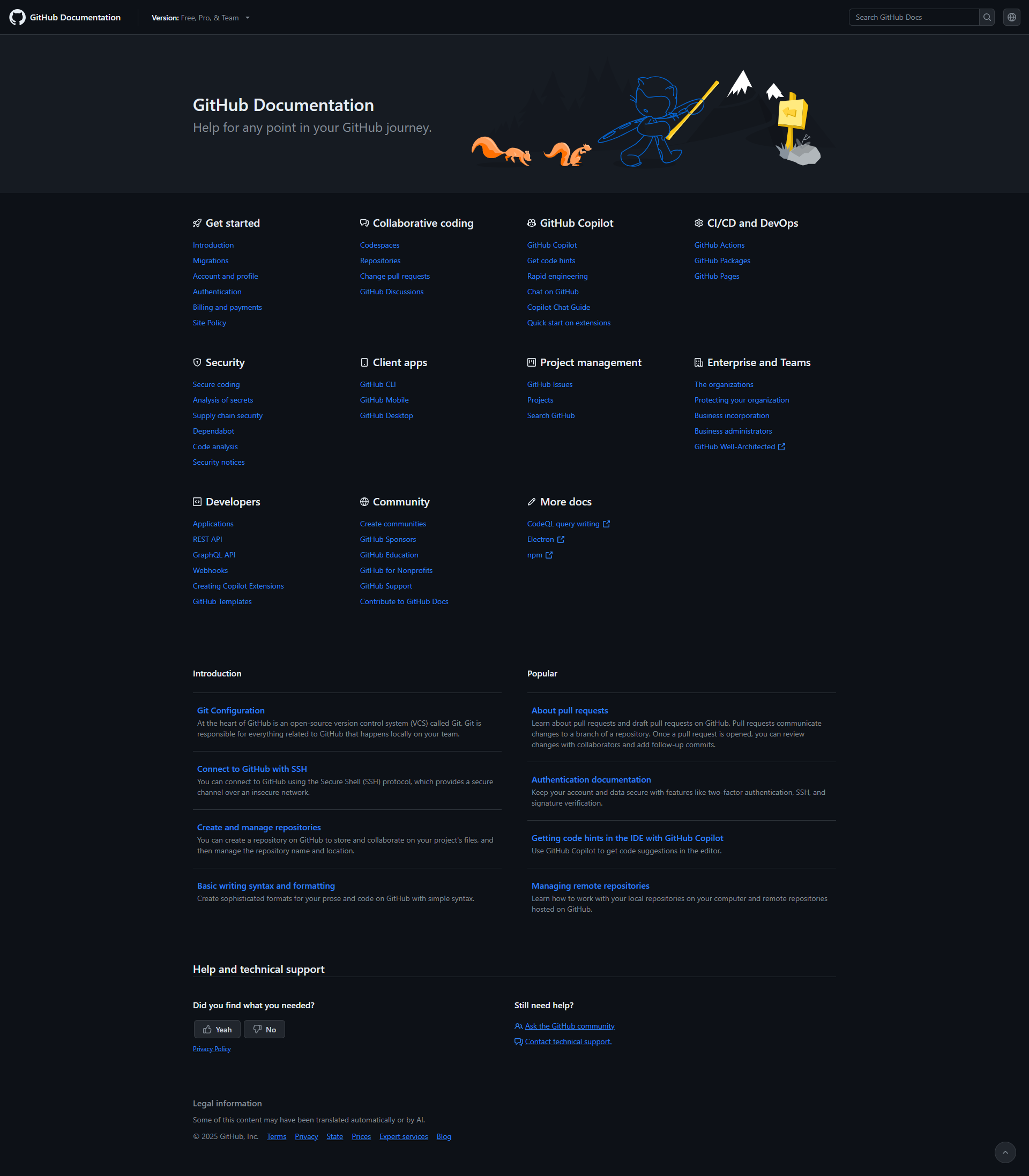
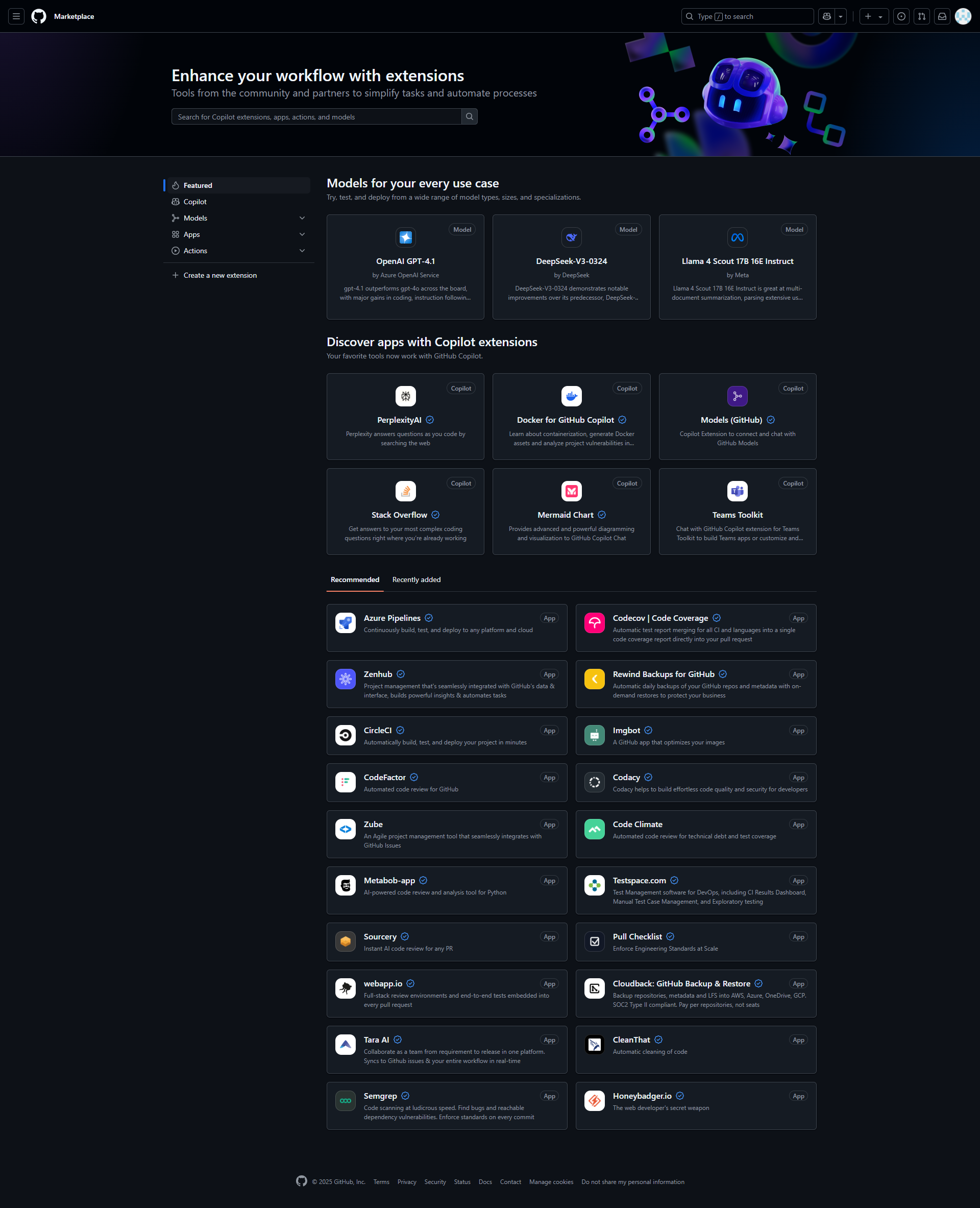
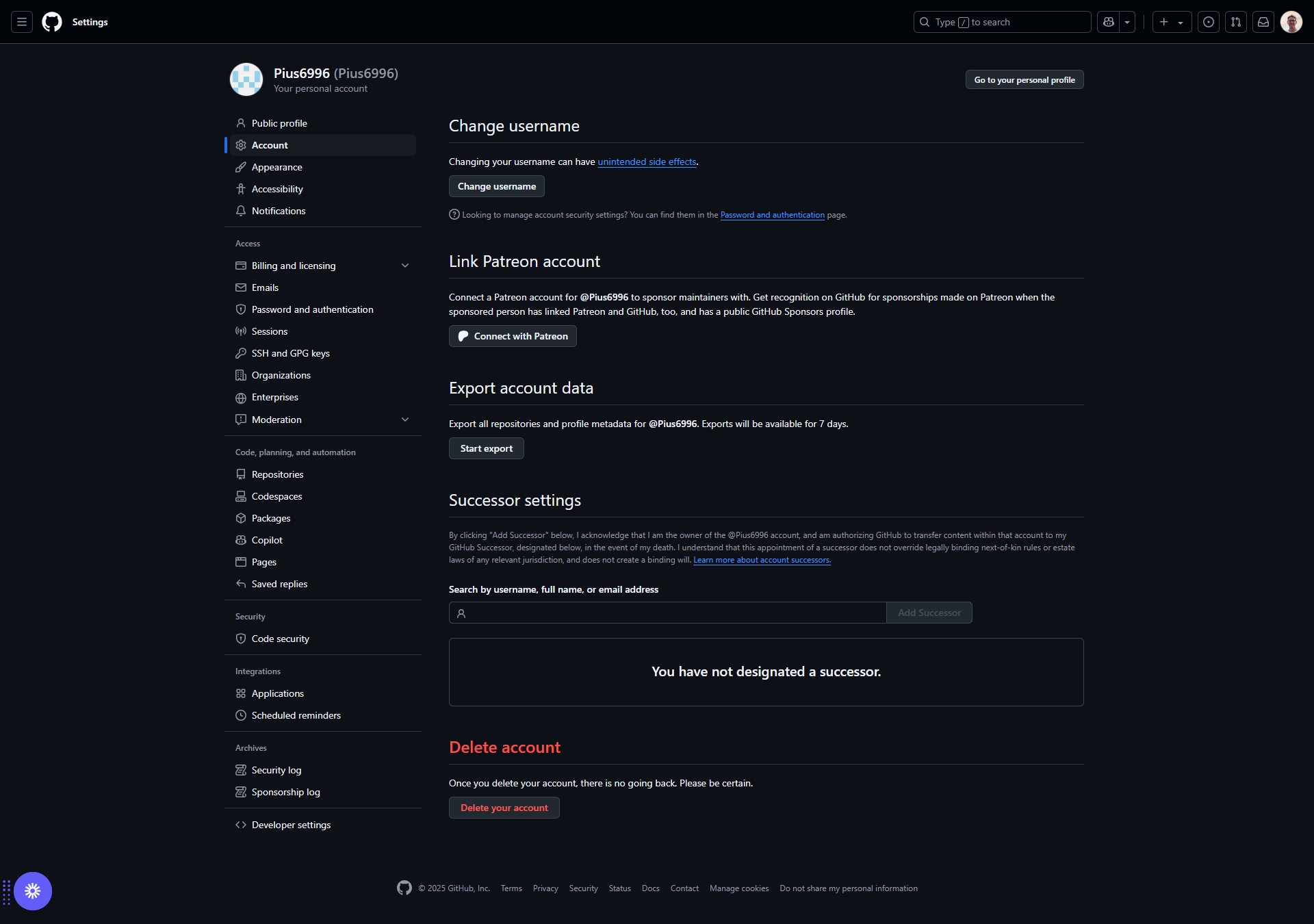
GitHub Screenshots

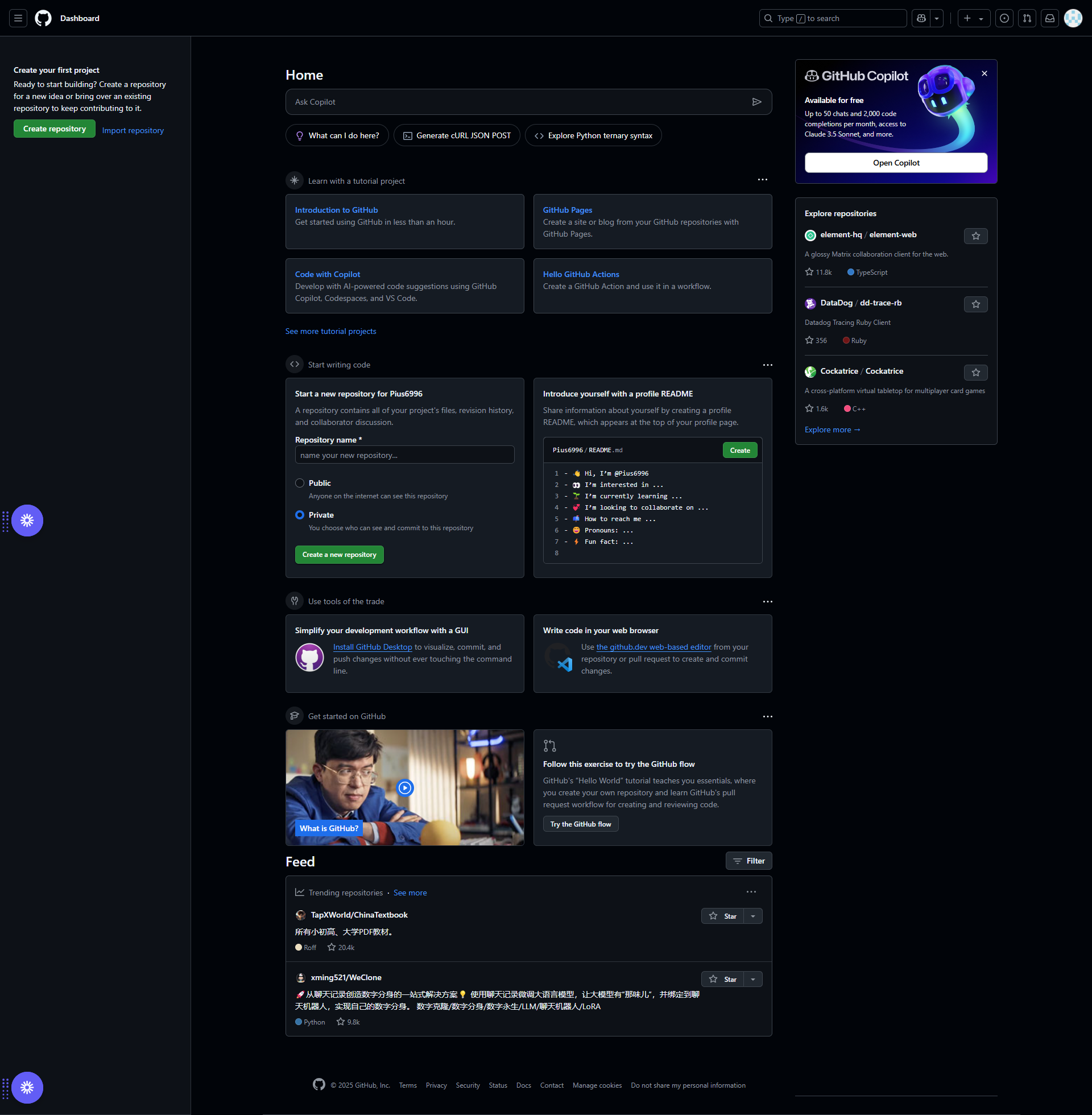
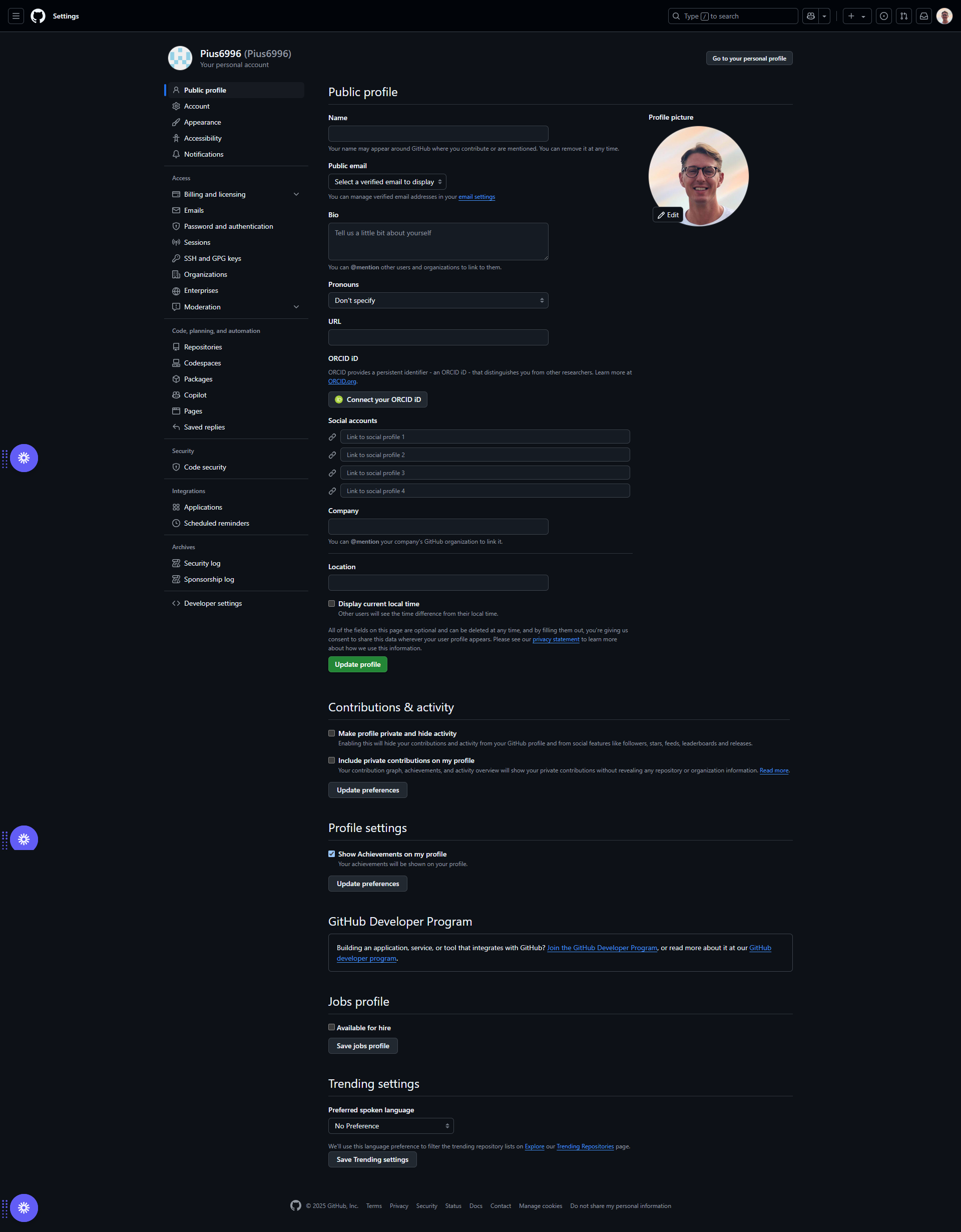
GitHub screenshot 1
GitHub screenshot 2
GitHub screenshot 3
GitHub screenshot 4
GitHub screenshot 5
GitHub screenshot 6
GitHub screenshot 7
GitHub screenshot 8
GitHub screenshot 9
GitHub screenshot 10