Sign in to review
Join our community of software reviewers on Subscribed.fyi

Continue With Google
Continue With LinkedIn
Continue Review with Email
Continue with Email
Enter your email to continue.
Continue
Enter your password
Enter your password to finish setting up your account.
Continue
Activate your email
Enter activation code we sent to your email.
Submit
Reset your password
Enter activation code we sent to your email.
Submit
Set your new password
Enter a new password for your account.
Submit
Categories
For Business
Log in
Provide My Insights
Add Product
Suggested products People also compare with
Add to Comparison
Suggested products People also compare with

Compare Teambition and ClickUp

We are comparing Teambition and ClickUp to evaluate which one is the best product.

Suggested products People also compare with
Review Pricing Alternatives Experience

Review

65%
24/36 Metric achieved
88%
31/36 Metric achieved

Subscribed Metric

Customer Support 3/6
Security 4/6
Ease of Use 4/6
Value of Money 5/6
Integration 5/6
Popularity 3/6

Subscribed Metric

Customer Support 5/6
Security 4/6
Ease of Use 5/6
Value of Money 5/6
Integration 6/6
Popularity 6/6

Pros & Cons

Unified platform eliminates tool switching and maintains context across projects
Flexible free tier supports up to 10 users for basic collaboration
Strong mobile app enables effective remote team management
Deep integrations with enterprise systems and DingTalk
Specialized features for agile development and manufacturing workflows
Limited public pricing information for paid tiers requires contacting sales
Enterprise and custom tiers have minimum user requirements
Learning curve may exist for advanced customization and governance features

Pros & Cons

Highly customizable for various needs
Efficient task and project management
User-friendly interface and good UI/UX
Robust free plan with many features
Steep learning curve for new users
Occasional performance lags and bugs
Complexities in advanced feature setups
Overwhelming number of features at times

Other Platform Review

Data Unavailable This information for the product is not yet available. Please check back later or explore directly on product website.

Conclusion

Teambition is a unified team collaboration platform combining project management, task tracking, file storage, and communication. It excels at consolidating enterprise systems and supporting agile/manufacturing workflows with advanced customization options. The free tier accommodates up to 10 users, while enterprise plans offer unlimited workflows and process governance. Strong mobile support and DingTalk integration enhance productivity for distributed teams.

Conclusion

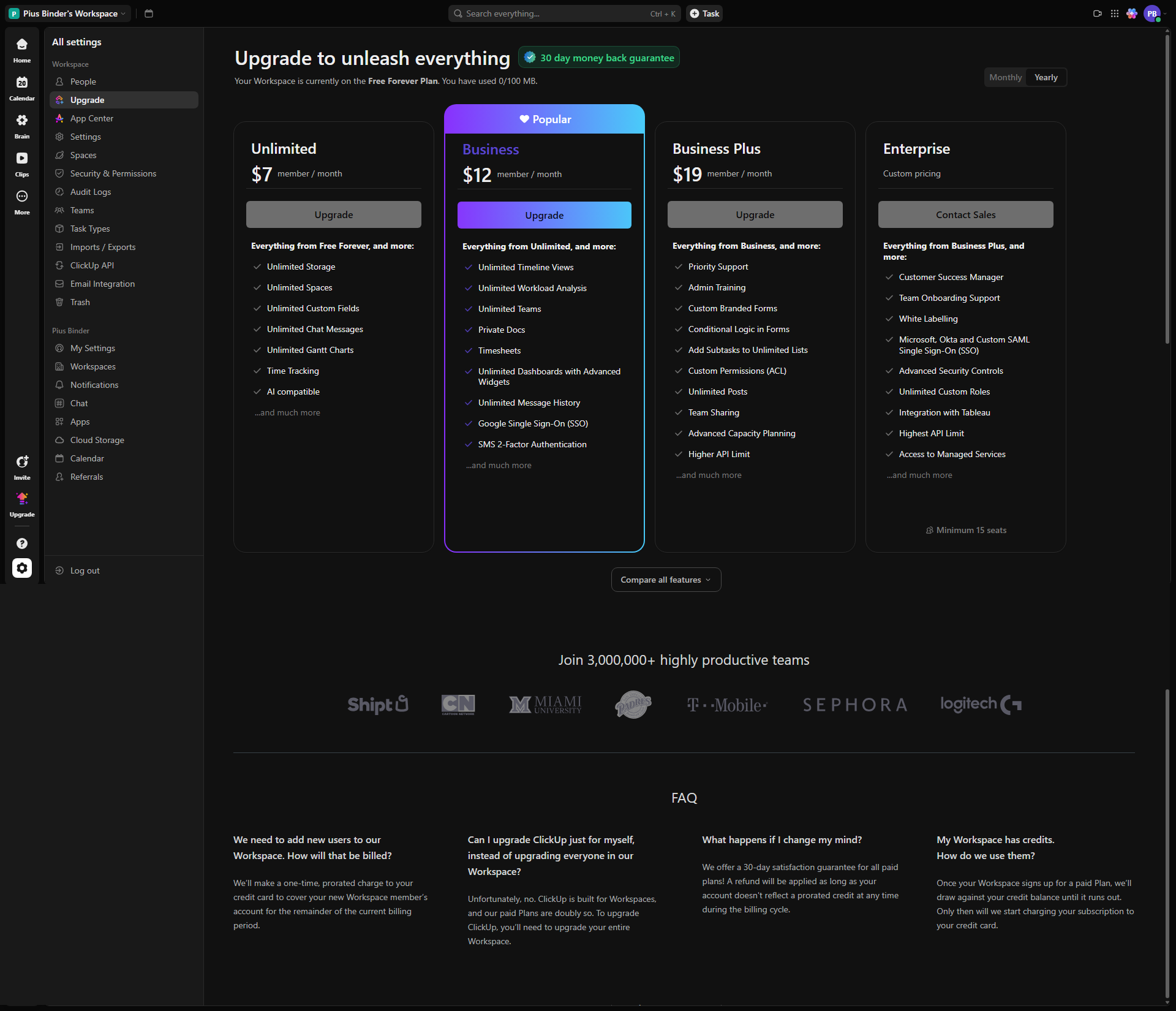
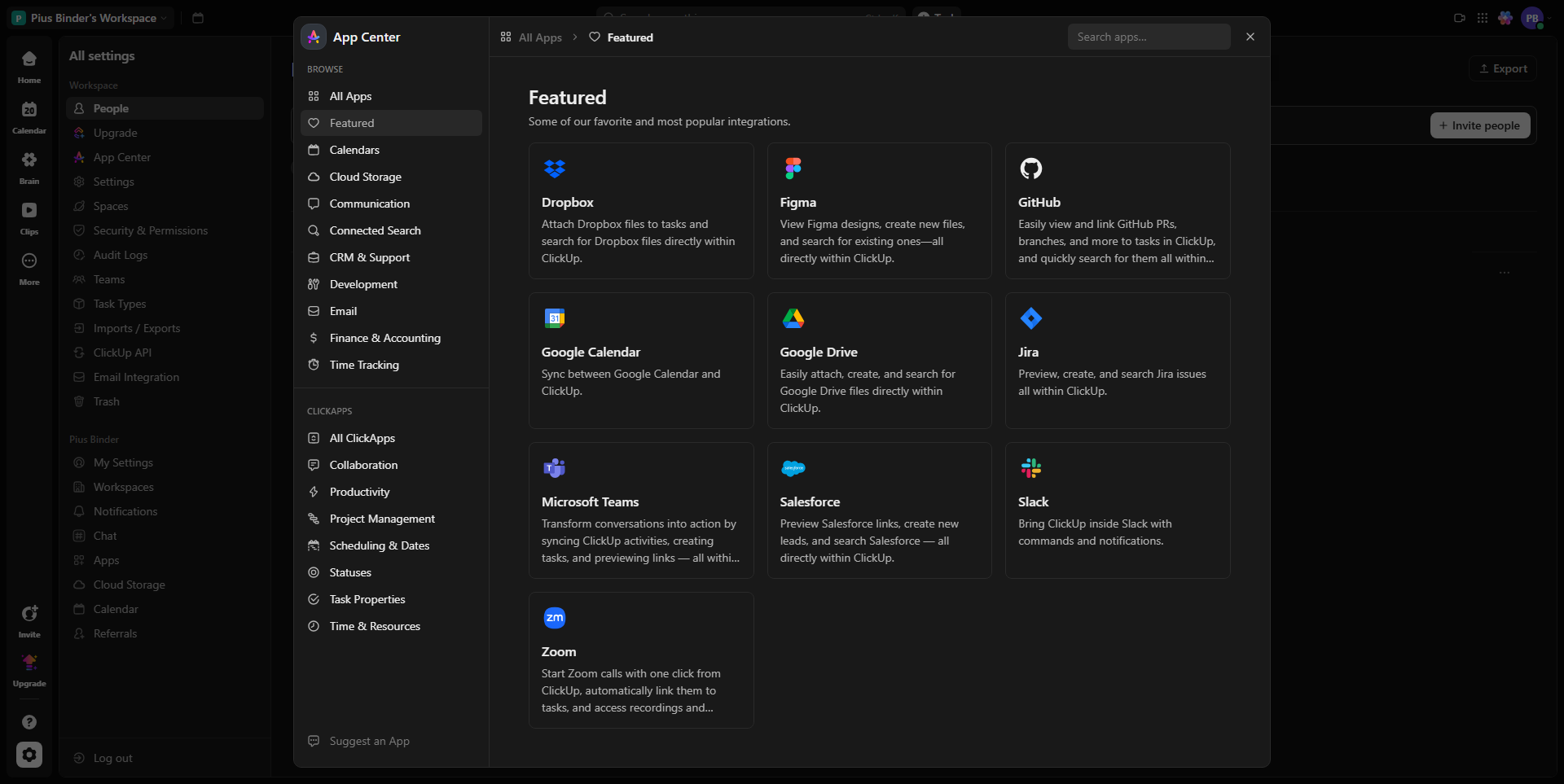
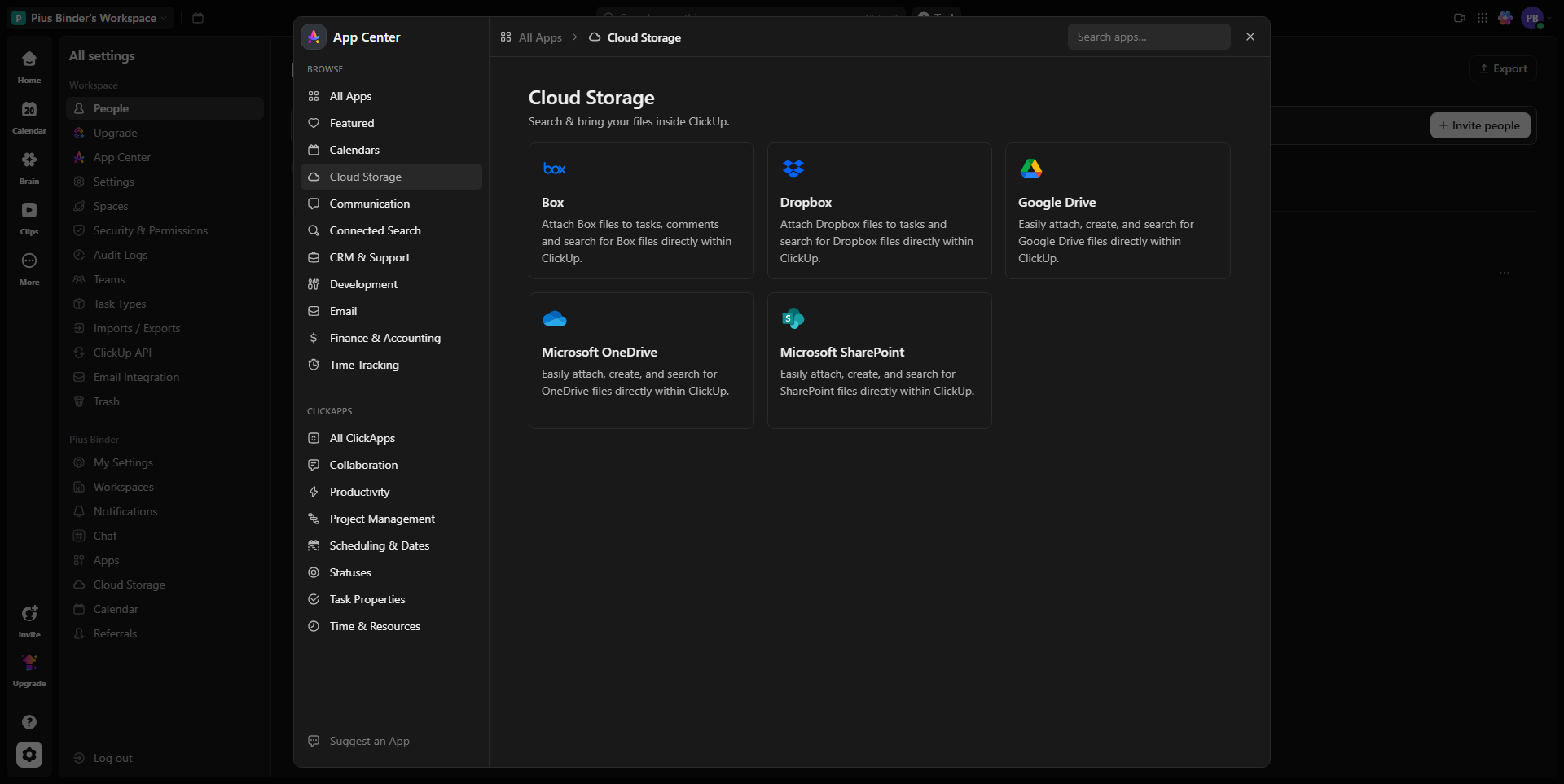
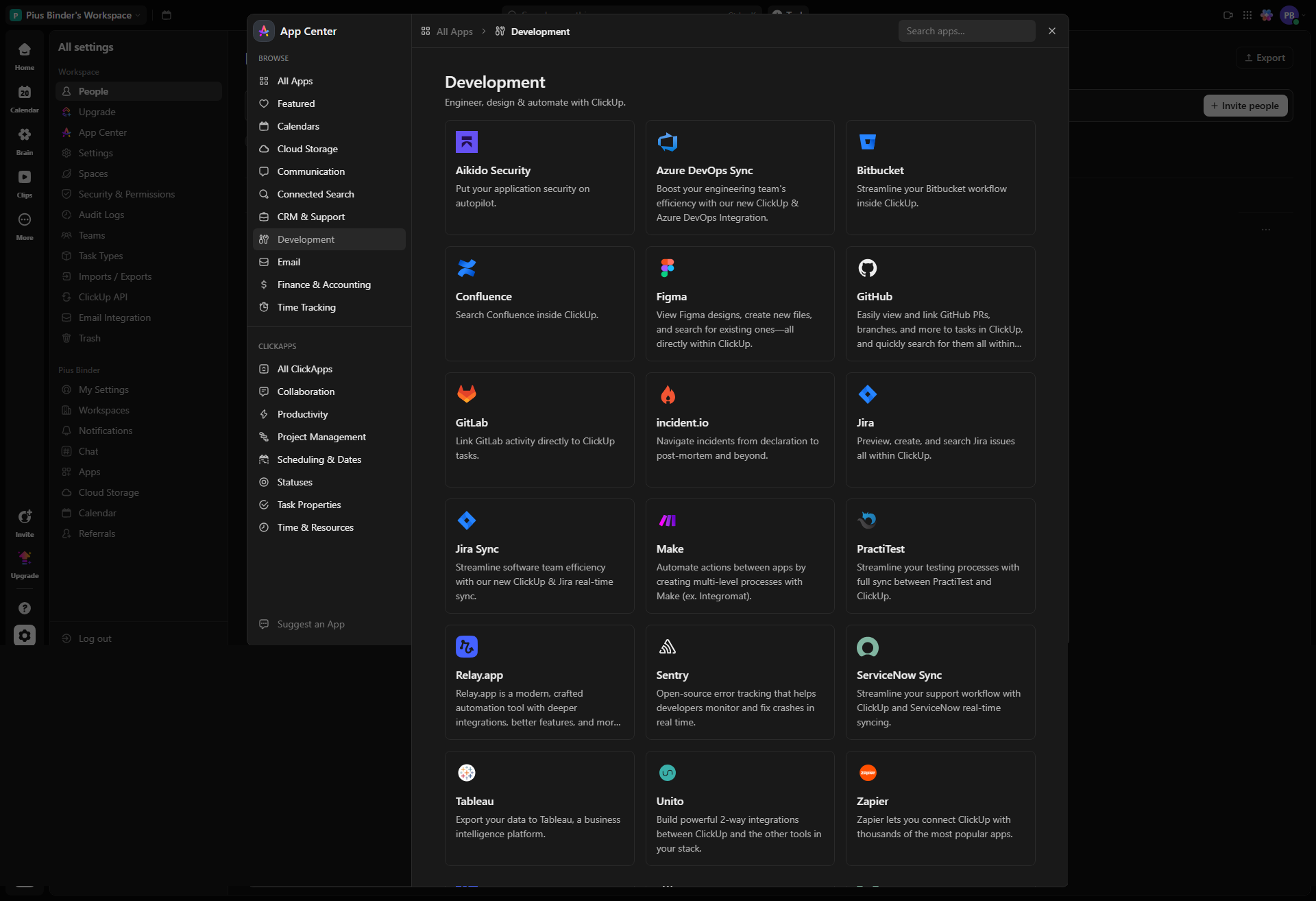
ClickUp is an all-in-one productivity platform tailored for project management, developers, marketers, and designers, offering powerful tools like task assignments, whiteboards, time tracking, and integrations. It simplifies workflows through customizable dashboards, Gantt charts, and real-time collaboration. Its pricing varies from a robust free plan to premium options ($7 to $19/user/month) suitable for teams of all sizes, competing favorably against Monday.com and Asana, offering more features at lower costs. While versatile, it has a learning curve and can feel overwhelming for beginners. Notable for effective customer support and high cost-effectiveness, it is ideal for fast-paced collaborative teams seeking unified tools.

Pricing

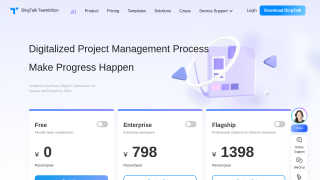
Teambition Pricing

Pricing Range Free - Custom pricing See Teambition Pricing

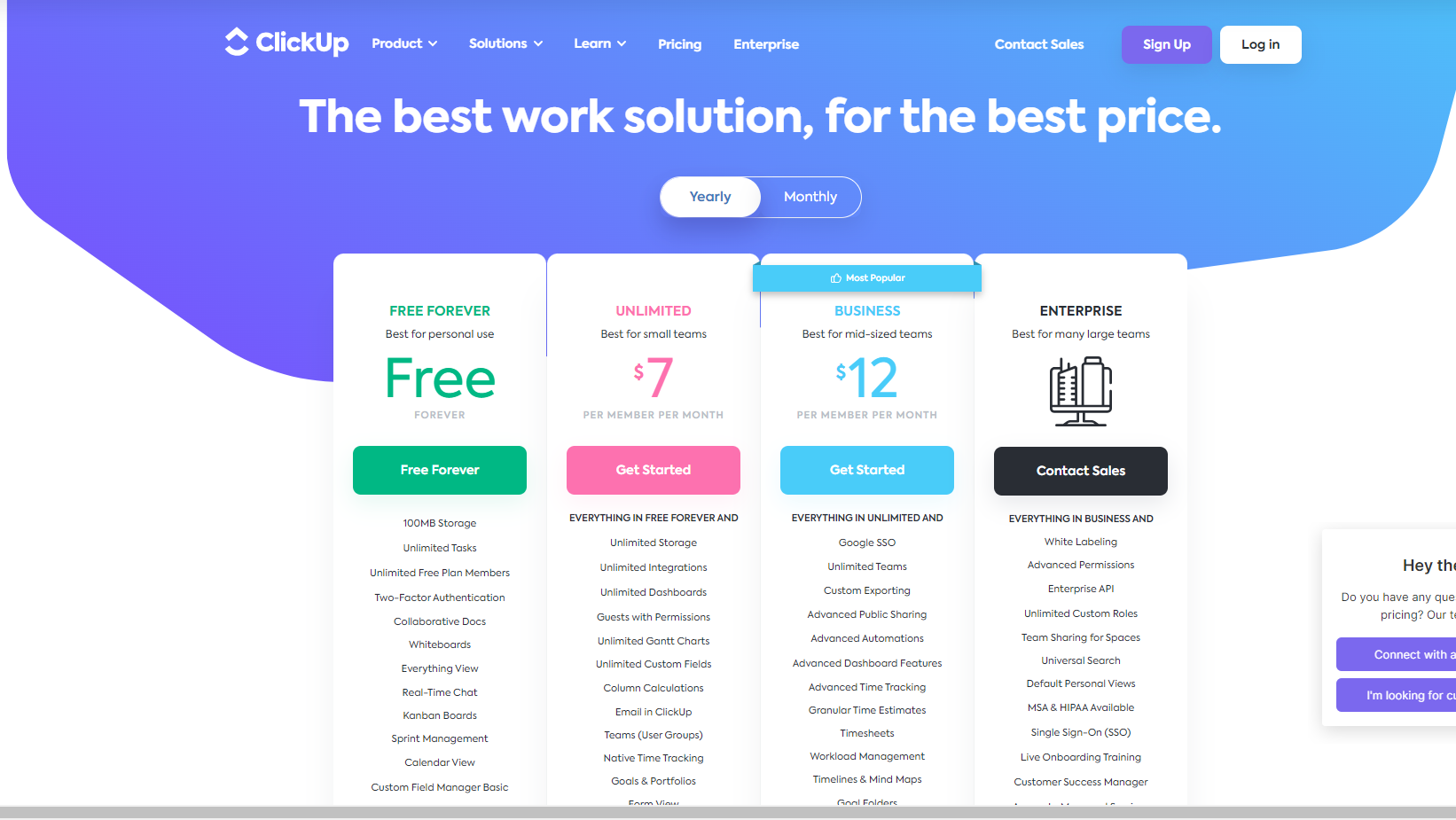
ClickUp Pricing

Pricing Range $7-$19/Month See ClickUp Pricing

Alternatives

Teambition Alternatives

Trello logo

Trello

90%
JIRA logo

JIRA

90%
Monday.com logo

Monday.com

90%
ClickUp logo

ClickUp

88%
See All Teambition Alternatives

ClickUp Alternatives

Trello logo

Trello

90%
JIRA logo

JIRA

90%
Monday.com logo

Monday.com

90%
Wrike logo

Wrike

90%
See All ClickUp Alternatives

Experience

Teambition Screenshots

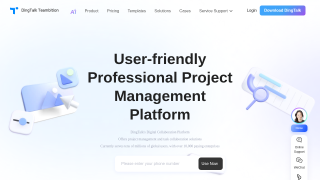
Teambition screenshot 1
Teambition screenshot 2

ClickUp Screenshots

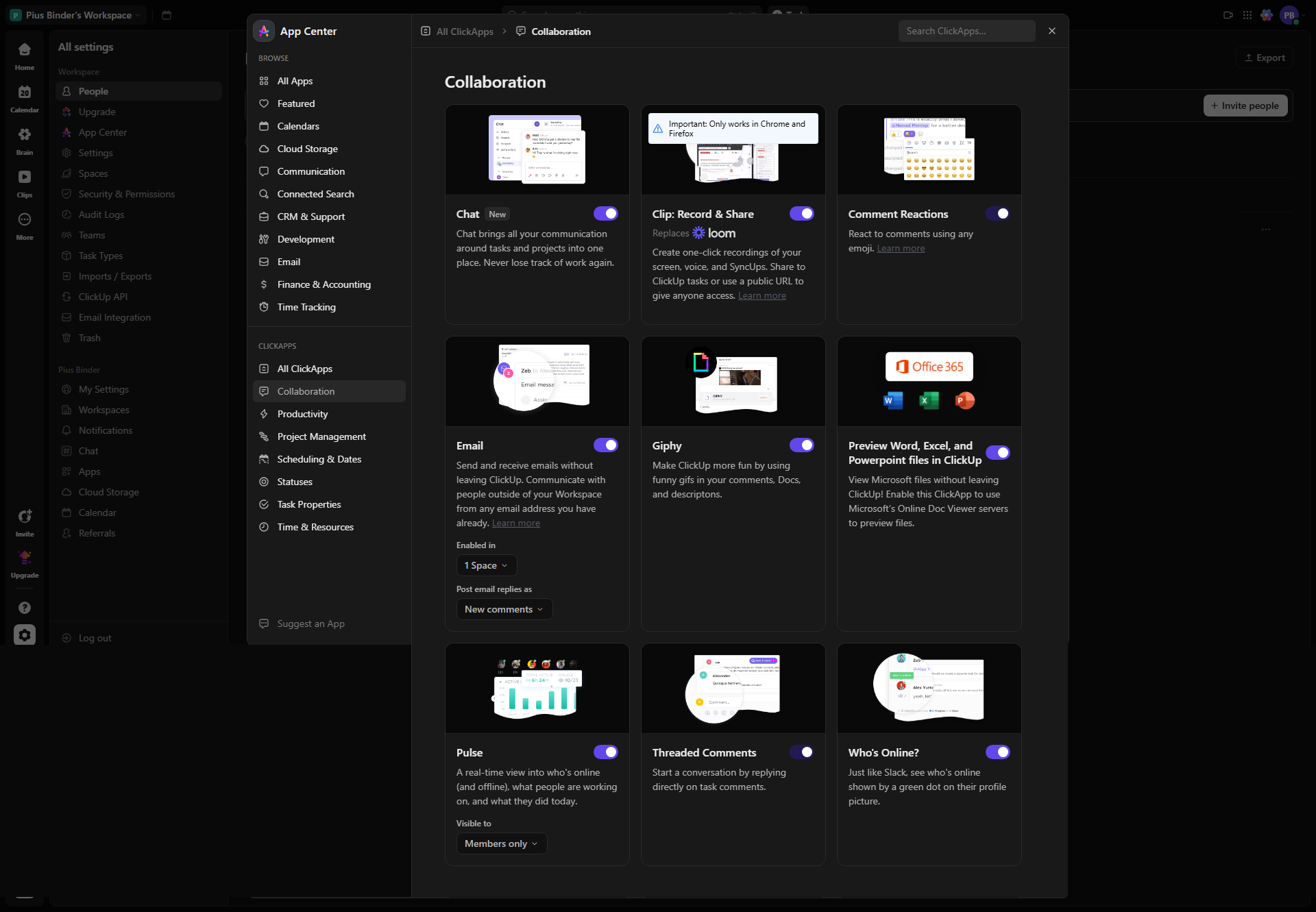
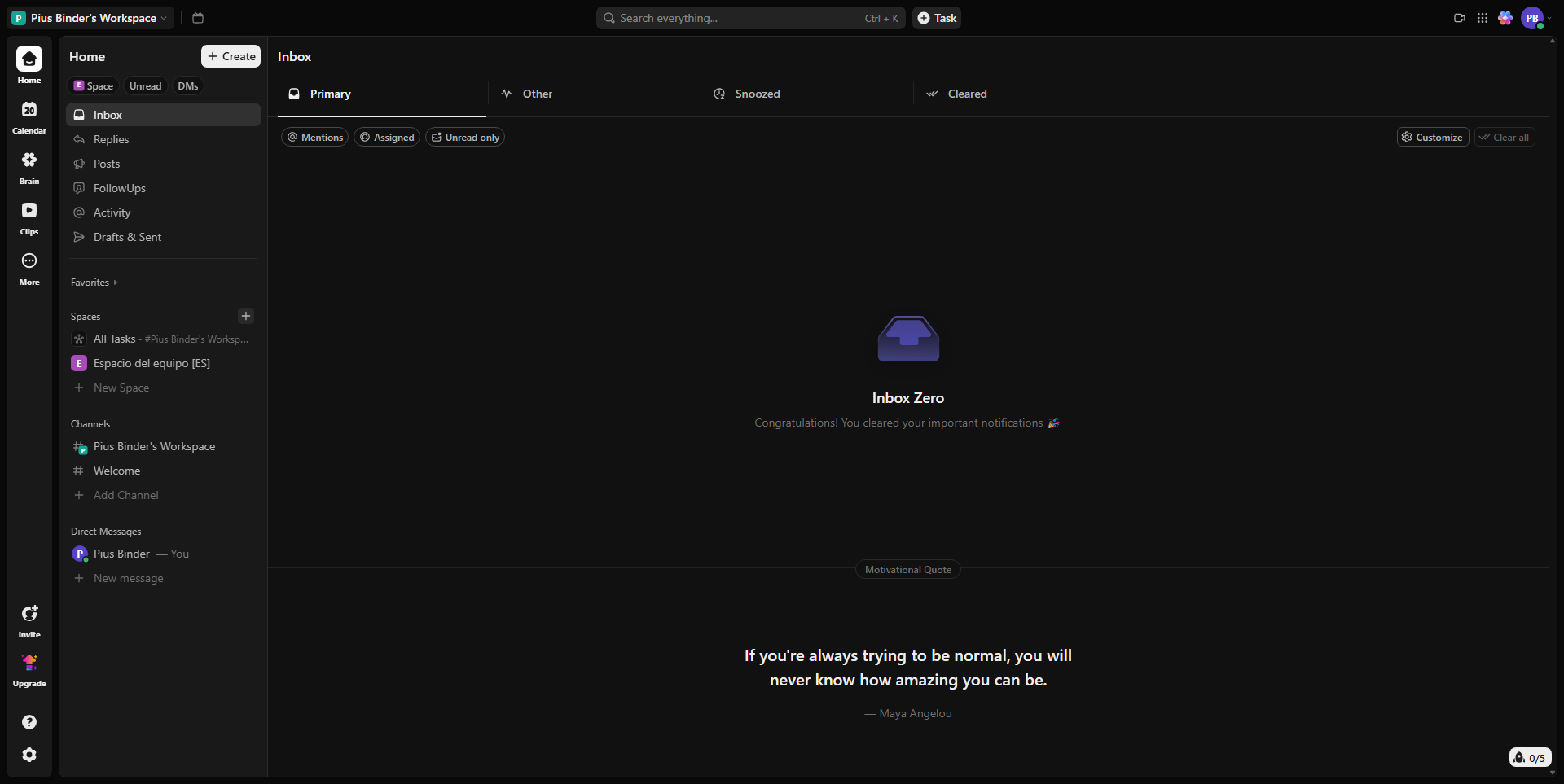
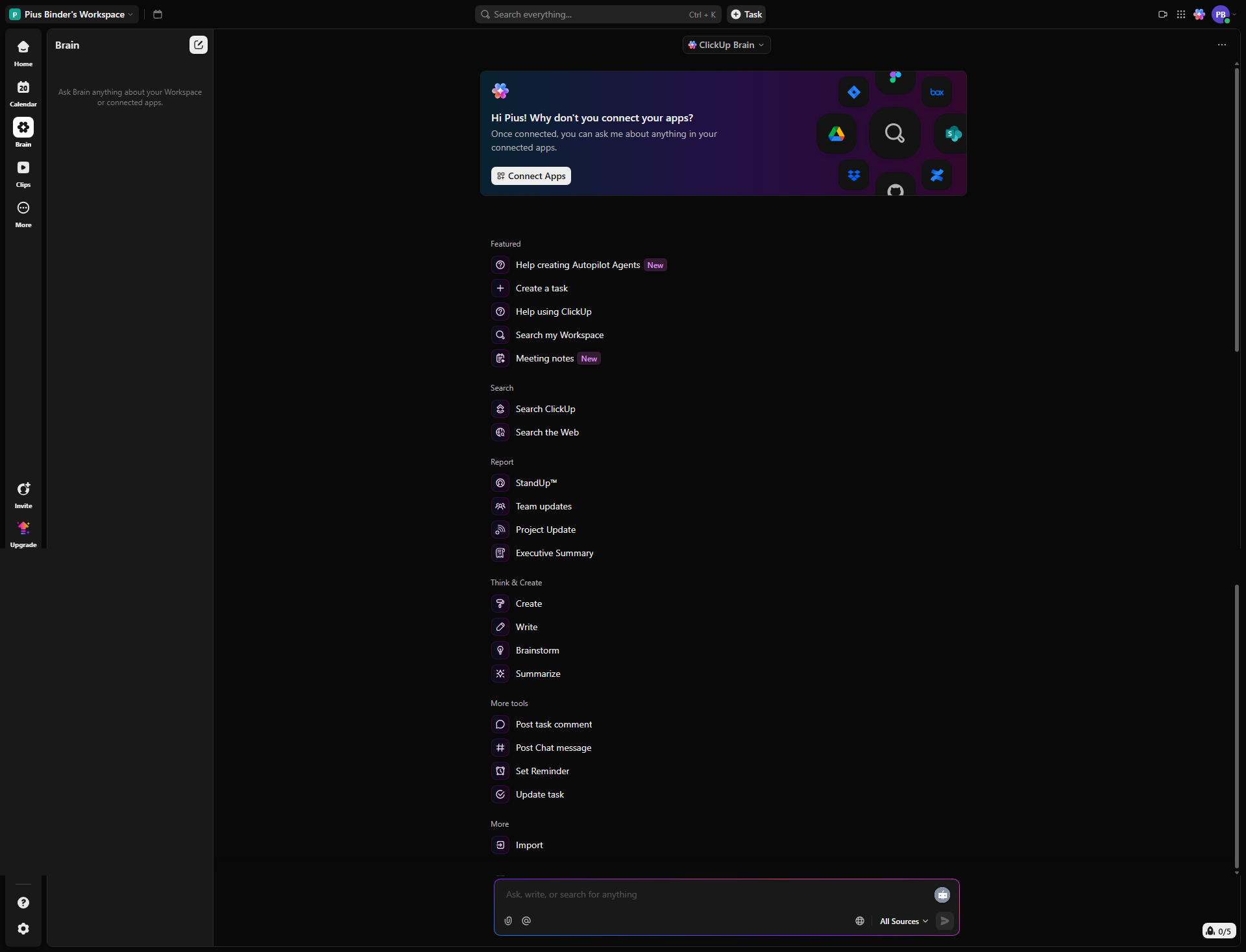
ClickUp screenshot 1
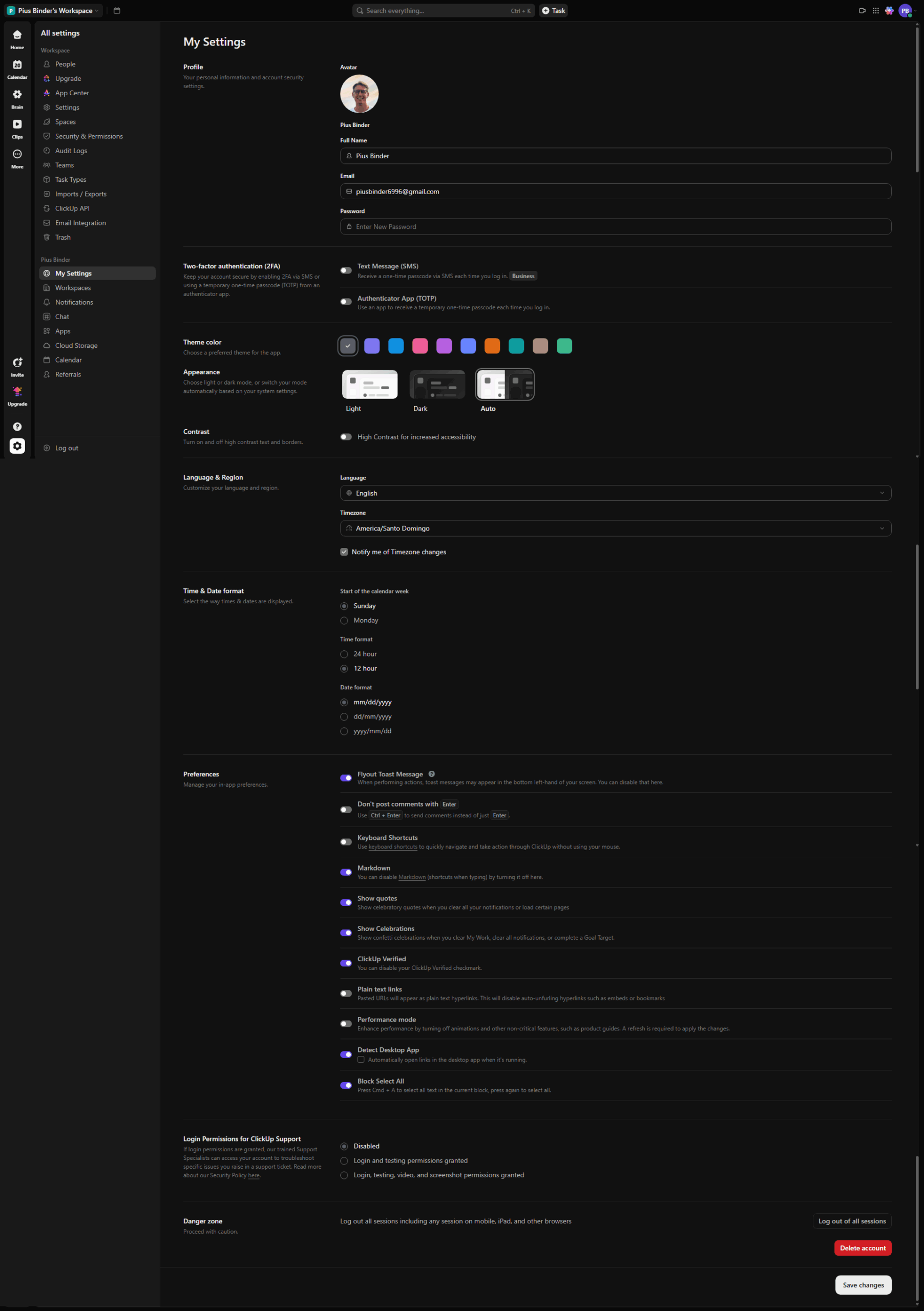
ClickUp screenshot 2
ClickUp screenshot 3
ClickUp screenshot 4
ClickUp screenshot 5
ClickUp screenshot 6
ClickUp screenshot 7
ClickUp screenshot 8
ClickUp screenshot 9
ClickUp screenshot 10