Sign in to review
Join our community of software reviewers on Subscribed.fyi

Continue With Google
Continue With LinkedIn
Continue Review with Email
Continue with Email
Enter your email to continue.
Continue
Enter your password
Enter your password to finish setting up your account.
Continue
Activate your email
Enter activation code we sent to your email.
Submit
Reset your password
Enter activation code we sent to your email.
Submit
Set your new password
Enter a new password for your account.
Submit
Categories
For Business
Log in
Provide My Insights
Add Product
Suggested products People also compare with
Add to Comparison
Suggested products People also compare with

Compare UniPhi and Smartsheet

We are comparing UniPhi and Smartsheet to evaluate which one is the best product.

Suggested products People also compare with
Review Pricing Alternatives Experience

Review

48%
17/36 Metric achieved
85%
30/36 Metric achieved

Subscribed Metric

Customer Support 3/6
Security 0/6
Ease of Use 4/6
Value of Money 4/6
Integration 3/6
Popularity 3/6

Subscribed Metric

Customer Support 5/6
Security 4/6
Ease of Use 5/6
Value of Money 5/6
Integration 5/6
Popularity 6/6

Pros & Cons

Comprehensive project management features.
Great document management and version control.
Excellent customer support responsiveness.
Customizable workflows and templates.
Steep learning curve for new users.
Reports can be difficult to customize.
Limited flexibility in cashflow forecasting.
Interface lacks some user-friendly updates.

Pros & Cons

Extensive customization and flexibility.
Robust automation capabilities.
Facilitates real-time collaboration.
User-friendly dashboards and Gantt charts.
Learning curve for advanced features.
Occasional glitches with notifications.
Complex integration setup for some tools.
Limited sorting and filtering options.

Conclusion

UniPhi is a project management software tailored for construction, offering tools to manage costs, documents, risks, and timelines. It’s multi-functional, web-based, and customizable, making it optimal for construction professionals coordinating complex projects. Key pros include real-time insights, customizable workflow, and integration options like Xero. However, it requires a learning curve, and some features like reporting and flexibility in project setups are cited as lacking.

Compared to alternatives like Smartsheet or Runrun.it, UniPhi delivers strong construction-specific features but may fall short for users prioritizing flexibility or an intuitive interface. Pricing is unstated; customization needs often imply costs.

Customer support receives mixed reviews, with some users praising responsiveness and others flagging delays. Its cost-effectiveness is noted for integrating project metrics into one platform, though usability could deter smaller teams. Ideal for construction firms needing comprehensive, centralized project oversight tools.

Conclusion

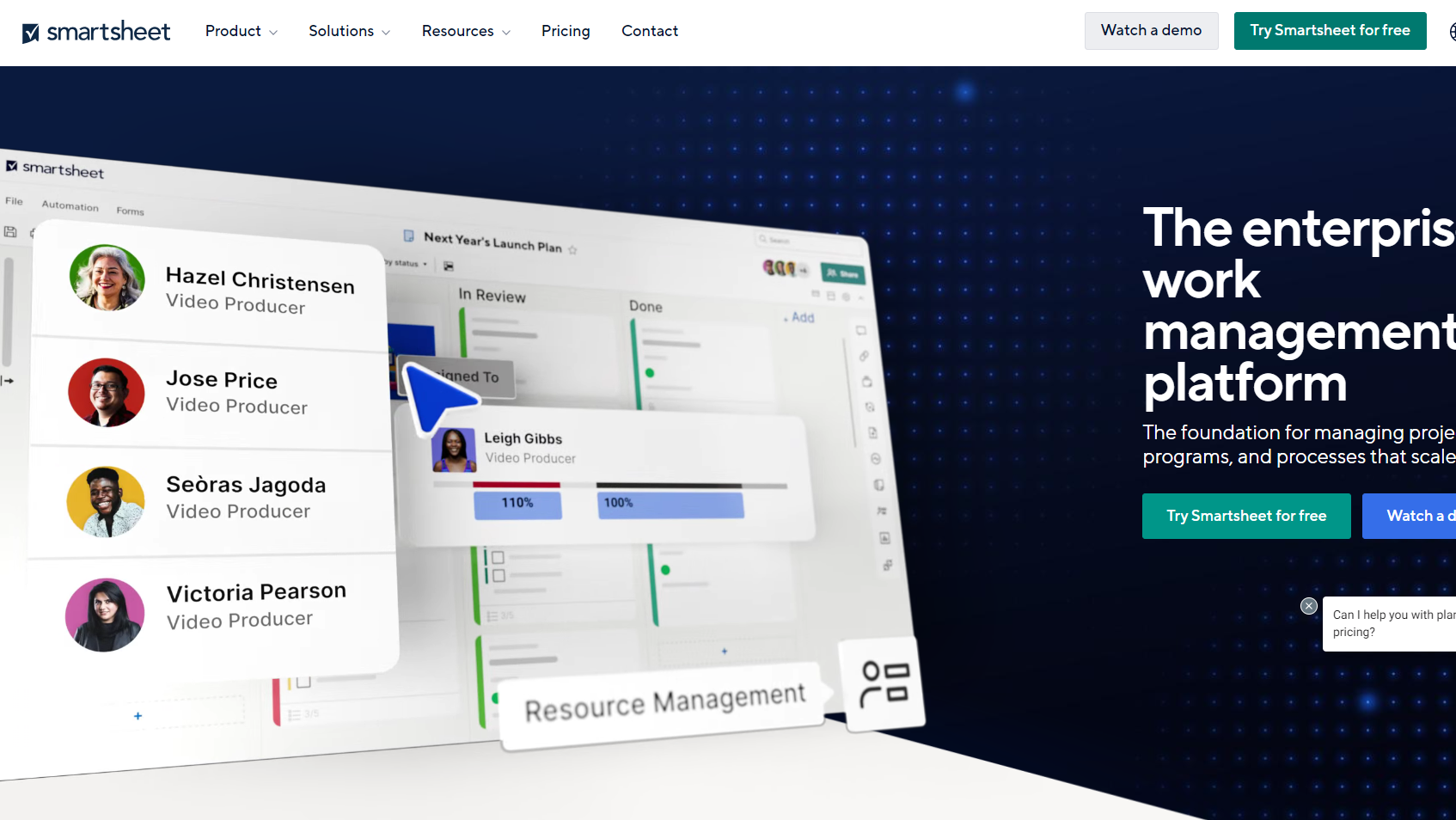
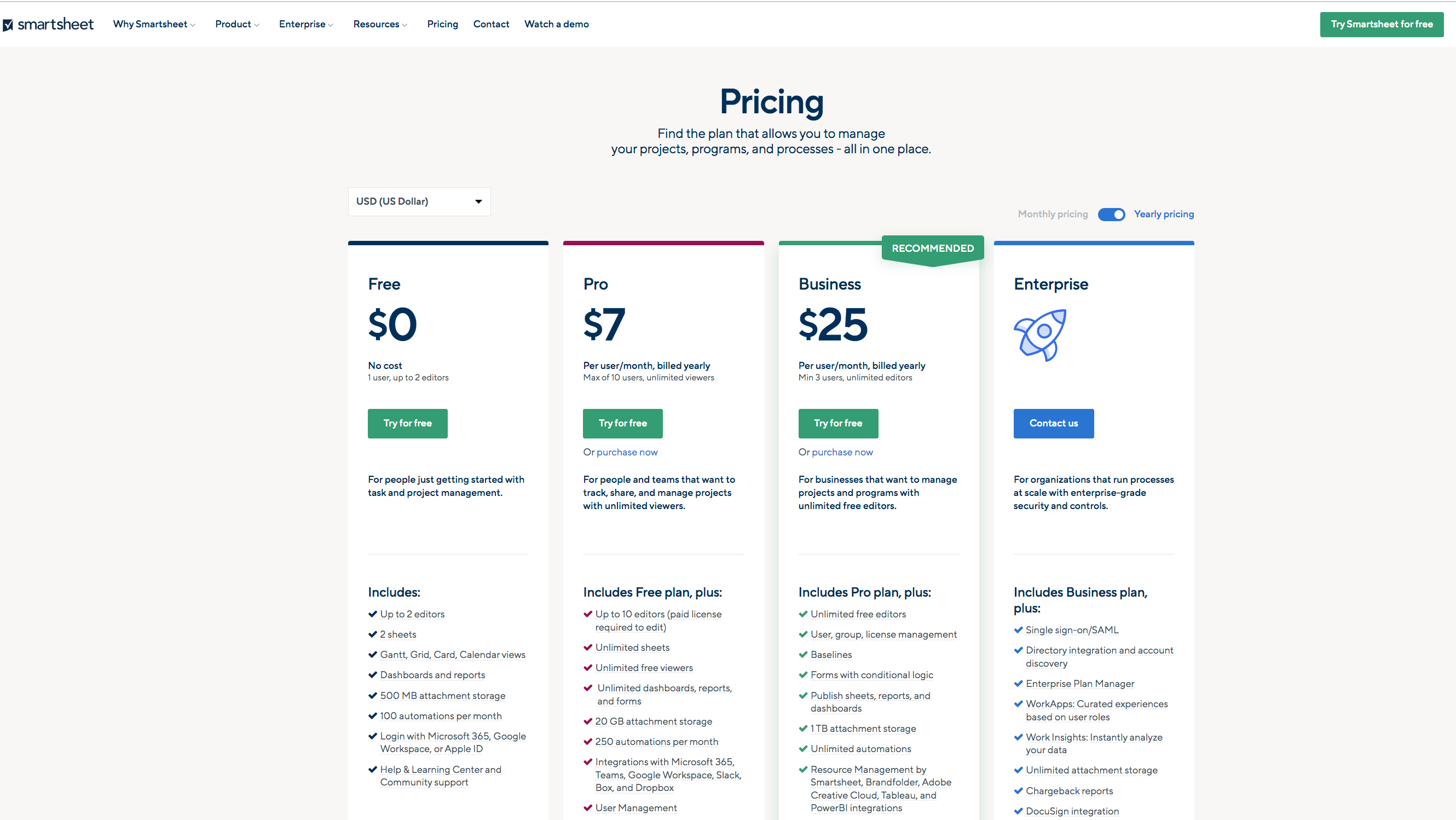
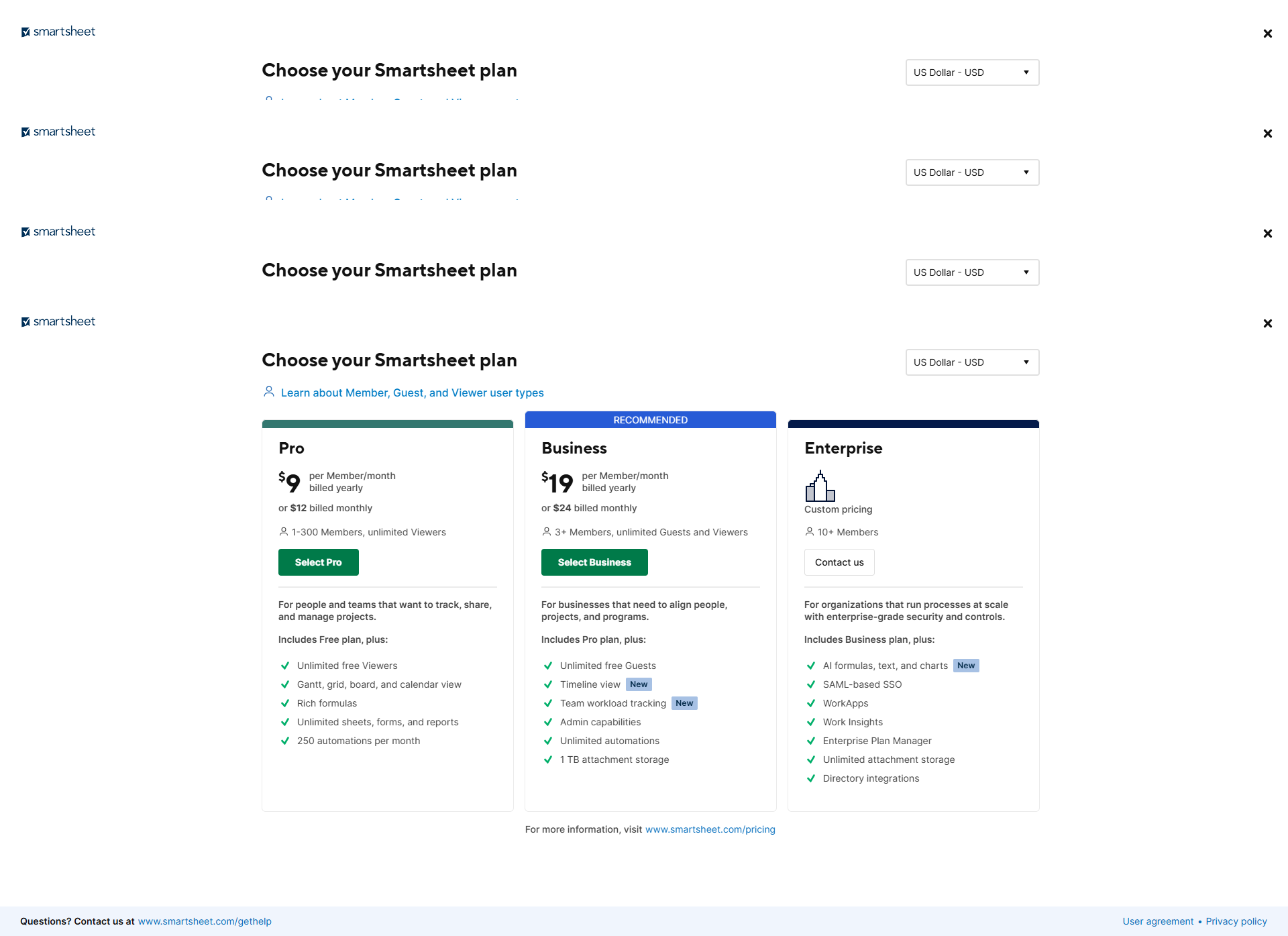
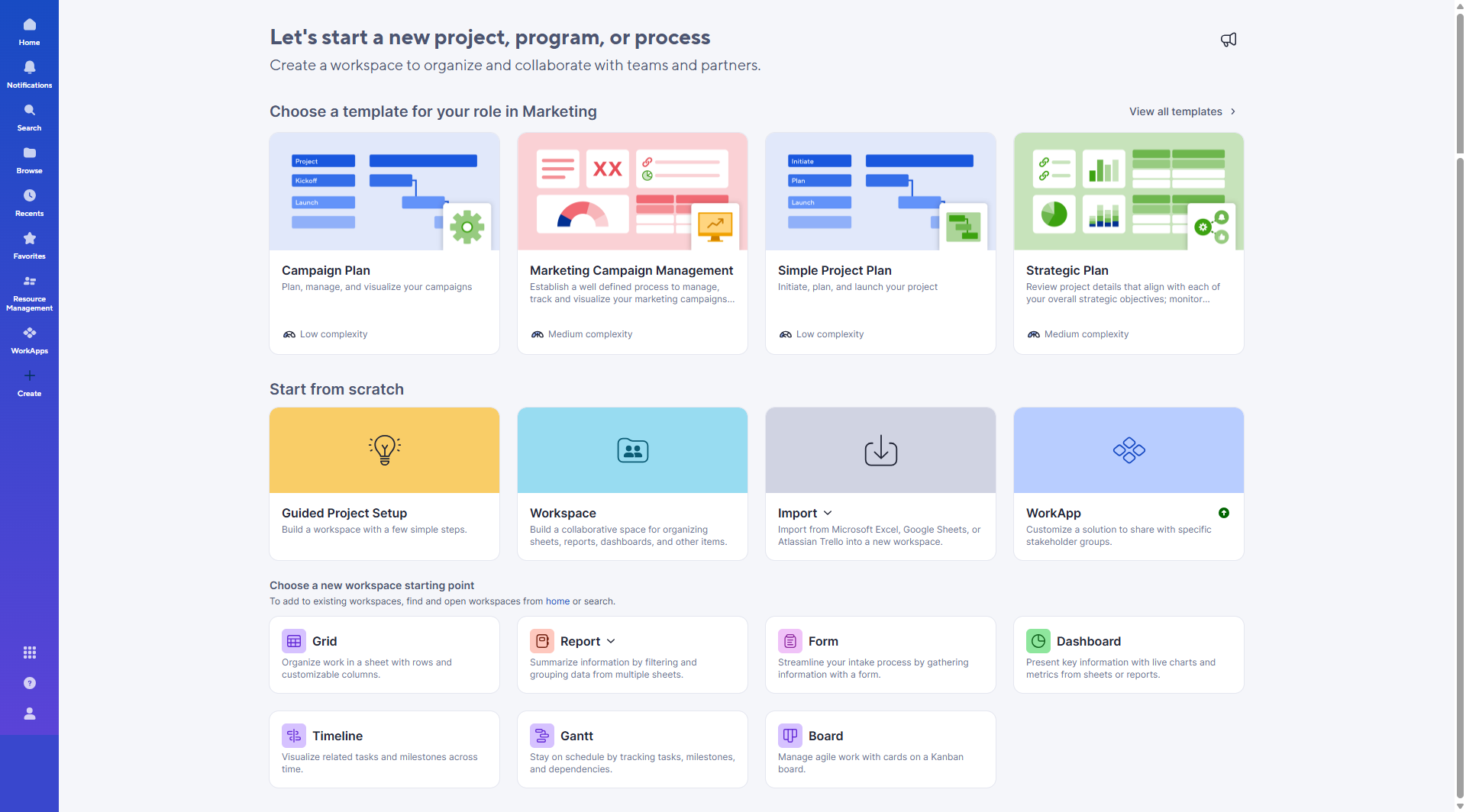
Smartsheet is a robust work management platform tailored for team collaboration, project tracking, and workflow automation, with features like Gantt charts, dashboards, and integrations (e.g., Google Workspace, Slack). It offers scalable pricing: Pro ($9/user/month), Business ($19/user/month), and Enterprise (custom). Smartsheet excels in flexibility for marketers, developers, and project managers but may feel overwhelming for beginners. Compared to tools like Asana or Monday, its spreadsheet-based format offers depth but lacks modern UI. Customer support is reliable, and its automation capabilities enhance cost-effectiveness.

Pricing

UniPhi Pricing

Pricing Range Not specified See UniPhi Pricing

Smartsheet Pricing

Pricing Range $0-$24/Month See Smartsheet Pricing

Alternatives

UniPhi Alternatives

Slack logo

Slack

90%
Smartsheet logo

Smartsheet

85%
SAP Concur logo

SAP Concur

82%
Runrun it logo

Runrun it

68%
See All UniPhi Alternatives

Smartsheet Alternatives

Wrike logo

Wrike

90%
ClickUp logo

ClickUp

88%
Asana logo

Asana

83%
See All Smartsheet Alternatives

Experience

UniPhi Screenshots

UniPhi screenshot 1
UniPhi screenshot 2

Smartsheet Screenshots

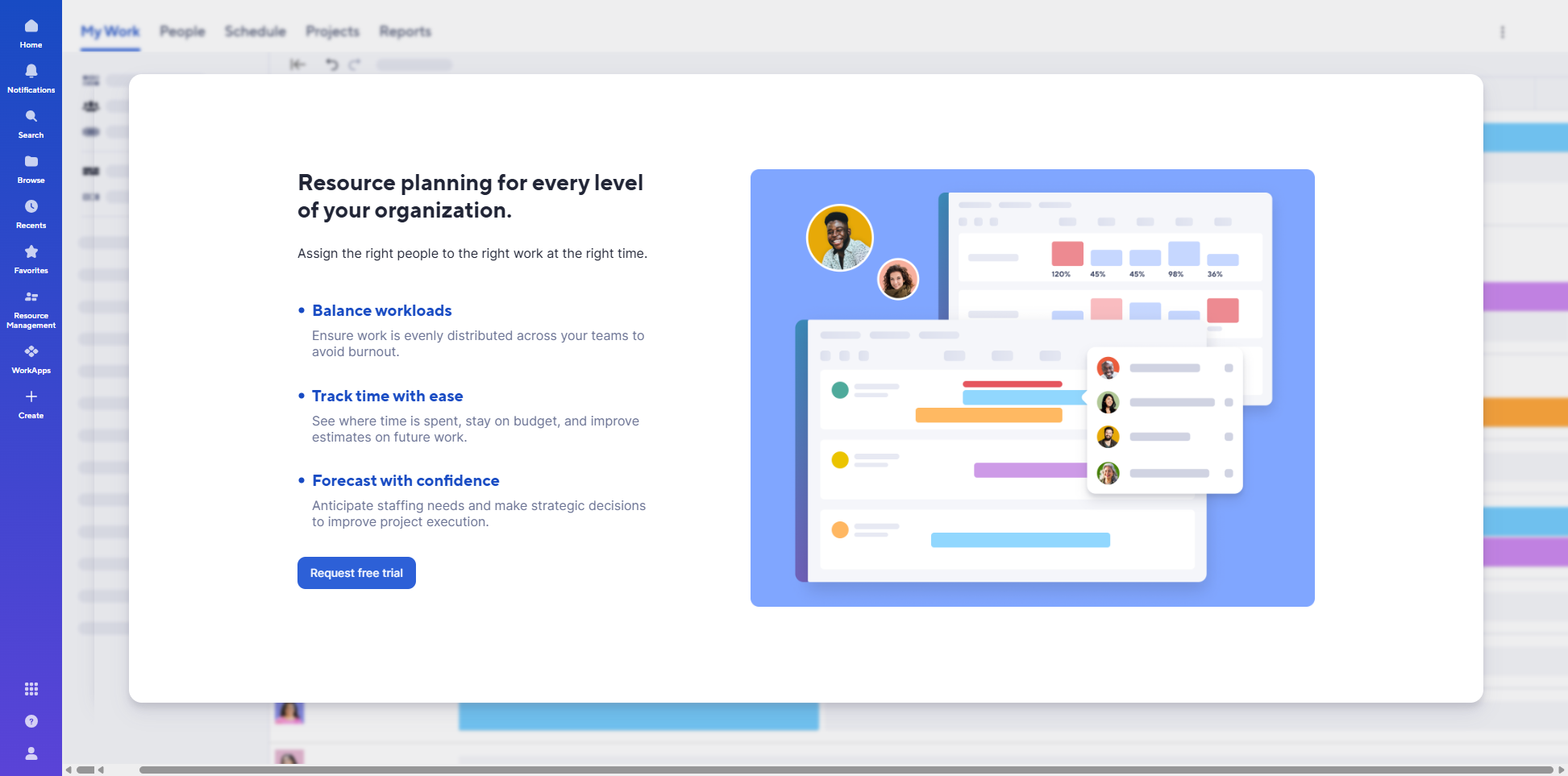
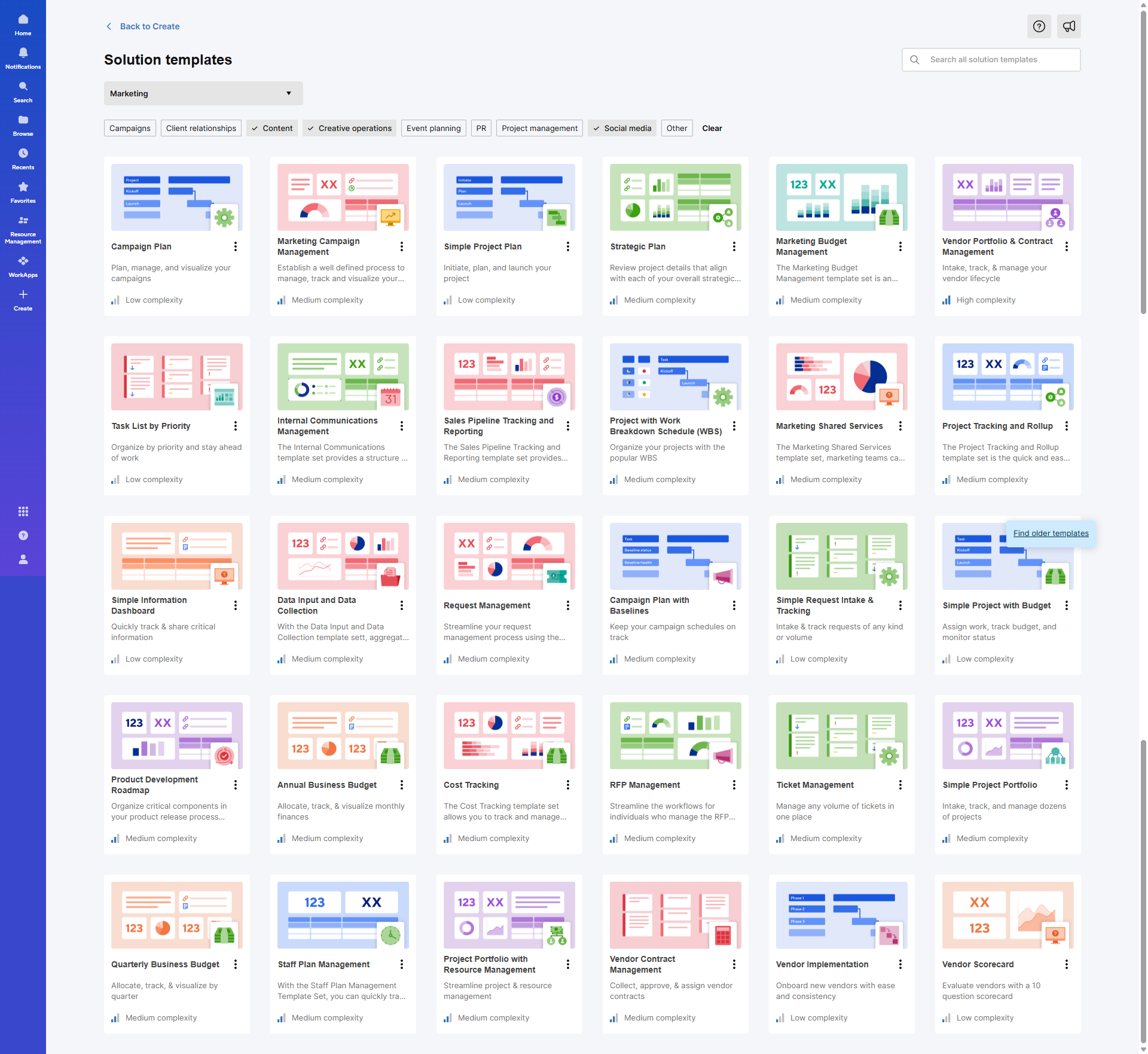
Smartsheet screenshot 1
Smartsheet screenshot 2
Smartsheet screenshot 3
Smartsheet screenshot 4
Smartsheet screenshot 5
Smartsheet screenshot 6
Smartsheet screenshot 7