Sign in to review
Join our community of software reviewers on Subscribed.fyi

Continue With Google
Continue With LinkedIn
Continue Review with Email
Continue with Email
Enter your email to continue.
Continue
Enter your password
Enter your password to finish setting up your account.
Continue
Activate your email
Enter activation code we sent to your email.
Submit
Reset your password
Enter activation code we sent to your email.
Submit
Set your new password
Enter a new password for your account.
Submit
Categories
For Business
Log in
Provide My Insights
Add Product
Suggested products People also compare with
Add to Comparison
Suggested products People also compare with

Compare Weekdone and Trello

We are comparing Weekdone and Trello to evaluate which one is the best product.

Suggested products People also compare with
Review Pricing Alternatives Experience

Review

68%
24/36 Metric achieved
90%
32/36 Metric achieved

Subscribed Metric

Customer Support 5/6
Security 0/6
Ease of Use 5/6
Value of Money 5/6
Integration 4/6
Popularity 5/6

Subscribed Metric

Customer Support 4/6
Security 5/6
Ease of Use 6/6
Value of Money 5/6
Integration 6/6
Popularity 6/6

Pros & Cons

Easy to set up and use for tracking OKRs.
Improves team productivity and alignment.
Customizable dashboard for goal tracking.
Automated weekly progress reports and reminders.
Initial setup can be confusing for some users.
Lacks advanced KPI management features.
Interface can feel cluttered or overwhelming.
Higher hardware requirements for optimal use.

Pros & Cons

Easy to use with intuitive interface.
Highly customizable Kanban boards.
Great for team collaboration and task tracking.
Cost-effective free and basic plans.
Pricing can be a hurdle for small teams.
UI feels outdated compared to rivals.
Limited advanced features for complex needs.
Reliance on internet; lacks offline flexibility.

Conclusion

Weekdone is an intuitive OKR software designed for managers, enabling streamlined goal tracking, team alignment, and productivity improvement. Key features include OKR setting, weekly planning, dashboards, integrations (Slack, Jira), and automated reports. Ideal for small teams, it’s well-suited for marketers and departments needing clear goal tracking. Pricing starts at $80/month for 10 users, with a free plan for up to 3 users. Compared to tools like Lattice, it offers simpler navigation; however, it may lack robust functionality for larger organizations. Customer support includes OKR coaching, ensuring high cost-effectiveness for relevant use cases.

Conclusion

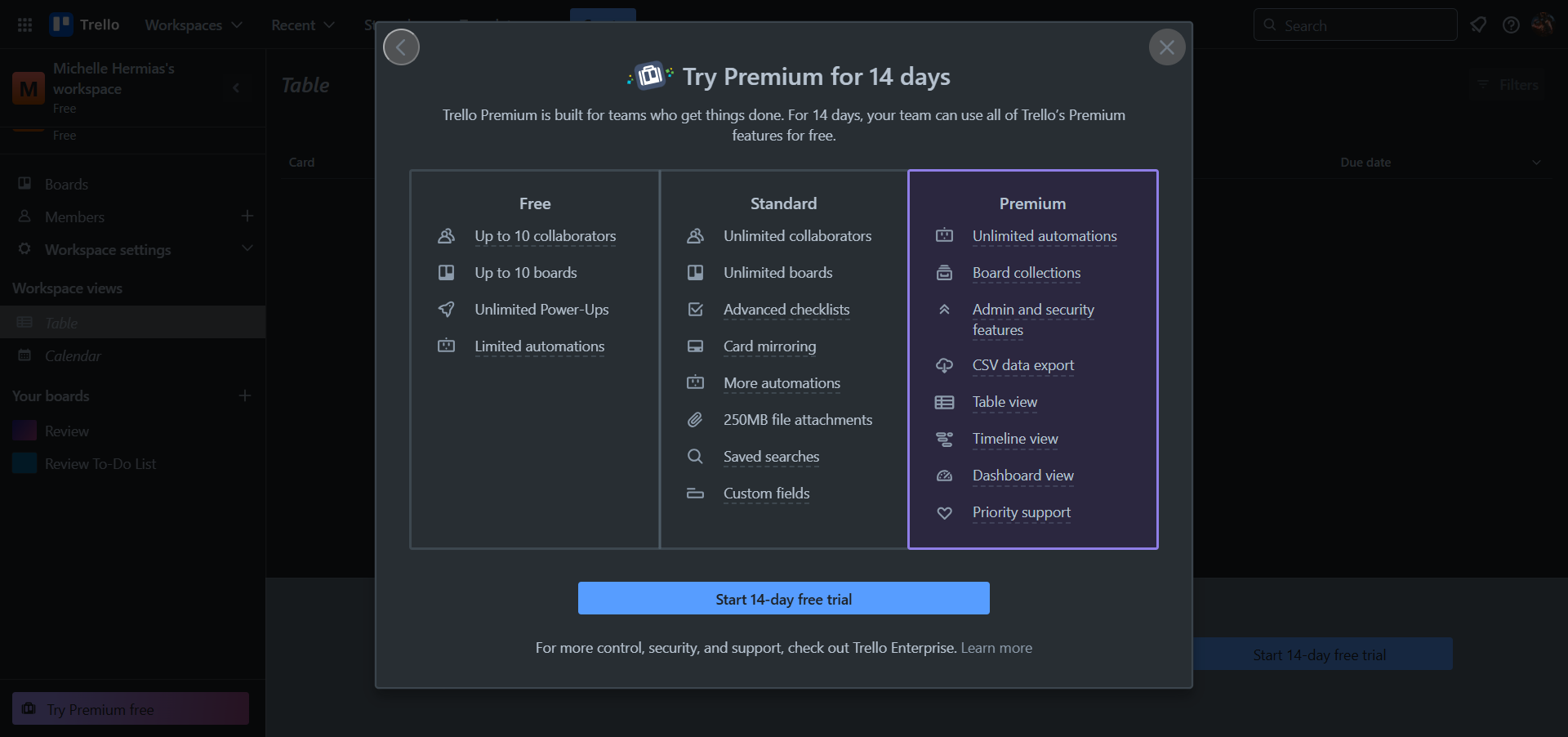
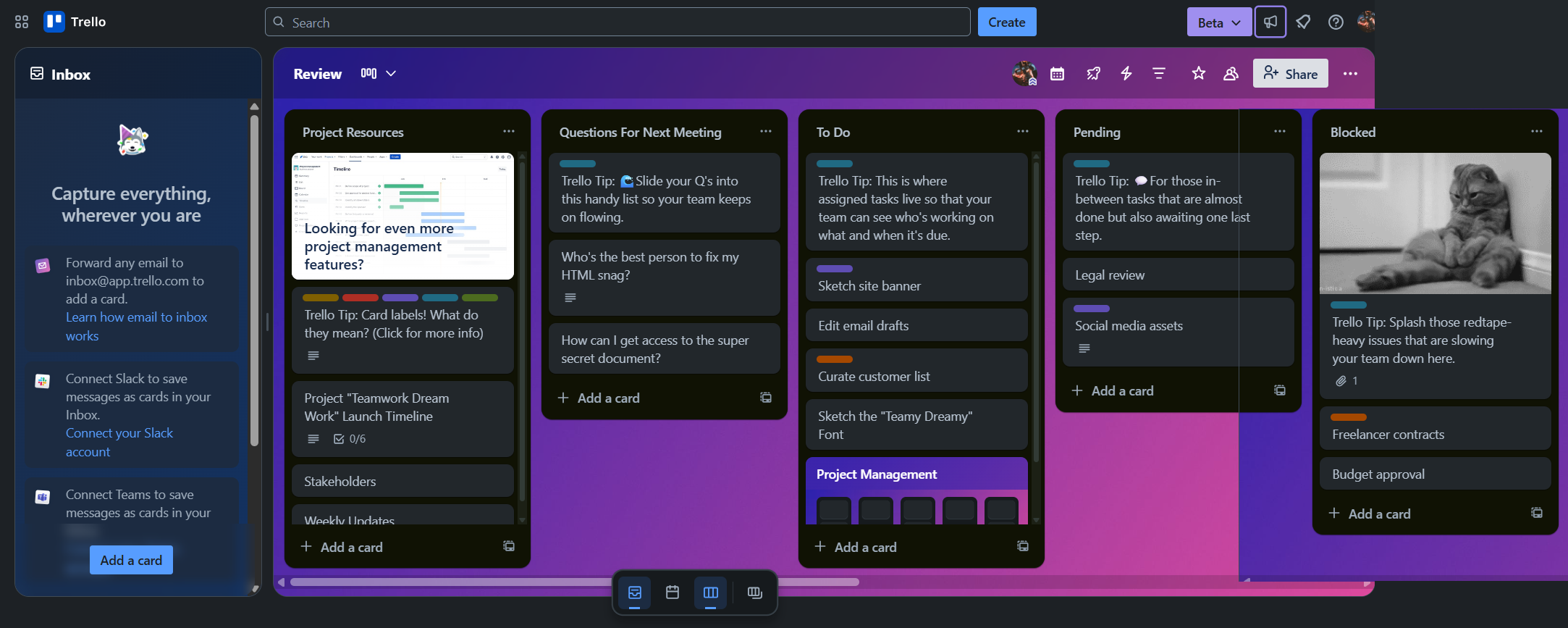
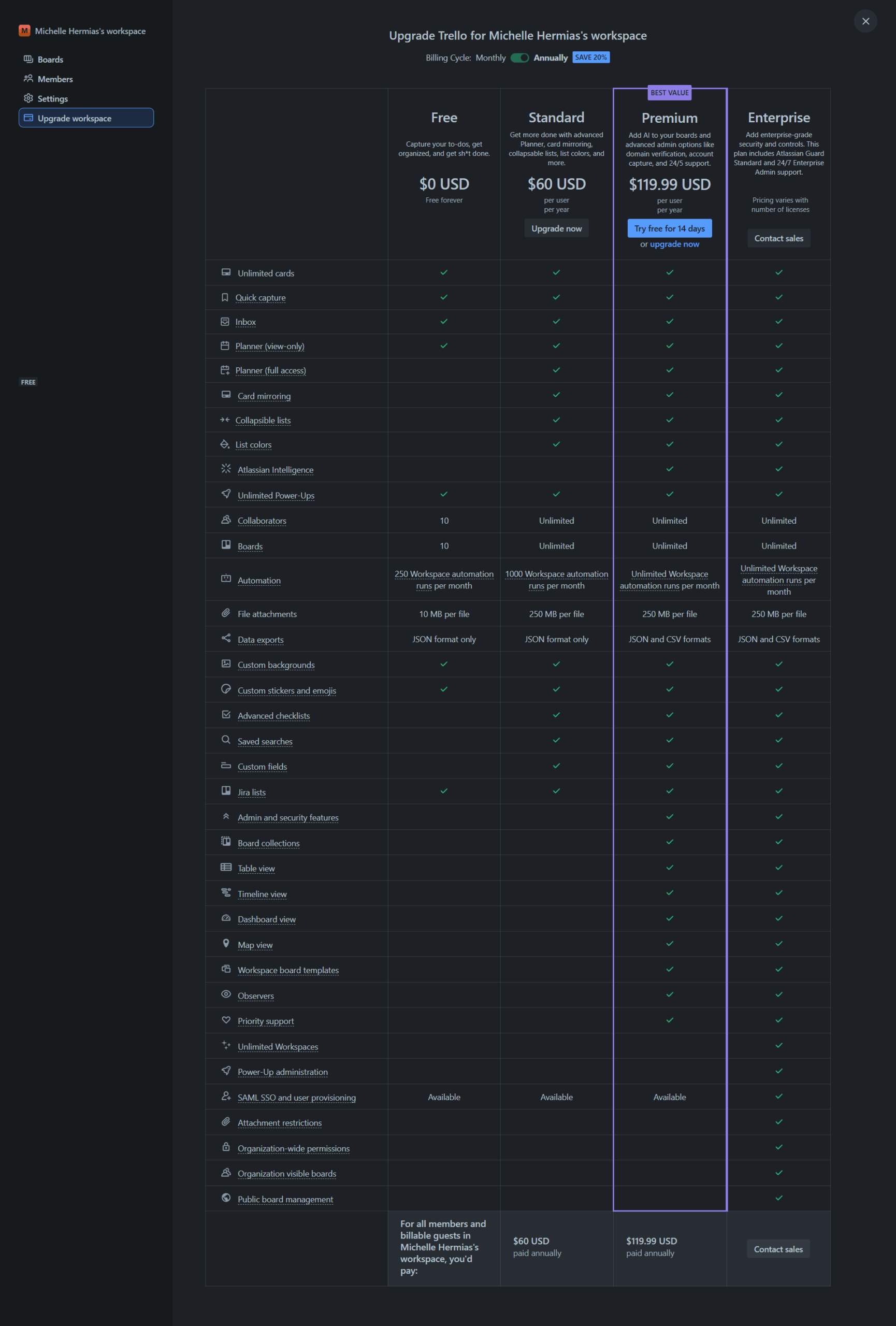
Trello is a flexible visual project management tool ideal for marketers, designers, and small teams. Its Kanban-style boards enable task tracking, deadlines, and collaboration via cards, assignees, and comments. With integrations like Google Drive and Slack, Trello streamlines workflows. It offers Free, Standard ($5/user/month), Premium ($10/user/month), and Enterprise options. Alternatives like Asana and monday.com offer advanced views but cost more. Trello’s intuitive interface and cost-effectiveness shine, though lacks advanced reporting. Support: fair, responsive.

Pricing

Weekdone Pricing

Pricing Range $108-900/Month See Weekdone Pricing

Trello Pricing

Pricing Range $0-$17.50/Month See Trello Pricing

Alternatives

Weekdone Alternatives

Trello logo

Trello

90%
TMetric logo

TMetric

90%
MeisterTask logo

MeisterTask

83%
Microsoft OneNote logo

Microsoft OneNote

78%

Trello Alternatives

Miro logo

Miro

93%
JIRA logo

JIRA

90%
Monday.com logo

Monday.com

90%
Wrike logo

Wrike

90%
See All Trello Alternatives

Experience

Weekdone Screenshots

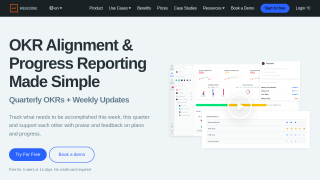
Weekdone screenshot 1
Weekdone screenshot 2

Trello Screenshots

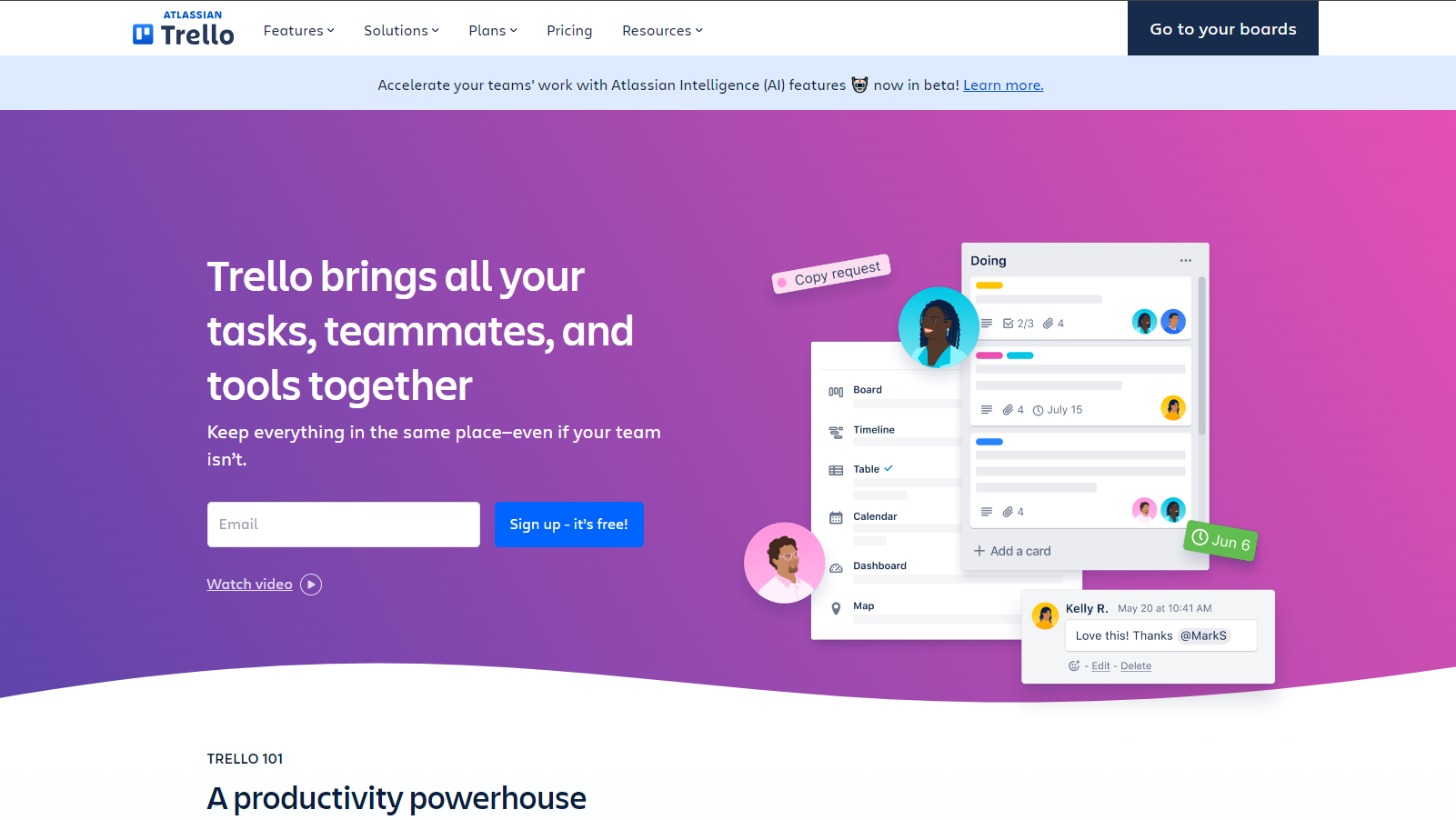
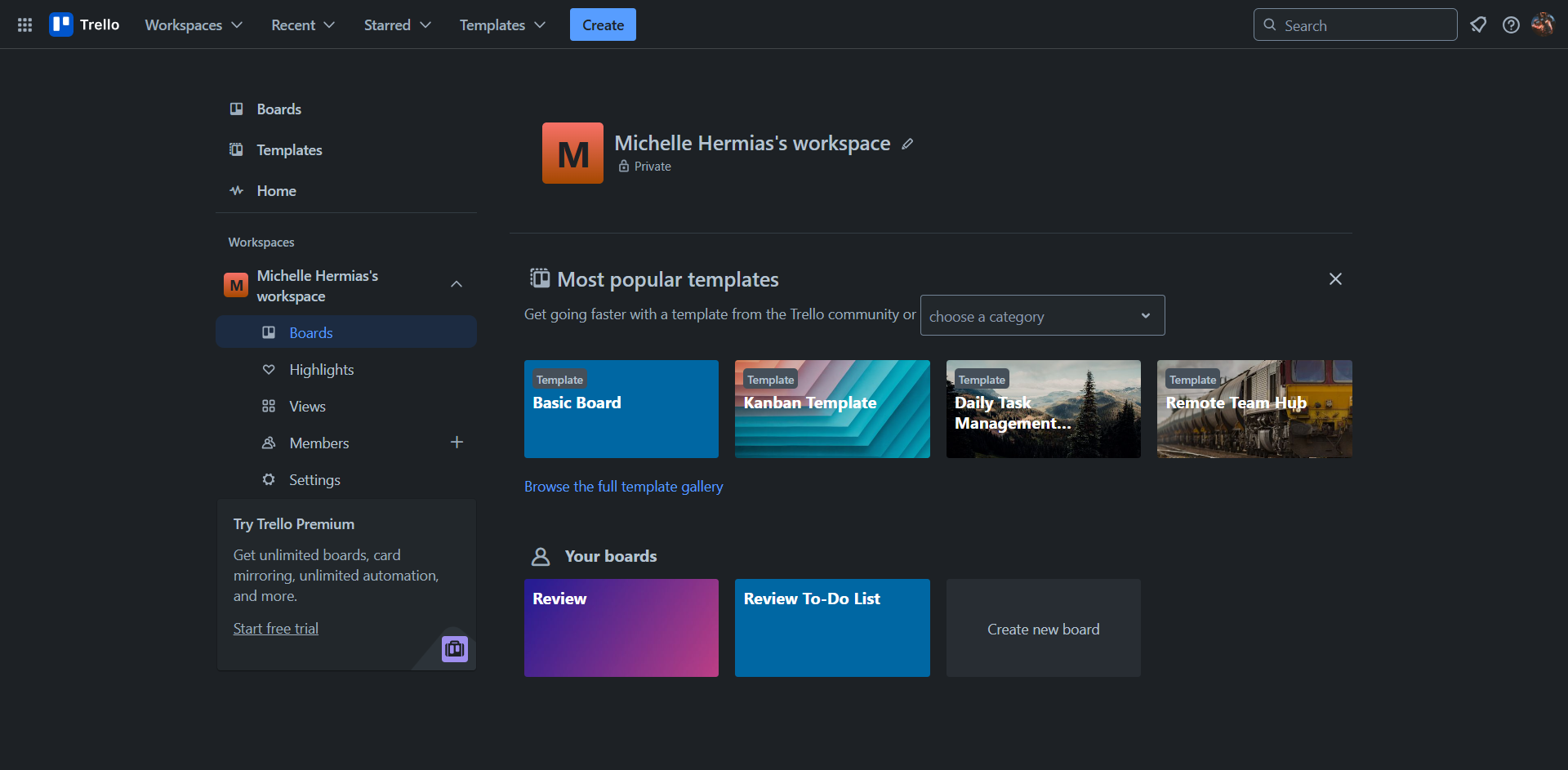
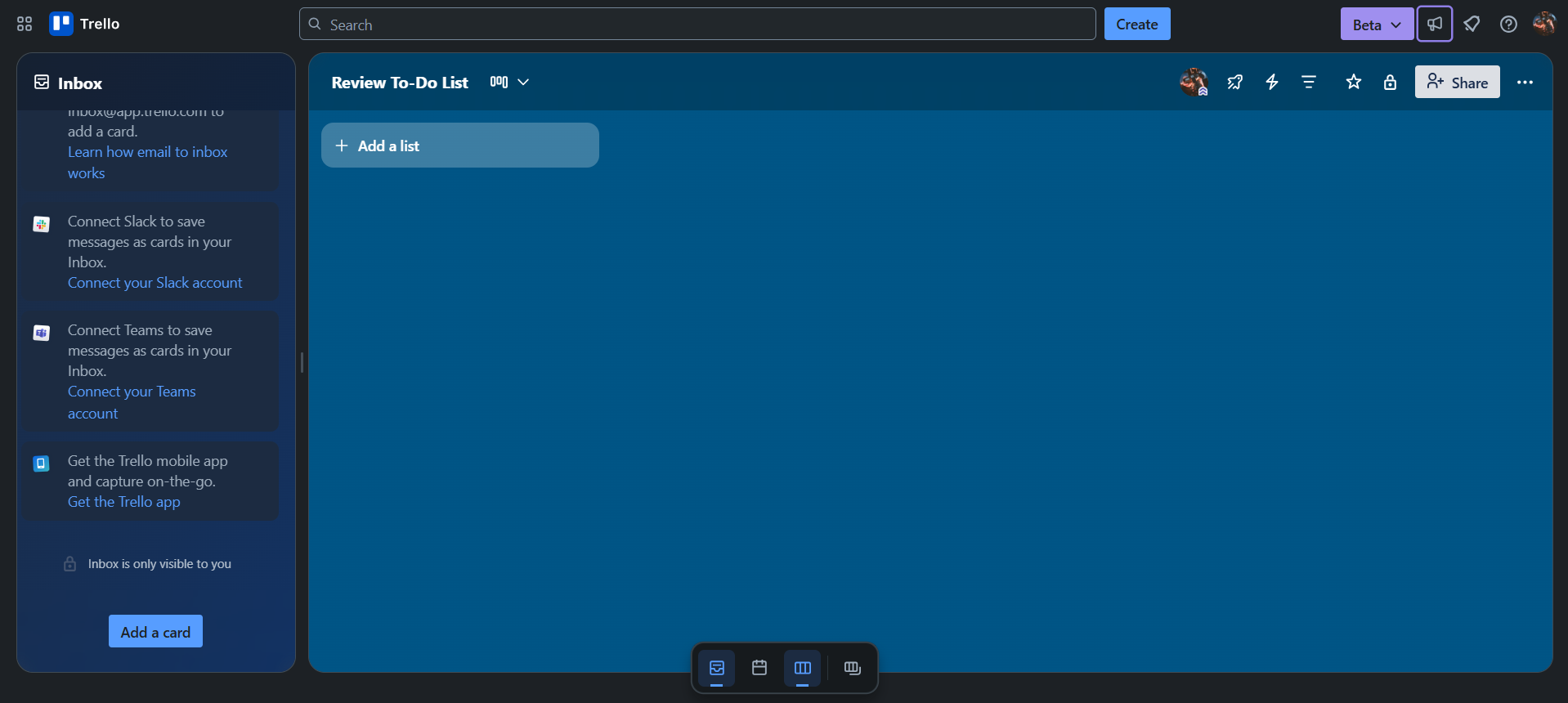
Trello screenshot 1
Trello screenshot 2
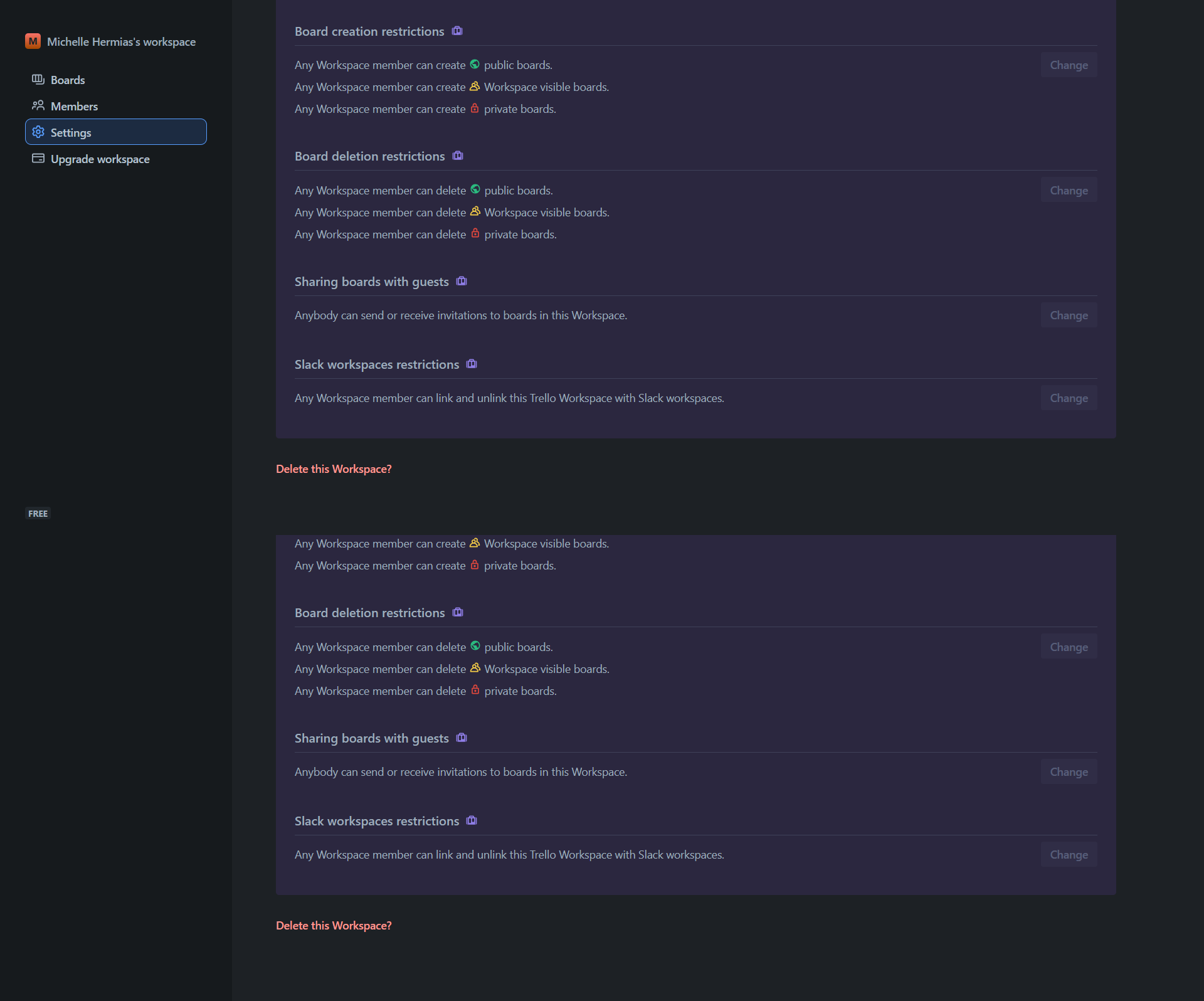
Trello screenshot 3
Trello screenshot 4
Trello screenshot 5
Trello screenshot 6
Trello screenshot 7