Sign in to review
Join our community of software reviewers on Subscribed.fyi

Continue With Google
Continue With LinkedIn
Continue Review with Email
Continue with Email
Enter your email to continue.
Continue
Enter your password
Enter your password to finish setting up your account.
Continue
Activate your email
Enter activation code we sent to your email.
Submit
Reset your password
Enter activation code we sent to your email.
Submit
Set your new password
Enter a new password for your account.
Submit
Categories
For Business
Log in
Provide My Insights
Add Product
Suggested products People also compare with
Add to Comparison
Suggested products People also compare with

Compare YouCanBookMe and Google Workspace

We are comparing YouCanBookMe and Google Workspace to evaluate which one is the best product.

Suggested products People also compare with
Review Pricing Alternatives Experience

Review

93%
33/36 Metric achieved
90%
32/36 Metric achieved

Subscribed Metric

Customer Support 5/6
Security 5/6
Ease of Use 6/6
Value of Money 6/6
Integration 5/6
Popularity 6/6

Subscribed Metric

Customer Support 4/6
Security 5/6
Ease of Use 6/6
Value of Money 5/6
Integration 6/6
Popularity 6/6

Pros & Cons

Highly customizable for diverse needs
Integrates with calendars and tools seamlessly
Saves time with automation and reminders
Easy to use for clients and administrators
Customer support response can be slow
Mobile app and interface need improvement
Limited multi-calendar integration options
Some features require paid versions for full access

Pros & Cons

Seamless integration of tools
Real-time collaboration features
User-friendly and intuitive design
Cloud-based access for flexibility
Limited offline functionality
Higher pricing for small businesses
Lacks advanced features in some apps
Search functionality can be overwhelming

Conclusion

YouCanBookMe is a versatile scheduling tool tailored for professionals like marketers, educators, and freelancers. Its customizable booking pages, multi-calendar integrations (Google, Apple, Microsoft), automated workflows, and reminders enable frictionless scheduling. Compared to tools like Calendly, YCBM offers superior personalization, though it lacks a mobile app and advanced collaboration features. Pricing starts at $0 for single calendars, with paid plans offering enhanced features from $7.20/month. YouCanBookMe provides responsive email support but may fall short for urgent issues. It’s cost-effective for SMBs needing flexibility but less ideal for larger teams requiring broader integrations.

Conclusion

Google Workspace is a comprehensive productivity suite integrating Gmail, Docs, Sheets, Meet, Drive, and more. Key features include real-time collaboration, AI-enhanced tools, seamless app integration, and robust security. Pricing scales from $6/user/month for small teams to $18 for advanced use. Ideal for marketers and remote teams, it offers intuitive tools for collaboration and workflow efficiency. Compared to Microsoft 365, Google excels in collaboration but lacks advanced offline capabilities. Support is dependable, and scalability offers good value for money.

Pricing

YouCanBookMe Pricing

Pricing Range $8.10-$16.20/Month See YouCanBookMe Pricing

Google Workspace Pricing

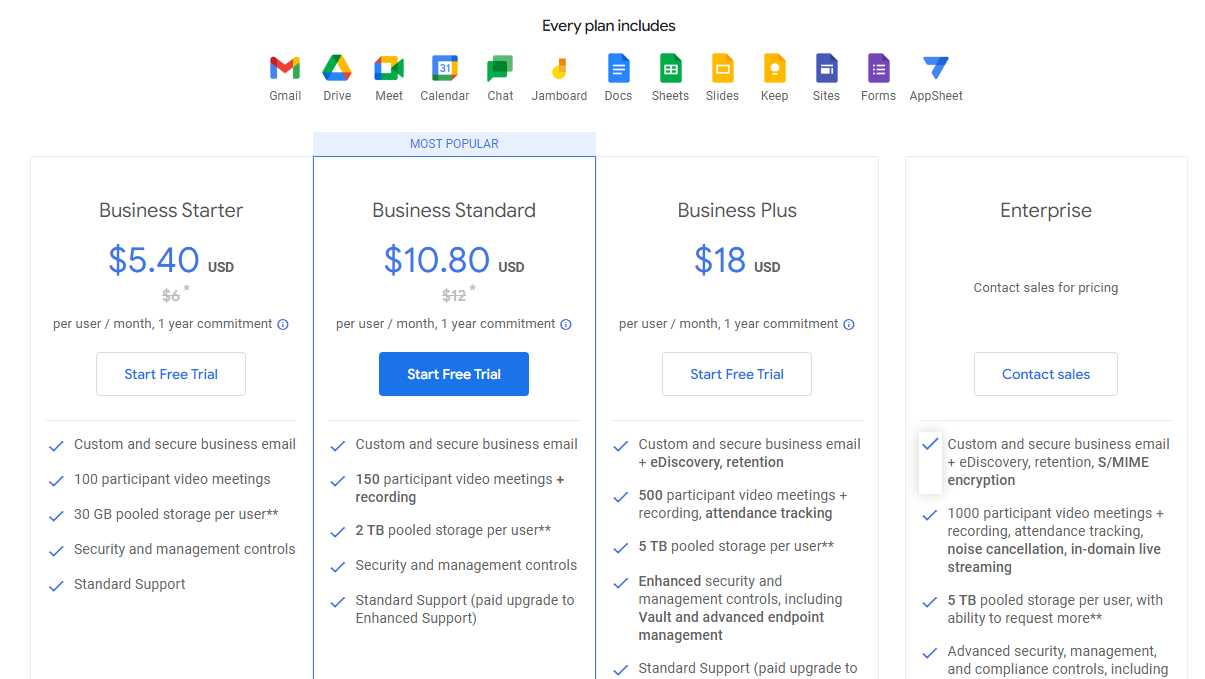
Pricing Range $7.20-$21.60/Month See Google Workspace Pricing

Alternatives

YouCanBookMe Alternatives

Calendly logo

Calendly

93%
Google Workspace logo

Google Workspace

90%
Doodle logo

Doodle

80%
Acuity Scheduling logo

Acuity Scheduling

76%
See All YouCanBookMe Alternatives

Google Workspace Alternatives

Dropbox logo

Dropbox

90%
Microsoft 365 logo

Microsoft 365

88%
Notion logo

Notion

88%
Zoho CRM logo

Zoho CRM

85%
See All Google Workspace Alternatives

Experience

YouCanBookMe Screenshots

YouCanBookMe screenshot 1
YouCanBookMe screenshot 2

Google Workspace Screenshots

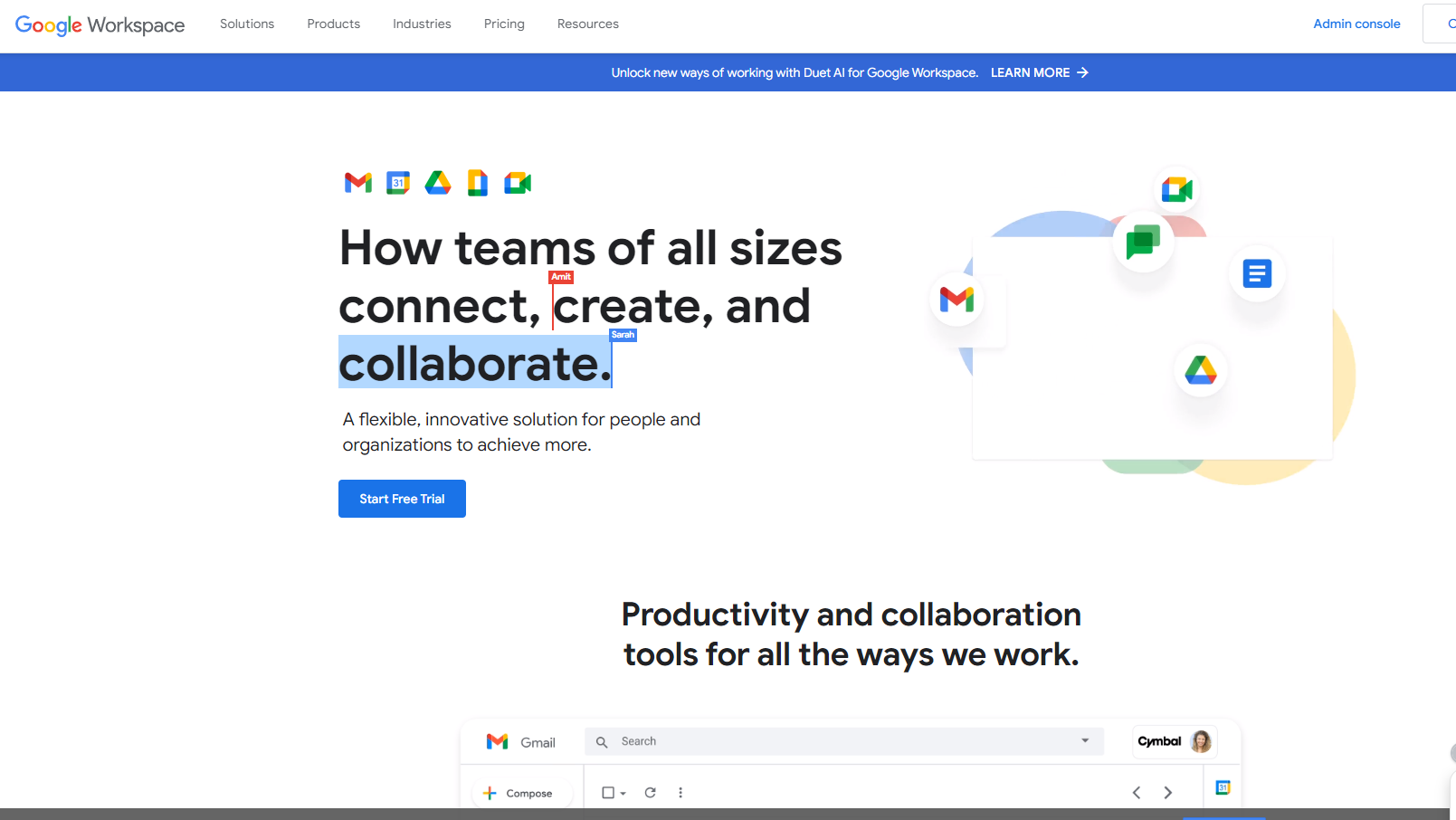
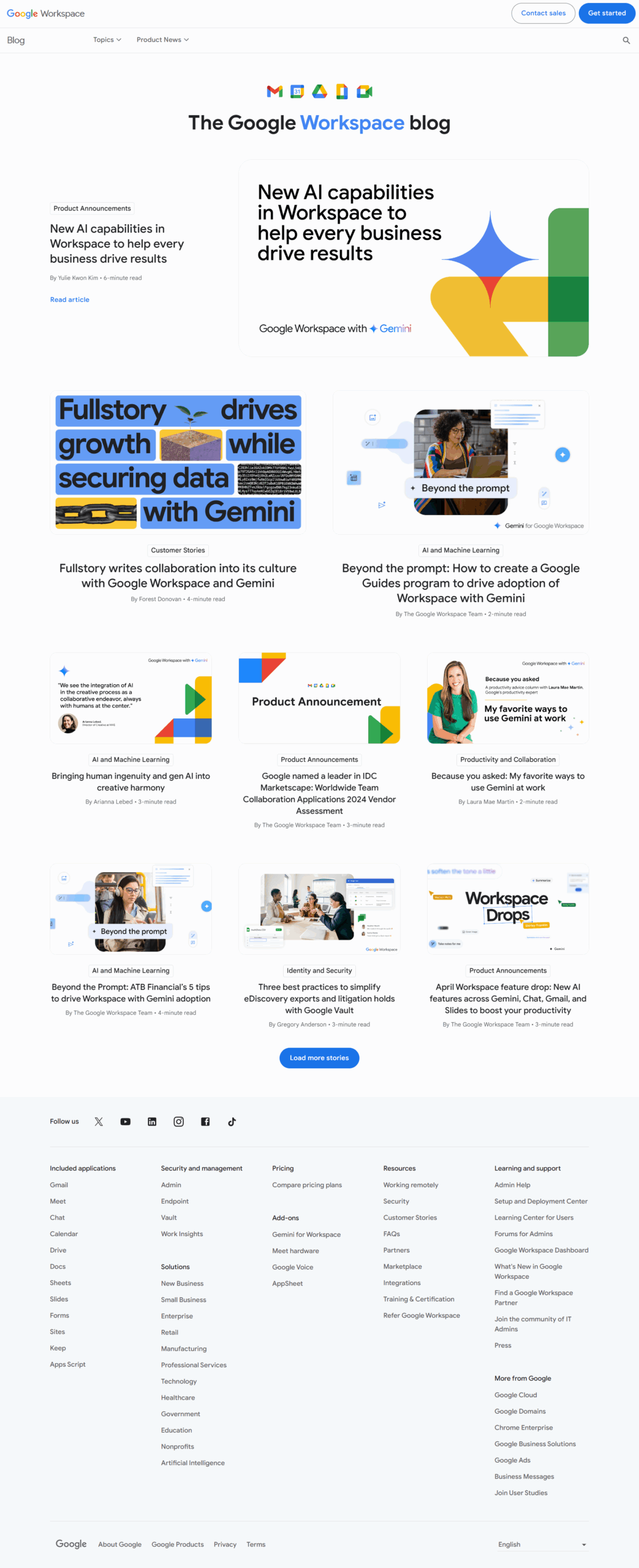
Google Workspace screenshot 1
Google Workspace screenshot 2
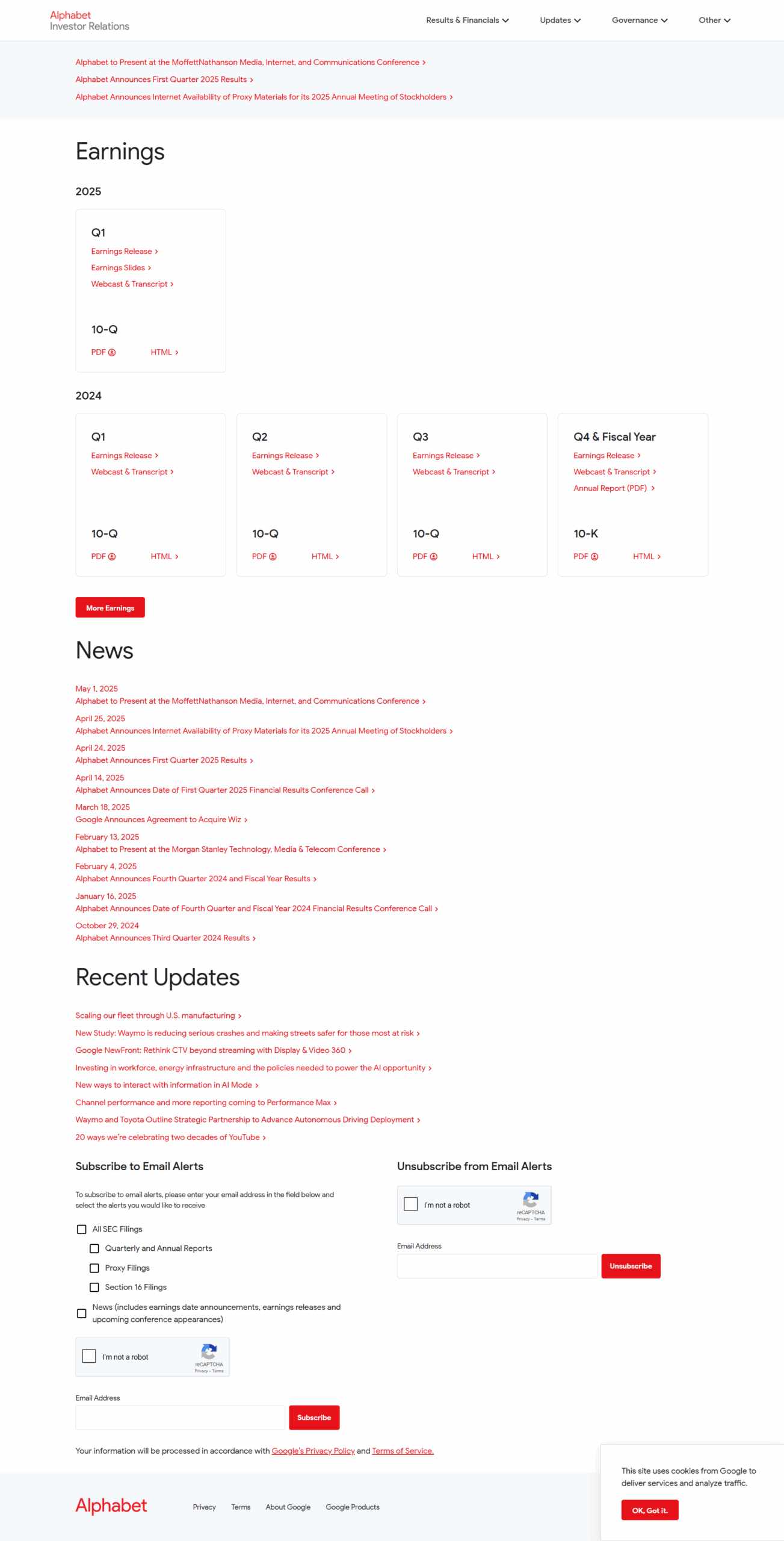
Google Workspace screenshot 3
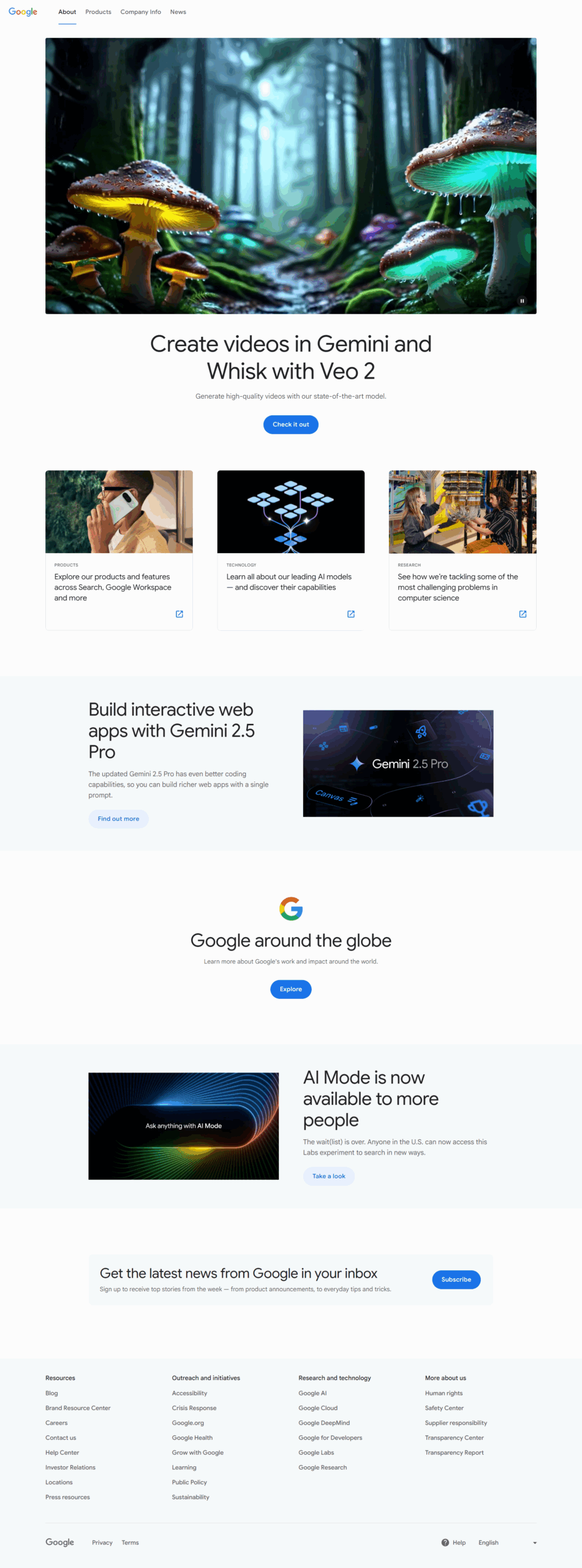
Google Workspace screenshot 4
Google Workspace screenshot 5
Google Workspace screenshot 6
Google Workspace screenshot 7
Google Workspace screenshot 8
Google Workspace screenshot 9
Google Workspace screenshot 10