Contractor s Office Reviews 2026: Details, Pricing, & Features | Subscribed.fyi
Sign in to review
Join our community of software reviewers on Subscribed.fyi

Continue With Google
Continue With LinkedIn
Continue Review with Email
Continue with Email
Enter your email to continue.
Continue
Enter your password
Enter your password to finish setting up your account.
Continue
Activate your email
Enter activation code we sent to your email.
Submit
Reset your password
Enter activation code we sent to your email.
Submit
Set your new password
Enter a new password for your account.
Submit
Categories
For Business
Log in
Provide My Insights

Contractor s Office Reviews, Pricing, Features & Alternatives (2026)

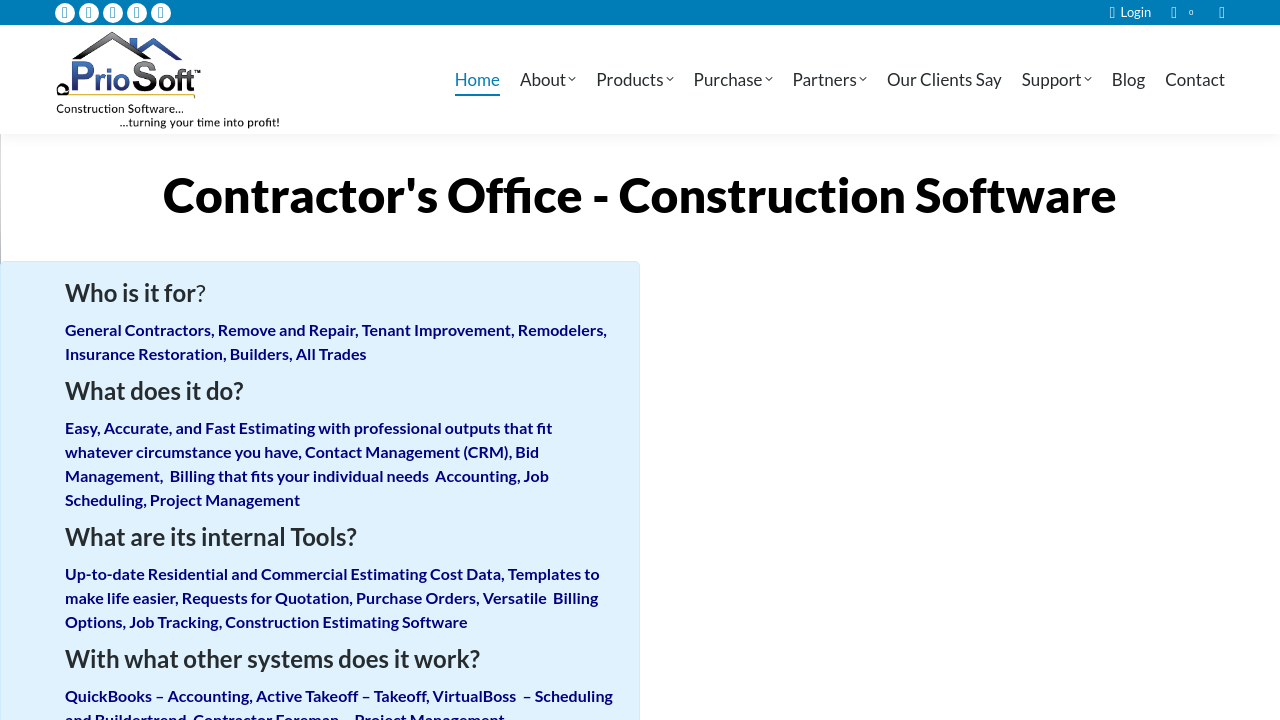
Contractor’s Office is a comprehensive construction estimating software designed to streamline operations for residential, commercial, and general contractors. It manages cost estimations, project tracking, and scheduling, ensuring efficient workflows from initial contact to project completion. With built-in project management and accounting capabilities, it helps contractors save time, optimize accuracy, and improve profitability.

Contractor s Office Overview

What is Contractor s Office?

N/A
0
Reviews
50%
Subscribed Score

Available for Claim - This listing is available to be claimed
Claim Profile For Free

Unclaimed

Manage profile with subsig, and unlock 23+ social and review monitoring. Get partnership options with

Claim Profile For Free

Why teams choose Contractor s Office

Key Features

No-Code Simplicity
No-Code Simplicity
Launch without writing a single line of code.
Plug & Play Setup
Plug & Play Setup
Get started in minutes, not weeks.
Smart Automation
Smart Automation
Save time with AI-powered workflows.

Who is Contractor s Office for?

Contractor’s Office is an innovative solution within the Construction Project Management Software category, tailored for residential, commercial, and general contractors. Designed to streamline all phases of the construction process, it covers project estimation, scheduling, tracking, cash flow management, and construction accounting. By providing end-to-end tools, Contractor’s Office makes managing projects, costs, and time more efficient.

Why Use Contractor’s Office?

By choosing Contractor’s Office, businesses gain access to a comprehensive hub of features designed to address critical construction management challenges:

  1. Streamlined Estimation Process: The software simplifies cost estimation for residential and commercial projects, ensuring accurate and profitable bids.
  2. Integrated Project Tools: From tracking contracts to managing timelines, Contractor’s Office integrates key elements of project management in one platform.
  3. Construction Accounting: Its accounting tools let users control cash flow while keeping tabs on budgets, project costs, and payments.
  4. Professional Reports and Quotes: Generate detailed estimates and contracts for clients, enhancing professionalism and boosting project acceptance.
  5. Flexibility and Customization: Adjustable tools make it adaptable to different project scales and requirements.

Who is Contractor’s Office For?

Contractor’s Office is specifically designed for:

  1. Small to Medium Contractors: Professionals aiming to manage their operations more efficiently while staying competitive in the industry.
  2. Larger Construction Firms: Companies seeking detailed cost and project management capabilities for multiple simultaneous projects.
  3. Project Managers: Individuals focused on overseeing budgets, timelines, and resource allocation in a streamlined manner.

Explore exclusive offers for Contractor’s Office to see how it transforms your daily operations.

Consider These Alternatives

If you’re seeking other options in the category, consider:

Contractor’s Office delivers a robust platform for contractors looking to enhance their workflow, boost accuracy, and maximize profits. The combination of construction-specific tools and flexibility makes it a top choice in the industry.


Contractor s Office Summary

Contractor’s Office is an innovative solution within the Construction Project Management Software category, tailored for residential, commercial, and general contractors. Designed to streamline all phases of the construction process, it covers project estimation, scheduling, tracking, cash flow management, and construction accounting. By providing end-to-end tools, Contractor’s Office makes managing projects, costs, and time more efficient.

Why Use Contractor’s Office?

By choosing Contractor’s Office, businesses gain access to a comprehensive hub of features designed to address critical construction management challenges:

  1. Streamlined Estimation Process: The software simplifies cost estimation for residential and commercial projects, ensuring accurate and profitable bids.
  2. Integrated Project Tools: From tracking contracts to managing timelines, Contractor’s Office integrates key elements of project management in one platform.
  3. Construction Accounting: Its accounting tools let users control cash flow while keeping tabs on budgets, project costs, and payments.
  4. Professional Reports and Quotes: Generate detailed estimates and contracts for clients, enhancing professionalism and boosting project acceptance.
  5. Flexibility and Customization: Adjustable tools make it adaptable to different project scales and requirements.

Who is Contractor’s Office For?

Contractor’s Office is specifically designed for:

  1. Small to Medium Contractors: Professionals aiming to manage their operations more efficiently while staying competitive in the industry.
  2. Larger Construction Firms: Companies seeking detailed cost and project management capabilities for multiple simultaneous projects.
  3. Project Managers: Individuals focused on overseeing budgets, timelines, and resource allocation in a streamlined manner.

Explore exclusive offers for Contractor’s Office to see how it transforms your daily operations.

Consider These Alternatives

If you’re seeking other options in the category, consider:

Contractor’s Office delivers a robust platform for contractors looking to enhance their workflow, boost accuracy, and maximize profits. The combination of construction-specific tools and flexibility makes it a top choice in the industry.

Contractor s Office reviews and insights

Learn what people say about Contractor s Office

N/A
0 Reviews
50%
Subscribed Score

Lear more here about the Subscribed score on how it is composed. Learn more Click here

Overall rating

5
4
3
2
1
CX 5/6

How good is the customer support based on subscribed’s assessment

CX Icon
Security 0/6

How secure is the product based on Subscribed’s assessment?

Security Icon
Ease of Use 4/6

How easy is the product to use, based on Subscribed’s assessment?

EOU Icon
Value 4/6

What is the value for money based on Subscribed’s assessment?

coin Icon
Integration 2/6

How many integrations does the product offer?

gear Icon
Popularity 3/6

How popular is the product?

star

No Reviews Yet!

Be the first to share your experience and help others in the community.

Contractor s Office User Reviews

0 User Reviews

Reviews from G2, Capterra, Trustpilot
info Icon

These ratings come directly from third-party platforms like G2, Capterra, and Trustpilot. They reflect real user feedback collected independently on those sites.

Contractor s Office pricing

Pricing model

Pricing Range
info Icon

This only an estimated pricing range, visit Contractor s Office pricing page to access all the information by clicking “Visit Now”.

$111 / Month
Deals Available

This product comes with a special deal, see details

Visit Now
✨ Ask AI about pricing
50% Subscribed Score
info Icon

The Subscribed Score is an independent rating that combines user reviews, features, and value-for-money from multiple trusted sources. It’s designed as a quick benchmark, not a guarantee of individual experience.

Overview

Contractor’s Office is an innovative solution within the Construction Project Management Software category, tailored for residential, commercial, and general contractors. Designed to streamline all phases of the construction process, it covers project estimation, scheduling, tracking, cash flow management, and construction accounting. By providing end-to-end tools, Contractor’s Office makes managing projects, costs, and time more efficient.

Why Use Contractor’s Office?

By choosing Contractor’s Office, businesses gain access to a comprehensive hub of features designed to address critical construction management challenges:

  1. Streamlined Estimation Process: The software simplifies cost estimation for residential and commercial projects, ensuring accurate and profitable bids.
  2. Integrated Project Tools: From tracking contracts to managing timelines, Contractor’s Office integrates key elements of project management in one platform.
  3. Construction Accounting: Its accounting tools let users control cash flow while keeping tabs on budgets, project costs, and payments.
  4. Professional Reports and Quotes: Generate detailed estimates and contracts for clients, enhancing professionalism and boosting project acceptance.
  5. Flexibility and Customization: Adjustable tools make it adaptable to different project scales and requirements.

Who is Contractor’s Office For?

Contractor’s Office is specifically designed for:

  1. Small to Medium Contractors: Professionals aiming to manage their operations more efficiently while staying competitive in the industry.
  2. Larger Construction Firms: Companies seeking detailed cost and project management capabilities for multiple simultaneous projects.
  3. Project Managers: Individuals focused on overseeing budgets, timelines, and resource allocation in a streamlined manner.

Explore exclusive offers for Contractor’s Office to see how it transforms your daily operations.

Consider These Alternatives

If you’re seeking other options in the category, consider:

Contractor’s Office delivers a robust platform for contractors looking to enhance their workflow, boost accuracy, and maximize profits. The combination of construction-specific tools and flexibility makes it a top choice in the industry.

Where Contractor s Office performs best

What users like
  • Efficient cost estimation and quote creation
  • Speeds up project management processes
  • Helpful customer support
  • Professional-looking outputs

Where Contractor s Office falls short

What users dislike
  • Steep learning curve for some users
  • Frequent software crashes and bugs
  • Errors when generating quotes
  • Limited updates without additional fees
Subscribed Score Metrics
18/36 Metric achieved
MetricsScore
Customer Support5/6
Security0/6
Ease of Use4/6
Value of Money4/6
Integration2/6
Popularity3/6
Radar Chart Table View
Ease of Use
Measures how simple and intuitive the product is to use, including setup, navigation, and overall user experience
4/6 Metric Checks
Security
Compares the product`s features, quality, and pricing to determine its overall cost-effectiveness.
0/6 Metric Checks
Value of Money
Assesses the product`s ability to protect data, prevent breaches, and comply with industry standards.
4/6 Metric Checks
Customer Support
Reflects the responsiveness, helpfulness, and quality of assistance provided by the product`s support team.
5/6 Metric Checks
Integrations
Evaluates how well the product connects with other tools and platforms, enabling seamless workflows.
2/6 Metric Checks
Contractor s Office Pricing Range
$111 / Month

Contractor s Office in action
info Icon

A curated gallery of real screenshots and use cases from the product, so you can see how it works before trying it.

Contractor s Office Full Screen Icon
Contractor s Office
Contractor s Office

Alternatives to Contractor s Office
info Icon

A list of platforms similar to Contractor s Office, helping you evaluate which tool best matches your needs.

How to cancel Contractor s Office

Need to cancel Contractor s Office? Here is how
info Icon

Thinking about how to cancel Contractor s Office this is how you do it!

To cancel a Contractor’s Office product, follow these steps:

  • Review Contract Terms: Check for specific cancellation clauses.
  • Notify in Writing: Send a cancellation notice via certified mail.
  • Adhere to Time Limits: Ensure timely cancellation within allowed periods.

How to Cancel the Contractor s Office

To cancel a Contractor’s Office product, follow these steps:

  • Review Contract Terms: Check for specific cancellation clauses.
  • Notify in Writing: Send a cancellation notice via certified mail.
  • Adhere to Time Limits: Ensure timely cancellation within allowed periods.

FAQs about Contractor s Office

Every else you need to know about Contractor s Office
info Icon

A collection of FAQs, guides, alternatives, and comparisons to help you quickly understand if Contractor s Office is right for you.

Manage your Contractor s Office profile

Create profile

Want to list your product on Subscribed.fyi? Create a profile to reach more buyers.

Pricing Range
info Icon

This only an estimated pricing range, visit Contractor s Office pricing page to access all the information by clicking “Visit Now”.

$111 / Month
Visit Now
Deals Available

This product comes with a special deal, see details

This product comes with a special deal, see details