Sign in to review
Join our community of software reviewers on Subscribed.fyi

Continue With Google
Continue With LinkedIn
Continue Review with Email
Continue with Email
Enter your email to continue.
Continue
Enter your password
Enter your password to finish setting up your account.
Continue
Activate your email
Enter activation code we sent to your email.
Submit
Reset your password
Enter activation code we sent to your email.
Submit
Set your new password
Enter a new password for your account.
Submit
Log in
Provide My Insights
DEON logo
DEON logo

DEON Reviews, Pricing, Features & Alternatives (2026)

DEON is an advanced visual collaboration platform offering an infinite canvas to seamlessly integrate and work with various file types and data sources. It empowers teams with real-time collaboration, intuitive navigation, and powerful data integration features, making it ideal for workshops, project management, and large-scale meetings. With support for Microsoft 365, Google, Atlassian, and other systems, DEON ensures flexibility and boosts productivity through efficient content management and easy sharing. Its robust design simplifies complex workflows, enabling interactive and visually dynamic team collaboration.

DEON logo
DEON logo
DEON logo

DEON Overview

What is DEON?

N/A
★ ★ ★ ★ ★
0
Reviews

Available for Claim - This listing is available to be claimed
Claim Profile

Unclaimed

Claim this profile to manage it.

Claim Profile

Why teams choose DEON

Key Features

Exclusive Perks
Exclusive Perks
Special offers and discounts available.
Plug & Play Setup
Plug & Play Setup
Get started in minutes, not weeks.
Save Time
Save Time
Focus on impact, not repetitive tasks.

Who is DEON for?

DEON is a standout solution in the Collaborative Planning category, offering an advanced Visual Collaboration Platform designed for teams seeking efficiency, transparency, and seamless integration. DEON redefines teamwork with its infinite canvas, enabling users to collaborate on various data types—documents, videos, websites, and live applications—directly within one online workspace. Teams can work in real time, accessing over 40 supported formats, from Microsoft 365 and SharePoint to Google Drive and other open-source platforms. Explore exclusive deals. For more Collaborative Planning tools, consider Padlet, Miro, and Mural.

Why Use DEON?

Choosing DEON for visual collaboration ensures a powerful, user-friendly platform with numerous advantages:

  • Infinite Canvas: DEON’s infinite workspace provides boundless possibilities for brainstorming, project management, and presentation design with no constraints on structure or creativity.
  • Data Integration: Easily embed and edit static files like PDFs or PowerPoint presentations alongside dynamic web content, ensuring a unified workspace for all project files.
  • Streamlined Collaboration: Real-time editing and intuitive sharing functionalities allow teams to collaborate regardless of location, boosting productivity and minimizing delays.
  • Flexible Solutions: DEON offers cloud-based, hybrid, and on-premise solutions, catering to businesses of all sizes and ensuring data security compliance.
  • Efficiency in Post-Production: Annotations from the workspace export seamlessly, saving time and effort when preparing final project deliverables.

Who is DEON For?

DEON is ideal for various professionals and industries:

  • Consultants: Host digital workshops, design thinking sessions, and collaborative events with clients, enhancing alignment and decision-making processes.
  • Project Managers: Maintain an organized repository of project files, updates, and annotations in one location for teams to easily access.
  • Large Organizations: Scale collaboration efforts without limitations, benefiting from extended features and data protection via on-premise options.
  • Educators and Trainers: Leverage the platform for interactive, visual learning experiences or hybrid classroom settings.
  • Remote Teams: Simplify communication and task management across time zones through a central, customizable interface.

DEON is the ultimate tool for collaboration, empowering teams to innovate and reach decisions faster. Whether for workshops, project layouts, or brainstorming sessions, DEON equips users with a versatile, integrated workspace that ensures efficiency and creativity.

DEON Summary

DEON is a standout solution in the Collaborative Planning category, offering an advanced Visual Collaboration Platform designed for teams seeking efficiency, transparency, and seamless integration. DEON redefines teamwork with its infinite canvas, enabling users to collaborate on various data types—documents, videos, websites, and live applications—directly within one online workspace. Teams can work in real time, accessing over 40 supported formats, from Microsoft 365 and SharePoint to Google Drive and other open-source platforms. Explore exclusive deals. For more Collaborative Planning tools, consider Padlet, Miro, and Mural.

Why Use DEON?

Choosing DEON for visual collaboration ensures a powerful, user-friendly platform with numerous advantages:

  • Infinite Canvas: DEON’s infinite workspace provides boundless possibilities for brainstorming, project management, and presentation design with no constraints on structure or creativity.
  • Data Integration: Easily embed and edit static files like PDFs or PowerPoint presentations alongside dynamic web content, ensuring a unified workspace for all project files.
  • Streamlined Collaboration: Real-time editing and intuitive sharing functionalities allow teams to collaborate regardless of location, boosting productivity and minimizing delays.
  • Flexible Solutions: DEON offers cloud-based, hybrid, and on-premise solutions, catering to businesses of all sizes and ensuring data security compliance.
  • Efficiency in Post-Production: Annotations from the workspace export seamlessly, saving time and effort when preparing final project deliverables.

Who is DEON For?

DEON is ideal for various professionals and industries:

  • Consultants: Host digital workshops, design thinking sessions, and collaborative events with clients, enhancing alignment and decision-making processes.
  • Project Managers: Maintain an organized repository of project files, updates, and annotations in one location for teams to easily access.
  • Large Organizations: Scale collaboration efforts without limitations, benefiting from extended features and data protection via on-premise options.
  • Educators and Trainers: Leverage the platform for interactive, visual learning experiences or hybrid classroom settings.
  • Remote Teams: Simplify communication and task management across time zones through a central, customizable interface.

DEON is the ultimate tool for collaboration, empowering teams to innovate and reach decisions faster. Whether for workshops, project layouts, or brainstorming sessions, DEON equips users with a versatile, integrated workspace that ensures efficiency and creativity.

DEON reviews and insights

Learn what people say about DEON

N/A ★ ★ ★ ★ ★
0 Reviews

No Reviews Yet!

Be the first to share your experience and help others in the community.

DEON logo

DEON User Reviews

0 User Reviews

Reviews from G2, Capterra, Trustpilot
info Icon

These ratings come directly from third-party platforms like G2, Capterra, and Trustpilot. They reflect real user feedback collected independently on those sites.

DEON pricing

Pricing model

DEON logo
Pricing Range
info Icon

This only an estimated pricing range, visit DEON pricing page to access all the information by clicking “Visit Now”.

Not specified
Deals Available

This product comes with a special deal, see details

Visit Now

Overview

DEON is a standout solution in the Collaborative Planning category, offering an advanced Visual Collaboration Platform designed for teams seeking efficiency, transparency, and seamless integration. DEON redefines teamwork with its infinite canvas, enabling users to collaborate on various data types—documents, videos, websites, and live applications—directly within one online workspace. Teams can work in real time, accessing over 40 supported formats, from Microsoft 365 and SharePoint to Google Drive and other open-source platforms. Explore exclusive deals. For more Collaborative Planning tools, consider Padlet, Miro, and Mural.

Why Use DEON?

Choosing DEON for visual collaboration ensures a powerful, user-friendly platform with numerous advantages:

  • Infinite Canvas: DEON’s infinite workspace provides boundless possibilities for brainstorming, project management, and presentation design with no constraints on structure or creativity.
  • Data Integration: Easily embed and edit static files like PDFs or PowerPoint presentations alongside dynamic web content, ensuring a unified workspace for all project files.
  • Streamlined Collaboration: Real-time editing and intuitive sharing functionalities allow teams to collaborate regardless of location, boosting productivity and minimizing delays.
  • Flexible Solutions: DEON offers cloud-based, hybrid, and on-premise solutions, catering to businesses of all sizes and ensuring data security compliance.
  • Efficiency in Post-Production: Annotations from the workspace export seamlessly, saving time and effort when preparing final project deliverables.

Who is DEON For?

DEON is ideal for various professionals and industries:

  • Consultants: Host digital workshops, design thinking sessions, and collaborative events with clients, enhancing alignment and decision-making processes.
  • Project Managers: Maintain an organized repository of project files, updates, and annotations in one location for teams to easily access.
  • Large Organizations: Scale collaboration efforts without limitations, benefiting from extended features and data protection via on-premise options.
  • Educators and Trainers: Leverage the platform for interactive, visual learning experiences or hybrid classroom settings.
  • Remote Teams: Simplify communication and task management across time zones through a central, customizable interface.

DEON is the ultimate tool for collaboration, empowering teams to innovate and reach decisions faster. Whether for workshops, project layouts, or brainstorming sessions, DEON equips users with a versatile, integrated workspace that ensures efficiency and creativity.

Where DEON performs best

What users like
  • Intuitive and easy to use for collaboration.
  • Supports multiple file types directly on the platform.
  • Efficient integration with tools like SharePoint and Office.
  • Infinite canvas allows extensive creative freedom.

Where DEON falls short

What users dislike
  • Web version and Mac support are still limited.
  • Loading times can be slow for large workspaces.
  • Requires installation; no comprehensive online version.
  • Navigation and some features feel non-intuitive to new users.
DEON Pricing Range
Not specified

DEON in action
info Icon

A curated gallery of real screenshots and use cases from the product, so you can see how it works before trying it.

DEON screenshot 1 Full Screen Icon
DEON screenshot 2 Full Screen Icon
https://www.youtube.com/watch?v=yDf9KFCDCyc
Full Screen Icon
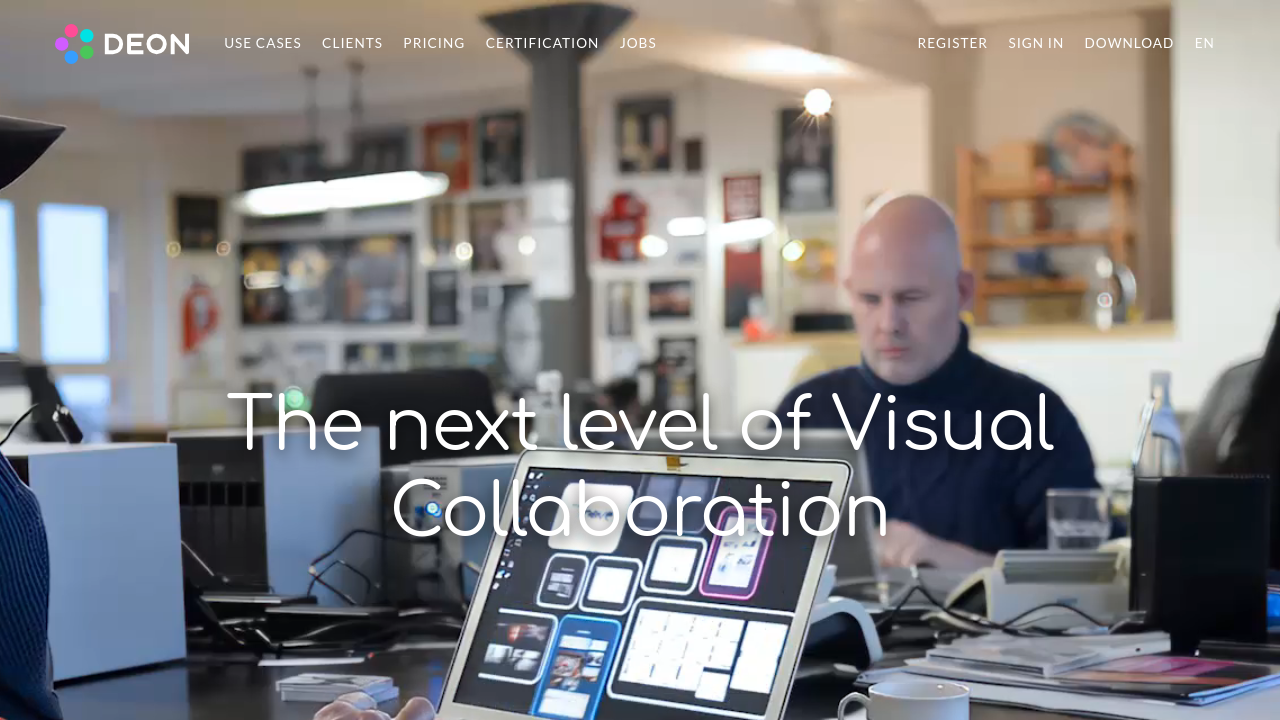
DEON screenshot 1
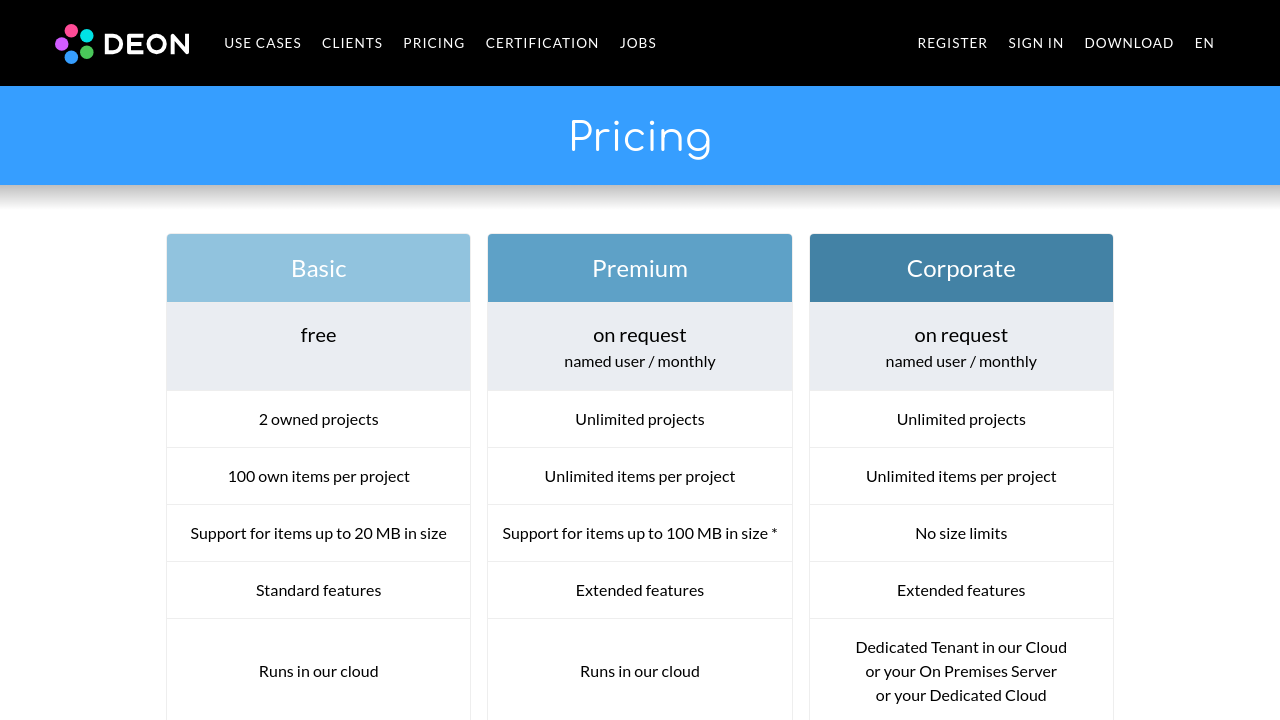
DEON screenshot 2
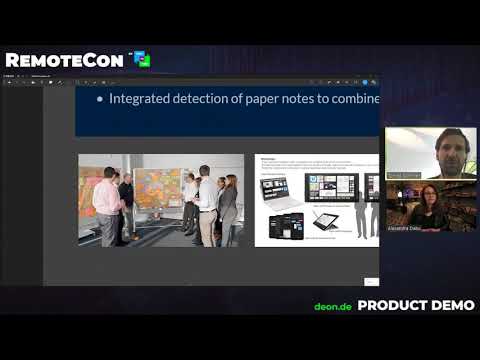
Video thumbnail
DEON screenshot 1
DEON screenshot 2

Alternatives to DEON
info Icon

A list of platforms similar to DEON, helping you evaluate which tool best matches your needs.

How to cancel DEON

Need to cancel DEON? Here is how
info Icon

Thinking about how to cancel DEON this is how you do it!

To cancel a DEON product:

  • Use the platform’s contact form or send a letter.
  • Provide your registered email address.
  • Cancellation can occur without reason at the end of the current period for paid services.

How to Cancel the DEON

To cancel a DEON product:

  • Use the platform’s contact form or send a letter.
  • Provide your registered email address.
  • Cancellation can occur without reason at the end of the current period for paid services.

Manage your DEON profile

Create profile

Want to list your product on Subscribed.fyi? Create a profile to reach more buyers.

Pricing Range
info Icon

This only an estimated pricing range, visit DEON pricing page to access all the information by clicking “Visit Now”.

Not specified
Visit Now
Deals Available

This product comes with a special deal, see details

This product comes with a special deal, see details