Dotcom Monitor Reviews 2026: Details, Pricing, & Features | Subscribed.fyi
Sign in to review
Join our community of software reviewers on Subscribed.fyi

Continue With Google
Continue With LinkedIn
Continue Review with Email
Continue with Email
Enter your email to continue.
Continue
Enter your password
Enter your password to finish setting up your account.
Continue
Activate your email
Enter activation code we sent to your email.
Submit
Reset your password
Enter activation code we sent to your email.
Submit
Set your new password
Enter a new password for your account.
Submit
Categories
For Business
Log in
Provide My Insights

Dotcom Monitor Reviews, Pricing, Features & Alternatives (2026)

4.3/5
(3)

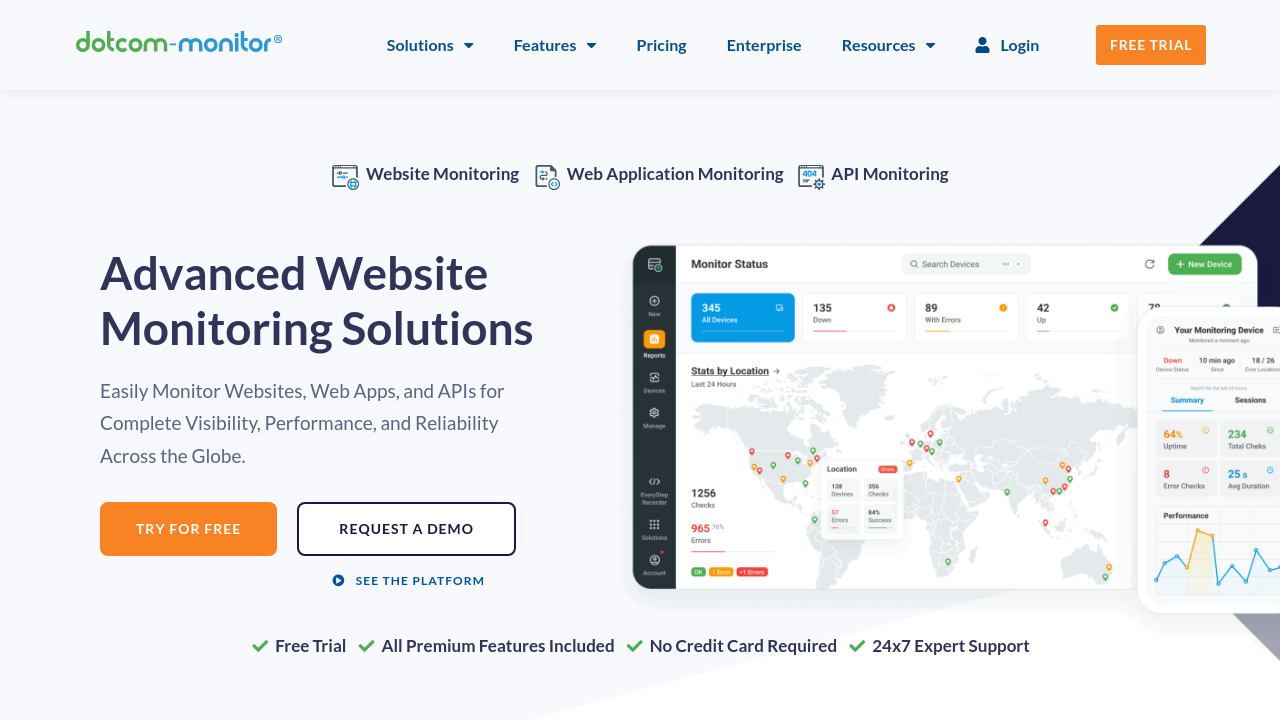
Dotcom-Monitor provides powerful performance monitoring and load testing solutions for websites, web applications, APIs, and IT infrastructure. Using real browsers and global monitoring locations, it offers real-time insights, customizable alerts, and detailed reporting to optimize uptime, functionality, and scalability. With user-friendly scripting and robust integration options, it caters to teams aiming to ensure seamless performance and reliability.

Dotcom Monitor Overview

What is Dotcom Monitor?

4.3
3
Reviews
73%
Subscribed Score

Available for Claim - This listing is available to be claimed
Claim Profile For Free

Unclaimed

Manage profile with subsig, and unlock 23+ social and review monitoring. Get partnership options with

Claim Profile For Free

Why teams choose Dotcom Monitor

Key Features

Collaborate Easily
Collaborate Easily
Built for teams and communication.
Seamless Integrations
Connect easily with your favorite tools.
Affordable Pricing
Affordable Pricing
Transparent plans to fit any budget.

Who is Dotcom Monitor for?

Dotcom-Monitor is a comprehensive solution in the Monitoring Tools category. This platform helps businesses ensure the functionality, uptime, and performance of their websites, web applications, APIs, and IT infrastructure. By offering enterprise-grade monitoring and load/stress testing features, Dotcom-Monitor equips teams with tools to identify and address performance issues proactively.

Why Use Dotcom-Monitor?

Dotcom-Monitor provides several essential features that make it a standout solution:

  • Real Browser Monitoring: Gain insights using scripts that replicate real user interactions in browsers like Chrome, Firefox, and Internet Explorer. This helps ensure optimal user experience.
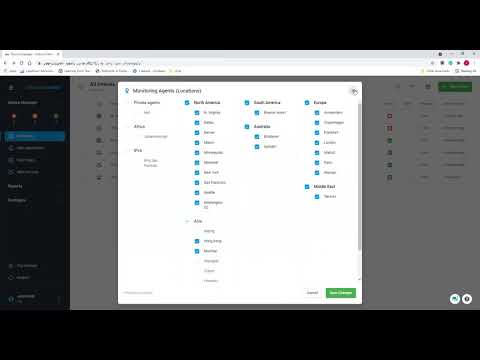
  • Global Monitoring Locations: Comprehensive monitoring across 30 global locations enables businesses to identify performance bottlenecks in specific regions.
  • Real-Time Alerts and Dashboards: Receive instant notifications for outages and errors while utilizing customizable dashboards for performance visualization.
  • Multiple Monitoring Options: Supports web page monitoring, API performance testing, application transaction tracking, and network infrastructure monitoring.
  • Advanced Reporting: Generate detailed PDF reports and leverage data for proactive decision-making to maximize uptime.
  • Third-Party Integrations: Seamlessly connect with tools your teams already use for enhanced workflow efficiency.

Who is Dotcom-Monitor For?

This tool caters to businesses of all sizes, including:

  • IT Teams: Monitor server health, DNS performance, and web application functionality for uninterrupted operations.
  • DevOps Professionals: Perform load testing with ease and identify performance bottlenecks before they impact users.
  • E-commerce Businesses: Ensure optimal website uptime and page speed for better user experiences and higher conversion rates.
  • Enterprises: Utilize customizable enterprise features such as premium locations, private agents, and white-labeled reports.

Dotcom-Monitor offers a flexible pricing structure, with plans starting at $1.99 per month, making it accessible for businesses with varying needs. A 30-day free trial is available to explore its extensive capabilities without commitment. Check out exclusive deals and maximize your website’s performance today.

Looking for Alternatives?

If you’re exploring other monitoring solutions, consider:

Dotcom-Monitor is a trusted choice for ensuring website reliability, performance, and uptime, making it an invaluable asset across industries.


Dotcom Monitor Summary

Dotcom-Monitor is a comprehensive solution in the Monitoring Tools category. This platform helps businesses ensure the functionality, uptime, and performance of their websites, web applications, APIs, and IT infrastructure. By offering enterprise-grade monitoring and load/stress testing features, Dotcom-Monitor equips teams with tools to identify and address performance issues proactively.

Why Use Dotcom-Monitor?

Dotcom-Monitor provides several essential features that make it a standout solution:

  • Real Browser Monitoring: Gain insights using scripts that replicate real user interactions in browsers like Chrome, Firefox, and Internet Explorer. This helps ensure optimal user experience.
  • Global Monitoring Locations: Comprehensive monitoring across 30 global locations enables businesses to identify performance bottlenecks in specific regions.
  • Real-Time Alerts and Dashboards: Receive instant notifications for outages and errors while utilizing customizable dashboards for performance visualization.
  • Multiple Monitoring Options: Supports web page monitoring, API performance testing, application transaction tracking, and network infrastructure monitoring.
  • Advanced Reporting: Generate detailed PDF reports and leverage data for proactive decision-making to maximize uptime.
  • Third-Party Integrations: Seamlessly connect with tools your teams already use for enhanced workflow efficiency.

Who is Dotcom-Monitor For?

This tool caters to businesses of all sizes, including:

  • IT Teams: Monitor server health, DNS performance, and web application functionality for uninterrupted operations.
  • DevOps Professionals: Perform load testing with ease and identify performance bottlenecks before they impact users.
  • E-commerce Businesses: Ensure optimal website uptime and page speed for better user experiences and higher conversion rates.
  • Enterprises: Utilize customizable enterprise features such as premium locations, private agents, and white-labeled reports.

Dotcom-Monitor offers a flexible pricing structure, with plans starting at $1.99 per month, making it accessible for businesses with varying needs. A 30-day free trial is available to explore its extensive capabilities without commitment. Check out exclusive deals and maximize your website’s performance today.

Looking for Alternatives?

If you’re exploring other monitoring solutions, consider:

Dotcom-Monitor is a trusted choice for ensuring website reliability, performance, and uptime, making it an invaluable asset across industries.

Dotcom Monitor reviews and insights

Learn what people say about Dotcom Monitor

4.3
3 Reviews
73%
Subscribed Score

Lear more here about the Subscribed score on how it is composed. Learn more Click here

Overall rating

5
4
3
2
1
CX 5/6

How good is the customer support based on subscribed’s assessment

CX Icon
Security 4/6

How secure is the product based on Subscribed’s assessment?

Security Icon
Ease of Use 5/6

How easy is the product to use, based on Subscribed’s assessment?

EOU Icon
Value 4/6

What is the value for money based on Subscribed’s assessment?

coin Icon
Integration 3/6

How many integrations does the product offer?

gear Icon
Popularity 5/6

How popular is the product?

star
3 months ago
Share
How has it made your work/life easier?
It quickly notifies us if their is an error while using the dashboard for performance visualization and it amazes me that if I ecounter alert triggers it does not just only send notification but also a screenshot and video recording comparing to other software.
What do you dislike about this product?
If you are just in a beginner level you will find it hard to use the interface compared to simpler tools. And also, it frustrates me whenever the script break if ever you change something to the website UI.
Is there a workflow that could be simpler?
Maybe they can change the dashboard to make it more simpler and user friendly. They could also add and automated correlation engine.
Final thoughts, wrap up what you think
It shows evidence for trouble shooting so that you can know where are the errors and it also notifies you that a customer completed purchases. That's the benefit of it so I would recommend this.
Upvote (1)
Jiandale Ambal User Test Enabled
Full Stack Developer | QA Specialist | Embedded Systems Developer
See My Portfolio
4 months ago
Share
What exceeded your expectations?
The browser monitoring scripts replicate user interactions perfectly during peak traffic times. Using global tracking locations helped my team find regional performance bottlenecks always fast
What do you dislike about this product?
The reporting dashboards feel confusing for my junior web devs initially. Setting up custom notification alerts for application transaction tracking took us an extra effort
What new feature would you love to see added?
Adding simple video tutorials about the global infrastructure tracking would help my team. Creating a mobile application for checking live server health status would be very nice.
Final thoughts, wrap up what you think
I would recommend this monitoring platform to any global enterprises. It tracks website load speeds while keeping your important digital infrastructure completely reliable always
Upvote (4)
4 months ago
Share
How has it made your work/life easier?
It helps me monitor uptime and performance without checking manually. I can quickly respond to issues before they affect users.
What feels confusing or hard to use?
There are many features at first, so it takes time to explore everything. Some advanced monitoring setups also need a bit of learning.
What problem did this product solve for you?
It helped me detect downtime and performance issues earlier. I no longer have to manually check system availability.
Final thoughts, wrap up what you think
It’s a solid option for monitoring uptime and performance in real time. The alerts and global monitoring help teams catch issues before they impact users.
Upvote (4)

Dotcom Monitor User Reviews

3 User Reviews

Reviews from G2, Capterra, Trustpilot
info Icon

These ratings come directly from third-party platforms like G2, Capterra, and Trustpilot. They reflect real user feedback collected independently on those sites.

Dotcom Monitor pricing

Pricing model

Pricing Range
info Icon

This only an estimated pricing range, visit Dotcom Monitor pricing page to access all the information by clicking “Visit Now”.

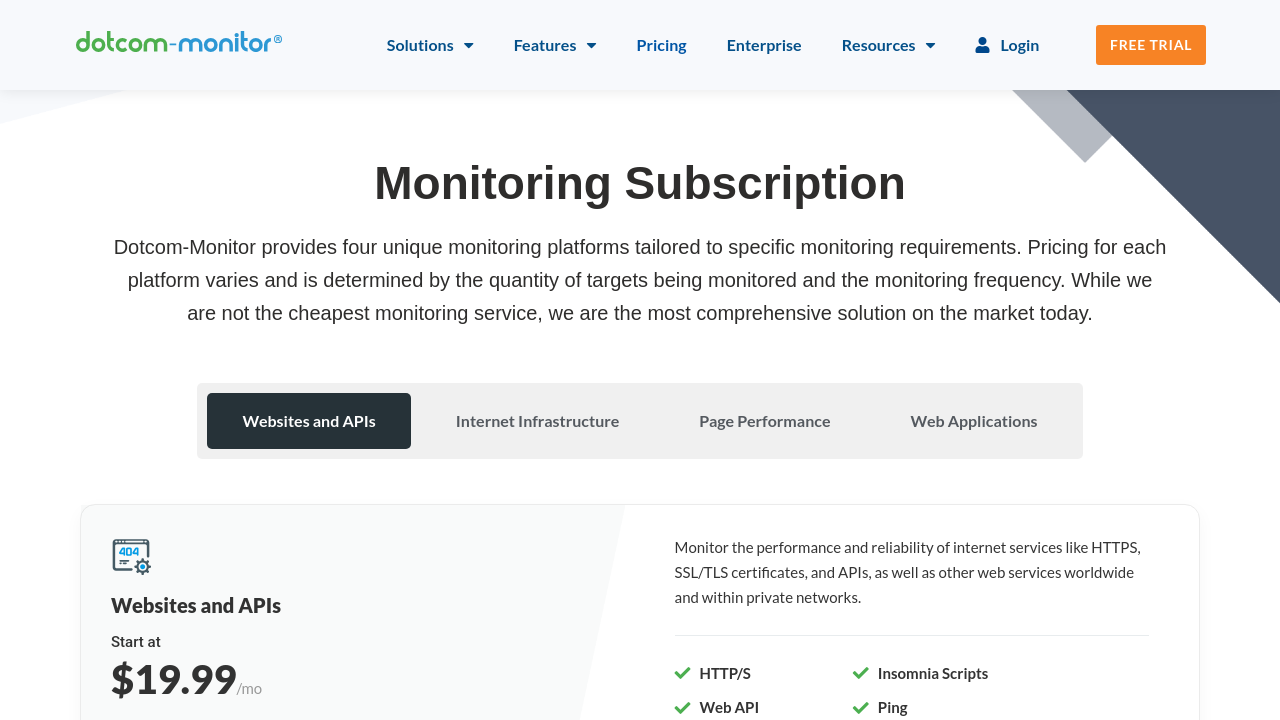
$19.99-$40.00 / Month
Deals Available

This product comes with a special deal, see details

Visit Now
✨ Ask AI about pricing
73% Subscribed Score
info Icon

The Subscribed Score is an independent rating that combines user reviews, features, and value-for-money from multiple trusted sources. It’s designed as a quick benchmark, not a guarantee of individual experience.

Overview

Dotcom-Monitor is a comprehensive solution in the Monitoring Tools category. This platform helps businesses ensure the functionality, uptime, and performance of their websites, web applications, APIs, and IT infrastructure. By offering enterprise-grade monitoring and load/stress testing features, Dotcom-Monitor equips teams with tools to identify and address performance issues proactively.

Why Use Dotcom-Monitor?

Dotcom-Monitor provides several essential features that make it a standout solution:

  • Real Browser Monitoring: Gain insights using scripts that replicate real user interactions in browsers like Chrome, Firefox, and Internet Explorer. This helps ensure optimal user experience.
  • Global Monitoring Locations: Comprehensive monitoring across 30 global locations enables businesses to identify performance bottlenecks in specific regions.
  • Real-Time Alerts and Dashboards: Receive instant notifications for outages and errors while utilizing customizable dashboards for performance visualization.
  • Multiple Monitoring Options: Supports web page monitoring, API performance testing, application transaction tracking, and network infrastructure monitoring.
  • Advanced Reporting: Generate detailed PDF reports and leverage data for proactive decision-making to maximize uptime.
  • Third-Party Integrations: Seamlessly connect with tools your teams already use for enhanced workflow efficiency.

Who is Dotcom-Monitor For?

This tool caters to businesses of all sizes, including:

  • IT Teams: Monitor server health, DNS performance, and web application functionality for uninterrupted operations.
  • DevOps Professionals: Perform load testing with ease and identify performance bottlenecks before they impact users.
  • E-commerce Businesses: Ensure optimal website uptime and page speed for better user experiences and higher conversion rates.
  • Enterprises: Utilize customizable enterprise features such as premium locations, private agents, and white-labeled reports.

Dotcom-Monitor offers a flexible pricing structure, with plans starting at $1.99 per month, making it accessible for businesses with varying needs. A 30-day free trial is available to explore its extensive capabilities without commitment. Check out exclusive deals and maximize your website’s performance today.

Looking for Alternatives?

If you’re exploring other monitoring solutions, consider:

Dotcom-Monitor is a trusted choice for ensuring website reliability, performance, and uptime, making it an invaluable asset across industries.

Where Dotcom Monitor performs best

What users like
  • Highly detailed performance reports
  • Wide range of monitoring features
  • Ease of setup and use
  • Global monitoring locations

Where Dotcom Monitor falls short

What users dislike
  • High cost for some users
  • Complex setup for advanced monitoring
  • Difficulty explaining results to management
  • Limited coverage in some regions
Subscribed Score Metrics
26/36 Metric achieved
MetricsScore
Customer Support5/6
Security4/6
Ease of Use5/6
Value of Money4/6
Integration3/6
Popularity5/6
Radar Chart Table View
Ease of Use
Measures how simple and intuitive the product is to use, including setup, navigation, and overall user experience
5/6 Metric Checks
Security
Compares the product`s features, quality, and pricing to determine its overall cost-effectiveness.
4/6 Metric Checks
Value of Money
Assesses the product`s ability to protect data, prevent breaches, and comply with industry standards.
4/6 Metric Checks
Customer Support
Reflects the responsiveness, helpfulness, and quality of assistance provided by the product`s support team.
5/6 Metric Checks
Integrations
Evaluates how well the product connects with other tools and platforms, enabling seamless workflows.
3/6 Metric Checks
Dotcom Monitor Pricing Range
$19.99-$40.00 / Month

Dotcom Monitor in action
info Icon

A curated gallery of real screenshots and use cases from the product, so you can see how it works before trying it.

Dotcom Monitor Full Screen Icon
https://www.youtube.com/watch?v=2o37Z_bkvXY
Full Screen Icon
https://www.youtube.com/watch?v=c7aIkGFo-wY
Full Screen Icon
Dotcom Monitor
Dotcom Monitor
Video thumbnail
Video thumbnail
Dotcom Monitor
Dotcom Monitor

Alternatives to Dotcom Monitor
info Icon

A list of platforms similar to Dotcom Monitor, helping you evaluate which tool best matches your needs.

How to cancel Dotcom Monitor

Need to cancel Dotcom Monitor? Here is how
info Icon

Thinking about how to cancel Dotcom Monitor this is how you do it!

To cancel a Dotcom Monitor product, log in with Admin rights and navigate to Account > Account Settings > Subscriptions > Monitoring. Select the subscription to cancel and follow the prompts. Cancellation takes effect at the start of the next month.

How to Cancel the Dotcom Monitor

To cancel a Dotcom Monitor product, log in with Admin rights and navigate to Account > Account Settings > Subscriptions > Monitoring. Select the subscription to cancel and follow the prompts. Cancellation takes effect at the start of the next month.

FAQs about Dotcom Monitor

Every else you need to know about Dotcom Monitor
info Icon

A collection of FAQs, guides, alternatives, and comparisons to help you quickly understand if Dotcom Monitor is right for you.

Manage your Dotcom Monitor profile

Create profile

Want to list your product on Subscribed.fyi? Create a profile to reach more buyers.

Pricing Range
info Icon

This only an estimated pricing range, visit Dotcom Monitor pricing page to access all the information by clicking “Visit Now”.

$19.99-$40.00 / Month
Visit Now
Deals Available

This product comes with a special deal, see details

This product comes with a special deal, see details