Project management tools like , Notion, Basecamp, Lark, Slack, Asana and Trello.
AI chatbot tools like ChatGPT, Grok, Perplexity, Claude, Gemini and Copilot.
Marketing analytics platforms like Google Analytics, Similarweb and Semrush.
CRM systems like HubSpot, Apollo.io Pipedrive, Zoho CRM, and Salesforce.
VPNs, SSO providers, and password managers like NordVPN, Okta, and LastPass.
Email marketing and campaign tools like MailerLite, Instantly, and Mailchimp.
Website builders, hosting tools like Hostinger, Webflow, Framer, and Shopify
HR and recruiting software like ATS platforms, BambooHR, Workday, and Lever.
Automate finances with confidence like Quickbooks, Stripe, Brex, and Mercury.
Design and editing tools like Figma, Canva, Adobe Creative Cloud, CapCut.
Workflow automation tools like Zapier, Make, Clay, and Reclaim.ai.
No-code and AI-native dev tools like Cursor, Windsurf, Lovable and Bubble.
Chat to find tools, compare options,
Discover the best-performing
Manage profile with subsig, and
unlock 23+ social and review monitoring. Get partnership options with
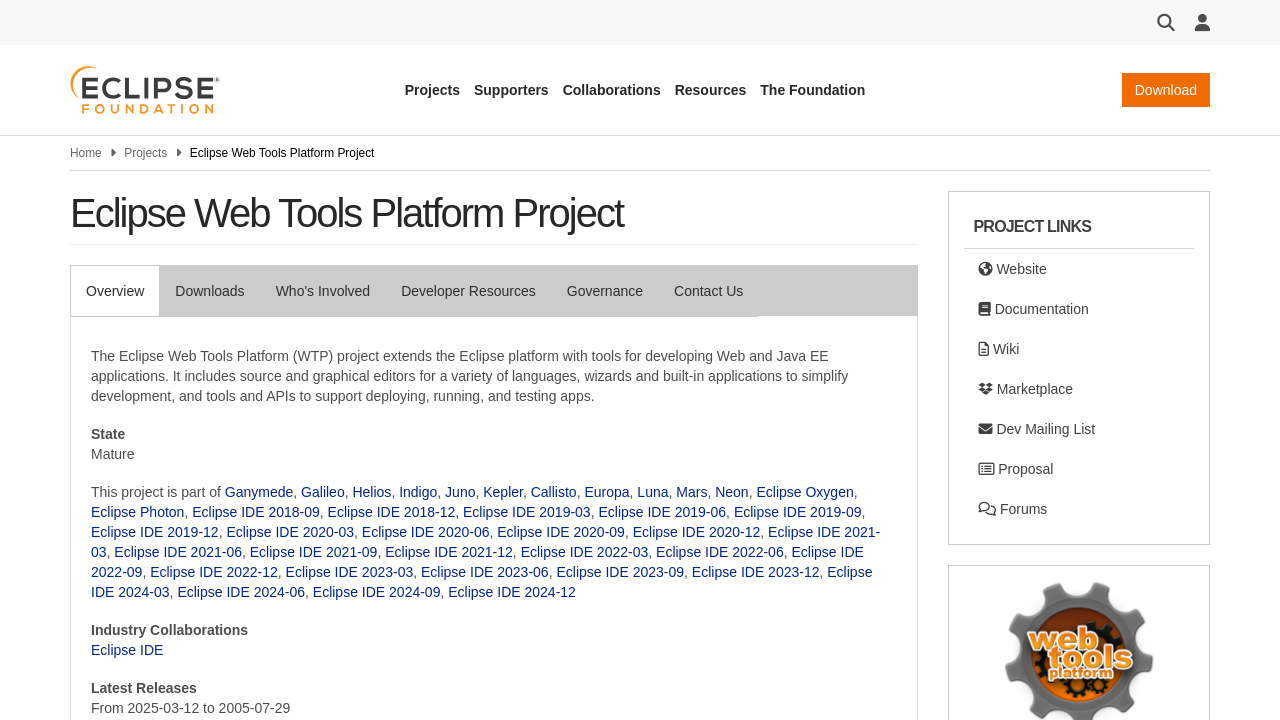
Eclipse Web Tools Platform is a robust integrated development environment designed to extend a popular platform with a comprehensive suite of tools for developing web and Java EE applications. With a user-friendly interface, this platform streamlines the entire development process by offering a variety of source and graphical editors, specialized wizards, and built-in applications that simplify tasks from initial setup to deployment and testing.
This powerful tool is specifically engineered for developers who work in the Java ecosystem and need dependable, efficient solutions for creating flexible, enterprise-level web applications. Whether building complex server-side components or user-friendly front-end interfaces, the Eclipse Web Tools Platform offers a wealth of features that cater to the needs of modern developers.
Key Features and Benefits
Who Benefits from Eclipse Web Tools Platform?
Eclipse Web Tools Platform falls squarely within the Java Development Tools category. Its versatility makes it a prime choice for a wide array of users—from individual developers to large enterprises seeking an environment that not only enhances productivity but also simplifies the integration of additional plugins and third-party modules.
Explore exclusive deals to get started with Eclipse Web Tools Platform and transform your development workflow today. For those exploring alternative solutions, consider Thymeleaf, Quartz Job Scheduler, and JRebel as additional options that offer different functionalities tailored to specific project needs.

Eclipse Web Tools Platform is a robust integrated development environment designed to extend a popular platform with a comprehensive suite of tools for developing web and Java EE applications. With a user-friendly interface, this platform streamlines the entire development process by offering a variety of source and graphical editors, specialized wizards, and built-in applications that simplify tasks from initial setup to deployment and testing.
This powerful tool is specifically engineered for developers who work in the Java ecosystem and need dependable, efficient solutions for creating flexible, enterprise-level web applications. Whether building complex server-side components or user-friendly front-end interfaces, the Eclipse Web Tools Platform offers a wealth of features that cater to the needs of modern developers.
Key Features and Benefits
Who Benefits from Eclipse Web Tools Platform?
Eclipse Web Tools Platform falls squarely within the Java Development Tools category. Its versatility makes it a prime choice for a wide array of users—from individual developers to large enterprises seeking an environment that not only enhances productivity but also simplifies the integration of additional plugins and third-party modules.
Explore exclusive deals to get started with Eclipse Web Tools Platform and transform your development workflow today. For those exploring alternative solutions, consider Thymeleaf, Quartz Job Scheduler, and JRebel as additional options that offer different functionalities tailored to specific project needs.

Learn what people say about Eclipse Web Tools Platform
Be the first to share your experience and help others in the community.
Eclipse Web Tools Platform is a robust integrated development environment designed to extend a popular platform with a comprehensive suite of tools for developing web and Java EE applications. With a user-friendly interface, this platform streamlines the entire development process by offering a variety of source and graphical editors, specialized wizards, and built-in applications that simplify tasks from initial setup to deployment and testing.
This powerful tool is specifically engineered for developers who work in the Java ecosystem and need dependable, efficient solutions for creating flexible, enterprise-level web applications. Whether building complex server-side components or user-friendly front-end interfaces, the Eclipse Web Tools Platform offers a wealth of features that cater to the needs of modern developers.
Key Features and Benefits
Who Benefits from Eclipse Web Tools Platform?
Eclipse Web Tools Platform falls squarely within the Java Development Tools category. Its versatility makes it a prime choice for a wide array of users—from individual developers to large enterprises seeking an environment that not only enhances productivity but also simplifies the integration of additional plugins and third-party modules.
Explore exclusive deals to get started with Eclipse Web Tools Platform and transform your development workflow today. For those exploring alternative solutions, consider Thymeleaf, Quartz Job Scheduler, and JRebel as additional options that offer different functionalities tailored to specific project needs.
To cancel an Eclipse Web Tools Platform product, you typically need to uninstall it from your Eclipse environment. This involves removing the relevant plugins and features. For specific steps, check the Eclipse uninstallation guides or project documentation.
Want to list your product on Subscribed.fyi? Create a profile to reach more buyers.