Lightworks Reviews 2026: Details, Pricing, & Features | Subscribed.fyi
Sign in to review
Join our community of software reviewers on Subscribed.fyi

Continue With Google
Continue With LinkedIn
Continue Review with Email
Continue with Email
Enter your email to continue.
Continue
Enter your password
Enter your password to finish setting up your account.
Continue
Activate your email
Enter activation code we sent to your email.
Submit
Reset your password
Enter activation code we sent to your email.
Submit
Set your new password
Enter a new password for your account.
Submit
Categories
For Business
Log in
Provide My Insights

Lightworks Reviews, Pricing, Features & Alternatives (2026)

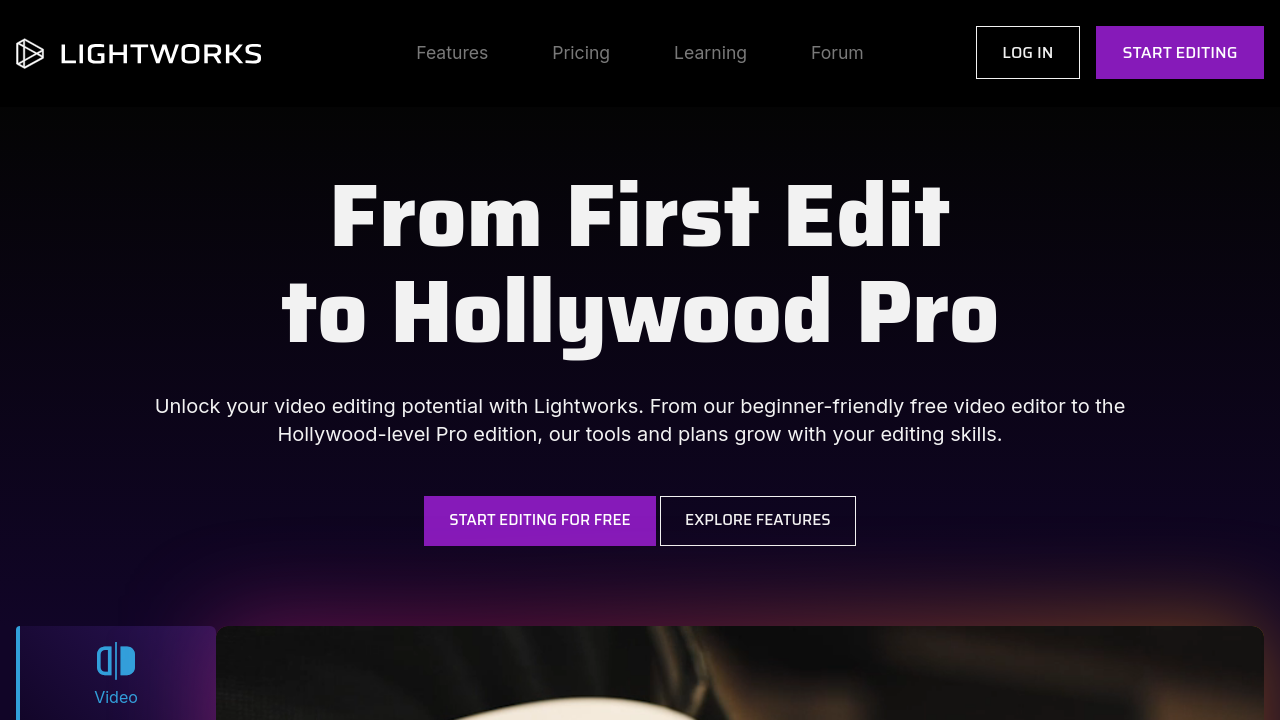
Lightworks is a professional video editing software, renowned for its Academy and Emmy award-winning technology. It supports 4K, HD, and SD formats with features like multicam editing, real-time collaboration, and customizable interfaces. Designed for both beginners and professionals, it suits projects ranging from social media content to high-quality films. With flexible pricing plans, including a free version, it offers an accessible option for creative video production.

Lightworks Overview

What is Lightworks?

N/A
0
Reviews
49%
Subscribed Score

Available for Claim - This listing is available to be claimed
Claim Profile For Free

Unclaimed

Manage profile with subsig, and unlock 23+ social and review monitoring. Get partnership options with

Claim Profile For Free

Why teams choose Lightworks

Key Features

Seamless Integrations
Connect easily with your favorite tools.
Fully Customizable
Fully Customizable
Tailor it to your brand and workflow.
Save Time
Save Time
Focus on impact, not repetitive tasks.

Who is Lightworks for?

Lightworks is a cutting-edge video editing solution trusted by film professionals and content creators alike. As an Academy and Emmy award-winning non-linear editing (NLE) software, Lightworks offers the flexibility and robust performance required for editing content in SD, HD, and even resolutions up to 4K. This software stands out in the Video Editing category by providing a feature-rich toolkit that caters to a diverse audience—from beginners to expert movie editors.

Thanks to its innovative design and efficient workflow, Lightworks empowers users to create professional-quality videos with ease. The software’s extensive format support means users can edit and produce projects suited to various platforms and distribution channels. Whether you are crafting a short social media clip or a full-length film, Lightworks’ reliable performance ensures your creative vision comes to life without compromise.

Key Features:

  • Non-linear editing interface designed for both speed and precision
  • Support for multiple formats and resolutions, including SD, HD, and 4K
  • Multicam editing to streamline multi-angle shoots into cohesive narratives
  • Built-in presets and text effects to enhance creative projects
  • Real-time collaboration options that allow teams to work seamlessly together
  • Fully customizable interface that adapts to your editing workflow and monitor size

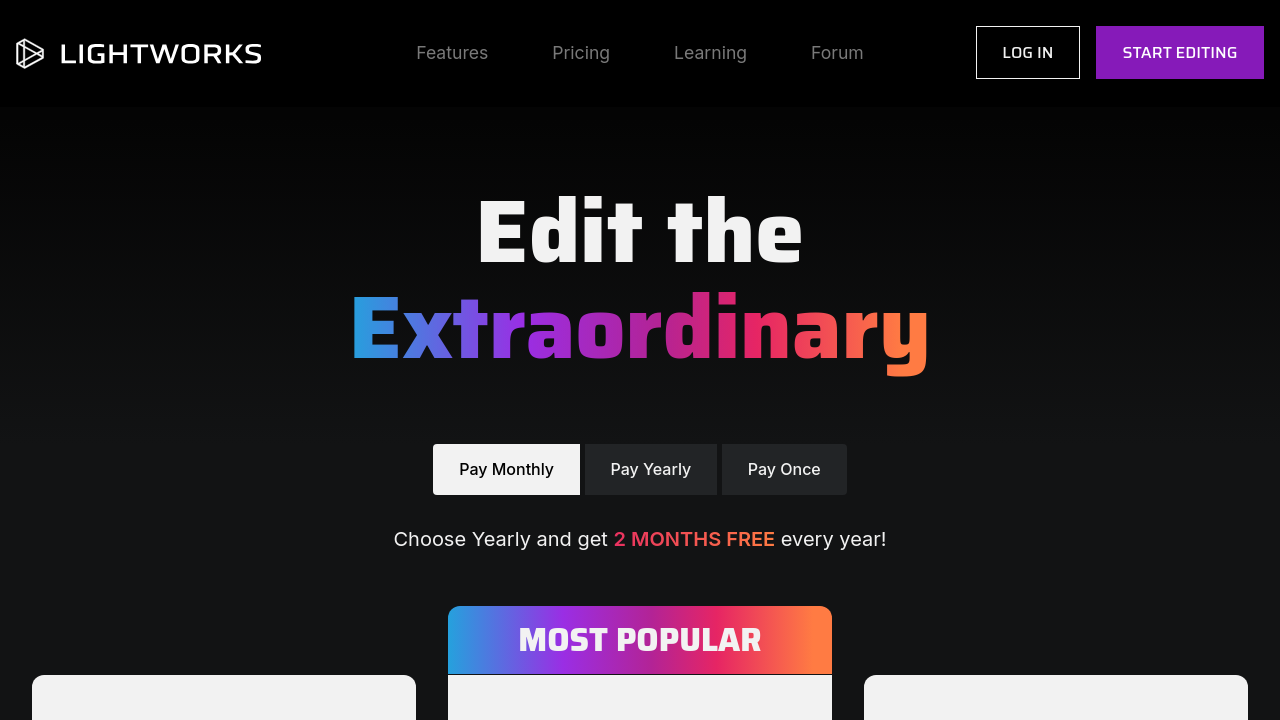
One of the greatest advantages of Lightworks is its adaptability. The software not only offers a powerful free version for those just getting started, but also a Pro version with advanced capabilities and additional export options. This dual pricing model makes it accessible to students, independent creators, and professionals working in demanding production environments, ensuring that everyone can achieve reliable results without a steep upfront investment.

Designed with collaboration and efficiency in mind, Lightworks integrates industry-standard workflows, allowing users to import and export media, align audio and video tracks accurately, and apply professional-grade effects effortlessly. Its unique approach to editing often challenges conventional methods, inspiring users to explore creative solutions and new techniques. Whether you are aiming for cinematic precision or quick video enhancements, Lightworks offers the flexibility to grow with your evolving skill set.

Ready to elevate your video projects? Visit the Lightworks homepage for more information, or check out exclusive promotions on the deals page.

Consider These Alternatives

Lightworks is an invaluable tool for anyone looking to push the boundaries of video editing. Its blend of professional features, intuitive interface, and flexible pricing make it a standout choice for creators at every level.


Lightworks Summary

Lightworks is a cutting-edge video editing solution trusted by film professionals and content creators alike. As an Academy and Emmy award-winning non-linear editing (NLE) software, Lightworks offers the flexibility and robust performance required for editing content in SD, HD, and even resolutions up to 4K. This software stands out in the Video Editing category by providing a feature-rich toolkit that caters to a diverse audience—from beginners to expert movie editors.

Thanks to its innovative design and efficient workflow, Lightworks empowers users to create professional-quality videos with ease. The software’s extensive format support means users can edit and produce projects suited to various platforms and distribution channels. Whether you are crafting a short social media clip or a full-length film, Lightworks’ reliable performance ensures your creative vision comes to life without compromise.

Key Features:

  • Non-linear editing interface designed for both speed and precision
  • Support for multiple formats and resolutions, including SD, HD, and 4K
  • Multicam editing to streamline multi-angle shoots into cohesive narratives
  • Built-in presets and text effects to enhance creative projects
  • Real-time collaboration options that allow teams to work seamlessly together
  • Fully customizable interface that adapts to your editing workflow and monitor size

One of the greatest advantages of Lightworks is its adaptability. The software not only offers a powerful free version for those just getting started, but also a Pro version with advanced capabilities and additional export options. This dual pricing model makes it accessible to students, independent creators, and professionals working in demanding production environments, ensuring that everyone can achieve reliable results without a steep upfront investment.

Designed with collaboration and efficiency in mind, Lightworks integrates industry-standard workflows, allowing users to import and export media, align audio and video tracks accurately, and apply professional-grade effects effortlessly. Its unique approach to editing often challenges conventional methods, inspiring users to explore creative solutions and new techniques. Whether you are aiming for cinematic precision or quick video enhancements, Lightworks offers the flexibility to grow with your evolving skill set.

Ready to elevate your video projects? Visit the Lightworks homepage for more information, or check out exclusive promotions on the deals page.

Consider These Alternatives

Lightworks is an invaluable tool for anyone looking to push the boundaries of video editing. Its blend of professional features, intuitive interface, and flexible pricing make it a standout choice for creators at every level.

Lightworks reviews and insights

Learn what people say about Lightworks

N/A
0 Reviews
49%
Subscribed Score

Lear more here about the Subscribed score on how it is composed. Learn more Click here

Overall rating

5
4
3
2
1
CX 4/6

How good is the customer support based on subscribed’s assessment

CX Icon
Security 0/6

How secure is the product based on Subscribed’s assessment?

Security Icon
Ease of Use 4/6

How easy is the product to use, based on Subscribed’s assessment?

EOU Icon
Value 5/6

What is the value for money based on Subscribed’s assessment?

coin Icon
Integration 0/6

How many integrations does the product offer?

gear Icon
Popularity 4/6

How popular is the product?

star

No Reviews Yet!

Be the first to share your experience and help others in the community.

Lightworks User Reviews

0 User Reviews

Reviews from G2, Capterra, Trustpilot
info Icon

These ratings come directly from third-party platforms like G2, Capterra, and Trustpilot. They reflect real user feedback collected independently on those sites.

Lightworks pricing

Pricing model

Pricing Range
info Icon

This only an estimated pricing range, visit Lightworks pricing page to access all the information by clicking “Visit Now”.

Not specified.
Deals Available

This product comes with a special deal, see details

Visit Now
✨ Ask AI about pricing
49% Subscribed Score
info Icon

The Subscribed Score is an independent rating that combines user reviews, features, and value-for-money from multiple trusted sources. It’s designed as a quick benchmark, not a guarantee of individual experience.

Overview

Lightworks is a cutting-edge video editing solution trusted by film professionals and content creators alike. As an Academy and Emmy award-winning non-linear editing (NLE) software, Lightworks offers the flexibility and robust performance required for editing content in SD, HD, and even resolutions up to 4K. This software stands out in the Video Editing category by providing a feature-rich toolkit that caters to a diverse audience—from beginners to expert movie editors.

Thanks to its innovative design and efficient workflow, Lightworks empowers users to create professional-quality videos with ease. The software’s extensive format support means users can edit and produce projects suited to various platforms and distribution channels. Whether you are crafting a short social media clip or a full-length film, Lightworks’ reliable performance ensures your creative vision comes to life without compromise.

Key Features:

  • Non-linear editing interface designed for both speed and precision
  • Support for multiple formats and resolutions, including SD, HD, and 4K
  • Multicam editing to streamline multi-angle shoots into cohesive narratives
  • Built-in presets and text effects to enhance creative projects
  • Real-time collaboration options that allow teams to work seamlessly together
  • Fully customizable interface that adapts to your editing workflow and monitor size

One of the greatest advantages of Lightworks is its adaptability. The software not only offers a powerful free version for those just getting started, but also a Pro version with advanced capabilities and additional export options. This dual pricing model makes it accessible to students, independent creators, and professionals working in demanding production environments, ensuring that everyone can achieve reliable results without a steep upfront investment.

Designed with collaboration and efficiency in mind, Lightworks integrates industry-standard workflows, allowing users to import and export media, align audio and video tracks accurately, and apply professional-grade effects effortlessly. Its unique approach to editing often challenges conventional methods, inspiring users to explore creative solutions and new techniques. Whether you are aiming for cinematic precision or quick video enhancements, Lightworks offers the flexibility to grow with your evolving skill set.

Ready to elevate your video projects? Visit the Lightworks homepage for more information, or check out exclusive promotions on the deals page.

Consider These Alternatives

Lightworks is an invaluable tool for anyone looking to push the boundaries of video editing. Its blend of professional features, intuitive interface, and flexible pricing make it a standout choice for creators at every level.

Where Lightworks performs best

What users like
  • User-friendly for beginners
  • Versatile editing features
  • Free version with sufficient tools
  • Supports multiple formats including 4K

Where Lightworks falls short

What users dislike
  • Steep learning curve for advanced features
  • Limited export options in free version
  • Occasional lag and performance issues
  • Less intuitive timeline interface
Subscribed Score Metrics
17/36 Metric achieved
MetricsScore
Customer Support4/6
Security0/6
Ease of Use4/6
Value of Money5/6
Integration0/6
Popularity4/6
Radar Chart Table View
Ease of Use
Measures how simple and intuitive the product is to use, including setup, navigation, and overall user experience
4/6 Metric Checks
Security
Compares the product`s features, quality, and pricing to determine its overall cost-effectiveness.
0/6 Metric Checks
Value of Money
Assesses the product`s ability to protect data, prevent breaches, and comply with industry standards.
5/6 Metric Checks
Customer Support
Reflects the responsiveness, helpfulness, and quality of assistance provided by the product`s support team.
4/6 Metric Checks
Integrations
Evaluates how well the product connects with other tools and platforms, enabling seamless workflows.
0/6 Metric Checks
Lightworks Pricing Range
Not specified.

Lightworks in action
info Icon

A curated gallery of real screenshots and use cases from the product, so you can see how it works before trying it.

Lightworks Full Screen Icon
https://www.youtube.com/watch?v=wWqYMfOMIyY
Full Screen Icon
https://www.youtube.com/watch?v=FWqzezNHhBQ
Full Screen Icon
Lightworks
Lightworks
Video thumbnail
Video thumbnail
Lightworks
Lightworks

Alternatives to Lightworks
info Icon

A list of platforms similar to Lightworks, helping you evaluate which tool best matches your needs.

How to cancel Lightworks

Need to cancel Lightworks? Here is how
info Icon

Thinking about how to cancel Lightworks this is how you do it!

To cancel a Lightworks product, visit the user portal and manage subscriptions. For orders, email the sales team with your order number. For more details, check the official Lightworks website.

How to Cancel the Lightworks

To cancel a Lightworks product, visit the user portal and manage subscriptions. For orders, email the sales team with your order number. For more details, check the official Lightworks website.

FAQs about Lightworks

Every else you need to know about Lightworks
info Icon

A collection of FAQs, guides, alternatives, and comparisons to help you quickly understand if Lightworks is right for you.

Manage your Lightworks profile

Create profile

Want to list your product on Subscribed.fyi? Create a profile to reach more buyers.

Pricing Range
info Icon

This only an estimated pricing range, visit Lightworks pricing page to access all the information by clicking “Visit Now”.

Not specified.
Visit Now
Deals Available

This product comes with a special deal, see details

This product comes with a special deal, see details