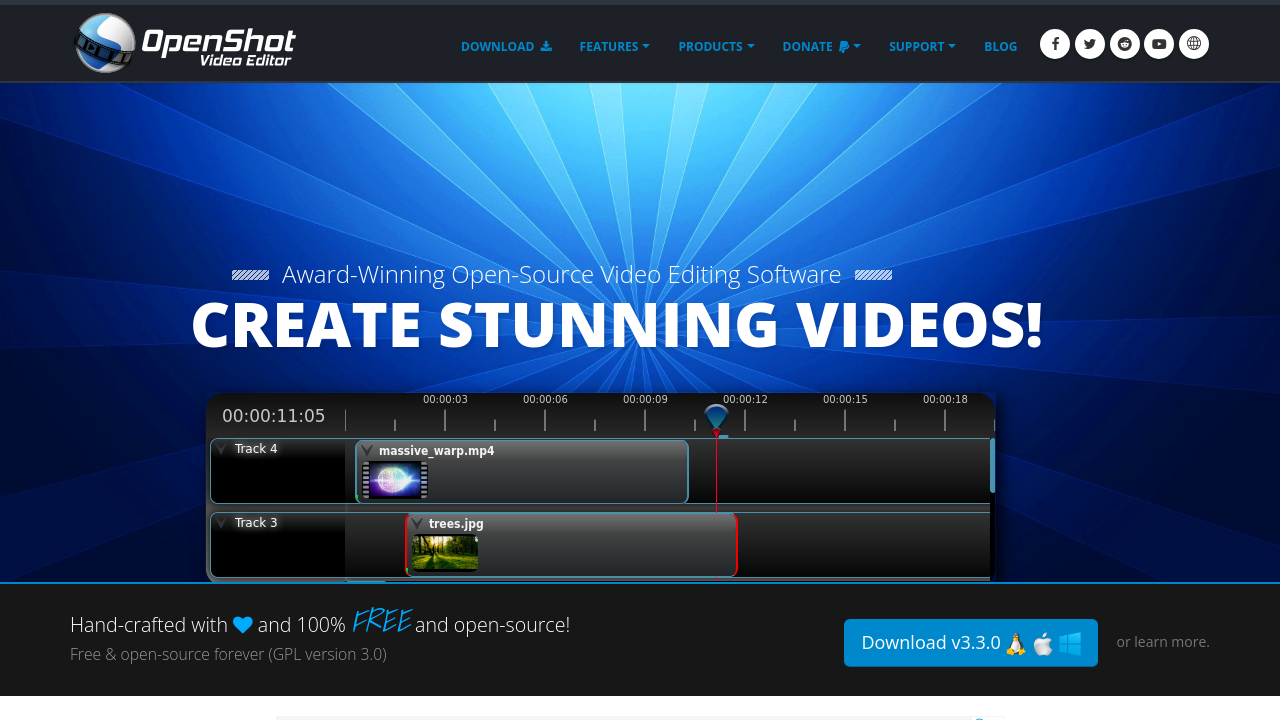
OpenShot Video Editor is a versatile tool in the Video Editing category, designed for simplicity and accessibility while offering essential features to meet diverse video editing needs. Open-source and free, it supports Linux, Mac, and Windows, making it universally accessible for users ranging from casual creators to professionals. With its intuitive drag-and-drop interface, OpenShot empowers users to create visually appealing videos with advanced animation effects like fade, flying text, bounce, and 3D titles. Explore exclusive deals. For alternatives, consider Adobe Premiere Pro, Camtasia, and iMovie.
Why Use OpenShot Video Editor?
Choosing OpenShot Video Editor comes with compelling benefits:
- Open-Source and Cost-Free: OpenShot is free, offering professional-grade video editing tools without any costs, making it an ideal solution for budget-conscious creators.
- Cross-Platform Access: Available for Linux, Mac, and Windows, OpenShot ensures seamless usage irrespective of your operating system.
- Enhanced Creative Features: Users can add animation effects, trim clips, adjust brightness or contrast, add time/motion effects, and even create 3D titles—all with a few clicks.
- Customizable Editing: With unlimited tracks and support for numerous video formats, OpenShot can handle projects at any scale, whether personal or professional.
- Intuitive and Easy to Use: The drag-and-drop interface, combining simplicity and functionality, accommodates beginners and experienced editors alike.
Who is OpenShot For?
OpenShot Video Editor caters to a wide array of users:
- Beginner Video Editors: With its user-friendly interface, OpenShot is perfect for those new to video editing looking for a straightforward entry point.
- Budget-Conscious Creators: As a free tool, OpenShot provides a cost-effective solution for hobbyists or small businesses needing reliable video editing software.
- Intermediate Editors: Those with moderate skills will appreciate OpenShot’s balance of basic and advanced editing tools, allowing growth and experimentation.
- Cross-Platform Users: Ideal for individuals or teams operating across Windows, Linux, and Mac, providing consistent performance regardless of the system.
OpenShot Video Editor is a robust, accessible, and feature-rich tool that supports flexible video creation. Whether you’re crafting work presentations, YouTube content, or personal projects, OpenShot delivers efficiency and creativity, making it an invaluable asset for users of all expertise levels.