Paperpile Reviews 2026: Details, Pricing, & Features | Subscribed.fyi
Sign in to review
Join our community of software reviewers on Subscribed.fyi

Continue With Google
Continue With LinkedIn
Continue Review with Email
Continue with Email
Enter your email to continue.
Continue
Enter your password
Enter your password to finish setting up your account.
Continue
Activate your email
Enter activation code we sent to your email.
Submit
Reset your password
Enter activation code we sent to your email.
Submit
Set your new password
Enter a new password for your account.
Submit
Categories
For Business
Log in
Provide My Insights

Paperpile Reviews, Pricing, Features & Alternatives (2026)

Paperpile is a streamlined reference management software designed for researchers and academics. It integrates seamlessly with Google Docs and Microsoft Word, enabling easy citation management and collaborative writing. With robust tools for organizing, annotating, and accessing research papers across devices, it simplifies the workflow for managing academic references. Suitable for individuals and teams, it supports efficient research and collaboration.

Paperpile Overview

What is Paperpile?

N/A
0
Reviews
71%
Subscribed Score

Available for Claim - This listing is available to be claimed
Claim Profile For Free

Unclaimed

Manage profile with subsig, and unlock 23+ social and review monitoring. Get partnership options with

Claim Profile For Free

Why teams choose Paperpile

Key Features

Fully Customizable
Fully Customizable
Tailor it to your brand and workflow.
Exclusive Perks
Exclusive Perks
Special offers and discounts available.
No-Code Simplicity
No-Code Simplicity
Launch without writing a single line of code.

Who is Paperpile for?

Paperpile is a modern, cloud-based tool in the Reference Management category, designed to simplify the organization, citation, and collaboration of research references. With seamless integration into popular platforms like Google Docs and Microsoft Word, Paperpile is perfect for students, researchers, and professionals managing complex bibliographies. Explore exclusive deals. For additional solutions, consider Mendeley and EndNote.

Why Use Paperpile?

Choosing Paperpile comes with several advantages:

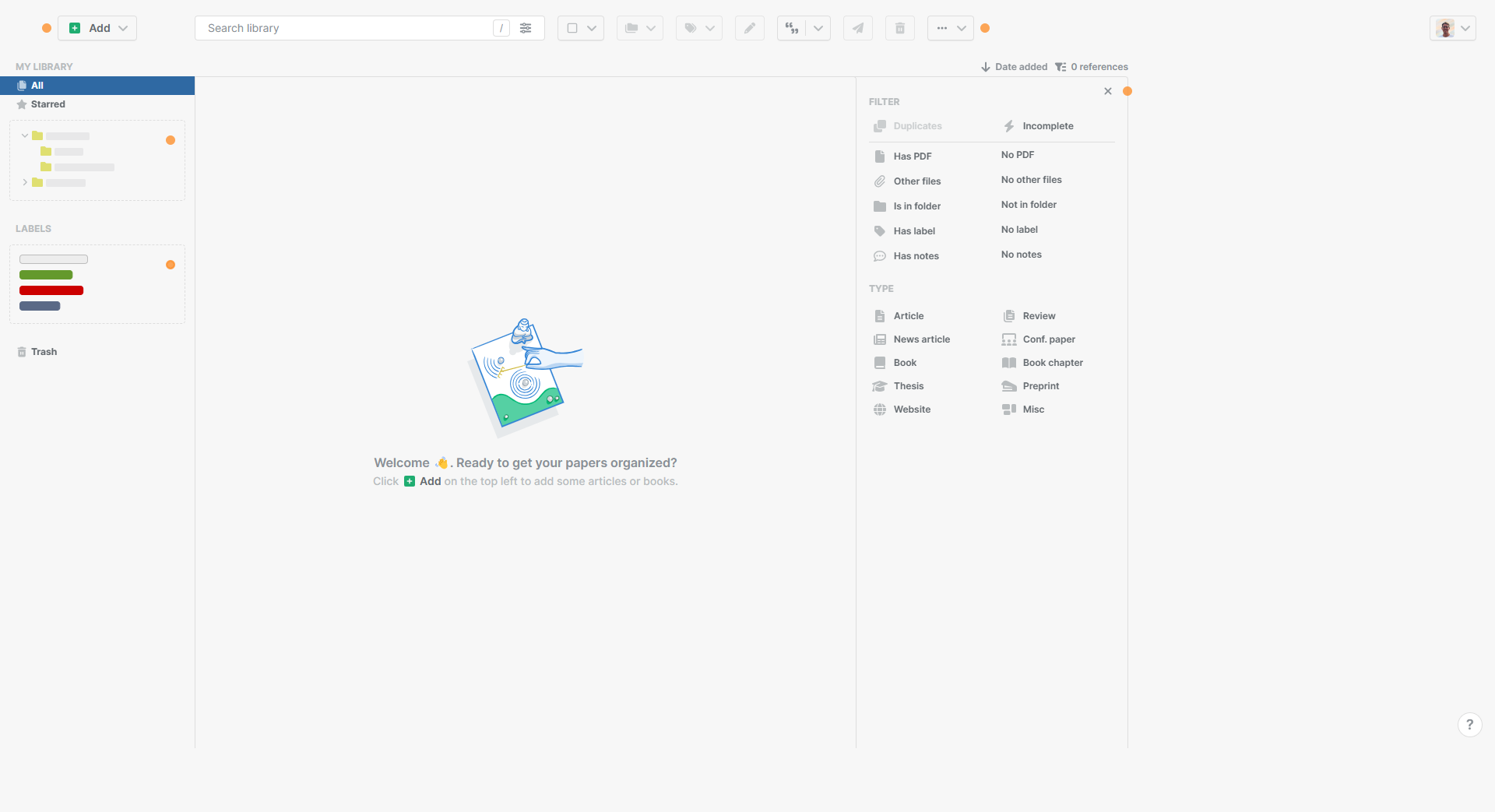
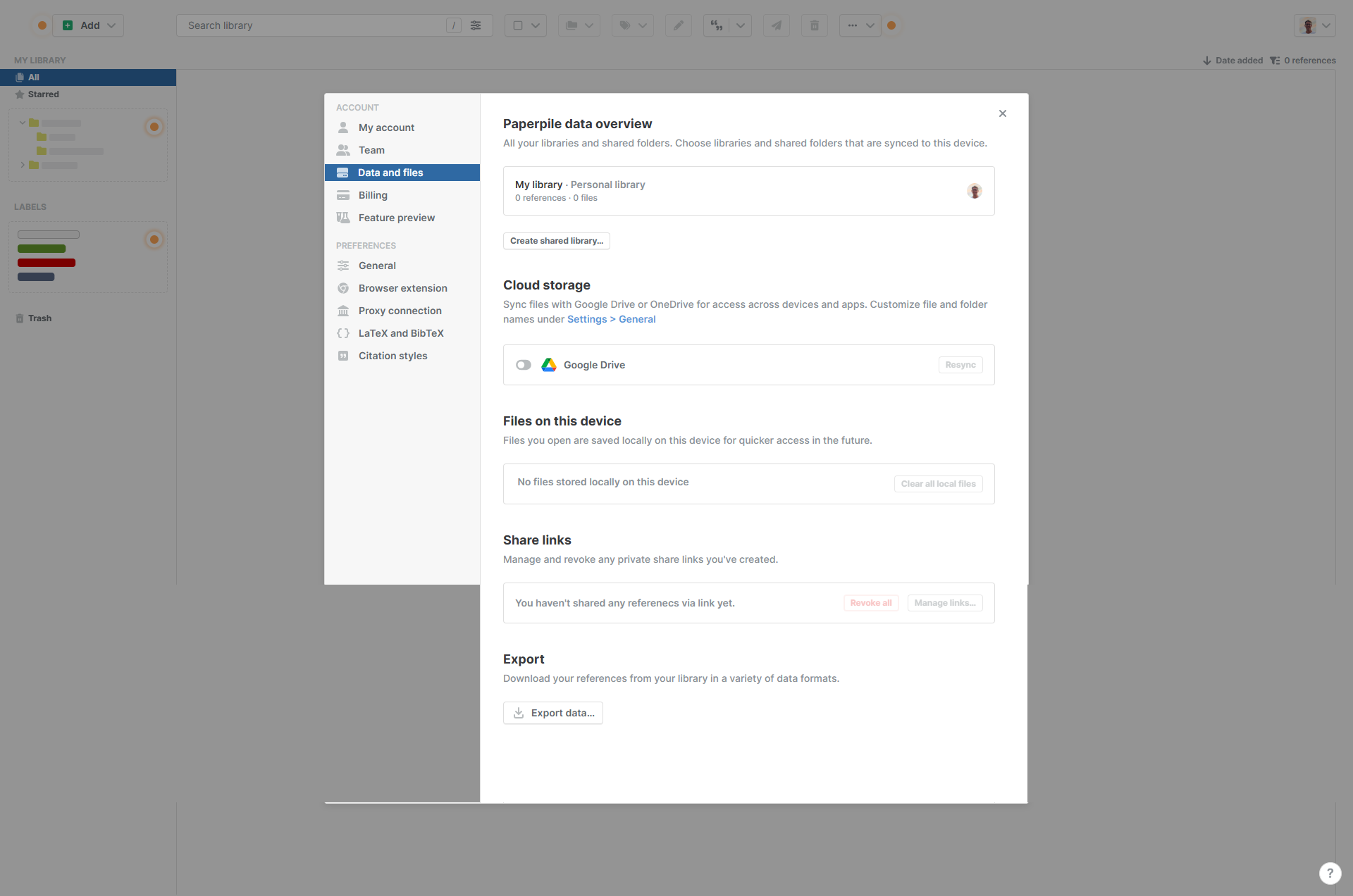
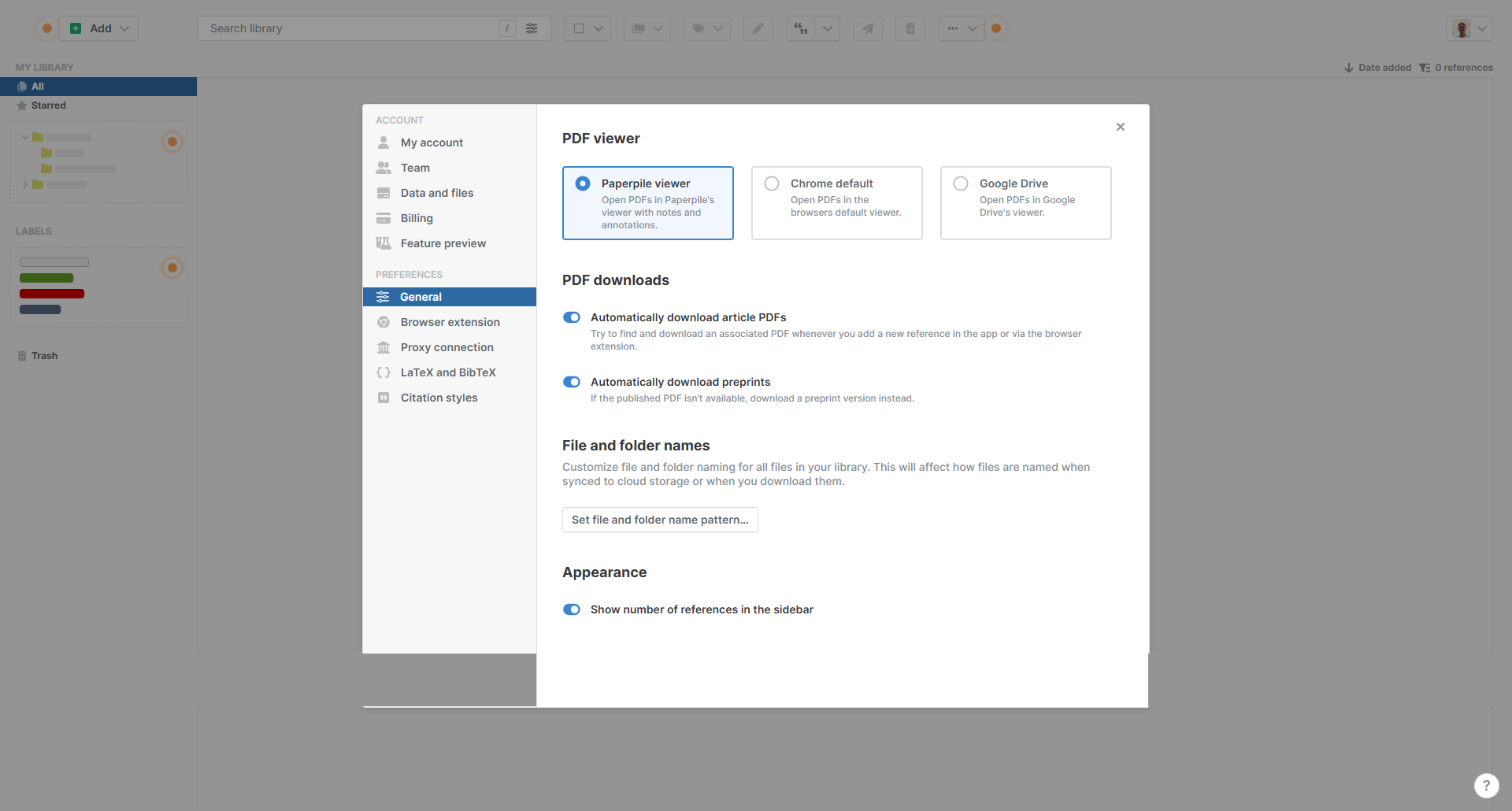
  • Comprehensive Reference Management: Paperpile allows users to easily collect, organize, and annotate PDFs. References and libraries sync seamlessly across devices and integrate with Google Drive for instant accessibility.
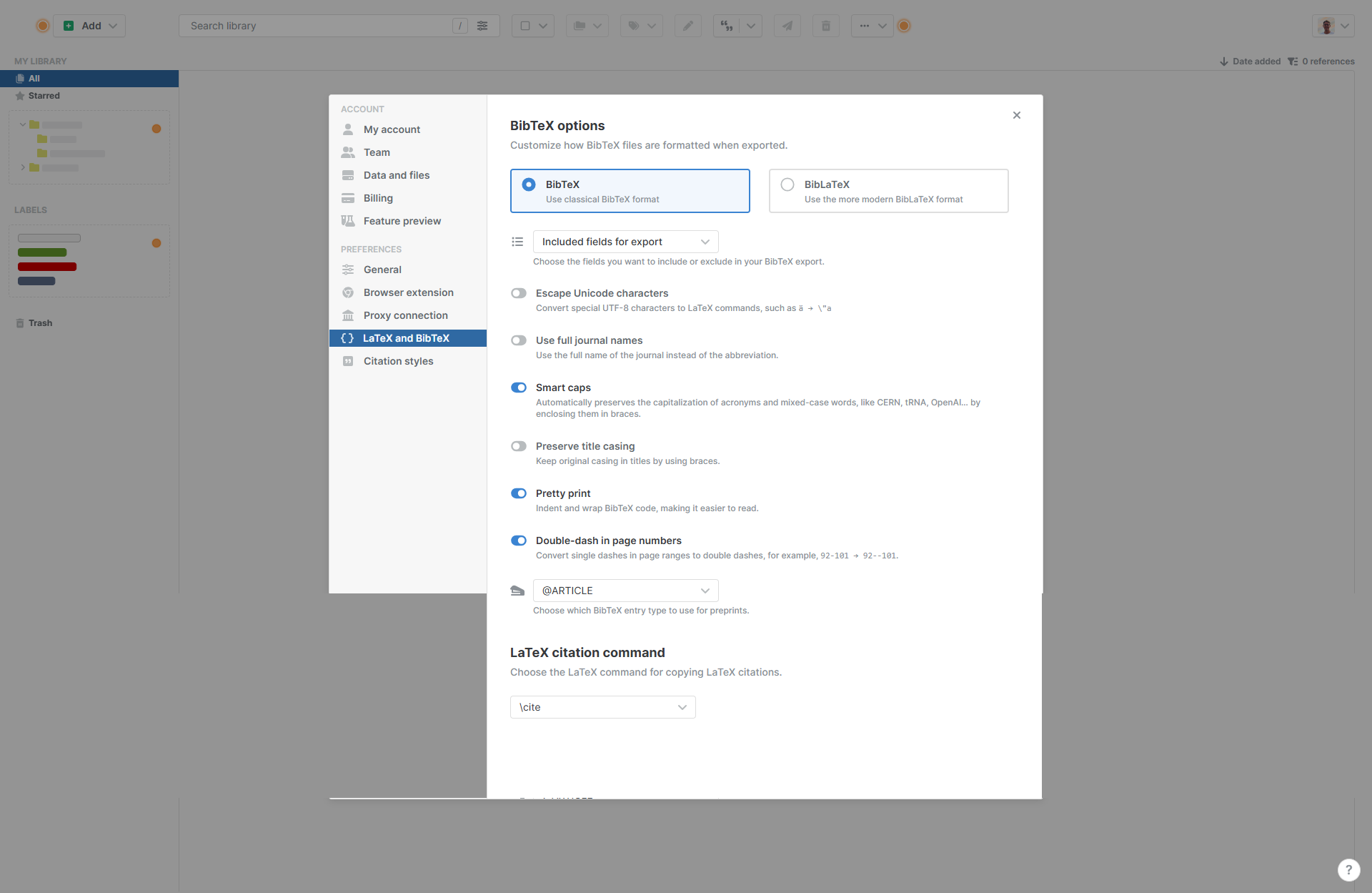
  • Effortless Citation: Cite papers directly within Google Docs or Microsoft Word using customizable citation styles, ensuring accuracy and saving valuable time during manuscript preparation.
  • Intuitive Interface: The platform is clean, user-friendly, and requires minimal learning time, making it ideal for both beginners and experienced users.
  • Time-Saving Features: Smart import automation pulls data directly from DOIs, titles, or links, reducing manual entry. Quick metadata corrections ensure citations are error-free.
  • Collaboration Made Easy: Perfect for teamwork, Paperpile lets users securely share and manage references with colleagues, enhancing collaboration for group research projects.
  • Mobile and Offline Use: Access and annotate papers on iOS or Android devices, ensuring flexibility anywhere, anytime.

Who is Paperpile For?

Paperpile is tailored for diverse user groups:

  • Researchers and Academics: Paperpile simplifies literature reviews, citations, and collaboration, making it indispensable for managing extensive academic reading lists.
  • Graduate Students: With a low-cost Academic plan, students can efficiently organize and cite sources for theses and assignments.
  • Organizations and Professionals: The Business plan caters to teams and industries working on collaborative projects requiring shared libraries and reports.
  • Frequent Annotators: The annotation feature on mobile and desktop aids in marking significant findings across research articles.

Paperpile streamlines reference management for users at all levels, providing an affordable and efficient way to organize and utilize references in research and professional workflows.


Paperpile Summary

Paperpile is a modern, cloud-based tool in the Reference Management category, designed to simplify the organization, citation, and collaboration of research references. With seamless integration into popular platforms like Google Docs and Microsoft Word, Paperpile is perfect for students, researchers, and professionals managing complex bibliographies. Explore exclusive deals. For additional solutions, consider Mendeley and EndNote.

Why Use Paperpile?

Choosing Paperpile comes with several advantages:

  • Comprehensive Reference Management: Paperpile allows users to easily collect, organize, and annotate PDFs. References and libraries sync seamlessly across devices and integrate with Google Drive for instant accessibility.
  • Effortless Citation: Cite papers directly within Google Docs or Microsoft Word using customizable citation styles, ensuring accuracy and saving valuable time during manuscript preparation.
  • Intuitive Interface: The platform is clean, user-friendly, and requires minimal learning time, making it ideal for both beginners and experienced users.
  • Time-Saving Features: Smart import automation pulls data directly from DOIs, titles, or links, reducing manual entry. Quick metadata corrections ensure citations are error-free.
  • Collaboration Made Easy: Perfect for teamwork, Paperpile lets users securely share and manage references with colleagues, enhancing collaboration for group research projects.
  • Mobile and Offline Use: Access and annotate papers on iOS or Android devices, ensuring flexibility anywhere, anytime.

Who is Paperpile For?

Paperpile is tailored for diverse user groups:

  • Researchers and Academics: Paperpile simplifies literature reviews, citations, and collaboration, making it indispensable for managing extensive academic reading lists.
  • Graduate Students: With a low-cost Academic plan, students can efficiently organize and cite sources for theses and assignments.
  • Organizations and Professionals: The Business plan caters to teams and industries working on collaborative projects requiring shared libraries and reports.
  • Frequent Annotators: The annotation feature on mobile and desktop aids in marking significant findings across research articles.

Paperpile streamlines reference management for users at all levels, providing an affordable and efficient way to organize and utilize references in research and professional workflows.

Paperpile reviews and insights

Learn what people say about Paperpile

N/A
0 Reviews
71%
Subscribed Score

Lear more here about the Subscribed score on how it is composed. Learn more Click here

Overall rating

5
4
3
2
1
CX 5/6

How good is the customer support based on subscribed’s assessment

CX Icon
Security 0/6

How secure is the product based on Subscribed’s assessment?

Security Icon
Ease of Use 6/6

How easy is the product to use, based on Subscribed’s assessment?

EOU Icon
Value 5/6

What is the value for money based on Subscribed’s assessment?

coin Icon
Integration 4/6

How many integrations does the product offer?

gear Icon
Popularity 5/6

How popular is the product?

star

No Reviews Yet!

Be the first to share your experience and help others in the community.

Paperpile User Reviews

0 User Reviews

Reviews from G2, Capterra, Trustpilot
info Icon

These ratings come directly from third-party platforms like G2, Capterra, and Trustpilot. They reflect real user feedback collected independently on those sites.

Paperpile pricing

Pricing model

Pricing Range
info Icon

This only an estimated pricing range, visit Paperpile pricing page to access all the information by clicking “Visit Now”.

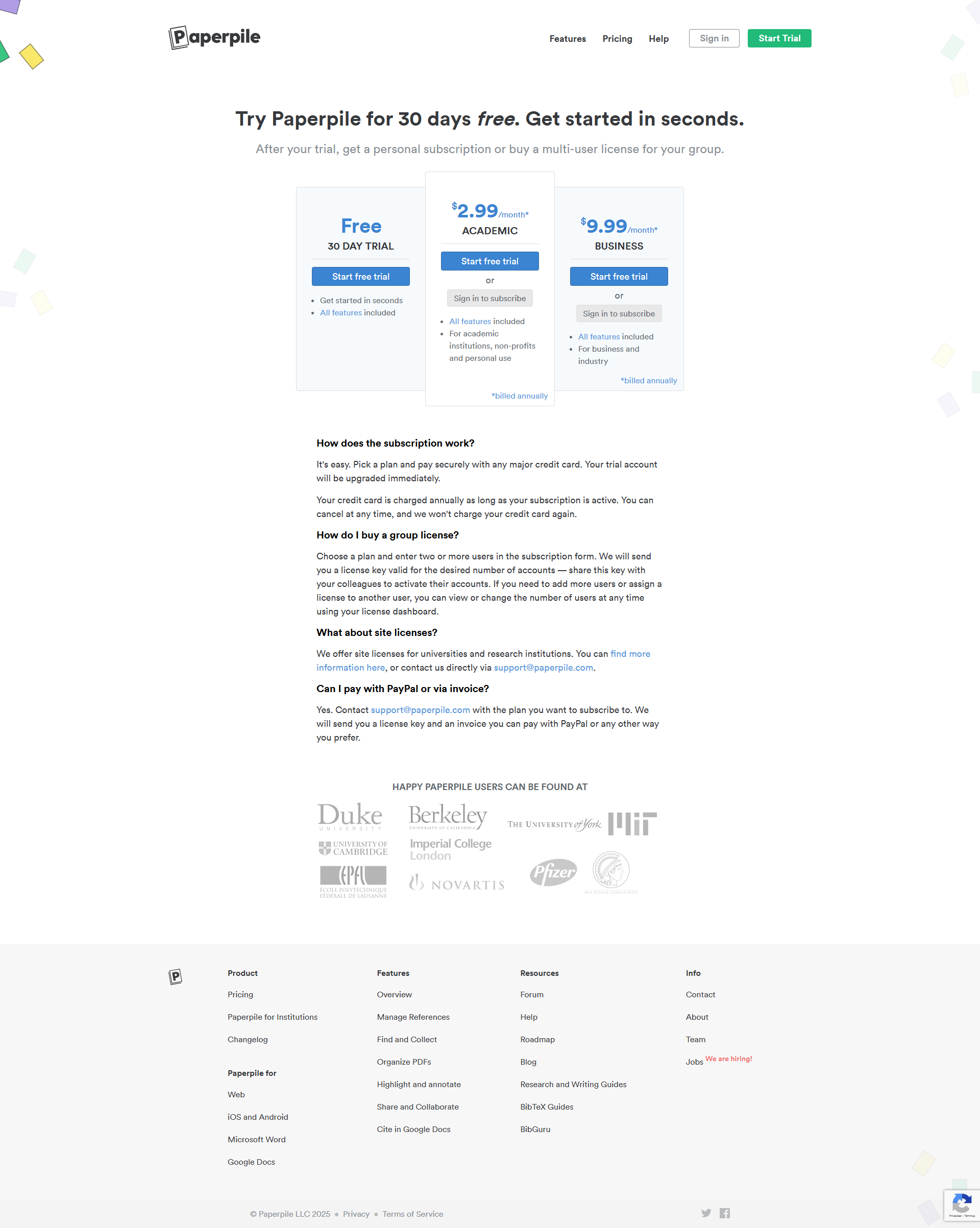
$2.99-$9.99 / Month
Deals Available

This product comes with a special deal, see details

Visit Now
✨ Ask AI about pricing
71% Subscribed Score
info Icon

The Subscribed Score is an independent rating that combines user reviews, features, and value-for-money from multiple trusted sources. It’s designed as a quick benchmark, not a guarantee of individual experience.

Overview

Paperpile is a modern, cloud-based tool in the Reference Management category, designed to simplify the organization, citation, and collaboration of research references. With seamless integration into popular platforms like Google Docs and Microsoft Word, Paperpile is perfect for students, researchers, and professionals managing complex bibliographies. Explore exclusive deals. For additional solutions, consider Mendeley and EndNote.

Why Use Paperpile?

Choosing Paperpile comes with several advantages:

  • Comprehensive Reference Management: Paperpile allows users to easily collect, organize, and annotate PDFs. References and libraries sync seamlessly across devices and integrate with Google Drive for instant accessibility.
  • Effortless Citation: Cite papers directly within Google Docs or Microsoft Word using customizable citation styles, ensuring accuracy and saving valuable time during manuscript preparation.
  • Intuitive Interface: The platform is clean, user-friendly, and requires minimal learning time, making it ideal for both beginners and experienced users.
  • Time-Saving Features: Smart import automation pulls data directly from DOIs, titles, or links, reducing manual entry. Quick metadata corrections ensure citations are error-free.
  • Collaboration Made Easy: Perfect for teamwork, Paperpile lets users securely share and manage references with colleagues, enhancing collaboration for group research projects.
  • Mobile and Offline Use: Access and annotate papers on iOS or Android devices, ensuring flexibility anywhere, anytime.

Who is Paperpile For?

Paperpile is tailored for diverse user groups:

  • Researchers and Academics: Paperpile simplifies literature reviews, citations, and collaboration, making it indispensable for managing extensive academic reading lists.
  • Graduate Students: With a low-cost Academic plan, students can efficiently organize and cite sources for theses and assignments.
  • Organizations and Professionals: The Business plan caters to teams and industries working on collaborative projects requiring shared libraries and reports.
  • Frequent Annotators: The annotation feature on mobile and desktop aids in marking significant findings across research articles.

Paperpile streamlines reference management for users at all levels, providing an affordable and efficient way to organize and utilize references in research and professional workflows.

Where Paperpile performs best

What users like
  • Easy integration with Google Docs and Drive
  • Fast and reliable citation management
  • Clean and user-friendly interface
  • Responsive customer support

Where Paperpile falls short

What users dislike
  • Limited advanced search capabilities
  • Occasional PDF import inaccuracies
  • Annotations can be buggy on some files
  • Compatibility issues with non-Chrome browsers
Subscribed Score Metrics
25/36 Metric achieved
MetricsScore
Customer Support5/6
Security0/6
Ease of Use6/6
Value of Money5/6
Integration4/6
Popularity5/6
Radar Chart Table View
Ease of Use
Measures how simple and intuitive the product is to use, including setup, navigation, and overall user experience
6/6 Metric Checks
Security
Compares the product`s features, quality, and pricing to determine its overall cost-effectiveness.
0/6 Metric Checks
Value of Money
Assesses the product`s ability to protect data, prevent breaches, and comply with industry standards.
5/6 Metric Checks
Customer Support
Reflects the responsiveness, helpfulness, and quality of assistance provided by the product`s support team.
5/6 Metric Checks
Integrations
Evaluates how well the product connects with other tools and platforms, enabling seamless workflows.
4/6 Metric Checks
Paperpile Pricing Range
$2.99-$9.99 / Month

Paperpile in action
info Icon

A curated gallery of real screenshots and use cases from the product, so you can see how it works before trying it.

Paperpile screenshot Full Screen Icon
https://www.youtube.com/watch?v=Vcvo8tKeUy8
Full Screen Icon
https://www.youtube.com/watch?v=odYFJRKqEdM
Full Screen Icon
Video thumbnail
Video thumbnail
Paperpile screenshot

Alternatives to Paperpile
info Icon

A list of platforms similar to Paperpile, helping you evaluate which tool best matches your needs.

How to cancel Paperpile

Need to cancel Paperpile? Here is how
info Icon

Thinking about how to cancel Paperpile this is how you do it!

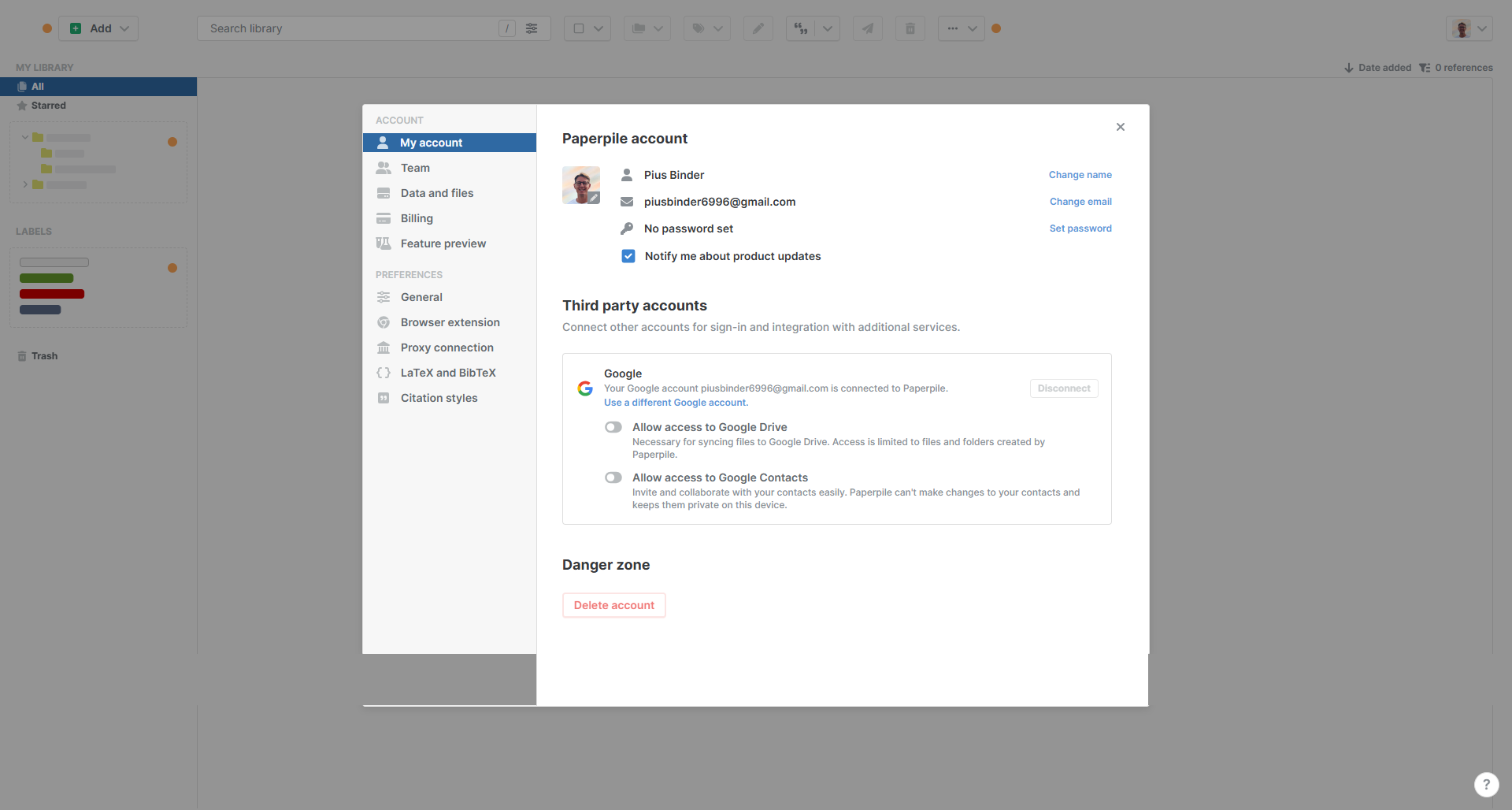
To cancel a Paperpile subscription:

  • Go to your account settings.
  • Find the subscription management section.
  • Cancel your subscription; no further charges will be applied.

How to Cancel the Paperpile

To cancel a Paperpile subscription:

  • Go to your account settings.
  • Find the subscription management section.
  • Cancel your subscription; no further charges will be applied.

FAQs about Paperpile

Every else you need to know about Paperpile
info Icon

A collection of FAQs, guides, alternatives, and comparisons to help you quickly understand if Paperpile is right for you.

Manage your Paperpile profile

Create profile

Want to list your product on Subscribed.fyi? Create a profile to reach more buyers.

Pricing Range
info Icon

This only an estimated pricing range, visit Paperpile pricing page to access all the information by clicking “Visit Now”.

$2.99-$9.99 / Month
Visit Now
Deals Available

This product comes with a special deal, see details

This product comes with a special deal, see details