Project management tools like , Notion, Basecamp, Lark, Slack, Asana and Trello.
AI chatbot tools like ChatGPT, Grok, Perplexity, Claude, Gemini and Copilot.
Marketing analytics platforms like Google Analytics, Similarweb and Semrush.
CRM systems like HubSpot, Apollo.io Pipedrive, Zoho CRM, and Salesforce.
VPNs, SSO providers, and password managers like NordVPN, Okta, and LastPass.
Email marketing and campaign tools like MailerLite, Instantly, and Mailchimp.
Website builders, hosting tools like Hostinger, Webflow, Framer, and Shopify
HR and recruiting software like ATS platforms, BambooHR, Workday, and Lever.
Automate finances with confidence like Quickbooks, Stripe, Brex, and Mercury.
Design and editing tools like Figma, Canva, Adobe Creative Cloud, CapCut.
Workflow automation tools like Zapier, Make, Clay, and Reclaim.ai.
No-code and AI-native dev tools like Cursor, Windsurf, Lovable and Bubble.
Chat to find tools, compare options,
Discover the best-performing
Curated and listed by Subscribed Team
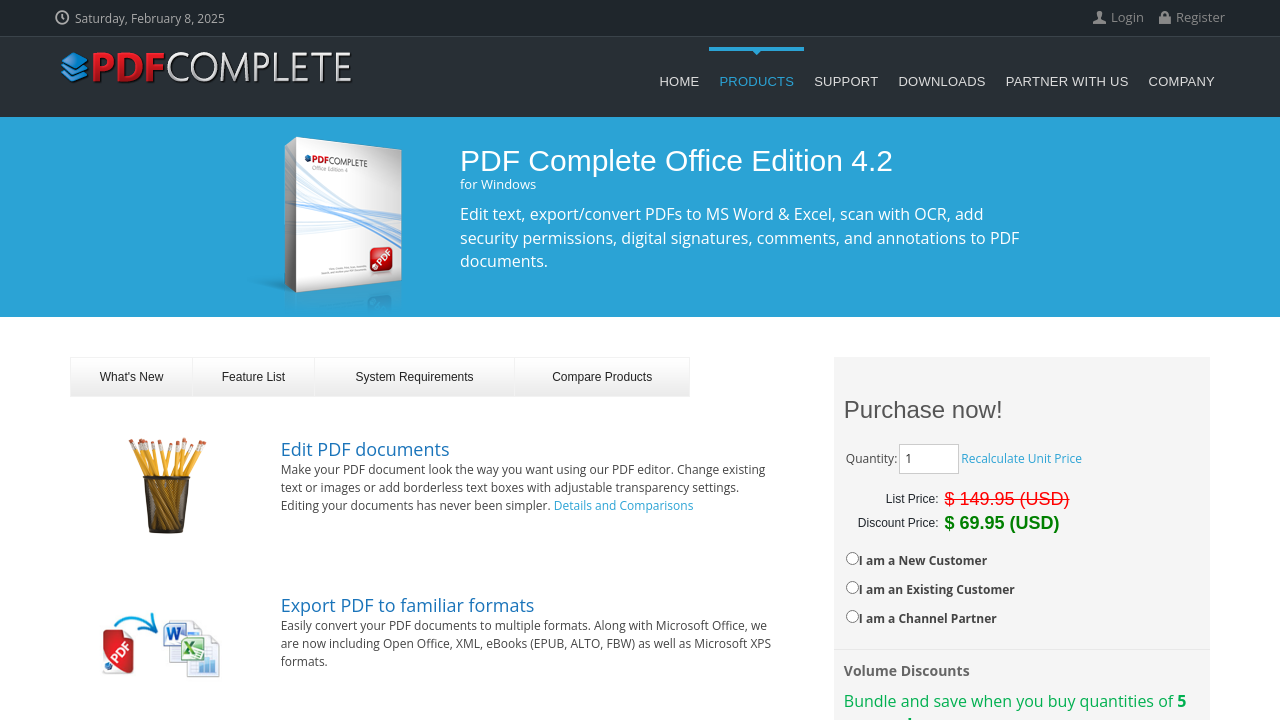
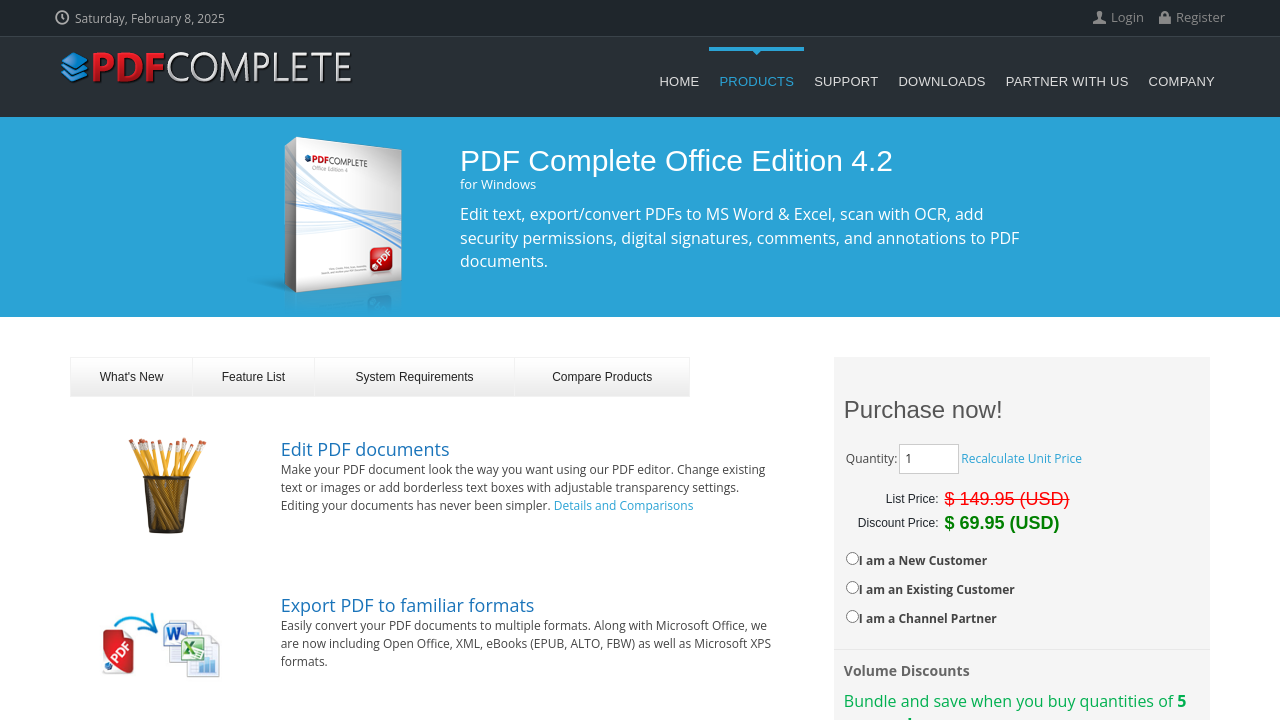
PDF Complete is a robust solution designed to simplify the way you create, edit, and manage PDF documents. Ideal for businesses and individual users alike, this on-premise tool provides a comprehensive suite of features that empower you to work with PDF files seamlessly. Whether you need to add digital signatures, generate snapshots, or export files in various formats, PDF Complete brings efficiency and precision to your document workflows.
Positioned in the Document Editing Software category, PDF Complete is engineered to handle everyday PDF tasks with ease while providing the security and reliability demanded by professional environments. With its straightforward interface and powerful feature set, users can quickly convert documents, edit text and graphics, and secure files with digital markings.
Key Features and Benefits:
PDF Complete is available in tailored editions to meet the diverse needs of its users. Whether you opt for the Corporate Edition 4 at an affordable rate per license or the more feature-rich Office Edition 4, you gain access to a solution that scales with your business demands.
Why Choose PDF Complete?
Ready to transform your PDF workflow? Discover exclusive offers by visiting the PDF Complete deals page today. For users seeking alternatives, consider exploring Foxit PDF Editor, which also brings powerful editing capabilities to the table.
In summary, PDF Complete stands out as a dependable choice in the world of document editing, offering extensive features, robust security, and a design that prioritizes user efficiency. Empower your document management strategies with a tool designed to meet the demands of professional environments.

PDF Complete is a robust solution designed to simplify the way you create, edit, and manage PDF documents. Ideal for businesses and individual users alike, this on-premise tool provides a comprehensive suite of features that empower you to work with PDF files seamlessly. Whether you need to add digital signatures, generate snapshots, or export files in various formats, PDF Complete brings efficiency and precision to your document workflows.
Positioned in the Document Editing Software category, PDF Complete is engineered to handle everyday PDF tasks with ease while providing the security and reliability demanded by professional environments. With its straightforward interface and powerful feature set, users can quickly convert documents, edit text and graphics, and secure files with digital markings.
Key Features and Benefits:
PDF Complete is available in tailored editions to meet the diverse needs of its users. Whether you opt for the Corporate Edition 4 at an affordable rate per license or the more feature-rich Office Edition 4, you gain access to a solution that scales with your business demands.
Why Choose PDF Complete?
Ready to transform your PDF workflow? Discover exclusive offers by visiting the PDF Complete deals page today. For users seeking alternatives, consider exploring Foxit PDF Editor, which also brings powerful editing capabilities to the table.
In summary, PDF Complete stands out as a dependable choice in the world of document editing, offering extensive features, robust security, and a design that prioritizes user efficiency. Empower your document management strategies with a tool designed to meet the demands of professional environments.

Learn what people say about PDF Complete
Be the first to share your experience and help others in the community.
PDF Complete is a robust solution designed to simplify the way you create, edit, and manage PDF documents. Ideal for businesses and individual users alike, this on-premise tool provides a comprehensive suite of features that empower you to work with PDF files seamlessly. Whether you need to add digital signatures, generate snapshots, or export files in various formats, PDF Complete brings efficiency and precision to your document workflows.
Positioned in the Document Editing Software category, PDF Complete is engineered to handle everyday PDF tasks with ease while providing the security and reliability demanded by professional environments. With its straightforward interface and powerful feature set, users can quickly convert documents, edit text and graphics, and secure files with digital markings.
Key Features and Benefits:
PDF Complete is available in tailored editions to meet the diverse needs of its users. Whether you opt for the Corporate Edition 4 at an affordable rate per license or the more feature-rich Office Edition 4, you gain access to a solution that scales with your business demands.
Why Choose PDF Complete?
Ready to transform your PDF workflow? Discover exclusive offers by visiting the PDF Complete deals page today. For users seeking alternatives, consider exploring Foxit PDF Editor, which also brings powerful editing capabilities to the table.
In summary, PDF Complete stands out as a dependable choice in the world of document editing, offering extensive features, robust security, and a design that prioritizes user efficiency. Empower your document management strategies with a tool designed to meet the demands of professional environments.
To cancel a PDF Complete product, log in to your account, navigate to subscription settings, and select the cancellation option. If issues arise, contact customer support for assistance.